
stephanecharette/DarkMark
stephanecharette/DarkMark has 234 GitHub stars and 29 forks. GitHot measured 0 stars in 24 hours and 0 in 7 days. Last checked 2026-11-20 00:58 UTC. Last push 2026-09-30.
측정된 스타 증가
- in 24h
- 0
- in 7 days
- 0
- in 15 days
- 기록 수집 중
- in 1 month
- 기록 수집 중
서로 겹치는 기간의 순증가량이며 일별 합계가 아닙니다. 측정값이 없으면 비워 둡니다. 스타는 관심도를 나타내며 품질을 보장하지 않습니다.
소개
Marking up images for use with Darknet.
머신러닝README.md
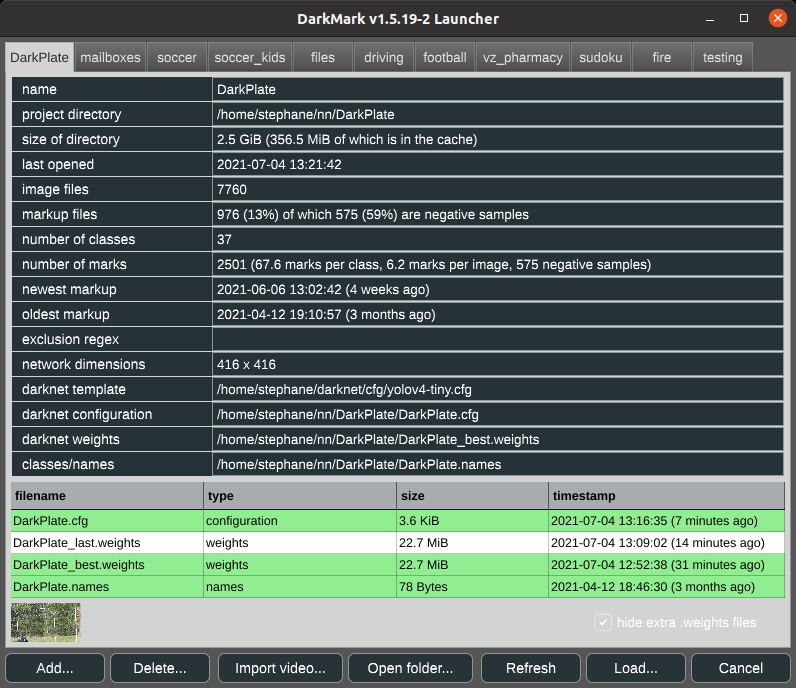
OriginalWhat is DarkMark?
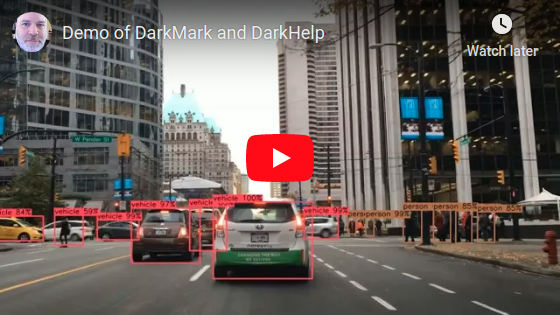
DarkMark is a C++ GUI tool used to annotate images for use in neural networks. It was written specifically to be used with the Darknet neural network framework, and has several features tailored for use with Darknet and YOLO.
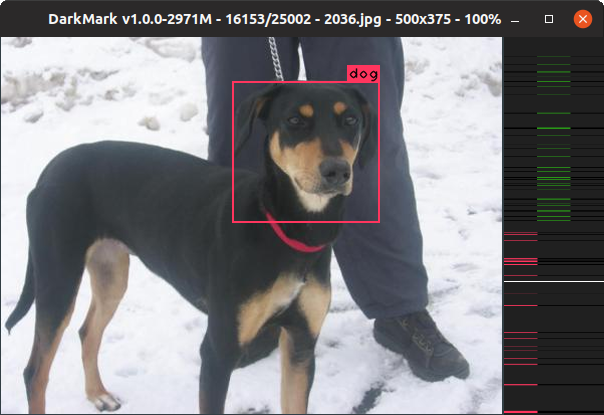
When you first launch DarkMark, you can specify a Darknet-style neural network to load with the selected project. DarkMark uses that neural network to assist you in marking up more images.
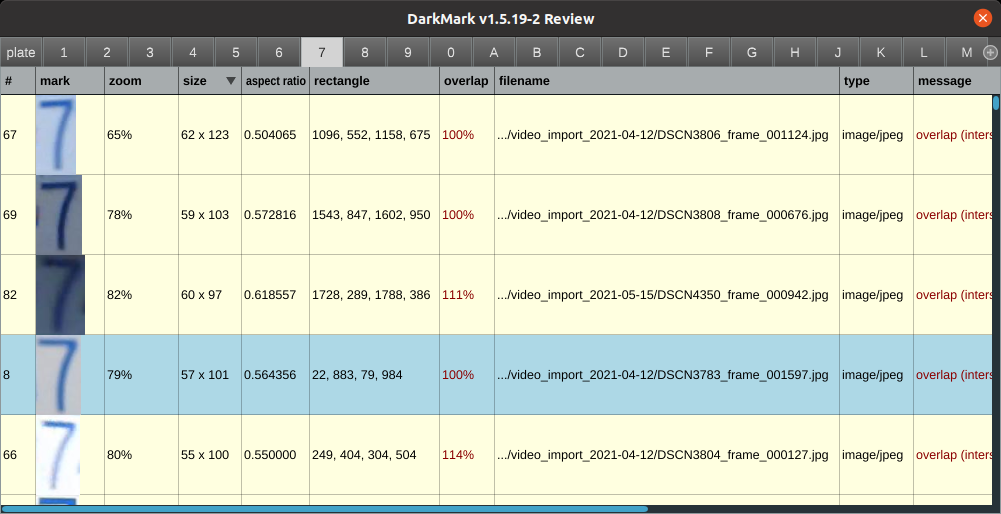
Several different review capabilities exist to quickly review all the annotations and highlight some common errors.
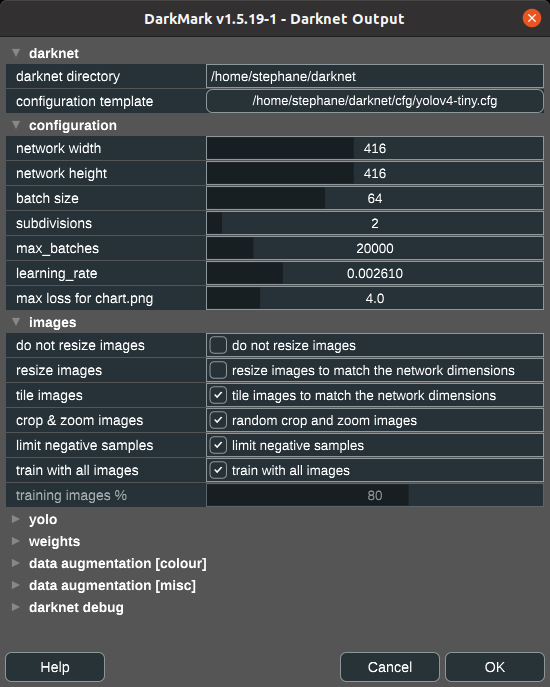
Once ready, DarkMark can also be used to generate all of the Darknet and YOLO (or other) configuration files to train a new neural network. This includes the modifications needed to the .cfg file, as well as the .data, training and validation .txt files. DarkMark will also create some shell scripts to start the training and copy the necessary files between computers.
License
DarkMark is open source and published using the GNU GPL v3 license. See license.txt for details.
How to Build DarkMark
Extremely simple easy-to-follow tutorial on how to build Darknet, DarkHelp, and DarkMark:
DarkMark requires both Darknet and DarkHelp to build.
Once Darknet and DarkHelp have been built and installed, run the following commands to build DarkMark on Ubuntu:
sudo apt-get install build-essential libopencv-dev libx11-dev libfreetype6-dev libxrandr-dev libxinerama-dev libxcursor-dev libmagic-dev libpoppler-cpp-dev
cd ~/src
git clone https://github.com/stephanecharette/DarkMark.git
cd DarkMark
mkdir build
cd build
cmake -DCMAKE_BUILD_TYPE=Release ..
make -j4 package
sudo dpkg -i darkmark*.deb
If you are using WSL2, Docker, or a Linux distro that does not come with the default fonts typically found on Ubuntu, you'll also need to install this:
sudo apt-get install fonts-liberation
Doxygen Output
The official DarkMark documentation and web site is at https://www.ccoderun.ca/darkmark/.
Some links to specific useful pages: