
shoumikchow/bbox-visualizer
shoumikchow/bbox-visualizer has 411 GitHub stars and 36 forks. GitHot measured 0 stars in 24 hours, 0 in 7 days, and 0 in 15 days. Last checked 2026-11-19 09:20 UTC. Last push 2026-07-17.
측정된 스타 증가
- in 24h
- 0
- in 7 days
- 0
- in 15 days
- 0
- in 1 month
- 기록 수집 중
서로 겹치는 기간의 순증가량이며 일별 합계가 아닙니다. 측정값이 없으면 비워 둡니다. 스타는 관심도를 나타내며 품질을 보장하지 않습니다.
소개
Make drawing and labeling bounding boxes a piece of cake
머신러닝README.md
Originalbbox-visualizer


This package helps users draw bounding boxes around objects, without doing the clumsy math that you'd need to do for positioning the labels. It also has a few different types of visualizations you can use for labeling objects after identifying them.
By default the bounding box points are expected in Pascal VOC format: (xmin, ymin, xmax, ymax). COCO and YOLO formats are also supported via the bbox_format keyword argument (see Bounding box formats).
- Documentation: https://bbox-visualizer.readthedocs.io.
- Free software: MIT license
Installation:
pip install bbox-visualizer
Quick Start
A complete example that loads an image, draws a labeled bounding box, and saves the result:
import cv2
import bbox_visualizer as bbv

img = cv2.imread("path/to/image.jpg")

# Bounding boxes use [x_min, y_min, x_max, y_max]
bbox = [150, 100, 450, 300]
label = "person"

img = bbv.draw_box(img, bbox, bbox_color=(0, 255, 0))
img = bbv.add_label(img, label, bbox)

cv2.imwrite("output.jpg", img)
All functions return a new image and never modify the input image, so keep the return value (as above) rather than relying on in-place changes.
For multiple objects, use the _multiple_ variants with parallel lists:
bboxes = [[150, 100, 450, 300], [500, 50, 700, 250]]
labels = ["person", "dog"]

img = bbv.draw_multiple_boxes(img, bboxes)
img = bbv.add_multiple_labels(img, labels, bboxes)
draw_multiple_boxes also accepts one color per box:
img = bbv.draw_multiple_boxes(img, bboxes, bbox_color=[(0, 255, 0), (0, 0, 255)])
The library logs fallback warnings (e.g., when a label doesn't fit) through
Python's logging module. To silence them:
import logging

logging.getLogger("bbox_visualizer").setLevel(logging.ERROR)
Bounding box formats
Every drawing function accepts a bbox_format keyword argument. The default is
Pascal VOC.
bbox_format |
Coordinates | Scale |
|---|---|---|
"voc" (default) |
[x_min, y_min, x_max, y_max] |
absolute pixels |
"coco" |
[x_min, y_min, width, height] |
absolute pixels |
"yolo" |
[x_center, y_center, width, height] |
normalized to [0, 1] |
# COCO format: [x_min, y_min, width, height]
img = bbv.draw_box(img, [150, 100, 300, 200], bbox_format="coco")

# YOLO format: [x_center, y_center, width, height], normalized to [0, 1].
# Image dimensions are read from the image, so no extra arguments are needed.
img = bbv.draw_box(img, [0.5, 0.4, 0.3, 0.25], bbox_format="yolo")

# Works with the multiple-object variants too
img = bbv.draw_multiple_boxes(img, coco_bboxes, bbox_format="coco")
Internally all formats are converted to Pascal VOC before drawing.
Runnable scripts live in examples/:
quickstart.py— minimal example on a blank canvassingle_object.py— every single-object label stylemultiple_objects.py— every multi-object label stylelabel_stress.py— awkward label strings through every style, for eyeballing label layout
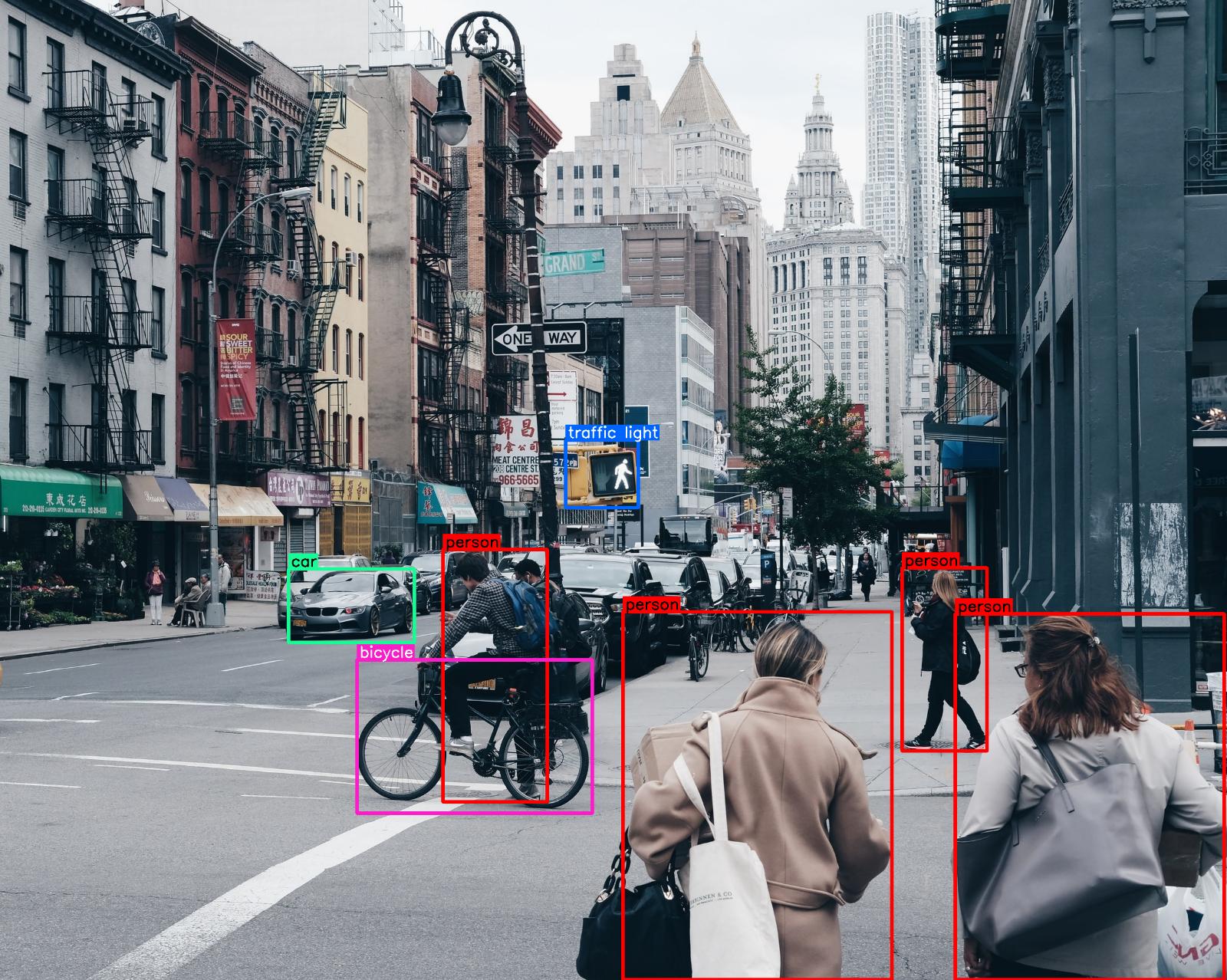
Photos by Joshua Earle, Jonas Weckschmied and Sherzod Max on Unsplash.
| image | function |
|---|---|
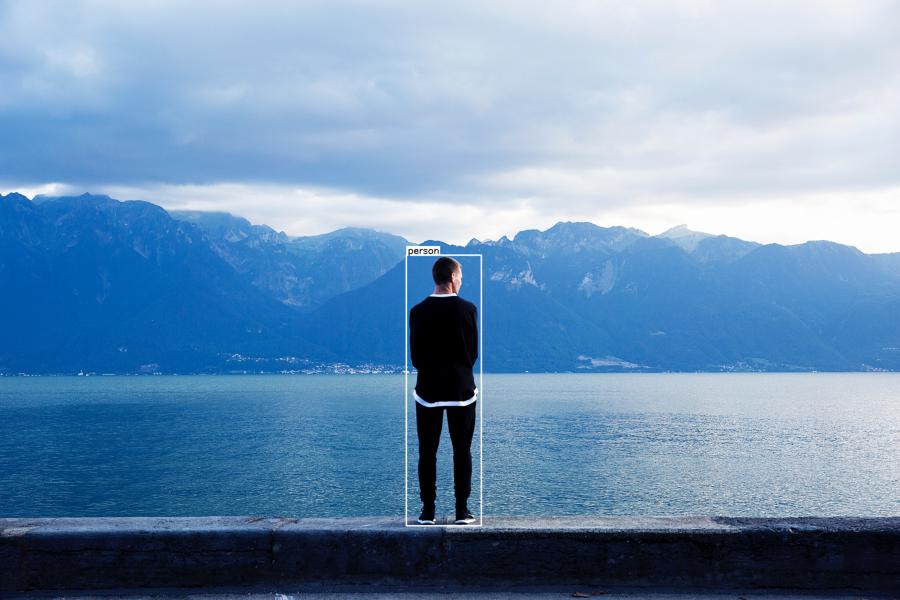 |
img = bbv.draw_box(img, bbox) img = bbv.add_label(img, label, bbox, top=True) |
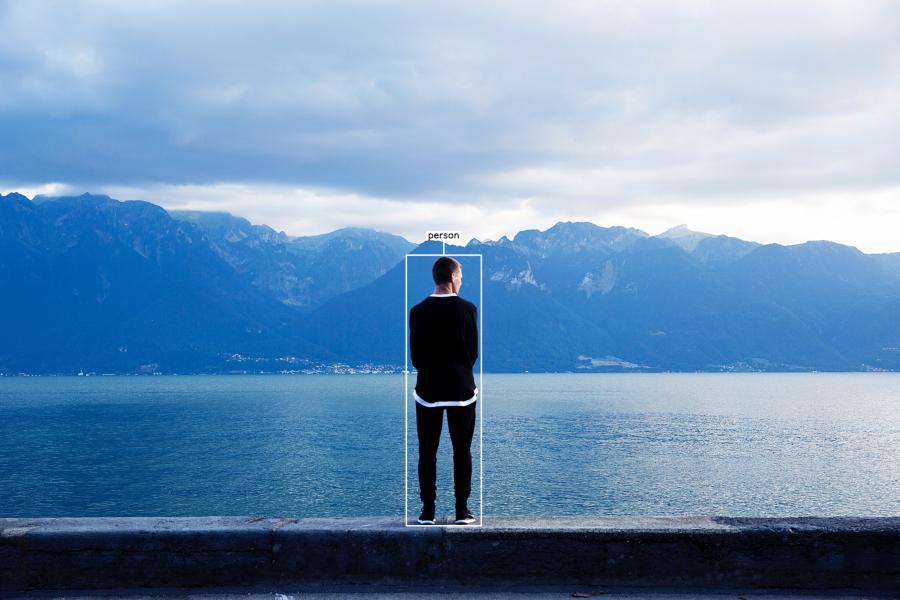 |
img = bbv.draw_box(img, bbox) img = bbv.add_T_label(img, label, bbox) |
 |
img = bbv.draw_flag_with_label(img, label, bbox) |
 |
img = bbv.draw_box(img, bbox) img = bbv.add_label(img, label, bbox, top=False) |
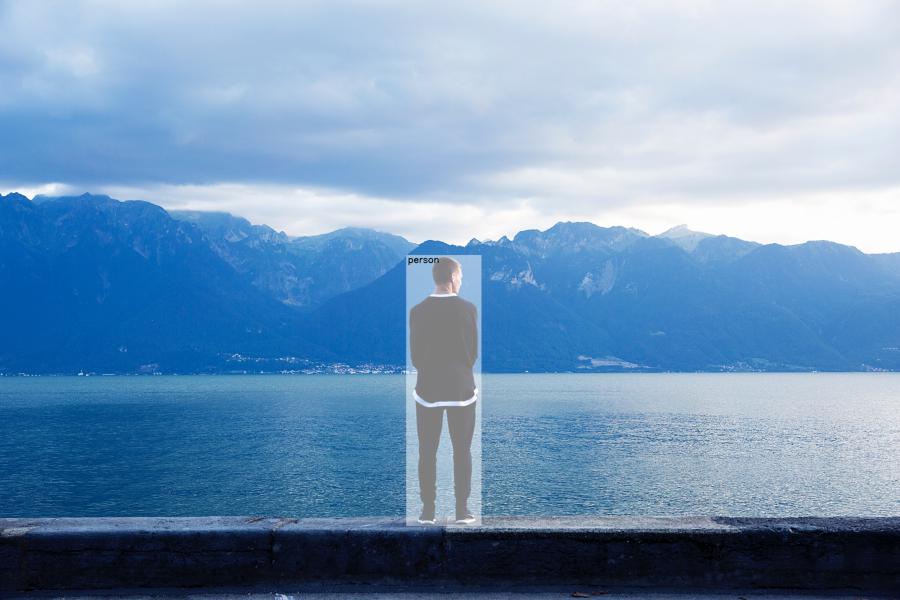 |
img = bbv.draw_box(image, bbox, is_opaque=True) img = bbv.add_label(img, label, bbox, draw_bg=False, top=False) |
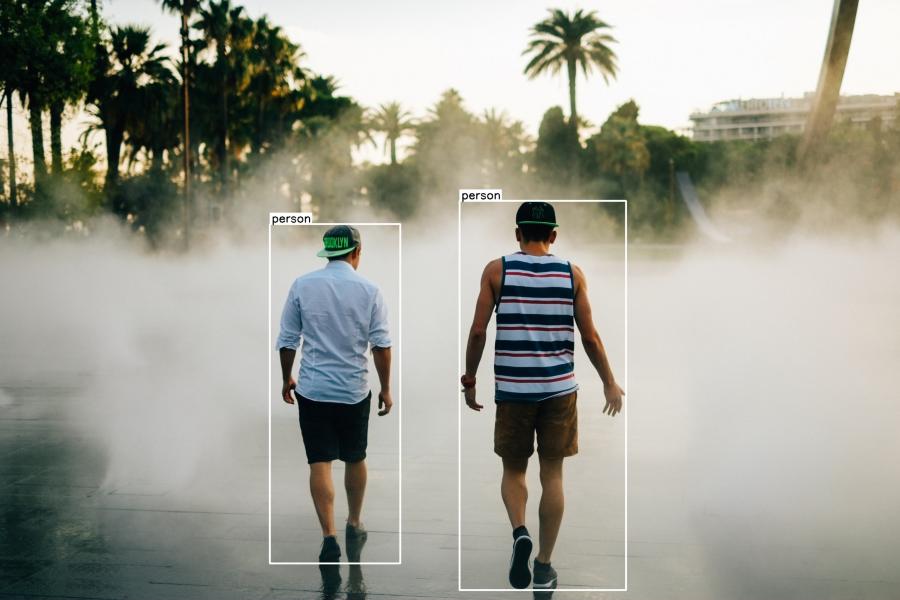 |
img = bbv.draw_multiple_boxes(img, bboxes) img = bbv.add_multiple_labels(img, labels, bboxes) |
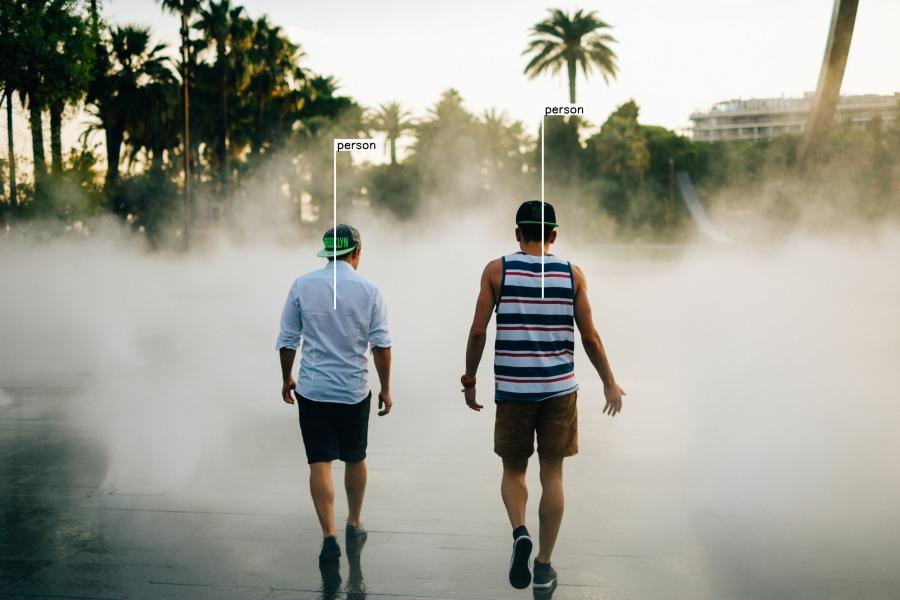 |
img = bbv.draw_multiple_flags_with_labels(img, labels, bboxes) |
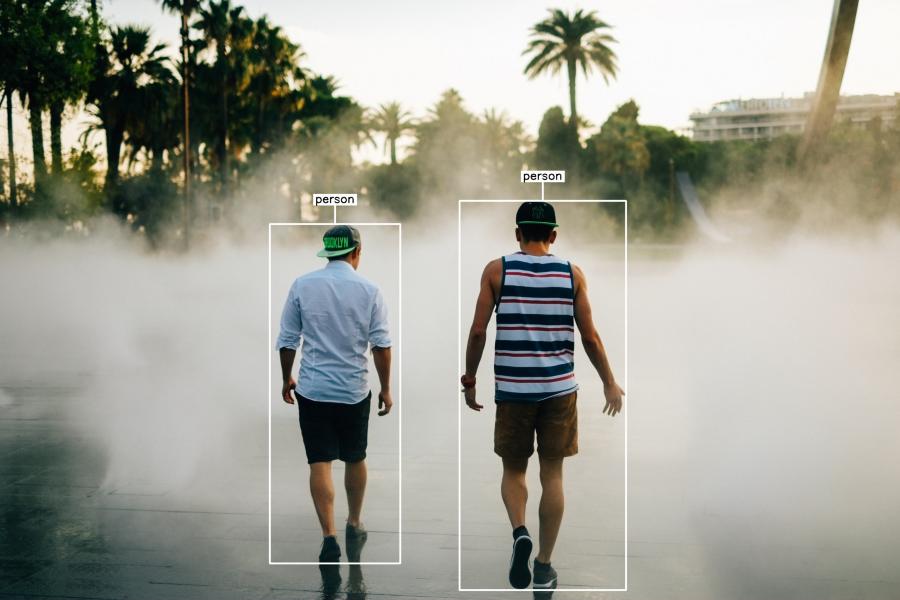 |
img = bbv.draw_multiple_boxes(img, bboxes) img = bbv.add_multiple_T_labels(img, labels, bboxes) |
Note: The functions
draw_rectangleanddraw_multiple_rectanglesare also available as aliases fordraw_boxanddraw_multiple_boxesrespectively. Both naming conventions work identically.
Tip: The
draw_multiple_*andadd_multiple_*functions are convenience helpers. For full control over your visualizations, call the single-box functions (draw_box,add_label, etc.) in a loop instead.