nihui/ncnn-android-squeezenet
nihui/ncnn-android-squeezenet has 189 GitHub stars and 51 forks. GitHot measured 0 stars in 24 hours and 0 in 7 days. Last checked 2026-11-21 10:50 UTC. Last push 2026-10-27.
측정된 스타 증가
- in 24h
- 0
- in 7 days
- 0
- in 15 days
- 기록 수집 중
- in 1 month
- 기록 수집 중
서로 겹치는 기간의 순증가량이며 일별 합계가 아닙니다. 측정값이 없으면 비워 둡니다. 스타는 관심도를 나타내며 품질을 보장하지 않습니다.
소개
The squeezenet image classification android example
머신러닝README.md
Originalncnn-android-squeezenet
The squeezenet image classification
this is a sample ncnn android project, it depends on ncnn library only
https://github.com/Tencent/ncnn
https://github.com/nihui/mesa-turnip-android-driver (mesa turnip driver)
https://github.com/nihui/momoten (momoten driver)
android apk file download
https://github.com/nihui/ncnn-android-squeezenet/releases/latest
how to build and run
step1
https://github.com/Tencent/ncnn/releases
- Download ncnn-YYYYMMDD-android-vulkan.zip or build ncnn for android yourself
- Extract ncnn-YYYYMMDD-android-vulkan.zip into app/src/main/jni and change the ncnn_DIR path to yours in app/src/main/jni/CMakeLists.txt
step2
https://github.com/nihui/mesa-turnip-android-driver
- Download mesa-turnip-android-XYZ.zip
- Create directory app/src/main/jniLibs/arm64-v8a if not exists
- Extract
libvulkan_freedreno.sofrom mesa-turnip-android-XYZ.zip into app/src/main/jniLibs/arm64-v8a
step3
https://github.com/nihui/momoten/releases/latest
- Download
momoten-YYYYMMDD-android-<target>.zipforarm64-v8a-api21,armeabi-v7a-api14,x86-api14andx86_64-api21 - Extract
lib/libmomoten.sointoapp/src/main/jniLibs/<abi>for each corresponding ABI (create directories if needed) - Select momoten in the GPU driver selector; a usable vendor OpenCL driver is required
step4
- Open this project with Android Studio, build it and enjoy!
some notes
- Android 5.0 (API 21) or newer is required
- Turnip is only bundled for arm64-v8a and requires a compatible newer Android device
- Select the GPU driver, then use the GPU button; CPU inference remains available when a driver cannot load
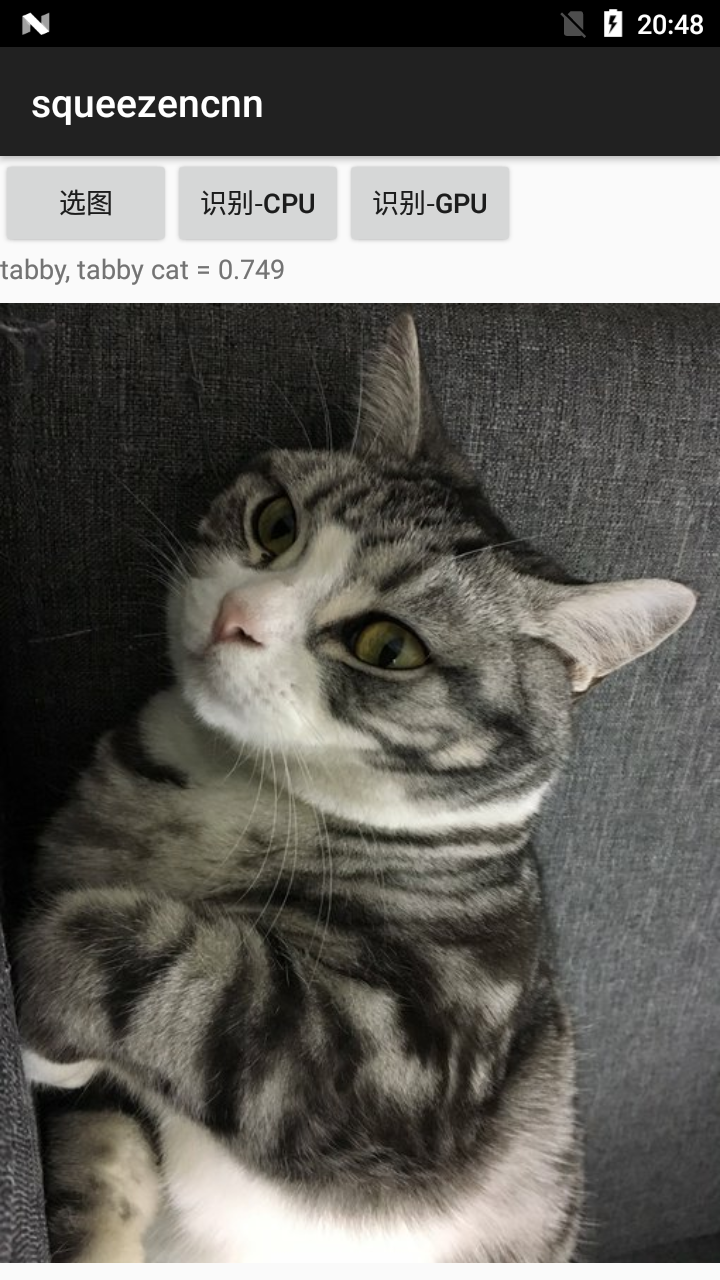
screenshot