프로젝트 GitHub에서 보기
labmlai/labml
labmlai/labml has 2,326 GitHub stars and 152 forks. GitHot measured 0 stars in 24 hours, -1 in 7 days, -1 in 15 days, and 0 in 30 days. Last checked 2026-11-25 09:23 UTC. Last push 2025-04-10.
What you can do
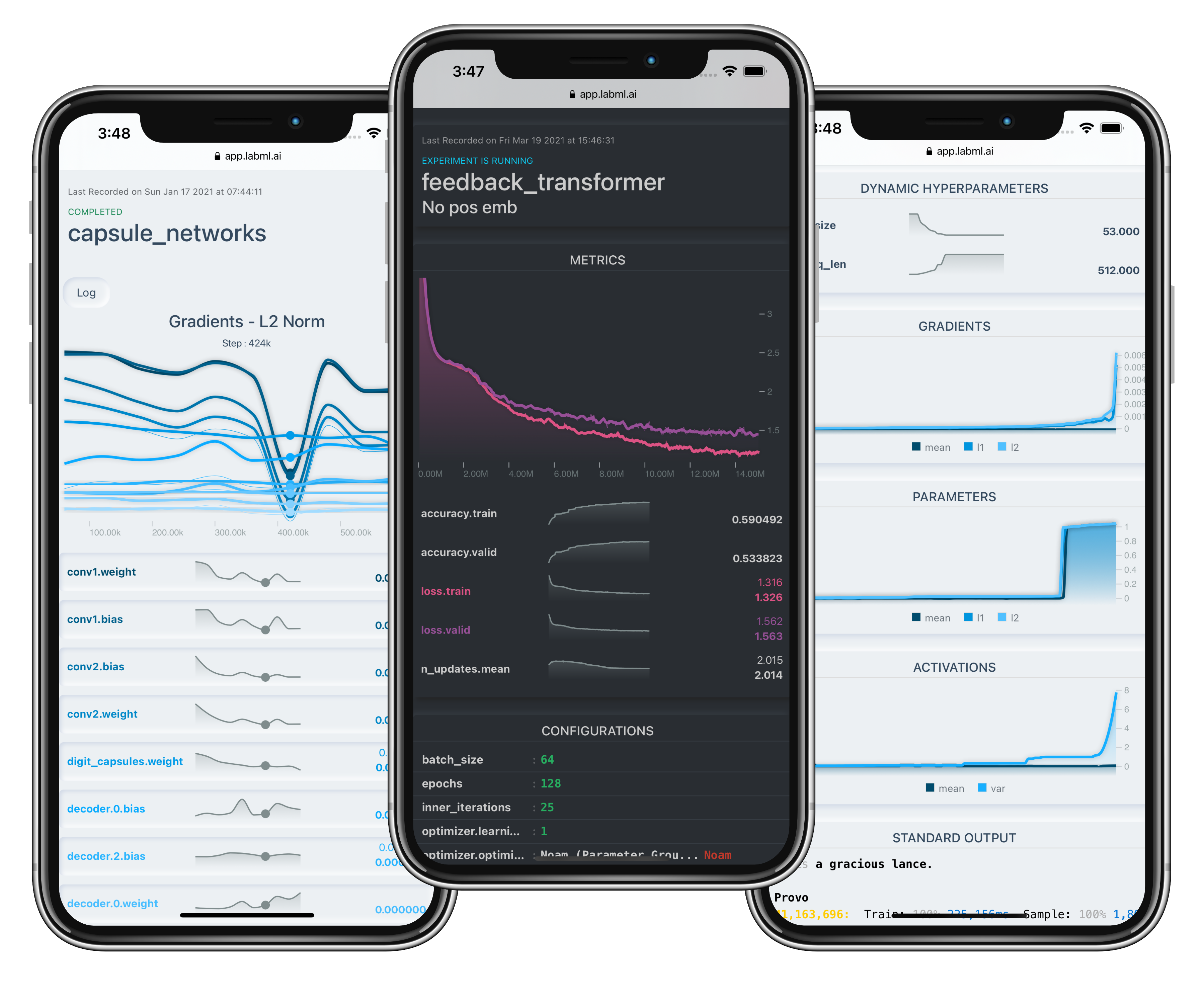
- Monitor running experiments from mobile phone or laptop
- Monitor hardware usage on any computer with a single command
- Integrate with just 2 lines of code (see examples below)
- Keeps track of experiments including infomation like git commit, configurations and hyper-parameters
측정된 스타 증가
- in 24h
- 0
- in 7 days
- -1
- in 15 days
- -1
- in 1 month
- 0
서로 겹치는 기간의 순증가량이며 일별 합계가 아닙니다. 측정값이 없으면 비워 둡니다. 스타는 관심도를 나타내며 품질을 보장하지 않습니다.
소개
🔎휴대폰에서 딥러닝 모델 학습과 하드웨어 사용량을 모니터링하세요 📱
머신러닝README.md
OriginalMonitor deep learning model training and hardware usage from mobile.



🔥 Features
- Monitor running experiments from mobile phone or laptop
- Monitor hardware usage on any computer with a single command
- Integrate with just 2 lines of code (see examples below)
- Keeps track of experiments including infomation like git commit, configurations and hyper-parameters
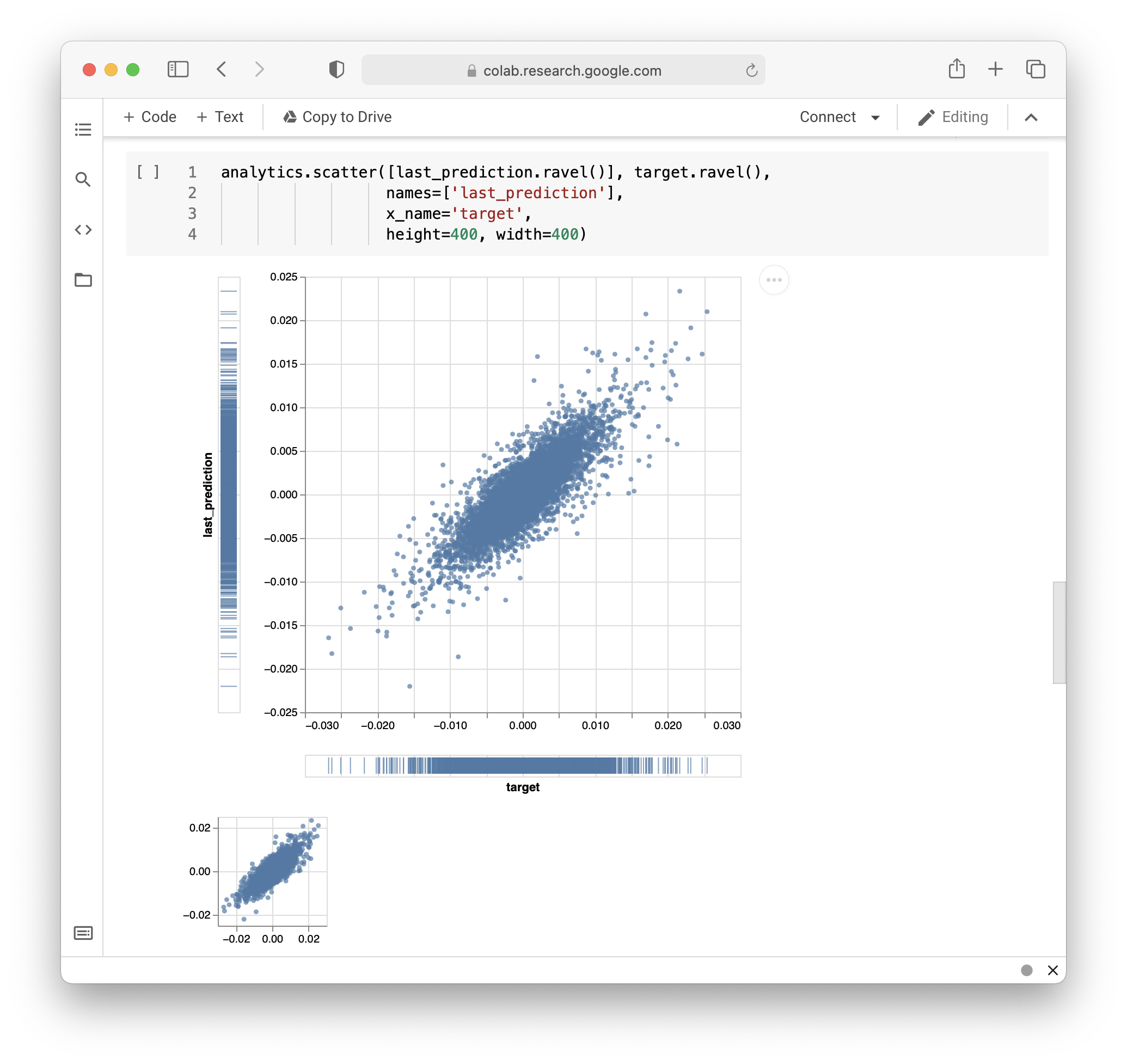
- API for custom visualizations

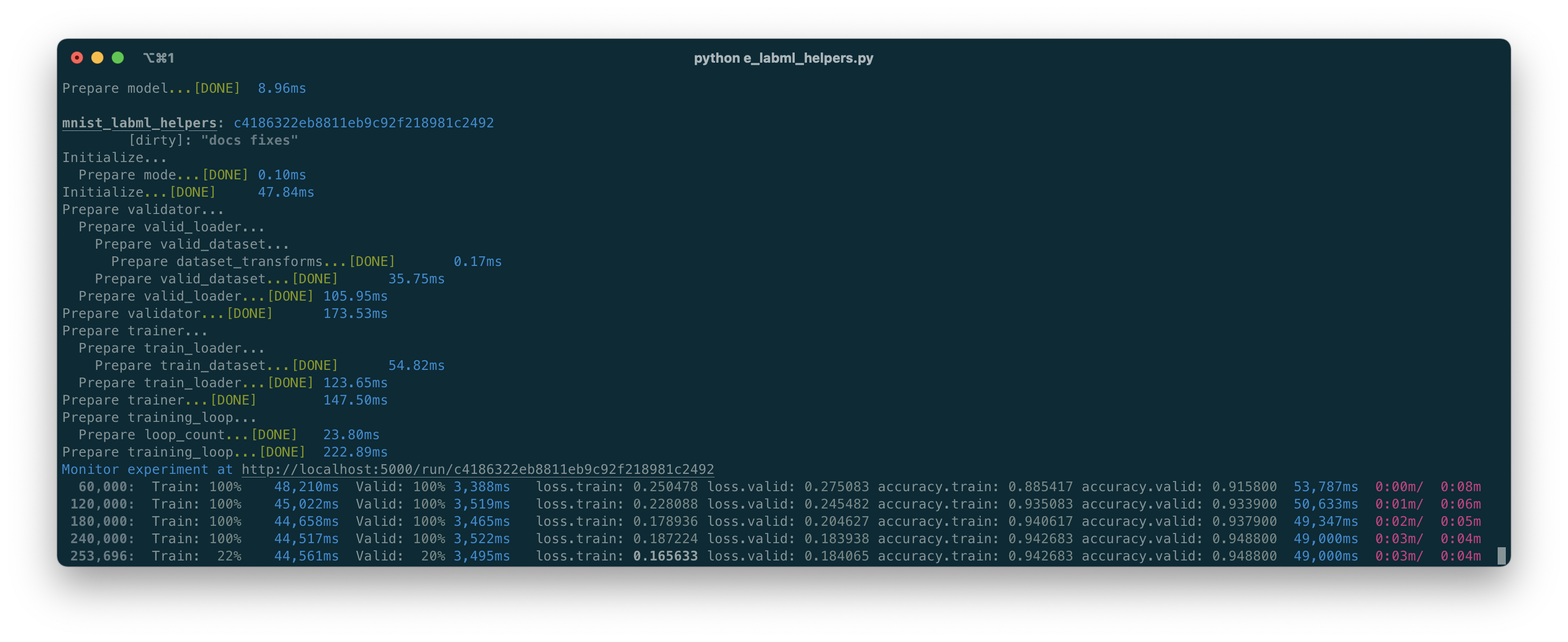
- Pretty logs of training progress
- Open source!
Hosting the experiments server
Prerequisites
To install MongoDB, refer to the official
documentation here.
Installation
Install the package using pip:
pip install labml-app
Starting the server
# Start the server on the default port (5005)
labml app-server

# To start the server on a different port, use the following command
labml app-server --port PORT
Optional: to setup and configure Nginx in your server, please refer to this.
You can access the user interface either by visiting http://localhost:{port} or, if configured on a separate machine,
by navigating to http://{server-ip}:{port}.
Monitor Experiments
Installation
- Install the package using pip.
pip install labml
- Create a file named
.labml.yamlat the top level of your project folder, and add the following line to the file:
app_url: http://localhost:{port}/api/v1/default

# If you are setting up the project on a different machine, include the following line instead,
app_url: http://{server-ip}:{port}/api/v1/default
PyTorch example
from labml import tracker, experiment

with experiment.record(name='sample', exp_conf=conf):
    for i in range(50):
        loss, accuracy = train()
        tracker.save(i, {'loss': loss, 'accuracy': accuracy})
Distributed training example
from labml import tracker, experiment

uuid = experiment.generate_uuid() # make sure to sync this in every machine
experiment.create(uuid=uuid,
                  name='distributed training sample',
                  distributed_rank=0,
                  distributed_world_size=8,
                  )
with experiment.start():
    for i in range(50):
        loss, accuracy = train()
        tracker.save(i, {'loss': loss, 'accuracy': accuracy})
📚 Documentation
Guides
- API to create experiments
- Track training metrics
- Monitored training loop and other iterators
- API for custom visualizations
- Configurations management API
- Logger for stylized logging
🖥 Screenshots
Formatted training loop output
Custom visualizations based on Tensorboard logs
Monitoring hardware usage
# Install packages and dependencies
pip install labml psutil py3nvml

# Start monitoring
labml monitor
Citing
If you use LabML for academic research, please cite the library using the following BibTeX entry.
@misc{labml,
 author = {Varuna Jayasiri, Nipun Wijerathne, Adithya Narasinghe, Lakshith Nishshanke},
 title = {labml.ai: A library to organize machine learning experiments},
 year = {2020},
 url = {https://labml.ai/},
}
관련 프로젝트 살펴보기
불러오는 중…