
hanleyweng/CoreML-in-ARKit
hanleyweng/CoreML-in-ARKit has 1,692 GitHub stars and 221 forks. GitHot measured 0 stars in 24 hours, -1 in 7 days, and -1 in 15 days. Last checked 2026-11-23 00:08 UTC. Last push 2021-08-23.
측정된 스타 증가
- in 24h
- 0
- in 7 days
- -1
- in 15 days
- -1
- in 1 month
- 기록 수집 중
서로 겹치는 기간의 순증가량이며 일별 합계가 아닙니다. 측정값이 없으면 비워 둡니다. 스타는 관심도를 나타내며 품질을 보장하지 않습니다.
소개
AR에서 물체를 감지하고 그 위에 3D 레이블을 표시하는 간단한 프로젝트입니다. Core ML을 사용하는 ARKit 프로젝트의 기본 템플릿으로 활용할 수 있습니다.
머신러닝README.md
OriginalCoreML-in-ARKit
This simple project detects objects in Augmented Reality and displays 3D labels on top of them. This serves as a basic template for an ARKit project to use CoreML.
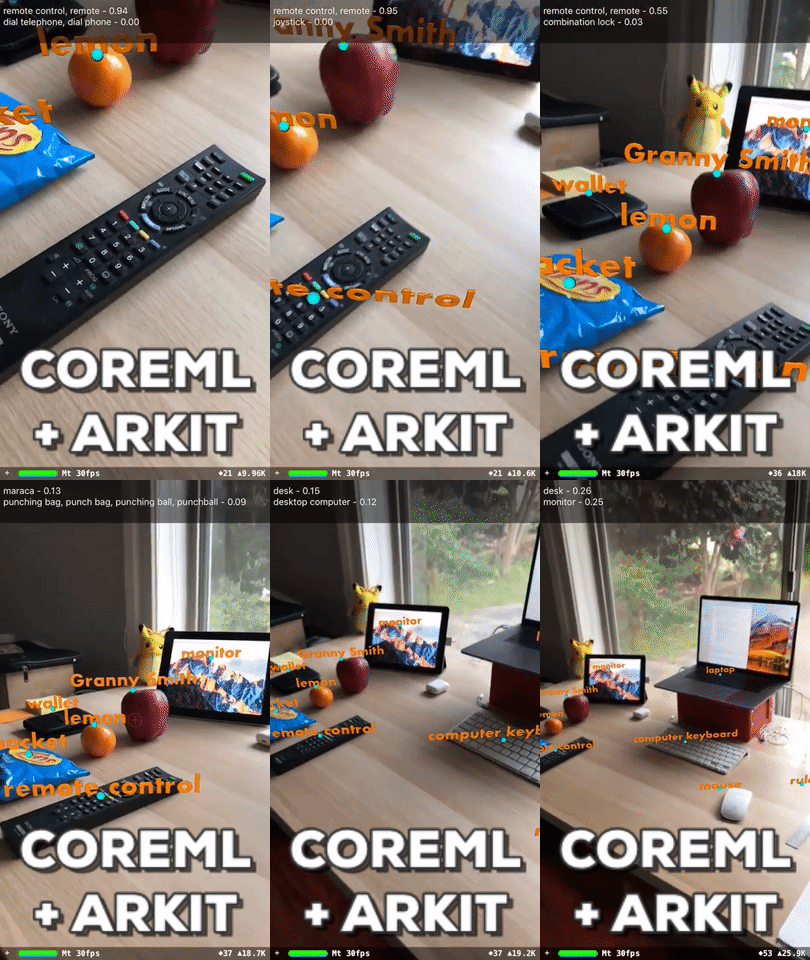
Model: Inception V3
Language: Swift 4.0
Written in: Xcode 9.0 GM (9A235) (Updated) XCode 9 beta 3 (9M174d)
Content Technology: SceneKit
Tested on iPhone 7 plus running iOS 11 beta 3 (15A5318g)
Note: SceneKit can achieve a 60 FPS on iPhone7+ - though when it gets hot, it'll drop to 30 FPS.
Instructions
You'll have to download "Inceptionv3.mlmodel" from Apple's Machine Learning page, and copy it into your XCode project. (As depicted in the following gif)
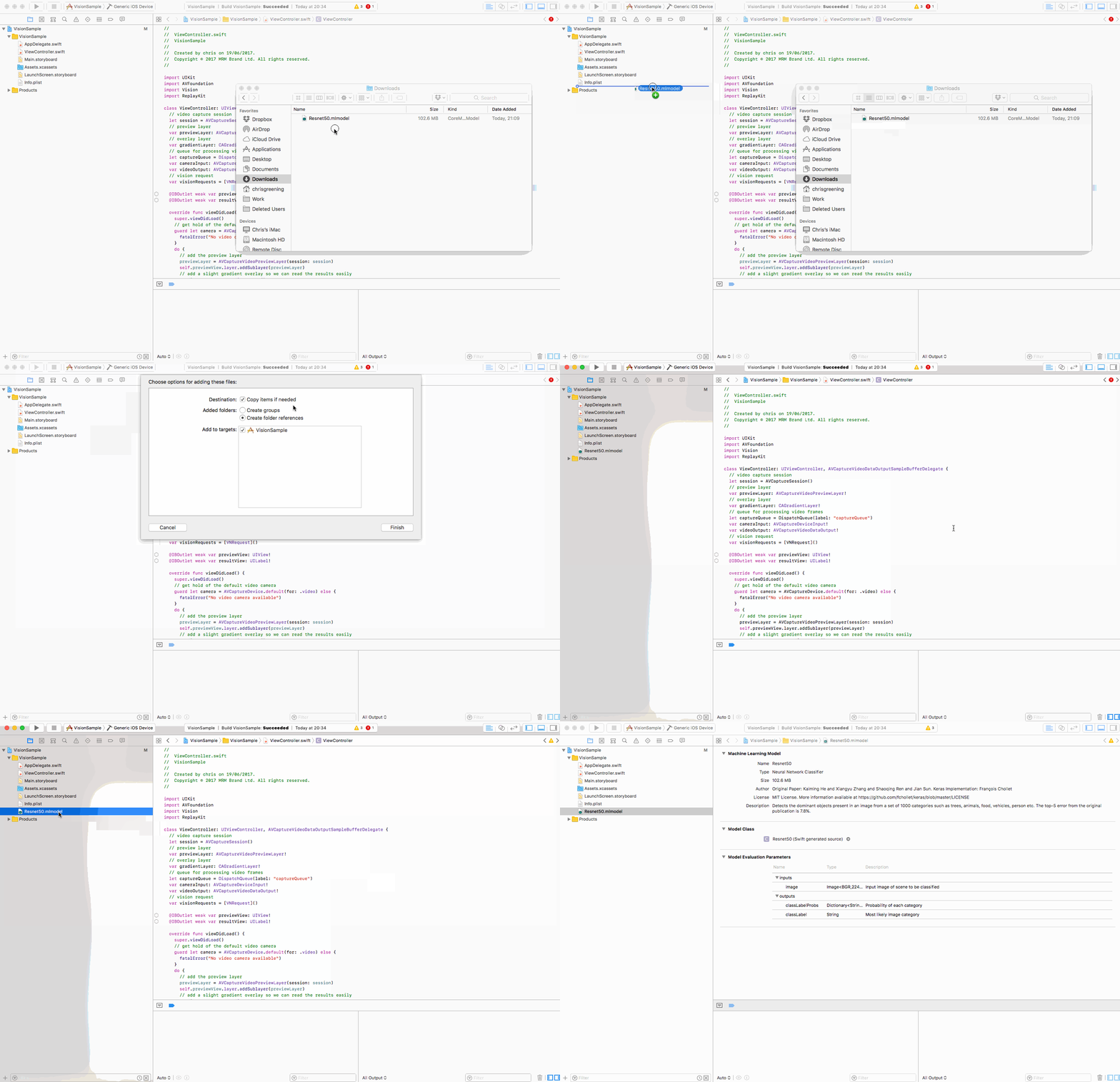
If you're having issues, double check that the model is part of a target (source: stackoverflow).
Footnotes
SceneKit Text Labels are expensive to render. Too many polygons (too much text, smoothness, characters) - can cause crashes. In future, SpriteKit would be more efficient for text-labels.
Not entirely certain if the code is actually transferring RGB data to the Vision Model (as opposed to YUV). Proof-of-concept-wise, it appears to work just fine with the Inception V3 model for now.
Whilst ARKit's FPS , is displayed - CoreML's speed is not. However, it does appear sufficiently fast for real-time ARKit applications.
Placement of the label is simply determined by the raycast screen centre-point to a ARKit feature-point. This could be altered for more stable placement.
Building Blocks (Overview)
Get CoreML running in real time in ARKit
There are some good tutorials / sample projects for getting CoreML running. See: [ 1 ] [ 2 ] [ 3 ]
What we do differently here is we're using ARKit's ARFrame as the image to be fed into CoreML.
let pixbuff : CVPixelBuffer? = (sceneView.session.currentFrame?.capturedImage)
- We also use Threading to continuously run requests to CoreML in realtime, and without disturbing ARKit / SceneView
let dispatchQueueML = DispatchQueue(label: "com.hw.dispatchqueueml")
...
loopCoreMLUpdate() // on viewLoad
...
func loopCoreMLUpdate() {
    dispatchQueueML.async {
        // 1. Run Update.
        self.updateCoreML()
        // 2. Loop this function.
        self.loopCoreMLUpdate()
    }
}
Add 3D Text
- Add a Tap Gesture.
- On Tap. Get the raycast centre point, translating it to appropriate coordinates.
- Render 3D text at that location. Use the most likely object.
관련 프로젝트 살펴보기
불러오는 중…