
alessiodm/drl-zh
alessiodm/drl-zh has 2,292 GitHub stars and 117 forks. GitHot measured 0 stars in 24 hours, -1 in 7 days, and -1 in 15 days. Last checked 2026-11-22 10:41 UTC. Last push 2026-05-26.
측정된 스타 증가
- in 24h
- 0
- in 7 days
- -1
- in 15 days
- -1
- in 1 month
- 기록 수집 중
서로 겹치는 기간의 순증가량이며 일별 합계가 아닙니다. 측정값이 없으면 비워 둡니다. 스타는 관심도를 나타내며 품질을 보장하지 않습니다.
소개
딥 강화 학습: 초보에서 전문가까지!
머신러닝README.md
OriginalDeep Reinforcement Learning: Zero to Hero!



Welcome to drlzh.ai: a hands-on deep reinforcement learning course where you build the algorithms, not just read about them.
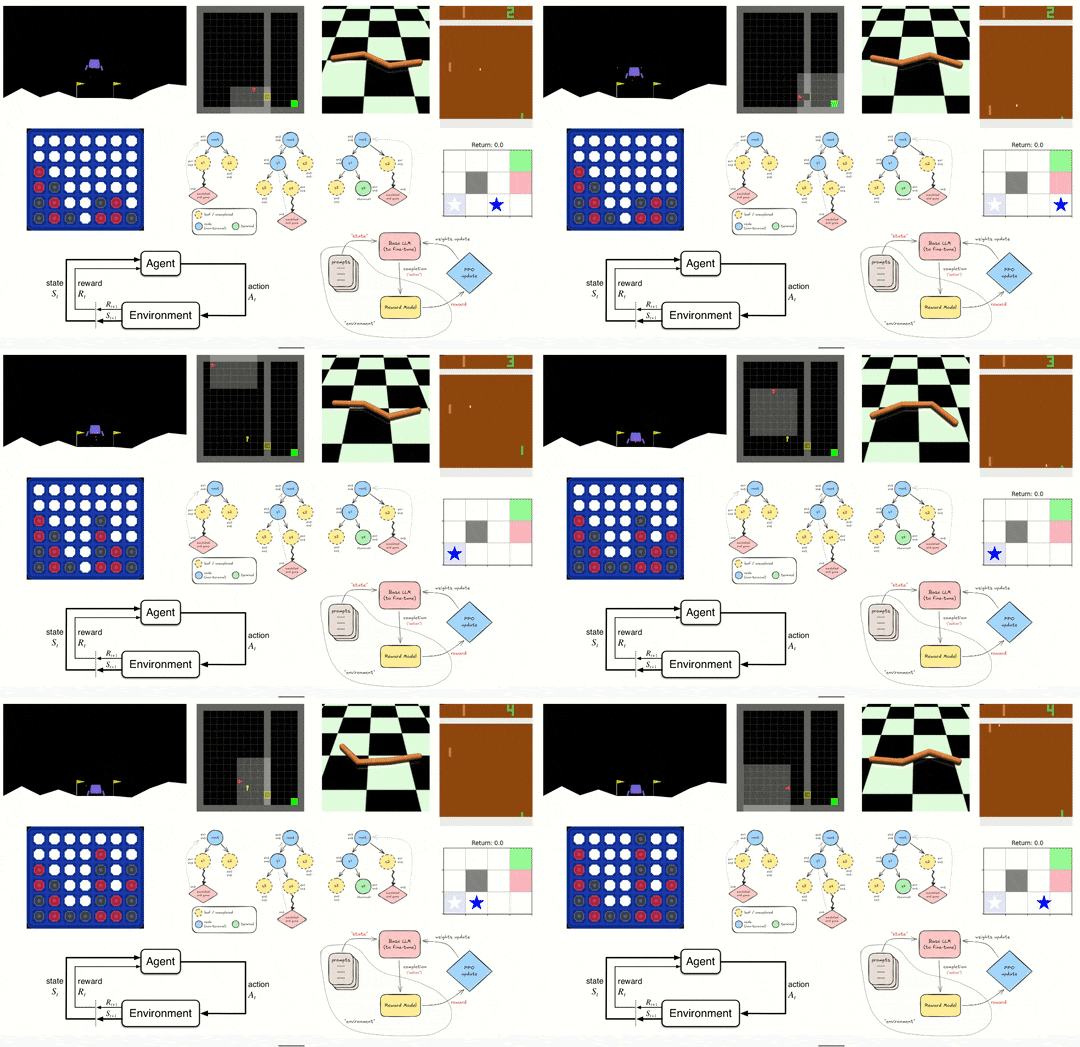
Start from MDPs and tabular RL, then work your way to the algorithms behind Atari agents, continuous-control robots, AlphaZero-style planning, RLHF for language models, Decision Transformers, VLA-style policies, world models, Dreamer, and meta-learning.
The root notebooks are the exercise track: code is intentionally replaced with guided TODO
sections. The solution/ notebooks contain the complete, runnable versions, so you can
unblock yourself without leaving the course.
Curriculum
| Notebooks | Track | You build |
|---|---|---|
00-07 |
Foundations | MDPs, tabular RL, DQN, REINFORCE, actor-critic methods, DDPG, TD3, SAC, PPO |
08-10 |
Breaking assumptions | RND curiosity, multi-agent RL, offline RL with BC and IQL |
11 |
Planning | Monte Carlo Tree Search, self-play, AlphaZero-style policy/value learning |
12-13 |
Modern AI stack | RLHF with PPO, DPO, GRPO, Decision Transformers, and NanoVLA (DTVLA) |
14 |
Production | TensorBoard, checkpointing, debugging, multiple seeds, Ray, Optuna |
15-16 |
World models | MBPO with SAC, then DR3AM/Dreamer with RSSM latent imagination |
17-18 |
Meta + wrap-up | MAML, FOMAML, fast adaptation, and course conclusion |
The foundations are meant to be done in order. The advanced notebooks are self-contained, but the numbering gives you a good default path from exploration to the course capstone.
AI Companion
The Docker workspace includes the DRL-ZH AI Companion, a VS Code extension built for this
course. It knows which notebook and TODO you are working on, offers Socratic hints instead of
spoilers, and supports text or voice mode. Bring your own LLM key: Gemini is the default, with
OpenAI, Anthropic, and Groq supported too.
Quick Start
The recommended setup is Docker: it gives you code-server, the notebooks, Python >=3.13,<3.14, the
Jupyter kernel, dependencies, and the AI Companion in one reproducible workspace.
Install Docker and Git, then clone this repository and
cdinto it.On Linux/macOS, run
printf "UID=$(id -u)\nGID=$(id -g)\n" > .envso files are owned by you.Start the default environment:
docker compose up --build -dOpen
http://localhost:8080in a Chromium-based browser and select thePython (drl-zh)kernel.Open
00_Intro.ipynband start filling in TODOs.
For NVIDIA GPU access, use:
docker compose -f docker-compose.yml -f docker-compose.gpu.yml up --build -d
For a smaller CPU-only image, use:
docker compose -f docker-compose.yml -f docker-compose.cpu.yml up --build -d
Prefer a native setup? See MANUAL.md for Python, Poetry, VS Code, and Companion instructions.
Prerequisites
You should be comfortable with Python, PyTorch basics, and the usual math behind ML: probability, statistics, linear algebra, and derivatives. The notebooks teach the RL, but they assume you can read and modify real training code.
License
MIT. See LICENSE.
관련 프로젝트 살펴보기
불러오는 중…