
NasirKhalid24/CLIP-Mesh
NasirKhalid24/CLIP-Mesh has 431 GitHub stars and 37 forks. GitHot measured -1 stars in 24 hours, 0 in 7 days, and 0 in 15 days. Last checked 2026-11-19 22:59 UTC. Last push 2023-12-01.
측정된 스타 증가
- in 24h
- -1
- in 7 days
- 0
- in 15 days
- 0
- in 1 month
- 기록 수집 중
서로 겹치는 기간의 순증가량이며 일별 합계가 아닙니다. 측정값이 없으면 비워 둡니다. 스타는 관심도를 나타내며 품질을 보장하지 않습니다.
소개
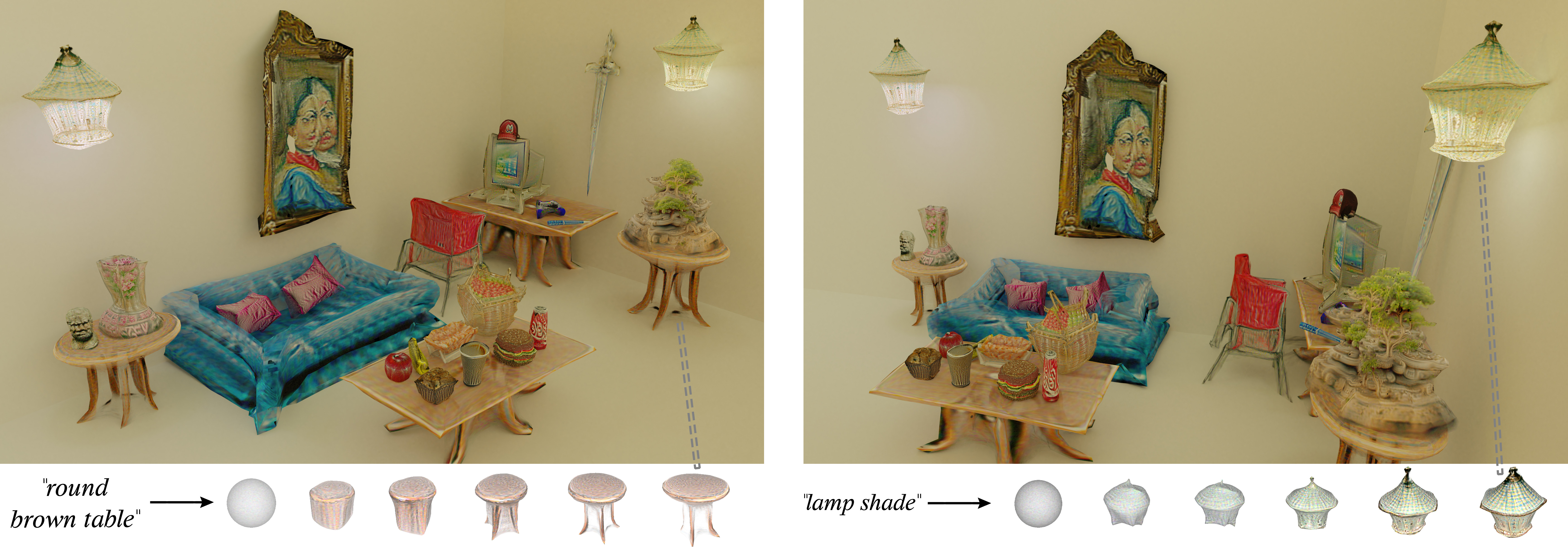
Official implementation of CLIP-Mesh: Generating textured meshes from text using pretrained image-text models
머신러닝README.md
OriginalCLIP-Mesh
Official implementation of CLIP-Mesh: Generating textured meshes from text using pretrained image-text models
Nasir Mohammad Khalid,
Tianhao Xie,
Eugene Belilovsky,
Tiberiu Popa
SIGGRAPH ASIA 2022 | arXiv | Project page
Quickstart
Notebooks are unavilable working on restoring them:
 |
 |
|---|---|
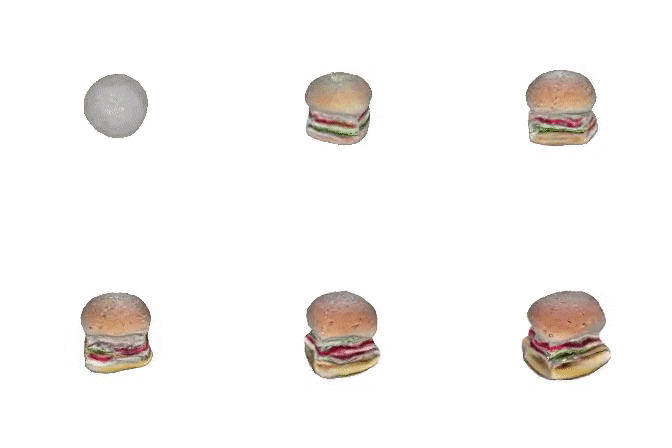
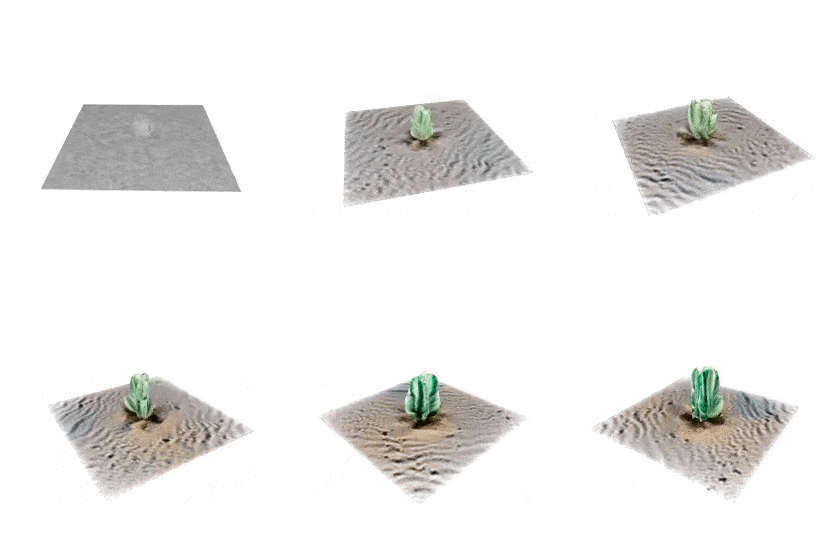
| Text to Mesh | Multi Mesh Generation |
 |
 |
|---|---|
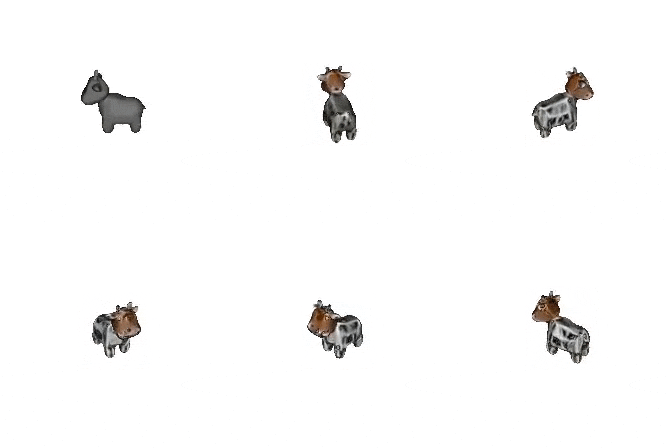
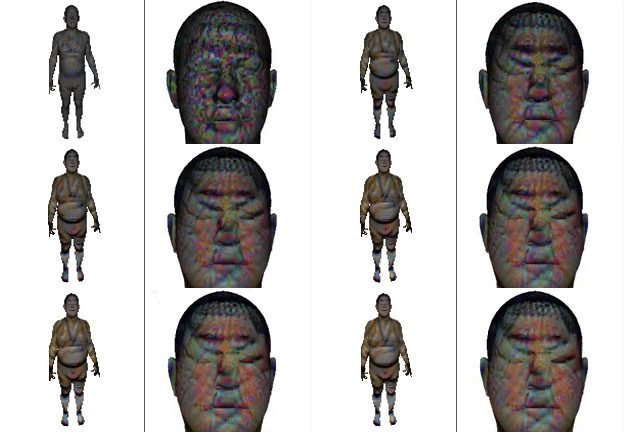
| Stylizing a Mesh | Apply CLIP-Mesh to Human Models |
Setup
Clone this repository recursively to get all submodules - use submodule update to get downstream submodules
git clone --recurse-submodules https://github.com/NasirKhalid24/CLIP-Mesh.git
cd CLIP-Mesh
git submodule update --init --recursive
Setup Conda environment and install packages
conda create -n clip-mesh python=3.7
conda activate clip-mesh
conda install pytorch==1.11.0 torchvision==0.12.0 cudatoolkit=10.2 -c pytorch

pip install -r requirements.txt
Install loop subdivison code and DALLE-2 (not that DALLE-2 is from an earlier commit so existing install may not work)
<!-- Install Loop Subdivision -->
cd loop_limitation
pip install .
cd ..

<!-- Install DALLE2 - Diffusion Prior -->
cd DALLE2-pytorch
pip install .
cd ..

<!-- Get DALLE2 Prior Weights -->
mkdir weights
wget https://huggingface.co/spaces/NasirKhalid24/Dalle2-Diffusion-Prior/resolve/main/larger-model.pth -O ./weights/model.pth
Usage
This repo comes with some configs that are passed to main.py using the --config flag
Any of the config paramaters can be overriden by passing them to as arguments to the main.py file so you can have a base .yml file with all your parameters and just update the text prompt to generate something new
An example would be using the given config file for single mesh generation single.yml
# Use all parameters in file
python main.py --config configs/single.yml

# Use all parameters in file but change text prompt
python main.py --config configs/single.yml  --text_prompt "a hamburger"

# Use all parameters in file but change text prompt, batch, texture resolution
python main.py \
--config configs/single.yml \
--text_prompt "a hamburger" \
--batch_size 5 \
--texture_resolution 1024
Tips, Tricks, FAQs etc
I recommend checking out the following document as it could answer any doubts that come up (will be updated regularly) - if you still have questions reach out @Nymarius_ or open an issue