
HugoTini/DeepBump
HugoTini/DeepBump has 1,431 GitHub stars and 63 forks. GitHot measured 0 stars in 24 hours, +5 in 7 days, and +7 in 15 days. Last checked 2026-11-19 21:55 UTC. Last push 2025-03-17.
측정된 스타 증가
- in 24h
- 0
- in 7 days
- +5
- in 15 days
- +7
- in 1 month
- 기록 수집 중
서로 겹치는 기간의 순증가량이며 일별 합계가 아닙니다. 측정값이 없으면 비워 둡니다. 스타는 관심도를 나타내며 품질을 보장하지 않습니다.
소개
Normal & height maps generation from single pictures
머신러닝README.md
Original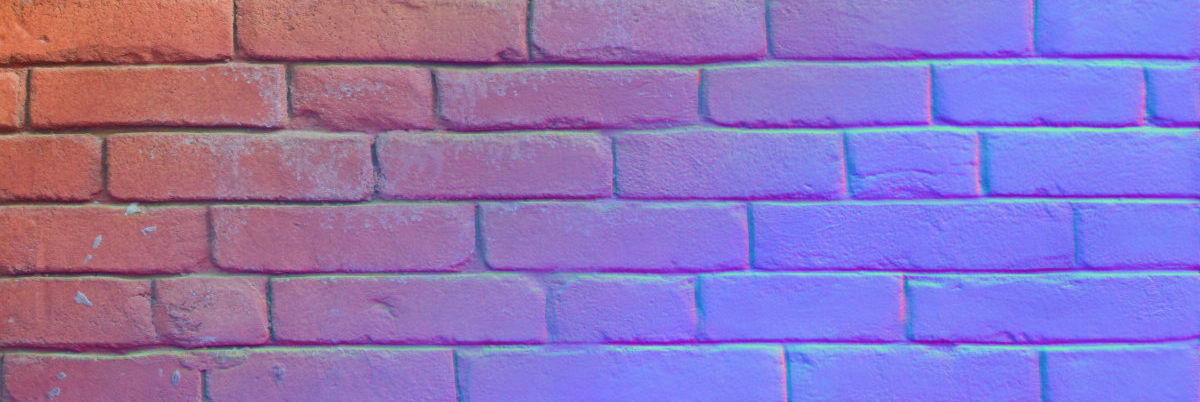
DeepBump
DeepBump is a machine-learning driven tool to generate normal & height maps from single pictures. See this blog post for an introduction.
Installation
In Blender, go to Edit -> Preferences -> Add-ons -> Top right arrow -> Install from disk and select the downloaded ZIP file. Then enable the add-on.
In the add-on preference, click the 'Install dependencies' button (this requires an internet connection and might take a while). In case of error, try running Blender as administrator for this step.
By installing those dependencies, be aware of Microsoft conditions. This add-on uses available APIs to disable telemetry.
Usage
Check the blog post first video.
In the Shader Editor, in the side bar under the DeepBump tab:
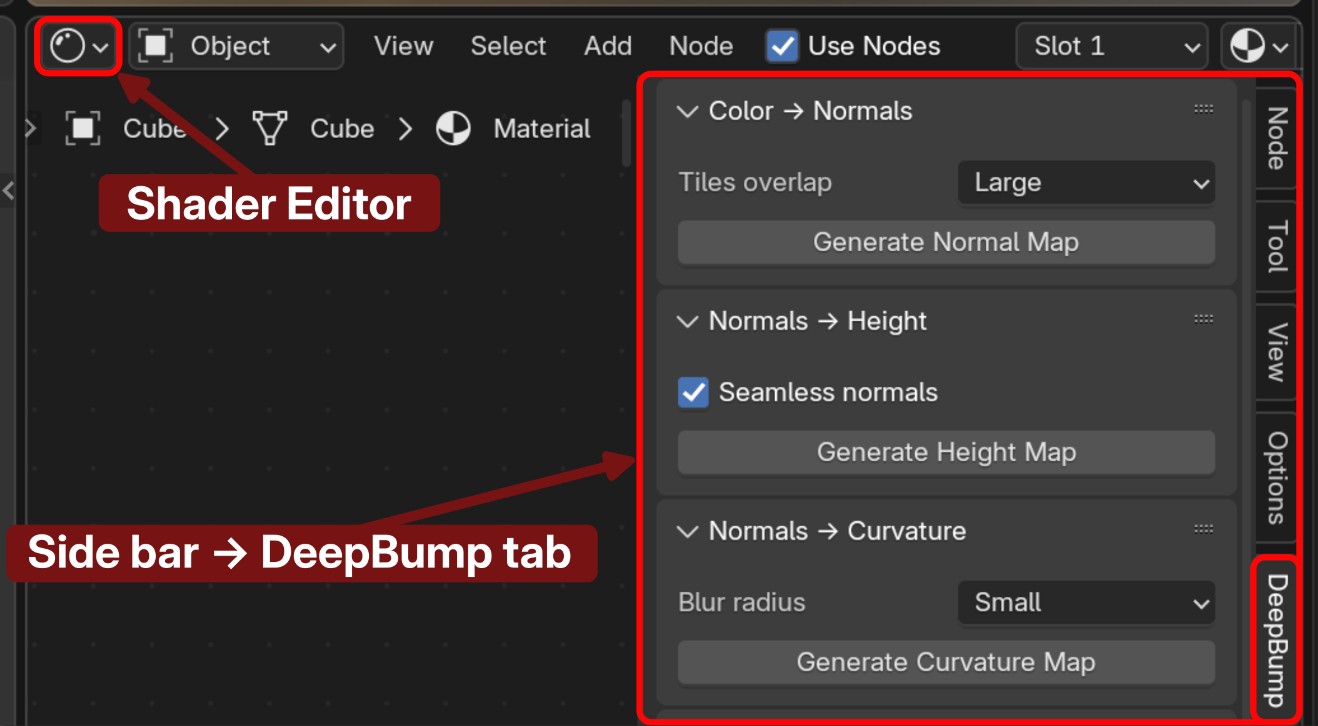
Tools
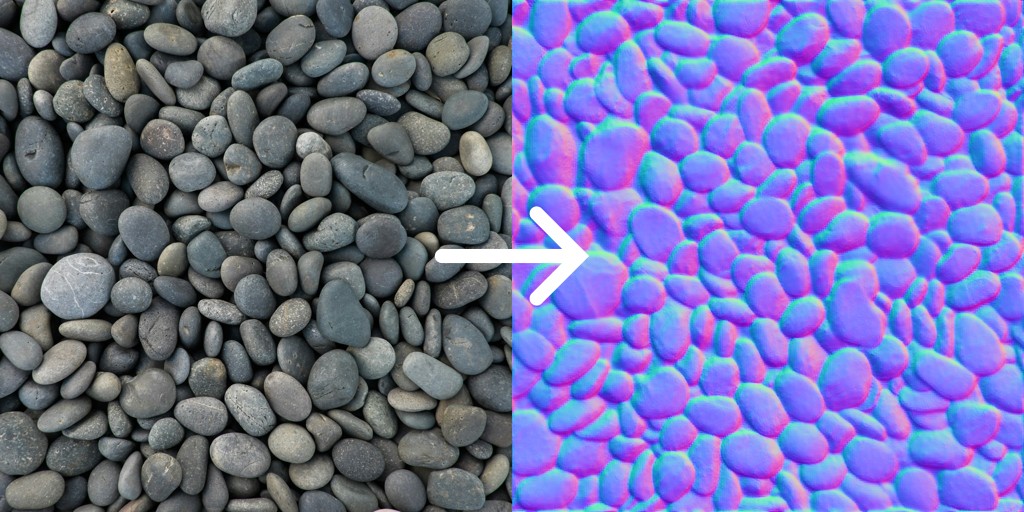
Color (albedo) → Normals
Select a color image node in the shader editor, then click Generate Normal Map.
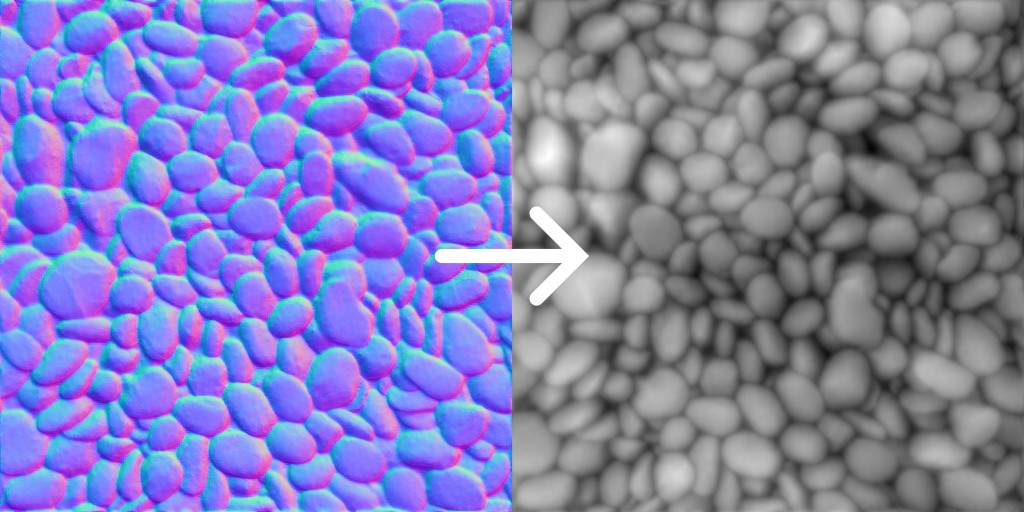
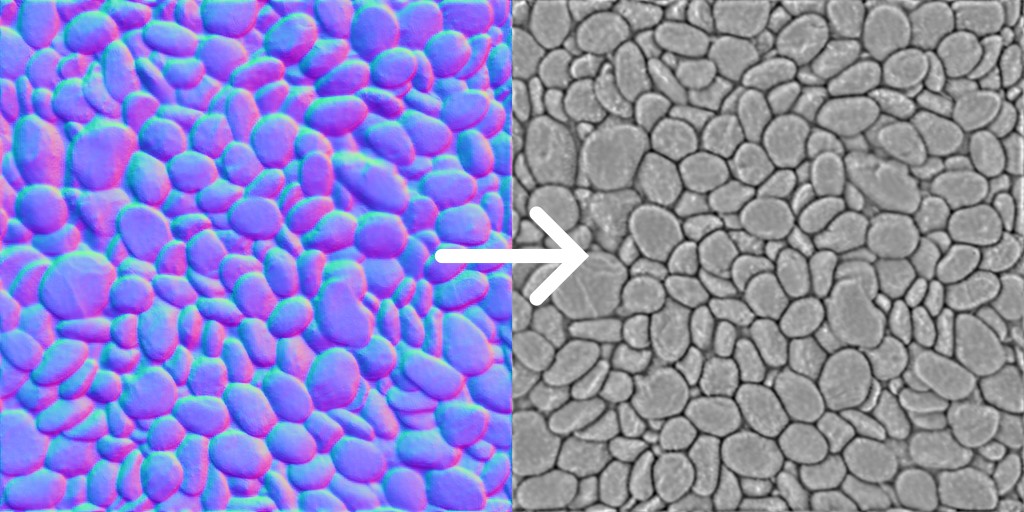
Normals → Height (displacement)
Select the generated normal map image node in the shader editor, then click Generate Height Map.
Normals → Curvature
Select the generated normal map image node in the shader editor, then click Generate Curvature Map.
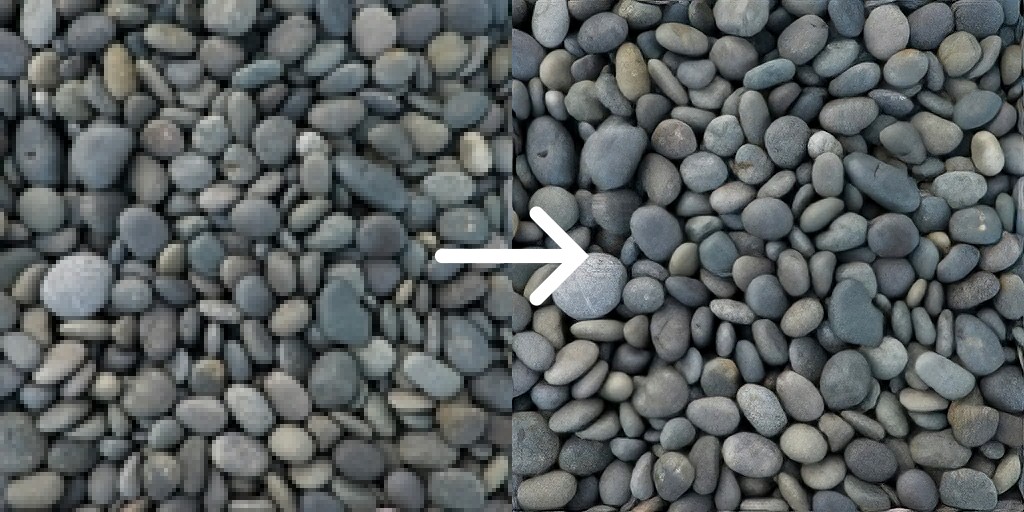
Low res -> High res (upscale)
Select a color image node in the shader editor, then click Upscale.
Command line
For command-line usage, see cli.md.
License
This repo is under the GPL license. The training code is currently not available.