
swstl/mal-tui
swstl/mal-tui has 34 GitHub stars and 2 forks. GitHot measured 0 stars in 24 hours. Last checked 2026-11-15 01:29 UTC. Last push 2026-11-01.
可以做什么
- User Login — authenticate with your MAL account
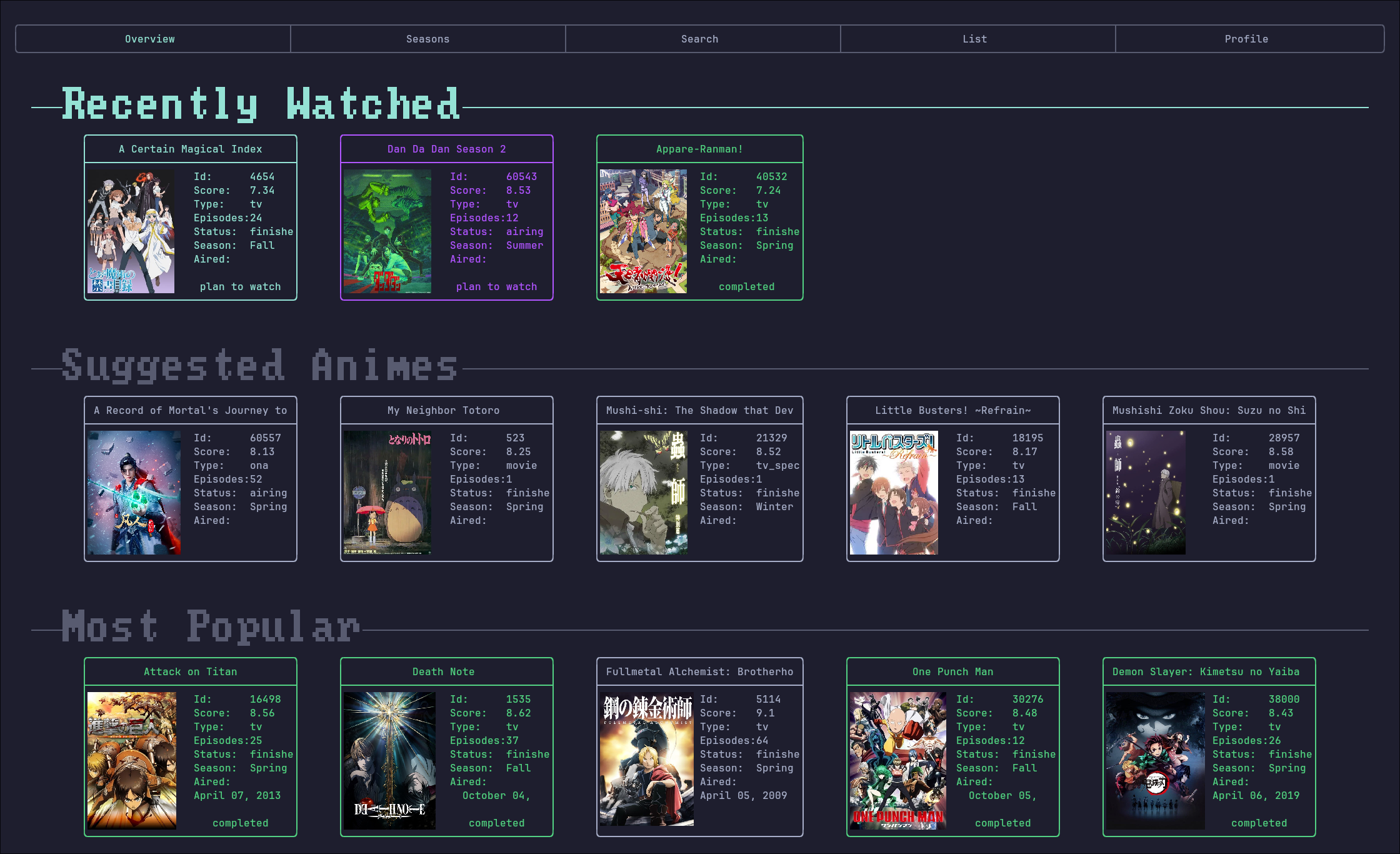
- Overview — seasonal highlights at a glance
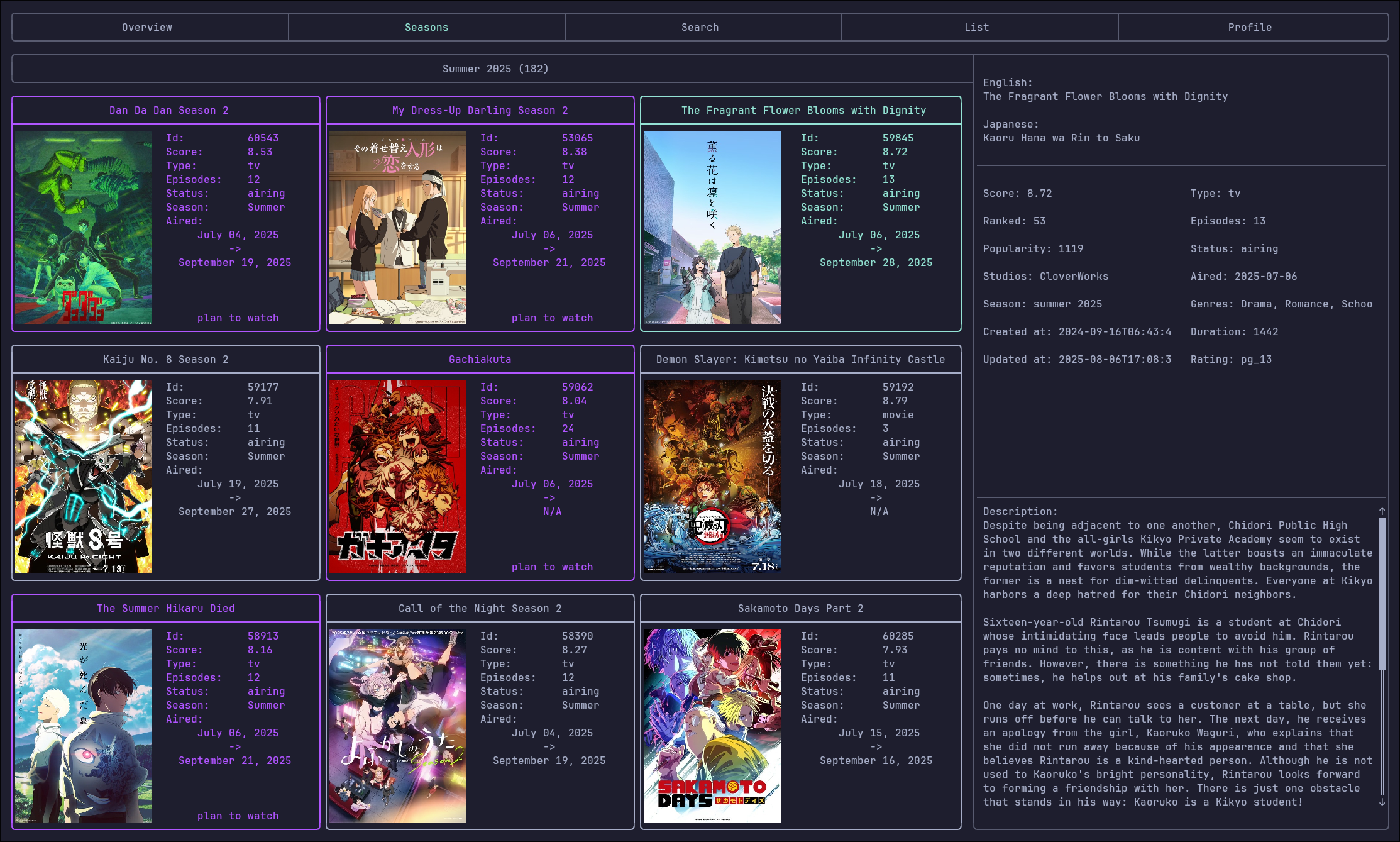
- Season List — browse anime by season
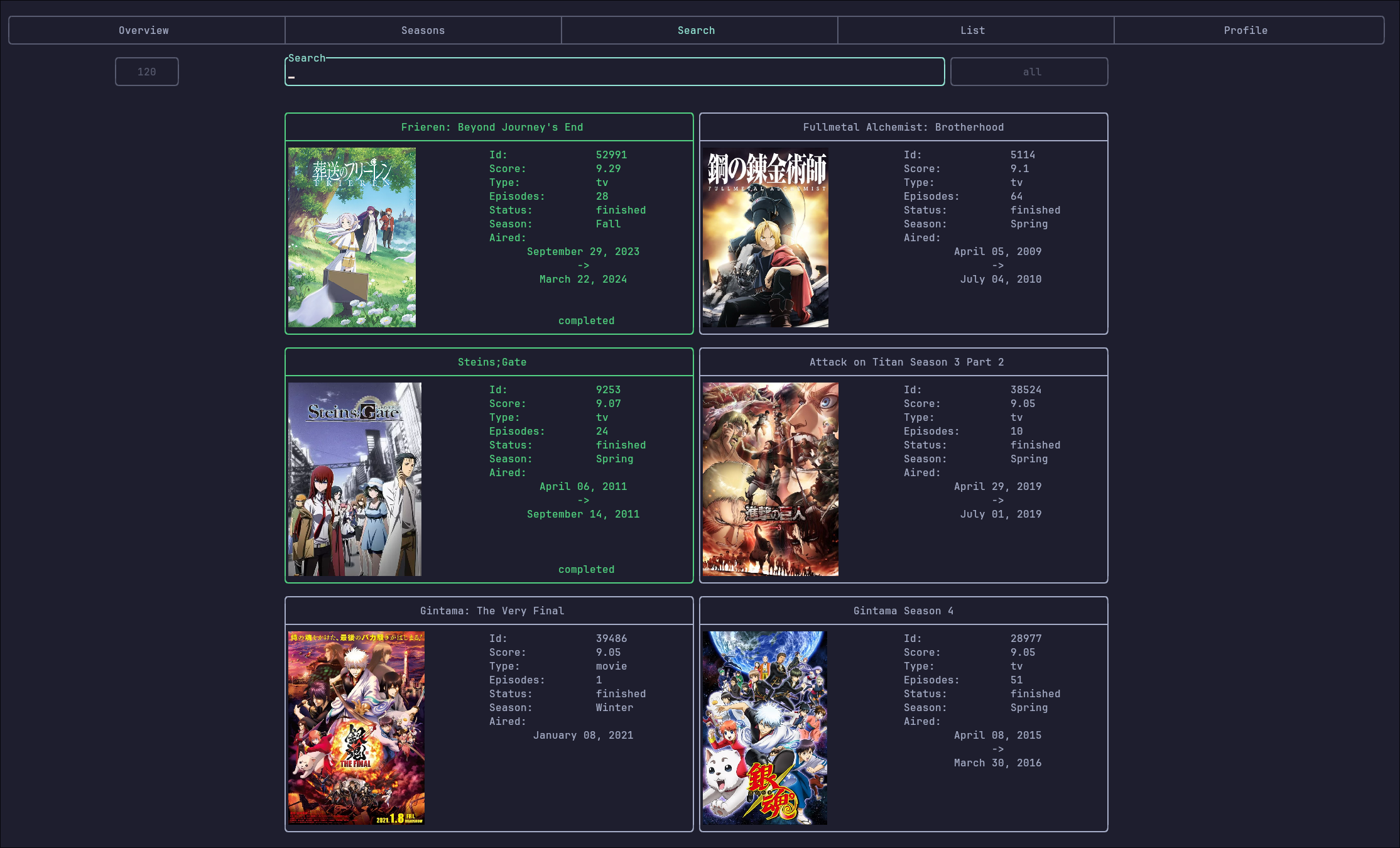
- Anime Search — quickly find shows
实测星标增长
- 24小时
- 0
- 7天
- 正在收集历史
- 15天
- 正在收集历史
- 1个月
- 正在收集历史
各周期内的星标净变化,周期相互重叠,并非每日新增。缺失的测量保持空白。星标代表关注度,不代表软件质量。
关于
A Rust-based CLI/TUI for interacting with MyAnimeList integrated with ani-cli for streaming anime episodes.
开发工具README.md
原文mal-tui
A Rust-based CLI/TUI for interacting with MyAnimeList integrated with ani-cli for streaming anime episodes.
Inspired by ani-cli.
Overview
mal-tui allows you to log in with your MyAnimeList account, browse seasonal anime, search titles, view your lists, and play episodes directly in mpv, which will automatically update your animelist when you decide to watch something.
It combines MAL integration with ani-cli-style playback in a single lightweight terminal application.
Showcase
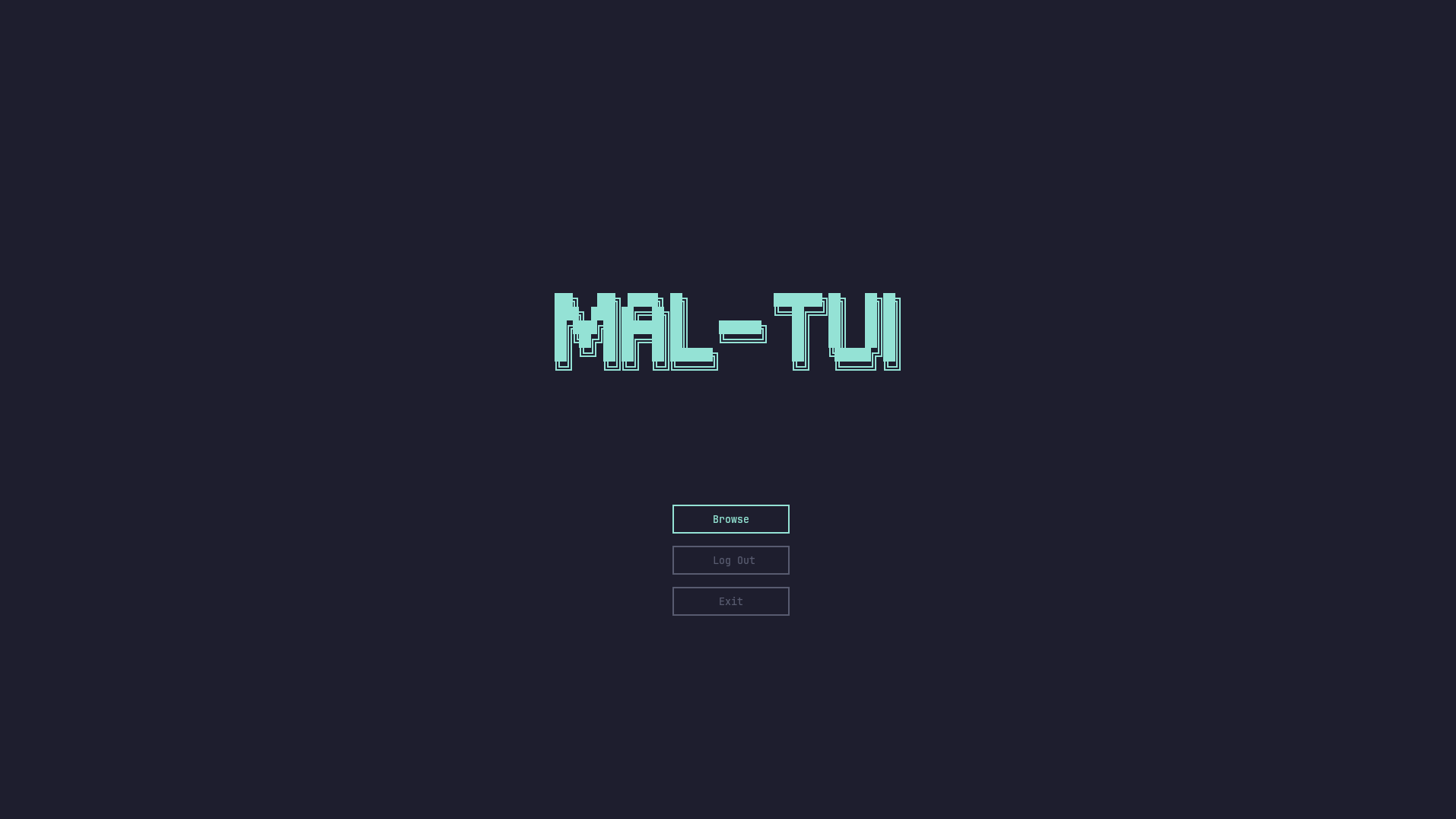
Launch
Overview
Season List
Anime Search
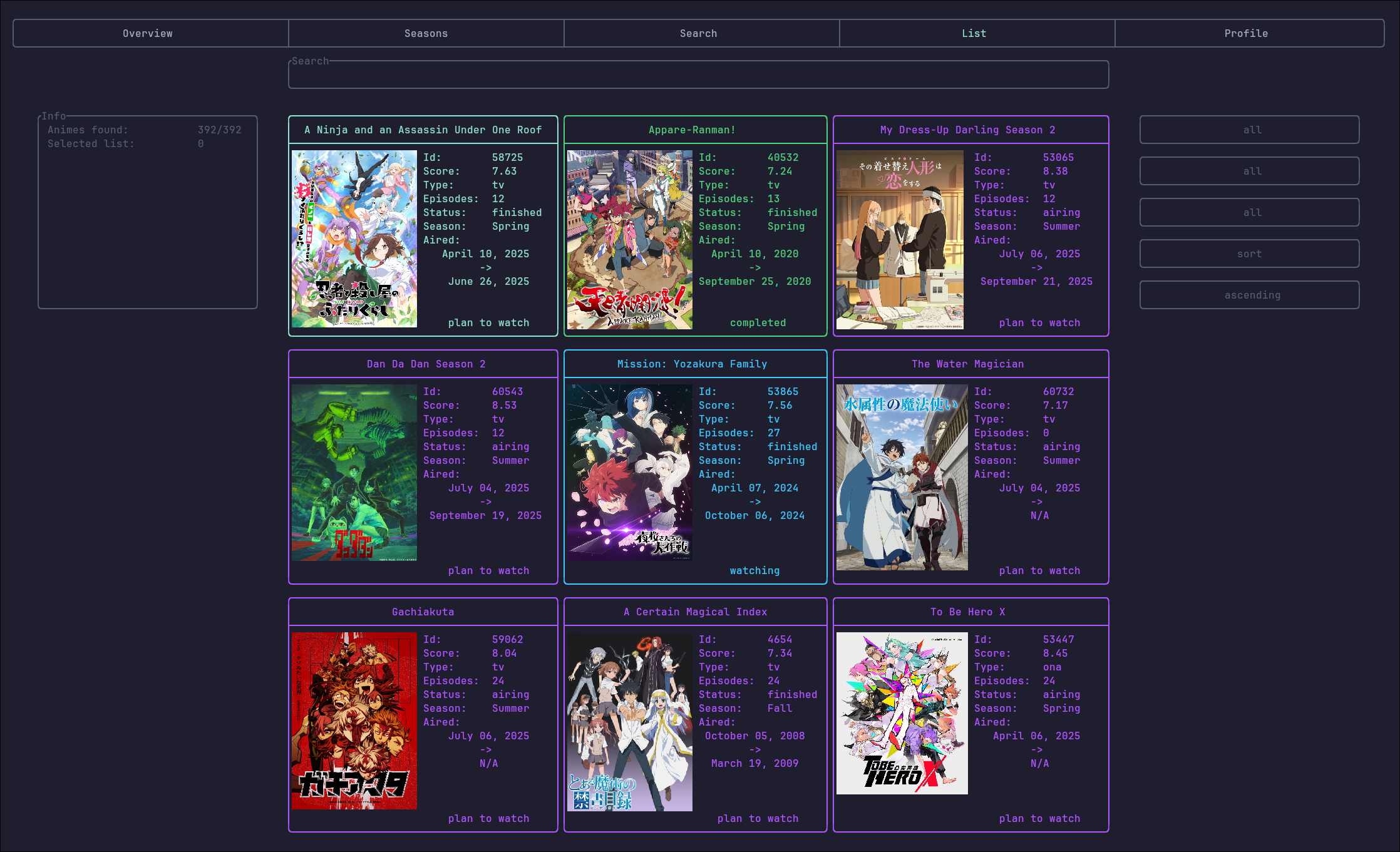
Anime List
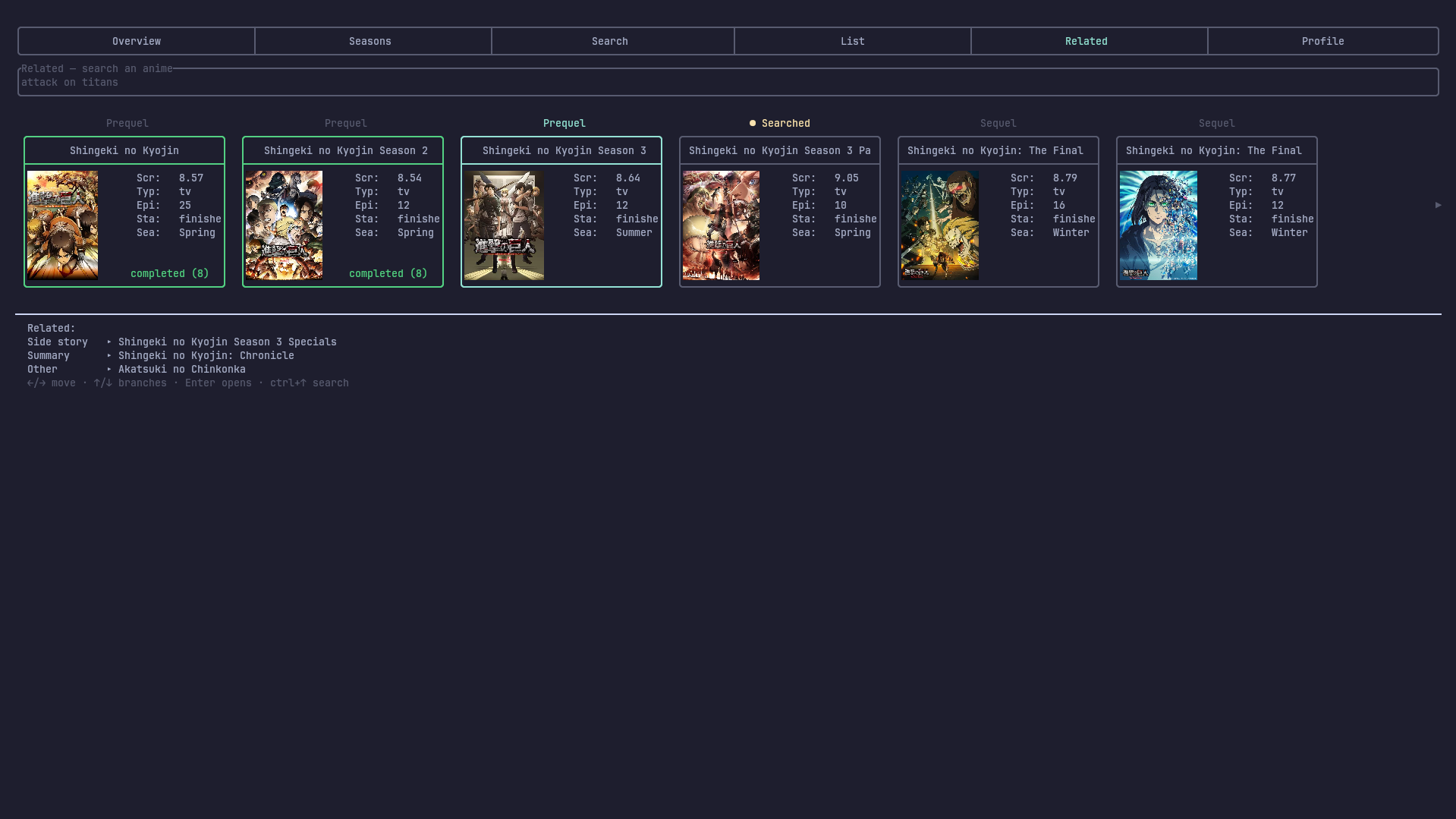
Related Series
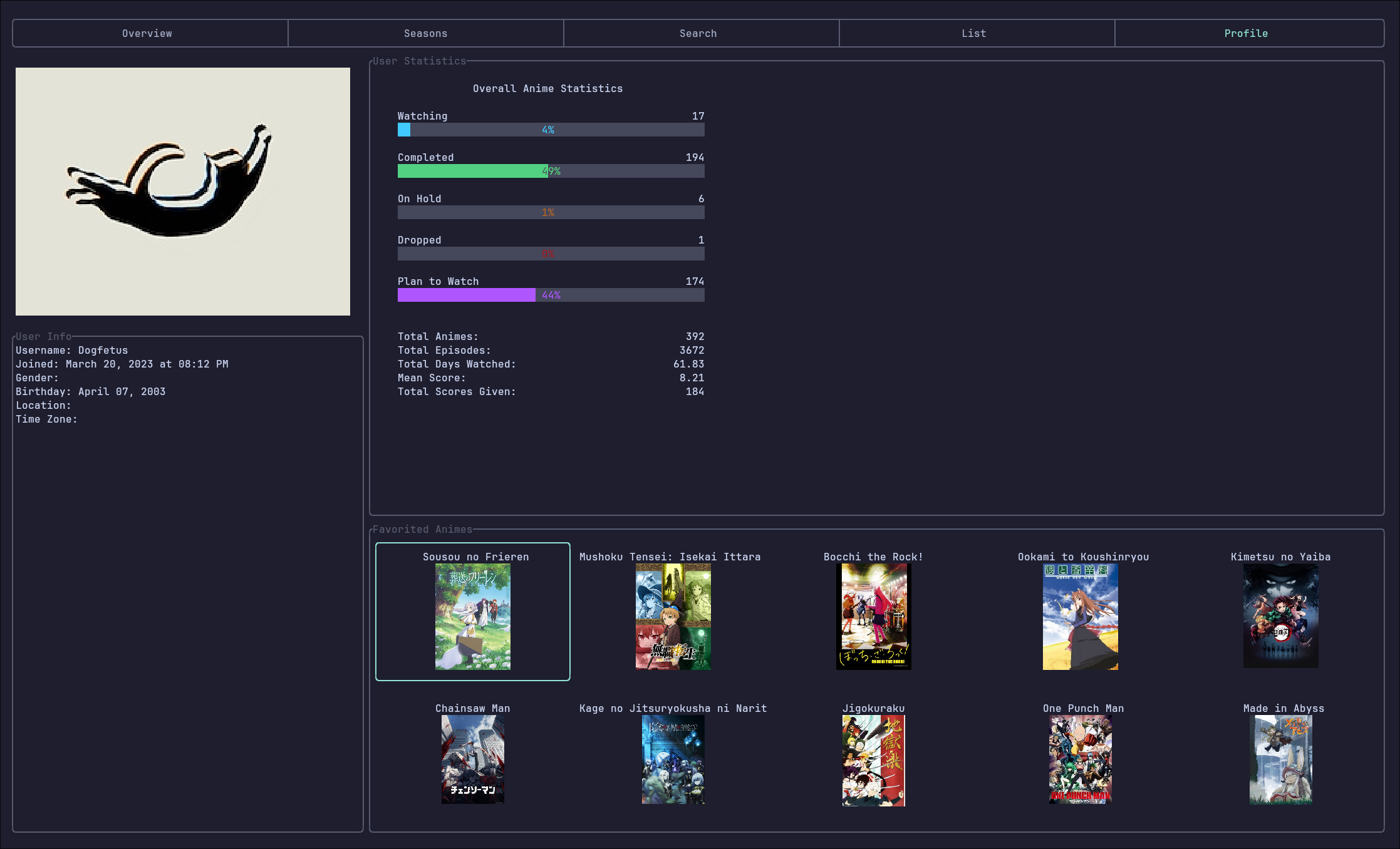
Profile
Download
AUR (Arch)
yay -S mal-tui
Run with:
mal-tui
Build from Source
git clone https://github.com/swstl/mal-tui.git
cd mal-tui
cargo build --release
Run with:
./target/release/mal-tui
Features
- User Login — authenticate with your MAL account
- Overview — seasonal highlights at a glance
- Season List — browse anime by season
- Anime Search — quickly find shows
- Anime List — check and update your MAL lists
- Profile — view your MAL profile info
- Episode Playback — stream anime in
mpvwith automatic list update in MyAnimeList
Keybindings
Configs can be generated and edited using mal-tui -e.
By default, the keybindings are:
Tab(andshift + Tab) - Switch between different screensh,j,k,l(vim keys) or arrow keys for navigationCtrl + <key>- Move to other parts of the same screenEnter/Space- select anime or other itemq- Close popupCtrl + c- Quit application
Disclaimer
mal-tui is designed to work best in kitty but should also work in any terminal that supports the kitty graphics protocol (for inline images and enhanced rendering).
Other terminals will work for basic functionality, but screenshots, covers, and some UI features may not display correctly.