
snehitvaddi/Deep-Fake_First_Order_Model
snehitvaddi/Deep-Fake_First_Order_Model has 64 GitHub stars and 8 forks. GitHot measured 0 stars in 24 hours and 0 in 7 days. Last checked 2026-11-25 03:02 UTC. Last push 2026-07-17.
实测星标增长
- 24小时
- 0
- 7天
- 0
- 15天
- 正在收集历史
- 1个月
- 正在收集历史
各周期内的星标净变化,周期相互重叠,并非每日新增。缺失的测量保持空白。星标代表关注度,不代表软件质量。
关于
This Repo consists of implementing First order motion model for making Deep Fakes. It is referenced from a video on youtube by Two Minute Papers about Deep Fakes. The code given by @AliaksandrSiarohin
机器学习README.md
原文⚡ First Order Motion Model for Image Animation ⚡
This repository contains source code for the paper First Order Motion Model for Image Animation by Aliaksandr Siarohin, Stéphane Lathuilière, Sergey Tulyakov, Elisa Ricci and Nicu Sebe. This repository is taken from a Youtube video by Two Minute Papers
Original Aliaksandr Siarohin Repo: Github
Two Minute Papers Youtube Video Link : Youtube-Video
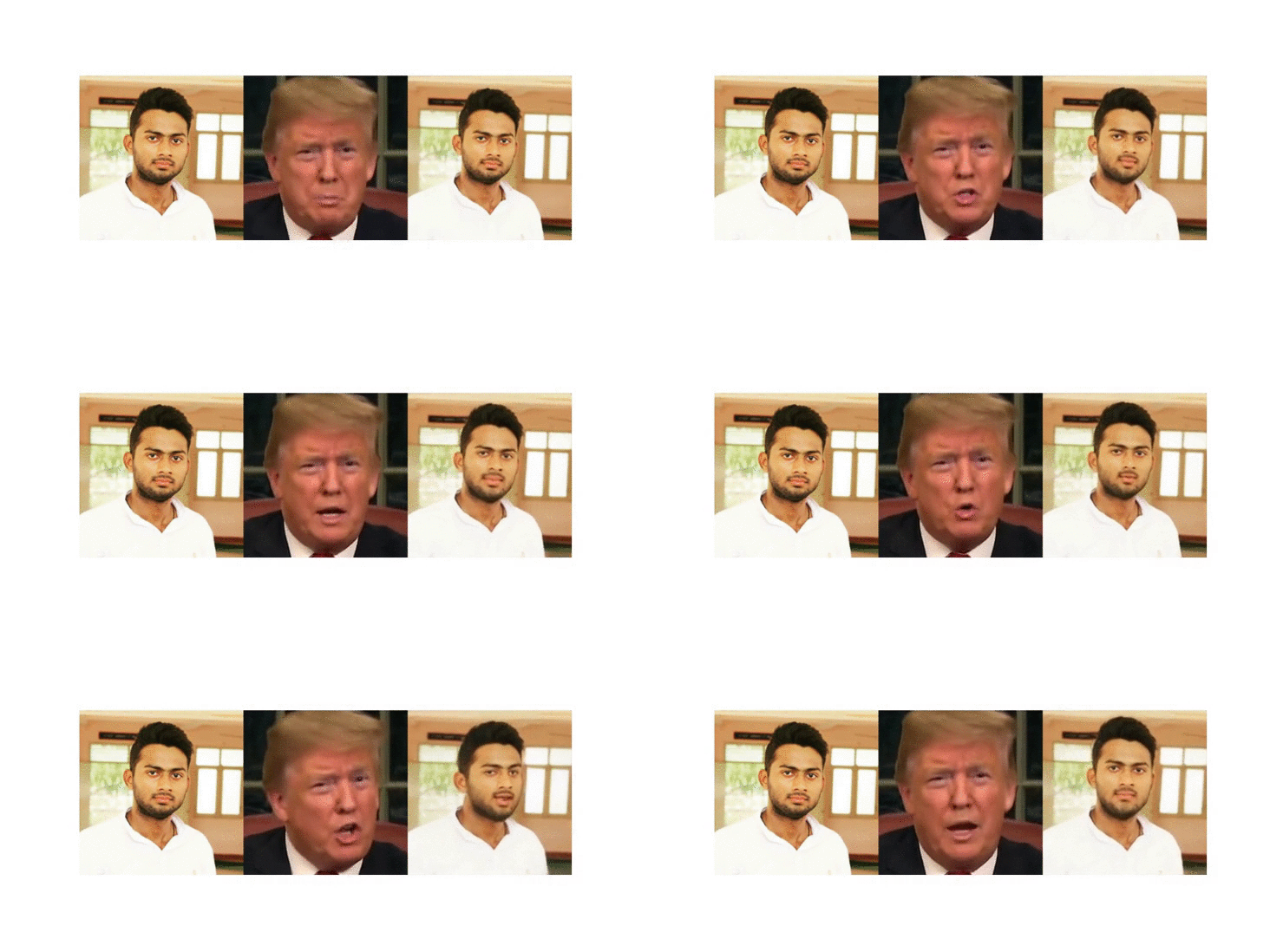
📝 Model Output
🖼 Example on Custom Data
🔬 COLAB DEMO
You can run this code from GOOGLE COLAB
📌 Installation
This code supports python3. To install the dependencies run:
pip install -r requirements.txt
🕶 Pre-trained checkpoint
Checkpoints can be found under following link: google-drive or yandex-disk.
⚡ Animation Demo
To run a demo, download checkpoint and run the following command:
python demo.py --config config/dataset_name.yaml --driving_video path/to/driving --source_image path/to/source --checkpoint path/to/checkpoint --relative --adapt_scale
The result will be stored in result.mp4.
The driving videos and source images should be cropped before it can be used in our method. To obtain some semi-automatic crop suggestions you can use python crop-video.py --inp some_youtube_video.mp4. It will generate commands for crops using ffmpeg. In order to use the script, face-alligment library is needed:
git clone https://github.com/1adrianb/face-alignment
cd face-alignment
pip install -r requirements.txt
python setup.py install

### ⚖ Training on your own dataset
1) Resize all the videos to the same size e.g 256x256, the videos can be in '.gif', '.mp4' or folder with images.
We recommend the later, for each video make a separate folder with all the frames in '.png' format. This format is loss-less, and it has better i/o performance.

2) Create a folder ```data/dataset_name``` with 2 subfolders ```train``` and ```test```, put training videos in the ```train``` and testing in the ```test```.

3) Create a config ```config/dataset_name.yaml```, in dataset_params specify the root dir the ```root_dir:  data/dataset_name```. Also adjust the number of epoch in train_params.
探索相关项目
加载中…