项目 在 GitHub 查看
polywock/globalSpeed
polywock/globalSpeed has 2,866 GitHub stars and 356 forks. GitHot measured 0 stars in 24 hours, +6 in 7 days, and +22 in 15 days. Last checked 2026-11-25 09:35 UTC. Last push 2026-11-24.
实测星标增长
- 24小时
- 0
- 7天
- +6
- 15天
- +22
- 1个月
- 正在收集历史
各周期内的星标净变化,周期相互重叠,并非每日新增。缺失的测量保持空白。星标代表关注度,不代表软件质量。
关于
用于设置视频和音频默认播放速度的浏览器扩展
创作与媒体README.md
原文Global Speed
Universal speed control for video and audio.
Install the Edge, Firefox, or Chrome extension.
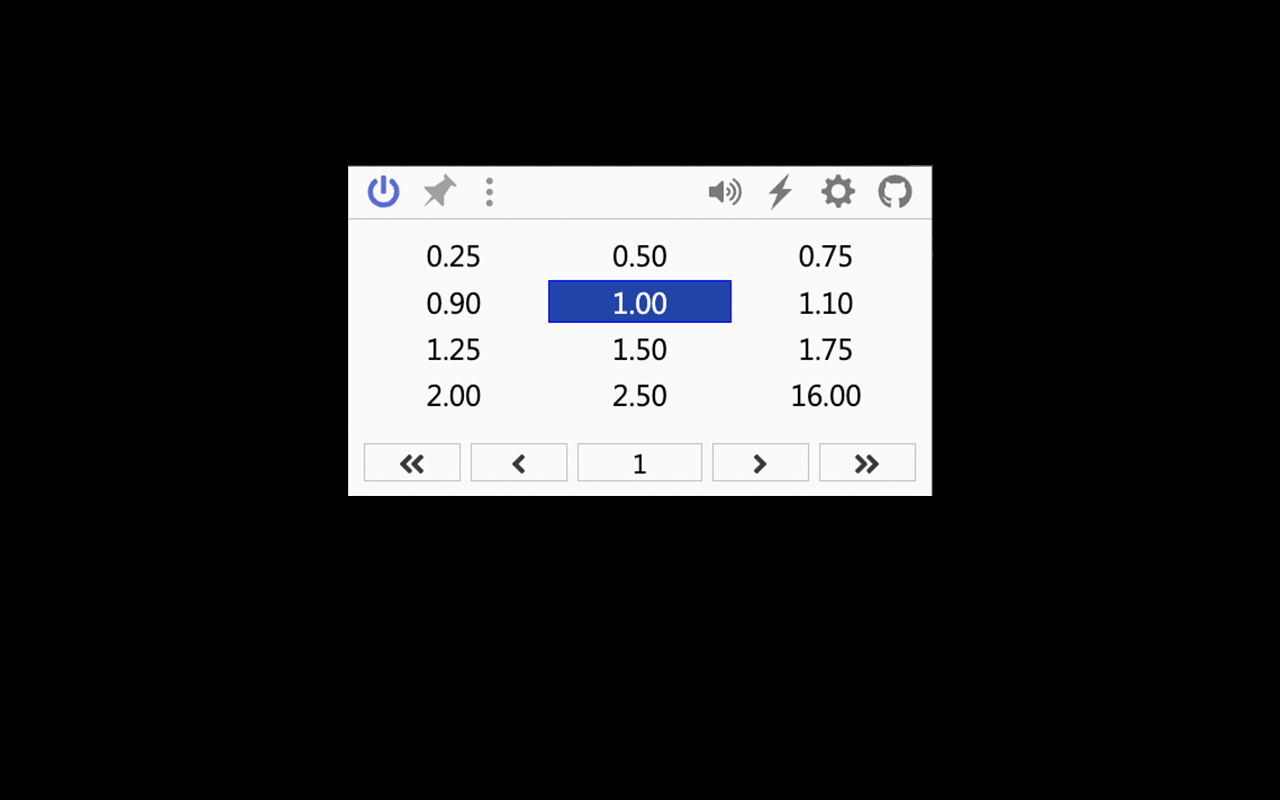
Speed Control
- Set the speed once and forget: it automatically applies to all video and audio
- Define URL rules to auto-apply your favorite speeds on specific sites
- Compatible with YouTube, Netflix, Spotify, podcast sites, and more
Media Hotkeys
- Conveniently change speed through customizable shortcuts
- Rewind/forward, frame-by-frame analysis, volume up/down and more
- Support for multiple trigger modes, including context menu and global shortcuts; control background music or PiP videos while using another app
Filters & Effects
- Netflix movie too dark? Brighten it and dial in the contrast
- Video too quiet? Boost volume up to 600%
- Listen to songs or shows in a new way with pitch shift
- Optionally assign hotkeys to toggle filters and effects on the fly
Audio Effects [Chromium Only]
Build
npm installto install required dependencies.npm run devbuild unpacked version.- Load the unpacked folder
- Chrome: open extensions page, enable dev mode, load unpacked.
- Edge: open extensions page, load unpacked.
探索相关项目
加载中…