
openziti/zrok
openziti/zrok has 4,807 GitHub stars and 230 forks. GitHot measured +2 stars in 24 hours, +9 in 7 days, and +18 in 15 days. Last checked 2026-11-11 03:03 UTC. Last push 2026-10-31.
让安全的互联网共享变得简单。
可以做什么
- Zero Configuration: Works through firewalls, NAT, and corporate networks
- Secure by Default: End-to-end encryption with zero-trust architecture
- Public & Private Sharing: Share with anyone or just specific users
- Multiple Protocols: HTTP/HTTPS, TCP, UDP, and file sharing
实测星标增长
- 24小时
- +2
- 7天
- +9
- 15天
- +18
- 1个月
- 更新延迟
各周期内的星标净变化,周期相互重叠,并非每日新增。缺失的测量保持空白。星标代表关注度,不代表软件质量。
README.md
原文zrok - Secure internet sharing made simple

Share anything, anywhere, instantly. Enterprise reliability. No firewall changes. No port forwarding. No hassle.
zrok lets you securely share web services, files, and network resources with anyone—whether they're across the internet or your private network. Built on zero-trust networking, it works through firewalls and NAT without requiring any network configuration changes.
Quick start
Get sharing in under 2 minutes:
- Install zrok for your platform
- Get an account:
zrok invite(use the free zrok.io service) - Enable sharing:
zrok enable
That's it! Now you can share anything:
# Share a web service publicly
$ zrok share public localhost:8080

# Share files as a network drive
$ zrok share public --backend-mode drive ~/Documents

# Share privately with other zrok users
$ zrok share private localhost:3000
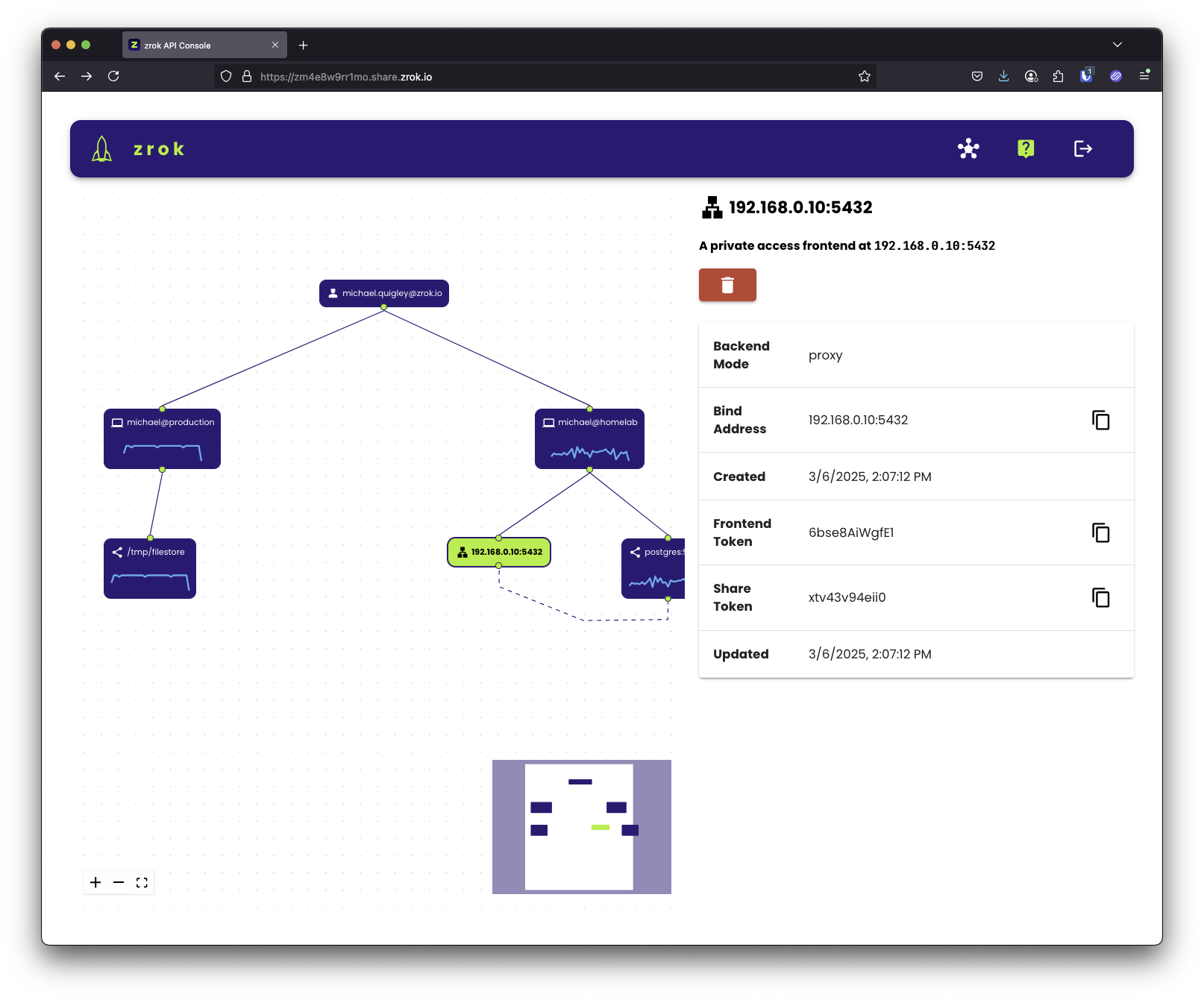
What you can share
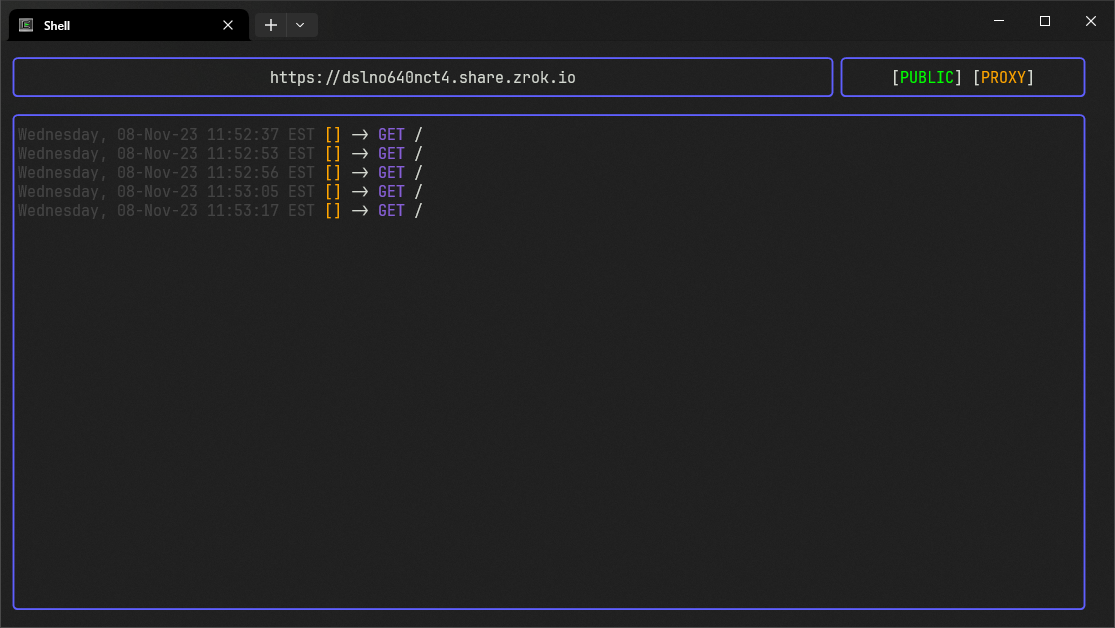
Web services
Instantly make local web apps accessible over the internet:
zrok share public localhost:8080
Files & directories
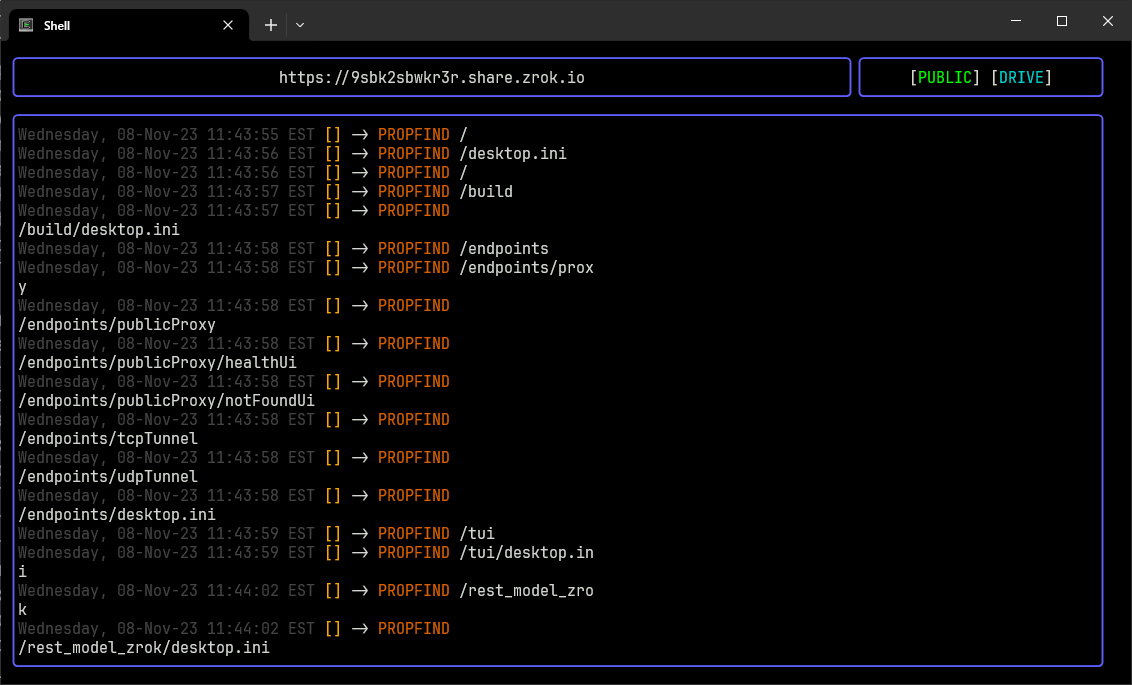
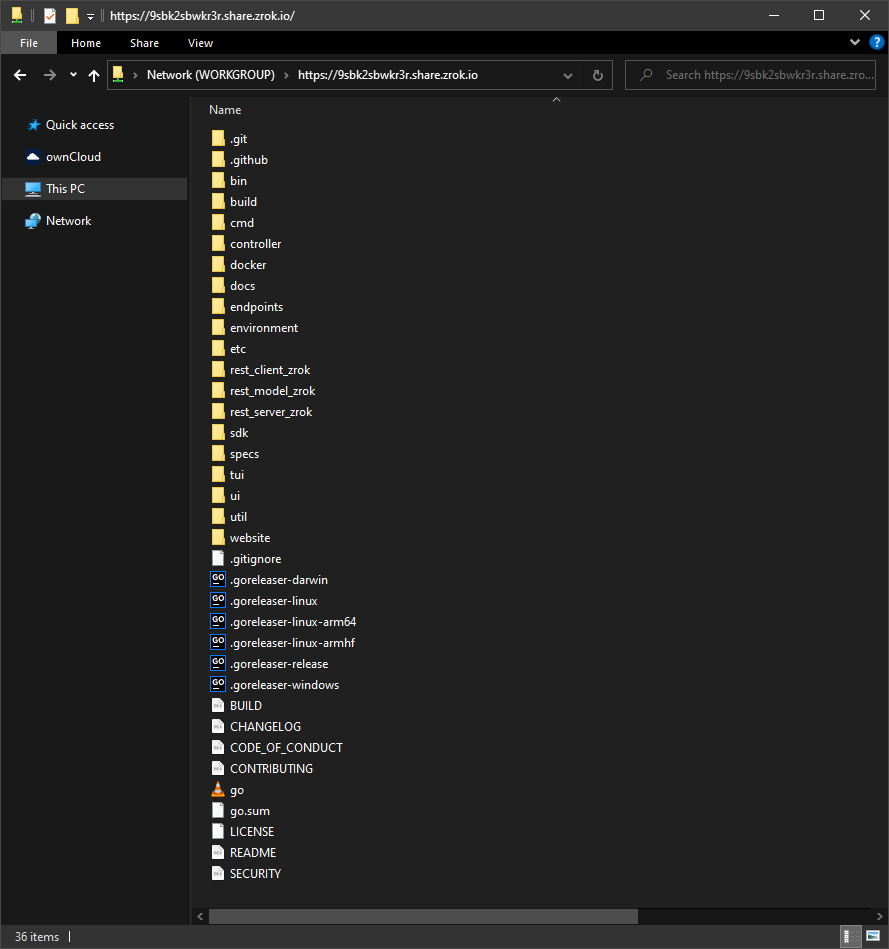
Turn any folder into a shareable network drive:
zrok share public --backend-mode drive ~/Repos/zrok
Private resources
Share TCP/UDP services securely with other zrok users—no public internet exposure.
Key features
- Zero Configuration: Works through firewalls, NAT, and corporate networks
- Secure by Default: End-to-end encryption with zero-trust architecture
- Public & Private Sharing: Share with anyone or just specific users
- Multiple Protocols: HTTP/HTTPS, TCP, UDP, and file sharing
- Cross-Platform: Windows, macOS, Linux, and Raspberry Pi
- Self-Hostable: Run your own zrok service instance
How it works
zrok is built on OpenZiti, a programmable zero-trust network overlay. This means:
- No inbound connectivity required: Works from behind firewalls and NAT
- End-to-end encryption: All traffic is encrypted, even from zrok servers
- Peer-to-peer connections: Direct connections between users when possible
- Identity-based access: Share with specific users, not IP addresses
Developer SDK
Embed zrok sharing into your applications with our Go SDK:
// Create a share
shr, err := sdk.CreateShare(root, &sdk.ShareRequest{
    BackendMode: sdk.TcpTunnelBackendMode,
    ShareMode:   sdk.PrivateShareMode,
})

// Accept connections
listener, err := sdk.NewListener(shr.Token, root)
Read the SDK guide for complete examples.
Self-hosting
Run your own zrok service—from Raspberry Pi to enterprise scale:
- Single binary contains everything you need
- Scales from small personal instances to large public services
- Built on the same codebase as the public zrok.io service
Resources
Ready to start sharing? Get started with zrok →
探索相关项目
trimstray/the-book-of-secret-knowledge
汇集各类启发灵感的清单、手册、速查表、博客、技巧、单行命令、CLI/Web 工具等内容。
257,764 星标Hack-with-Github/Awesome-Hacking
面向黑客、渗透测试人员与安全研究人员的各类 Awesome 清单合集。
125,254 星标swisskyrepo/PayloadsAllTheThings
一份用于 Web 应用安全以及渗透测试/CTF 的实用 payload 与绕过方法列表。
82,583 星标caddyserver/caddy
快速、可扩展的跨平台 HTTP/1-2-3 Web 服务器,支持自动 HTTPS
78,959 星标