
nicksp/dotfiles
nicksp/dotfiles has 473 GitHub stars and 100 forks. Star changes are not measured yet. Last checked 2026-11-13 23:15 UTC. Last push 2026-06-09.
实测星标增长
- 24小时
- 正在收集历史
- 7天
- 正在收集历史
- 15天
- 正在收集历史
- 1个月
- 正在收集历史
各周期内的星标净变化,周期相互重叠,并非每日新增。缺失的测量保持空白。星标代表关注度,不代表软件质量。
关于
My personal dotfiles: Zsh, Git, VSCode, Obsidian, Ghostty, cmux, etc.
开发工具README.md
原文~nicksp 🌮
My personal dotfiles for configuring macOS with Zsh and Homebrew.
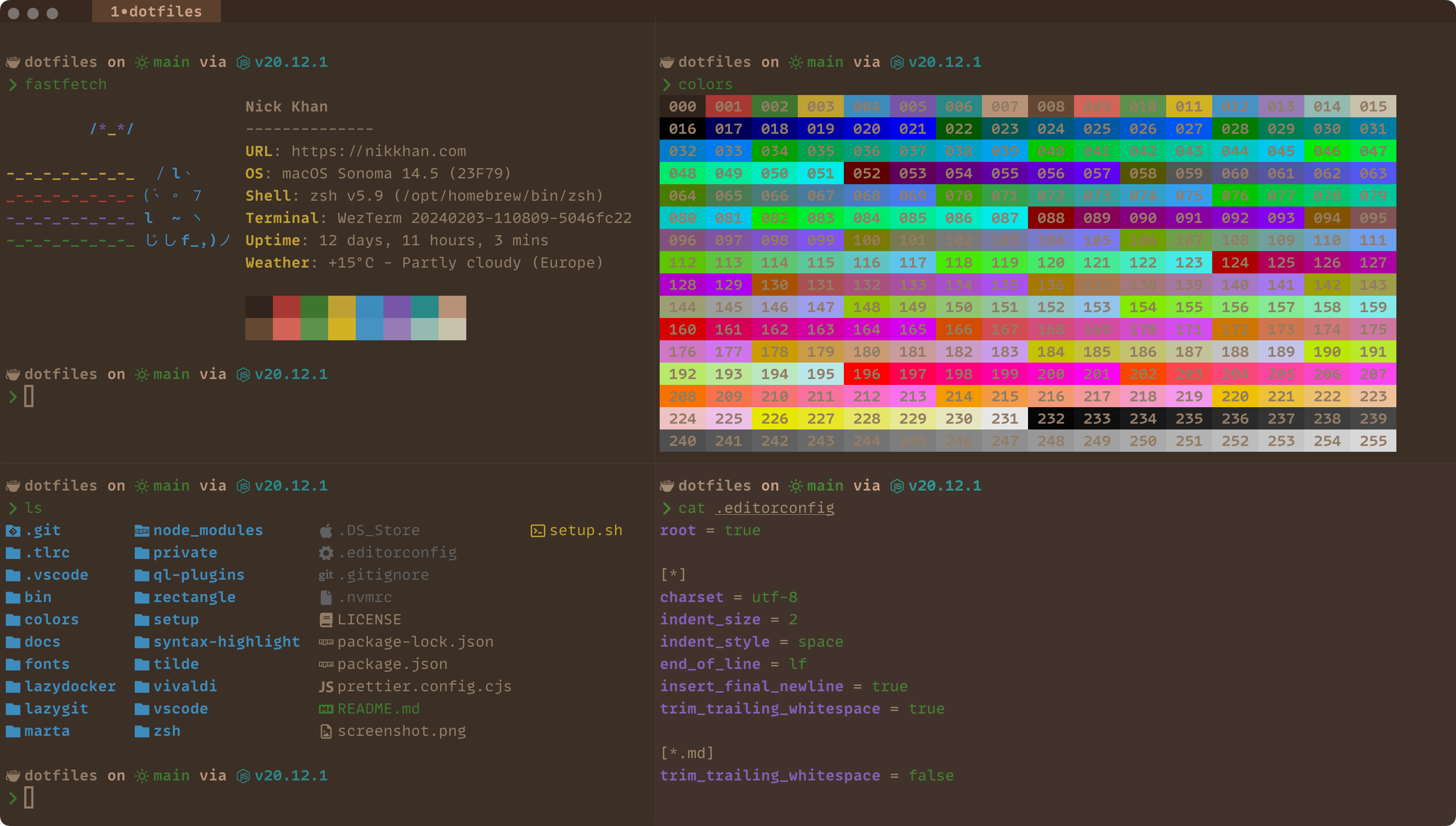
[!IMPORTANT]
Please only open pull requests that fix bugs or add improvements without any breaking changes.
[!WARNING]
I recommend forking this repository to create your own set of dotfiles.
Requirements
- macOS
- Homebrew (the install script will install Homebrew)
- Zsh (the install script will install Zsh via Homebrew)
What's in there?
- Custom color scheme: Squirrelsong.
- Handy CLI scripts.
- Coding agents config automation.
- Custom zsh theme with Git status, etc. using Starship.
- Git aliases.
- Zsh aliases.
- Obsidian as a second brain.
- zsh / fzf.
- git / hunk terminal diff viewer.
- Sensible macOS defaults.
- Visual Studio Code settings synchronization.
- Firefox custom styles.
- Config for other apps and utils.
- macOS apps and VSCode extensions I use.
- macOS tips & tricks.
Installation
Point the DNS Servers to Cloudflare DNS
1.1.1.11.0.0.12606:4700:4700::11112606:4700:4700::1001
Configure Git and GitHub SSH
Test your authentication with:
ssh -T [email protected]
Configure GPG commit signature verification
Install MonoLisa font
Choose manual or automatic dotfiles installation below
Manually
git clone [email protected]:nicksp/dotfiles.git ~/dotfiles
cd ~/dotfiles
./setup/zsh.sh
./setup/brew.sh
./setup/misc.sh
./setup/symlinks.sh
Automatically
To automate the setup of your dotfiles on a new machine, use the setup script.
[!CAUTION]
Use at your own risk!
git clone [email protected]:nicksp/dotfiles.git ~/dotfiles
~/dotfiles/setup.sh
This will install all required dotfiles in your home directory as symlinks. Everything is then configured via modifying files in ~/dotfiles.
Extras
Set macOS defaults
set-defaults
Use alternative apps icons
Refer to the icons documentation for available icon variants.
Install colors themes
sync-color-themes
Local customizations
The dotfiles can be extended to suit additional local requirements by using the following files:
~/.zsh.local
If this file exists, it will be automatically sourced after all the other shell related files allowing its content to add to or overwrite the existing aliases, settings, PATH, etc.
~/.ssh/config.local
If this file exists, it will be automatically included after the public SSH hosts to specify any additional SSH hosts.
~/.gitconfig.local
If this file exists, it will be automatically included after the configurations from ~/.gitconfig allowing its content to overwrite or add to the existing git configurations.
[!TIP]
Use~/.gitconfig.localto store sensitive information such as thegituser credentials for individual repositories.
Updating
cd ~/dotfiles
git pull
./setup.sh
License
MIT License.