
maoserr/epublifier
关于
将部分网络小说转换为 EPUB 格式
网站与应用实测星标增长
- 24小时
- +1
- 7天
- +1
- 15天
- 正在收集历史
- 1个月
- 正在收集历史
各周期内的星标净变化,周期相互重叠,并非每日新增。缺失的测量保持空白。星标代表关注度,不代表软件质量。
README.md
原文Epublifier
Converts websites into epub.
A tool that allows you to extract a list of html pages from a website and compile them into an ePub book to be imported into your eReader of choice.
For advanced users who can write javascript, you can add additional parser definition to customize parsing of any site.
Check out the wiki for usage.
Currently supporting following sites:
- Novel Update
- Wuxia World
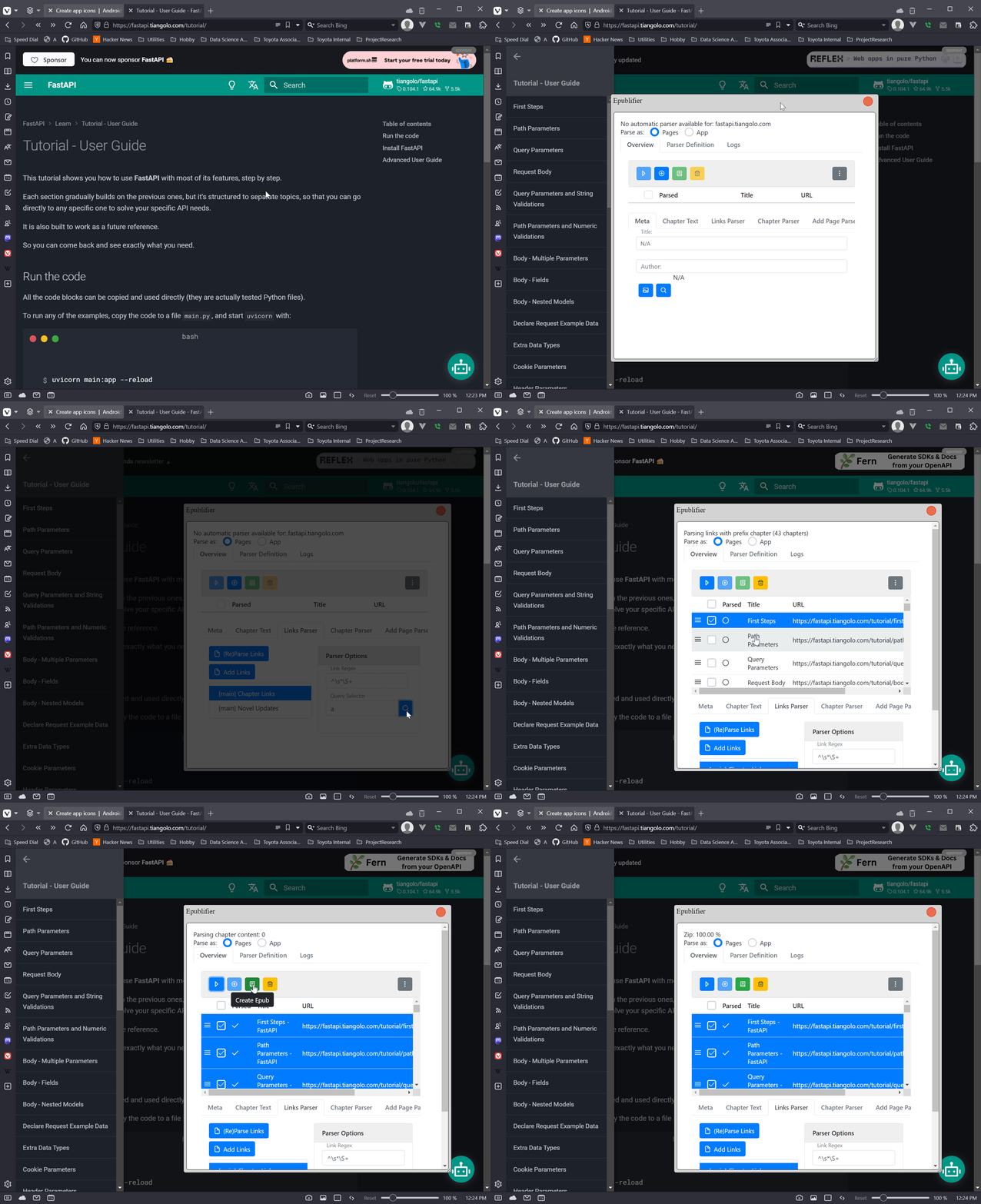
- Most sites from awesome-read-the-docs
- Custom sites with UL/OL elements as table of content, or regex on Link text, or use query selector
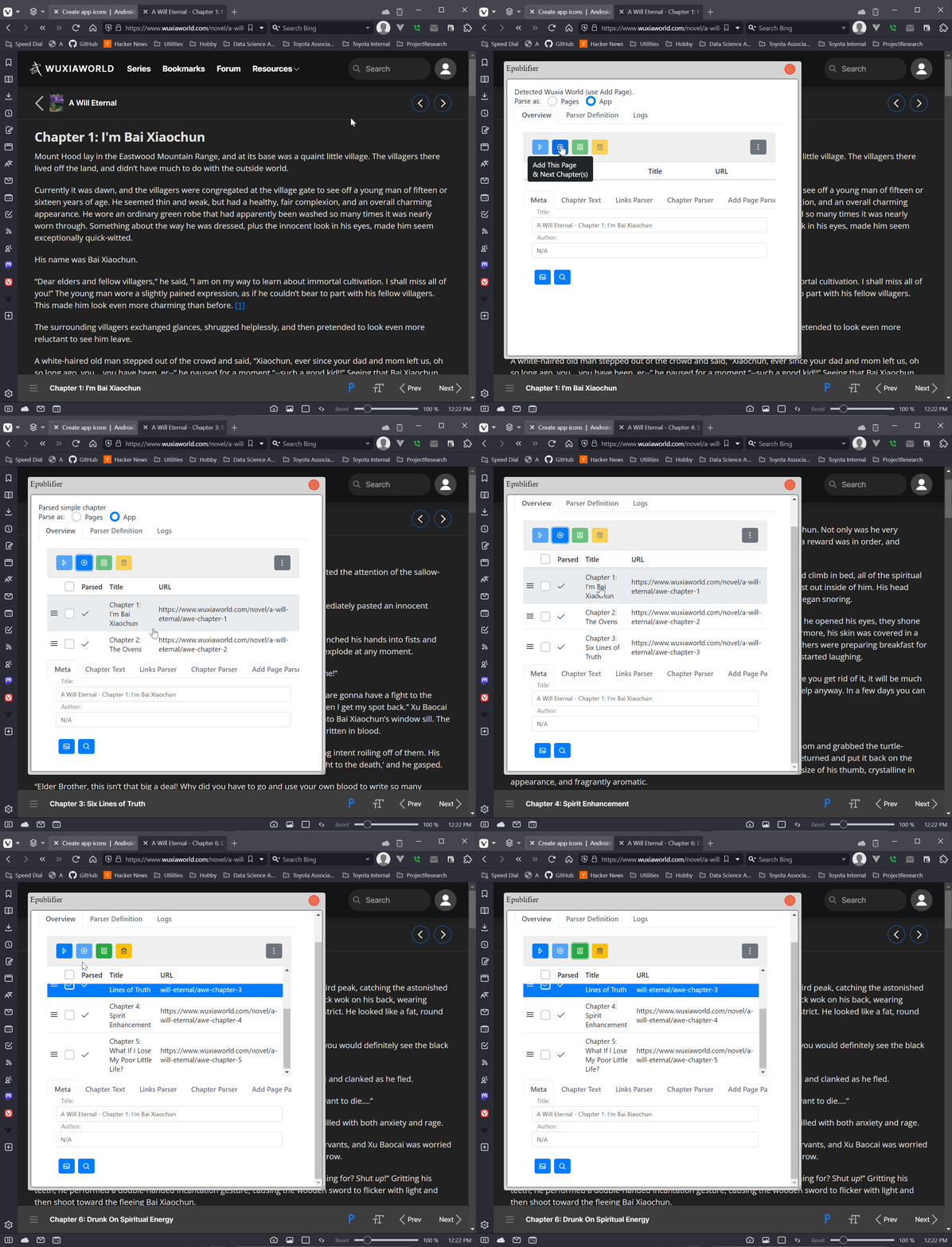
- Custom web app with predefined Title (header) element and Next button (clickable)
Installation
- Firefox: https://addons.mozilla.org/en-US/firefox/addon/epublifier/
- Chrome: https://chrome.google.com/webstore/detail/epublifier/eopjnahefjhnhfanplcjpbbdkpbagikk
Example Usage
Extracting list of pages
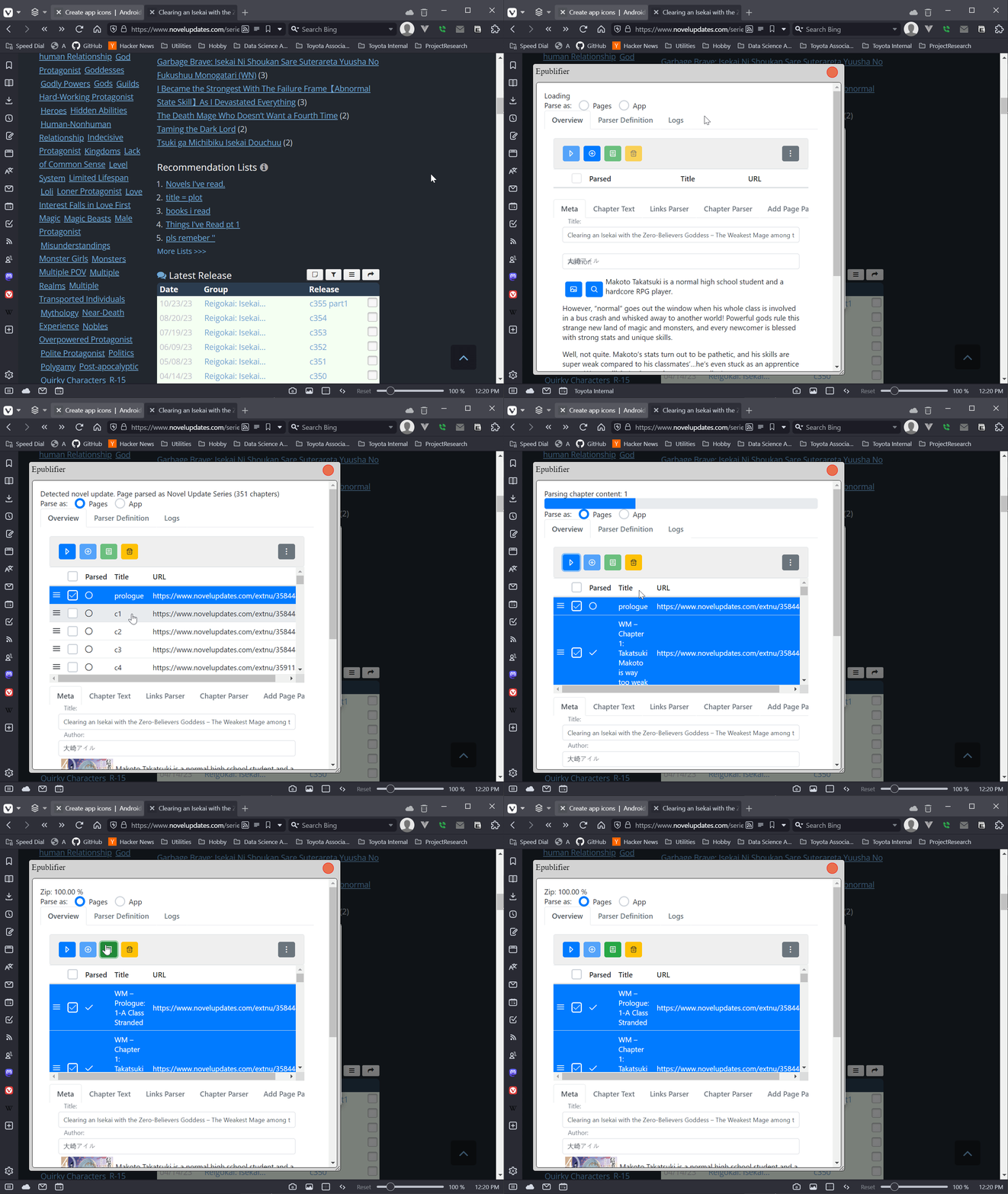
Tranversing Webapp through next button
Extracting other documentation
Why build a scraper as an extension? instead of command line, calibre plugin, etc...
This is for ad hoc generation of EPub from websites that don't have scrape well using traditional scrapers (think standard request based command line scripts or some other chrome extensions that scrape based on open tabs/window) for some reasons:
Usually command line scrapers and other extensions have predefined sites they work for, this one's outside of those sites
Or they requires nontrivial configuration and/or code
Some sites use javascript to dynamically generates/retrieve the text, in which case you need the browser to run the JS - This was the biggest gap for me.
This one runs in the browser, so maybe less likely to be detected and blocked
I also don't intend this scraper to be robust or used in a repeated fashion as a background scheduled job, that's why there's a UI for selecting key elements for scraping. It's meant to be more generalized so that you don't have to have a configuration for a site to still be able to scrape it relatively easily with just some mouse clicks.
If the site you're scraping is already handled by the other programs/extensions, then this wouldn't perform better since the other ones are specifically configured for those sites. Otherwise, this extension gives you the tool to scrape something once or twice without spending too much time coding/configuring.
I don't find myself sticking to the same site a lot, so wrote this.
Building
Build Environment
- Windows 10
- NPM version 8.1.2
Build Steps
- Install NPM
- Run
npm installin base directory - Run
npm run build_fffor Firefox - Run
npm run buildfor Chrome
CI/CD
Acknowledgements
Donate
探索相关项目
加载中…