
majd/ipatool
majd/ipatool has 12,170 GitHub stars and 1,072 forks. GitHot measured +15 stars in 24 hours and +110 in 7 days. Last checked 2026-11-05 19:44 UTC. Last push 2026-10-25.
用于在 App Store 中搜索 iOS、iPadOS、tvOS、watchOS、visionOS 和 macOS 应用,并下载 .ipa 或 macOS .pkg 应用包的命令行工具。
实测星标增长
- 24小时
- +15
- 7天
- +110
- 15天
- 正在收集历史
- 1个月
- 正在收集历史
各周期内的星标净变化,周期相互重叠,并非每日新增。缺失的测量保持空白。星标代表关注度,不代表软件质量。
README.md
原文


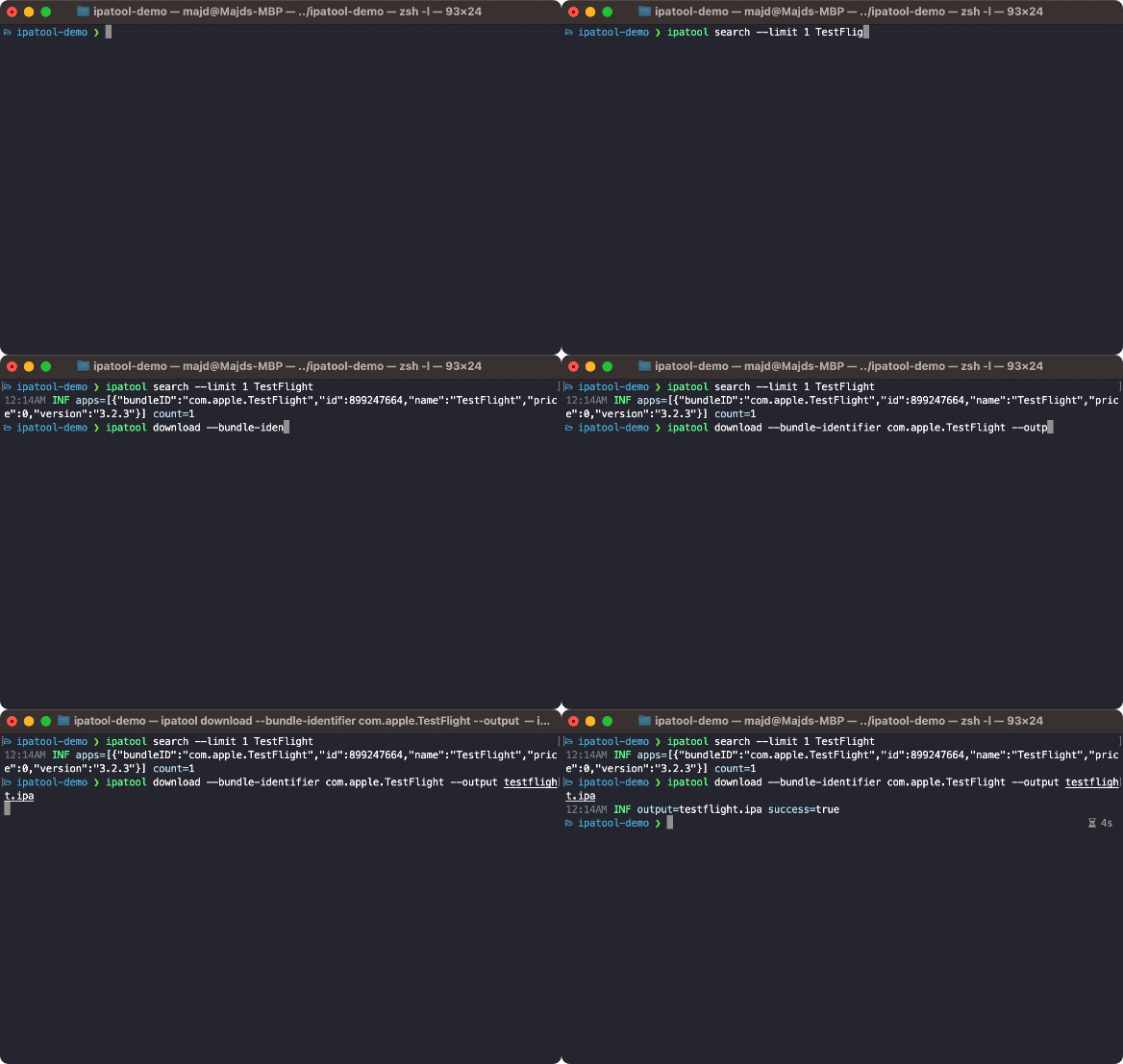
ipatool is a command line tool that allows you to search for iOS, iPadOS, tvOS, watchOS, visionOS, and macOS apps on the App Store, and download .ipa or macOS .pkg app packages.
Requirements
- A supported operating system (macOS, Linux, Windows or iOS).
- An Apple Account already configured to use the App Store.
Installation
Linux and Windows
You can grab the latest version of ipatool from GitHub releases.
macOS
You can install ipatool using Homebrew.
$ brew install ipatool
Usage
To get started, run the following command.
$ ipatool --help
A cli tool for interacting with Apple's ipa files

Usage:
  ipatool [command]

Available Commands:
  auth                 Authenticate with the App Store
  completion           Generate the autocompletion script for the specified shell
  download             Download iOS, iPadOS, tvOS, watchOS, visionOS, and macOS app packages from the App Store
  get-version-metadata Retrieves the metadata for a specific version of an app
  help                 Help about any command
  list-purchases       List apps owned by the authenticated App Store account
  list-versions        List the available versions of an App Store app
  mcp                  Serve App Store tools over MCP using stdio
  purchase             Obtain a license for the app from the App Store
  search               Search for iOS, iPadOS, tvOS, watchOS, visionOS, and macOS apps available on the App Store

Flags:
      --format format                sets output format for command; can be 'text', 'json' (default text)
  -h, --help                         help for ipatool
      --keychain-passphrase string   passphrase for unlocking keychain
      --non-interactive              run in non-interactive session
      --verbose                      enables verbose logs
  -v, --version                      version for ipatool

Use "ipatool [command] --help" for more information about a command.
Note: the tool runs in interactive mode by default. Use the --non-interactive flag
if running in an automated environment.
MCP tools
Run ipatool auth login in a terminal, then configure your MCP client to launch the stdio server:
{
  "mcpServers": {
    "ipatool": {
      "command": "ipatool",
      "args": ["mcp"]
    }
  }
}
Compiling
The tool can be compiled using the Go toolchain.
$ go build -o ipatool
Unit tests can be executed with the following commands.
$ go generate ./...
$ go test -v ./...
License
ipatool is released under the MIT license.