
lvgl/lv_binding_rust
关于
LVGL 的 Rust 绑定。功能强大且易于使用的嵌入式 GUI,提供丰富的组件和高级视觉效果(透明度、抗锯齿、动画),内存需求低(16K RAM、64K Flash)。
创作与媒体可以做什么
- Displays: We use embedded_graphics library to draw to the display, along with lv_drivers. You can use lvgl-rs with any of the embedded_graphics supported displays, and those supported by lv_drivers. Note: lv_drivers support is currently experimental.
- Events: You can listen and trigger events in widget objects.
- Styles: You can set styles in any exposed object. We are still missing the possibility of defining global base styles.
- Input Devices: Input devices supported by lv_drivers can be used, and custom handlers can be specified for embedded_graphics. Currently, only pointer input devices are supported. Note: lv_drivers support is currently experimental.
实测星标增长
- 24小时
- 0
- 7天
- +1
- 15天
- +2
- 1个月
- +9
各周期内的星标净变化,周期相互重叠,并非每日新增。缺失的测量保持空白。星标代表关注度,不代表软件质量。
README.md
原文LVGL - Open-source Embedded GUI Library in Rust
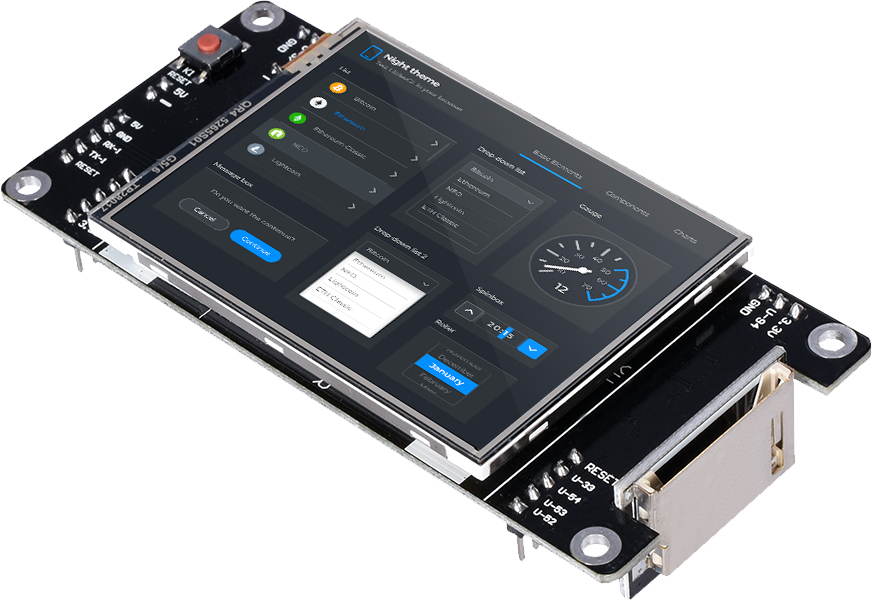
LVGL provides everything you need to create a Graphical User Interface (GUI) on embedded systems with easy-to-use graphical elements, beautiful visual effects and low memory footprint.
LVGL is compatible with #![no_std] environments by default.
Rust to WASM demo · Official LVGL Website · C library repository · Official live demos
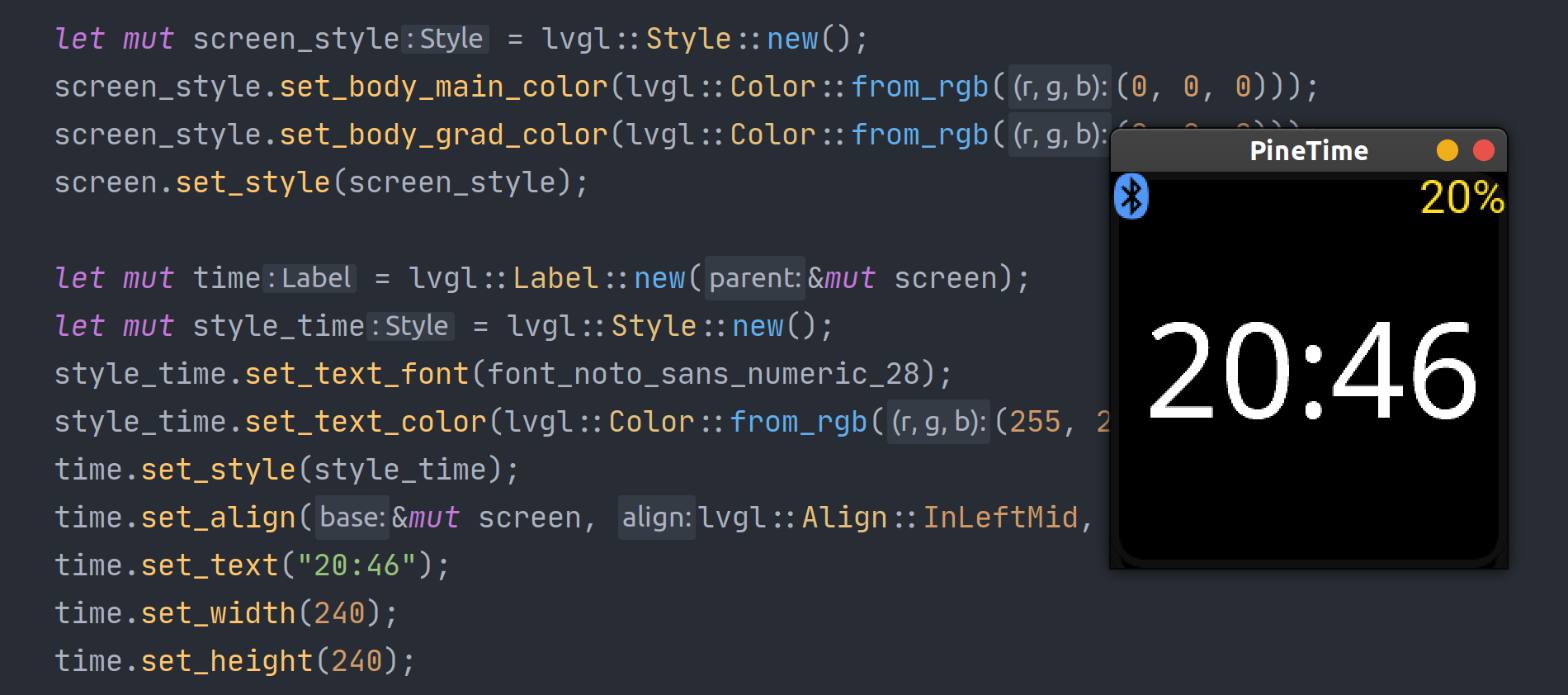
System Build Dependencies
In order to build the lvgl project you will need the following system dependencies to be installed:
$ sudo apt install build-essential llvm clang
If you want to build the examples, then you will need to install SDL2 as well.
$ sudo apt install libsdl2-dev
Usage
Edit your Cargo.toml file dependencies with:
$ cargo add lvgl
The build requires the environment variable bellow to be set:
DEP_LV_CONFIG_PATH: Path to the directory containing thelv_conf.hheader file used for configuration of LVGL library.- (Optional)
LVGL_FONTS_DIR: Directory for custom fonts generated for use in LVGL. See the documentation for usage. - (Optional)
LVGL_INCLUDE: C headers to include during the build if using thedriversfeature, comma-separated. The default is/usr/include,/usr/local/include. - (Optional)
LVGL_LINK: C libraries to link in during the build if using thedriversfeature, comma-separated. The default isSDL2.
We recommend the lv_conf.h file to be in your project's root directory. If so, the command to build your project would be:
$ DEP_LV_CONFIG_PATH=`pwd` cargo build
Building for embedded environments
We make use of bindgen for generating the bindings to LittlevGL at build time. There is a problem in cargo when building
for no_std, so we need to use a workaround to build "lvgl-rs". The mainstrem issue in cargo is being tracked at
rust-lang/cargo#7915.
DEP_LV_CONFIG_PATH=`pwd` cargo build -Z features=build_dep
The unsafe_no_autoinit feature must also be enabled when building for baremetal targets. See its documentation in Cargo.toml for notes on usage.
LVGL Global Allocator
A global allocator for Rust leveraging the
LVGL memory allocator is provided, but not enabled
by default. Can be enabled by the feature lvgl_alloc. This will make all dynamic memory to be allocated by LVGL
internal memory manager.
Running the demo
Hint for macOS users: Before you run the demos you need to make sure you have libsdl installed on your machine. To install it, use HomeBrew:
$ brew install sdl2
This project contains examples that can run in a desktop simulator.
First, make sure to pull lvgl-rs submodules:
$ git submodule init
$ git submodule update
Then run the demo example:
$ DEP_LV_CONFIG_PATH=`pwd`/examples/include cargo run --example demo --features="alloc"
Feature Support
The bindings are still in development. There are many features of LVGL that needs to be exposed by lvgl-rs. In
this section you can check what is implemented at the moment.
Unsafe bindings are located in lvgl-sys folder are generated via bindgen.
Safe bindings are generated using the lvgl-codegen lib, which takes the raw unsafe bindings and generate safe/rust idiomatic bindings (check the build.rs script in the lvgl folder).
Features
List of LVGL features that impacts the library usage in general.
- Displays: We use
embedded_graphicslibrary to draw to the display, along withlv_drivers. You can uselvgl-rswith any of theembedded_graphicssupported displays, and those supported bylv_drivers. Note:lv_driverssupport is currently experimental. - Events: You can listen and trigger events in widget objects.
- Styles: You can set styles in any exposed object. We are still missing the possibility of defining global base styles.
- Input Devices: Input devices supported by
lv_driverscan be used, and custom handlers can be specified forembedded_graphics. Currently, only pointer input devices are supported. Note:lv_driverssupport is currently experimental. - Fonts: All fonts built-in to LVGL can be used on nightly Rust if the
nightlyfeature is enabled. Custom fonts can also be encoded into a C file (see the documentation on thefontmodule). - Animations: Creating basic animations is supported entirely from Rust.
- Images
- File system
- Tasks
Widgets
Widgets currently implemented might have some missing features. If the widget you want to use is not exposed or is missing a feature you want to make use, please send a Pull Request or open an issue.
Troubleshooting
Here's a list of known issues that can be faced when using this repo:

探索相关项目
加载中…