项目 在 GitHub 查看
jgudo/ecommerce-react
关于
使用 React、Redux、Redux-Saga、Firebase 和 SASS 构建的电子商务 Web 应用。
网站与应用可以做什么
- Admin CRUD operations
- Firebase authentication
- Firebase auth provider authentication
- Account creation and edit
实测星标增长
- 24小时
- 0
- 7天
- -2
- 15天
- -2
- 1个月
- 正在收集历史
各周期内的星标净变化,周期相互重叠,并非每日新增。缺失的测量保持空白。星标代表关注度,不代表软件质量。
README.md
原文Salinaka | E-commerce react app
Simple ecommerce react js app with firebase [typescript].

Live demo
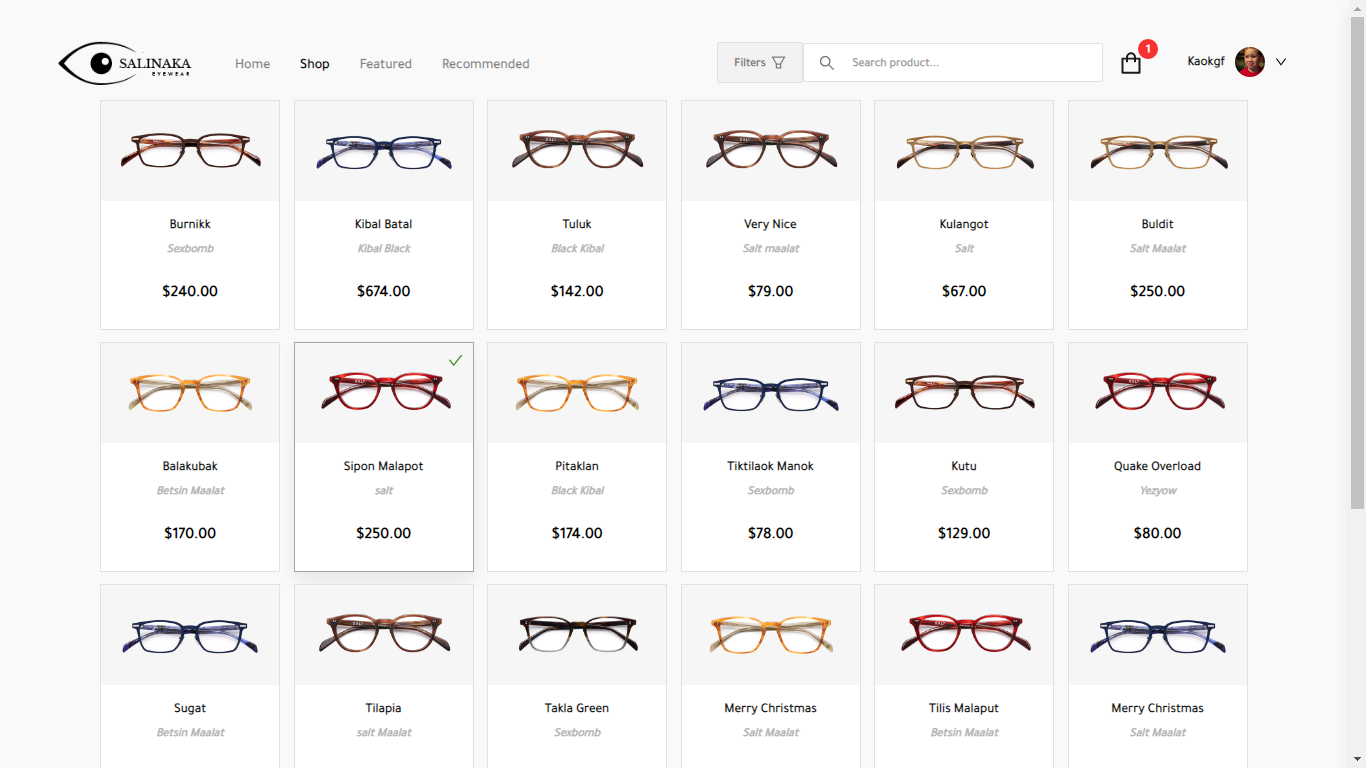
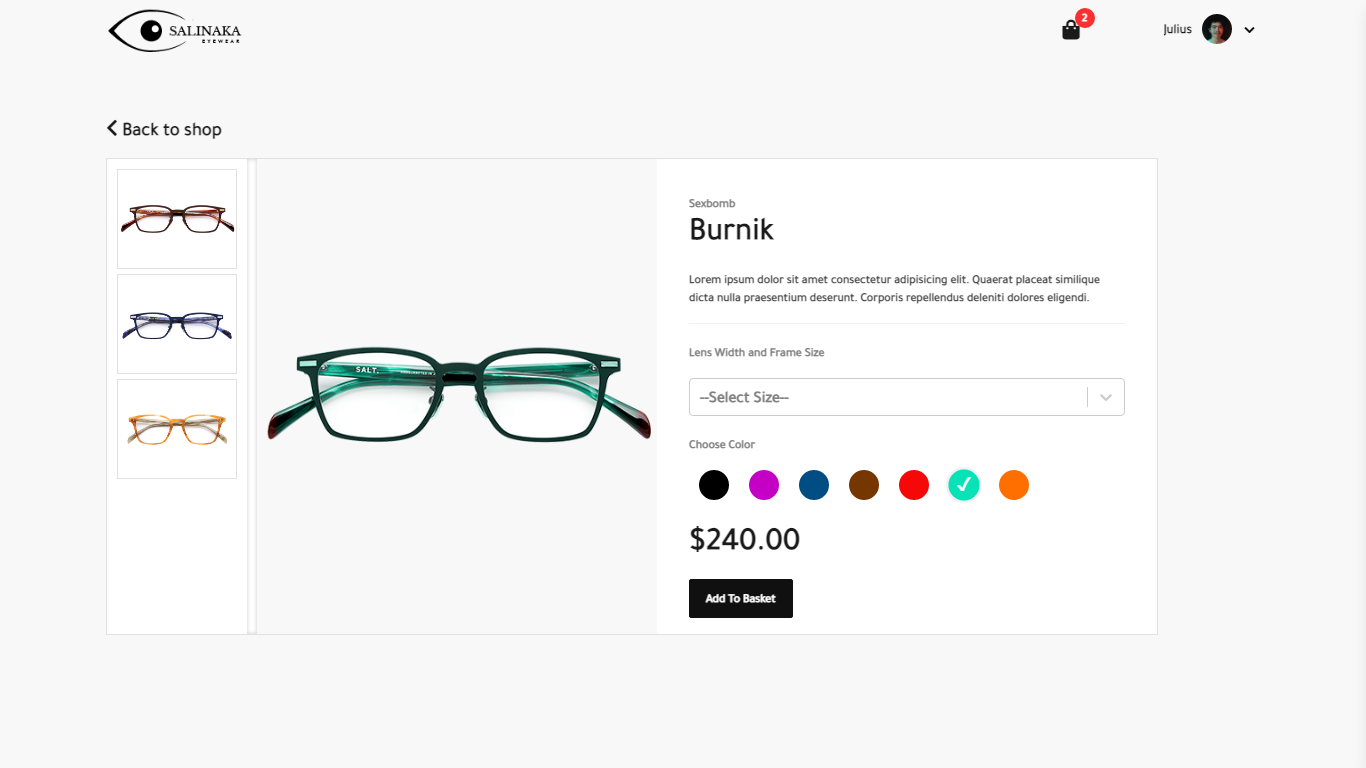
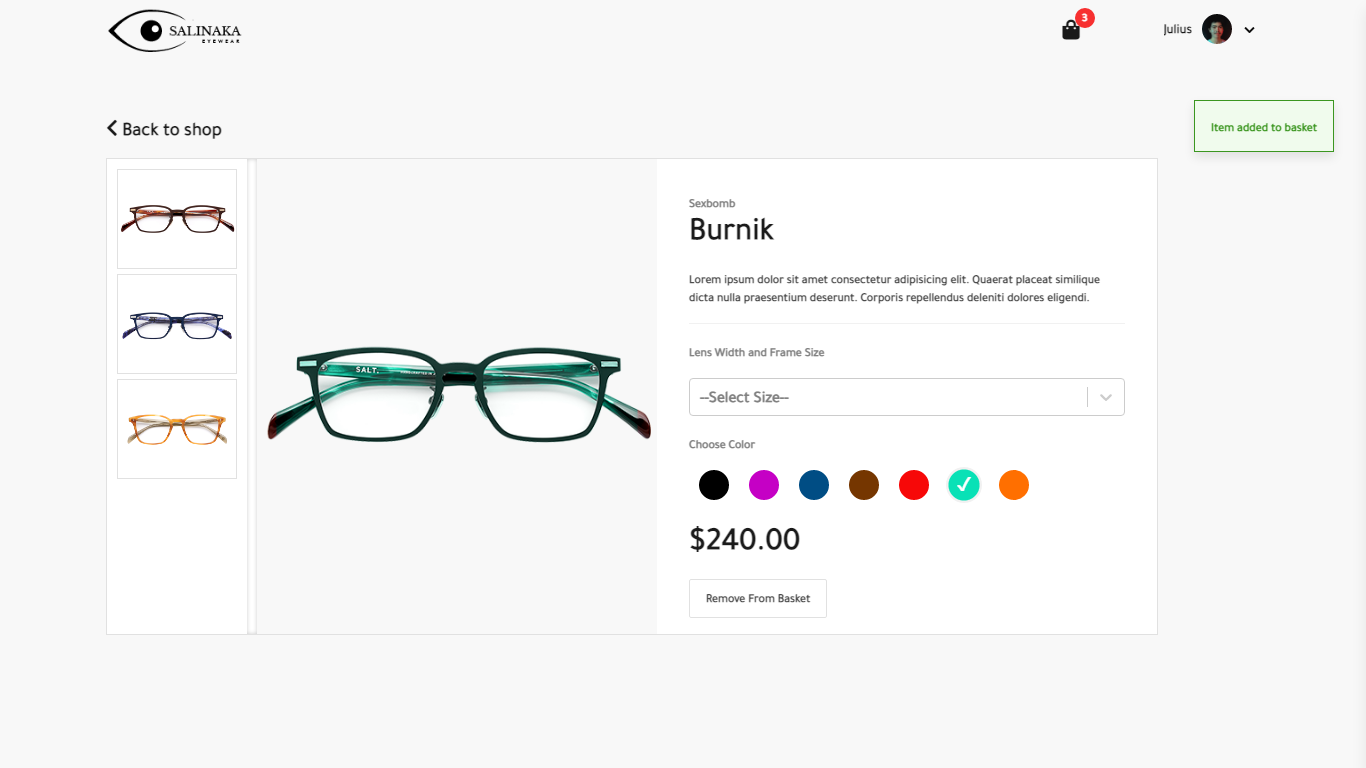
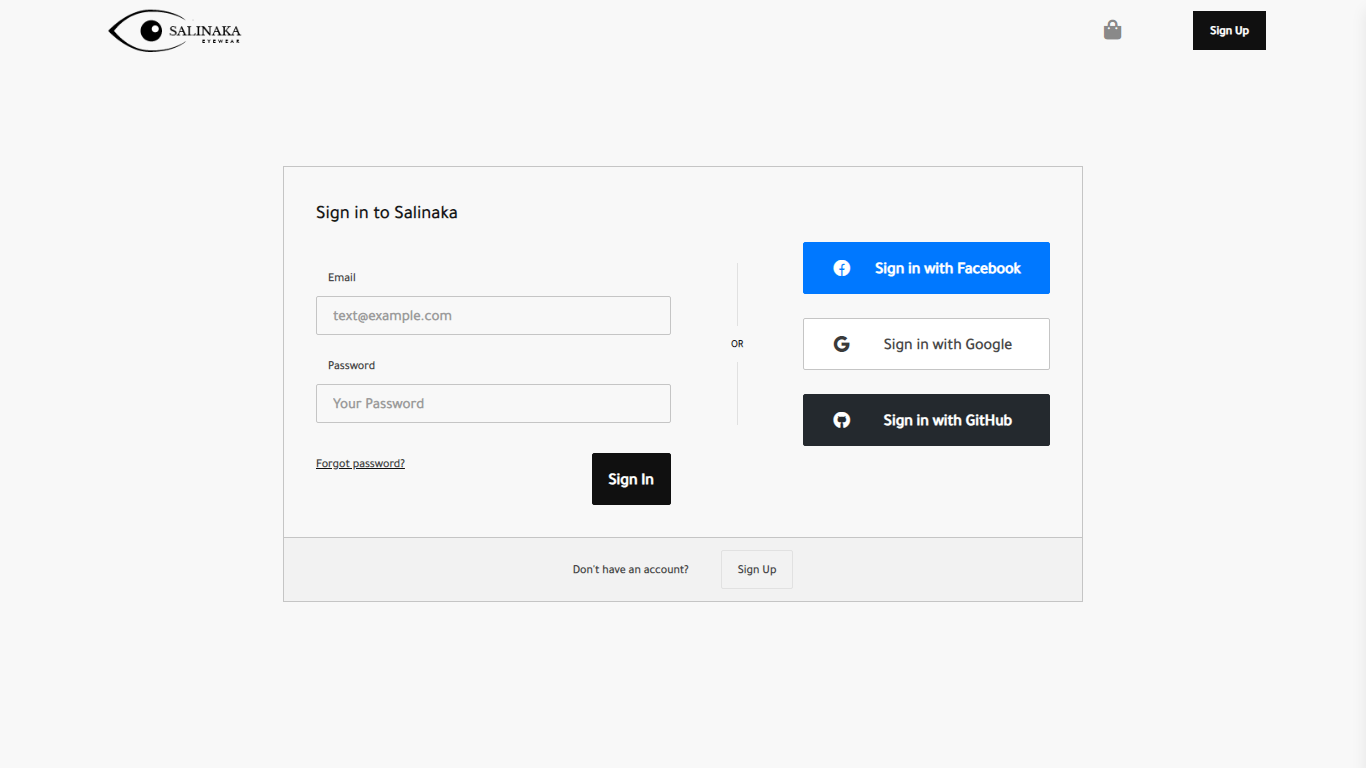
Run Locally
1. Install Dependencies
$ yarn install
2. Create a new firebase project
Login to your google account and create a new firebase project here
Create an .env file and add the following variables.
// SAMPLE CONFIG .env, you should put the actual config details found on your project settings

VITE_FIREBASE_API_KEY=AIzaKJgkjhSdfSgkjhdkKJdkjowf
VITE_FIREBASE_AUTH_DOMAIN=yourauthdomin.firebaseapp.com
VITE_FIREBASE_DB_URL=https://yourdburl.firebaseio.com
VITE_FIREBASE_PROJECT_ID=yourproject-id
VITE_FIREBASE_STORAGE_BUCKET=yourstoragebucket.appspot.com
VITE_FIREBASE_MSG_SENDER_ID=43597918523958
VITE_FIREBASE_APP_ID=234598789798798fg3-034
After setting up necessary configuration, create a Database and choose Cloud Firestore and start in test mode
3. Run development server
$ yarn dev
Build the project
$ yarn build
How to add products or perform CRUD operations for Admin
- Navigate to your site to
/signup - Create an account for yourself
- Go to your firestore collection
users collectionand edit the account you've just created. Change the role fromUSERtoADMIN. - Reload or sigin again to see the changes.
Firebase Admin to be integrated soon
Features
- Admin CRUD operations
- Firebase authentication
- Firebase auth provider authentication
- Account creation and edit
探索相关项目
加载中…