
jeremybarbet/react-native-modalize
关于
高度可定制、适合滚动内容的模态框/底部面板。
网站与应用实测星标增长
- 24小时
- -1
- 7天
- -2
- 15天
- -4
- 1个月
- 正在收集历史
各周期内的星标净变化,周期相互重叠,并非每日新增。缺失的测量保持空白。星标代表关注度,不代表软件质量。
README.md
原文Modalize

A highly customizable modal/bottom sheet that loves scrolling content.
This component has been built with react-native-gesture-handler to address the common issue of scrolling, swiping and handling the keyboard behaviors, you can face with react-native's modal.
This component comes with a ScrollView, the default renderer, a FlatList or a SectionList. They are all three built-in and make your life easier, just pass your content and Modalize will handle the rest for you. You can also have the possibility to pass your own custom renderer.
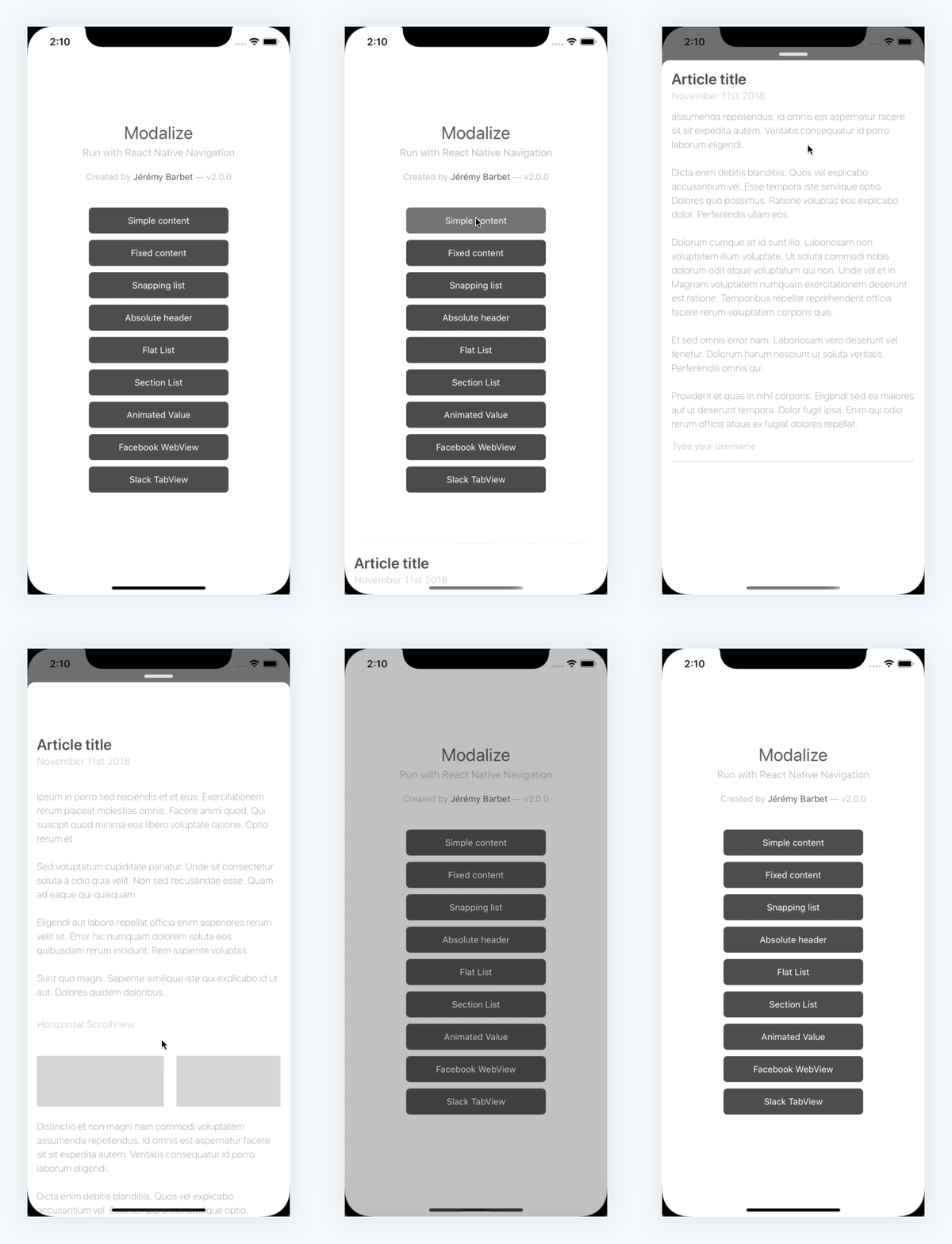
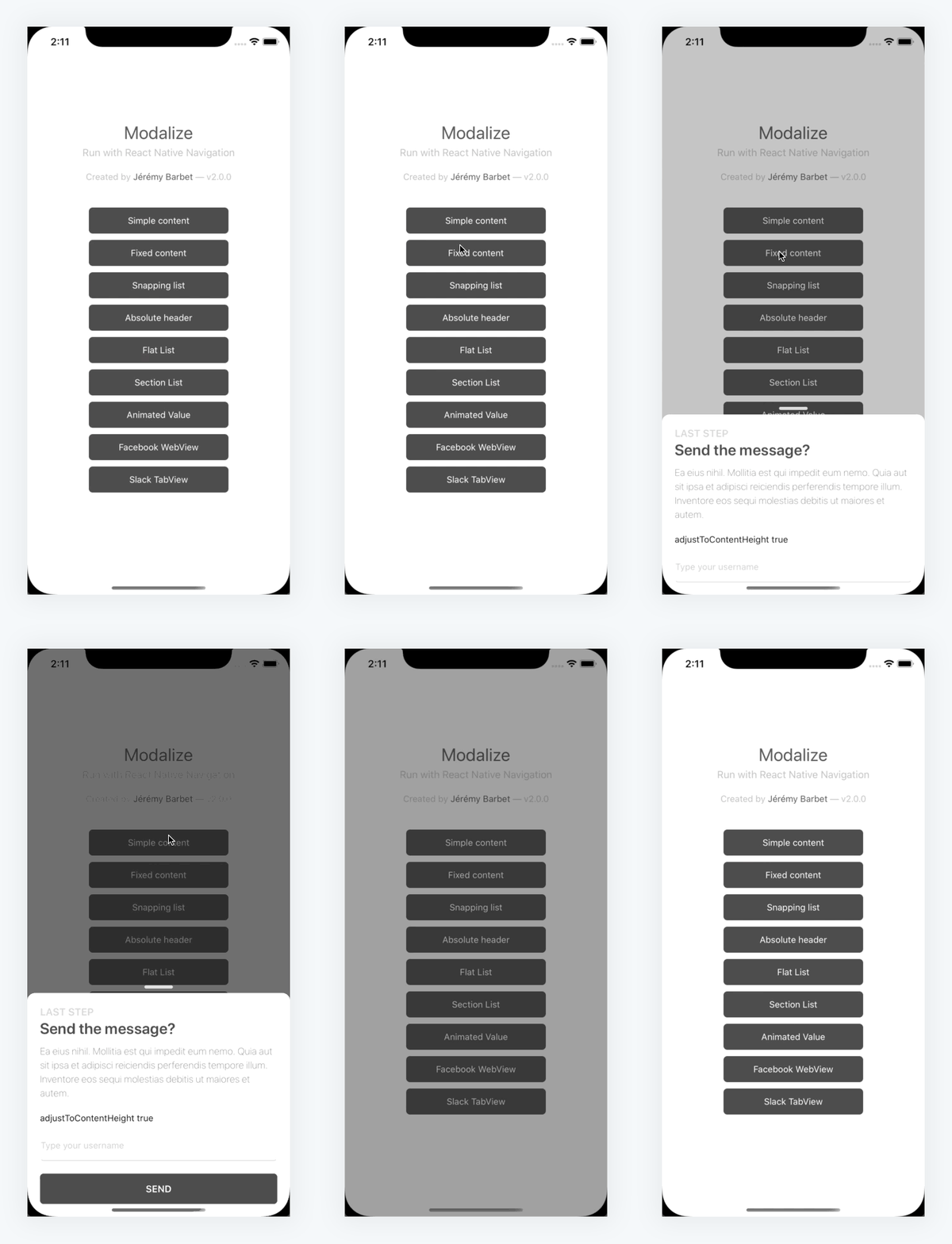
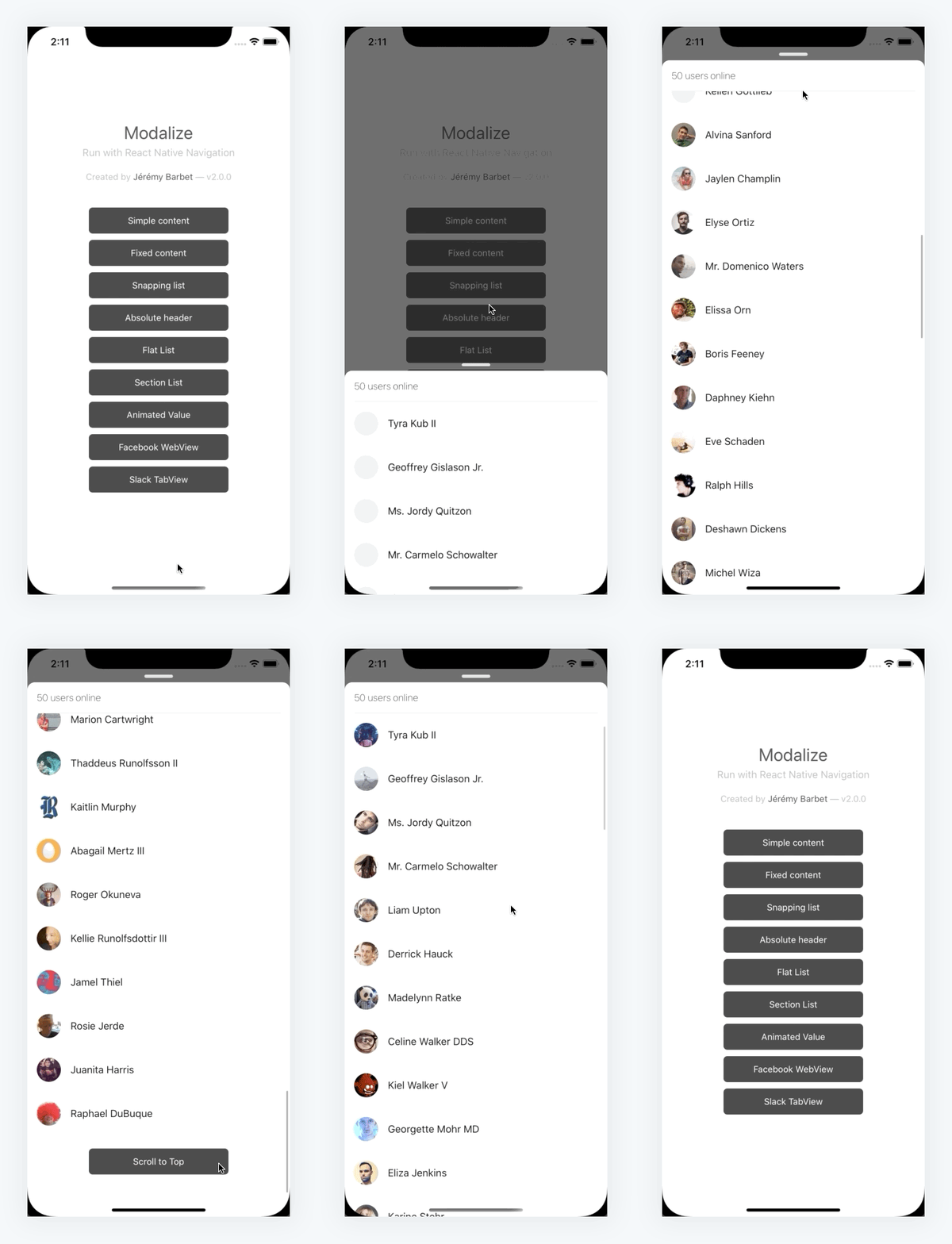


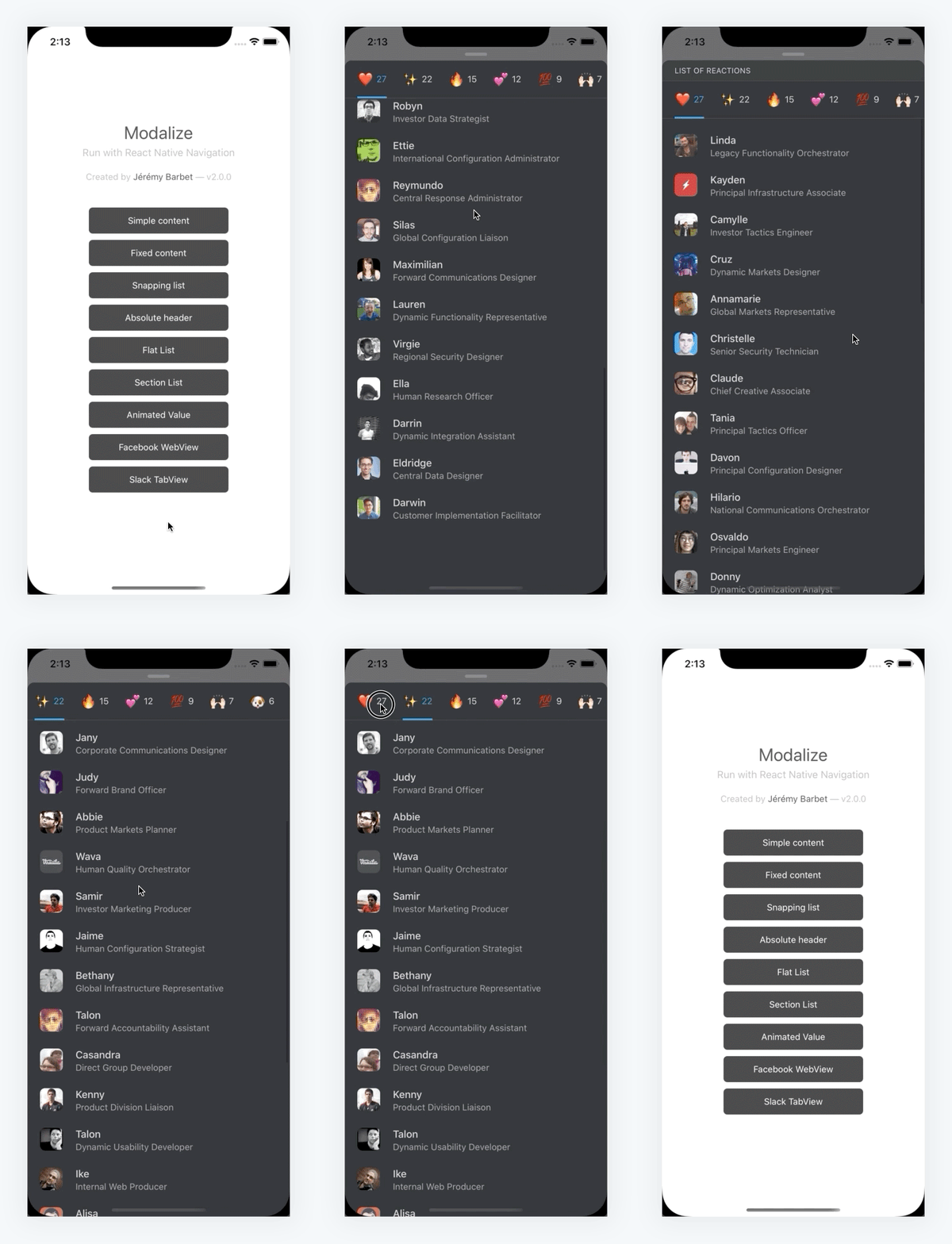
Installation
yarn add react-native-modalize react-native-gesture-handler
iOS
npx pod-install ios
Android
React Native <= 0.59
Follow this guide to complete the Android installation.
React Native > 0.60
You don't need to follow the guide mentioned above because autolinking from React already did the steps.
Usage
Here is a quick example, using the default ScrollView renderer.
import React, { useRef } from 'react';
import { View, Text, TouchableOpacity } from 'react-native';
import { Modalize } from 'react-native-modalize';

export const App = () => {
  const modalizeRef = useRef<Modalize>(null);

  const onOpen = () => {
    modalizeRef.current?.open();
  };

  return (
    <>
      <TouchableOpacity onPress={onOpen}>
        <Text>Open the modal</Text>
      </TouchableOpacity>

      <Modalize ref={modalizeRef}>...your content</Modalize>
    </>
  );
};
Documentation
Please check out the full documentation available here to find all about the props, methods and examples of Modalize's usage.
探索相关项目
加载中…