
janpfeifer/gonb has 1,055 GitHub stars and 57 forks. GitHot measured +1 stars in 24 hours and +1 in 7 days. Last checked 2026-11-11 01:28 UTC. Last push 2026-07-27.
GoNB, a Go Notebook Kernel for Jupyter
可以做什么
- Auto-complete and contextual help while coding.
- Widgets (sliders, buttons) support: interact using HTML elements. Create your own widgets!
- Plotly integration using go-plotly (see example in tutorial)
- Apache ECharts integration using gonb-echarts and go-echarts: see examples
实测星标增长
- 24小时
- +1
- 7天
- +1
- 15天
- 更新延迟
- 1个月
- 更新延迟
各周期内的星标净变化,周期相互重叠,并非每日新增。缺失的测量保持空白。星标代表关注度,不代表软件质量。
README.md
原文GoNB, A Modern Go Kernel for Jupyter 📓Notebooks📓




For a quick start, see the tutorial 🧭
✨ Highlights:
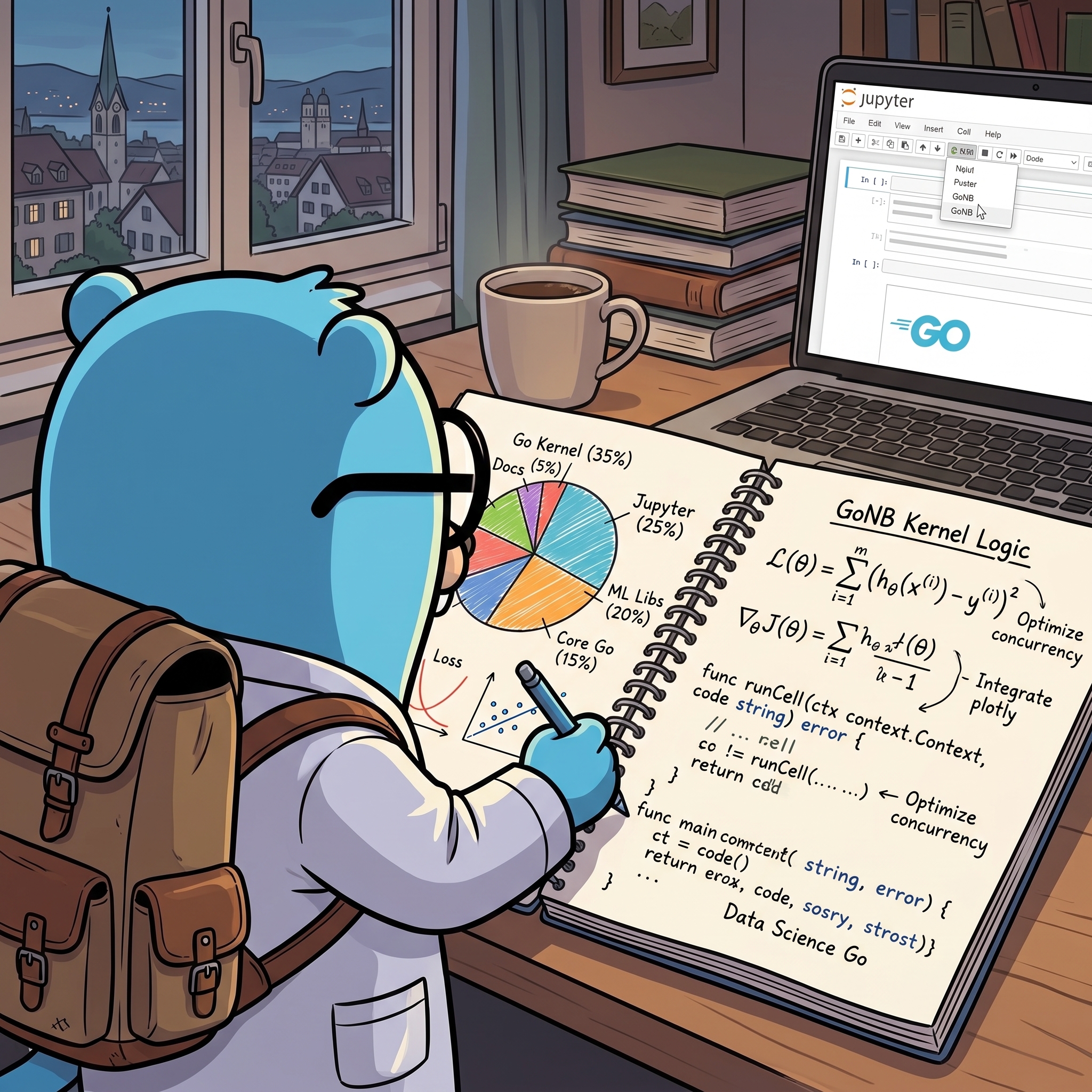
🚀 NEW 🚀: Windows (not WSL) support is working! Thanks to @StarWindv. (It's fresh from the oven, so there may be some kinks -- please report any issues!).
- Auto-complete and contextual help while coding.
- Rich content display: HTML, markdown (with latex), images, javascript, svg, videos, etc.
- Widgets (sliders, buttons) support: interact using HTML elements. Create your own widgets!
- Plotly integration using go-plotly (see example in tutorial)
- Apache ECharts integration using gonb-echarts and go-echarts: see examples
- Uses standard Go compiler: 100% compatibility with projects, even those using CGO. It also supports arbitrary Go compilation flags to be used when executing the cells.
- Faster execution than interpreted Go, used in other similar kernels -- at the cost of imperceptible increased start up, since each cell is compiled.
- Supported by Jupytext: it allows one to write the notebook as a normal. Go file, and use Jupytext to convert to a notebook (with markdown support, etc). See example.
- Run cell's
Test*andBenchmark*functions withgo test, simply adding%testto cell. - Support for
go.modandgo.work, to allow local development. Including importing specific versions of libraries. - Debug using gdlv, a GUI for the delve debugger (see %help).
- Shell command executions with
!-- handy at times, for instance to install packages. - Reported to work with Github Codespace, VSCode, Binder, Google's Colab, etc.
- Very well documented and supported.
- Great for data-science, testing, writing reports, live demos, etc.
- Includes a pre-built docker, that includes JupyterLab and GoNB, that can be used to easily try it out. Alternatively, there is a Google's Colab, that bootstraps GoNB and can be used online.
- Online help and much more, see
%help. - Compile and execute the Go code as WASM: allows one to do interactive widgets in notebooks. See
%wasm(EXPERIMENTAL). - Positron Go (github.com/dfalbel/positron-go): A Positron extension that adds support for GoNB notebooks.
👁️🗨️ Examples:
Auto-complete and Contextual Help

Flowers Diffusion Model Demo
https://github.com/janpfeifer/gonb/assets/7460115/f1187dad-4c10-4d21-a73e-9090019680ae
Sine Plot Connected to Slider
(See full code in the tutorial)

Example Screenshotting Wikipedia

🌱 Introduction
Go is a compiled language, but with very fast compilation, that allows one to use it in a REPL (Read-Eval-Print-Loop) fashion, by inserting a "Compile" step in the middle of the loop -- so it's a Read-Compile-Run-Print-Loop — while still feeling very interactive.
GoNB leverages that compilation speed to implement a full-featured (at least it's getting there) Jupyter notebook kernel. As a side benefit it works with packages that use CGO — although it won't parse C code in the cells, so it can't be used as a C kernel.
It already includes many goodies: cache between cell of results, contextual help and auto-complete (with
gopls),
compilation error context (by mousing over), bash command execution, images, html, etc.
See the tutorial.
It's been heavily used by the author (in developing GoMLX, a machine learning framework for Go), but should still be seen as experimental — if we hear success stories from others, we can change this.
Reports of issues as well as fixes are always welcome.
There is also a live version in Google's Colab that one can interact with (make a copy first) — if the link doesn't work (Google Drive sharing publicly is odd), download it from GitHub and upload it to Google's Colab.
Finally, because it's compiled and not interpreted, it has a slightly different "semantic" than the Python kernels. It's highly recommended quickly browsing through the tutorial.
📦 Installation
Only for Linux and macOS. In Windows, it works in WSL or inside a Docker
🐳 Docker
GoNB offers a pre-built docker,
that includes JupyterLab and GoNB.
To use it, go to a directory that you want to make available to the Jupyter notebook
(your home directory, or a directory where to store the notebook files).
It will be mounted on the host/ subdirectory in JupyterLab.
To start it:
docker pull janpfeifer/gonb_jupyterlab:latest
docker run -it --rm -p 8888:8888 -v "${PWD}":/notebooks janpfeifer/gonb_jupyterlab:latest
Then copy&paste the URL that it outputs in your browser.
Note: The docker allows for customization by running an arbitrary script at start up as root, which allows
one to install any planned dependencies. See docker.md for details.
🐧 Linux and macOS Installation Using Standard Go Tools
The official tutorial on how to install go programs here.
It is pretty straightforward: Go maintains a GOBIN directory (that you can set) and go install will compile
programs and put it there. You should add the GOBIN directory to your PATH (the default list of directories
to search for executables).
You need to install (if not yet there), GoNB, goimports and gopls (for auto-complete), and then run
gonb --install. To install them in your GOBIN directory:
go install github.com/janpfeifer/gonb@latest && \
  go install golang.org/x/tools/cmd/goimports@latest && \
  go install golang.org/x/tools/gopls@latest
And if GOBIN is in your PATH, run the following to install GoNB as a kernel in the Jupyter configuration
(works for both JupyterLab and Jupyter Notebook).
gonb --install
Otherwise, find the binary in your filesystem (that is $HOME/go on macOS and Linux by default, and
%USERPROFILE%\go on Windows), then run ./gonb --install in that very directory.
And then (re-)start Jupyter.
In GitHub's Codespace, if Jupyter is already started, restart the docker — it will also restart Jupyter.
Note: for go.work to be parsed correctly for auto-complete, you need gopls version greater or equal
to v0.12.4 (or at least v0.12.0?).
You can check it with gopls version.
🪟 Windows
The recommendation is to use WSL (Windows Subsystem for Linux) or WSL2, and run Jupyter and the GoNB kernel in the Linux/WSL environment. Install there as if it were in a linux machine.
A pure Windows installation is not supported at this time — but contributions to add support for it would be welcome :)
🧩 Extensions
- Positron Go (github.com/dfalbel/positron-go): A Positron extension that adds support for GoNB notebooks. See demo video. Positron is a new Data Science IDE, built by the same company that created RStudio.
👥 Support
: connect with us there. Once you've joined the Gophers slack, find the
#gomlxchannel. GoMLX is a full-featured machine learning framework for Go developed in tandem with GoNB.
🤔 FAQ
- Is there more documentation?
- There is a help (run
%helpin a cell) and a tutorial, which is kept up to date and is comprehensive – it includes every GoNB feature. - The libraries that are used or UI, Widgets and manipulating the DOM in the notebook's browser,
are all under the package
gonbui. They are described in the tutorial, but also documented in pkg.go.dev.
- There is a help (run
- What is the
%%symbol seen everywhere?- It is a special commands for GoNB that means "insert a
func main {...}here".
- It is a special commands for GoNB that means "insert a
- Go error handling is verbose and annoying for things interactive as a notebook. Can we do something?
- Yes! Error handling for small scripts in a notebook can get in the way at times.
There are various solutions to this. Often folks create a series ofMust()functions, or simply use this trivialmustpackage.
- Yes! Error handling for small scripts in a notebook can get in the way at times.
📝 TODOs
Contributions are welcome!
- Windows version:
- Installation.
- Named-pipe implementation in
kernel/pipeexec.go.
🤝 Contributing
Contributions are very welcome. The code is generally well documented -- not always, but mostly. There are a also a couple of guides worth reading if contributing in the docs/ subdirectory.
There are two parts of the project:
- The kernel itself: that builds the binary package. Most subpackages are under
internal/. - The UI library in the packages under
github.com/janpfeifer/gonb/gonbui.
💖 Support the Project
GoNB is part of the larger family of data science and machine learning tools under the GoMLX umbrella. If you find this project helpful, please consider supporting our work through GitHub Sponsors.
Your contribution helps us (currently mostly me) dedicate more time to maintenance and add new features for the entire GoMLX ecosystem.
It also helps us acquire access (buying or cloud) to hardware for more portability.
💖 Thanks
- Go
- Jupyter, what an awesome project.
- gophernotes, from which this is a highly modified fork, little from the original code exists.
- The Go gopher logo (
internal/kernel) used in the installation of the Jupyter kernel was designed by Renee French (http://reneefrench.blogspot.com/), see Creative Commons 3.0 Attributions license in Wikimedia.
探索相关项目
Asabeneh/30-Days-Of-Python
30 Days of Python 编程挑战是一份循序渐进的指南,用于在 30 天内学习 Python 编程语言。这项挑战可能需要超过 100 天。请按自己的节奏进行。这些视频或许也有帮助:https://www.youtube.com/channel/UC7PNRuno1rzYPb1xLa4yktw
78,560 星标grafana/grafana
开放且可组合的可观测性与数据可视化平台。可对来自 Prometheus、Loki、Elasticsearch、InfluxDB、Postgres 等众多数据源的指标、日志和追踪进行可视化。
77,830 星标redis/redis
对于正在构建实时数据驱动应用的开发者而言,Redis 是首选、速度最快且功能最丰富的缓存、数据结构服务器和文档与向量查询引擎。
77,395 星标apache/superset
Apache Superset 是一个数据可视化与数据探索平台
75,473 星标