
introlab/OpenIMU
introlab/OpenIMU has 325 GitHub stars and 76 forks. GitHot measured 0 stars in 24 hours, 0 in 7 days, and 0 in 15 days. Last checked 2026-11-21 17:58 UTC. Last push 2026-10-23.
可以做什么
- Common file format (SQLite) managed by OpenIMU, but that can also be opened from other software
- Actigraph GTX3 series
- OpenIMU-MiniLogger
- AppleWatch SensorLogger (Custom research app for data collection)
实测星标增长
- 24小时
- 0
- 7天
- 0
- 15天
- 0
- 1个月
- 正在收集历史
各周期内的星标净变化,周期相互重叠,并非每日新增。缺失的测量保持空白。星标代表关注度,不代表软件质量。
关于
Open Source Analytics & Visualisation Software for Inertial Measurement Units
数据README.md
原文OpenIMU - Data Analyser for Inertial Measurement Units and Actimetry Data
Authors
- Dominic Létourneau (@doumdi)
- Simon Brière (@sbriere)
Description
OpenIMU aims to provide an open source and free generic data importer, viewer, manager, processor and exporter for Inertial Measurement Units (IMU) and actimetry data. By using a common sensor data format and structure, data from different sources can be imported and managed in the software. This software was developped with support from INTER.
Features
Current features
Common file format (SQLite) managed by OpenIMU, but that can also be opened from other software
Import recorded data from sensors:
- Actigraph GTX3 series
- OpenIMU-MiniLogger
- AppleWatch SensorLogger (Custom research app for data collection)
Transfer data directly from sensors:
- AppleWatch SensorLogger (Custom research app for data collection)
Data organization
- By participants groups
- By participants
- By recordsets
- By results
Data viewing
- Temporal display of recordsets to quickly see when data was recorded
- Sensor graph view plotting with zoom functions
- GPS viewer for GPS data
Data processing
- Processing module, currently supporting:
- Freedson Activity Algorithm (Freedson PS1, Melanson E, Sirard J., Calibration of the Computer Science and Applications, Inc. accelerometer., Med Sci Sports Exerc. 1998 May;30(5):777-81)
- Evenson Activity Alogirhtm (Kelly R. Evenson, Diane J. Catellier, Karminder Gill, Kristin S. Ondrak & Robert G. McMurray (2008) Calibration of two objective measures of physical activity for children, Journal of Sports Sciences, 26:14, 1557-1565, DOI: 10.1080/02640410802334196 )
- Processed results viewer
- Processing module, currently supporting:
Data exporter
- CSV format
- Matlab format
- Data export selector
Available in French and English, and as Windows and Mac OS apps.
Planned features
Data splitting into sub-recordsets (by time, by day, manually)
More data processing modules
Screenshots
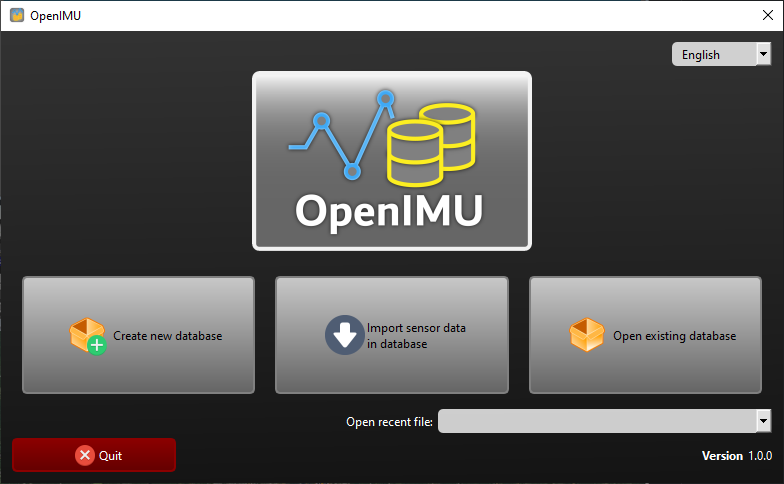
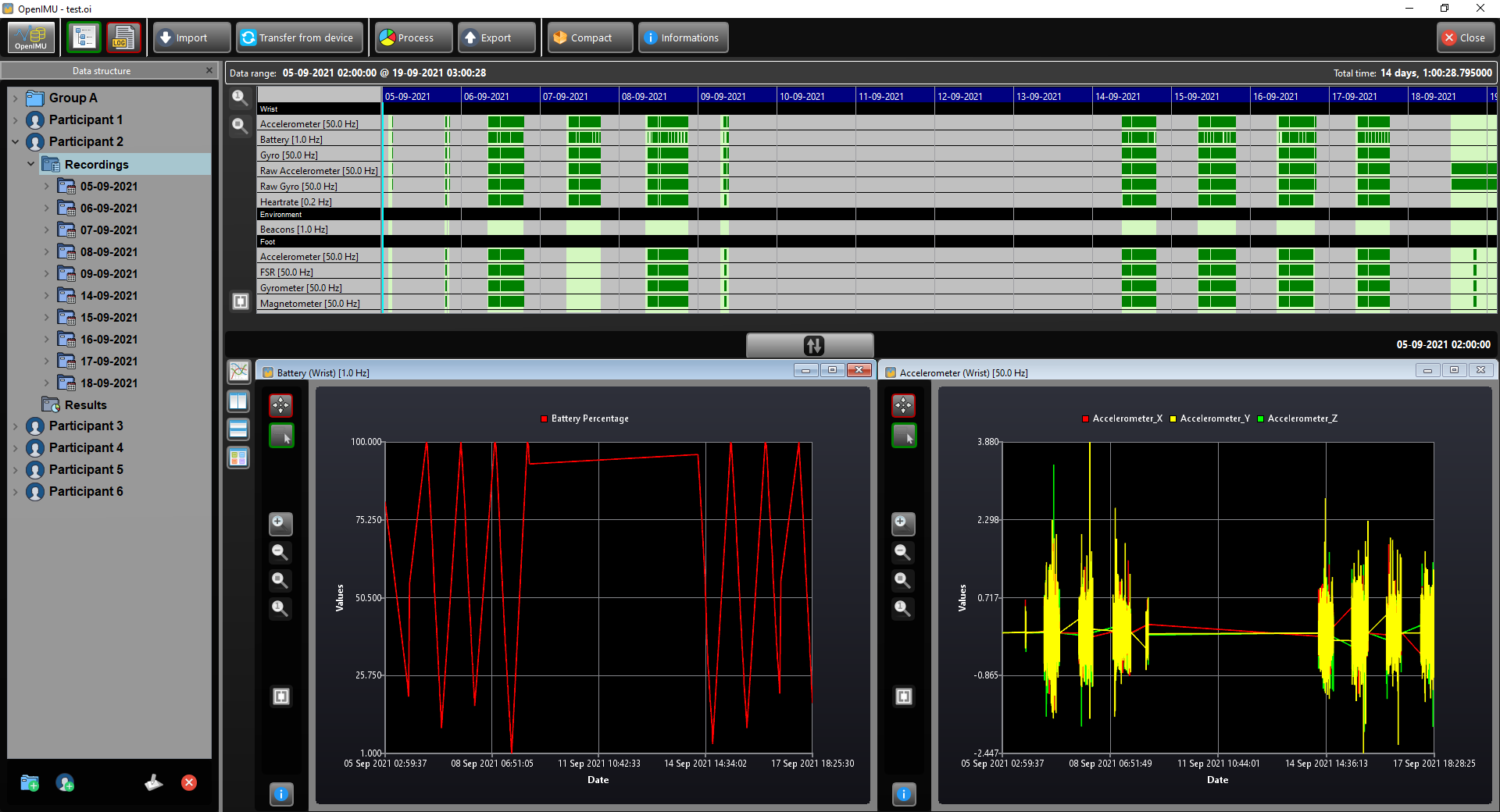
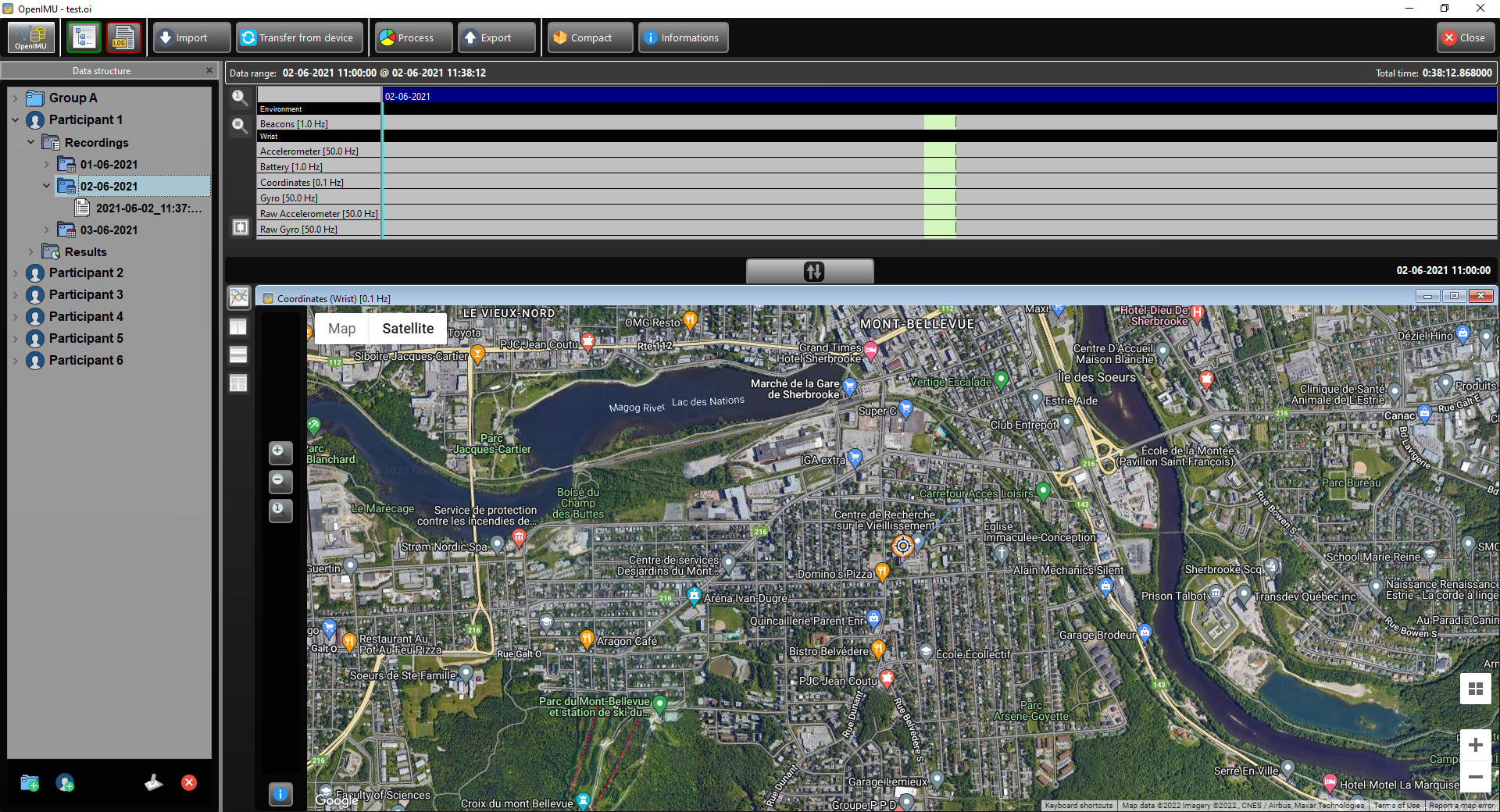
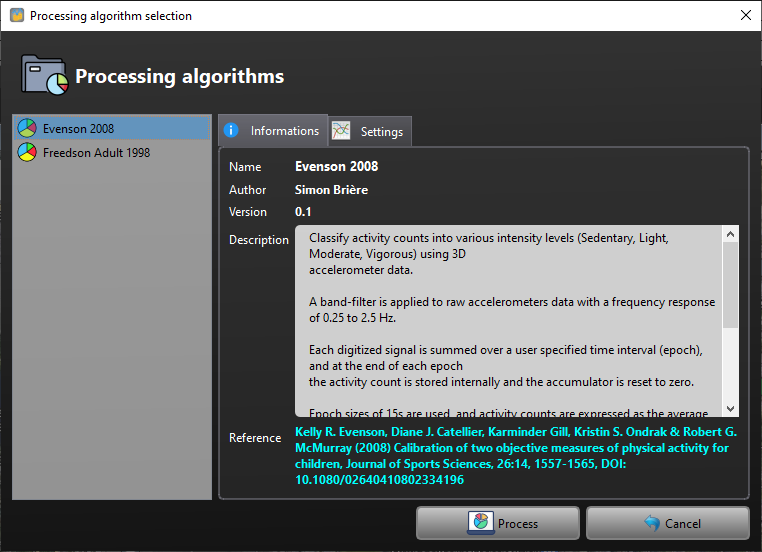
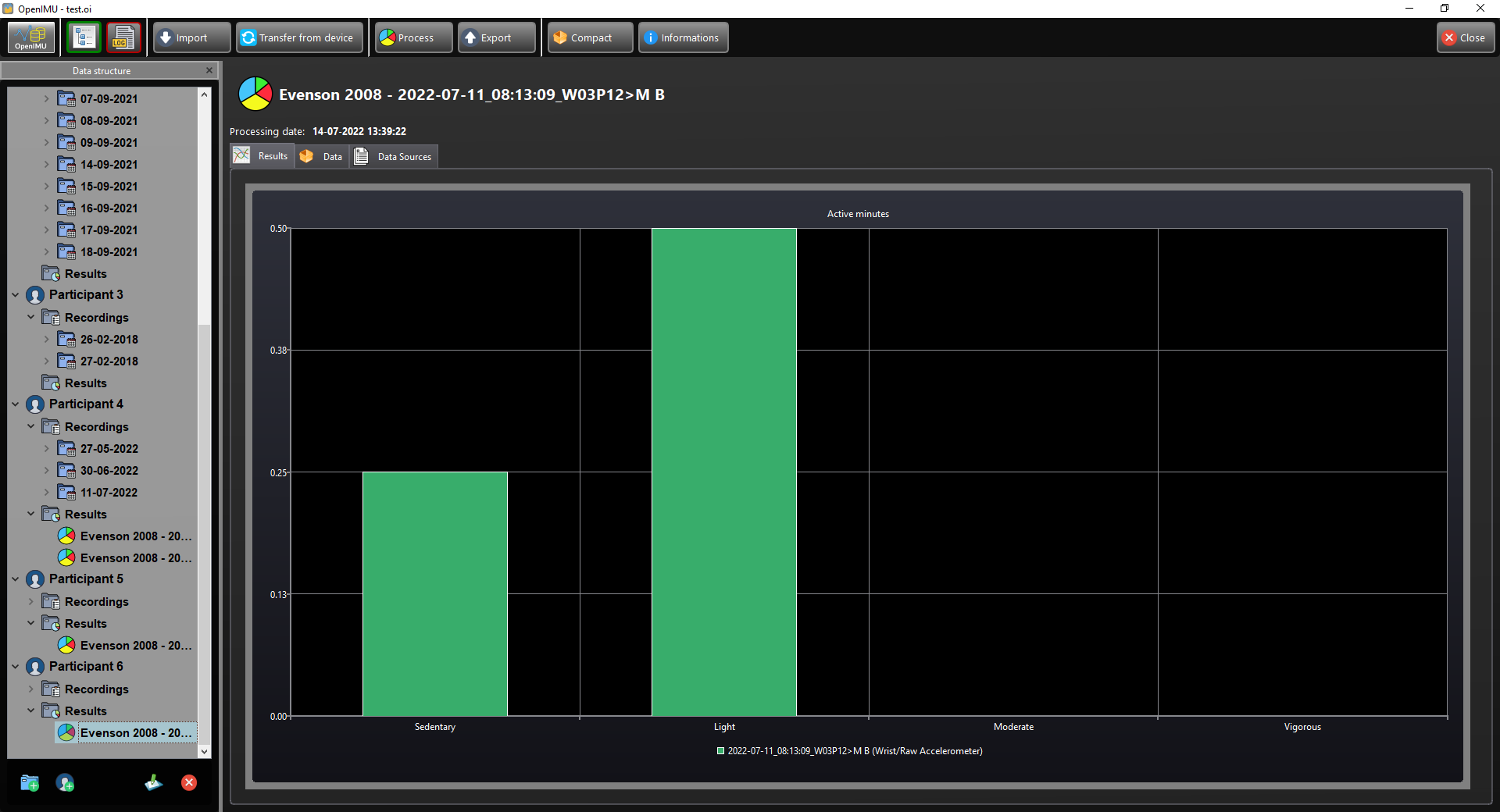
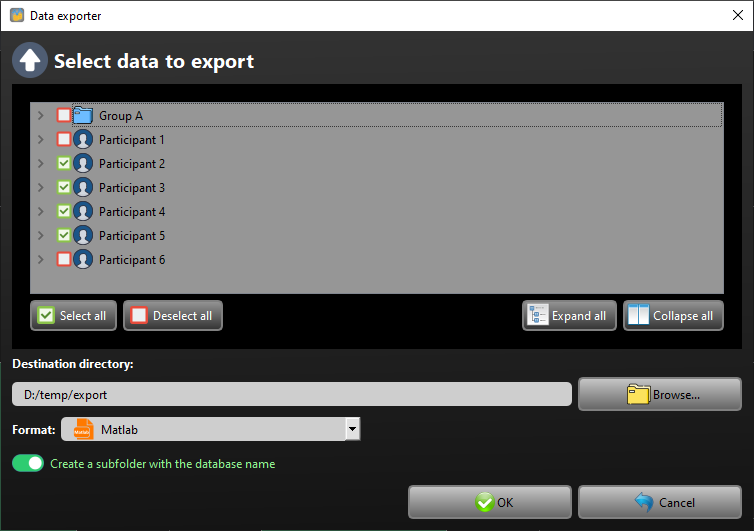
Getting Started for Developers
Please follow those steps to setup your development environment.
Requirements
Make sure you have a valid compiler installed:
- Linux : gcc/g++
- Mac : LLVM through XCode
- Windows: Visual Studio C++ 2017
Install CMake
Install Qt + QtCreator
- Install the latest Desktop distribution fitting your compiling environment (will not be needed in the future)
Install MiniConda3
Install PyCharm Community Edition
Step 1 : Open the root CMakeLists.txt in QtCreator
- Opening the root CMakeLists.txt will allow to create and build the project
- Build the project using the "python-all" target, it will automatically generate the Python environment in env/python-3.10, PySide6 UI and RCC files.
- All python dependencies will be automatically downloaded
- Once the project is built, you will not need QtCreator until you change or add a resource file or a QtDesigner ui file.
- If you change or add ui or resources files, you need to rebuild the project from QtCreator.
Step 2 : Create a PyCharm project
- Using PyCharm, opening the directory "{PROJECT_ROOT}/python"
- Select the existing Python 3.10 environment in "{PROJECT_ROOT}/python/env/python-3.10" in the app menu: PyCharm->Preferences->Project:python->Project Interpreter
Step 3 : Run the application
Run the OpenIMUApp.py application from PyCharm
Edit the code as you would normally do in a python program.
Run tests in the tests directory
Notes
- In a near future, we hope to have everything in the QtCreator IDE. Stay tuned!
Enjoy!
探索相关项目
加载中…