项目 在 GitHub 查看
cyrus-cai/notchi
关于
Your personal AI, 100% in your control. Born in the Mac notch — now beyond it.
人工智能实测星标增长
- 24小时
- 0
- 7天
- +2
- 15天
- 正在收集历史
- 1个月
- 正在收集历史
各周期内的星标净变化,周期相互重叠,并非每日新增。缺失的测量保持空白。星标代表关注度,不代表软件质量。
README.zh-CN.md
原文
用 Homebrew 安装
brew install --cask cyrus-cai/lofi-lab/notchi
或复制给 Claude Code 的安装指令:
Please install Notchi for macOS for me. Run this in my terminal: brew install --cask cyrus-cai/lofi-lab/notchi It is a free, open-source menu-bar app (https://github.com/cyrus-cai/notchi). After it finishes, confirm Notchi is installed in /Applications and launch it.
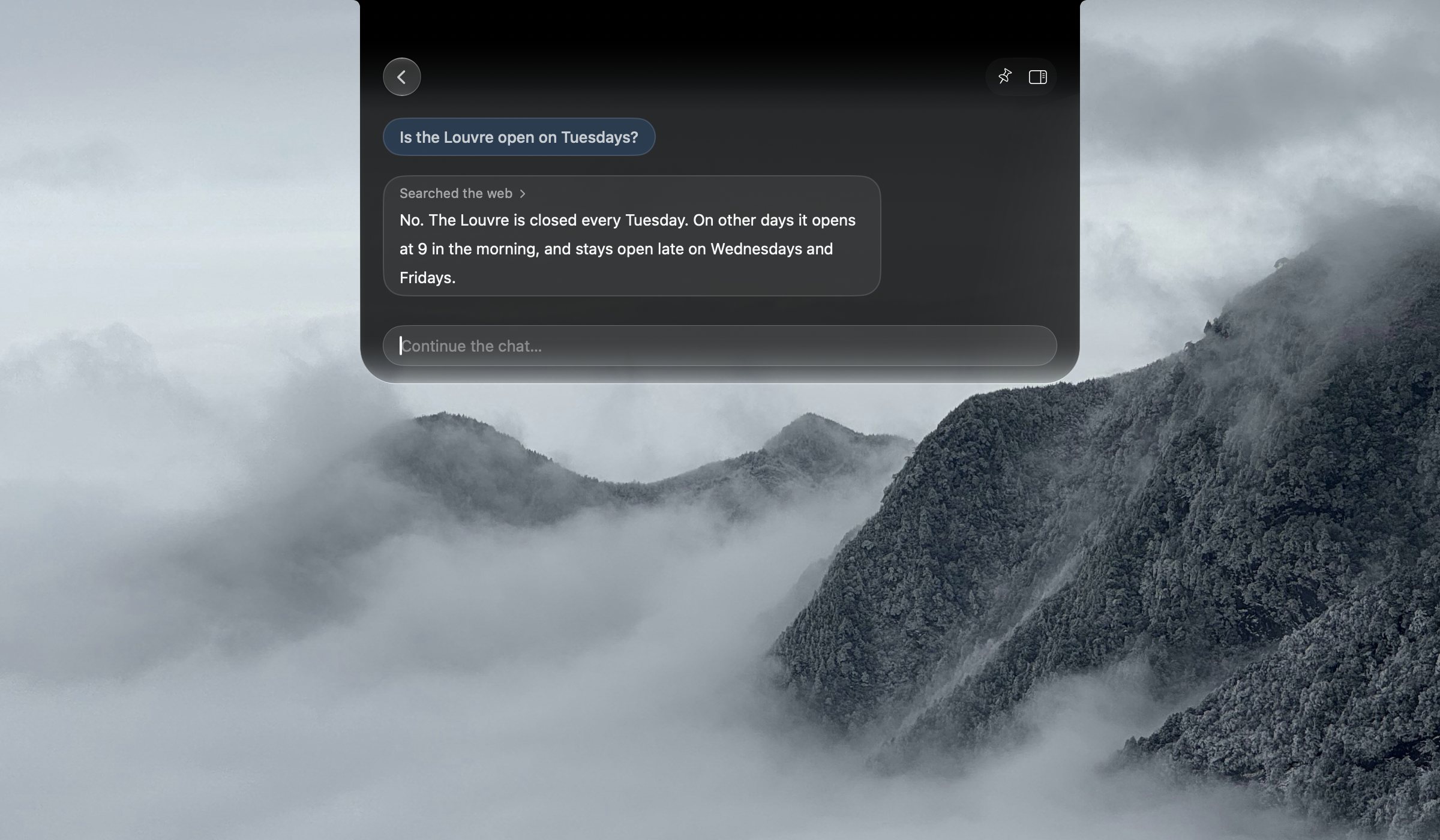
提问 — 需要时先搜索网页
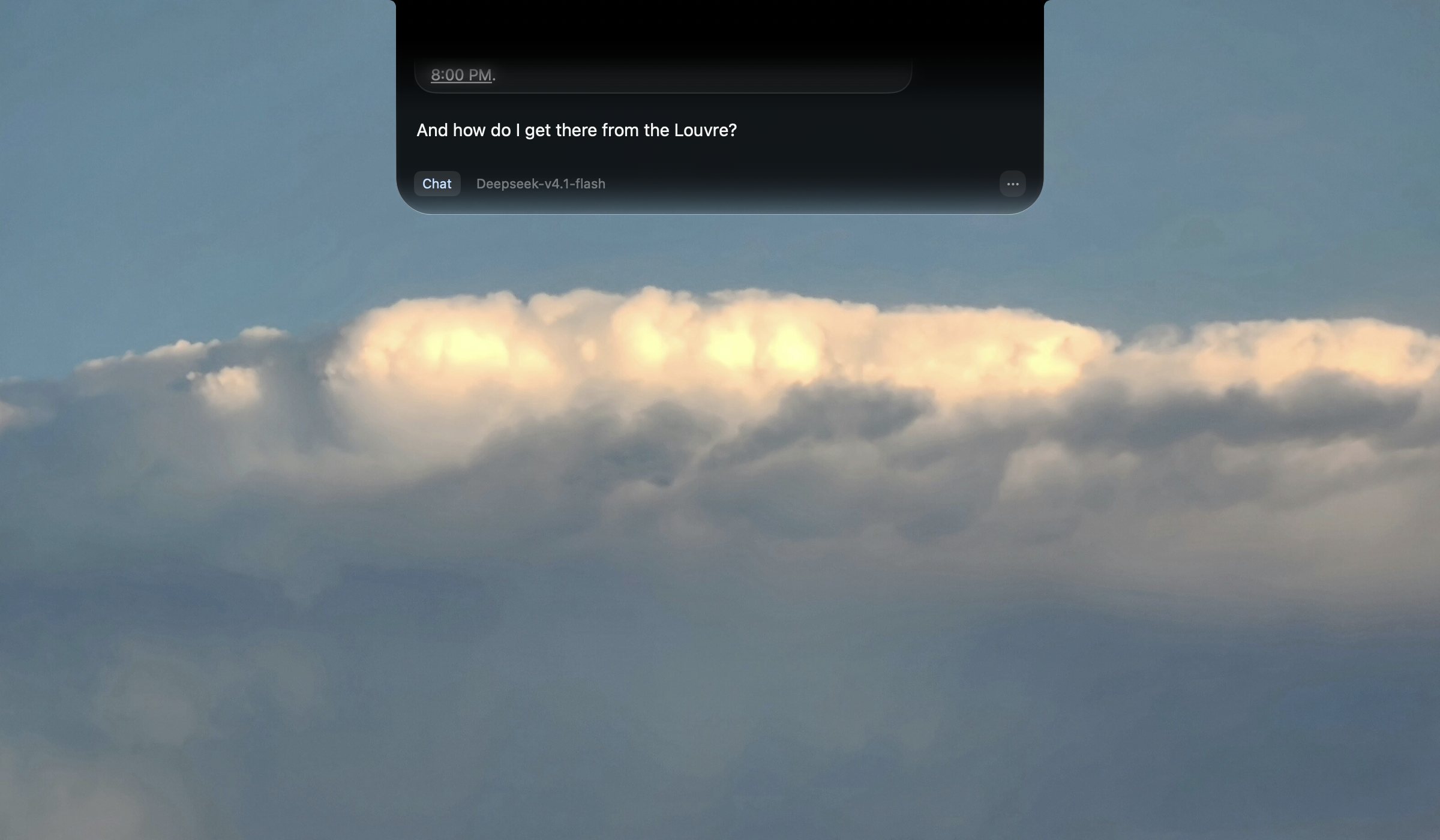
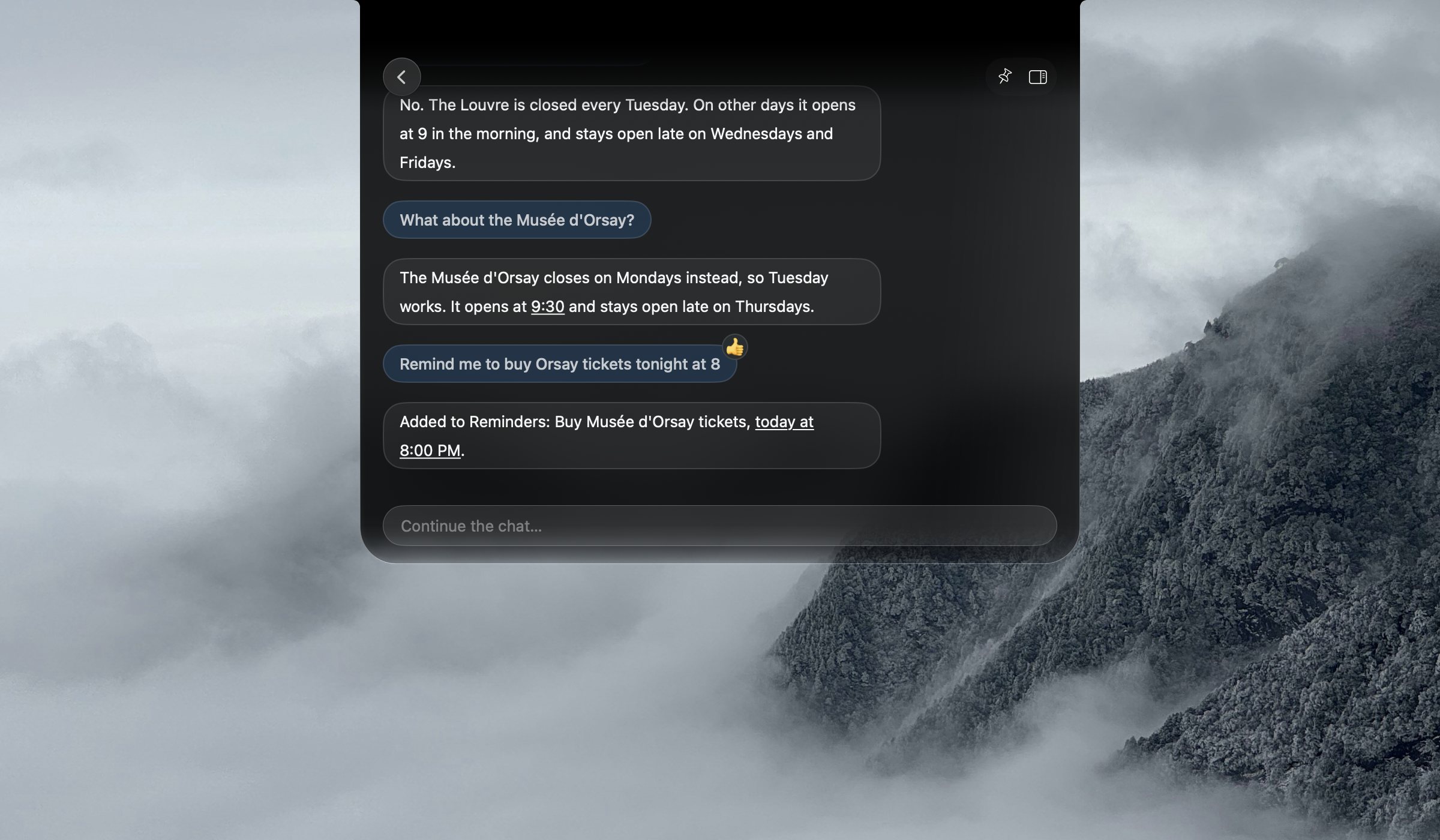
接着问 — 上一条回答留在输入框上方
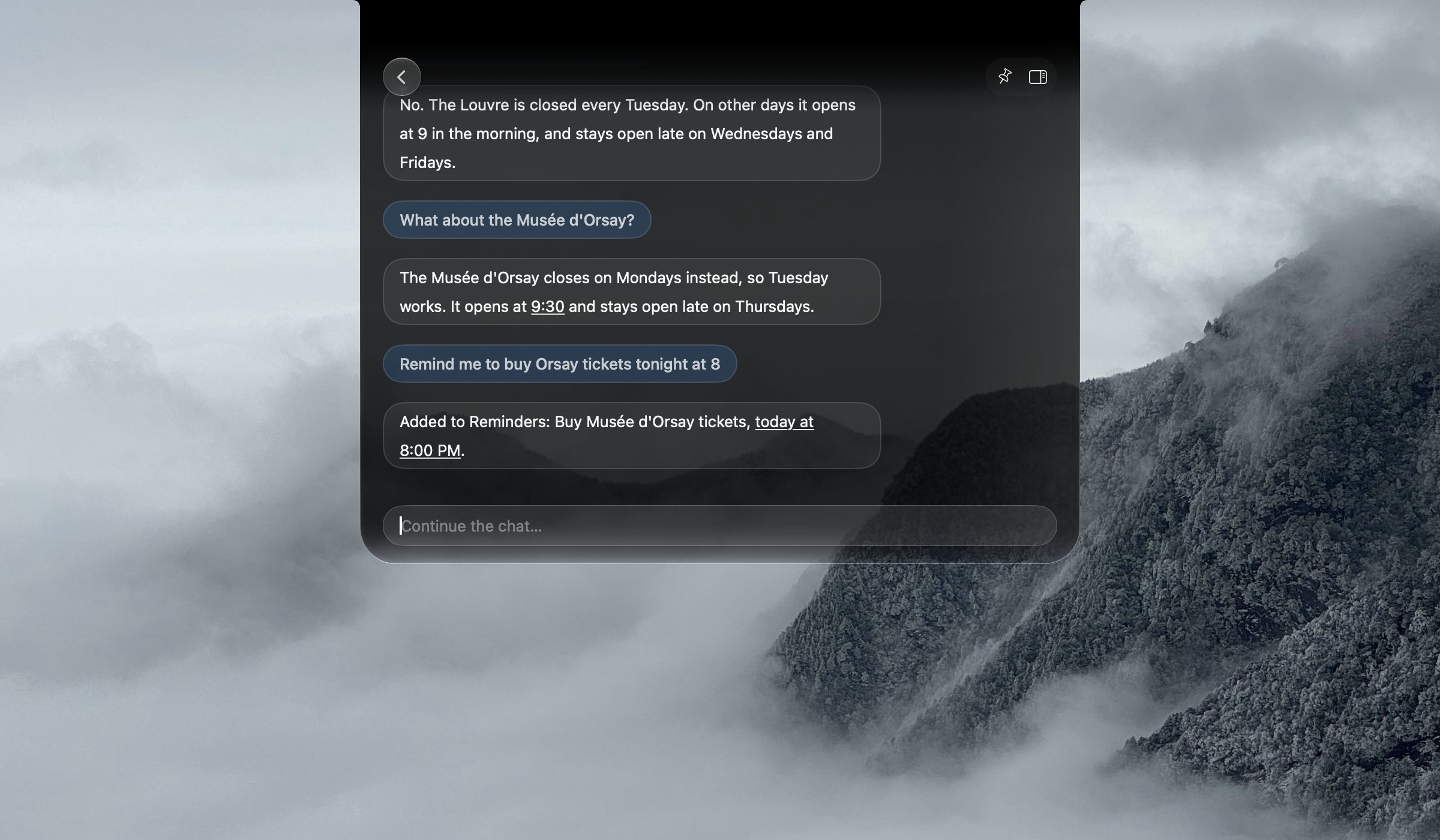
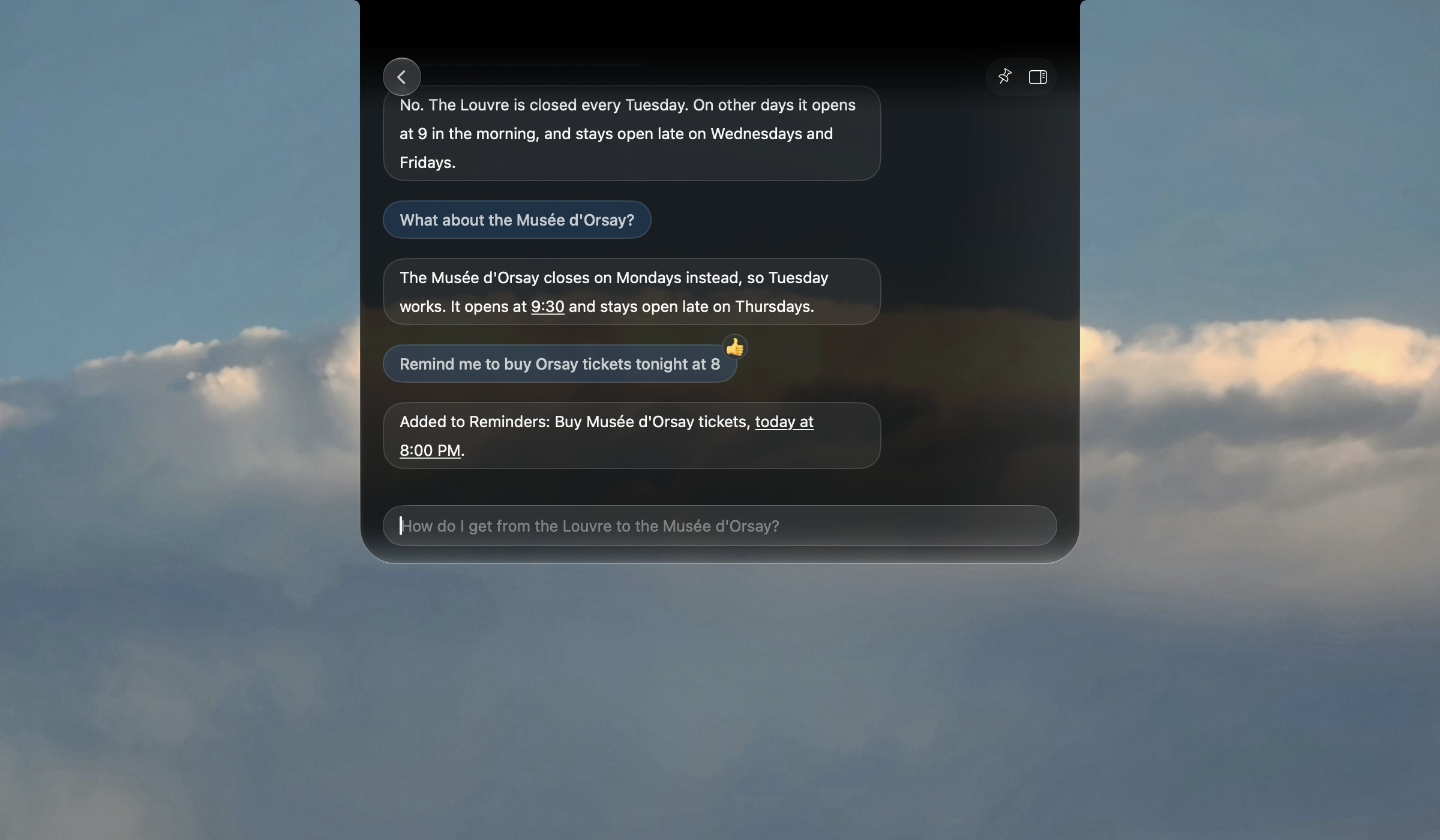
统一会话 — 所有提问接在同一段对话里
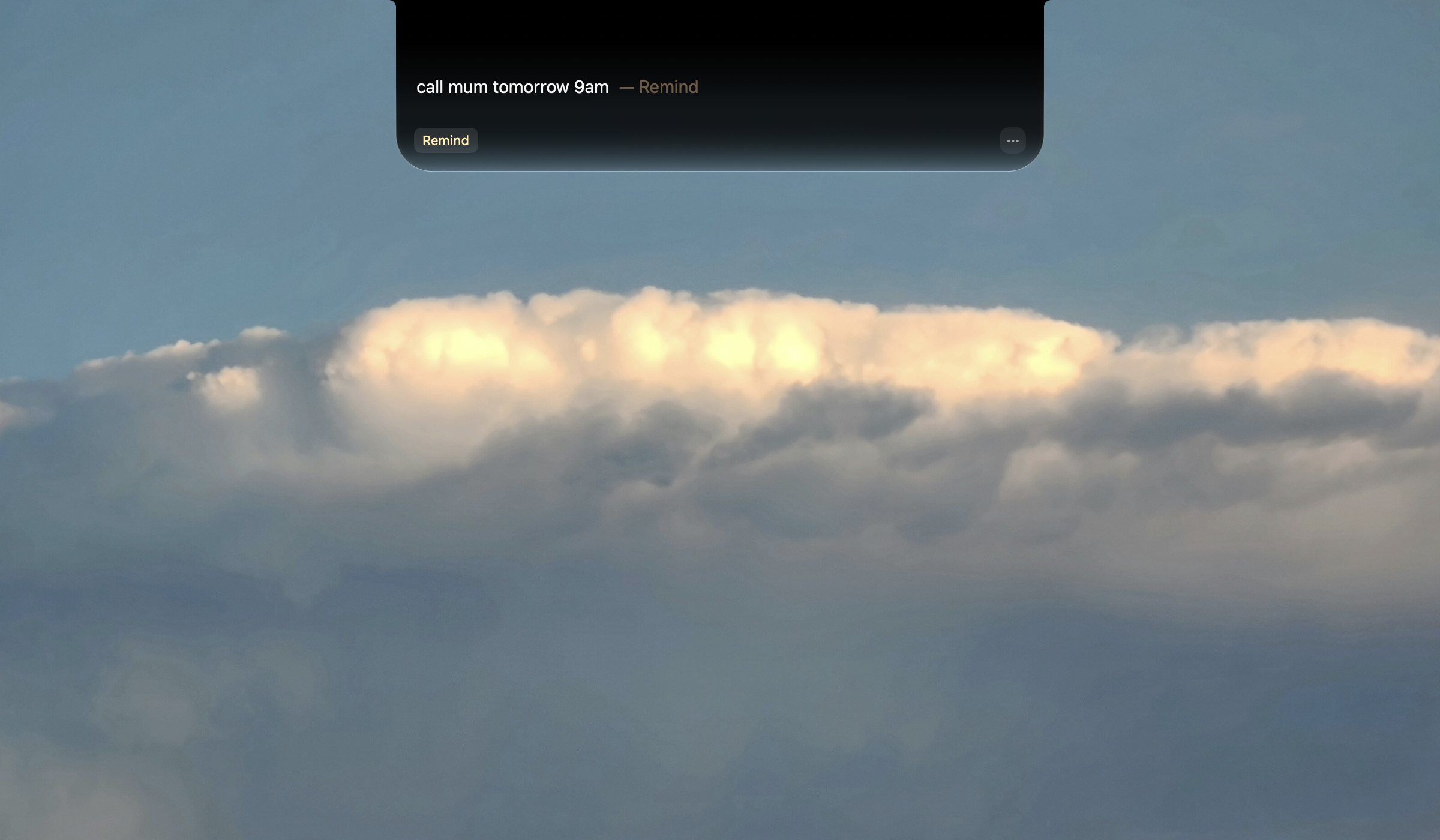
提醒 — 带时间的内容存入提醒事项
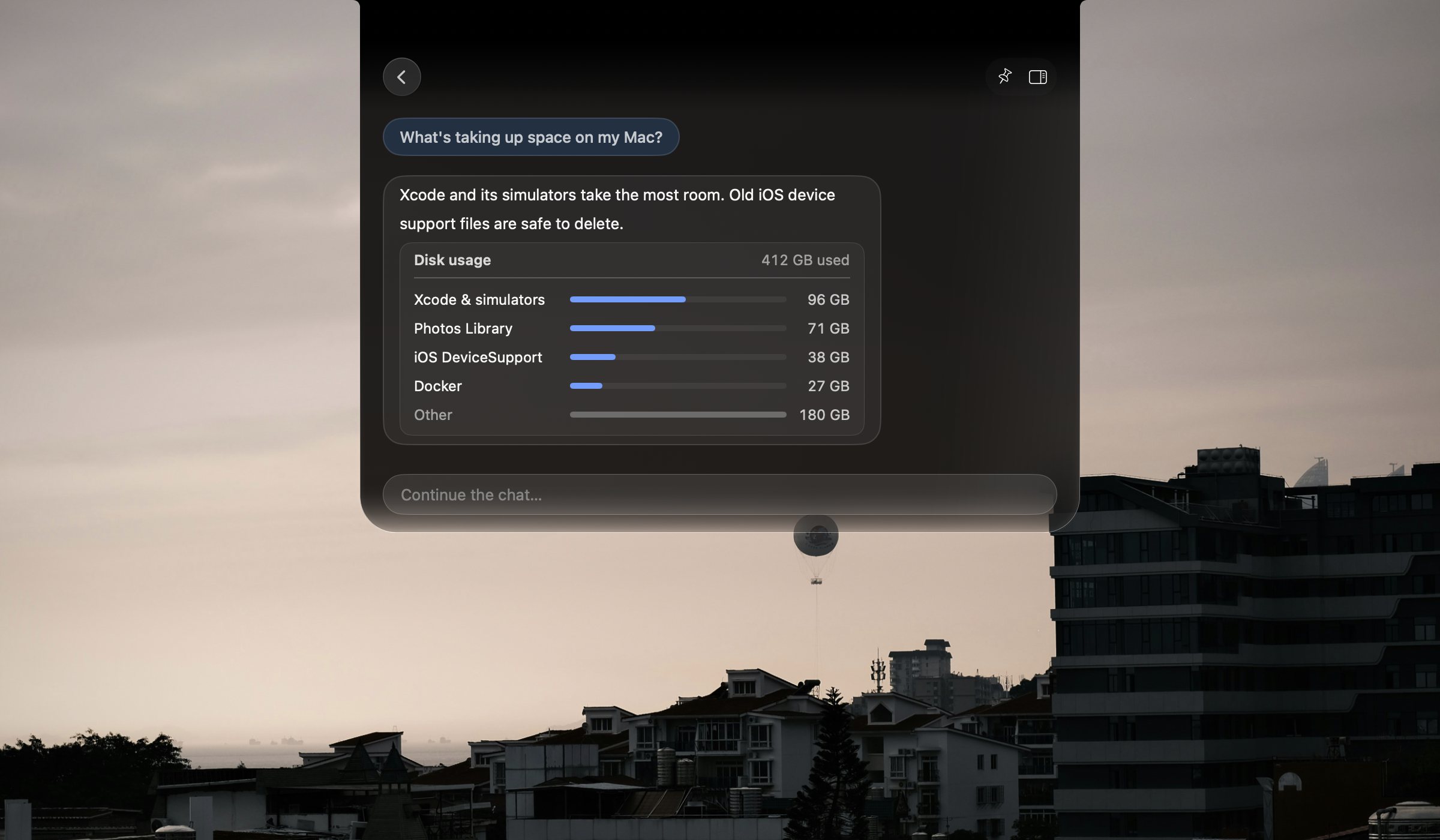
图表 — 数字以图表展示
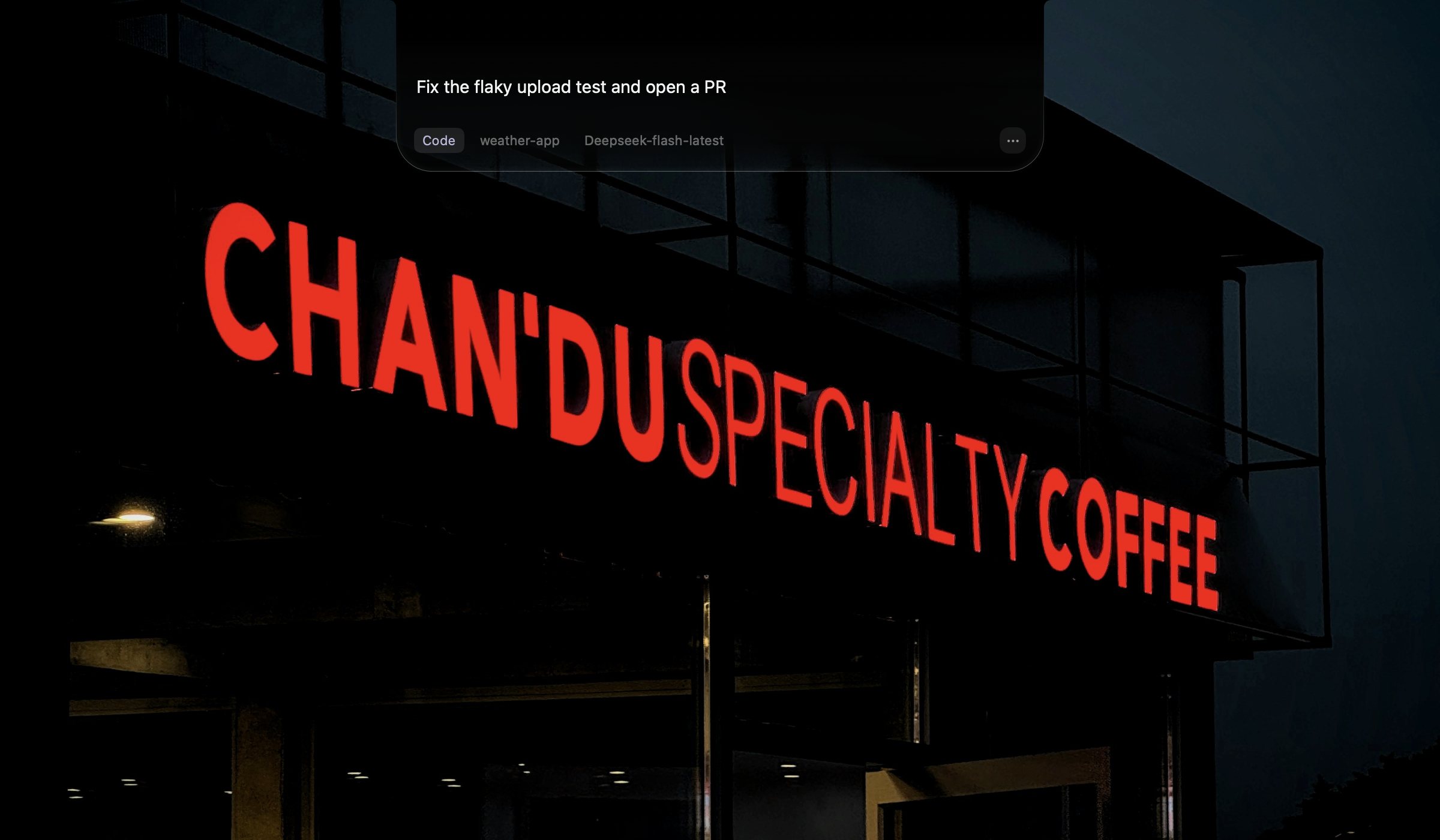
Agent — 把项目交给 Codex、Claude Code 或 Cursor
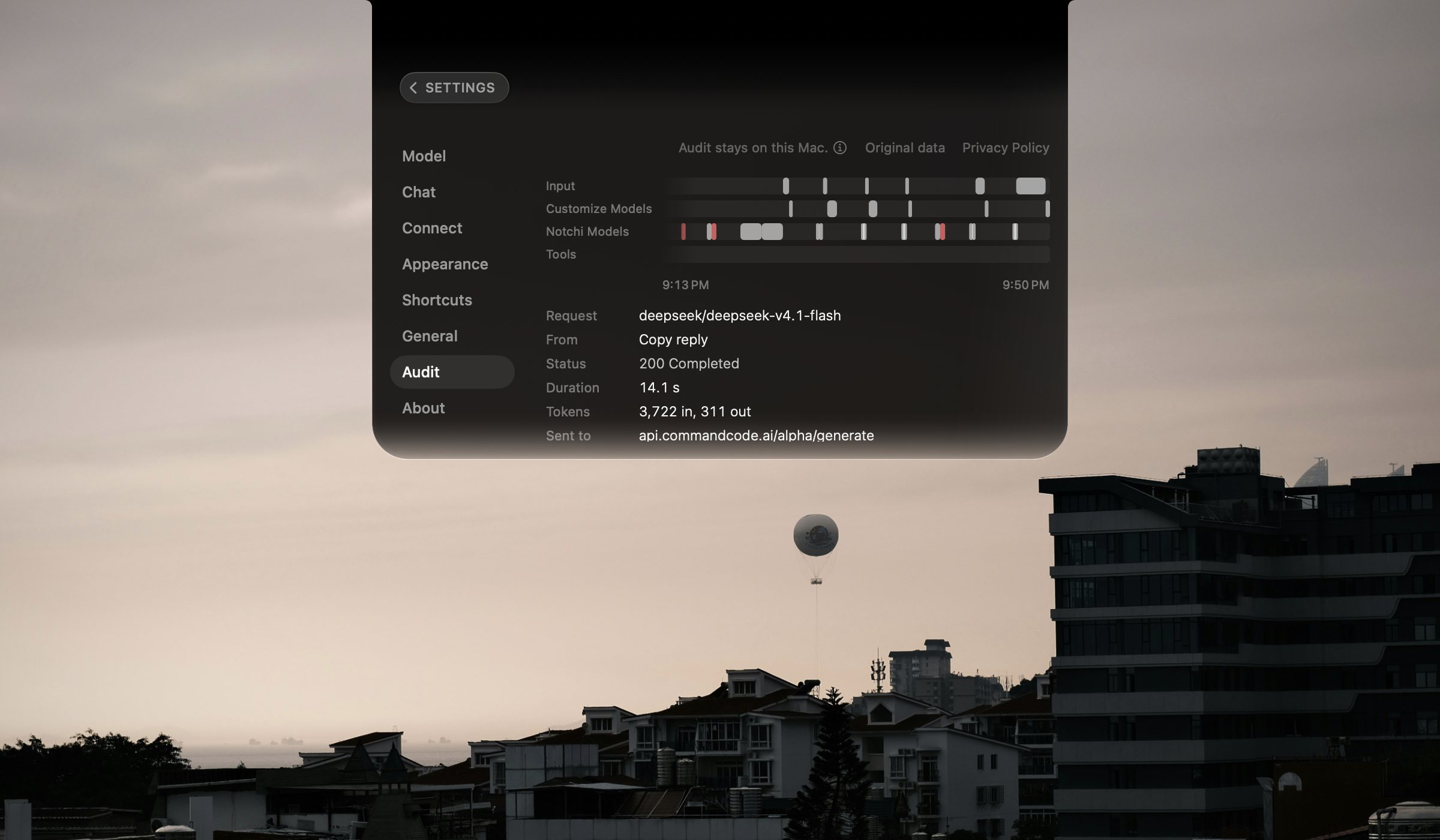
审计 — 查看 Notchi 发出的每个请求
100% 由你掌控
- 数据留在本机 — 对话和记忆仅存于本机
- 无需注册 — 无需邮箱和密码
- 自带 API Key — 支持直连模型服务商,不经过 Notchi
- 请求可审计 — 「设置 → 审计」列出 Notchi 发出的每个请求
精心设计的细节
| 灵动的思考状态 思考、搜索、调用工具时,展示精心设计的思考动画 |
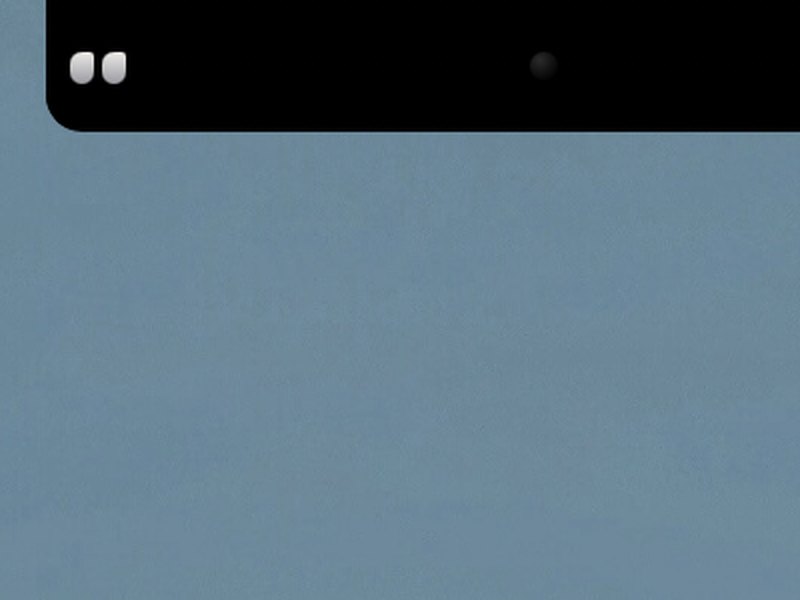 收起状态 后台任务实时跟踪 |
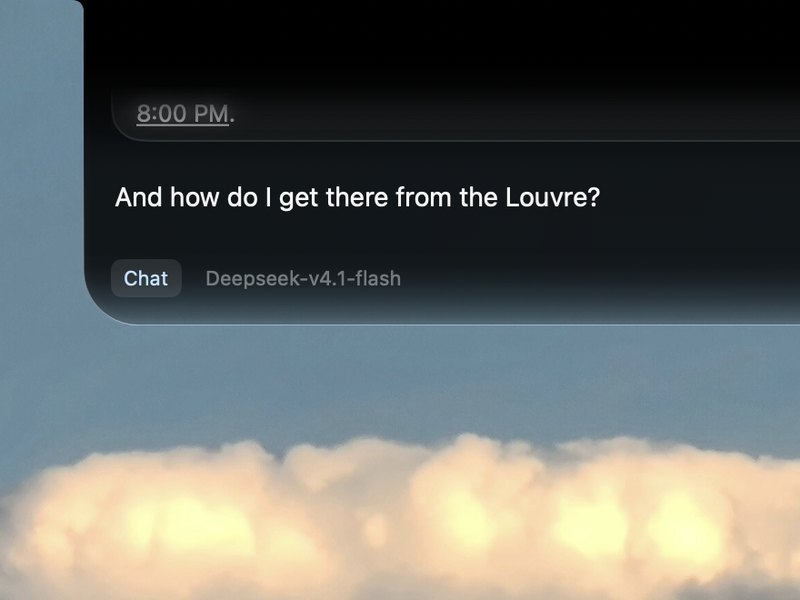 统一会话 连续的记忆和历史,越聊越懂你 |
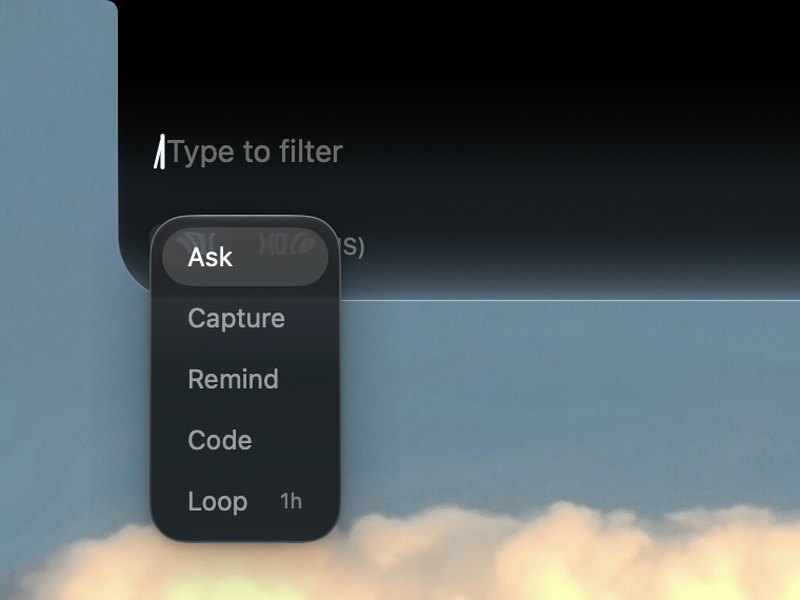 Slash 菜单 保存笔记、提醒 |
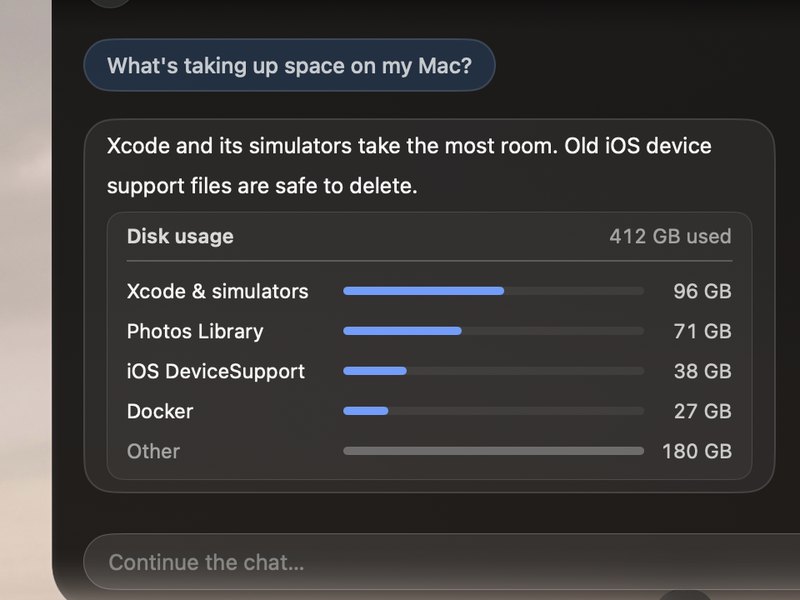 丰富的回答样式 可视化的图表展示 |
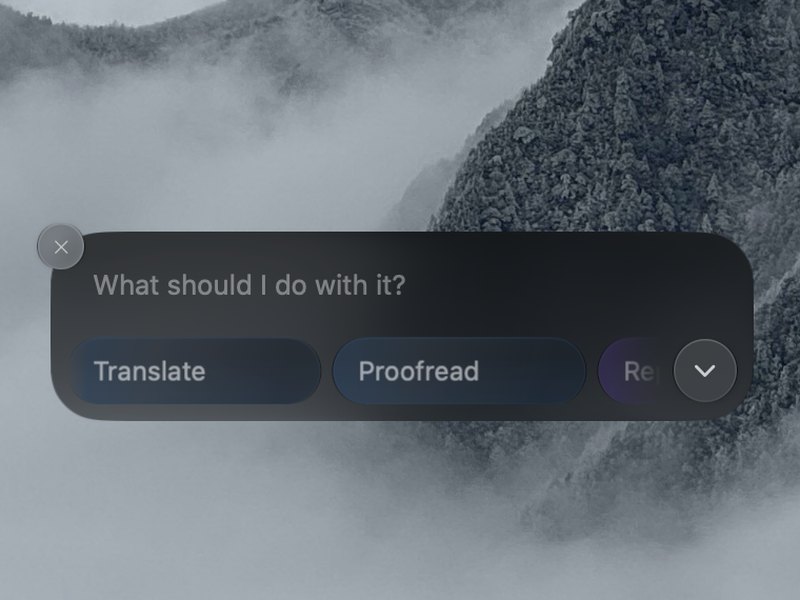 快捷指令 长按唤出快捷指令和输入框 |
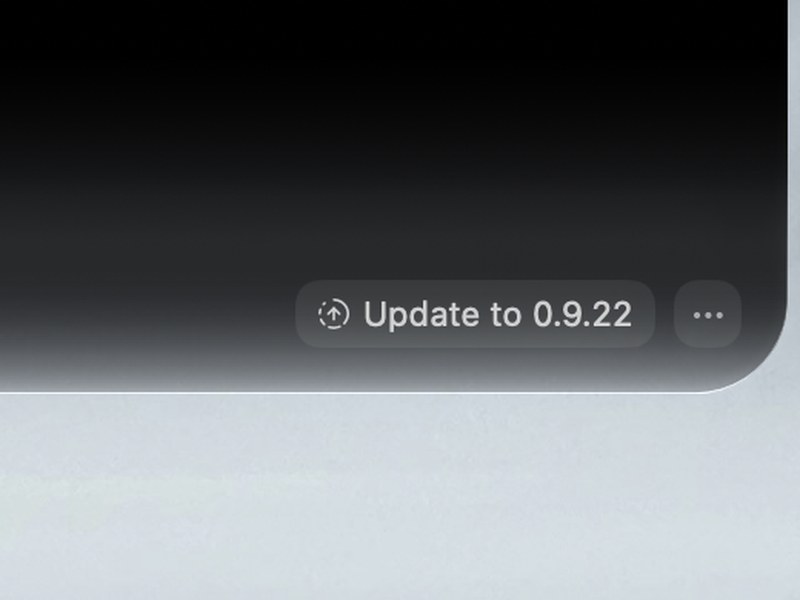 应用升级 有新版本时展示升级标签 |
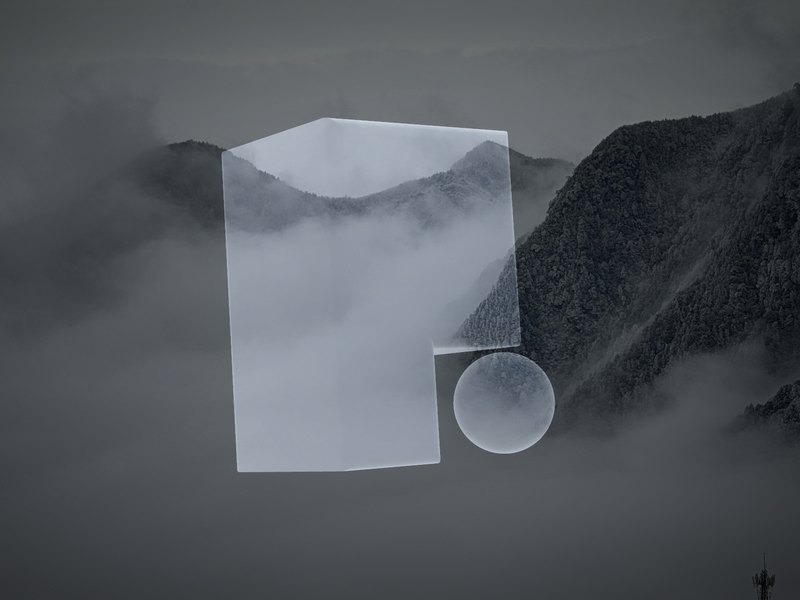 3D 启动动画 首次启动时的玻璃质感 3D 动画 |
统一会话
上下文记忆 — 连续的记忆和历史,越聊越懂你
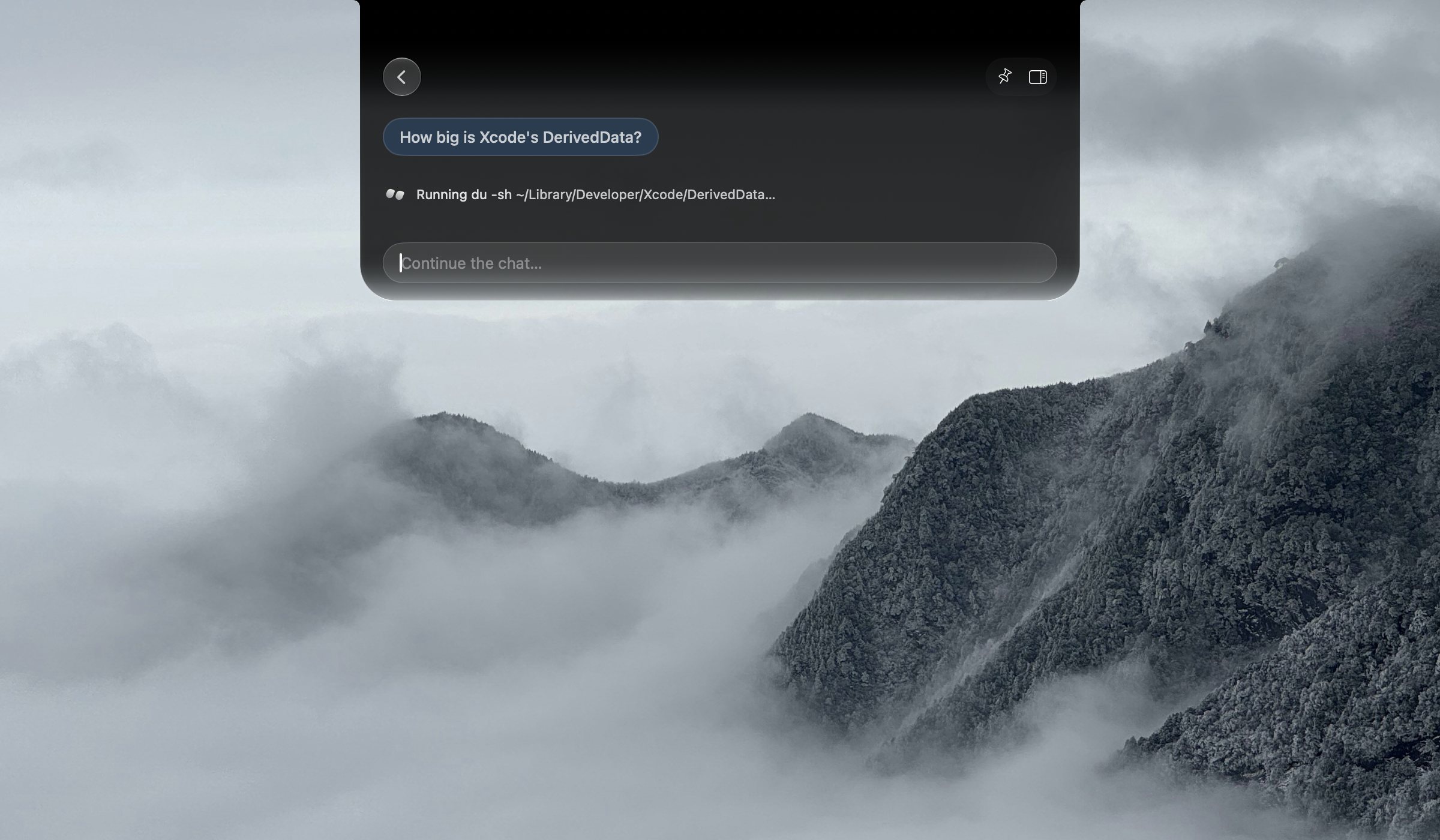
命令执行 — 支持调用你的系统能力,主动完成任务
表情回复 — 用表情回应你的消息
下一句的建议 — 给出你可能想问的下一句
获取 Notchi
brew install --cask cyrus-cai/lofi-lab/notchi
产品 价格 · 更新日志 · 下载
关于 关于 · 隐私政策 · 使用条款
联系 GitHub · 问题反馈 · X · 邮件
© 2026 Lofi Lab · MIT License
探索相关项目
加载中…