
corepunch/open-realm
corepunch/open-realm has 404 GitHub stars and 58 forks. GitHot measured -1 stars in 24 hours and +4 in 7 days. Last checked 2026-11-23 06:04 UTC. Last push 2026-11-20.
实测星标增长
- 24小时
- -1
- 7天
- +4
- 15天
- 正在收集历史
- 1个月
- 正在收集历史
各周期内的星标净变化,周期相互重叠,并非每日新增。缺失的测量保持空白。星标代表关注度,不代表软件质量。
关于
Open-source reimplementation of the Warcraft III (as well as World of Warcraft and Starcraft II) game engine, written in C. Loads and renders original game assets directly from MPQ files, targeting Linux and macOS.
开发工具README.md
原文OpenRealm
OpenRealm is an open-source, Quake-style engine and compatibility project for Blizzard-era game data. Warcraft III is the primary playable target and runs on Windows, Linux, macOS, and iPad; StarCraft II and World of Warcraft provide additional format and renderer targets.





The project does not include retail game data. Use it only with data you legally own. OpenRealm is not affiliated with Blizzard Entertainment.
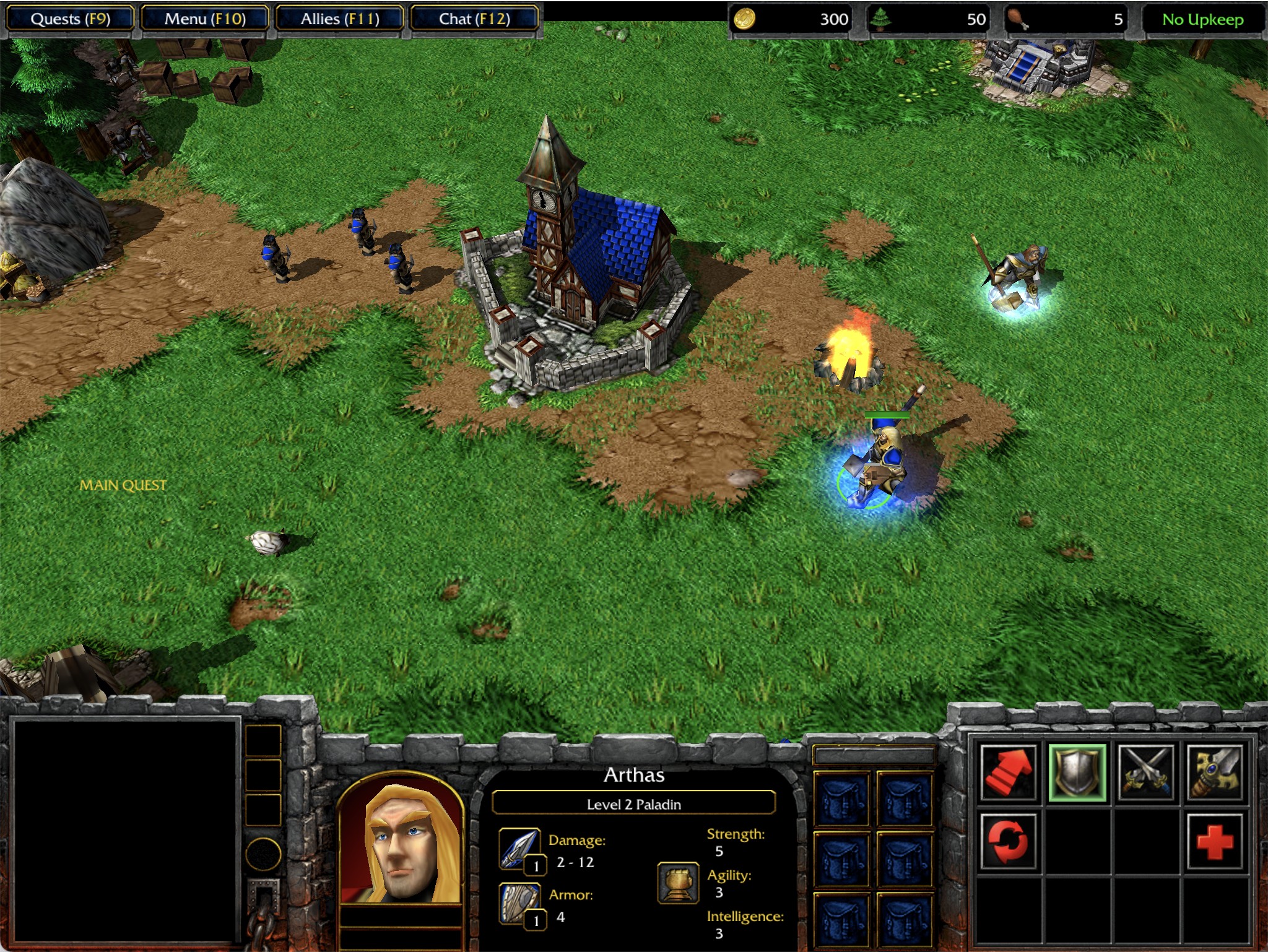
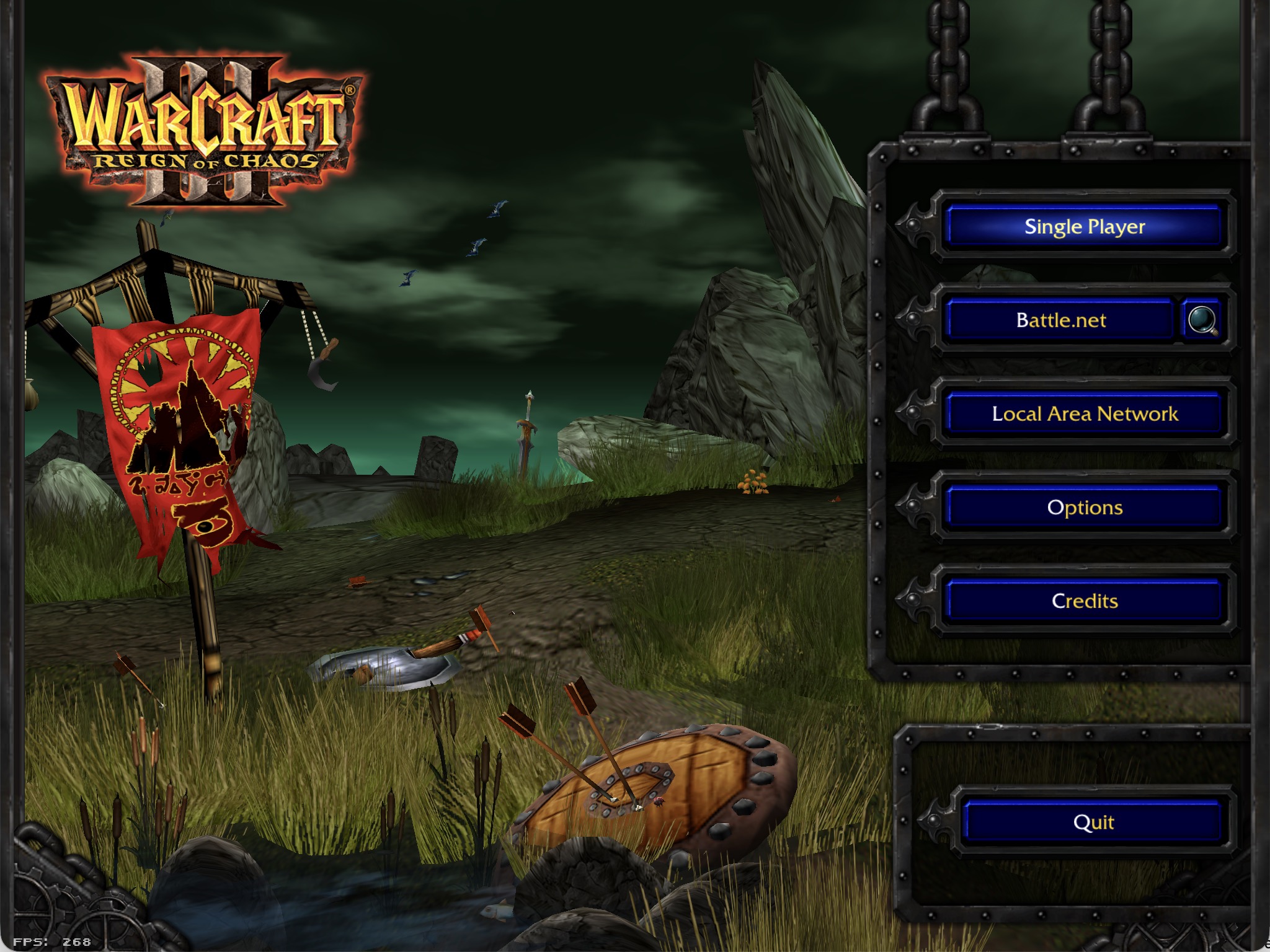
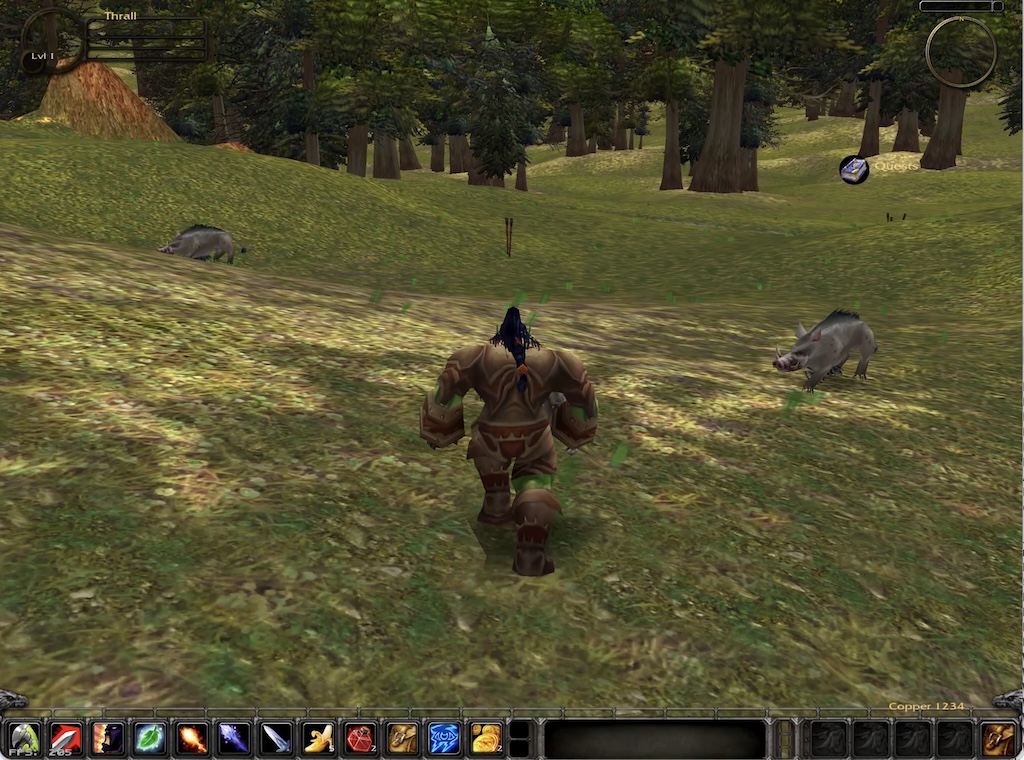
Current targets
- Warcraft III —
openwarcraft3, the main development target, including the client/server runtime, JASS, SLK/profile data, FDF UI, campaign flow, maps, fog, units, and networking. Also builds as an iPad app with touch controls (see Run on iPad). - World of Warcraft —
openwow, an exploratory M2/WMO/DBC/MPQ and UI target with a Lua-backed interface. - StarCraft II —
opensc2, an exploratory M3/SC2Map/SC2Layout target.
The shared runtime contains the client, server, renderer backend, networking, archive loading, console/cvars, sound, and math libraries. Game-specific code lives under games/<game>/ and is connected through Quake 2-style import/export tables.
Download
Pre-built binaries and Flatpak bundles are available from the latest release. CI artifacts are published by the CI workflow. Neither releases nor CI artifacts contain retail assets.
For Flatpak and Steam Deck packaging, see Flatpak And Steam Deck Packaging.
Build
The native build requires a C compiler, make, SDL2, and system OpenGL (or GLES3 on supported Linux systems). MPQ loading and most format tooling are provided by vendored or in-tree code.
macOS:
brew install sdl2
Ubuntu/Debian:
sudo apt-get install build-essential libsdl2-dev
Windows builds use MSYS2/MinGW or Visual Studio with SDL2 development libraries.
git clone https://github.com/corepunch/open-realm.git
cd open-realm
make build
To include Warcraft III video playback and background music, install the FFmpeg development libraries and pkg-config, then build with:
# Ubuntu/Debian
sudo apt-get install pkg-config libavformat-dev libavcodec-dev libavutil-dev libswscale-dev libswresample-dev
# Manjaro/Arch
sudo pacman -S --needed pkgconf ffmpeg

make clean
make build -j4 FFMPEG=1
On macOS, install these dependencies with brew install pkg-config ffmpeg. Ordinary sound effects and unit voices work without FFMPEG=1. See Pre-Rendered Movies.
Useful targets:
make openwarcraft3       # Warcraft III executable
make openwow             # World of Warcraft executable
make opensc2             # StarCraft II executable
make tools               # Asset/archive diagnostic tools
make test                # Generate fixtures and run tests
make test-ui             # Warcraft III UI parser/layout tests
The default build is diagnostic. Select release mode and renderer settings with:
make clean && make BUILD=release openwarcraft3
make clean && make BUILD=release GL_BACKEND=gles3 MSAA=0 openwarcraft3
Supported settings are BUILD=debug|release, GL_BACKEND=gl|gles3, MSAA=0|2|4|8, and GLSL=120|140|150. Run make clean when changing these values. See Build And Renderer Platforms.
Run with game data
Point the executable at a Warcraft III installation containing its MPQ archives:
build/bin/openwarcraft3 -data "/path/to/Warcraft III"
The directory is scanned for top-level MPQs and an optional loose Maps/ directory. The Makefile also supports WC3DATA:
WC3DATA="/path/to/Warcraft III" make run
Useful examples:
build/bin/openwarcraft3 -data "/path/to/Warcraft III" +menu_main
build/bin/openwarcraft3 -data "/path/to/Warcraft III" +map 'Maps/Campaign/Orc01.w3m'
build/bin/openwarcraft3 -data "/path/to/Warcraft III" -vid_modes +com_frame_limit 10
Open the in-game Quake-style console with backtick/tilde. Use build/bin/mpqtool to inspect archives:
build/bin/mpqtool -mpq "/path/to/Warcraft III/War3.mpq" ls Maps/Campaign
Run on iPad
The iPad build needs macOS with Xcode (for the iOS SDK, xcrun, and devicectl), CMake, and no Xcode project. SDL2 is downloaded and built automatically on first use.
- Connect the iPad by USB (or pair it over Wi-Fi in Xcode's Devices and Simulators), unlock it, and enable Developer Mode in Settings > Privacy & Security.
- Make sure a development signing certificate and a matching iOS development provisioning profile for
com.openwarcraft3.warcraft3(or a wildcard) are installed. Signing in to Xcode with your Apple ID and letting it create one for any app is enough. - Build, sign, install, and launch:
make ipad-deploy
With several devices attached, list them and pick one; pass TEAM, PROFILE, or BUNDLE_ID to override signing:
make list-devices
make ipad-deploy DEVICE="iPad name or identifier" TEAM=ABCDE12345
- Copy
War3.mpqandWar3Local.mpq(plusWar3x.mpq/War3xLocal.mpqfor The Frozen Throne) into On My iPad > OpenWarcraft3 with the Files app or Finder, then relaunch. Without them the app shows a "data not found" alert.
The iPad must be unlocked for the launch step. make ipad-run does the same in an iPad simulator. See packaging/ipad/README.md for details.
Tests and diagnostics
make test generates deterministic fixture archives under build/tests/ and runs engine, parser, persistence, and format tests. For Warcraft III UI changes, run make test-ui. Useful tools include mdxtool, maptool, m2tool, mpqtool, blp2jpg, blpgen, and mdxgen. Bounded runtime diagnostics use +com_frame_limit N.
Documentation
- Architecture — module boundaries and API contracts
- Runtime configuration — paths, cvars, and startup order
- Rendering scene workflow — launching maps and model scenes
- UI authoring — FDF, bindings, and UI tests
- WC3 gameplay documentation
- Diagnostic tools
- Contributing
License
This project is licensed under the MIT License.
探索相关项目
加载中…