
cocopon/iceberg.vim
cocopon/iceberg.vim has 2,387 GitHub stars and 135 forks. GitHot measured 0 stars in 24 hours, 0 in 7 days, and -1 in 15 days. Last checked 2026-11-22 21:12 UTC. Last push 2026-03-15.
可以做什么
- Simple: no configuration required and easy to use
- Fast: pre-compiled to reduce loading time
- Dark and light background
- 256-colors terminal support
实测星标增长
- 24小时
- 0
- 7天
- 0
- 15天
- -1
- 1个月
- 正在收集历史
各周期内的星标净变化,周期相互重叠,并非每日新增。缺失的测量保持空白。星标代表关注度,不代表软件质量。
关于
:antarctica: 适用于 Vim 和 Neovim 的蓝色系配色方案
开发工具README.md
原文
Iceberg is well-designed, bluish color scheme for Vim and Neovim.
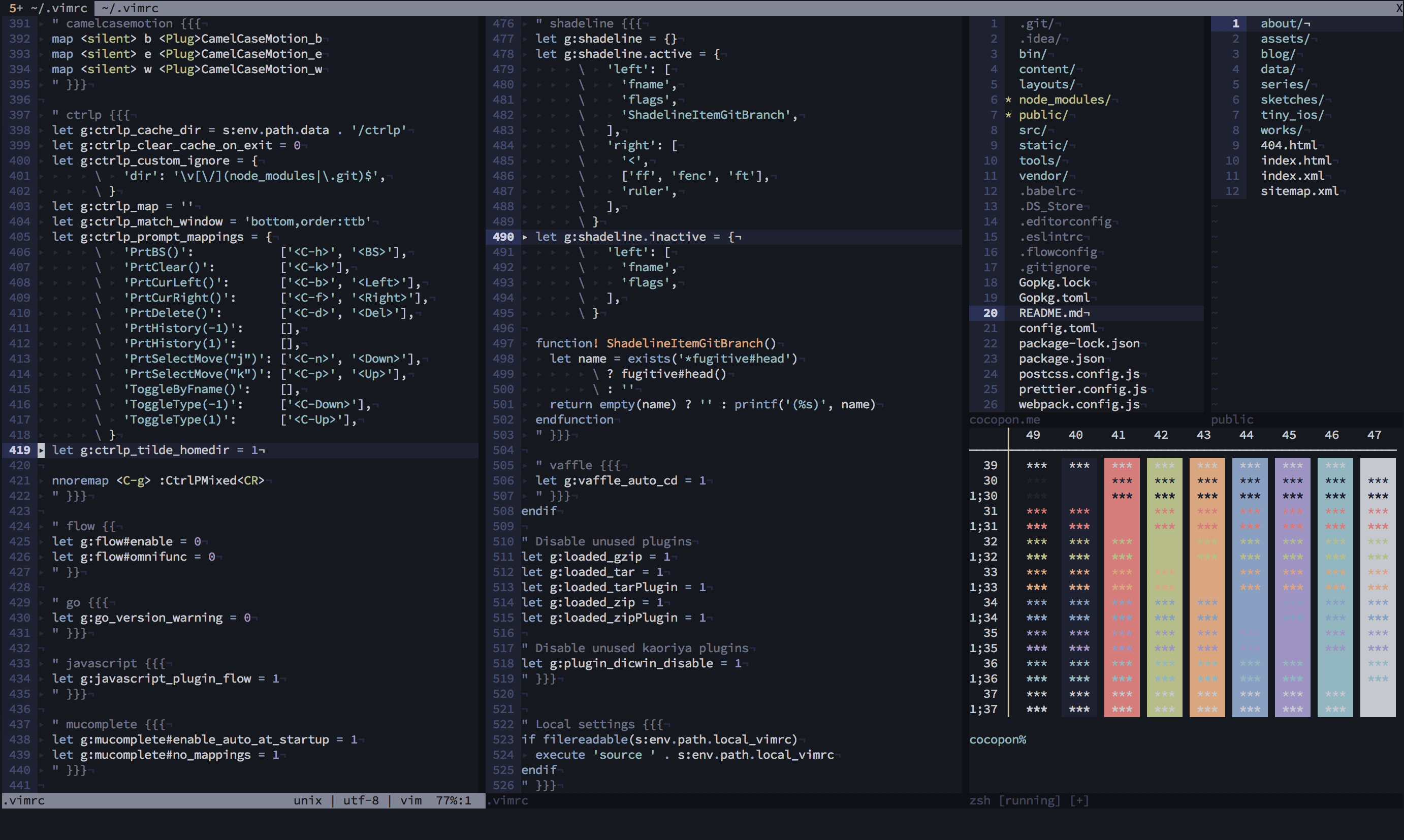
See the official site or the vimonline page for more information.
Features
- Simple: no configuration required and easy to use
- Fast: pre-compiled to reduce loading time
- Dark and light background
- 256-colors terminal support
- Terminal colors support
- airline theme and lightline colorscheme
- Various plugins support: ALE / CtrlP / Denite / EasyMotion / Git Gutter / git-messenger.vim / Signify / Sneak / Startify / Syntastic / vim-plug / vim-zenspace etc.
- Better syntax highlight with: typescript-vim / vim-elixir / vim-flow / vim-graphql / vim-javascript / vim-markdown etc.

Philosophy
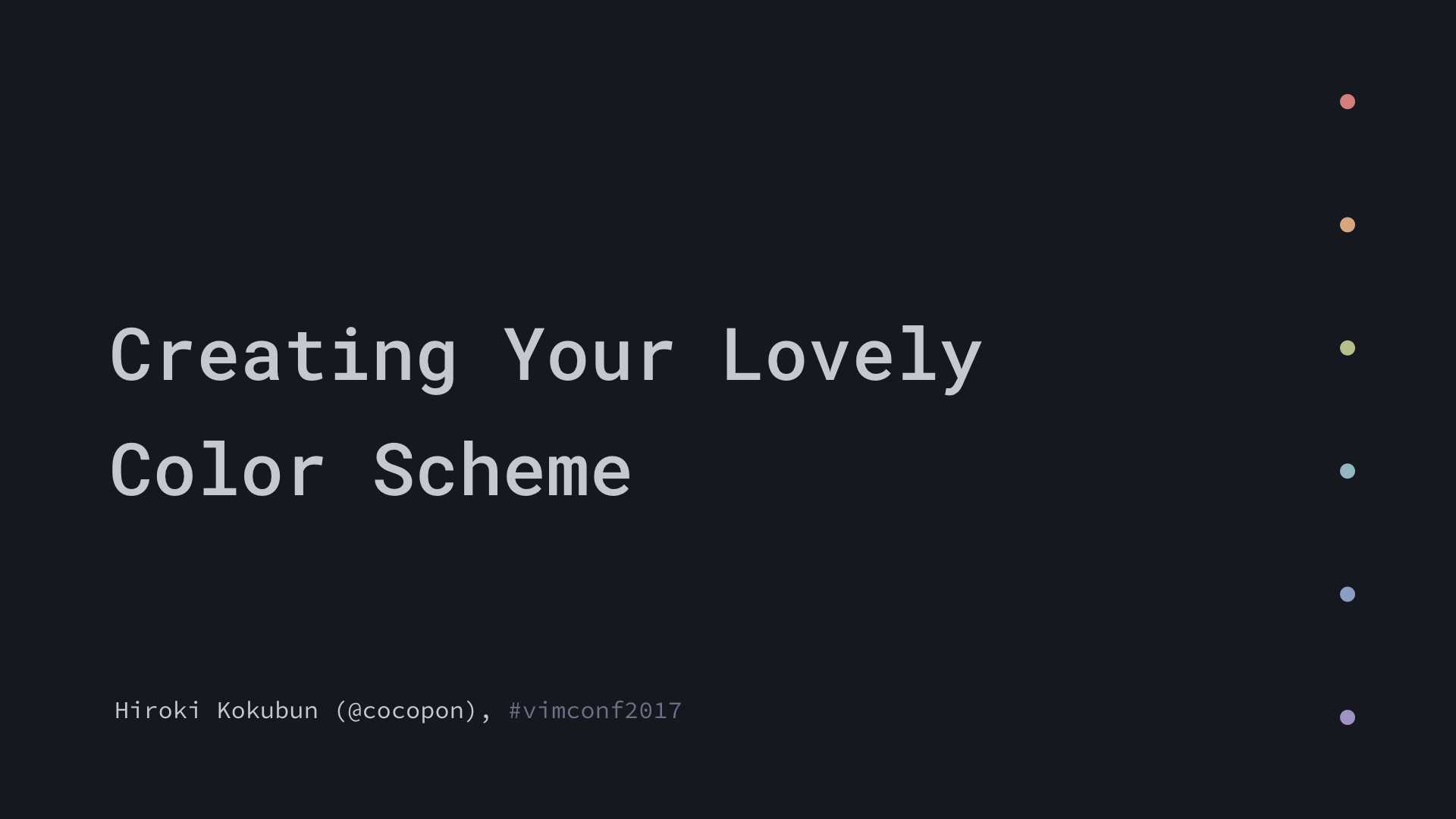
Creator of Iceberg talked about how to create your lovely color scheme in VimConf 2017, international Vim conference. This slides also explained the philosophy of Iceberg.
For other environments
IDEs and text editors
- Visual Studio Code by cocopon
- Atom by cocopon
- Xcode by cocopon
- AppCode by Kuniwak
- Emacs by conao3
- CotEditor by YusukeSano
Terminal emulators
- Terminal.app by cocopon
- Hyper by cocopon
- st by vejetaryenvampir
- kitty (dark) by gkeep
- kitty (light) by gkeep
- alacritty by connorlay
- iTerm2 by YusukeSano
- Warp by YusukeSano
NOTE: terminal.sexy provides configuration files for the 16 ANSI colors for many terminal emulators (e.g. GNOME Terminal, iTerm2, etc.). Use .Xresources file as import and export it for the emulator of your choice.
Other
- bumblebee-status by whzup
- tmux by gkeep
- alternative dark theme for lightline and airline, bumblebee-status by gkeep
- Slack sidebar by cocopon
Building your own Iceberg
NOTE: This section is for color scheme developers. If you just want to use the color scheme, you don't have to follow these steps.
Install cocopon/pgmnt.vim, a template engine for Vim color scheme, to your Vim.
To modify a color palette, edit
autoload/iceberg/palette/(dark|light).vim. If you make changes, be sure to:sourcethis file before step 4 otherwise your color palette changes will not be reflected.To modify highlighting groups or links, edit
src/iceberg.vim.After editing, compile the source file as below:
:e src/iceberg.vim
:cd %:h
:source %
Compiled files will be output into
autoloaddirectory.
License
MIT License. See LICENSE.txt for more information.
探索相关项目
加载中…