项目 在 GitHub 查看
cihadturhan/jquery-aim
关于
用于预测用户将悬停或点击哪个元素的 jQuery 插件。
开发工具实测星标增长
- 24小时
- 0
- 7天
- 0
- 15天
- 正在收集历史
- 1个月
- 正在收集历史
各周期内的星标净变化,周期相互重叠,并非每日新增。缺失的测量保持空白。星标代表关注度,不代表软件质量。
README.md
原文jquery.aim
jQuery plugin anticipates on which element user is going to hover/click.
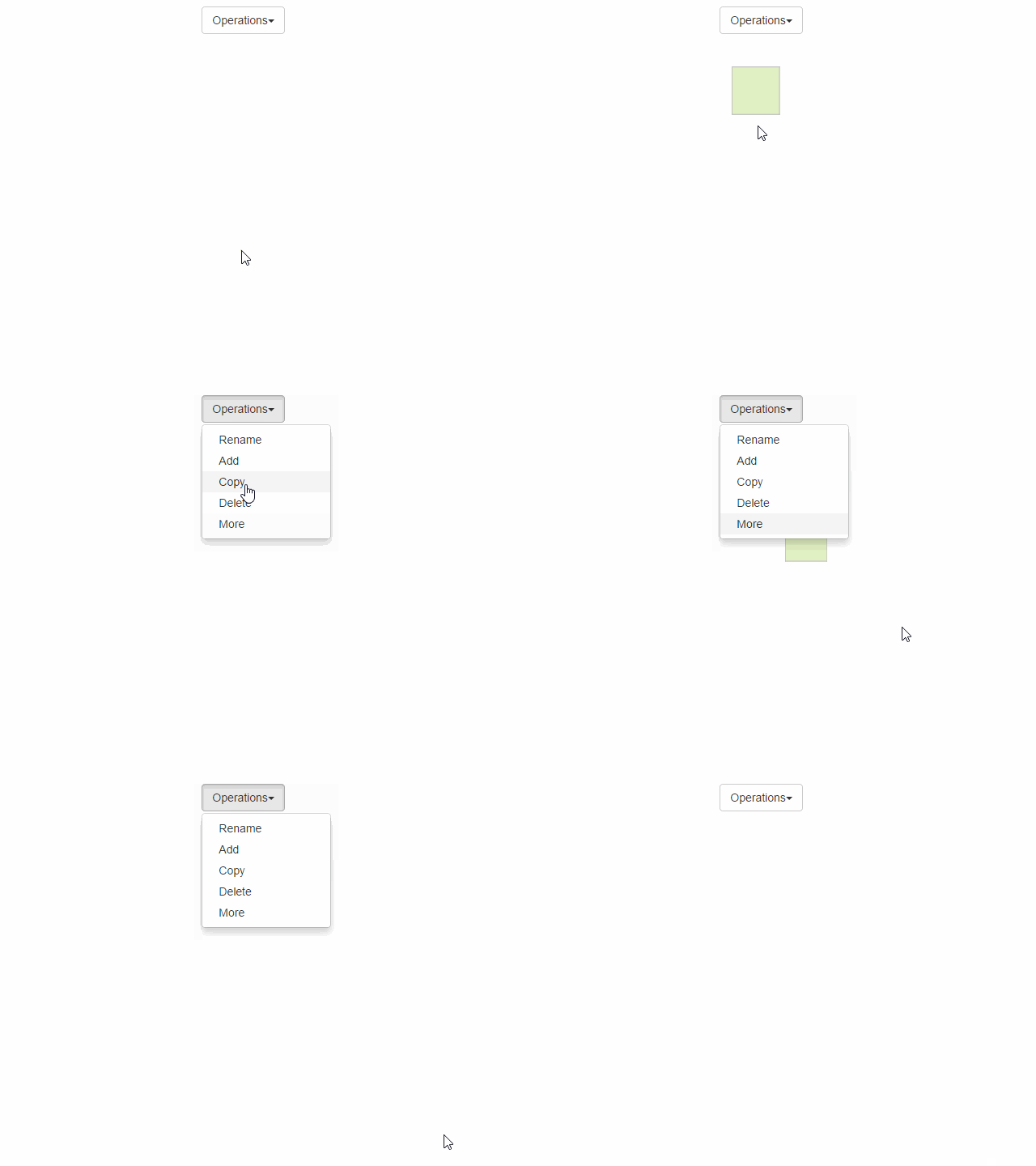
Examples
A couple of examples can be found the examples page
Usage
Call the function on the elements to catch user aim and add a class which will be added or removed when aiming starts or ends
$('#target').aim({
    className: 'open'
});
If you want to execute a function on aim starts or ends, use the aimEnter and aimExit options
$('#hamburger').aim({

    aimEnter: function() {
        $('#menu').show();
    },

    aimExit: function(){
        $('#menu').hide();
    }
});
Debugging
To see where your cursor is aiming and check if it intersects with elements use
$.aim.setDebug(true);
and you will see a rectangle moving around.
Defining own function
If you don't like the default algorithm, define your own by the following procedure
function anticipateFunc(p, v, mouseX, mouseY, anticipator) {
  /*
  Calculate the new position of anticipator using inputs
  p = {x:number,y:number}
  v = {x:number,y:number}
  mouseX = number
  mouseY = number

  Anticipator has some readonly values like the following

  {
      size: 50,
      center: {x: 0, y: 0},
      effectiveSize: 1,
      rect : {x0: 0, y0: 0, x1: 50, y1: 50}
  }

  */
}

$.aim.setAnticipateFunction(anticipateFunc);
探索相关项目
加载中…