
chad/turbulence
chad/turbulence has 283 GitHub stars and 28 forks. GitHot measured 0 stars in 24 hours and 0 in 7 days. Last checked 2026-11-22 05:43 UTC. Last push 2026-11-13.
实测星标增长
- 24小时
- 0
- 7天
- 0
- 15天
- 正在收集历史
- 1个月
- 正在收集历史
各周期内的星标净变化,周期相互重叠,并非每日新增。缺失的测量保持空白。星标代表关注度,不代表软件质量。
关于
Hopefully-meaningful metrics
开发工具README.md
原文Turbulence


Turbulence visualizes churn vs complexity for your Ruby codebase, helping you identify files that are both highly complex and frequently changed - prime candidates for refactoring.
Based on Michael Feathers' work on getting empirical about refactoring.
Screenshots
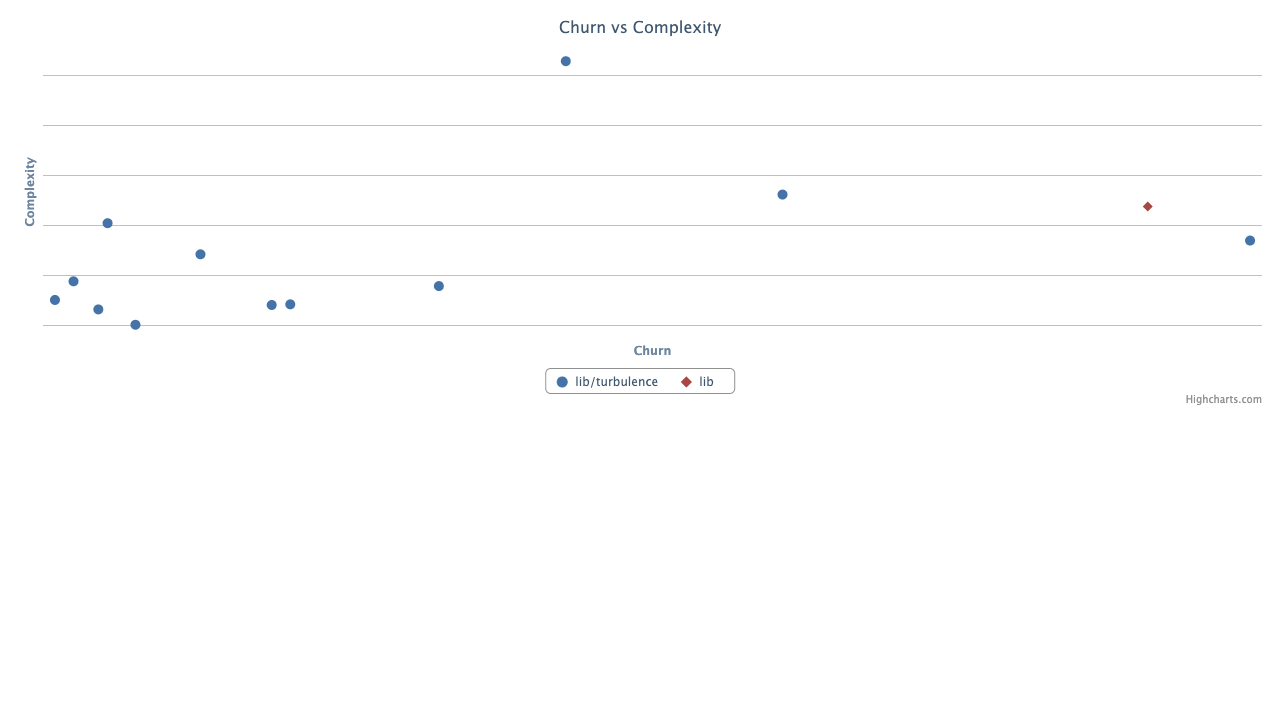
Scatter Plot (default)
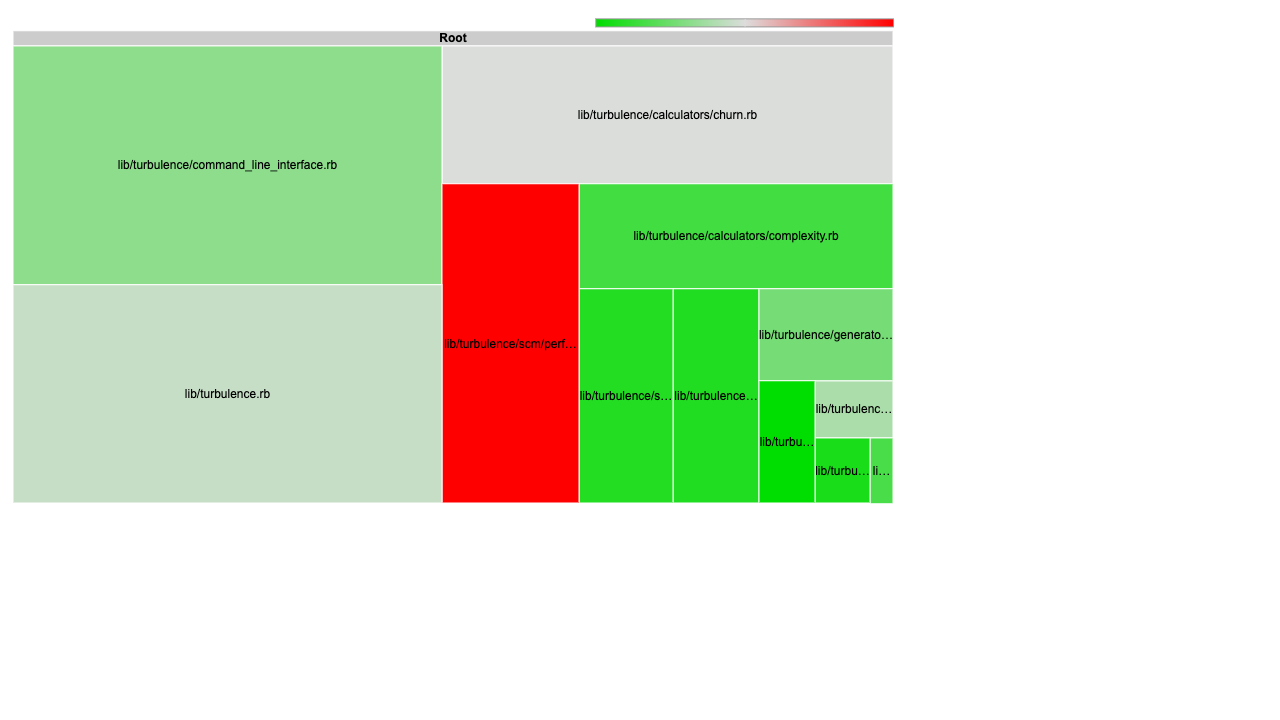
Treemap
How to Read the Graph
The scatter plot places each file according to its churn (x-axis) and complexity (y-axis):
| Quadrant | Location | What it means |
|---|---|---|
| Danger Zone | Upper right | High complexity + high churn. These files change often and are hard to work with. Prime refactoring candidates! |
| Healthy Closure | Lower left | Low complexity + low churn. Stable, well-factored code. Leave it alone. |
| Cowboy Code | Upper left | High complexity + low churn. Complex code that sprang from someone's head fully formed. May need attention if it starts changing. |
| Fertile Ground | Lower right | Low complexity + high churn. Often configuration or incubators for new abstractions. Code grows here, then gets extracted. |
Requirements
- Ruby 3.0 or later
- Git or Perforce
Installation
gem install turbulence
Usage
In your project directory, run:
bule
This generates and opens turbulence/turbulence.html with an interactive scatter plot.
Options
bule [options] [directory]

Options:
  --scm p4|git          SCM to use (default: git)
  --churn-range A..B    Commit range to compute file churn
  --churn-mean          Calculate mean churn instead of cumulative
  --exclude PATTERN     Exclude files matching pattern
  --treemap             Output treemap graph instead of scatter plot
  --no-open             Skip opening the report in a browser
  --output DIR          Output directory for reports (default: ./turbulence)
Examples
# Analyze current directory
bule

# Analyze a specific directory
bule path/to/project

# Use Perforce instead of Git
bule --scm p4

# Analyze only recent changes
bule --churn-range HEAD~100..HEAD

# Generate report without opening browser (useful for CI)
bule --no-open

# Output to a custom directory
bule --output spec/reports/turbulence

# Exclude test files
bule --exclude spec
Perforce Support
For Perforce, set the P4CLIENT environment variable to your client workspace name:
export P4CLIENT=my-workspace
bule --scm p4
Privacy Warning
Turbulence generates a JavaScript file containing your file paths and names. If these are sensitive, be careful where you put the generated files and who you share them with.
Contributing
Bug reports and pull requests are welcome on GitHub.
License
Authors
探索相关项目
加载中…