项目 在 GitHub 查看
catppuccin/home-assistant
关于
🏠 Soothing pastel theme for Home Assistant
开发工具实测星标增长
- 24小时
- 0
- 7天
- 0
- 15天
- 正在收集历史
- 1个月
- 正在收集历史
各周期内的星标净变化,周期相互重叠,并非每日新增。缺失的测量保持空白。星标代表关注度,不代表软件质量。
README.md
原文

Catppuccin for Home Assistant



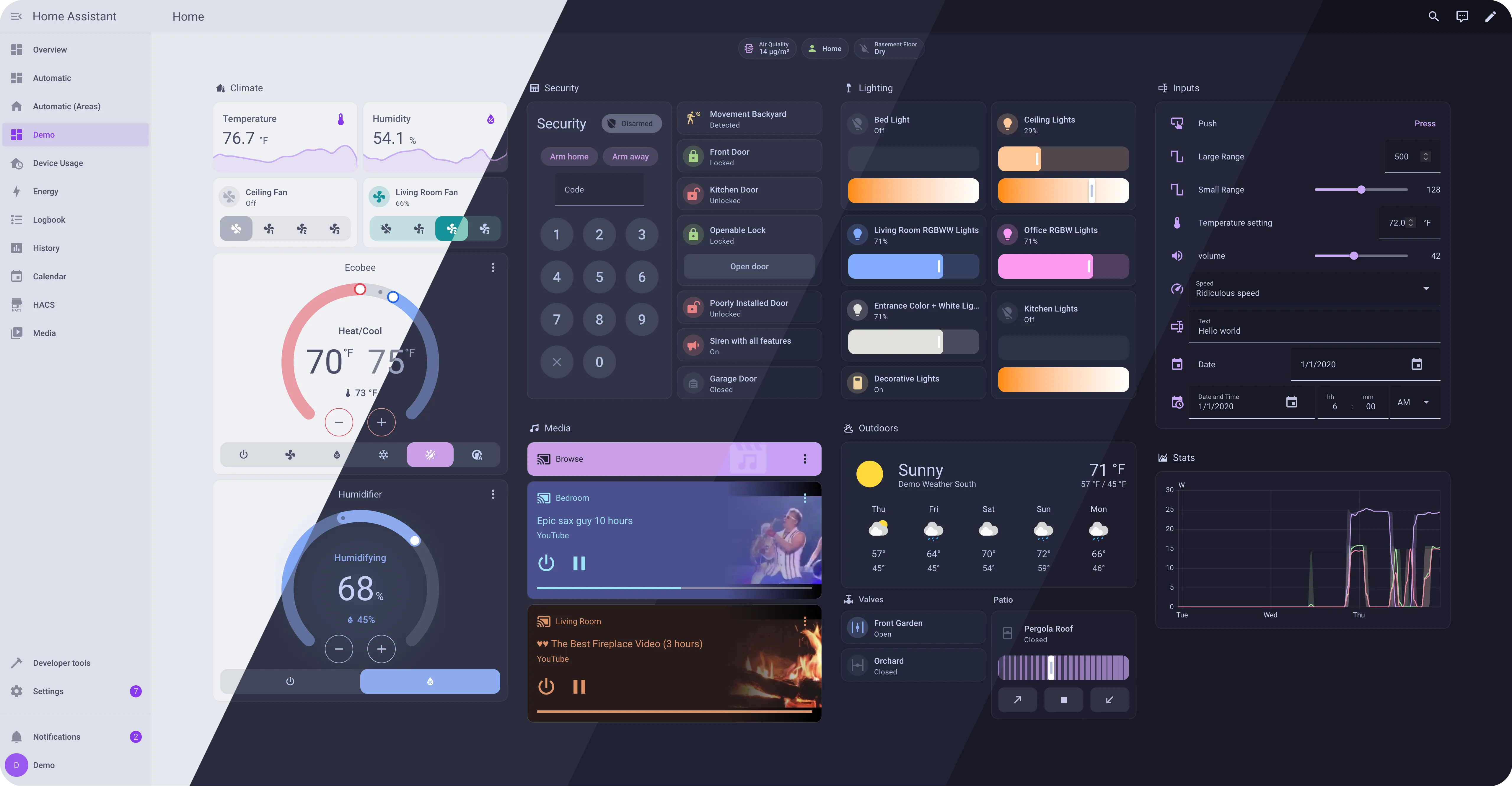
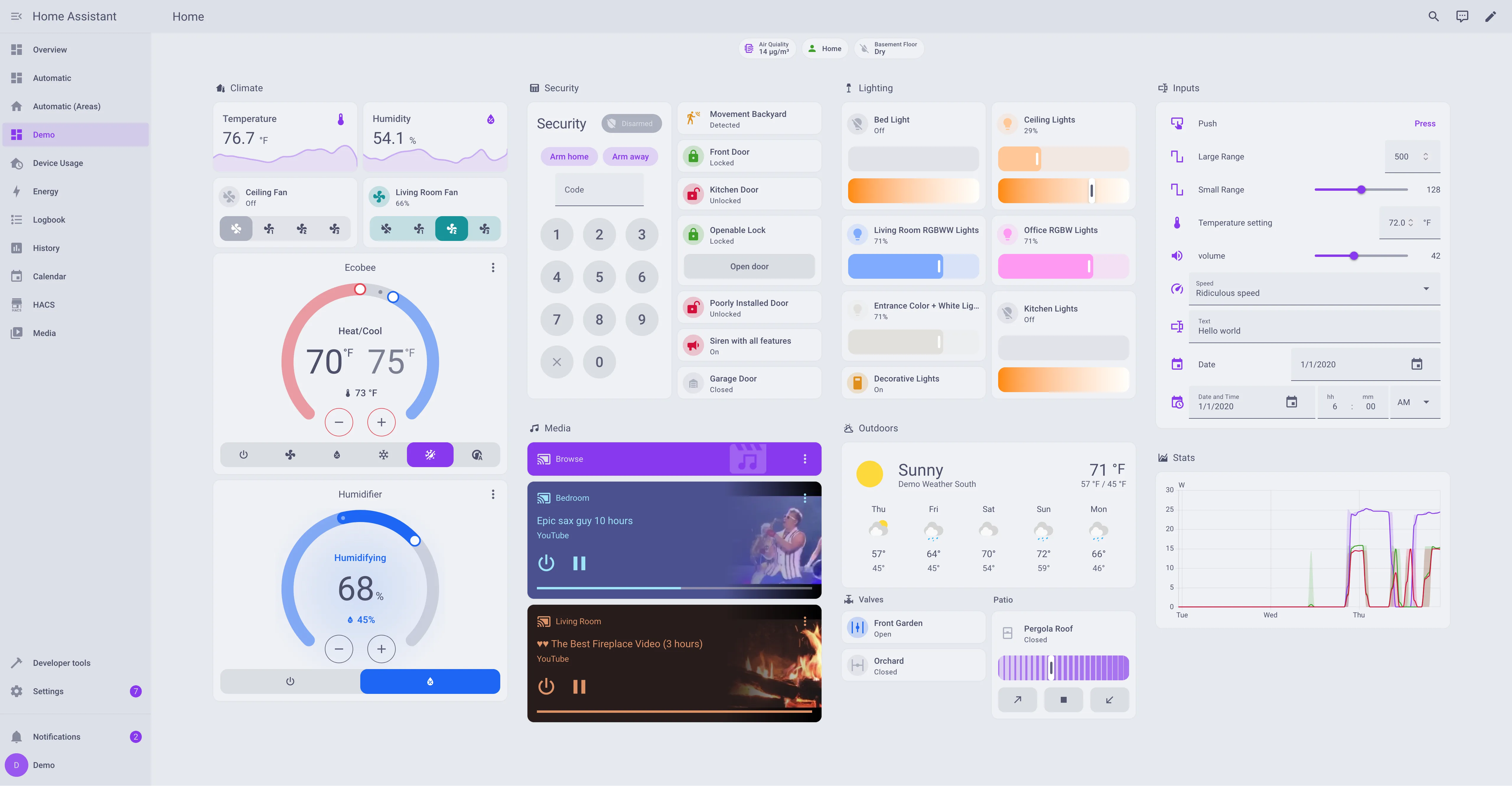
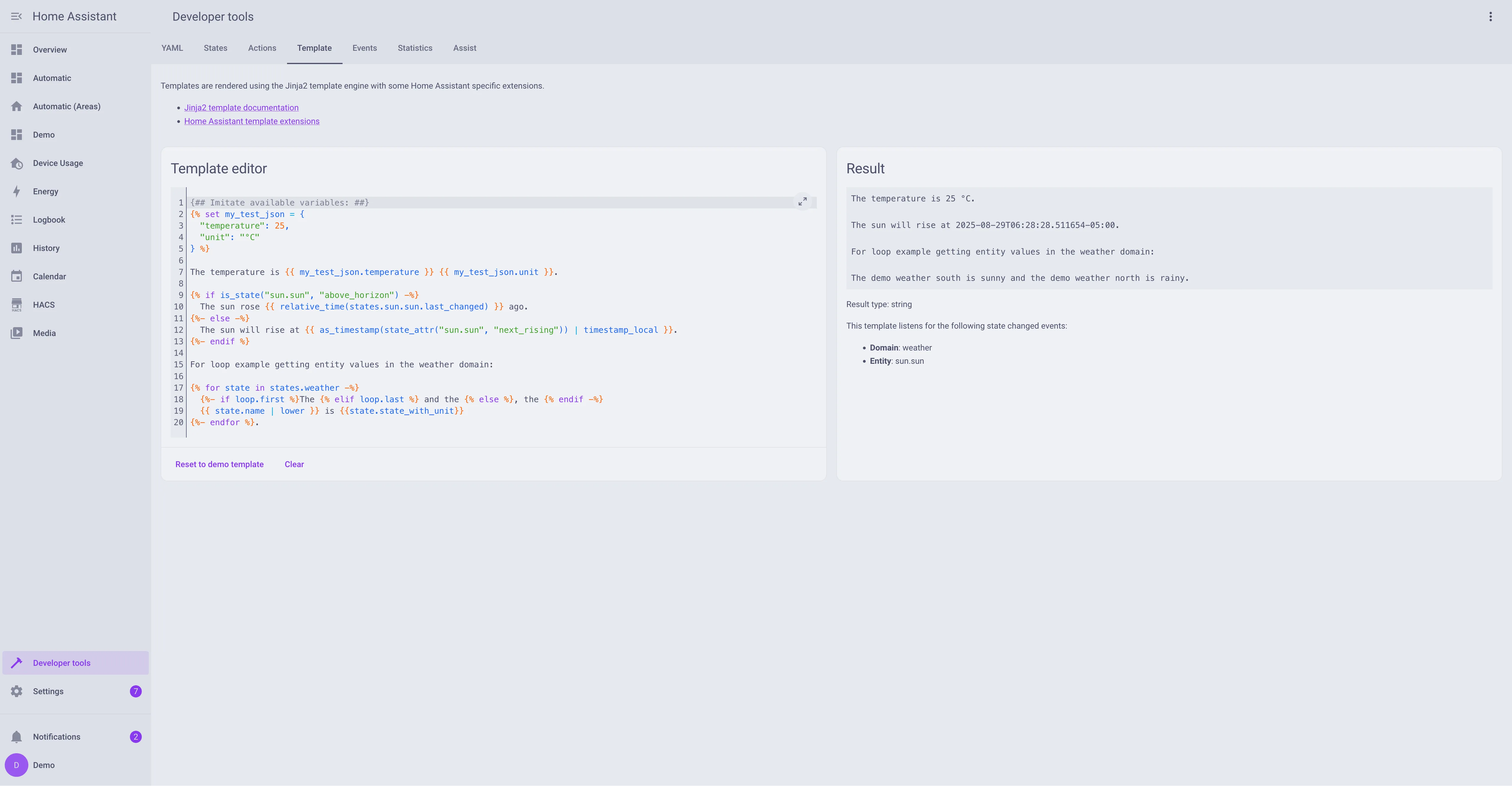
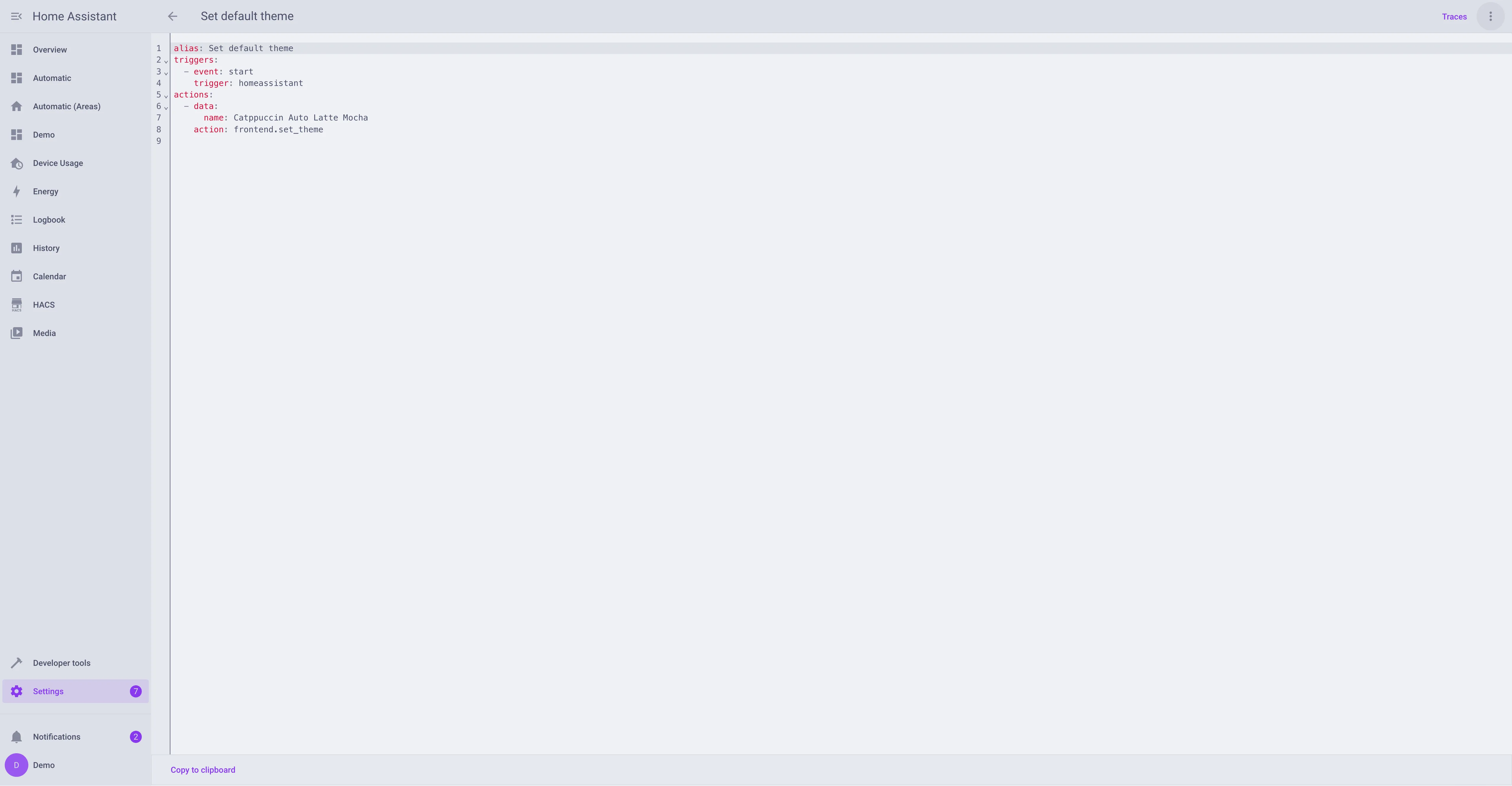
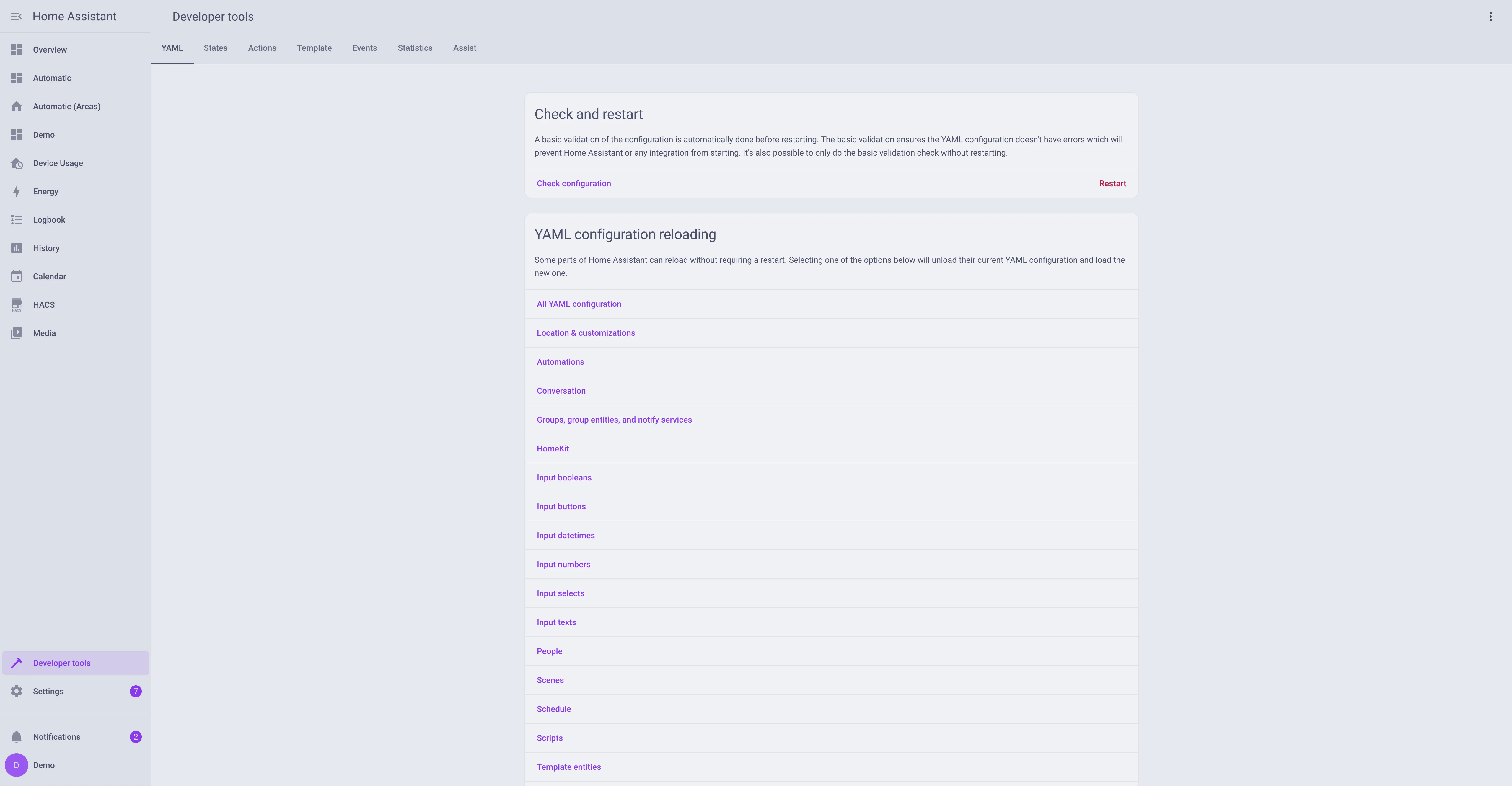
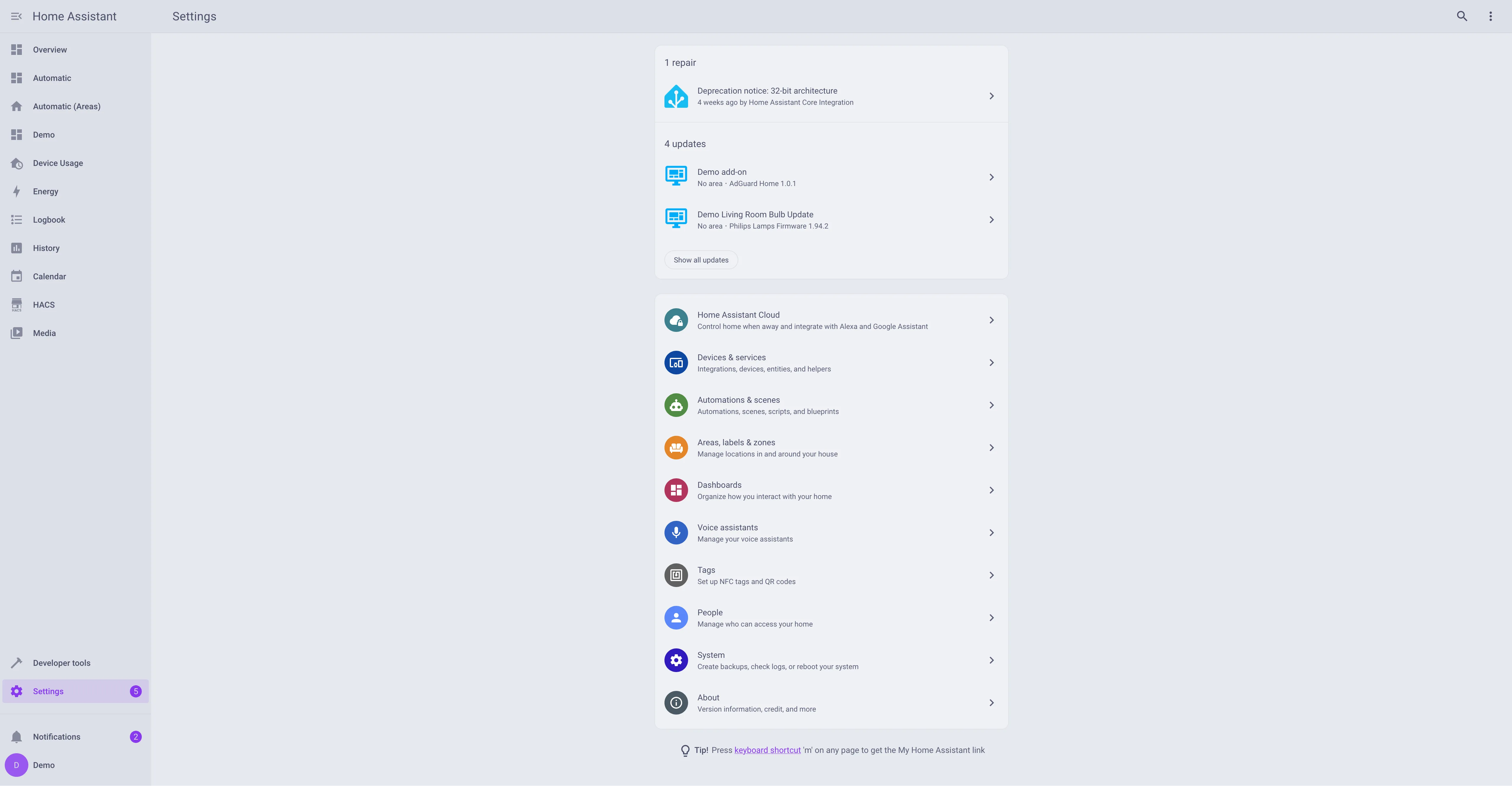
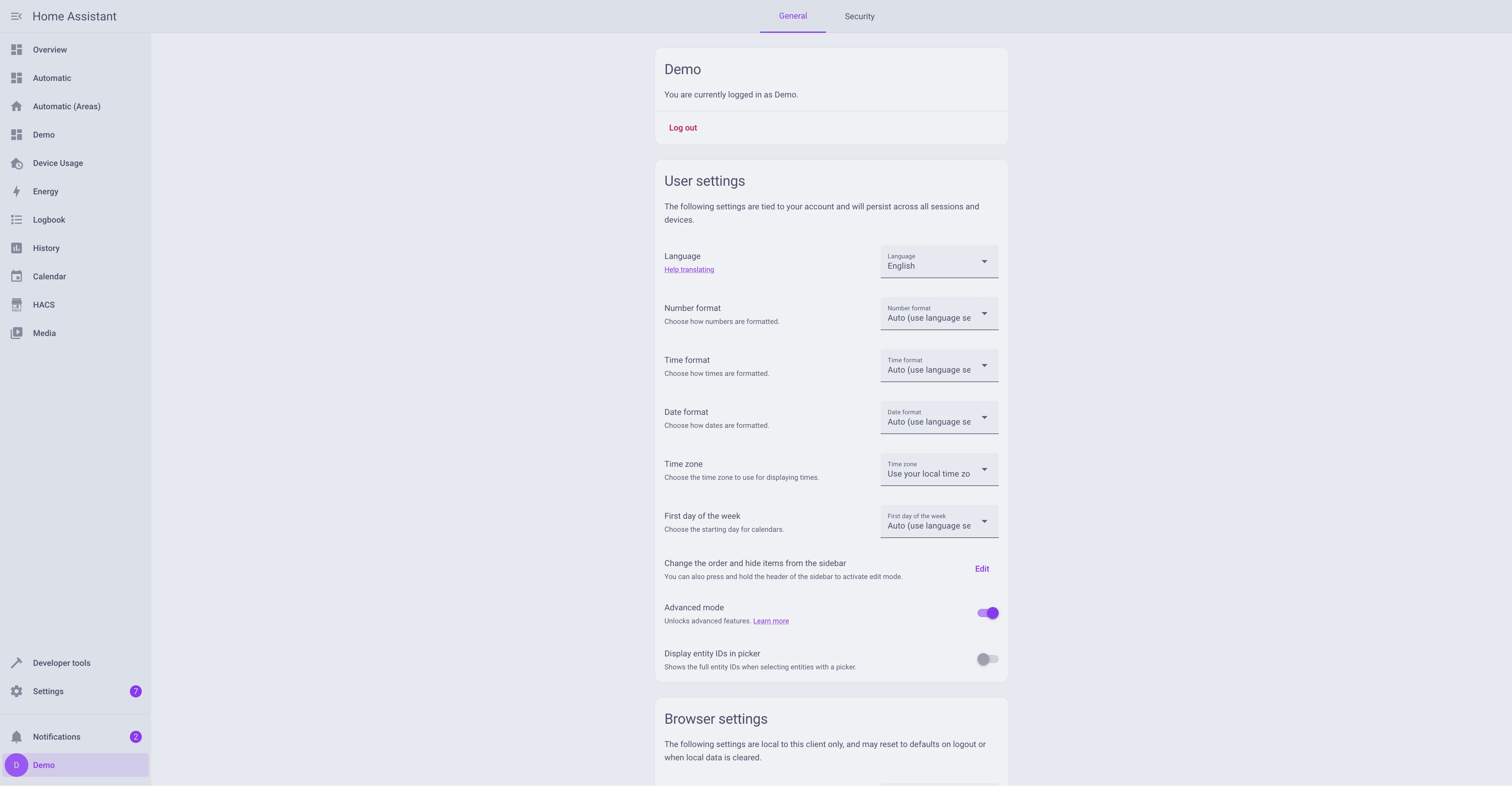
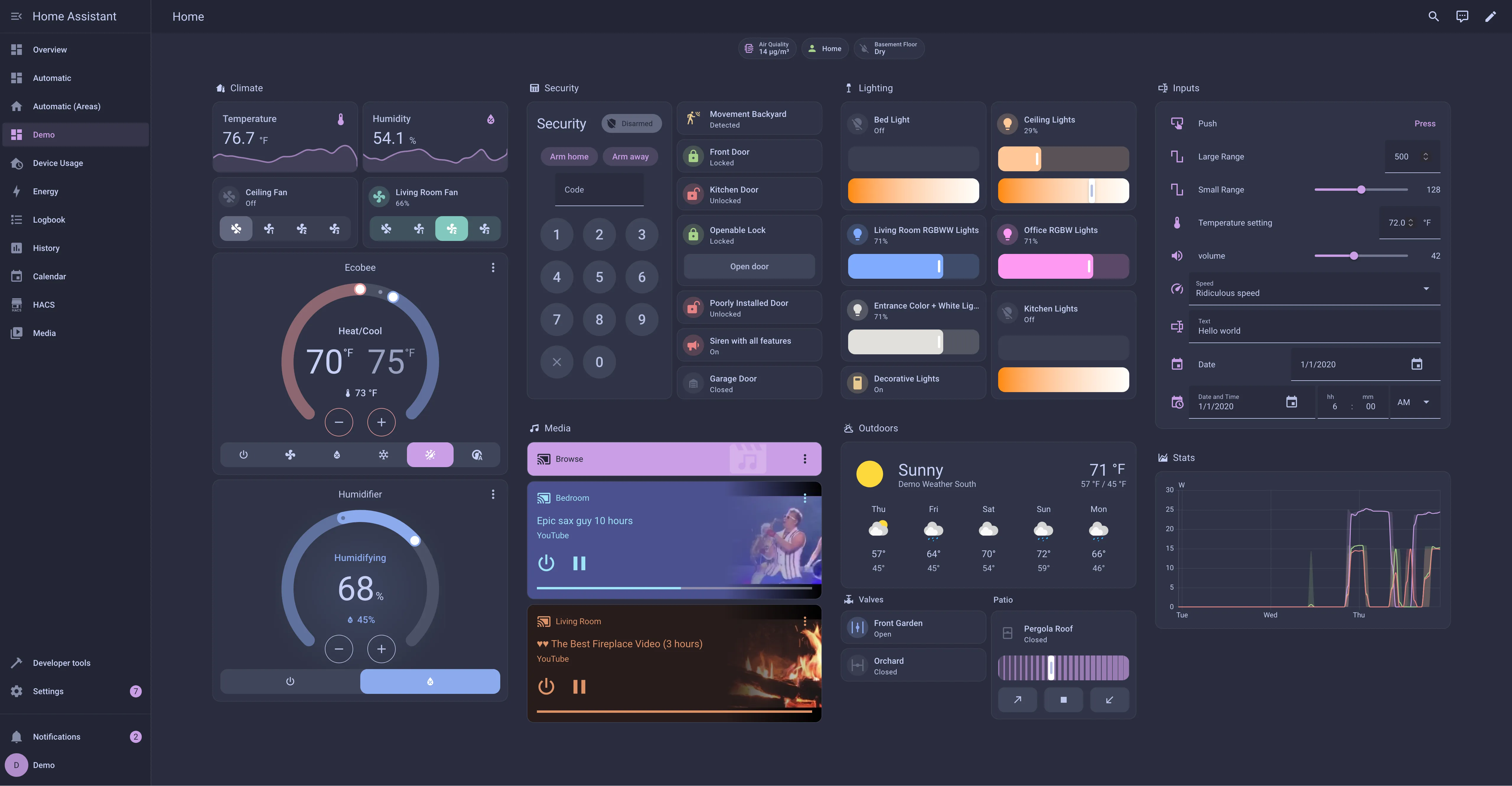
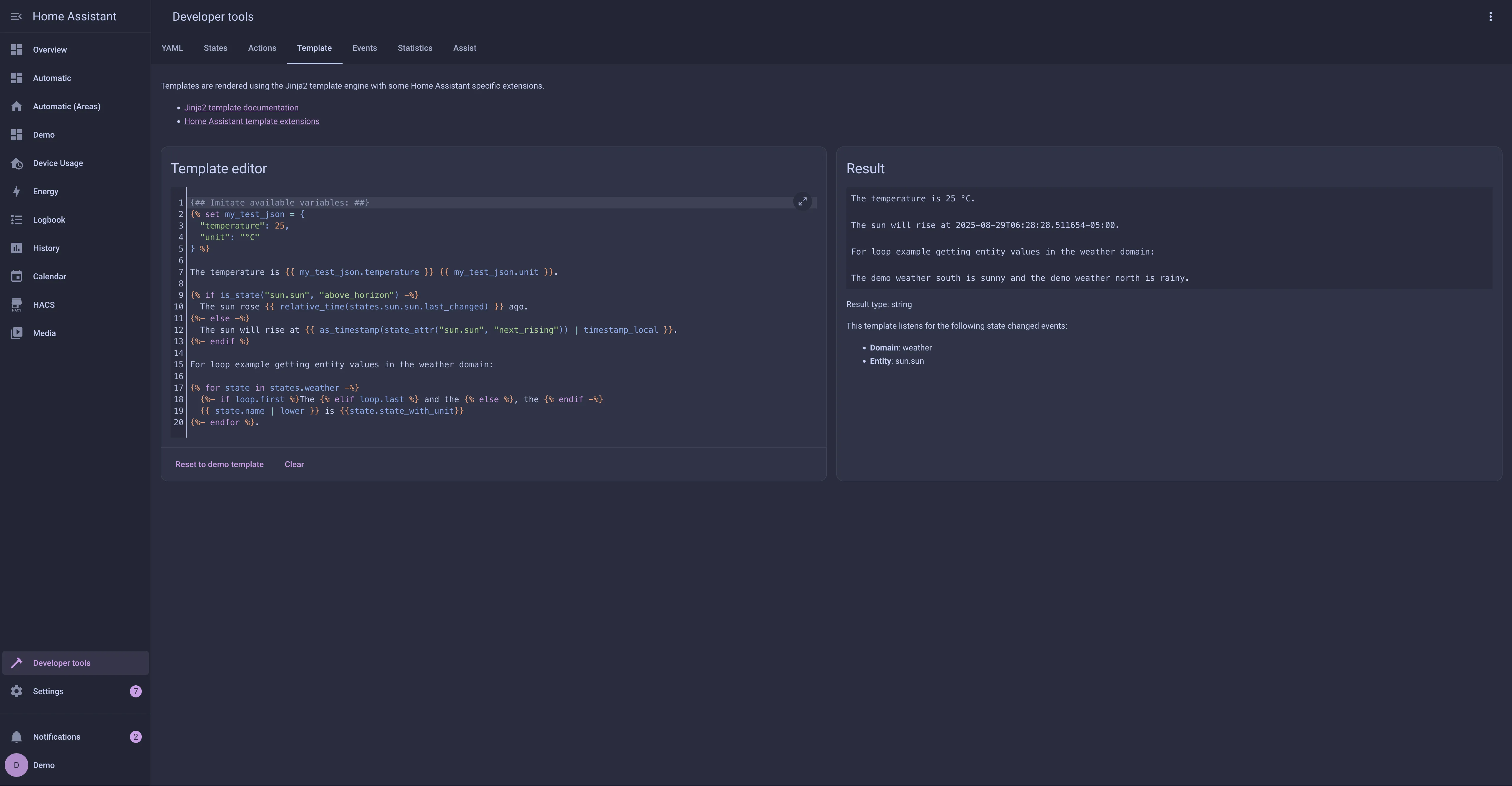
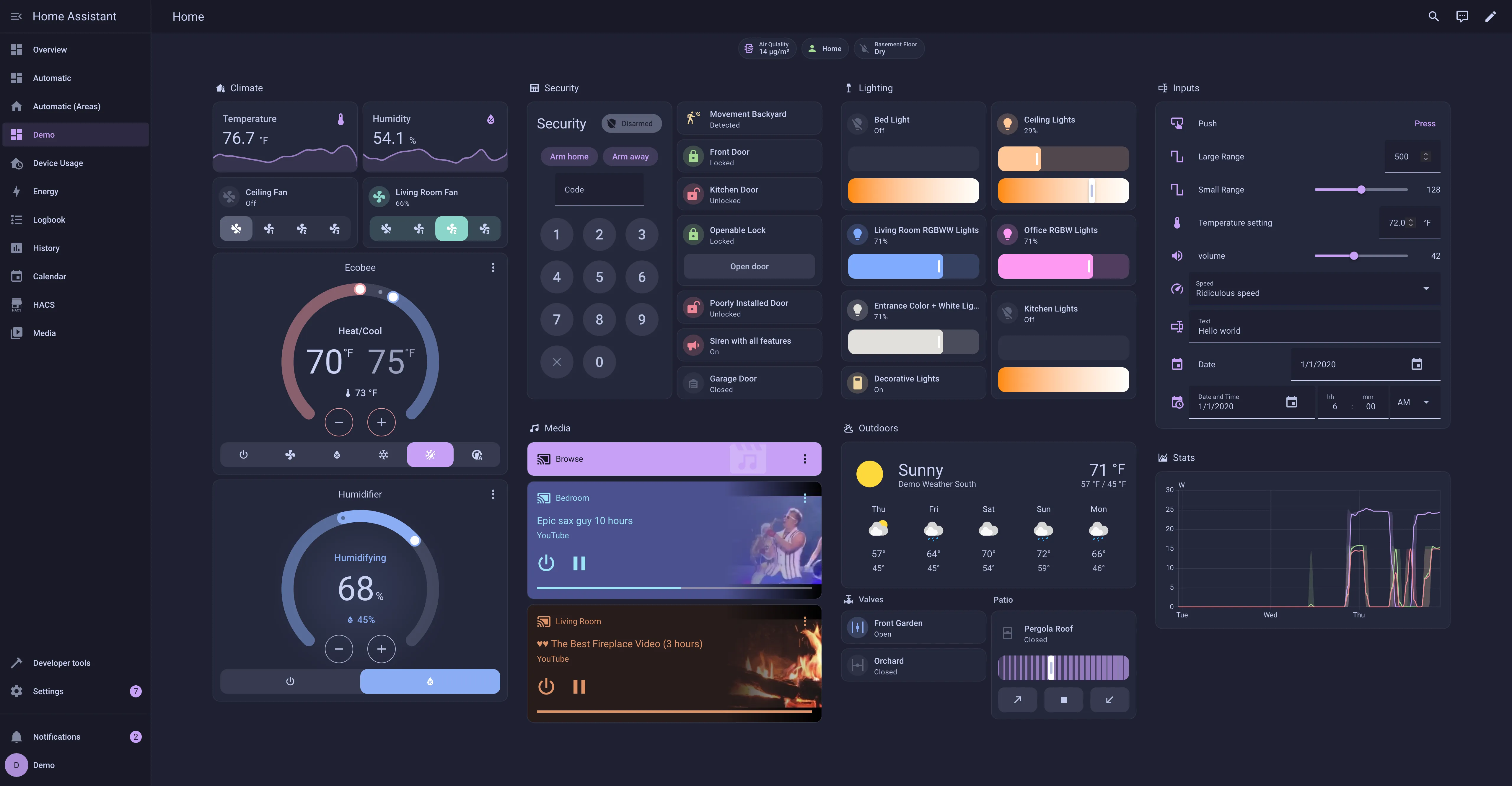
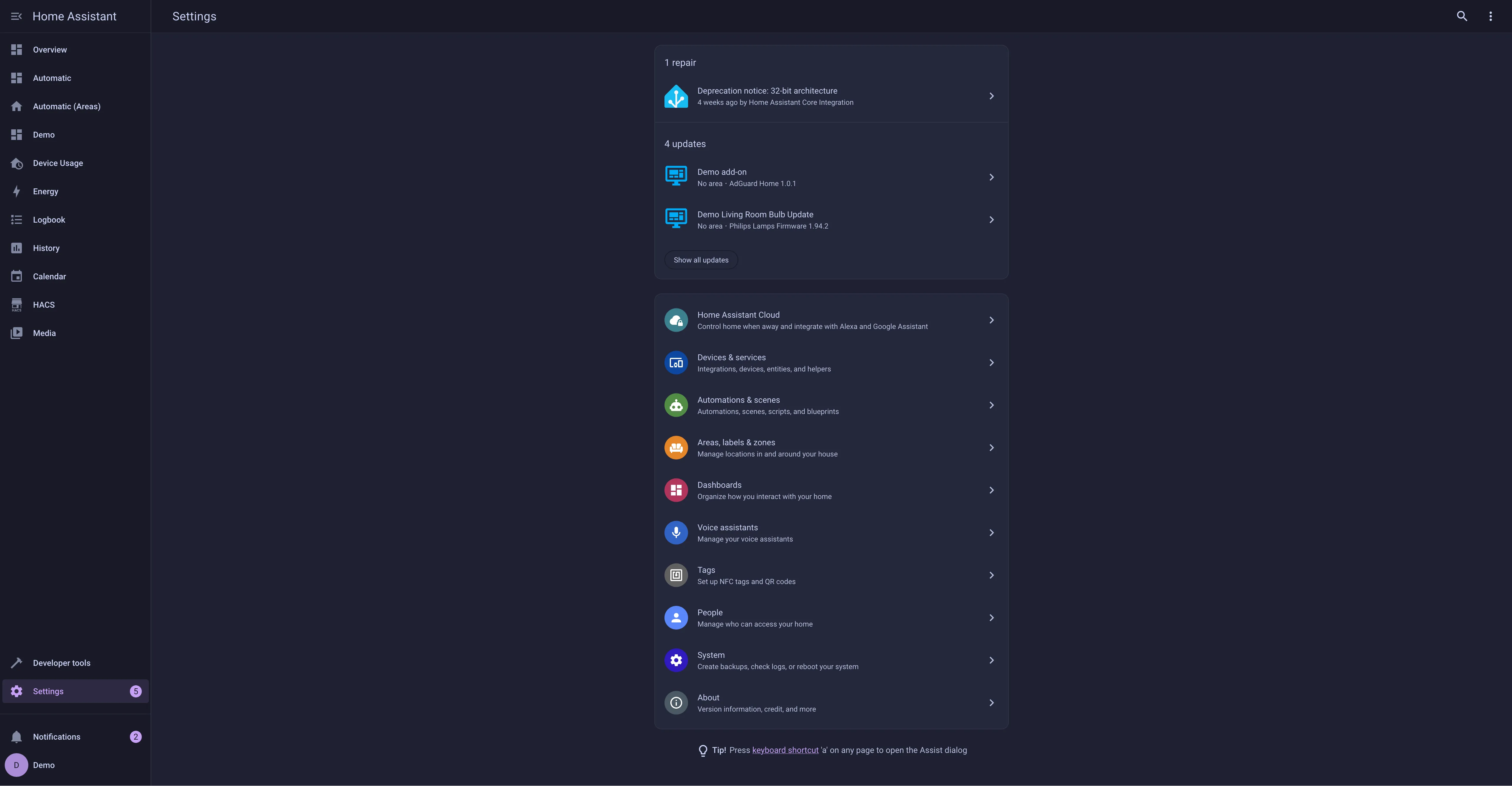
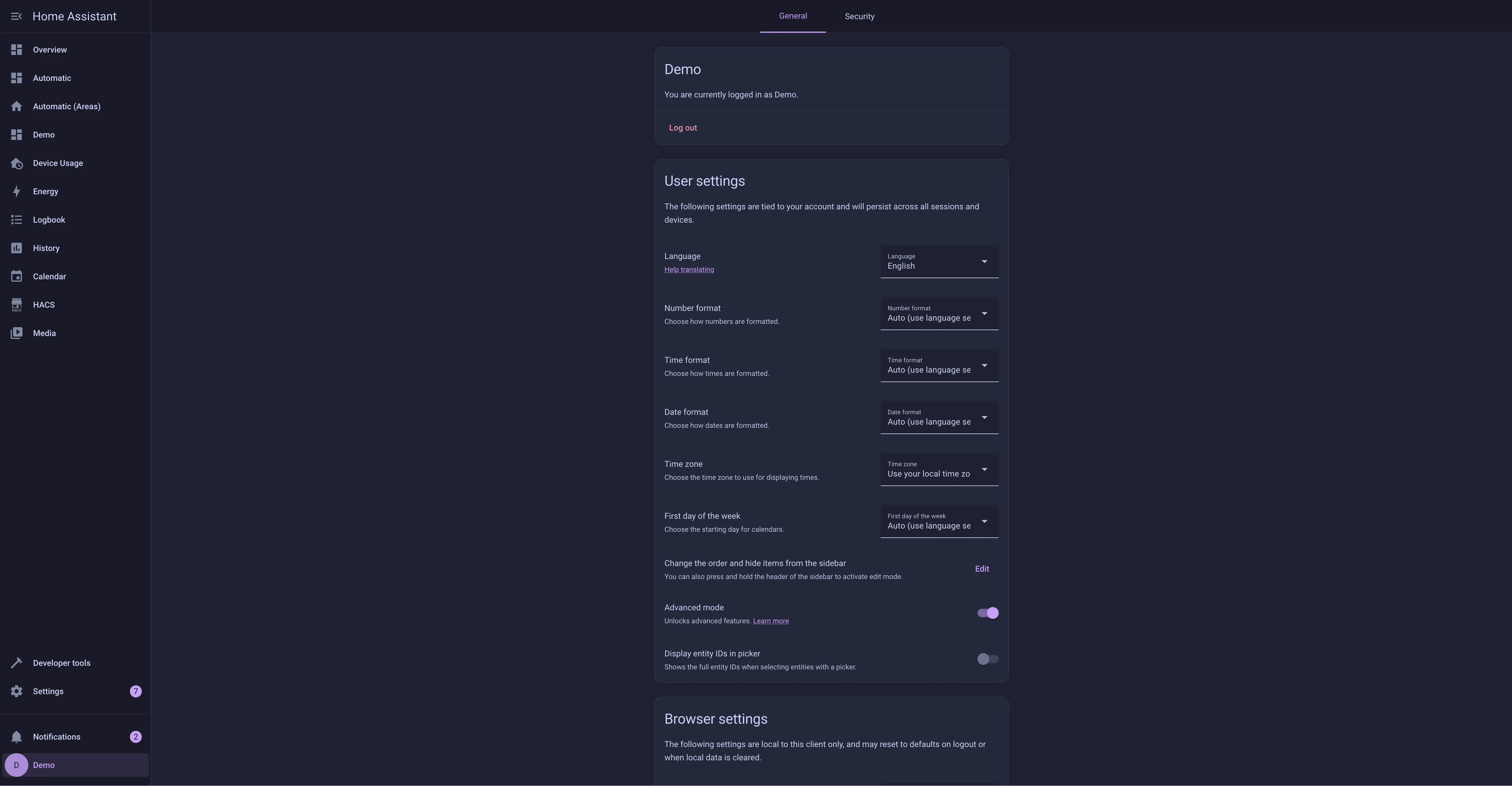
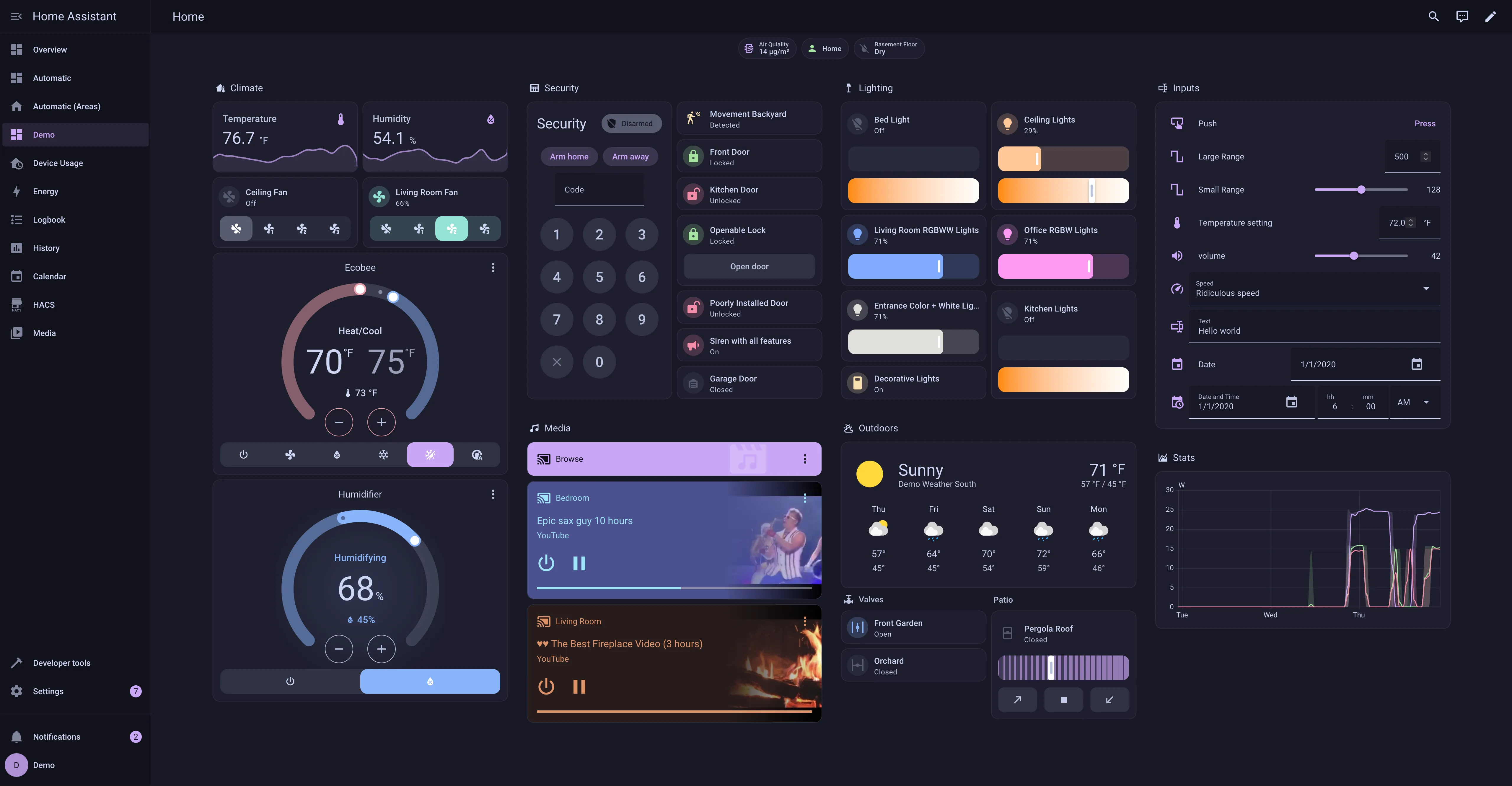
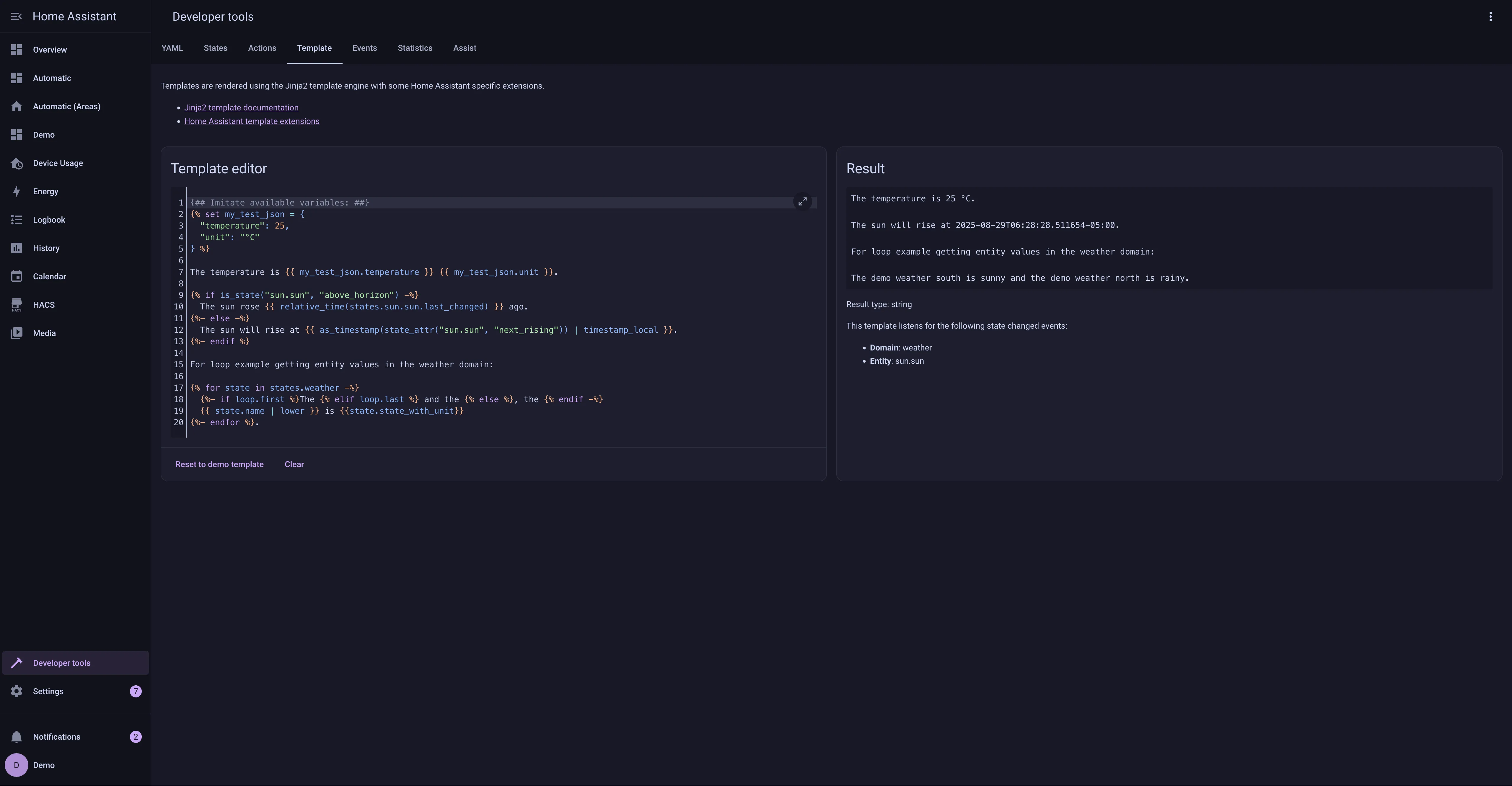
Previews
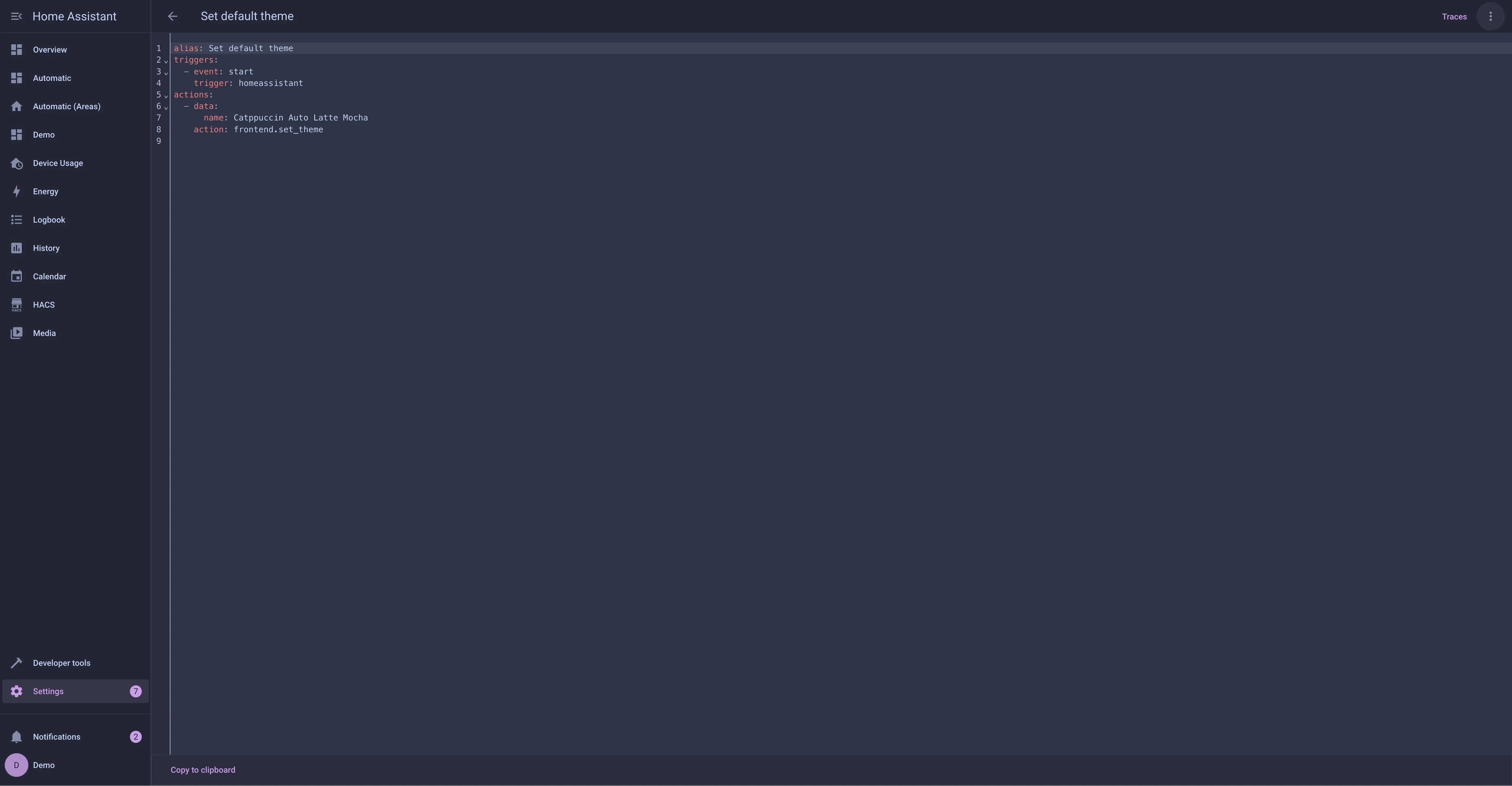
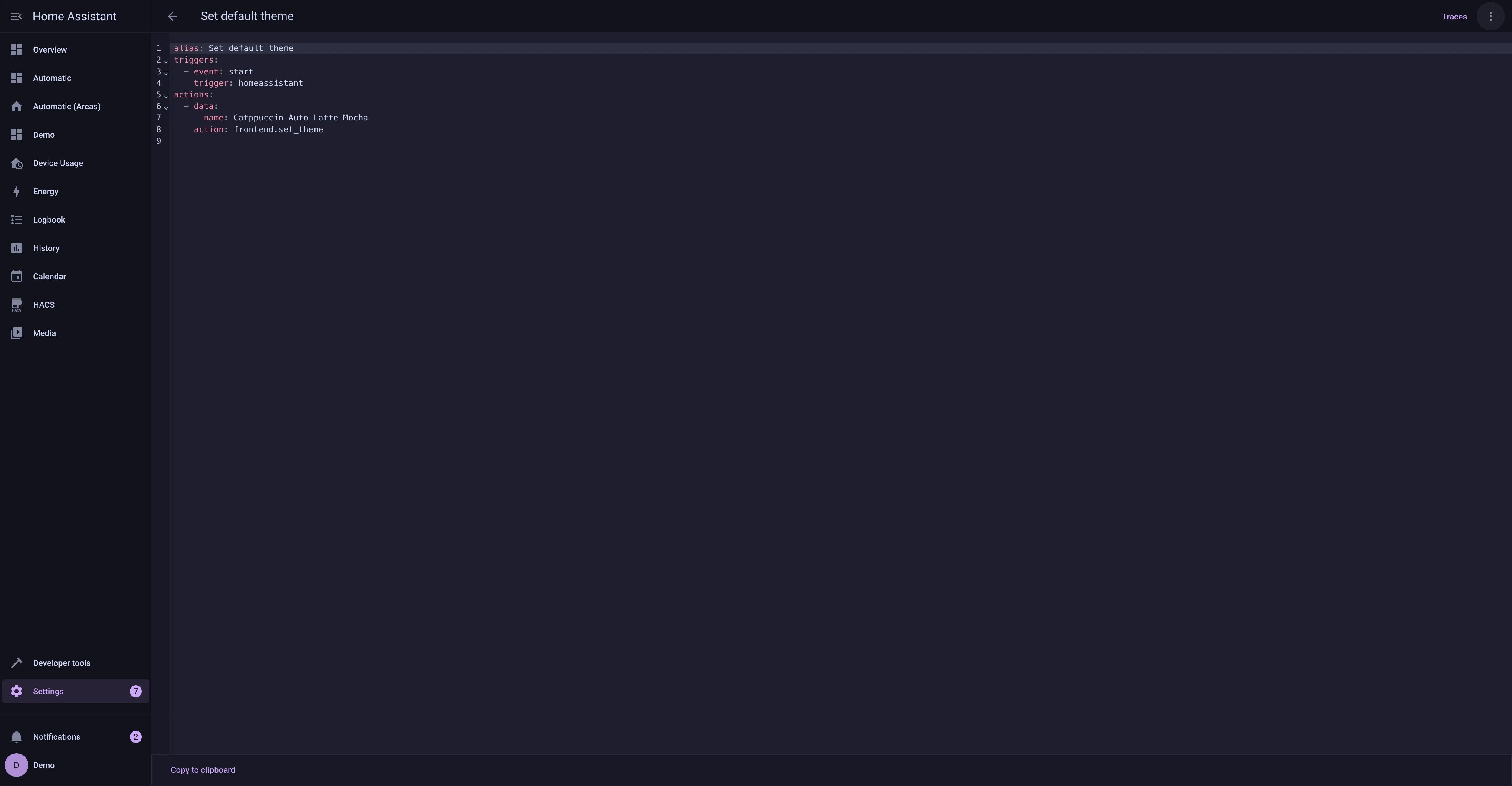
🌻 Latte
🪴 Frappé
🌺 Macchiato
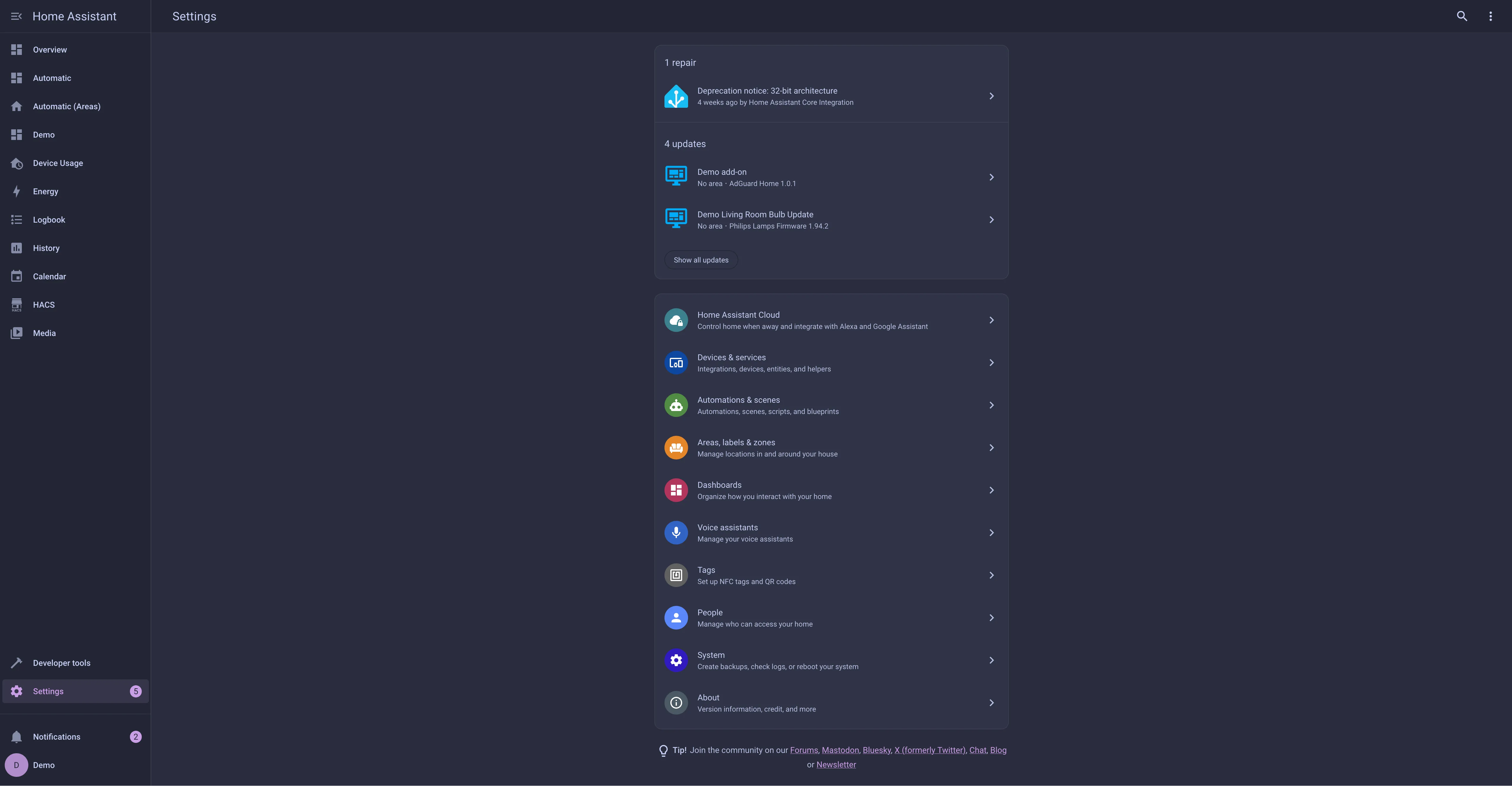
🌿 Mocha
Usage
With HACS
[!NOTE] This will install the default mauve theme shown in the example screenshots. If you wish to have a different highlight color you will need to follow the manual installation steps below.
- Add the following code to your
configuration.yamlfile (reboot required).
frontend:
  ... # your configuration.
  themes: !include_dir_merge_named themes
  ... # your configuration.
- Go to the Community Store.
- Search for
Catppuccin. - Navigate to
Catppuccintheme. - Press
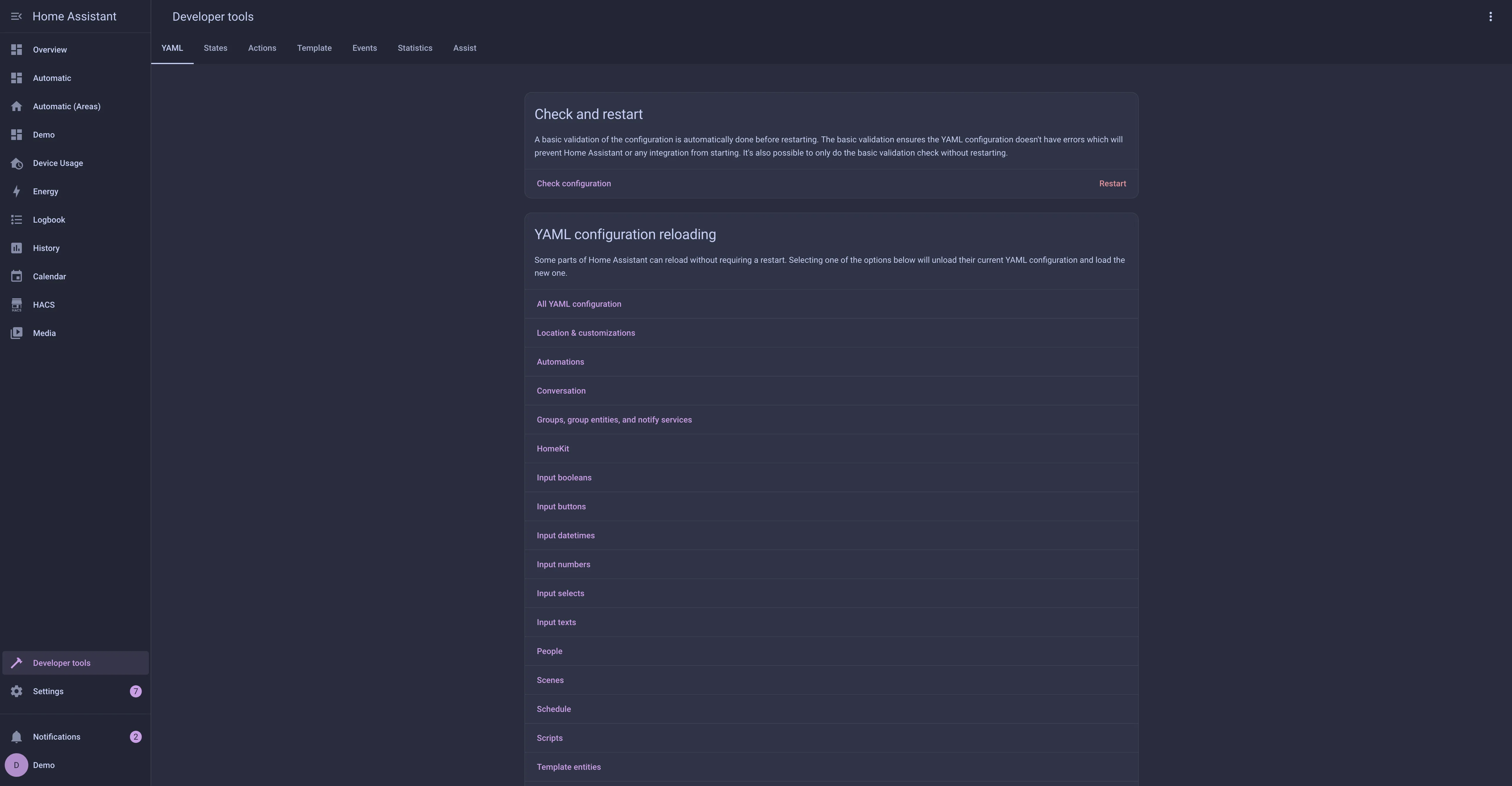
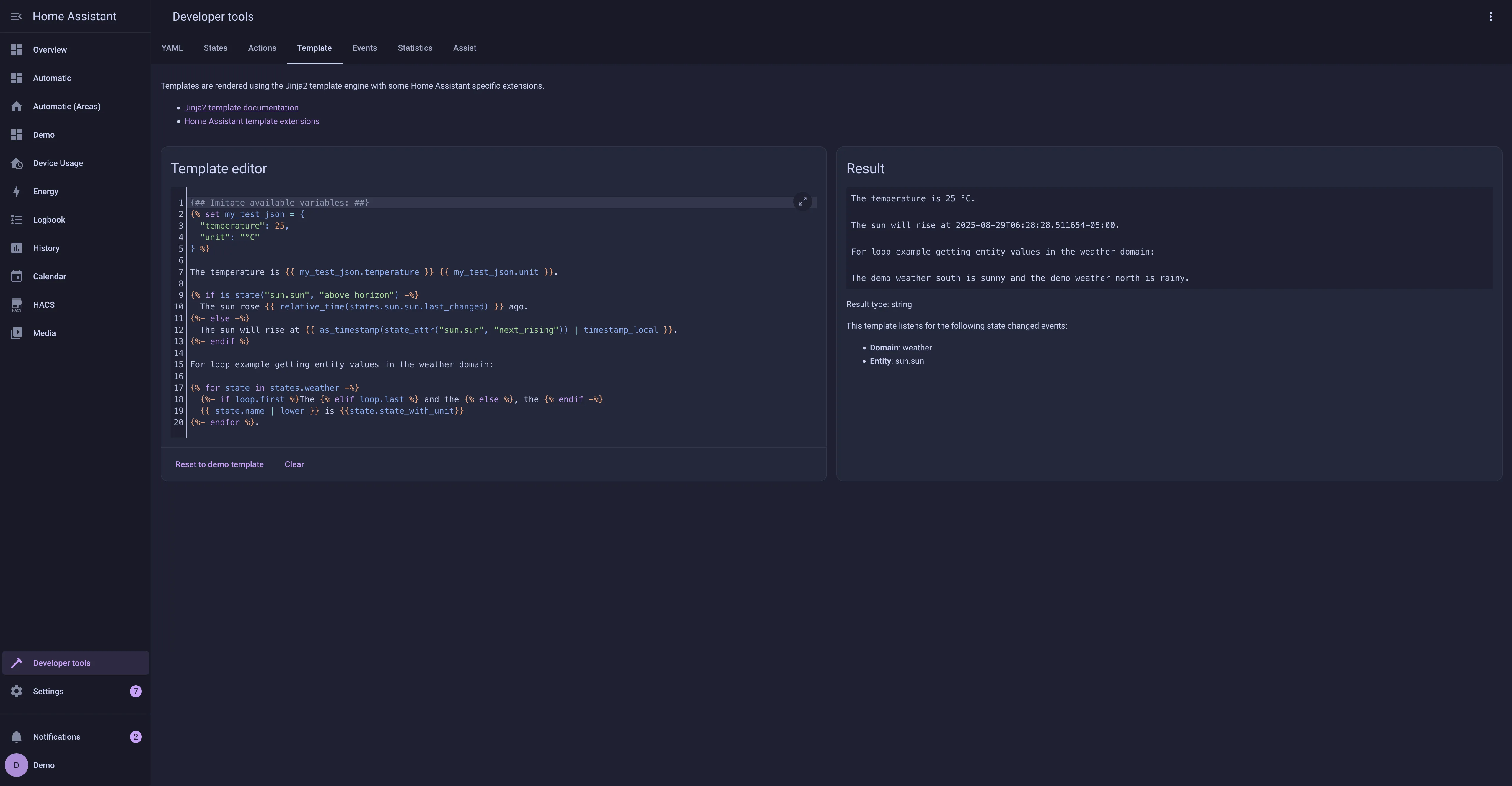
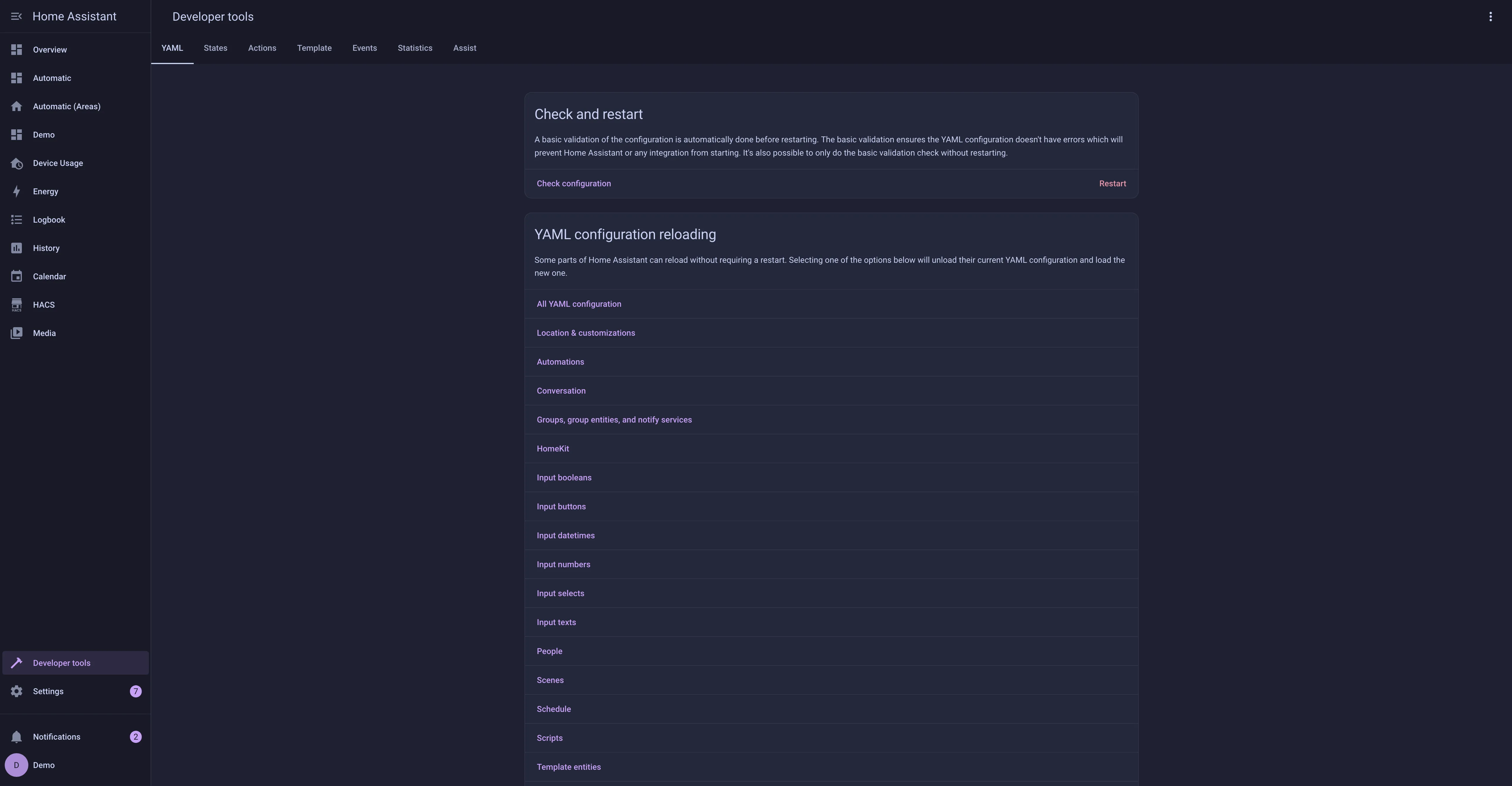
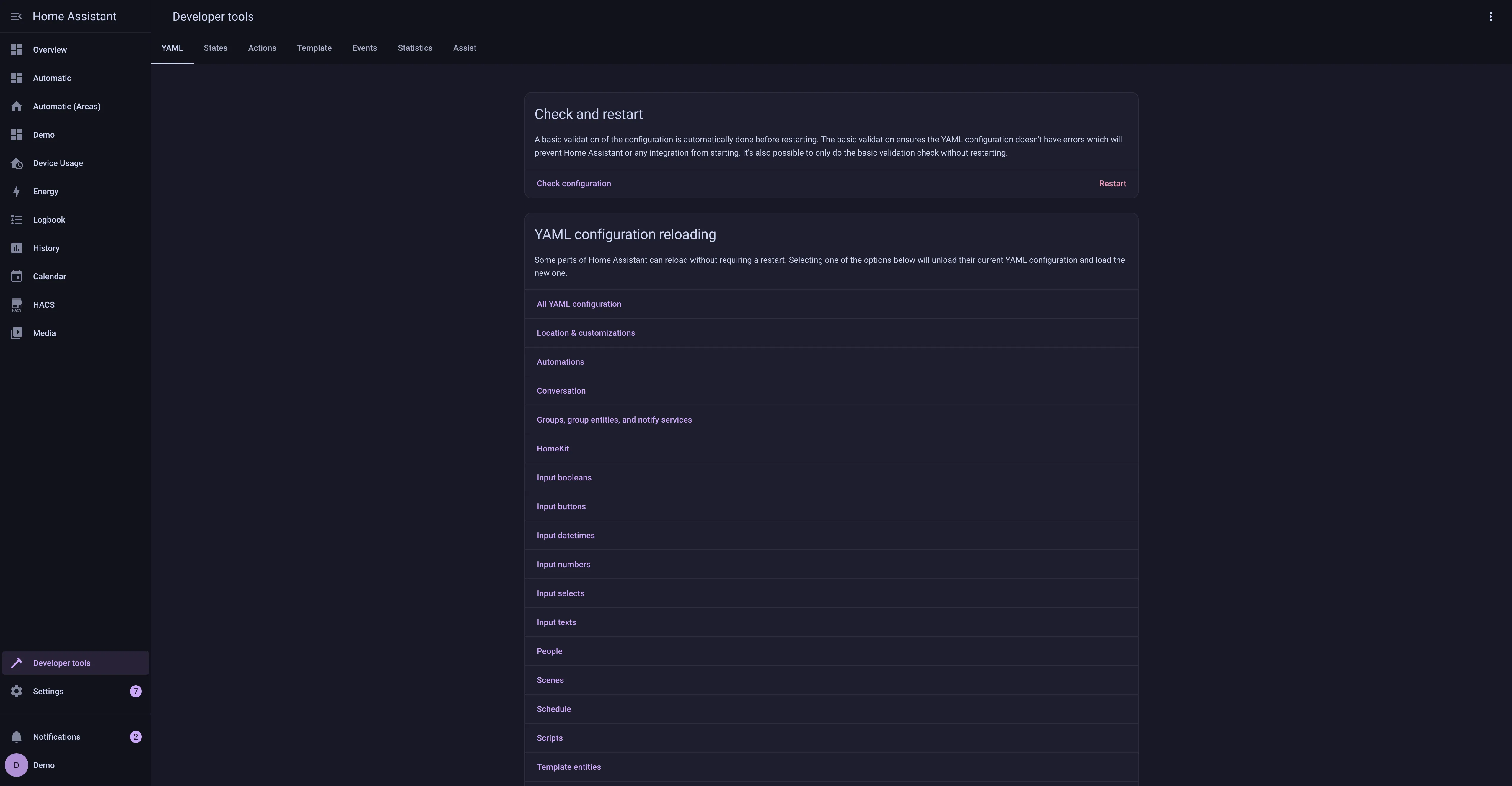
Install. - Go to Developer Tools, and next Actions. Then select and manually trigger the
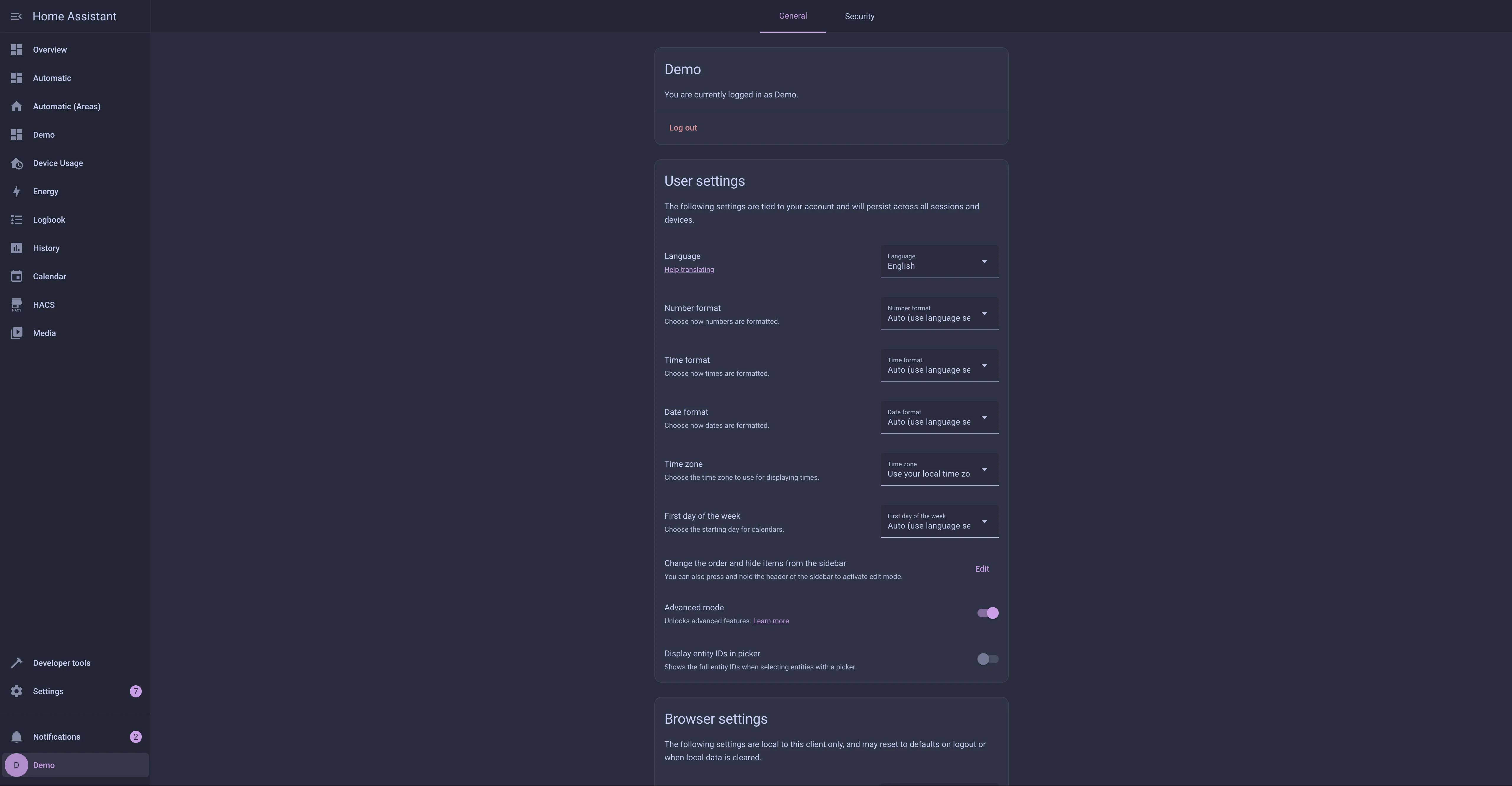
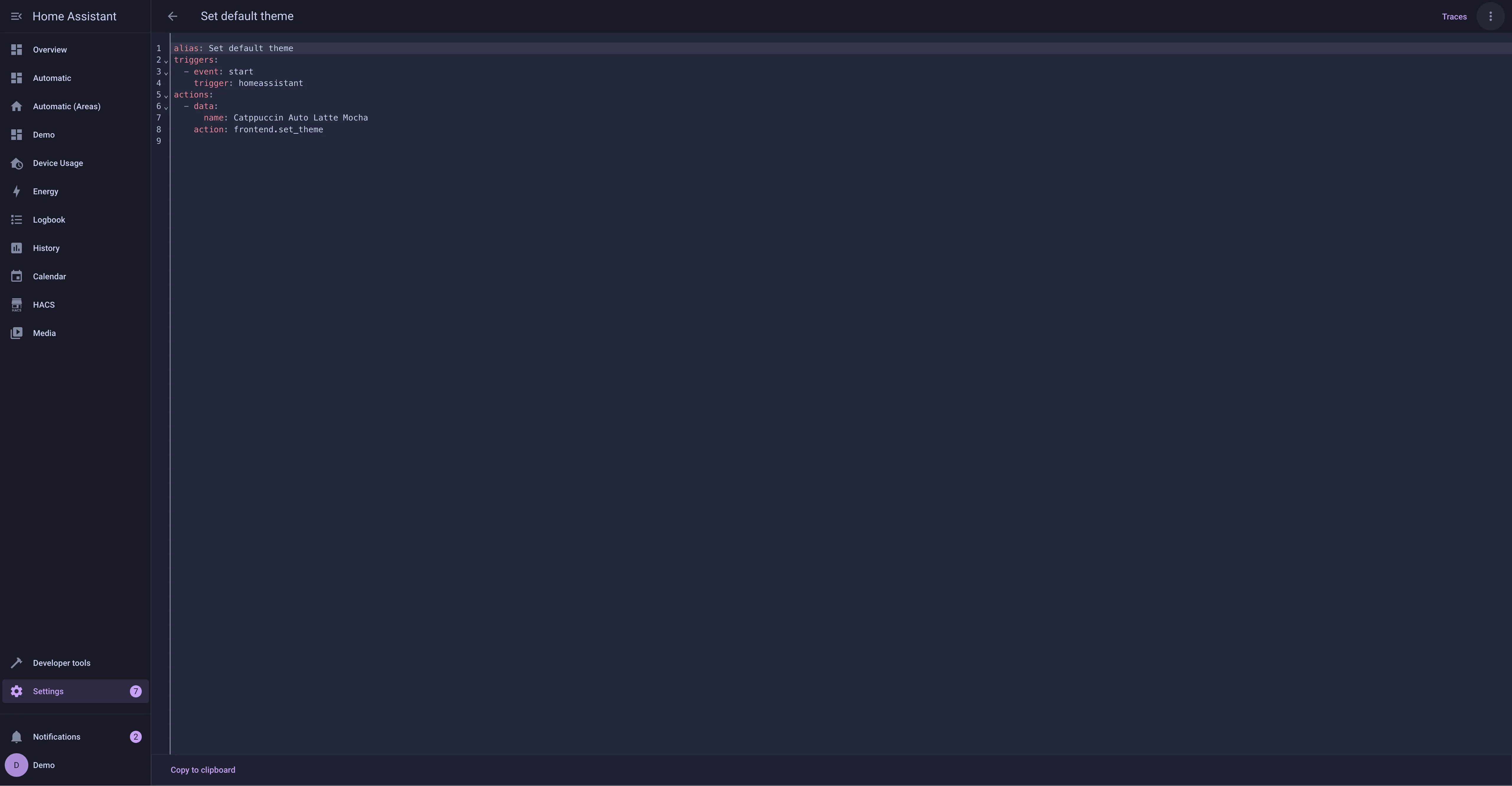
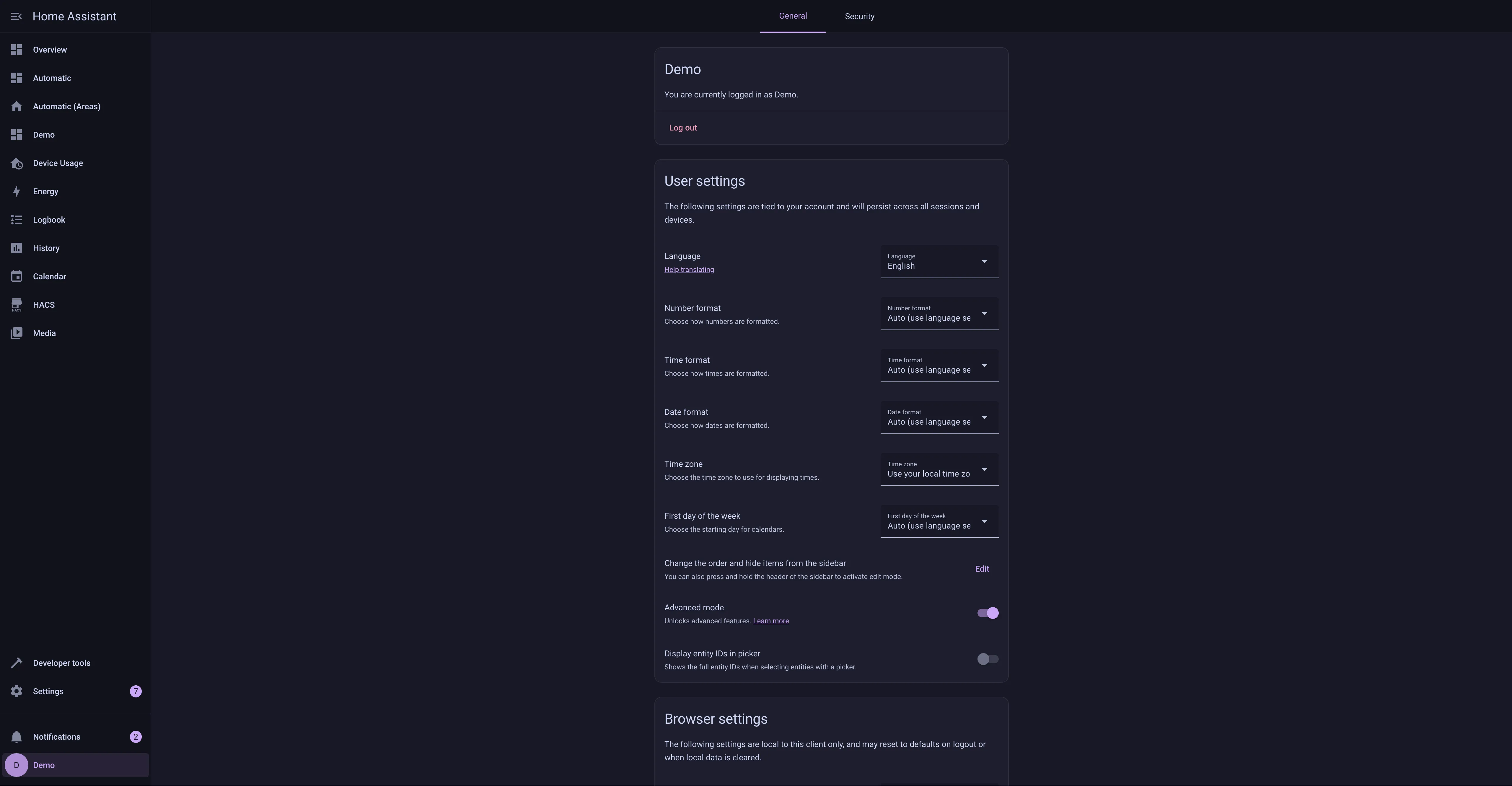
frontend.reload_actionsaction. - Go to the Profile General tab and change Theme under Browser Settings to your desired theme.
Manual
- Add the following code to your
configuration.yamlfile (reboot required).
frontend:
  ... # your configuration.
  themes: !include_dir_merge_named themes
  ... # your configuration.
- Go to the latest GitHub release
- If you want to install the default (mauve) theme, download the
catppuccin.yamlfile - If you want a different highlight color, download and extract the
catppuccin-accents.zipfile and select the accent(s) you want available
- If you want to install the default (mauve) theme, download the
- Move the selected file(s) to the
themesfolder in your HA configuration directory. (E.g.~/config/themes) - Run the
frontend.reload_themesaction or restart Home Assistant. - Go to the Profile General tab and change Theme under Browser Settings to your desired theme.
💝 Thanks to

Copyright © 2021-present Catppuccin Org

探索相关项目
加载中…