项目 在 GitHub 查看
catppuccin/dark-reader
catppuccin/dark-reader has 471 GitHub stars and 11 forks. GitHot measured 0 stars in 24 hours. Last checked 2026-11-22 05:55 UTC. Last push 2026-04-05.
实测星标增长
- 24小时
- 0
- 7天
- 正在收集历史
- 15天
- 正在收集历史
- 1个月
- 正在收集历史
各周期内的星标净变化,周期相互重叠,并非每日新增。缺失的测量保持空白。星标代表关注度,不代表软件质量。
关于
✴️ Soothing pastel theme for Dark Reader
开发工具README.md
原文

Catppuccin for Dark Reader


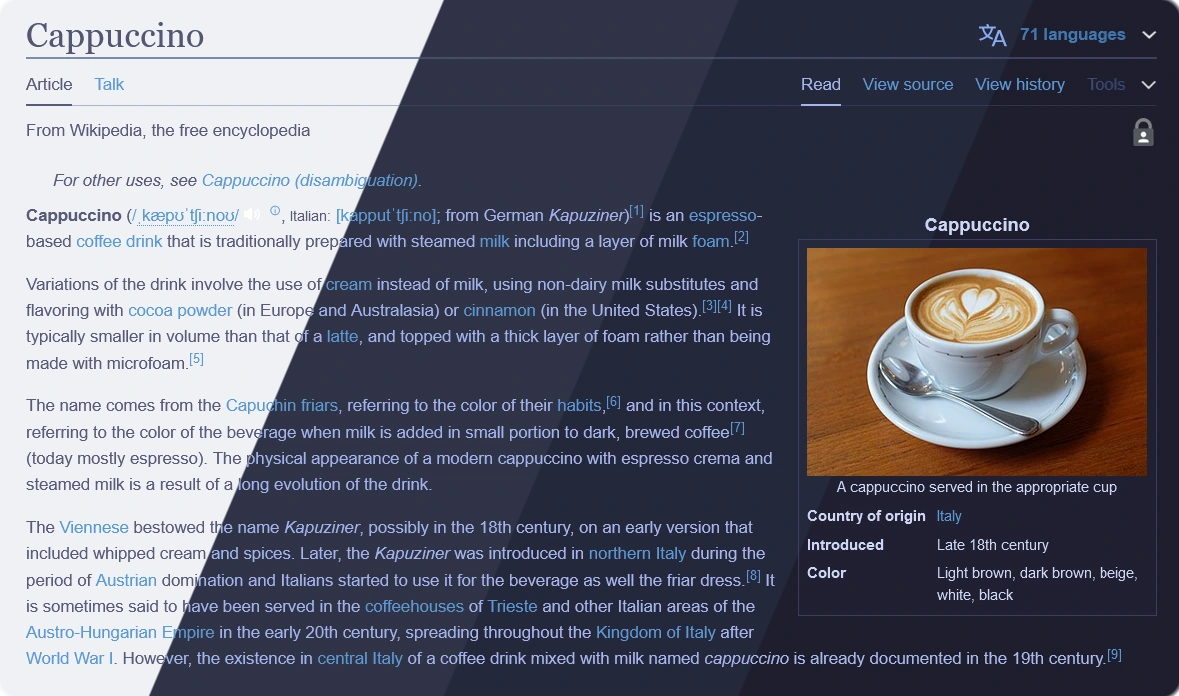
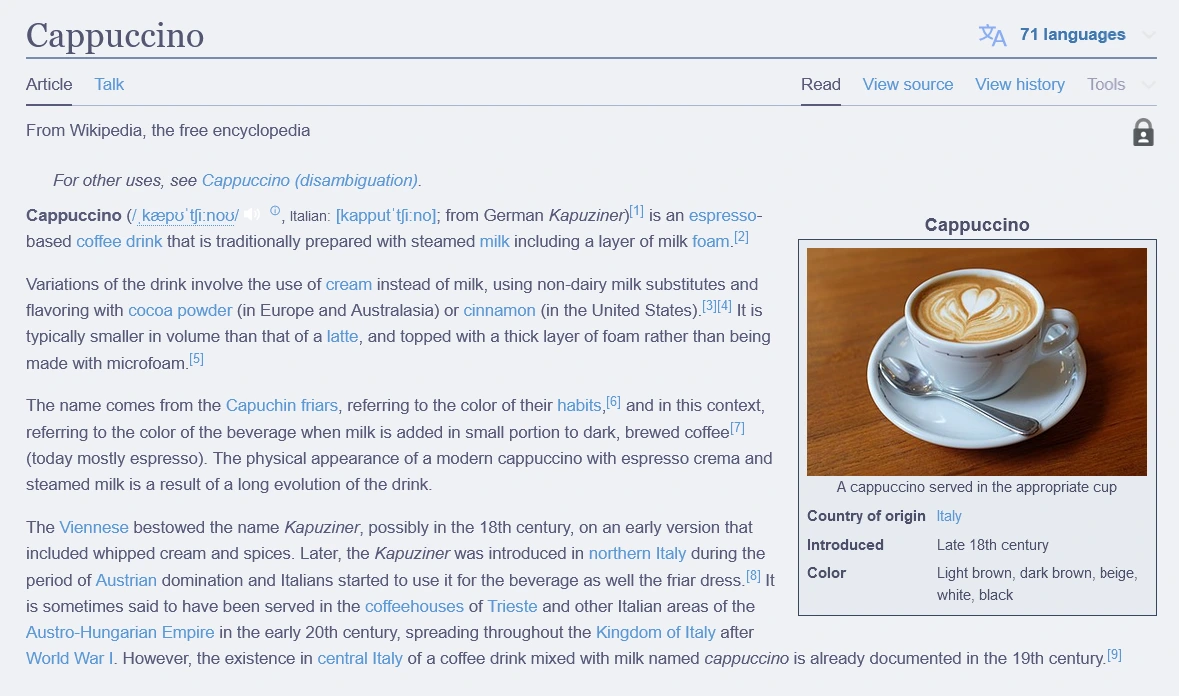
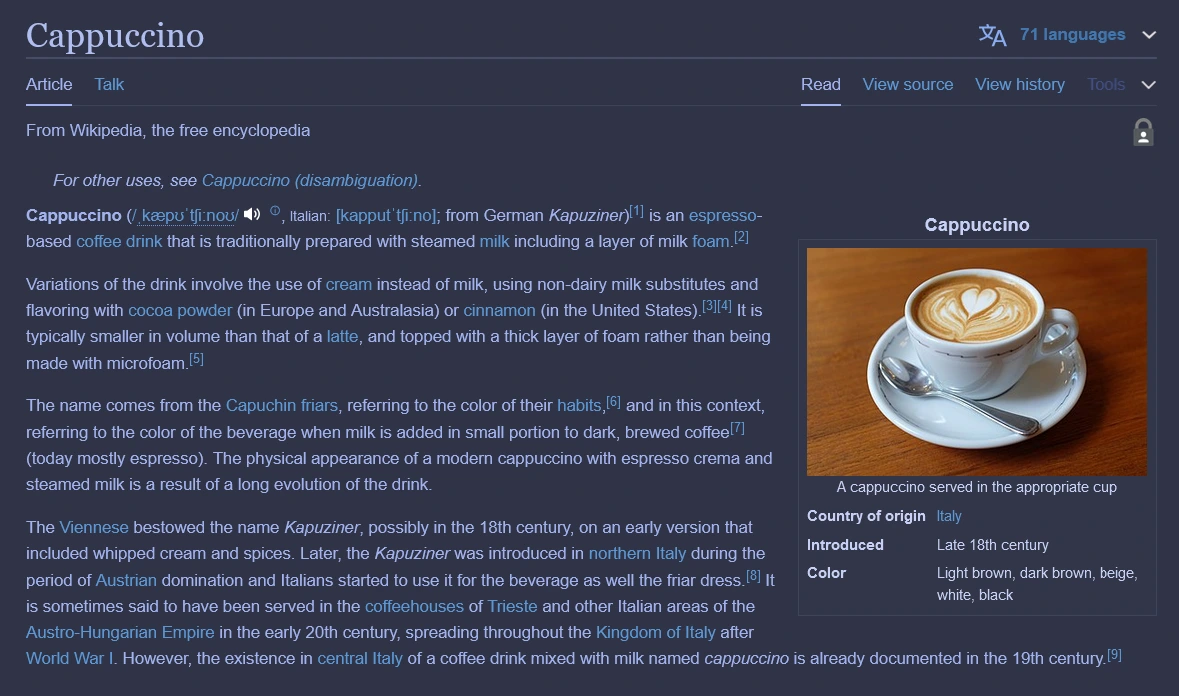
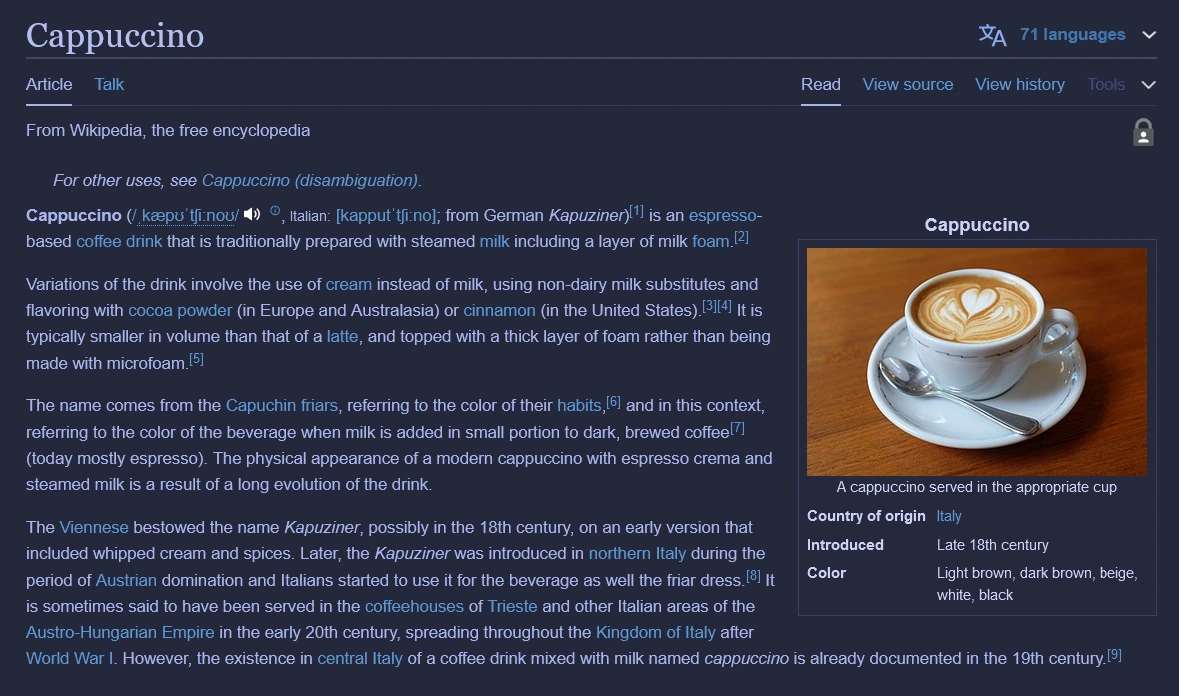
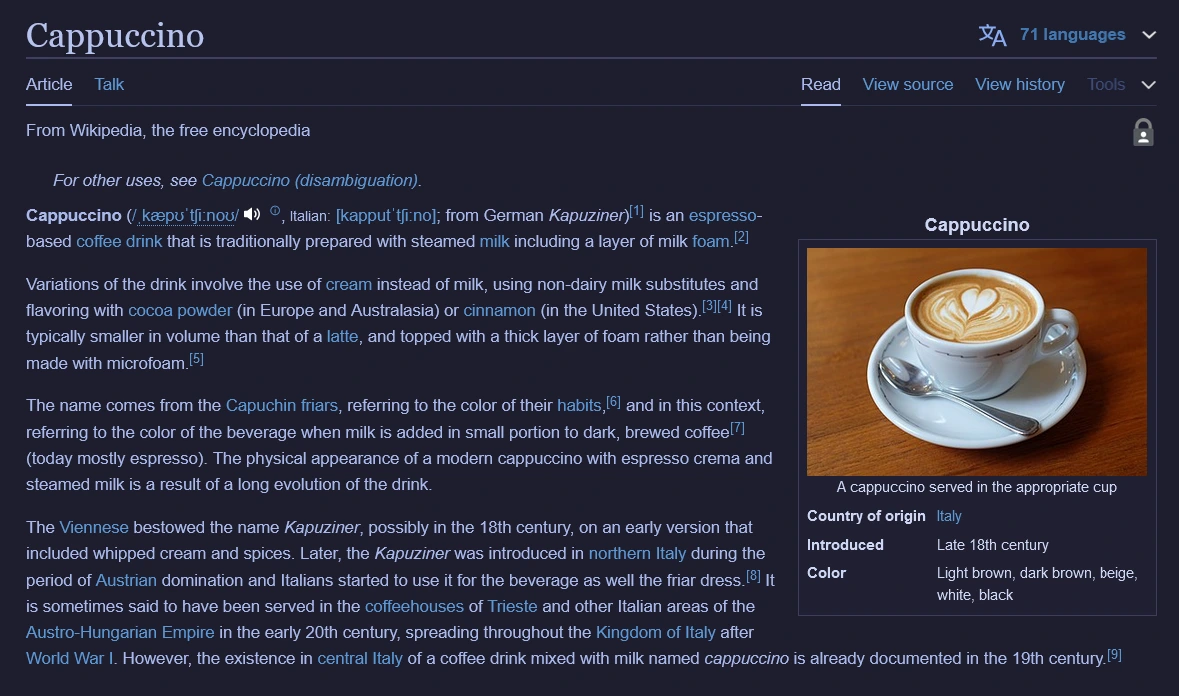
Previews
🌻 Latte
🪴 Frappé
🌺 Macchiato
🌿 Mocha
Usage
- Open Dark Reader.
- Click on the More tab, then go to All Settings.
- In the settings page, go to Advanced > Dev Tools.
- Under Advanced, click the Enable design prototype button.
- Go back to Dark Reader, click See all options, then open Colors.
- For the Mocha theme, choose Catppuccin under the Color Scheme dropdown.
- Choose your desired flavor in the table below. Copy its values into the corresponding color fields.
- Change Selection from
AutomatictoCustomto enter selection values.
- Change Selection from
🌻 Latte
| Setting | Color |
|---|---|
| Background | #eff1f5 |
| Text | #4c4f69 |
| Selection | #acb0be |
🪴 Frappé
| Setting | Color |
|---|---|
| Background | #303446 |
| Text | #c6d0f5 |
| Selection | #626880 |
🌺 Macchiato
| Setting | Color |
|---|---|
| Background | #24273a |
| Text | #cad3f5 |
| Selection | #5b6078 |
🌿 Mocha
| Setting | Color |
|---|---|
| Background | #1e1e2e |
| Text | #cdd6f4 |
| Selection | #585b70 |
- Done! There is no apply or save button.
💝 Thanks to

Copyright © 2021-present Catppuccin Org

探索相关项目
加载中…