
captn3m0/google-sre-ebook
captn3m0/google-sre-ebook has 1,406 GitHub stars and 184 forks. GitHot measured 0 stars in 24 hours, 0 in 7 days, and 0 in 15 days. Last checked 2026-11-24 12:28 UTC. Last push 2026-11-11.
实测星标增长
- 24小时
- 0
- 7天
- 0
- 15天
- 0
- 1个月
- 正在收集历史
各周期内的星标净变化,周期相互重叠,并非每日新增。缺失的测量保持空白。星标代表关注度,不代表软件质量。
关于
Google SRE 电子书生成器(EPUB/MOBI/PDF)。
开发工具README.md
原文Google SRE Book/s
Generates a EPUB/MOBI/PDF for the Google SRE Books. Original sources are downloaded from https://sre.google/books/
Visit the Releases page to download the latest release. Go through all the releases, and click "Assets" to view a list of files.
Books
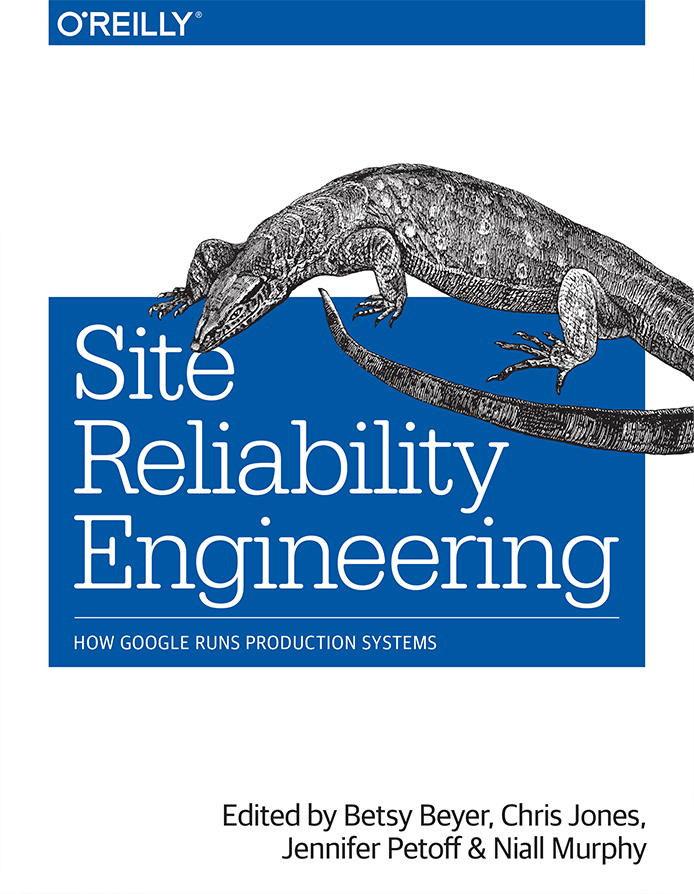
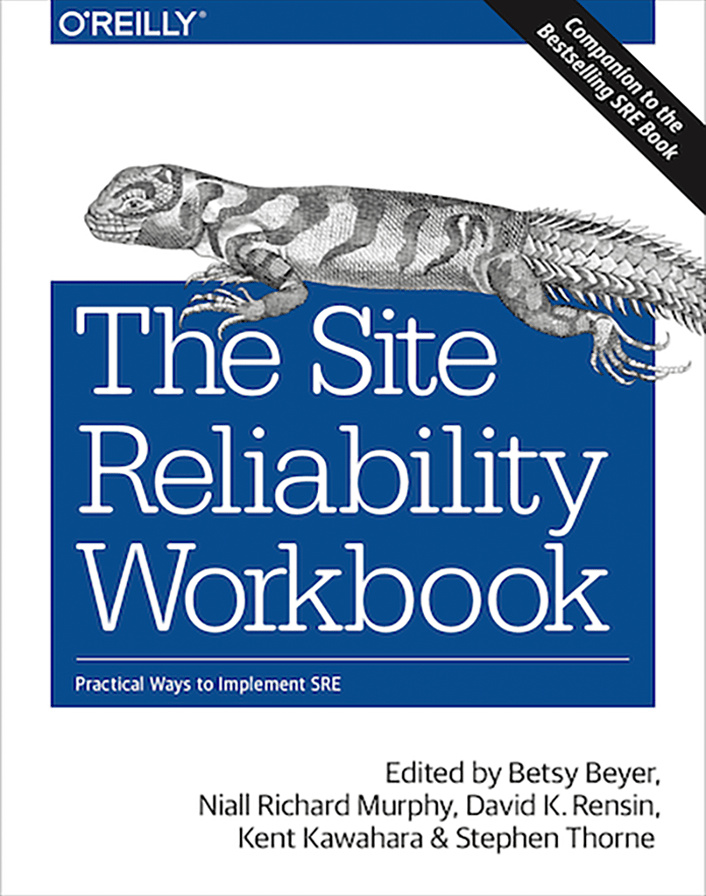
| Site Reliability Engineering (2016) | The Site Reliability Workbook (2018) |
|---|---|
 BUY |
 BUY |
A few other SRE books/reports are available as directly from Google or publishers. A few links point to Internet Archive. Links marked in 🔻 are currently down.
- Building Secure & Reliable Systems - [PDF] [EPUB] [MOBI] [Google Books] [Amazon] [Kobo]
- Training Site Reliability Engineers - [PDF] [EPUB]
- SLO Adoption and Usage in SRE - [PDF]
- Practical Guide to Cloud Migration - [PDF] [EPUB]
- Creating a Production Launch Plan - [PDF] [EPUB] [MOBI]
- Case Studies in Infrastructure Change Management - [PDF]
- A Case Study in Community-Driven Software Adoption - [PDF] [EPUB] [MOBI]
- Incident Metrics in SRE - [PDF] [EPUB]
- Engineering Reliable Mobile Applications - [PDF] [EPUB] [MOBI 🔻]
You might also like:
- Software Engineering at Google [PDF] [PDF-Archive] [Read Online] [O’Reilly] [Amazon] [Ebooks.com] Generated EPUB/PDF
Build
Docker (Preferred)
Requirements:
- Docker
You can generate either of books using BOOK_SLUG variable.
Available values for BOOK_SLUG:
sre_bookSite Reliability Engineering.srw_bookThe Site Reliability Workbook.
$ docker run --rm --volume "$(pwd):/output" -e BOOK_SLUG='srw_book' captn3m0/google-sre-ebook:latest
- You should see the final EPUB/MOBI/PDF files in the current directory after the above runs.
- The file may be owned by the root user.
NOTE: You'll have to allow docker access to a directory that's local to your system. The safest way to do this is as follows:
$ mkdir /tmp/sreoutput
$ chcon -Rt svirt_sandbox_file_t /tmp/sreoutput
$ docker run --rm --volume "/tmp/sreoutput:/output" -e BOOK_SLUG='srw_book' ghcr.io/captn3m0/google-sre-ebook:ruby
Builds on Docker Hub are no longer maintained.
macOS / Linux
Requirements:
- Make
- Ruby
gem install bundlerbundle installbrew install pandocbrew cask install calibrebrew install wget
Run either of the following:
# To download Site Reliability Engineering.
BOOK_SLUG='sre_book' ./generate.sh

# To download The Site Reliability Workbook.
BOOK_SLUG='srw_book' ./generate.sh
PDF options
Any option can be passed to pandoc by PDF_OPT_ prefix, for example:
PDF_OPT_GEOMETRY=margin=1.5cm \
PDF_OPT_DOCUMENTCLASS=extbook \
PDF_OPT_FONTSIZE=14pt \
PDF_OPT_MAINFONT=LiberationSerif-Regular.ttf \
PDF_OPT_MAINFONTOPTIONS=BoldFont=LiberationSerif-Bold.ttf,ItalicFont=LiberationSerif-Italic.ttf,BoldItalicFont=LiberationSerif-BoldItalic.ttf \
PDF_OPT_MONOFONT=LiberationMono-Regular.ttf \
PDF_OPT_MONOFONTOPTIONS=BoldFont=LiberationMono-Bold.ttf,ItalicFont=LiberationMono-Italic.ttf,BoldItalicFont=LiberationMono-BoldItalic.ttf \
PDF_OPT_SANSFONT=LiberationSans-Regular.ttf \
PDF_OPT_SANSFONTOPTIONS=BoldFont=LiberationSans-Bold.ttf,ItalicFont=LiberationSans-Italic.ttf,BoldItalicFont=LiberationSans-BoldItalic.ttf \
BOOK_SLUG=sre_book ./generate.sh
Default options passed to pandoc in generate.sh are overloaded by PDF_OPT_ prefix, see PDF_OPT_GEOMETRY in above example.
Fonts in above axample are packed to fonts-liberation2 on Ubuntu.
See more details:
Known Issues
- metadata is not complete. There are just too many authors
- Foreword/Preface is not part of the index
- The typesetting is not great and does not match the original. See #22 for a list
LICENSE
This is licensed under WTFPL. See COPYING file for the full text.
Extra
I have a list of my E-book publishing related projects at https://captnemo.in/ebooks/. Links to other related books can be found at https://github.com/upgundecha/howtheysre#books-1
探索相关项目
加载中…