
browser-act/skills
browser-act/skills has 6,331 GitHub stars and 343 forks. GitHot measured +6 stars in 24 hours. Last checked 2026-11-07 23:48 UTC. Last push 2026-08-24.
专为 AI 智能体打造的浏览器自动化 CLI。突破反机器人防护;遇到问题时,可跨平台移交给人工处理。支持并行执行多项任务、独立运行多个会话,以及隔离浏览多个账户。
实测星标增长
- 24小时
- +6
- 7天
- 更新延迟
- 15天
- 更新延迟
- 1个月
- 更新延迟
各周期内的星标净变化,周期相互重叠,并非每日新增。缺失的测量保持空白。星标代表关注度,不代表软件质量。
README.md
原文






What can BrowserAct be used for?
BrowserAct enables AI agents and teams to perform real-browser automation, web data extraction, and account-based workflows.
It helps agents get past anti-bot walls, hand off to humans across platforms when stuck, run parallel tasks without cross-contamination, and isolate multiple accounts in independent browsers, backed by stealth fingerprints, TLS rotation, residential proxies, CAPTCHA solving, and stable fingerprint-proxy setups for authenticated sessions.
Two usage modes are available: fully cloud-managed execution, or local browser control driven by your own agent workflow.
Use BrowserAct in the cloud
No agent setup required, with lower operating cost. Describe the website, filters, and fields you need. BrowserAct builds and tests a reusable scraping Bot in a real cloud browser, then runs it from the cloud. Build once. Run reliably. Improve continuously.
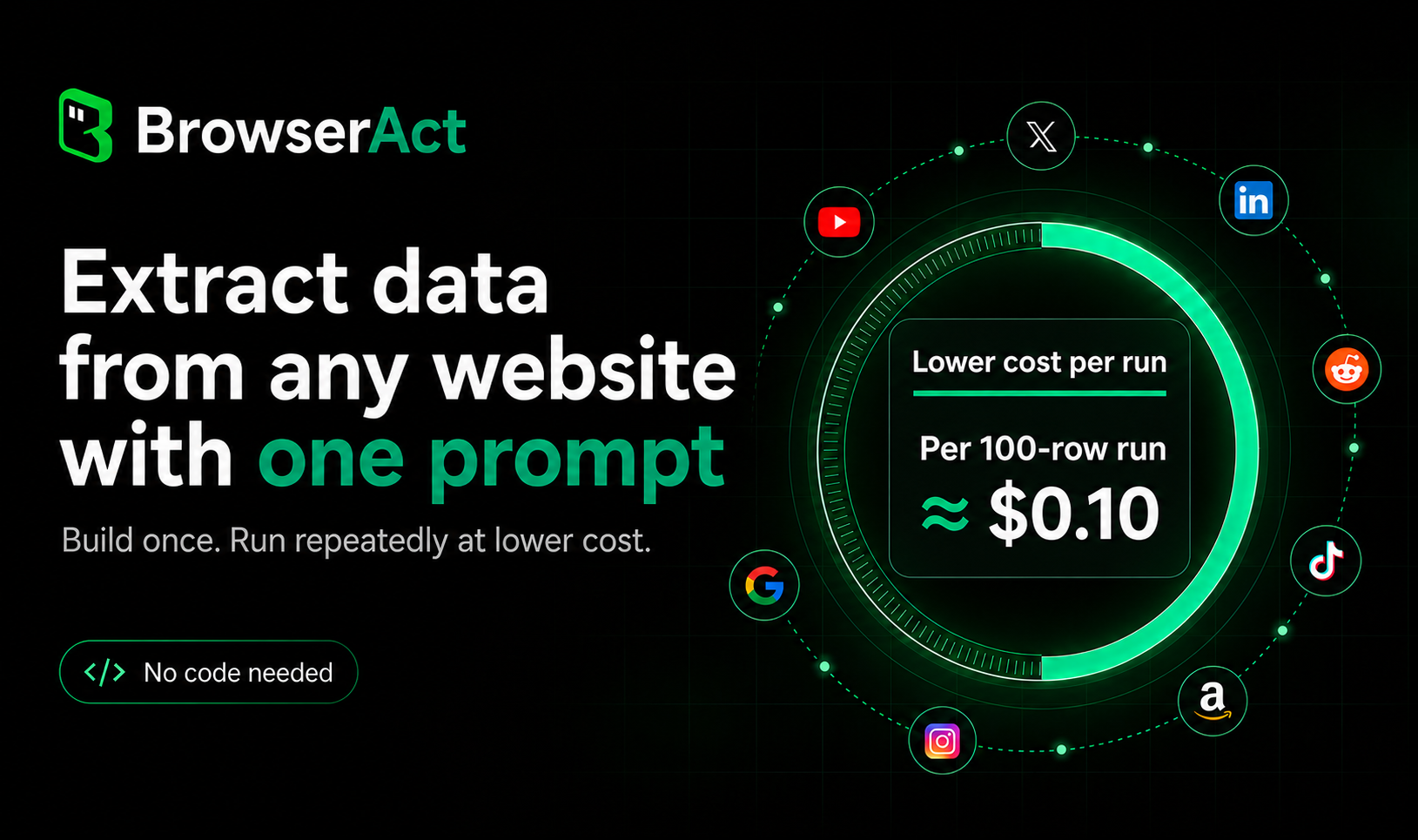
Watch demo: Build a Web Scraper from One Prompt | BrowserAct →
Use BrowserAct locally with Skills
Use BrowserAct Skills when you want local browser control, local Chrome login-state reuse, or direct integration into your own AI agent workflow.
Your agent can load the BrowserAct Skill, discover browser state with get-skills, and run browser automation commands directly from your local environment.
Watch demo: BrowserAct: Give AI Agents a Real Browser →
Start from BrowserAct Skills →
Why BrowserAct
The browser an AI agent needs has to reach places standard tools can't, let a human seamlessly take over when the agent is stuck, keep parallel tasks from cross-contaminating, and be designed for LLM reasoning — not human-written scripts. A browser for agents must get four things right.
1. Break through blocks — three progressive layers
- Environment layer — stealth fingerprint spoofing, TLS rotation, proxy switching. The vast majority of blocks never trigger.
- Execution layer —
solve-captchaauto-solves CAPTCHAs;stealth-extractpulls protected pages in one command. - Human layer —
remote-assistgenerates a live URL; the user takes over from any device, and the agent continues seamlessly when done.
2. Three browser modes — by real-world scenario
| Mode | Scenario | Key trait |
|---|---|---|
chrome |
Reuse local Chrome login state | Profile import or CDP attach |
stealth privacy mode |
Frictionless batch scraping without login | Fresh fingerprint per session + proxy rotation, zero residue |
stealth fixed identity |
Logged-in accounts · multi-browser parallel | Stable fingerprint + stable IP, stable account identity, not flagged as bots |
3. Zero-interference concurrency — every agent in its own lane
- Cross-browser parallel — independent cookies, fingerprints, proxies. Sites cannot correlate them.
- Same-browser multi-session — shared login state, independent execution, tasks don't block each other.
- Privacy mode — fresh fingerprint and empty profile per session, zero residue when done.
4. Designed for agent reasoning — not human scripts
- Compact text output — indexed text format, several times more token-efficient than JSON or HTML.
- Indexed interaction —
statereturns an indexed list;click 3/input 2 "...". No DOM parsing required. - Semantic memory — every browser carries a
desc, matched to tasks by meaning. - Concurrency-safe — session ownership + explicit naming. Multi-agent operation never conflicts.
Security: confirmation gating — sensitive operations (browser create / delete, Profile import, proxy changes, security and privacy toggles) require explicit user approval. Prior approvals do not carry over. Enforced at the Skill layer, not a configuration toggle.
And More
- Better headless — Default headless without disrupting users; stealth headless that isn't detected.
- Cross-platform remote handoff — Any device opens the link to take over, and the agent continues seamlessly.
Install
Tell your AI agent:
Install browser-act. Skill source: https://github.com/browser-act/skills/tree/main/browser-act . Verify it works after installation.
Quick Start
# Extract protected page content (zero config)
browser-act stealth-extract https://example.com

# Full browser automation
browser-act --session my-task browser open <id> https://example.com
browser-act --session my-task state          # See clickable elements
browser-act --session my-task click 3        # Click by index
browser-act --session my-task input 2 "hi"   # Type into a field
The agent runs get-skills at the start of each session — gets environment state, browser list, and commands in one call:
browser-act get-skills core --skill-version 2.0.2
How agents discover and use BrowserAct →
Compatibility
OS: Windows, macOS, Linux
Agents: Claude Code · Cursor · VS Code · OpenCode · OpenClaw · Codex · Gemini CLI — works with any agent that can execute shell commands and load Skills.
What's Free
Almost everything is free. Only two features require payment: managed proxies (Dynamic / Static), and stealth browsers beyond the first 5.
| Feature | Free (No Signup) |
Free (Login Only) |
Paid |
|---|---|---|---|
| Browser automation, Chrome / Chrome-direct | ✓ | ✓ | ✓ |
| Stealth browser (≤ 5), stealth-extract, solve-captcha, remote-assist, privacy mode, Skill Forge | — | ✓ | ✓ |
| Stealth browser (> 5), Dynamic / Static proxy | — | — | ✓ |
Documentation
Full documentation covers anti-blocking, browser modes, sessions and concurrency, headless and remote handoff, agent design, the Skills system, and the complete command reference.
Also From BrowserAct
Skill Forge — Your Personal Scraping Engineer
Need to extract data from the same website repeatedly at scale? Don't write scrapers by hand. Skill Forge explores a site once, discovers its APIs and data patterns, generates a deploy-ready Skill package, then runs reliably without re-exploration — 500 or 5,000 records through the same stable path.
Any website. Any data. One command to start:
Install browser-act-skill-forge. Skill source: https://github.com/browser-act/skills/tree/main/browser-act-skill-forge . Verify it works after installation.
Then tell your agent what you need:
"Forge a Skill that extracts job listings from LinkedIn — title, company, salary, URL. I'll run 300 keywords later."
Solutions Catalog
30+ pre-built Skills already generated by Skill Forge, ready to install and run. Covers Amazon, Google Maps, YouTube, Reddit, WeChat, Zhihu, and more.
Browse the full Solutions Catalog →
Build Your Own
Can't find what you need above? Generate a custom Skill for any website in minutes — no coding required. Just describe what data you want or what action to perform, and Skill Forge handles the rest.
💖 Support the Project
BrowserAct Skills is free and open source. If it saves you time, please give us a ⭐ Star — it keeps the project alive and helps us ship more skills.
🎁 Bonus: Once you star the repository, you can join our Discord and post in the #claim-500-credits channel to receive 500 free credits!
🤝 Community & Support
Built with ❤️ by the BrowserAct Team
探索相关项目
n8n-io/n8n
具备原生 AI 能力的 Fair-code 工作流自动化平台。可将可视化构建与自定义代码相结合,支持自行部署或使用云服务,并提供 400 多种集成。
209,835 星标langgenius/dify
在同一个协作工作区中构建智能体工作流和 RAG 流水线,并提供丰富的 AI 模型与工具支持。可部署到云端、VPC 或自行部署,团队无需重建技术栈即可从原型进入生产。
160,627 星标microsoft/PowerToys
Microsoft PowerToys 是一组提升 Windows 生产力和自定义能力的实用工具
140,710 星标stablyai/orca
Orca 是使用智能体集群开展工作的地方(例如 Grok Bot、Claude Code)。可使用你自己的订阅运行任意编程智能体。支持桌面端、移动端和远程运行时。
119,150 星标