
binji/pokegb
binji/pokegb has 1,400 GitHub stars and 59 forks. GitHot measured 0 stars in 24 hours, 0 in 7 days, and 0 in 15 days. Last checked 2026-11-24 03:51 UTC. Last push 2024-02-12.
实测星标增长
- 24小时
- 0
- 7天
- 0
- 15天
- 0
- 1个月
- 正在收集历史
各周期内的星标净变化,周期相互重叠,并非每日新增。缺失的测量保持空白。星标代表关注度,不代表软件质量。
关于
一个只能运行《精灵宝可梦 蓝》的 Game Boy 模拟器,仅用约 50 行 C++ 编写。
开发工具README.md
原文pokegb
A gameboy emulator that only plays Pokemon Blue, in ~50 lines of c++.
See the technical write-up.
Features
Plays Pokemon Blue (and Red).
Screenshots


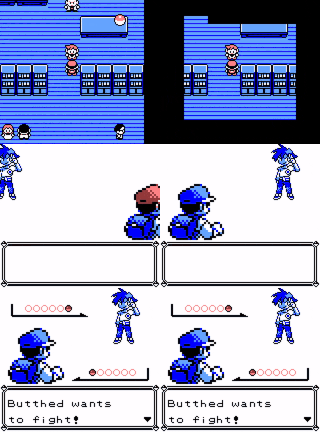
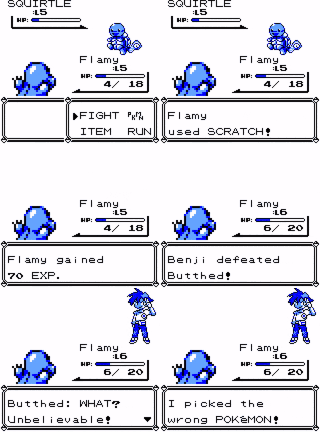
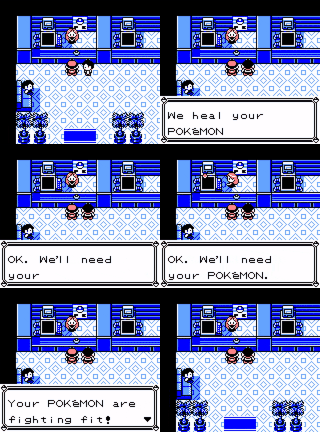
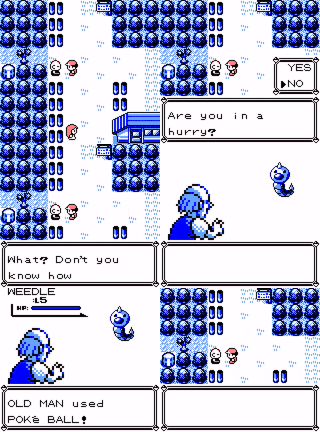
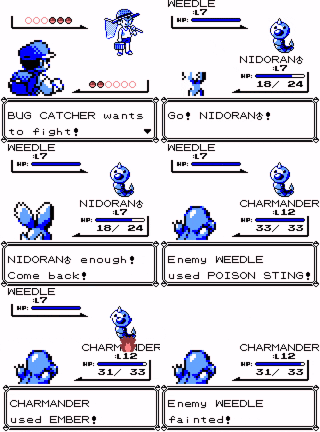
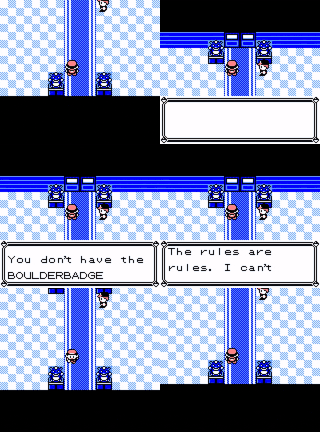
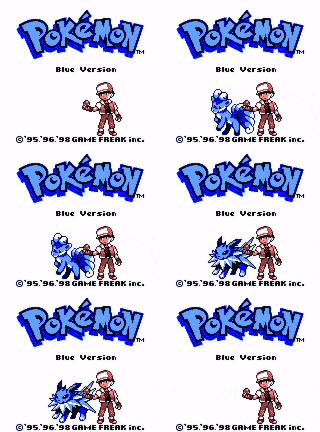
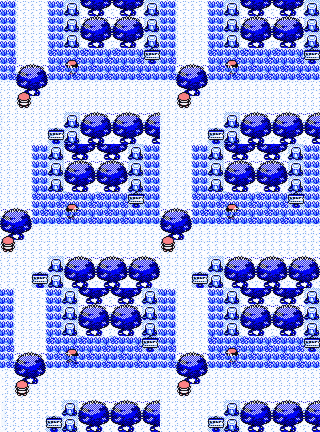
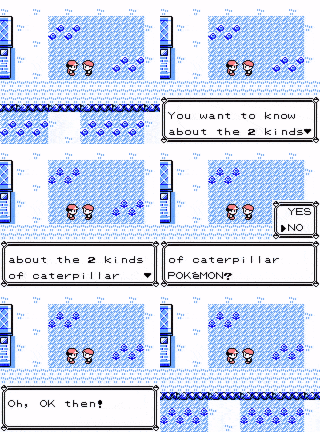
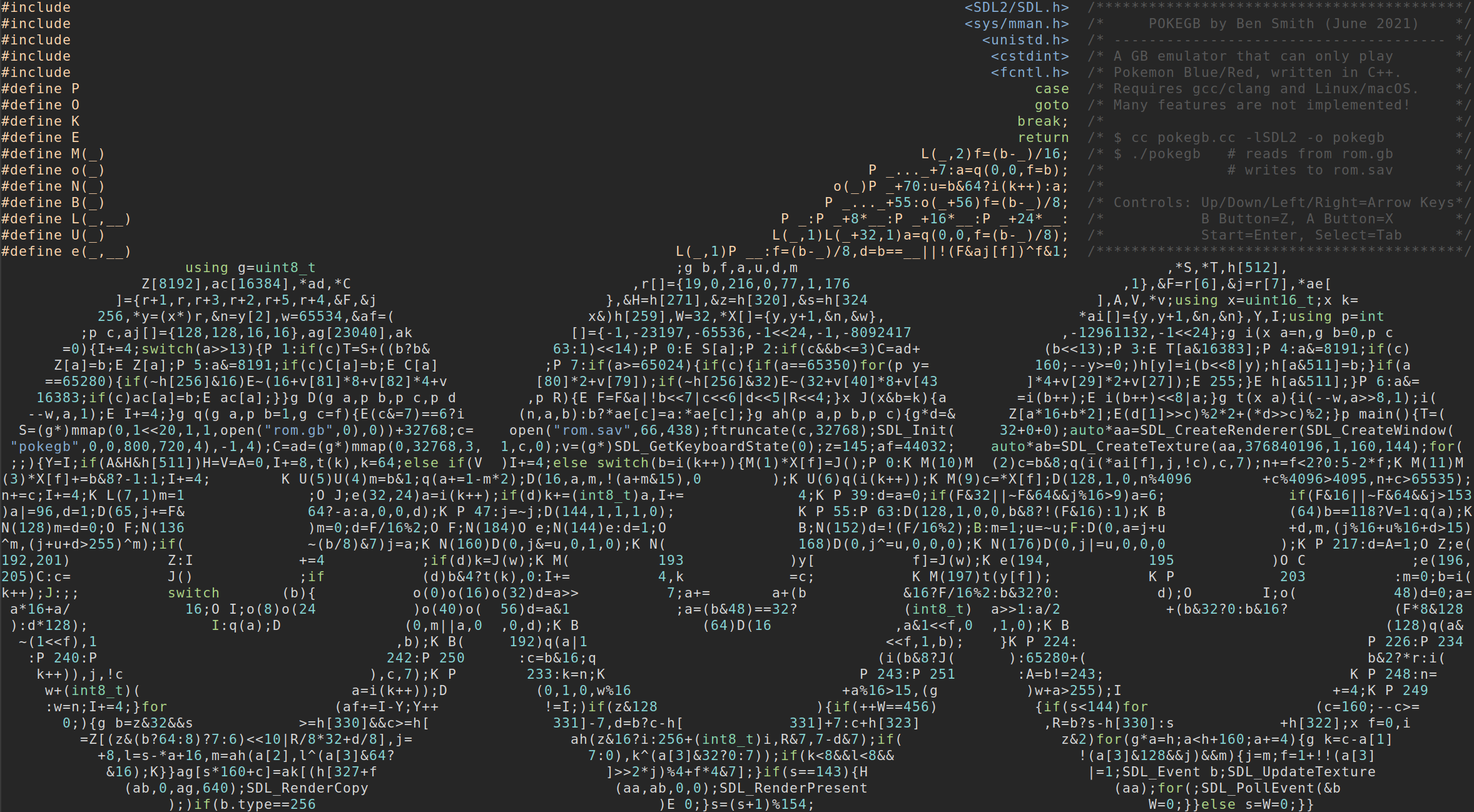
Building
Only builds on Linux and macOS AFAIK.
$ make
On macOS, you'll need to create a save file too (just the first time):
$ make rom.sav
Running
Get a Pokemon Blue (or Pokemon Red) ROM file. The files that are known to work have the following sha1s:
| Name | sha1 |
|---|---|
| Pokemon - Blue Version (USA, Europe) (SGB Enhanced).gb | d7037c83e1ae5b39bde3c30787637ba1d4c48ce2 |
| Pokemon - Red Version (USA, Europe) (SGB Enhanced).gb | ea9bcae617fdf159b045185467ae58b2e4a48b9a |
Others might work too, but these are the ones that I've tried.
Rename the file to rom.gb and put it in the current directory. Then run:
$ ./pokegb
The save file is written to rom.sav.
Keys:
| Action | Key |
|---|---|
| DPAD-UP | ↑ |
| DPAD-DOWN | ↓ |
| DPAD-LEFT | ← |
| DPAD-RIGHT | → |
| B | Z |
| A | X |
| START | Enter |
| SELECT | Tab |
Updating keys
Look for line 24 the source. The following table shows which numbers map to which keyboard keys:
| number | default key | gameboy button |
|---|---|---|
| 27 | X | A Button |
| 29 | Z | B Button |
| 43 | Tab | Select Button |
| 40 | Return | Start Button |
| 79 | Arrow Right | DPAD Right |
| 80 | Arrow Left | DPAD Left |
| 81 | Arrow Down | DPAD Down |
| 82 | Arrow Up | DPAD Up |
Replace the numbers on this line with one from the SDL scancode list.
探索相关项目
加载中…