
babluboy/bookworm
关于
一款适用于 elementary OS 的简易电子书阅读器
开发工具实测星标增长
- 24小时
- 0
- 7天
- 0
- 15天
- 0
- 1个月
- 正在收集历史
各周期内的星标净变化,周期相互重叠,并非每日新增。缺失的测量保持空白。星标代表关注度,不代表软件质量。
README.md
原文Bookworm 


A simple, focused eBook reader
Author: Siddhartha Das
Read the books you love without having to worry about the different format complexities like epub, pdf, mobi, cbr, etc. This version supports EPUB, MOBI, FB2, PDF, FB2 and Comics (CBR and CBZ) formats with support for more formats to follow soon.
Check the Bookworm website for details on features, shortcuts, installation guides for supported distros : https://babluboy.github.io/bookworm/
Building, Testing, and Installation
You'll need the following dependencies to build and run on Ubuntu/Debian based distros:
- unzip
- poppler-utils
- unar
- html2text
- python2
- libgtk-3-dev
- libgee-0.8-dev
- libgranite-dev
- libsqlite3-dev
- libxml2-dev
- webkit2gtk-4.0
- libwebkit2gtk-4.0-37
- libpoppler-glib-dev
- meson
- valac
- gettext
- curl
- ninja-build
- appstream
Run the command below to install the above on Ubuntu and Debian distros:
sudo apt-get install unzip poppler-utils unar html2text python2.7 libgtk-3-dev libgee-0.8-dev libgranite-dev libsqlite3-dev libxml2-dev webkit2gtk-4.0 libwebkit2gtk-4.0-37 libpoppler-glib-dev meson valac gettext curl ninja-build appstream git
Run git clone to download the source code, meson build to configure the build environment and run ninja test to build
git clone https://github.com/babluboy/bookworm.git
cd bookworm
meson build --prefix=/usr
mkdir -p build && cd build
ninja
To install, use ninja install, then execute with com.github.babluboy.bookworm
sudo ninja install
com.github.babluboy.bookworm
Screenshots
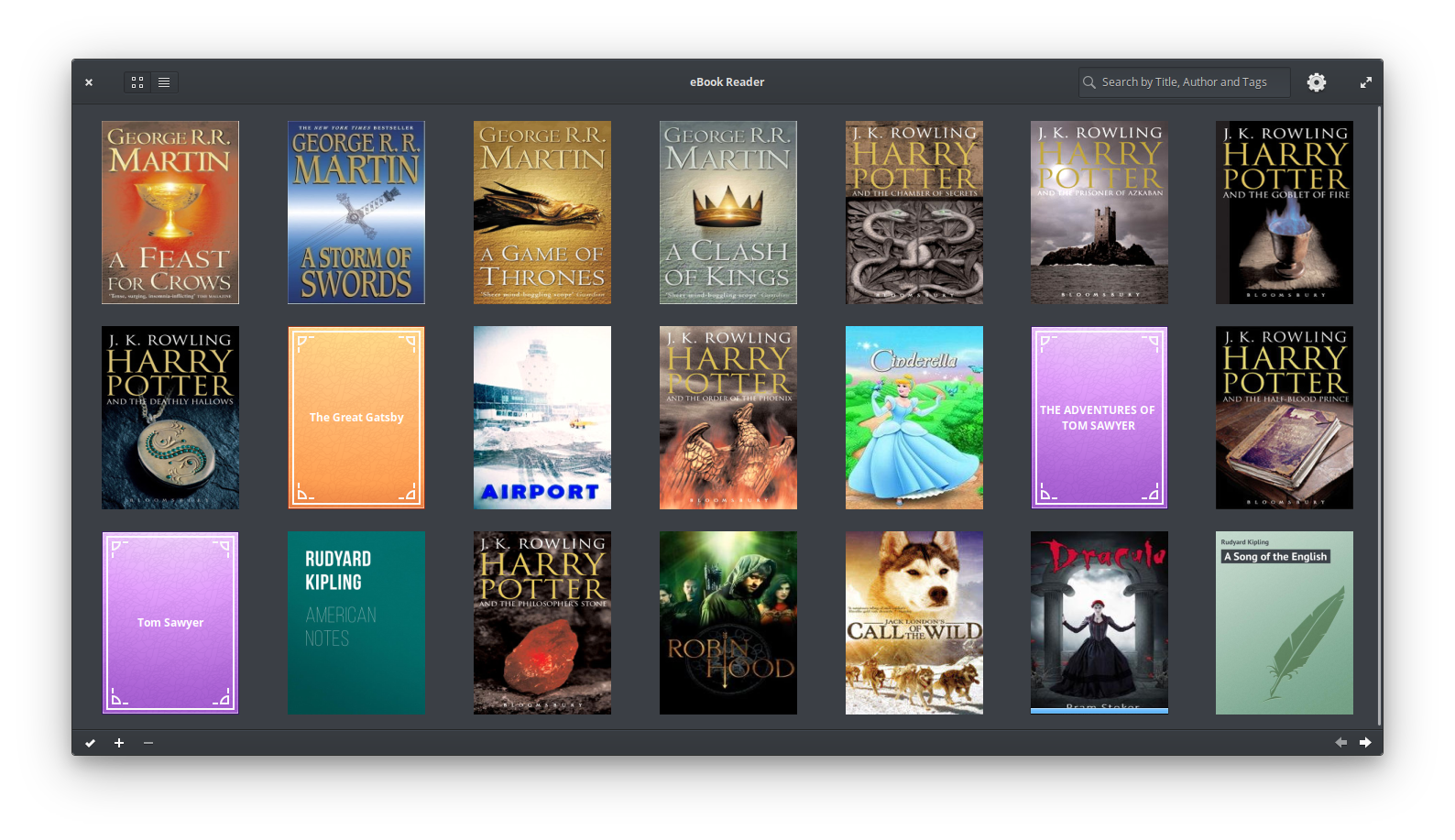
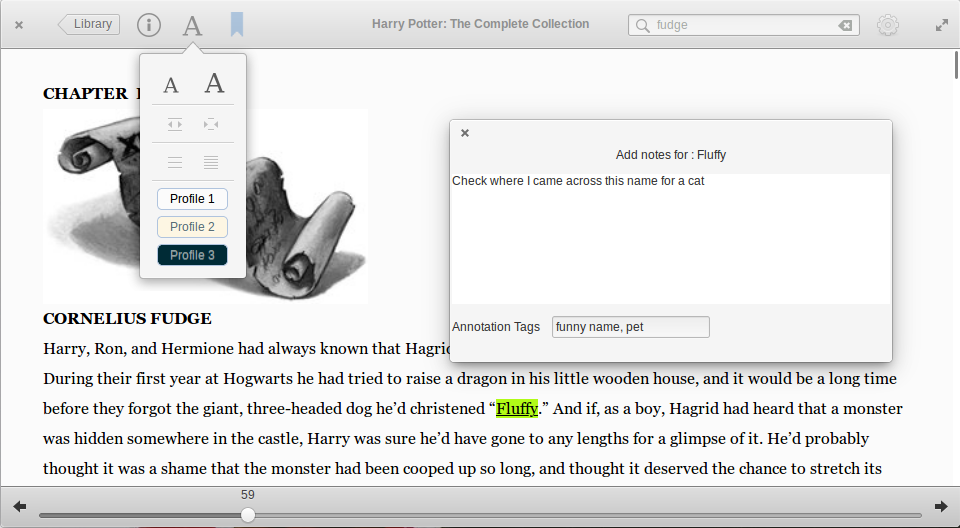
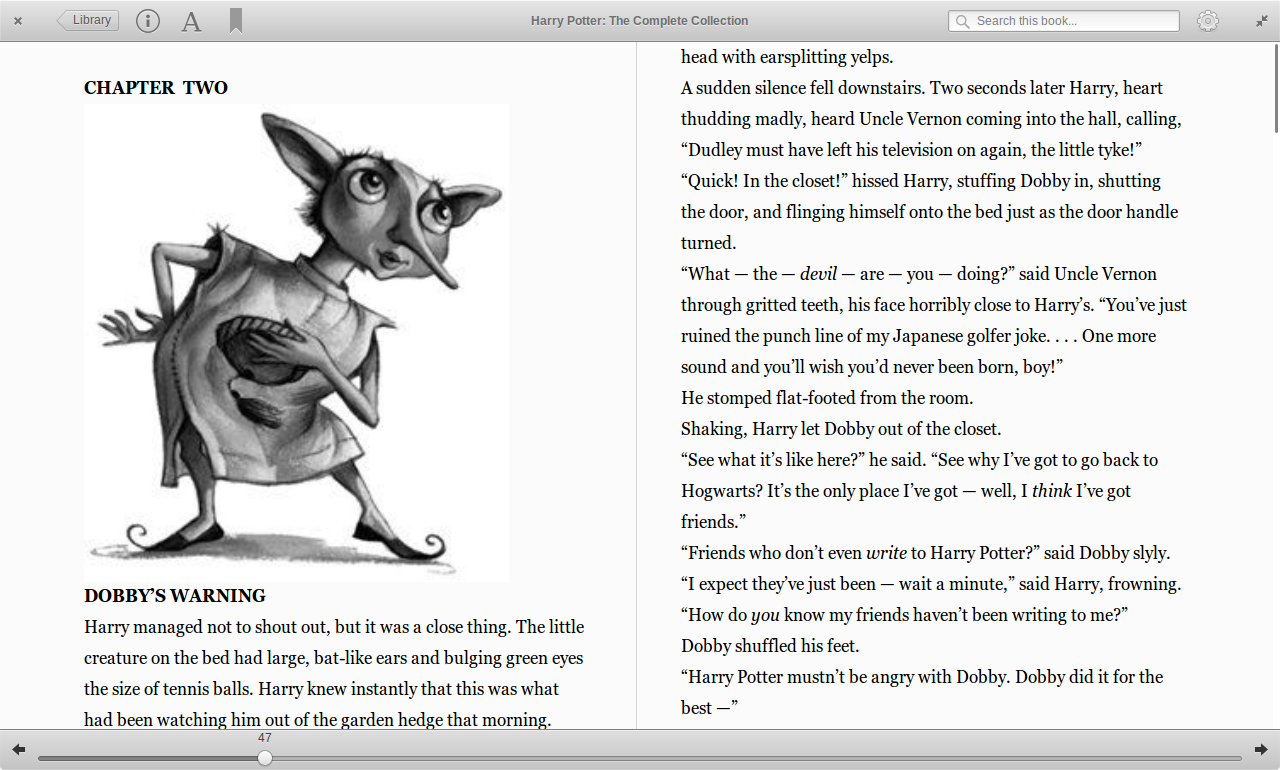
Two Page View
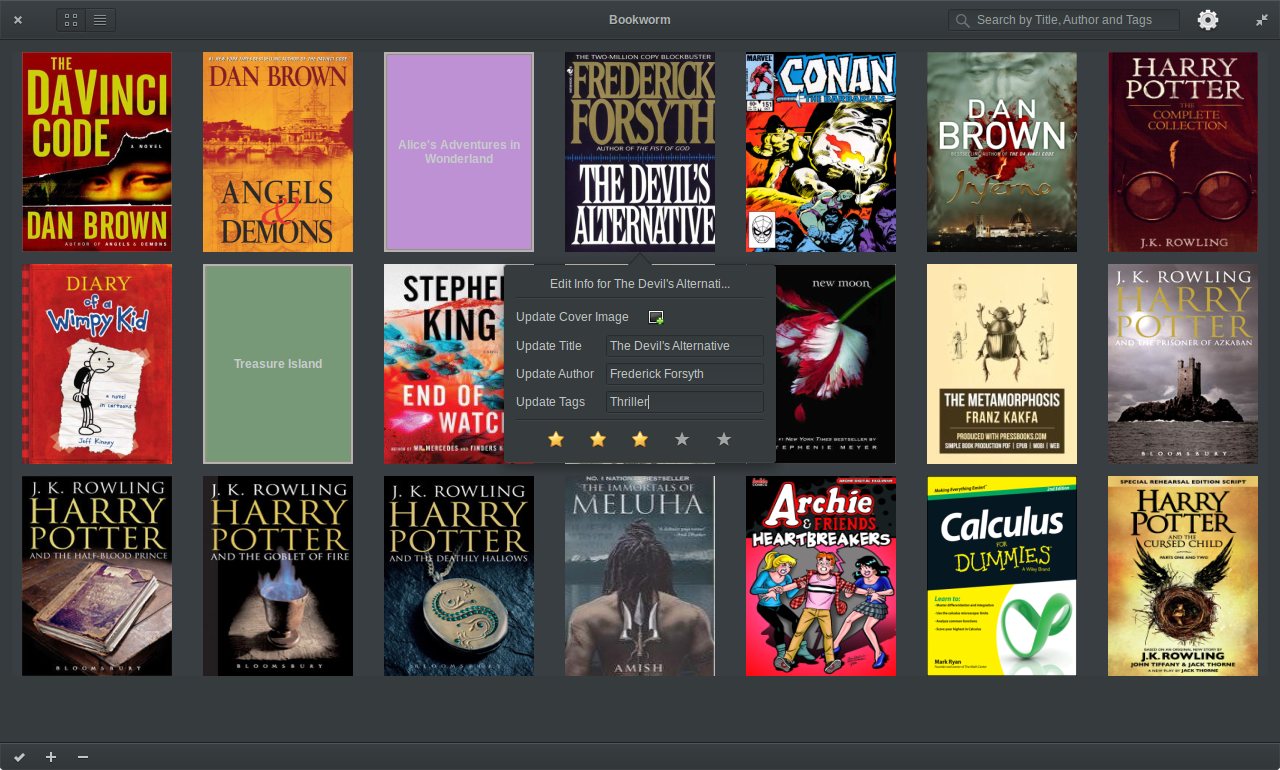
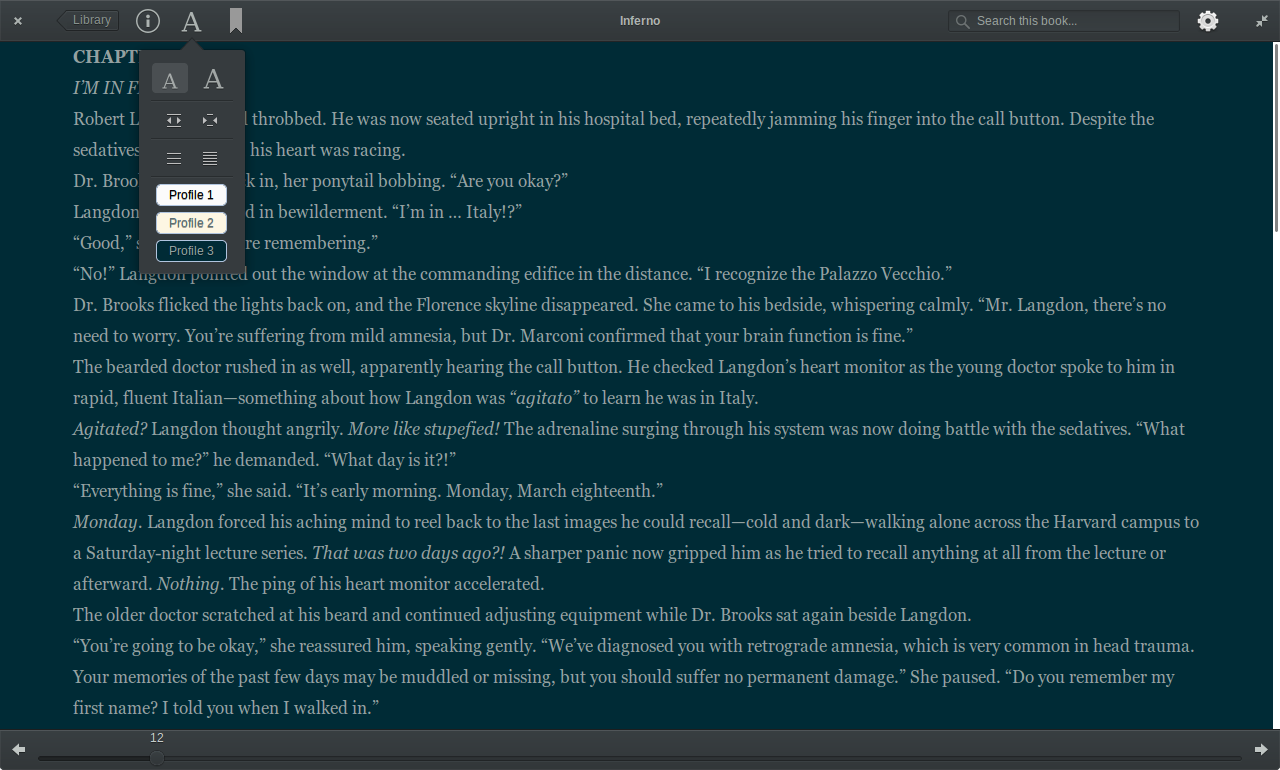
Bookworm Dark Mode
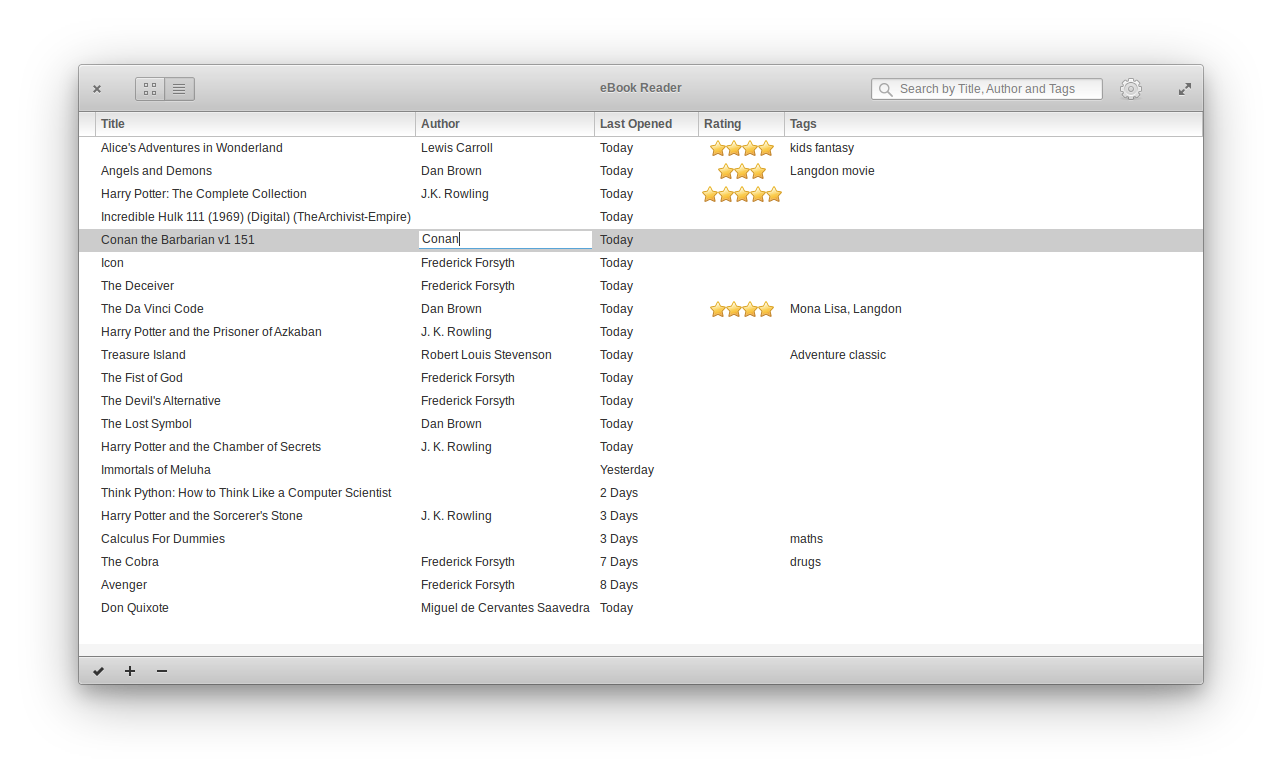
Library List View
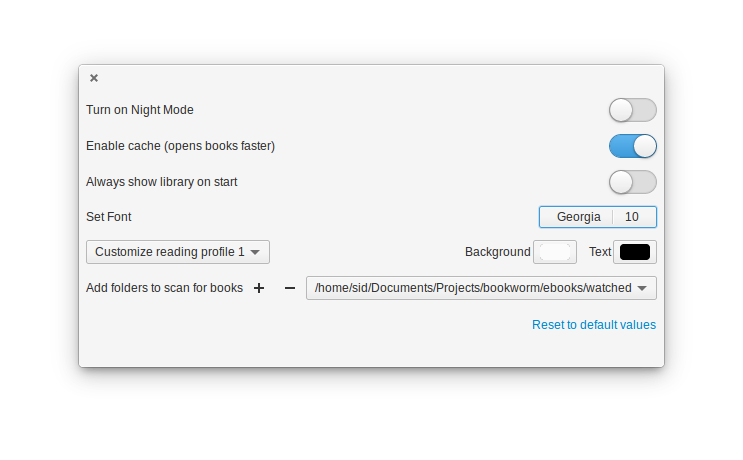
Bookworm Preferences
探索相关项目
加载中…