项目 在 GitHub 查看


LHRUN/paint-board
LHRUN/paint-board has 2,646 GitHub stars and 300 forks. GitHot measured +1 stars in 24 hours and +2 in 7 days. Last checked 2026-11-11 08:52 UTC. Last push 2026-10-23.
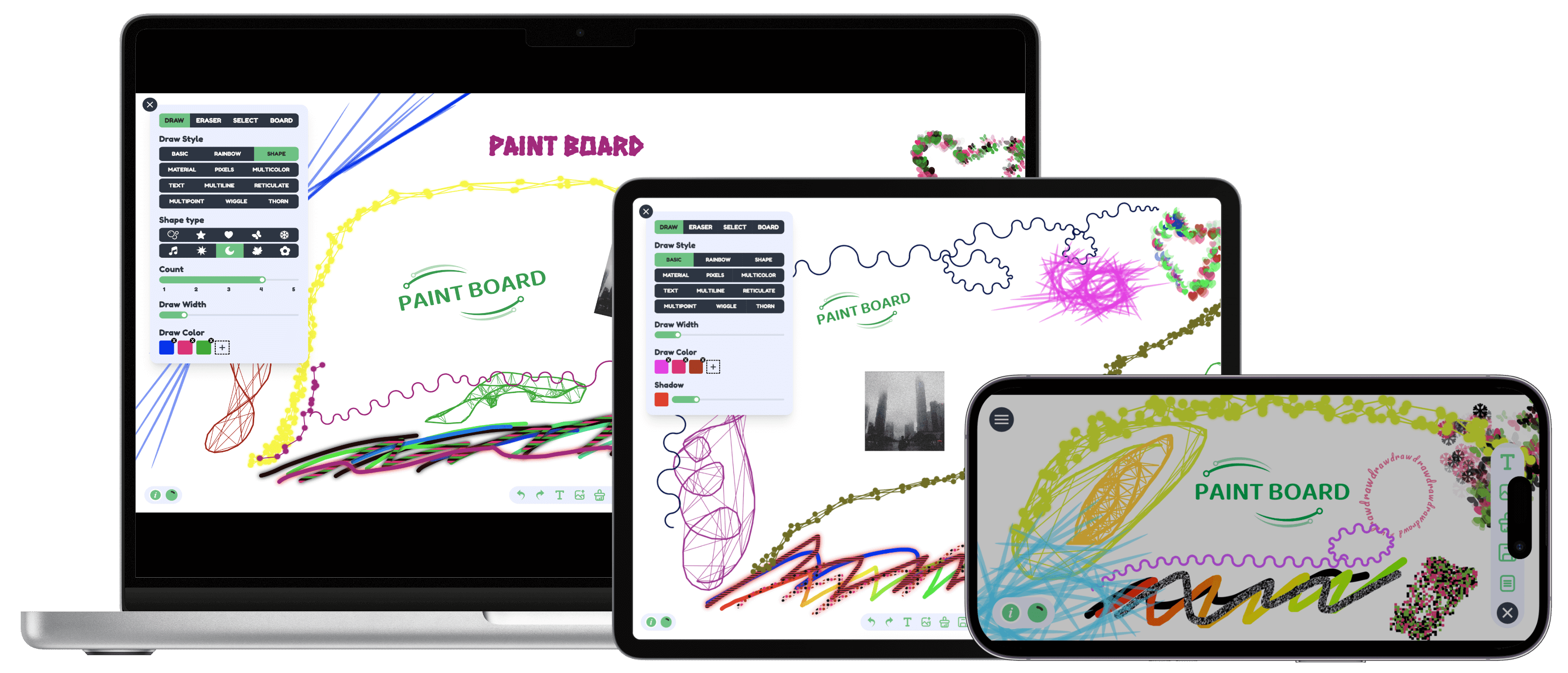
🎨 A powerful multi-end drawing board that brings together a lot of creative brushes to experience a whole new range of drawing effects!
可以做什么
- Free Drawing: Provides 15 brush styles: basic, pen, outlined pen, rainbow, multi-shape, material, pixels, multi-color, text, multi-line, mesh, multi-point, wave, thorn, and ink.
- Shape Drawing: Supports drawing rich graphics, including built-in shapes and Lucide icon library graphics, which can be used with just a click. Configurable line width, line style, fill color, and fill style.
- Eraser Mode: Can linearly erase all content and supports linear width configuration.
- Selection Mode: Supports clicking or box selection for editing. After selection, you can drag, scale, rotate, edit colors, and group multiple objects.
实测星标增长
- 24小时
- +1
- 7天
- +2
- 15天
- 正在收集历史
- 1个月
- 正在收集历史
各周期内的星标净变化,周期相互重叠,并非每日新增。缺失的测量保持空白。星标代表关注度,不代表软件质量。
readmes/README.zh_cn.md
原文
一款开源的 Web 端创意画板
中文(简体) / English / 中文(繁体) / 日本語 / 한국어
预览
链接: https://songlh.top/paint-board/
文档:https://songlh.top/paint-board-docs/
功能简介
- 绘画模式
- 自由绘画: 提供 15 种画笔:基本画笔、钢笔、描边钢笔、彩虹画笔、多形状画笔、多素材画笔、像素画笔、多色画笔、文字画笔、多线连接画笔、网状画笔、多点连接画笔、波浪曲线画笔、荆棘画笔、墨水笔。
- 图形绘画: 支持绘制丰富的图形,包括内置图形与 Lucide 图标库图形,只需点击添加即可使用。可配置线条宽度、线条样式、填充颜色与填充样式。
- 橡皮擦模式: 可线性擦除所有内容,并支持线性宽度配置。
- 选择模式: 支持点击或框选内容进行编辑。选中后可拖拽、缩放、旋转、修改颜色,也可把多个对象组合成一组。
- 画板模式: 支持画板背景, 自定义尺寸和全局绘画配置。
- 操作栏: 撤销、重做、复制、组合、删除、绘制文字、上传图片、清除绘制内容、保存为图片、打开图层列表、打开画板列表。
- 多文件配置: 支持多个画布切换。每个画布可自定义标题,并可新建、重命名、删除、上传和批量下载。
- 国际化: 支持中文(简体), 中文(繁体), English, 日本語, 한국어。
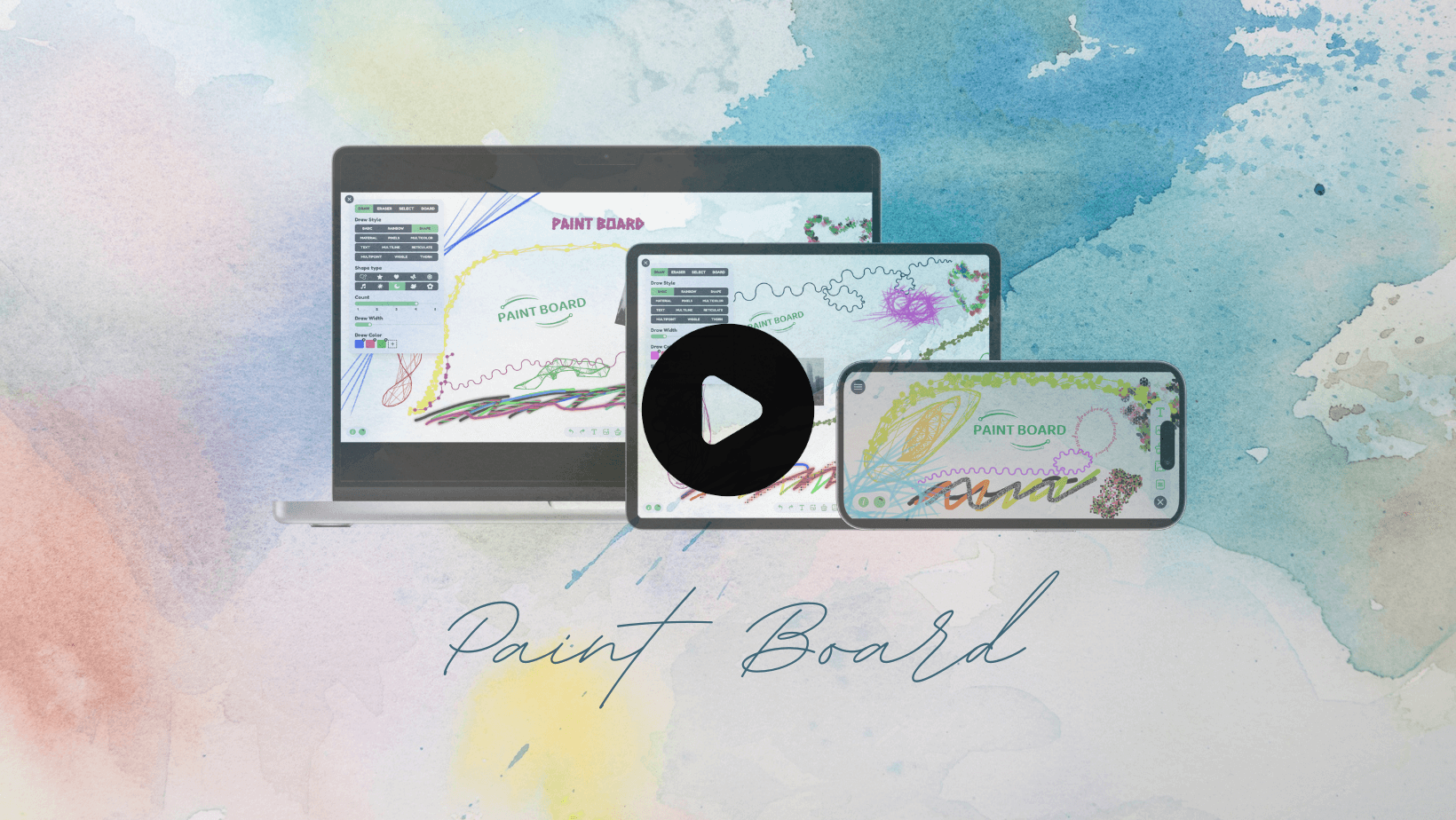
V1.3.0 视频演示
本地启动
git clone https://github.com/LHRUN/paint-board.git
cd paint-board
pnpm install
pnpm dev
Docker 支持
- Clone 源码仓库
git clone https://github.com/LHRUN/paint-board.git
cd paint-board
- 构建 Docker 镜像,镜像名称为
paint-board。
docker build -t paint-board .
- 启动 docker 容器。
docker run -d -p 8080:80 --name paint-board paint-board
- 在浏览器打开
http://localhost:8080/paint-board/即可访问。
浏览器支持
建议使用最新版谷歌浏览器, 以下是最低版本支持
 Edge |
 Firefox |
 Chrome |
 Safari |
|---|---|---|---|
| 80+ | 80+ | 70+ | 16.4+ |
联系我
如果你有任何建议或者有好的想法,欢迎随时与我联系!
- Email: [email protected]
- Telegram: https://t.me/longhao_song
- 微信: August8_L
贡献
我很高兴你有兴趣对 PAINT BOARD 做出贡献。如果你发现了 BUG 并希望进行修复,请先在 Issue 中提出。对于新功能的增加,请先在 Discussions 中与我们进行沟通,或者直接通过以上提供的联系方式联系,进行贡献前请阅读以下贡献指南。感谢你的支持!
技术文章
- Fabric.js 重构后
- Fabric.js 重构前
License
MIT License. See the LICENSE file.