
ChrisTitusTech/winutil
ChrisTitusTech/winutil has 65,630 GitHub stars and 3,856 forks. GitHot measured +49 stars in 24 hours. Last checked 2026-11-06 18:43 UTC. Last push 2026-11-02.
Chris Titus Tech 的 Windows 实用工具——安装程序、优化设置、修复问题和更新
实测星标增长
- 24小时
- +49
- 7天
- 更新延迟
- 15天
- 更新延迟
- 1个月
- 更新延迟
各周期内的星标净变化,周期相互重叠,并非每日新增。缺失的测量保持空白。星标代表关注度,不代表软件质量。
README.md
原文Chris Titus Tech's Windows Utility


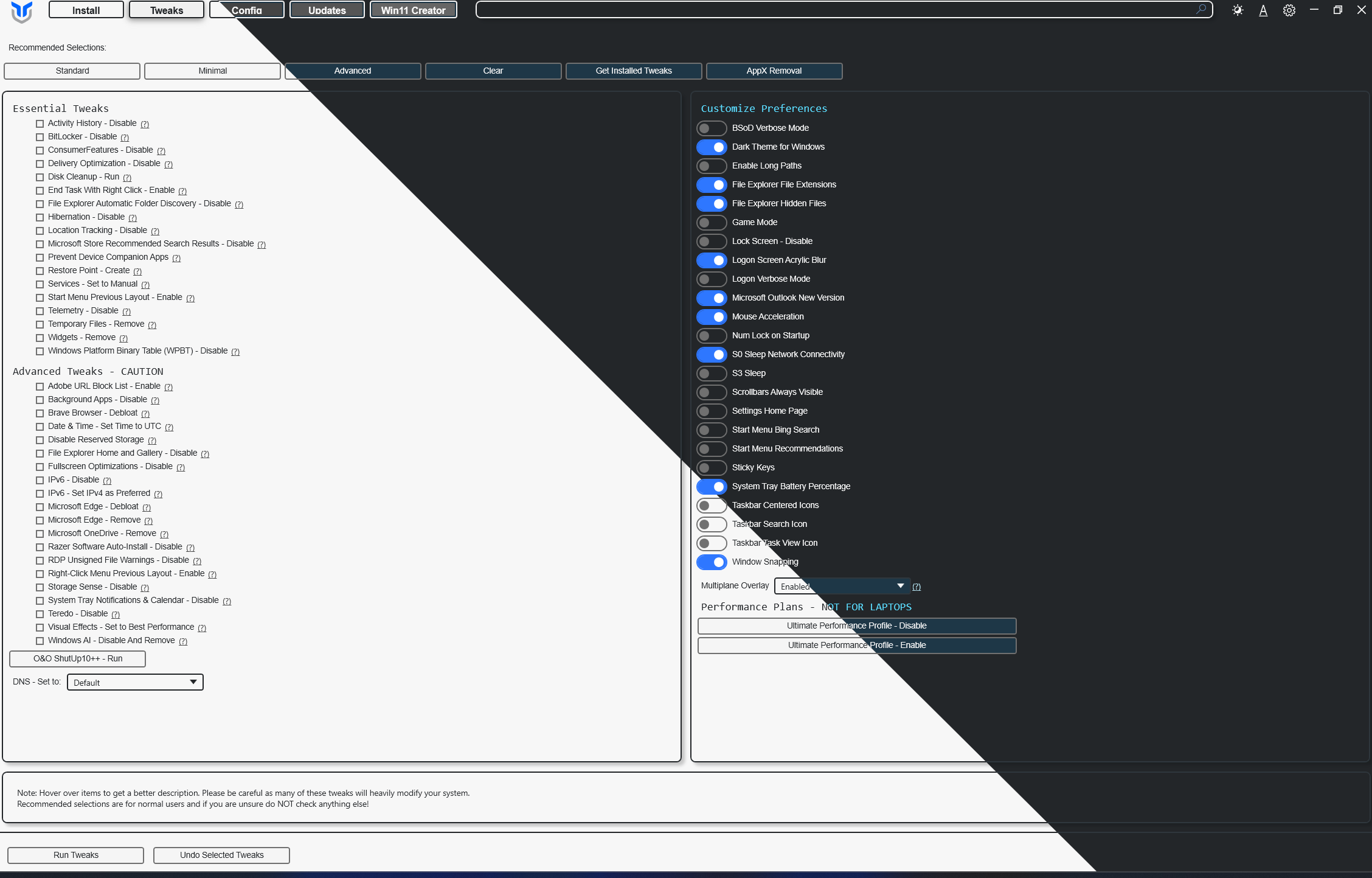
A curated compilation of Windows system tasks streamline installs, debloat with tweaks, troubleshoot with config, and configure Windows updates. Run it fresh on every new Windows install.
Quick Start
WinUtil must be run as Administrator because it performs system-wide changes.
Open PowerShell or Terminal as admin, then run:
Stable Branch (recommended)
irm https://christitus.com/win | iex
Development Branch
irm https://christitus.com/windev | iex
How to open an admin terminal
- Start menu: Right-click Start → Windows PowerShell (Admin) or Terminal (Admin)
- Search: Press the
Windows key, and typePowerShellorTerminal, thenCtrl + Shift + Enter
Automation / Presets
Apply a predefined configuration without manual selection:
& ([ScriptBlock]::Create((irm https://christitus.com/win))) -Preset Standard
| Preset | Description |
|---|---|
Standard |
Balanced defaults for most users |
Minimal |
Minimal changes to suit every user |
Advanced |
Deep tweaks for power users |
To view exactly what each preset does, see: https://github.com/ChrisTitusTech/winutil/blob/main/config/preset.json
Build & Develop
See https://github.com/ChrisTitusTech/winutil/blob/main/.github/CONTRIBUTING.md
Resources
Support
- Leave a ⭐ to show support!
- Faster Dotnet Implementation for sale here: https://www.cttstore.com/windows-toolbox
Sponsors
These are the sponsors that help keep this project alive with monthly contributions.


*Sponsors with a recurring subscription also get access to the .NET alternative.
Contributors
Thanks to everyone who has contributed time and effort to this project. Keep rocking 🍻