
Choeng-Rayu/rayu-cli
Choeng-Rayu/rayu-cli has 46 GitHub stars and 3 forks. GitHot measured 0 stars in 24 hours and +1 in 7 days. Last checked 2026-11-22 11:40 UTC. Last push 2026-11-21.
实测星标增长
- 24小时
- 0
- 7天
- +1
- 15天
- 正在收集历史
- 1个月
- 正在收集历史
各周期内的星标净变化,周期相互重叠,并非每日新增。缺失的测量保持空白。星标代表关注度,不代表软件质量。
关于
Open-source AI coding agent CLI with multi-provider support, local models, MCP, and specialized AI agents.
开发工具README.md
原文
The AI Coding Agent Ecosystem



Website: rayucode.com · Docs: rayucode.com/docs · Changelog: rayucode.com/changelog
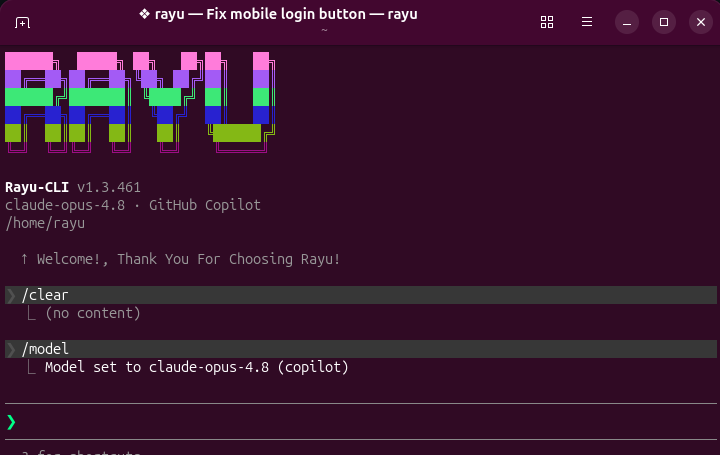
🎥 Watch It In Action
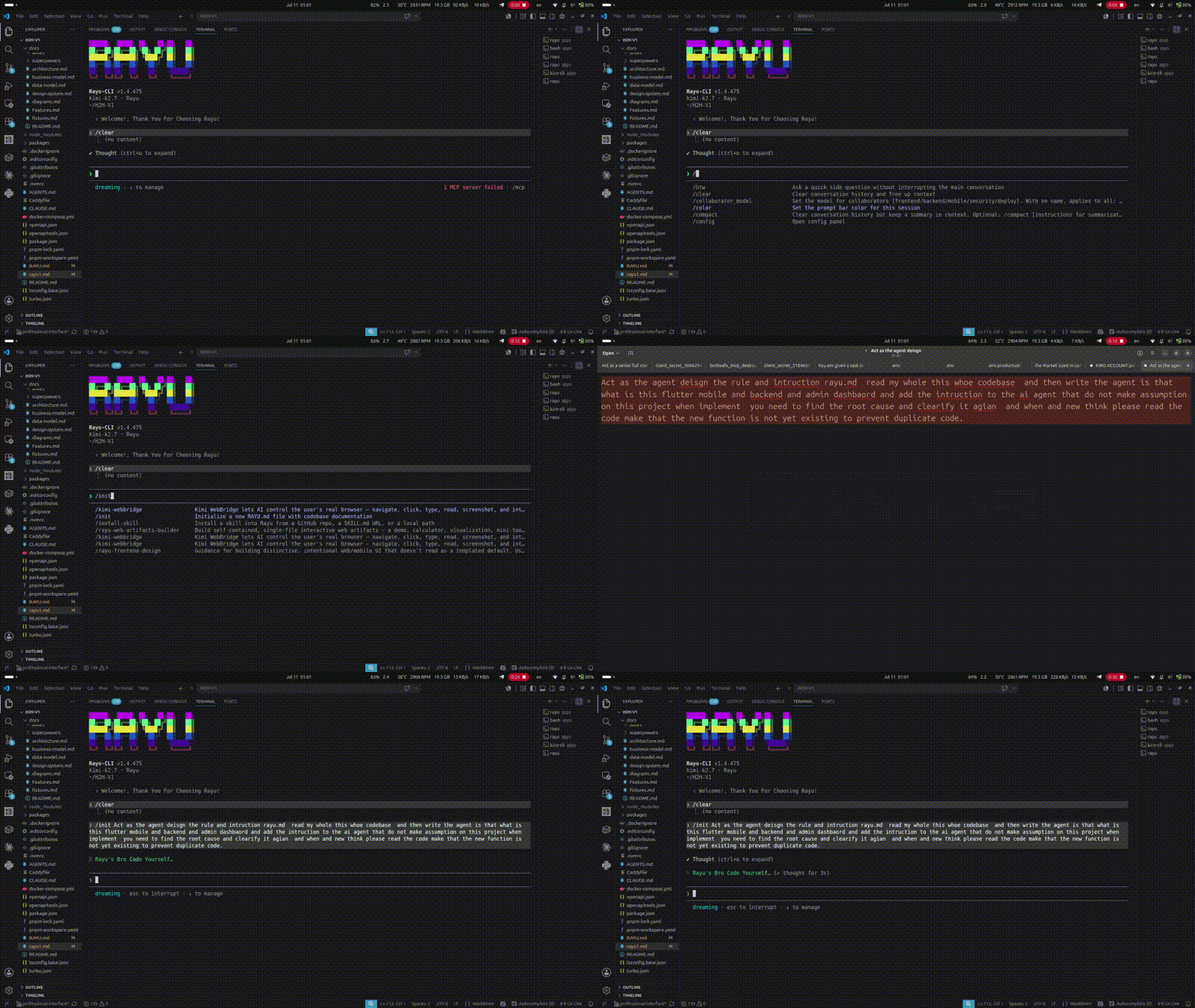
🎬 RAYU CLI in action — 4:42 demo showing multi-provider AI coding agent capabilities
📥 Download MP4 (13MB) · 📥 Download WebM (31MB) · 📖 Documentation
The ultimate standard for terminal-based AI development. Rayu is built from the ground up to outperform every other CLI agent on the market. It works flawlessly, runs faster, and respects your privacy completely.
⚡ Why Rayu Outperforms the Rest
| Feature | Rayu | OpenCode | KiloCode | Claude Code | Codex |
|---|---|---|---|---|---|
| Response Speed | ⚡ Near-instant (<500ms) | ~3-5s | ~5-10s | ~5-8s | ~3-6s |
| P2P Collaboration | ✅ Native Peer-to-Peer | ❌ No | ❌ No | ❌ No | ❌ No |
| Privacy / No Training Data | ✅ Zero Data Retention | ⚠️ Cloud-dependent | ⚠️ Cloud-dependent | ❌ Trains on your code | ❌ Trains on your code |
| Multi-Provider BYOK | ✅ Anthropic, OpenAI, DeepSeek, etc. | ❌ Limited | ❌ Single | ❌ Anthropic only | ❌ OpenAI only |
| Agent Swarms | ✅ Built-in & Parallel | ❌ No | ❌ No | ❌ No | ❌ No |
| Offline Capabilities | ✅ Private local model support | ❌ No | ❌ No | ❌ No | ❌ No |
🚀 Key Advantages
1. Blazing Fast Speed
Rayu is built on high-performance streaming architectures, eliminating the typical latency bottlenecks of traditional CLI tools. Our terminal UI utilizes a custom React/Ink renderer with zero-GC cell buffers, and our Go gateway ensures sub-millisecond routing overhead.
- Time-to-first-token: Under 500ms for cached sessions and 1-2s for cold boots.
- No more waiting on sluggish web bridges or processing screens.
2. Peer-to-Peer (P2P) Collaboration
Rayu is the only CLI agent with native P2P capabilities. Collaborate directly with team members in real-time without sending intermediate payloads to external cloud storage. This is ideal for secure enterprise environments, air-gapped systems, and lag-free cooperative terminal sessions.
3. Absolute Privacy: No Training Data
While other platforms use your inputs and proprietary source files to train their models, Rayu never trains on your code.
- BYOK (Bring Your Own Key): Connect directly to your preferred API keys.
- Hosted Gateway: Completely transparent proxy pipelines with zero-data-retention guarantees.
4. Flawless Execution & Freedom of Choice
Rayu works perfectly right out of the box. Switch models instantly mid-session with /model or run parallel diagnostics on your codebase across multiple LLM providers (Anthropic, DeepSeek, Google Gemini, OpenAI, Kimi, and locally hosted models via Ollama/LM Studio).
💻 Quick Start
One command, any machine — no Node, npm or sudo required:
# macOS / Linux
curl -fsSL https://rayucode.com/install | bash
# Windows (PowerShell)
irm https://rayucode.com/install.ps1 | iex
Then:
rayu
Already have Node ≥ 18 and would rather use npm?
npm install -g @rayu-dev/rayu-cli
Or run instantly without installing:
npx @rayu-dev/rayu-cli
On first launch, Rayu will guide you through connecting a provider. Choose BYOK (your own API key) or a Rayu-hosted connection.
🌐 Monorepo Services
Rayu consists of four independent services. They work together or as individual standalone configurations.
| Directory | Stack | Role |
|---|---|---|
rayu/ |
TypeScript + Bun + Ink | The CLI — AI coding agent itself |
rayu-backend/ |
NestJS + Prisma + MySQL | Accounts API — auth, plans, billing |
rayu-gateway/ |
Go + chi + Redis | AI Gateway — streaming proxy, rate limiting |
rayu-web/ |
Next.js 15 + NextAuth | Website — marketing site + user dashboard |
deploy/ |
Docker Compose + Caddy | Production — single-VPS deployment stack |
🛠️ CLI Quick Commands
cd rayu && bun install && bun run dev       # Run CLI from source
cd rayu-backend && npm install && npm run start:dev   # Launch accounts backend
cd rayu-gateway && go run ./cmd/gateway      # Run gateway routing proxy
cd rayu-web && npm install && npm run dev    # Spin up web dashboard
🤝 Contributing
We welcome contributions! Please see our Contributing Guide for details on issues, code formatting, and pull requests.
🌐 rayucode.com · Issues · NPM
探索相关项目
加载中…