
Binaryify/OneDark-Pro
Binaryify/OneDark-Pro has 1,809 GitHub stars and 307 forks. GitHot measured 0 stars in 24 hours, +3 in 7 days, and +4 in 15 days. Last checked 2026-11-24 01:44 UTC. Last push 2026-11-20.
实测星标增长
- 24小时
- 0
- 7天
- +3
- 15天
- +4
- 1个月
- 正在收集历史
各周期内的星标净变化,周期相互重叠,并非每日新增。缺失的测量保持空白。星标代表关注度,不代表软件质量。
关于
Visual Studio Code 的 Atom 标志性 One Dark 主题
开发工具README.md
原文One Dark Pro
GitHub Repo
Atom's iconic One Dark theme, and one of the most installed themes for VS Code!



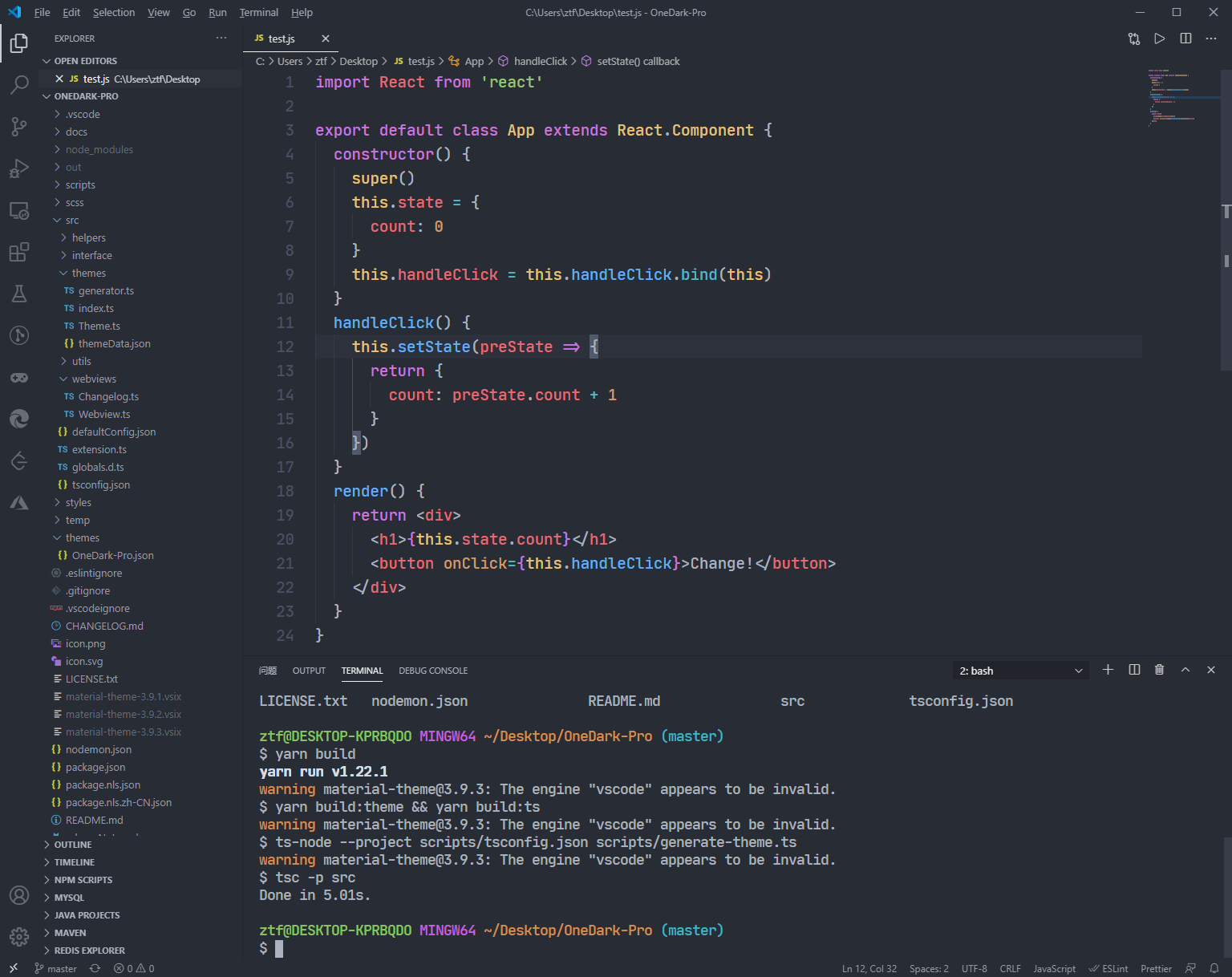
SCREENSHOT
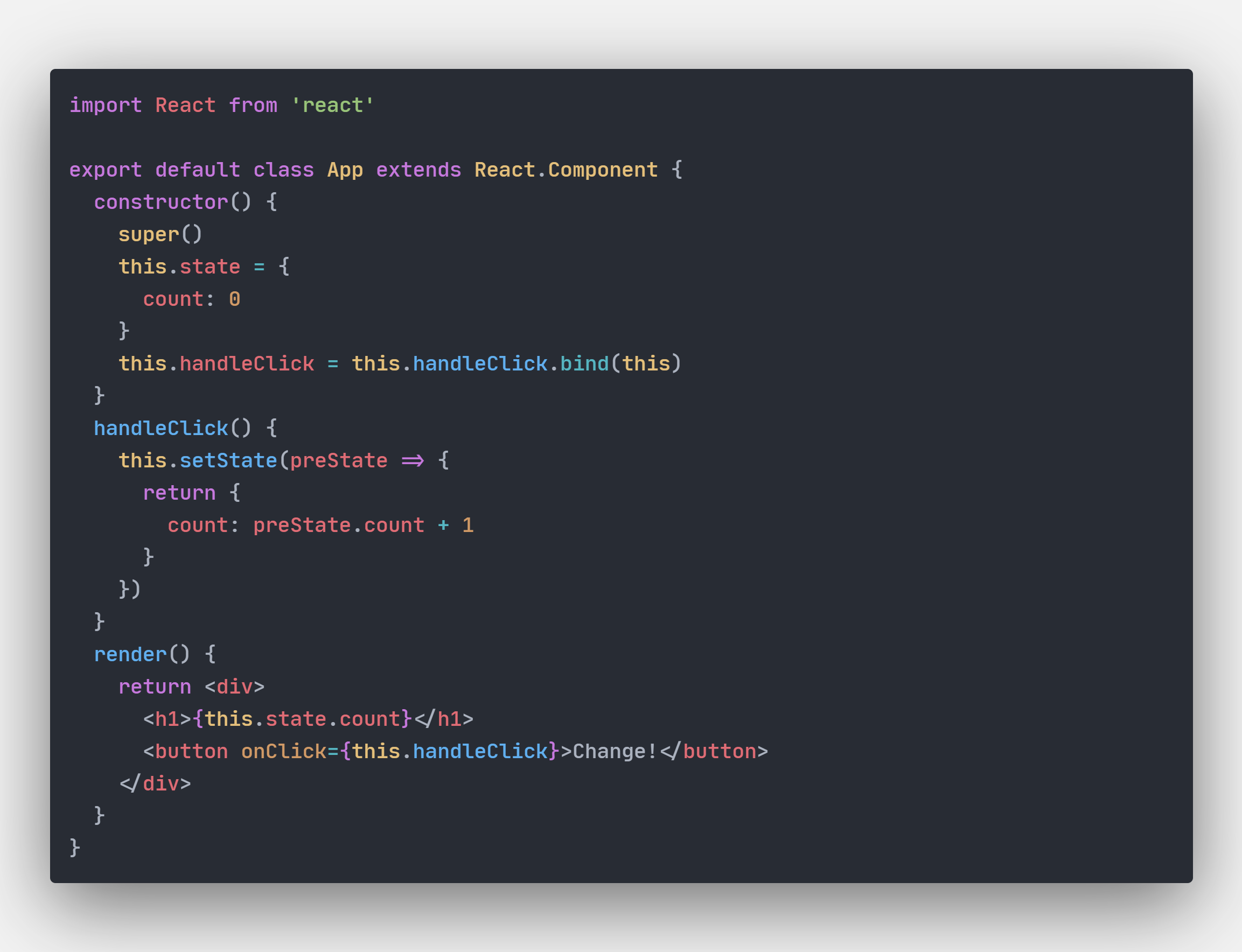
Italic
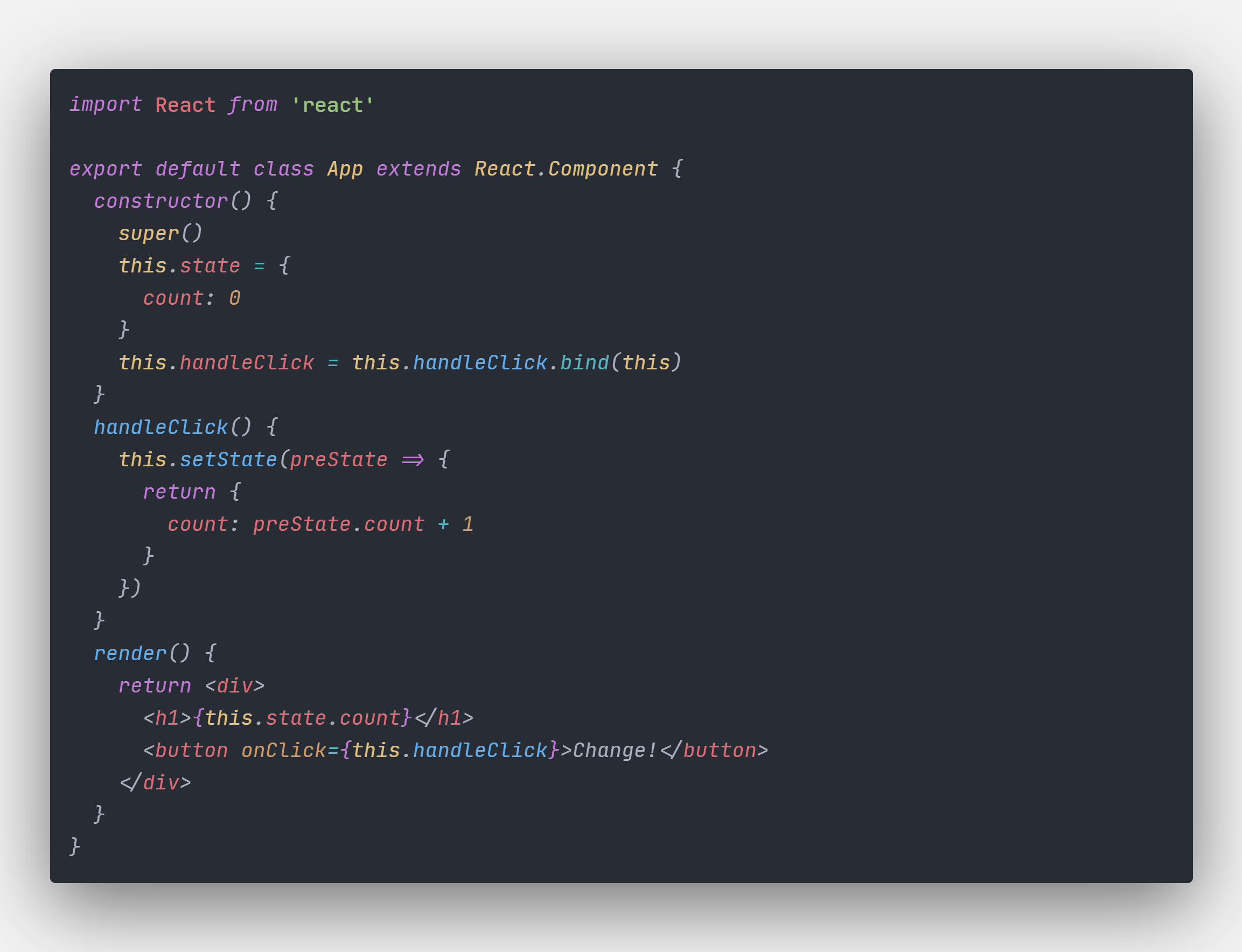
Default theme
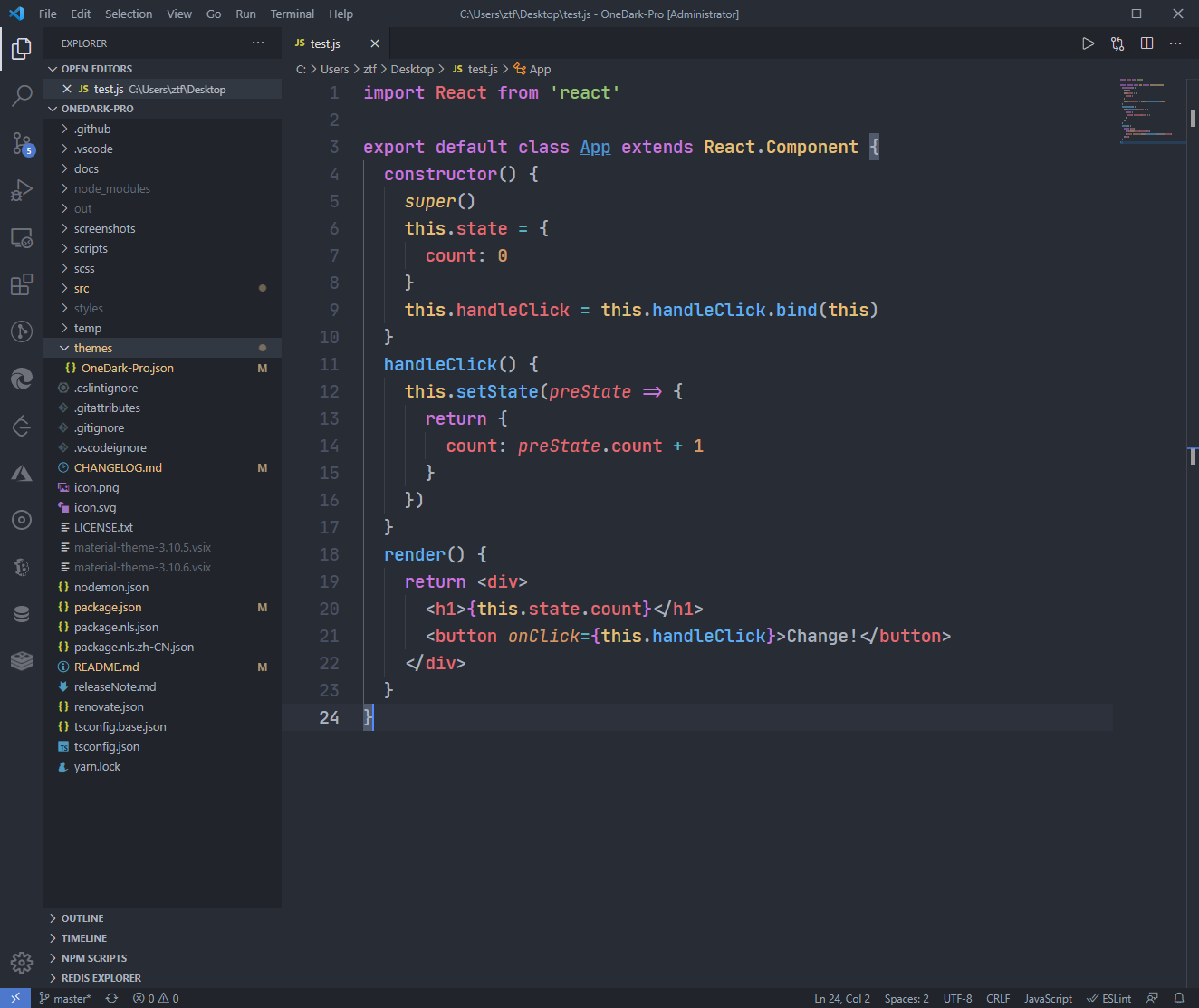
Flat theme
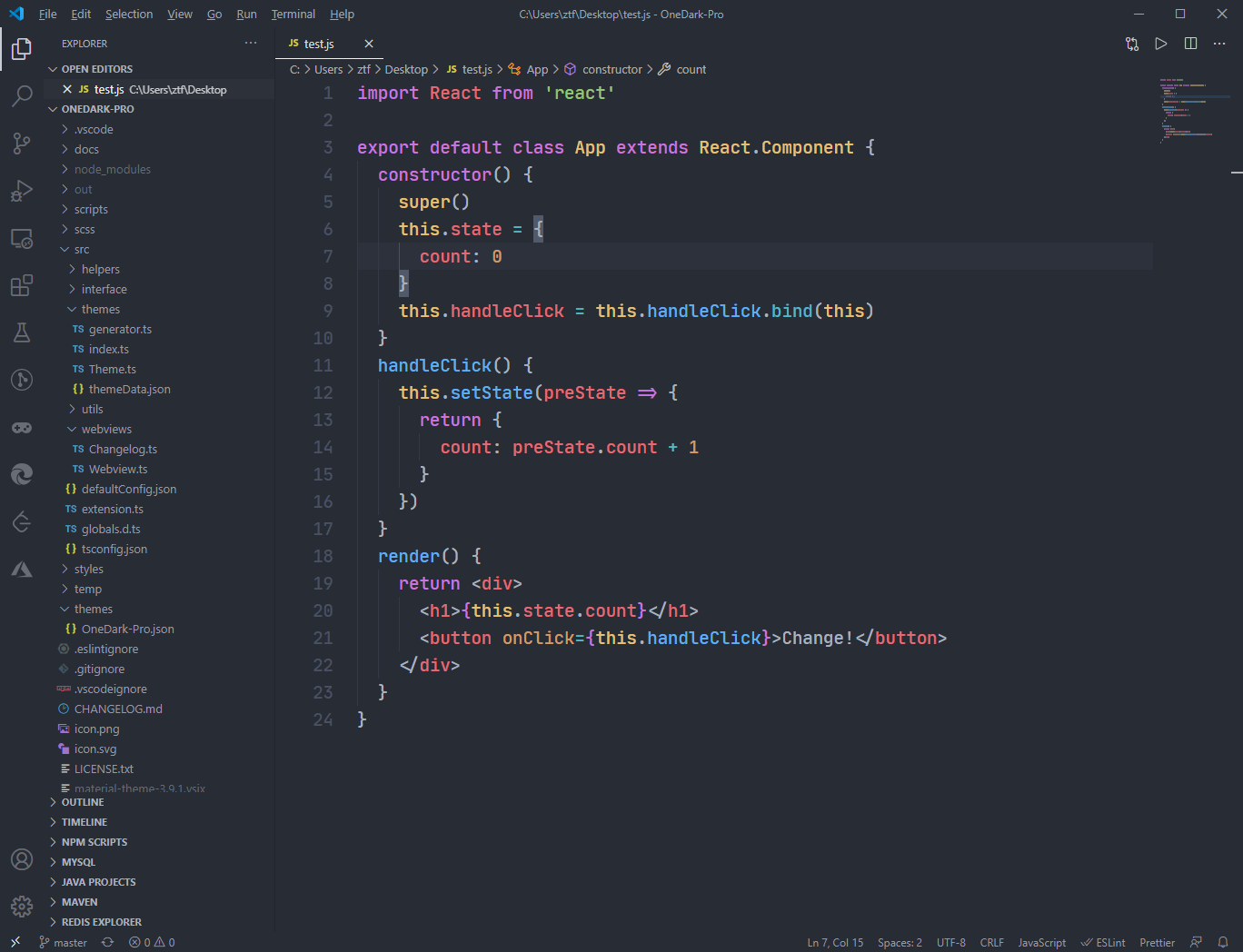
Darker theme
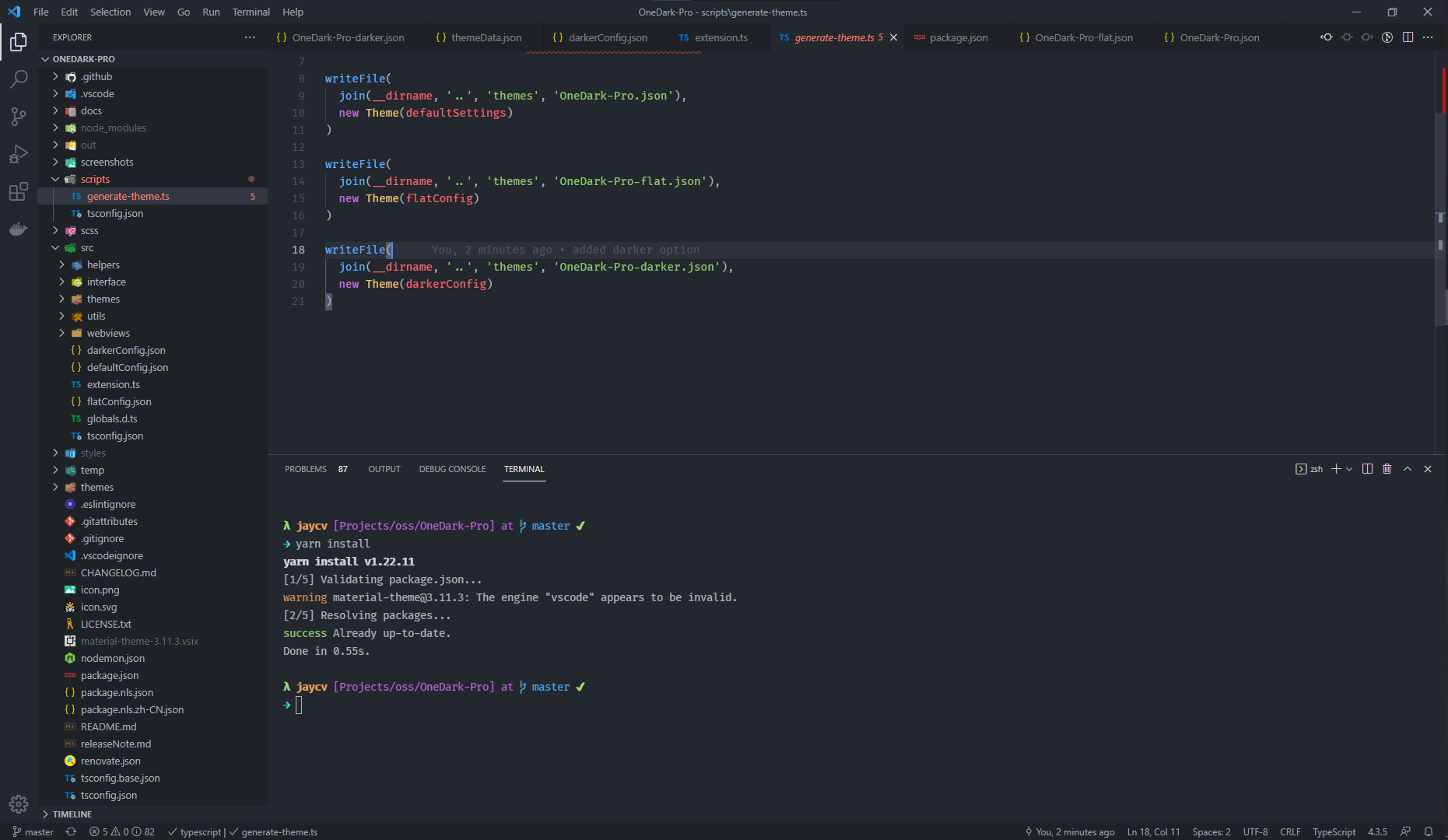
Night Flat theme
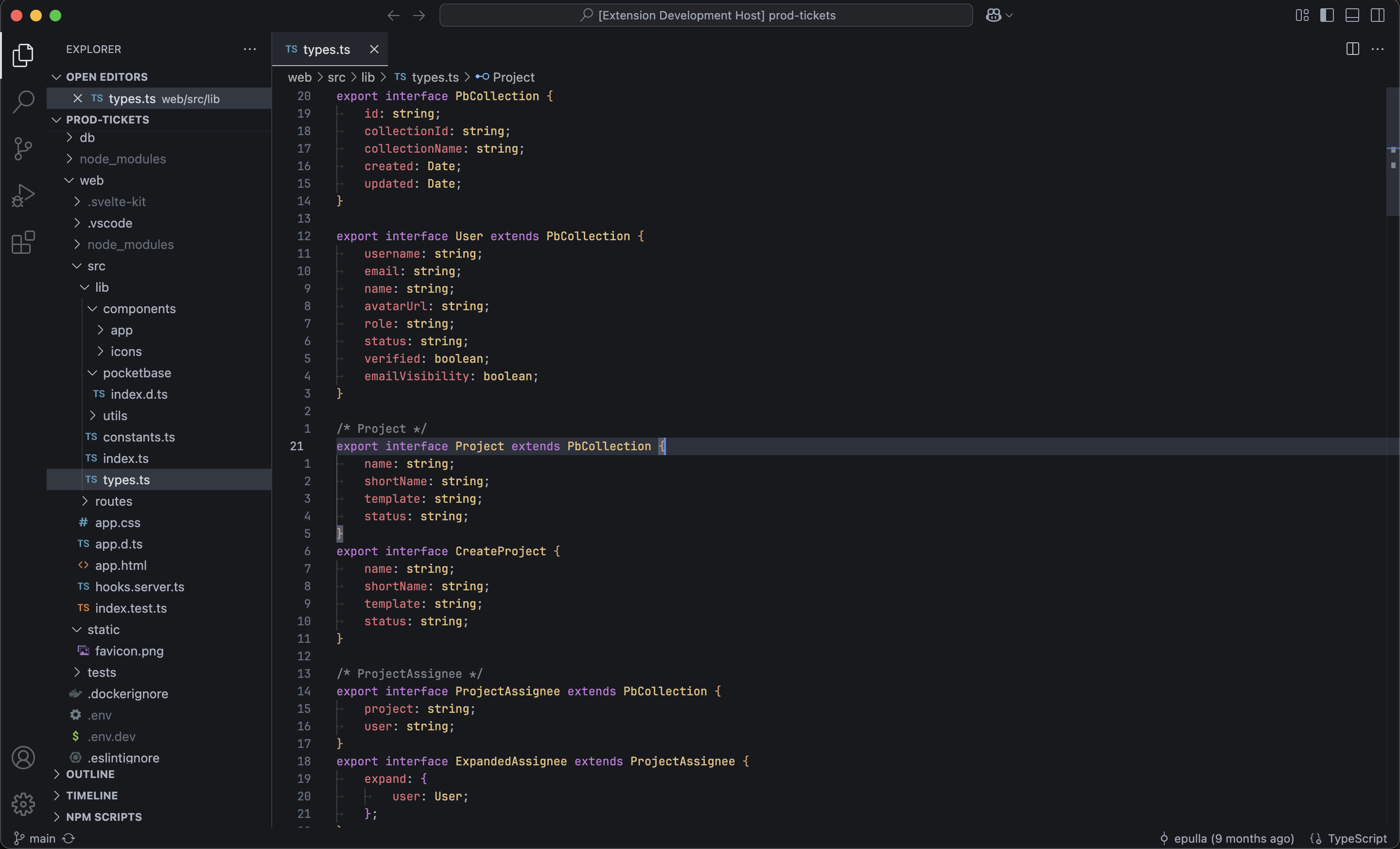
Retro theme
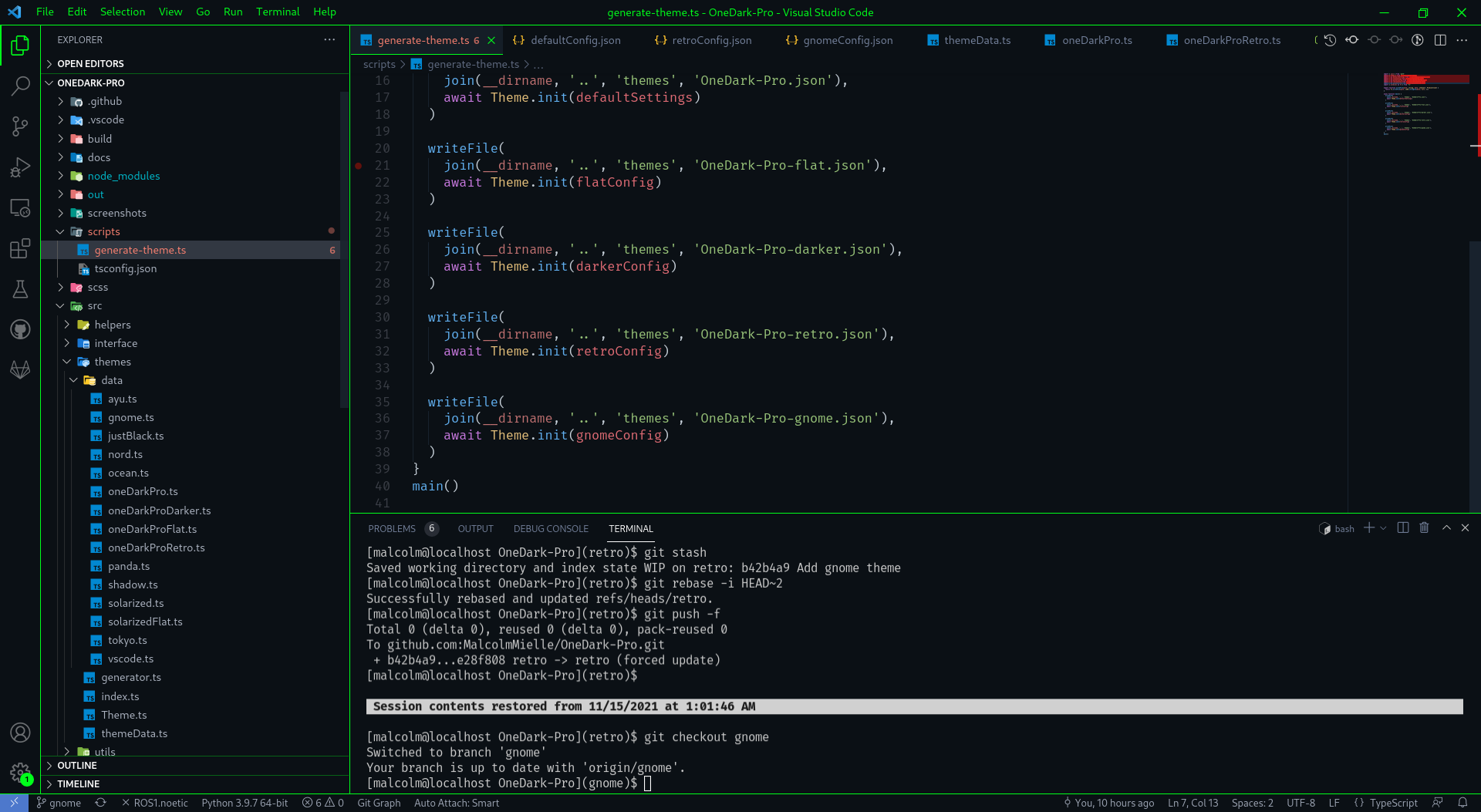
Gnome theme
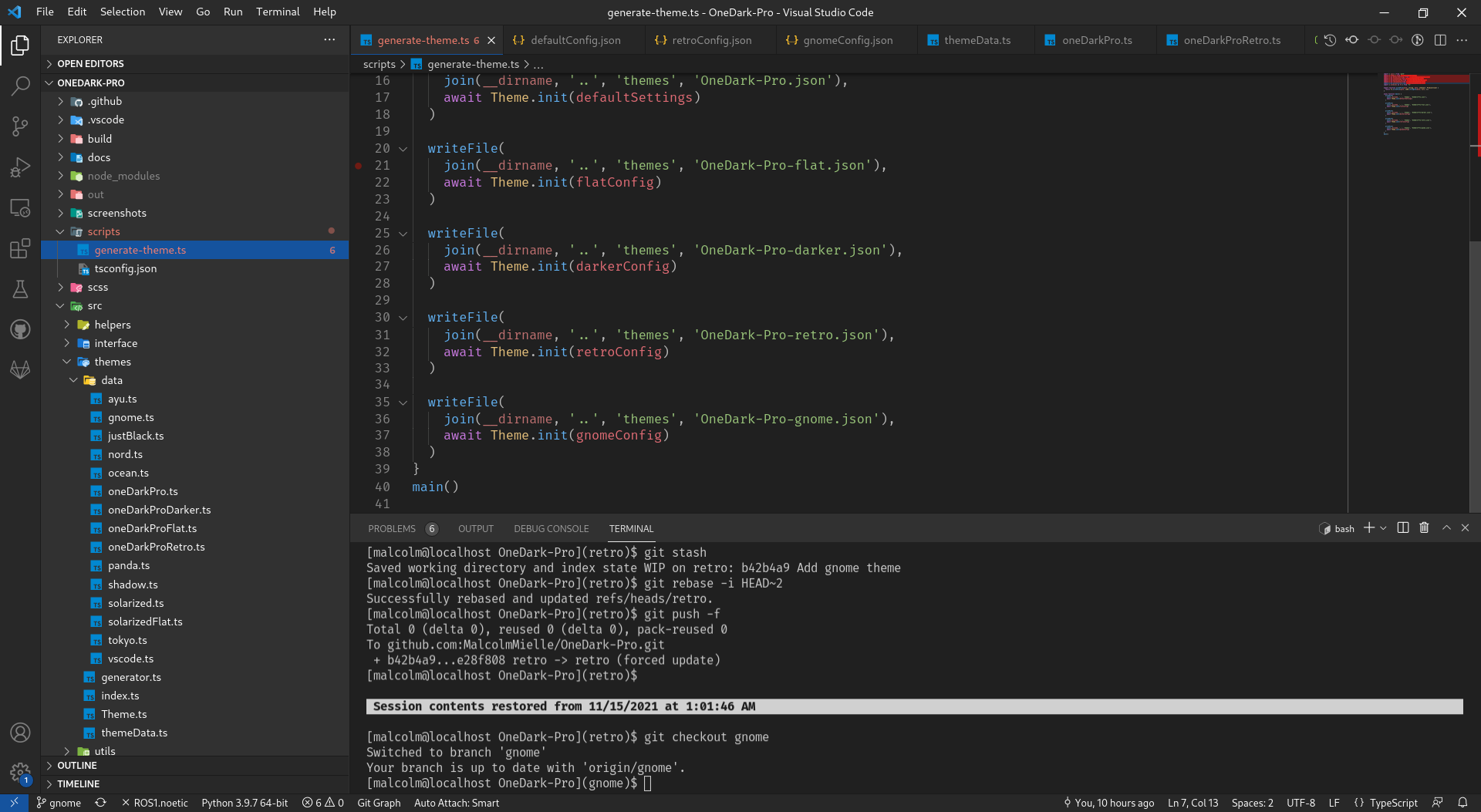
Terminal
Donation
If you like this extension, you could donate via PayPal It will encourage me to make this extension better and better!
Thanks List:
- Andreas Georgiadis
Setting
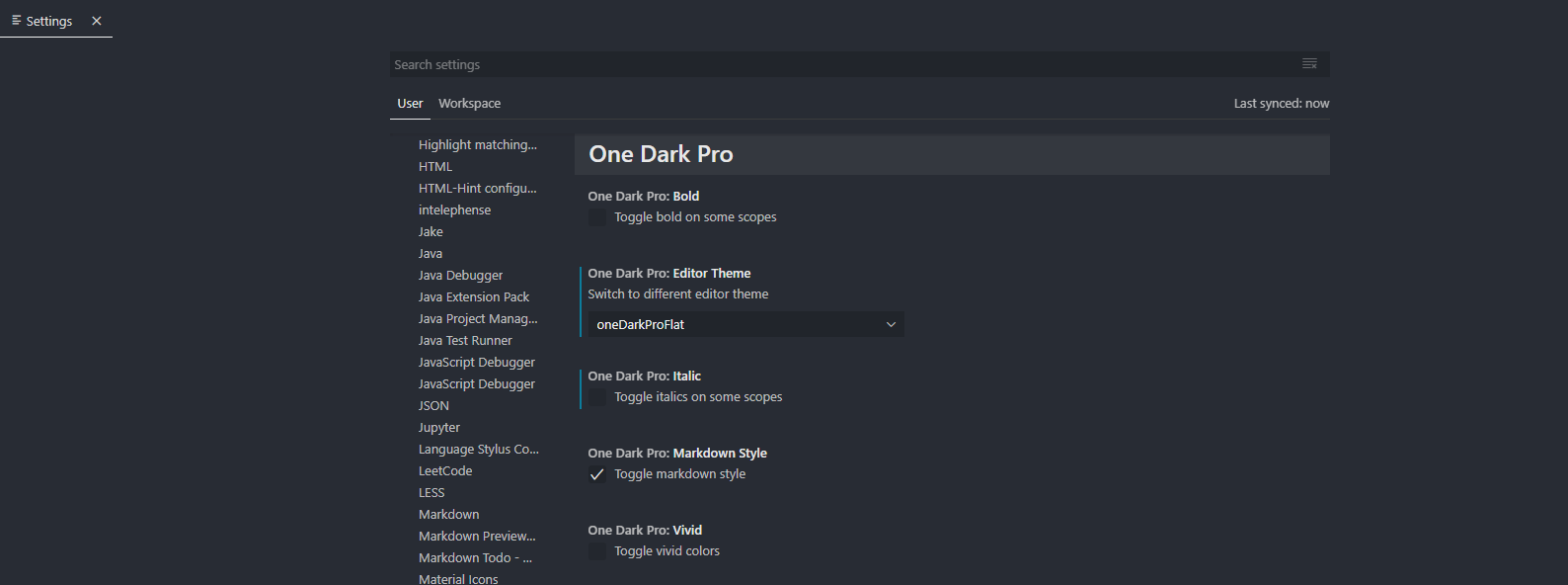
Built in themes
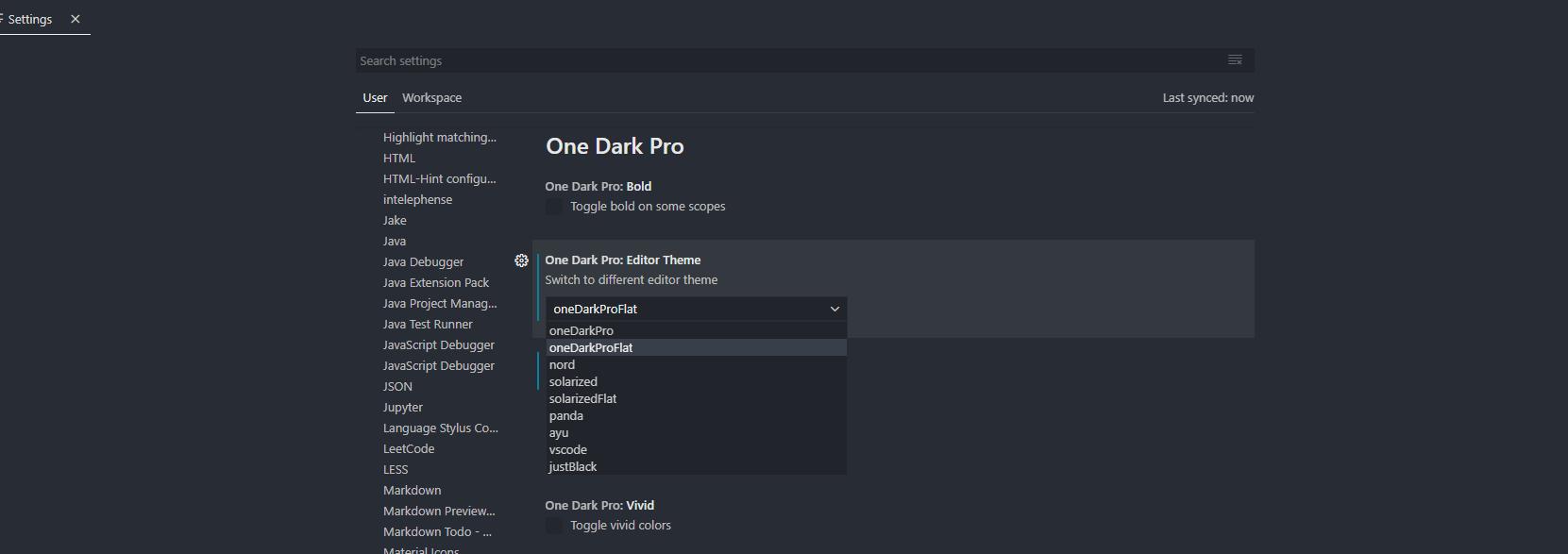
Notice
Setting only support default theme(One Dark Pro).
Markdown preview style
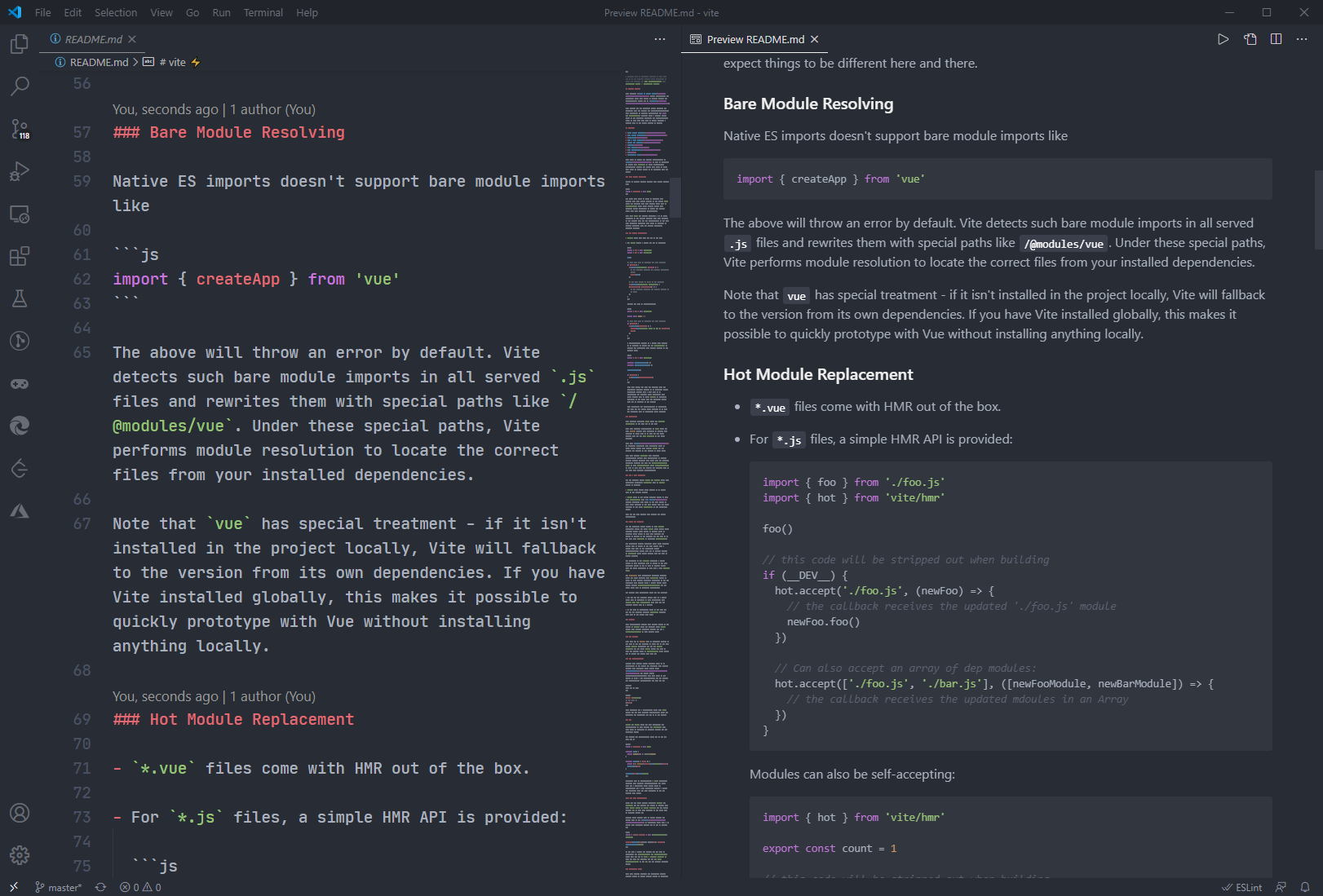 You can toggle whether to use markdown style in vscode setting (default use)
Suggest Editor Settings
 "editor.fontSize": 20,
 "editor.lineHeight": 30,
 "editor.fontFamily": "JetBrains Mono",
JetBrains Mono Download: https://www.jetbrains.com/lp/mono
Tweaks & theming
If you want to play around with new colors, use the setting
workbench.colorCustomizations to customize the currently selected theme. For
example, you can add this snippet in your "settings.json" file:
"workbench.colorCustomizations": {
  "tab.activeBackground": "#282c34",
  "activityBar.background": "#282c34",
  "sideBar.background": "#282c34",
  "tab.activeBorder": "#d19a66",
}
or use the setting editor.tokenColorCustomizations
"editor.tokenColorCustomizations": {
  "[One Dark Pro]": {
    "textMateRules": [
      {
        "scope": ["source.python"],
        "settings": {
          "foreground": "#e06c75"
        }
      }
    ]
  }
}
Italic
You could set this in your setting.json to make code be italic
"editor.tokenColorCustomizations": {
    "textMateRules": [
      {
        "name": "italic font",
        "scope": [
          "comment",
          "keyword",
          "storage",
          "keyword.control",
          "keyword.control.from",
          "keyword.control.flow",
          "keyword.operator.new",
          "keyword.control.import",
          "keyword.control.export",
          "keyword.control.default",
          "keyword.control.trycatch",
          "keyword.control.conditional",
          "storage.type",
          "storage.type.class",
          "storage.modifier.tsx",
          "storage.type.function",
          "storage.modifier.async",
          "variable.language",
          "variable.language.this",
          "variable.language.super",
          "meta.class",
          "meta.var.expr",
          "constant.language.null",
          "support.type.primitive",
          "entity.name.method.js",
          "entity.other.attribute-name",
          "punctuation.definition.comment",
          "text.html.basic entity.other.attribute-name",
          "tag.decorator.js entity.name.tag.js",
          "tag.decorator.js punctuation.definition.tag.js",
          "source.js constant.other.object.key.js string.unquoted.label.js",
        ],
        "settings": {
          "fontStyle": "italic",
        }
      },
    ]
  }
Python & Pylance users
Python users I recommend using Pylance extension for fast, feature-rich language support.
Semantic colors can be customized in settings.json by associating the Pylance semantic token types and modifiers with the desired colors.
Semantic token types
- class, enum
- parameter, variable, property, enumMember
- function, member
- module
- intrinsic
- magicFunction (dunder methods)
- selfParameter, clsParameter
Semantic token modifiers
- declaration
- readonly, static, abstract
- async
- typeHint, typeHintComment
- decorator
- builtin
The scope inspector tool allows you to explore what semantic tokens are present in a source file and what theme rules they match to.
Example of customizing semantic colors in settings.json:
{
  "editor.semanticTokenColorCustomizations": {
    "[One Dark Pro]": {
      // Apply to this theme only
      "enabled": true,
      "rules": {
        "magicFunction:python": "#ee0000",
        "function.declaration:python": "#990000",
        "*.decorator:python": "#0000dd",
        "*.typeHint:python": "#5500aa",
        "*.typeHintComment:python": "#aaaaaa",
        "parameter:python": "#aaaaaa"
      }
    }
  }
}
Please check the official documentation, Theme Color Reference and Theme Color, for more helpful information.
CHANGELOG
DOCS & CONTRIBUTE
This document (https://binaryify.github.io/OneDark-Pro/) includes instructions on how to install and edit the theme.
To help with documentation, first fork and clone this repository.
cd to the OneDark-Pro folder
Run npm install
Then run
npm run docs to serve the documentation
locally at localhost:3000.
Contributors
This project exists thanks to all the people who contribute.

Backers

Sponsors
Support this project by becoming a sponsor. Your logo will show up here with a link to your website.

探索相关项目
加载中…