
behreajj/AsepriteAddons
Sobre
Lua scripts for Aseprite add-ons.
Ferramentas de desenvolvimentoCrescimento medido de estrelas
- em 24 h
- 0
- em 7 dias
- 0
- em 15 dias
- Coletando histórico
- em 1 mês
- Coletando histórico
Variações líquidas em períodos sobrepostos, não totais diários. Medições ausentes ficam em branco. Estrelas indicam interesse, não qualidade.
README.md
OriginalAseprite Add-ons
This repository developed out of the Medium article, "How To Script Aseprite Tools in Lua". Short demonstrations for some the scripts here can be found in this Youtube playlist.
Installation
To install, click on the green Code button above. Select Download ZIP from the pop-up menu. Unzip the file after it has finished downloading. In Aseprite, go to File > Scripts > Open Scripts Folder. Copy commands, dialogs and support folders from the unzipped download into the folder that Aseprite has opened. Return to Aseprite, go to File > Scripts > Rescan Scripts Folder.
There is a known issue when Aseprite's script folder is on a file path that includes characters such as 'é' (e acute) or 'ö' (o umlaut).
Usage
Aseprite version 1.3.18 is the minimum supported version to run these scripts.
To use, go to File > Scripts and choose from entries in the dialogs or commands folder.
Scripts can be assigned shortcuts in Edit > Keyboard Shortcuts. Dialog buttons can be called by holding down the Alt key and pressing the underlined letter of the button's label. For example, Alt+C will close dialogs, per the 'C' in "CANCEL".
Most scripts dealing with color assume standard RGB is the working color profile. The window profile is set under Edit > Preferences > Color. The sprite profile is set under Sprite > Properties.
References
For more resources, see
- Aseprite Type Definition
- Aseprite CPP source that receives Lua inputs
- Aseprite Scripting API
- Lua Documentation
- Aseprite General Documentation
- Aseprite Forum
Gallery
This repo includes
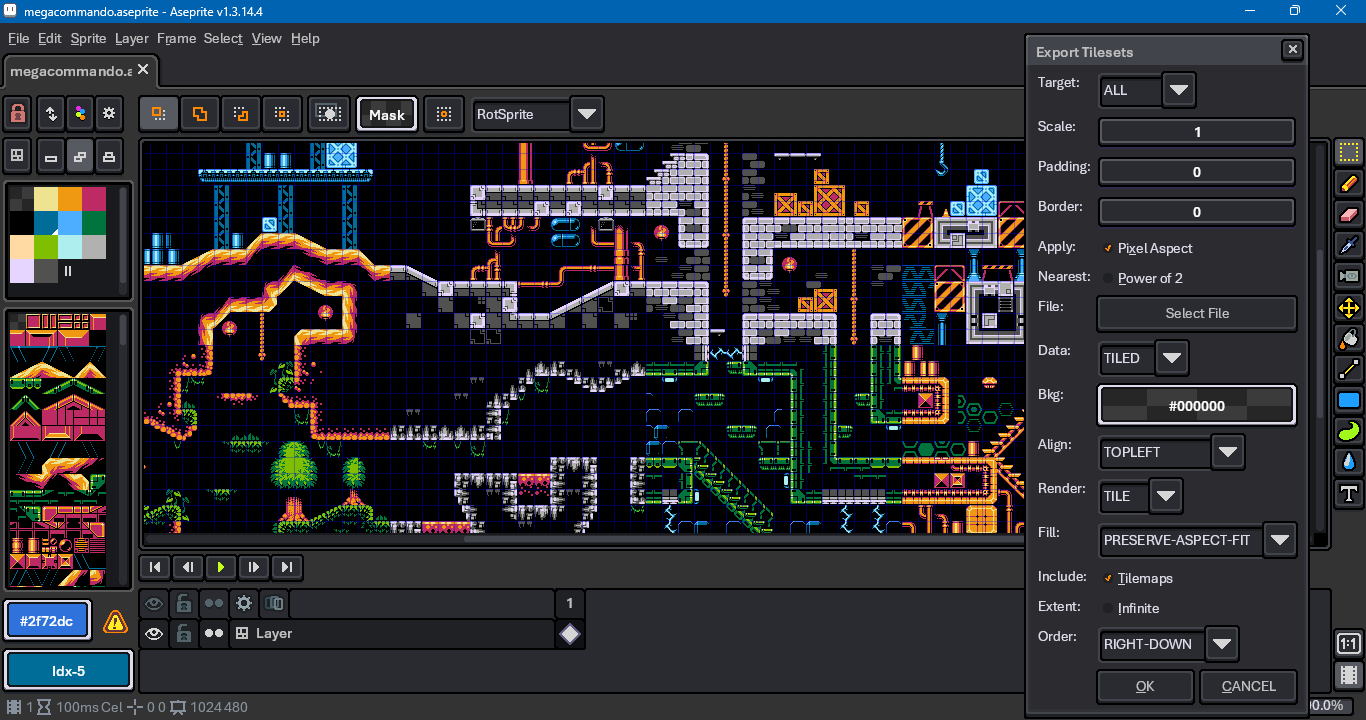
Export Tile Maps and Sets to Tiled. (Test image source.)
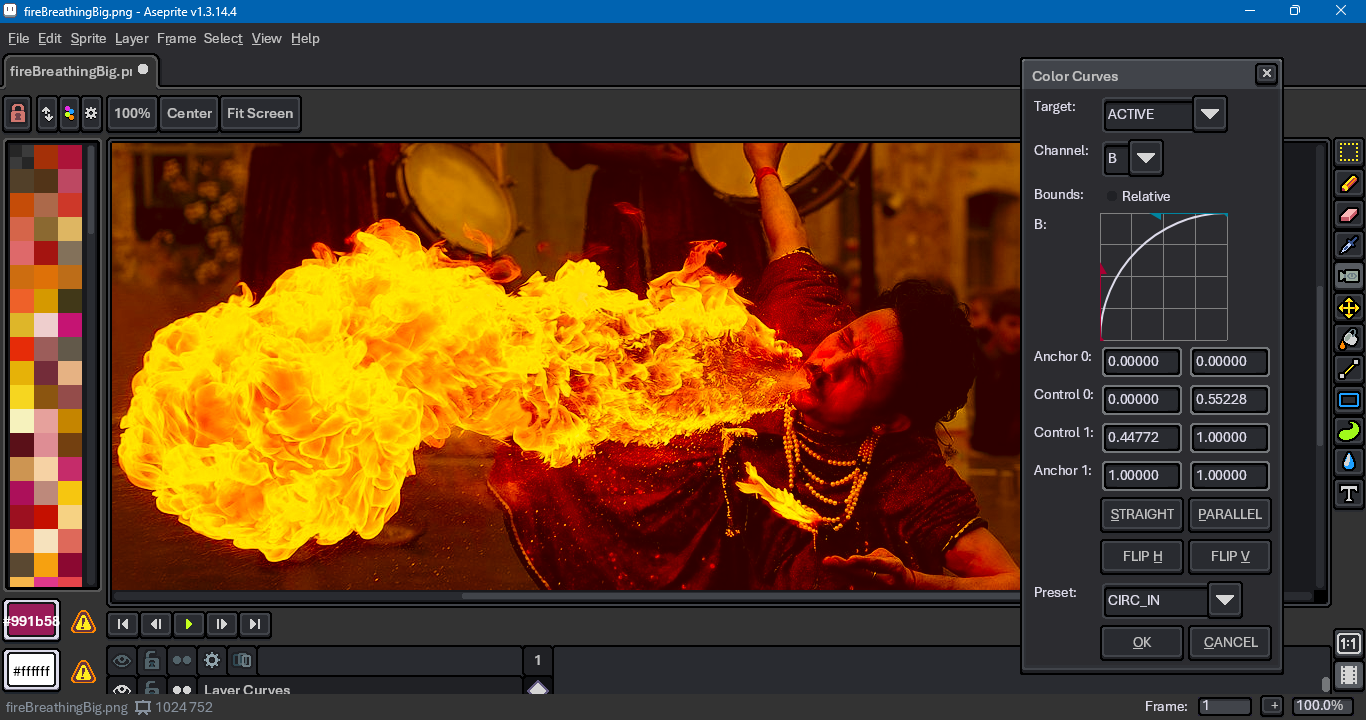
Color curves. (Test image source.)
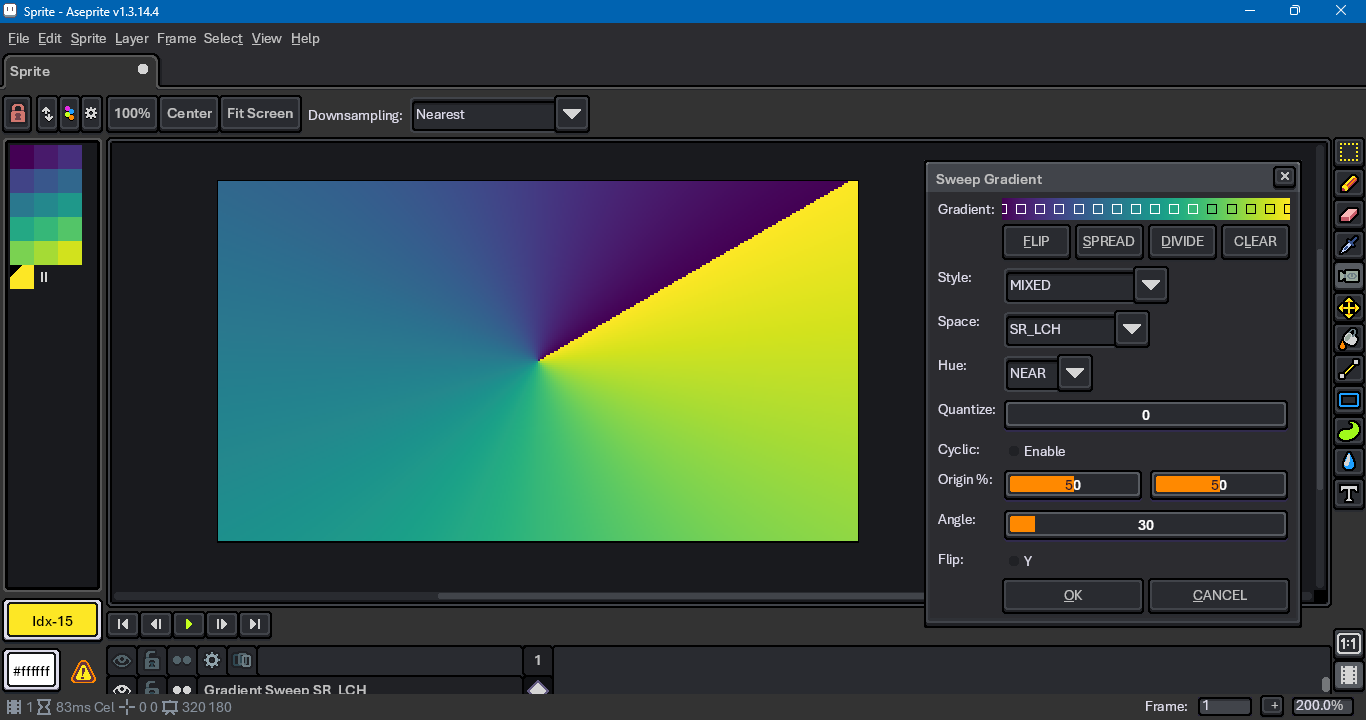
A sweep gradient.
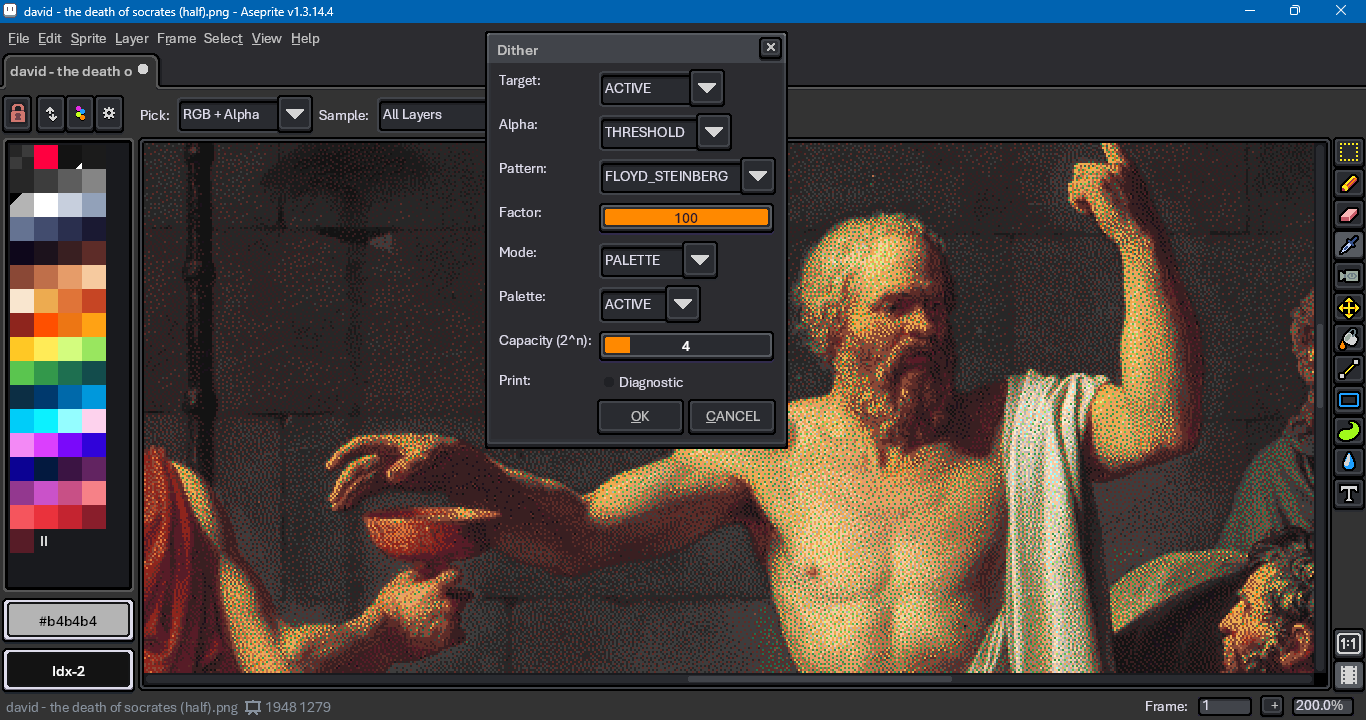
A dither filter. (Test image source.)
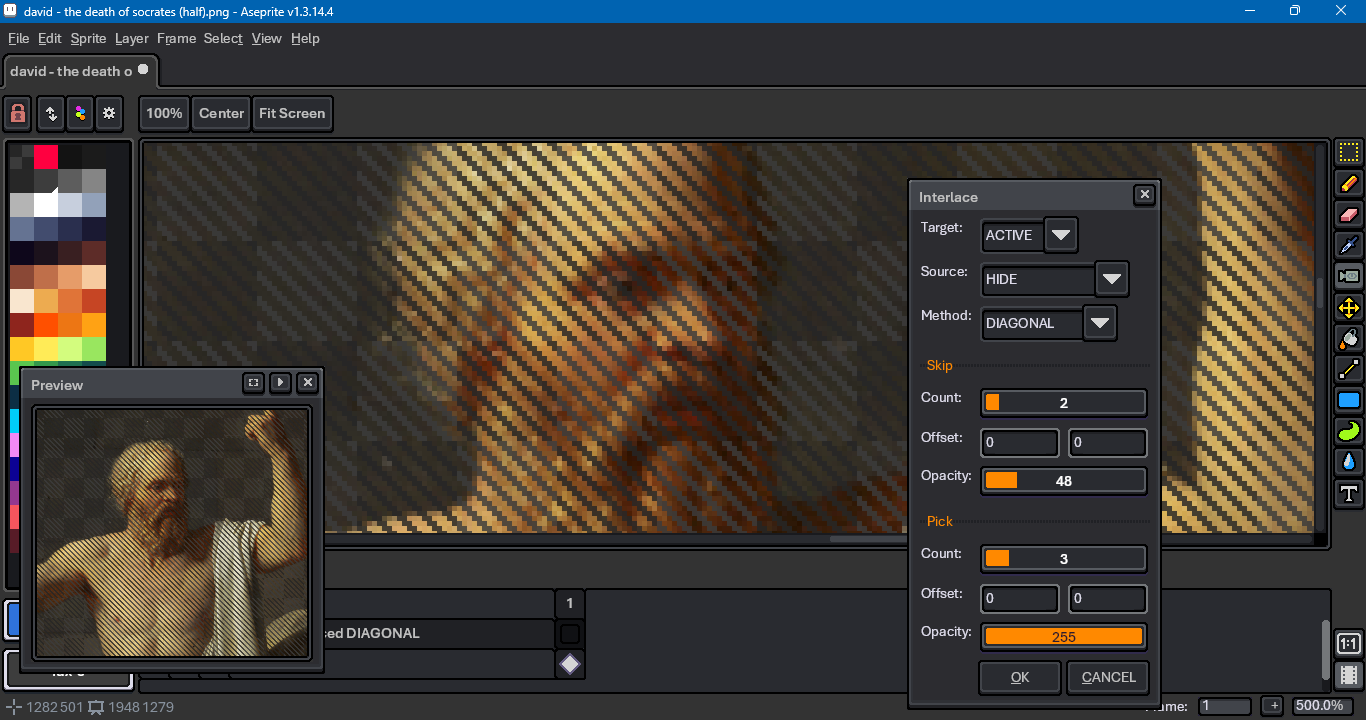
Interlaced layers. (Test image source.)
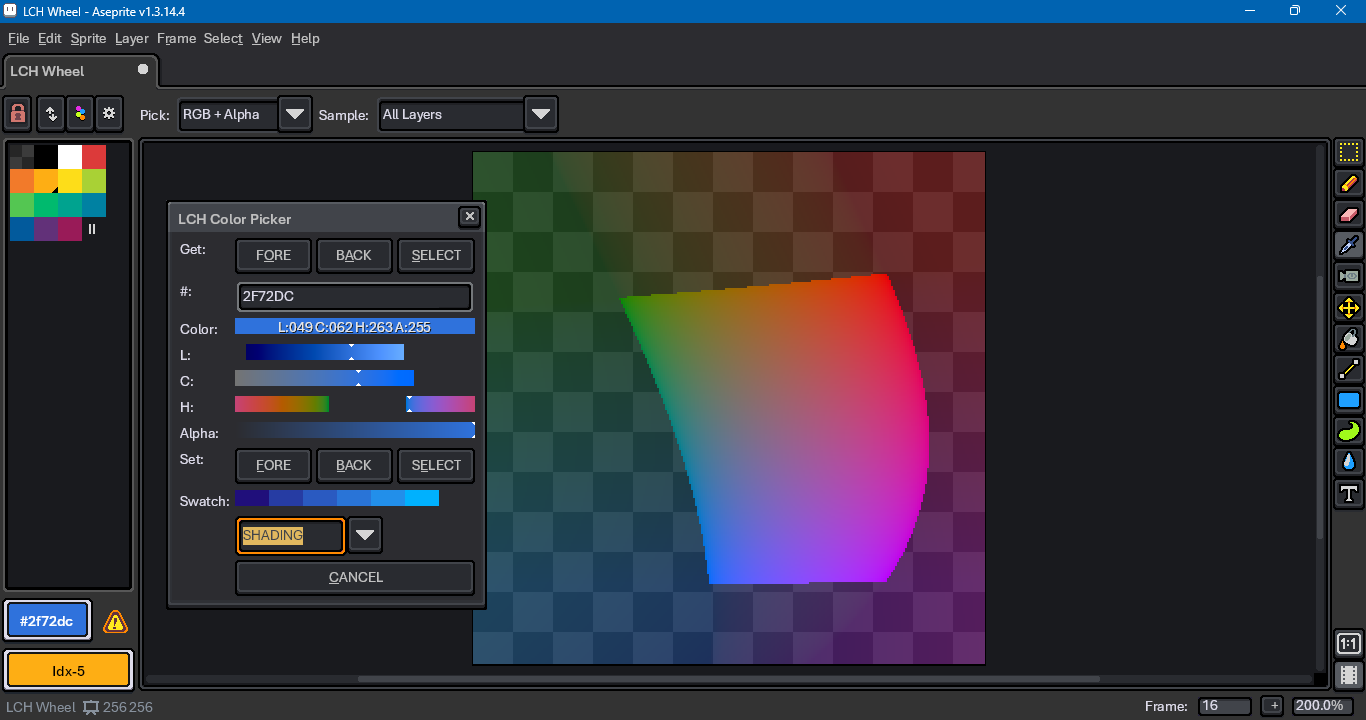
LCh color picker.
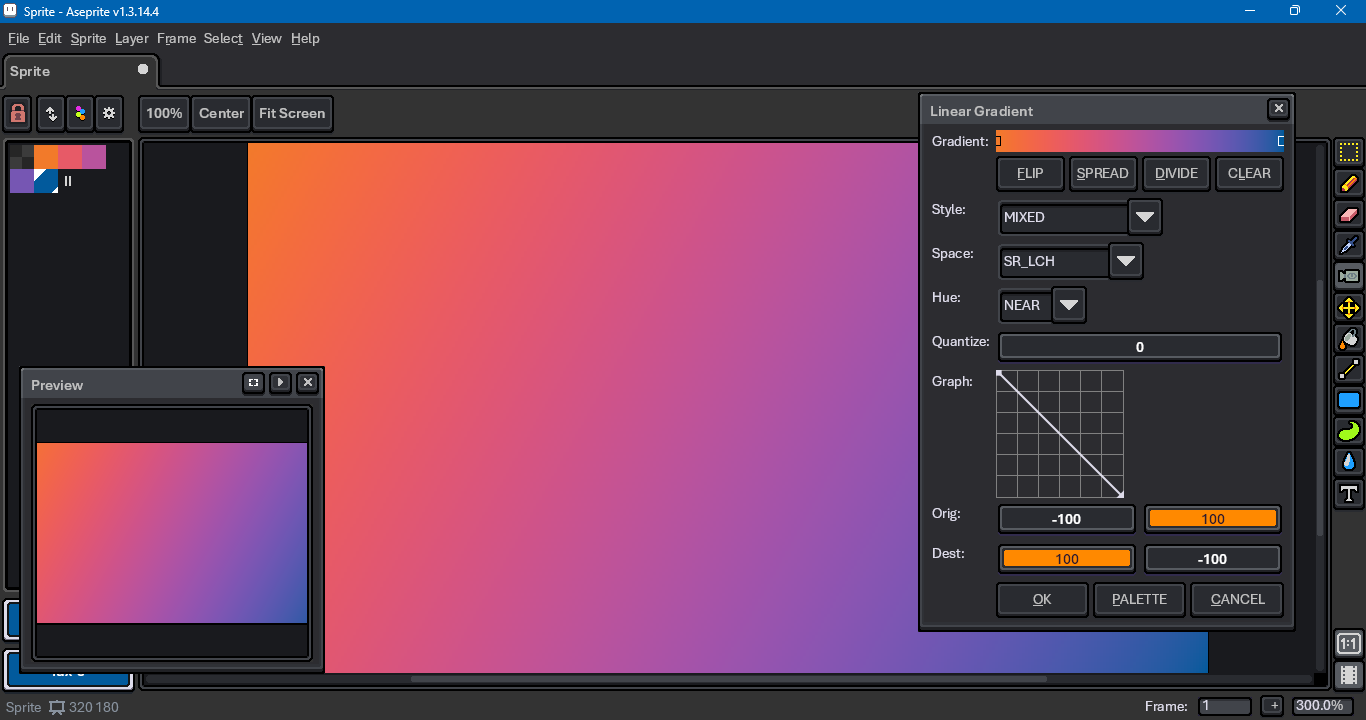
A linear gradient.
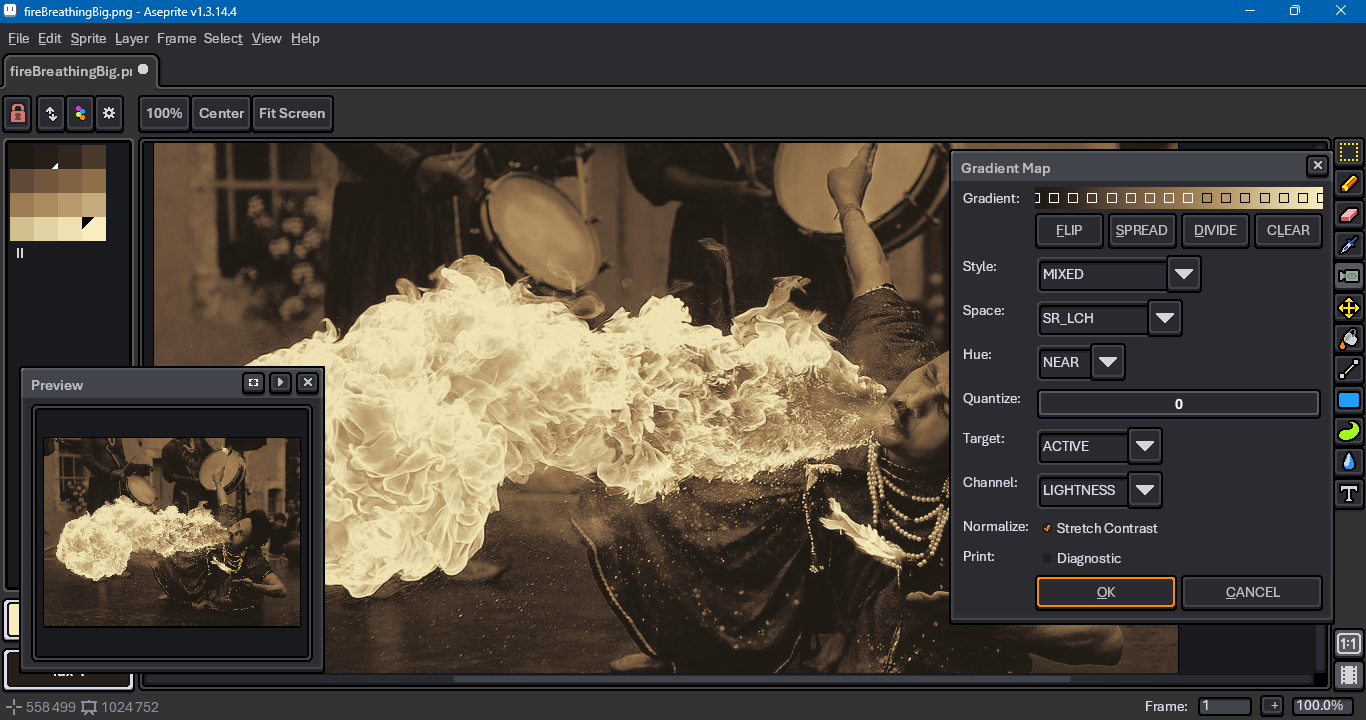
Gradient map. (Test image source.)
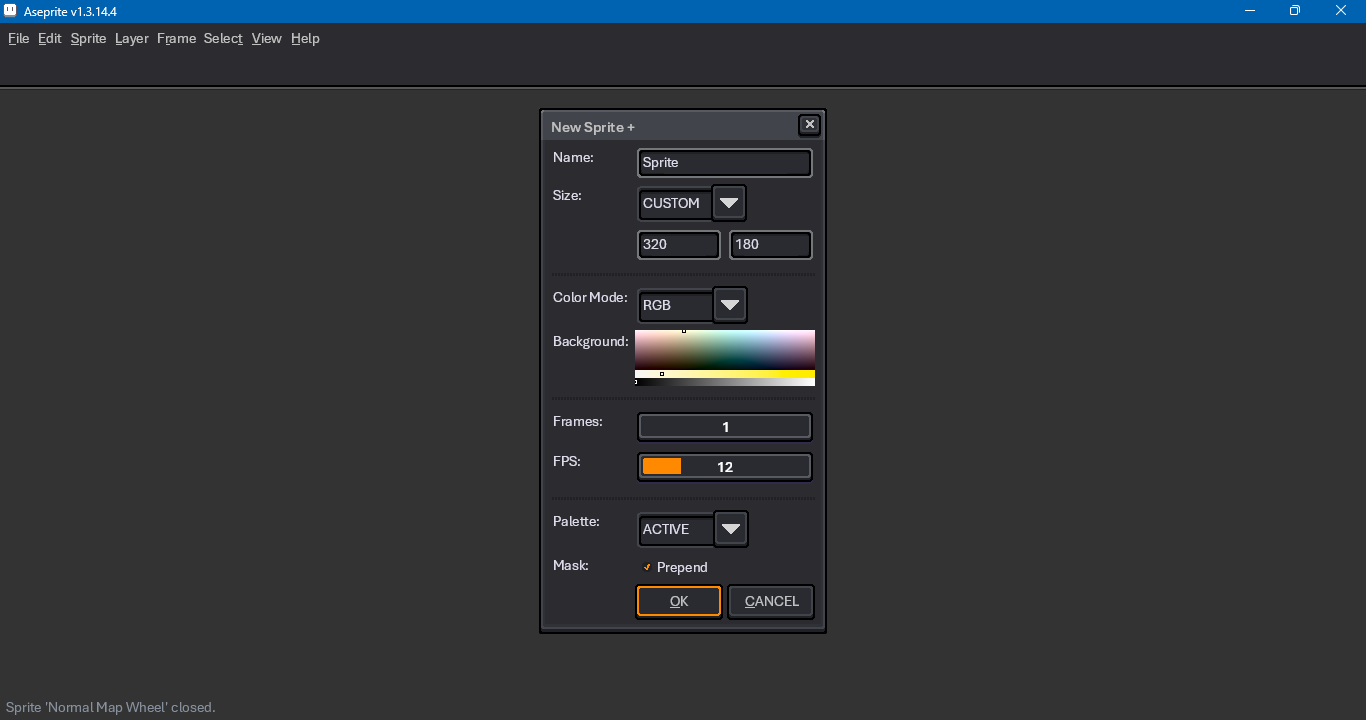
Custom New Sprite
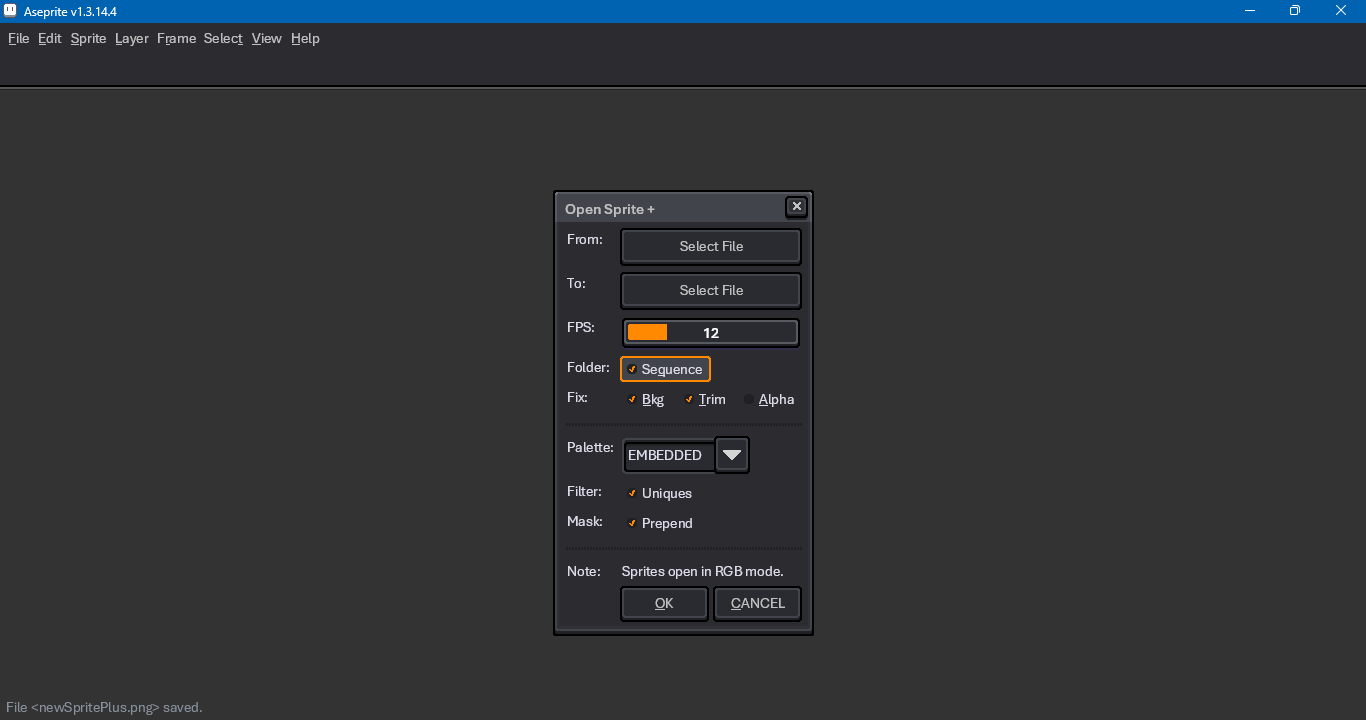
Custom Open Sprite
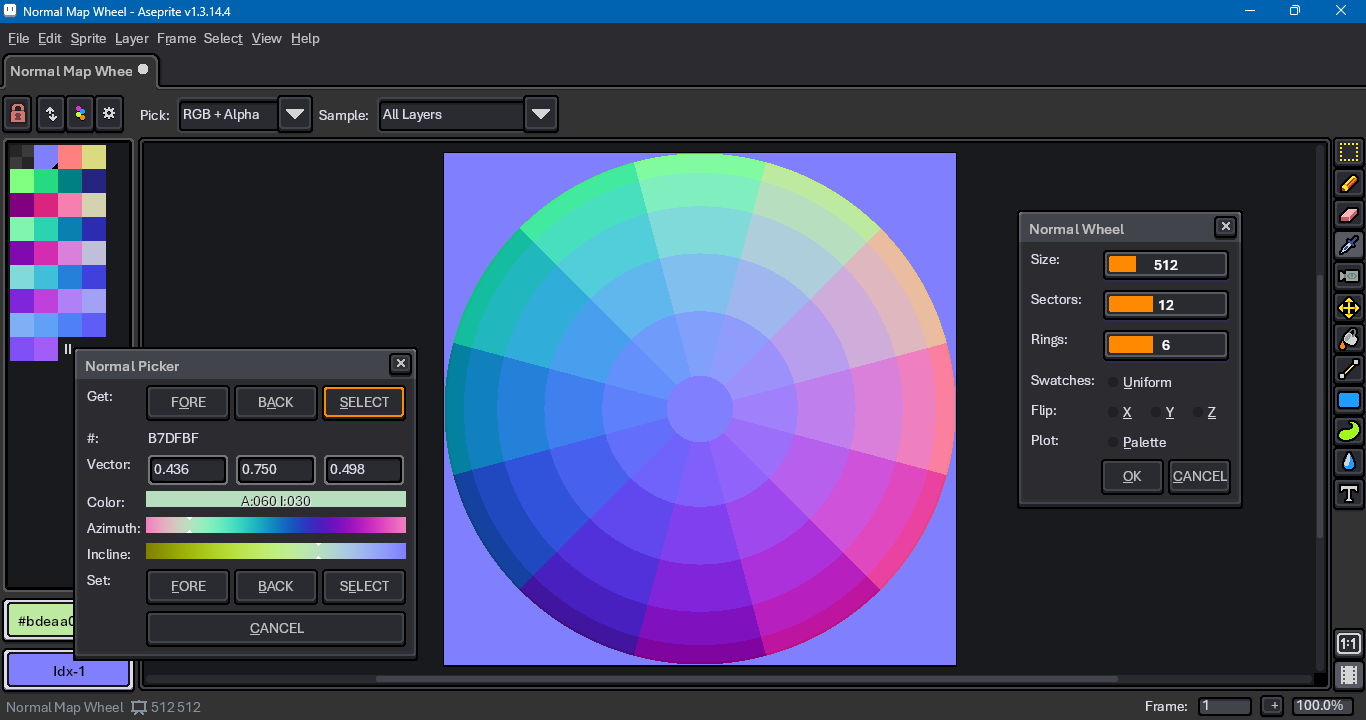
Normal color picker.
Normal from height.
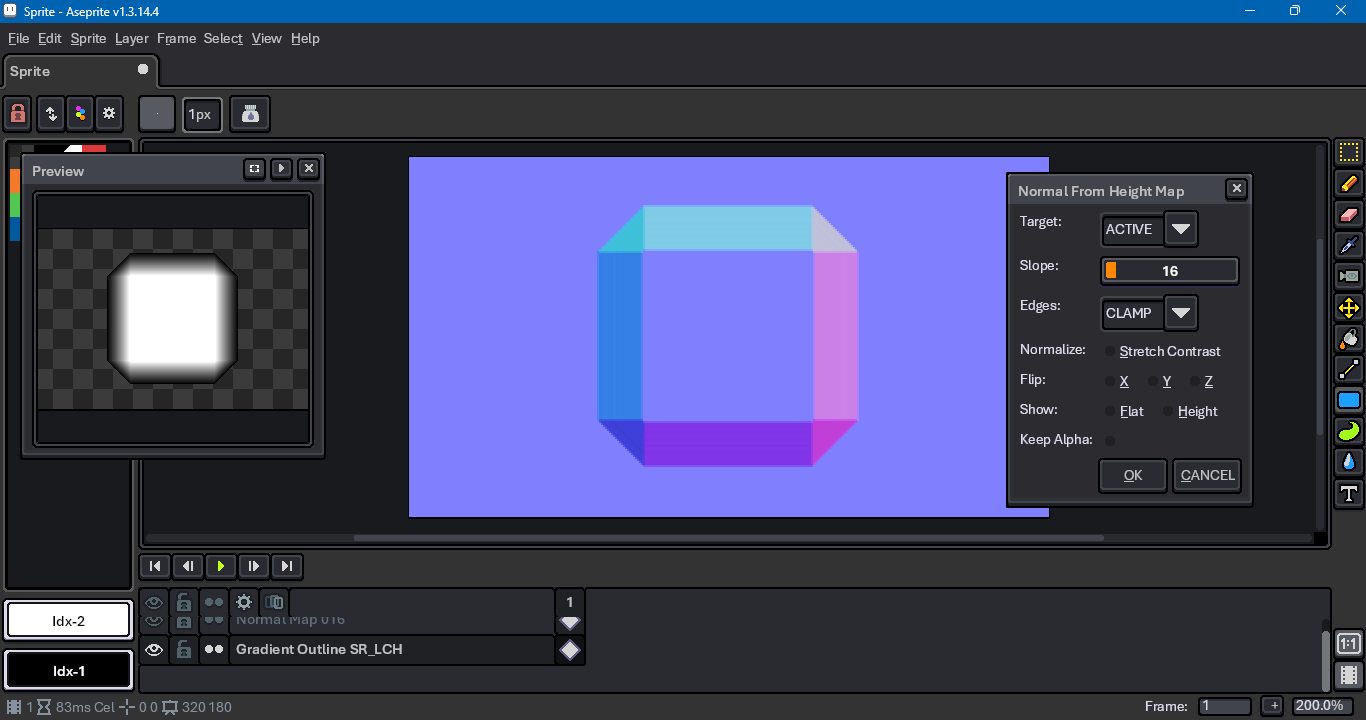
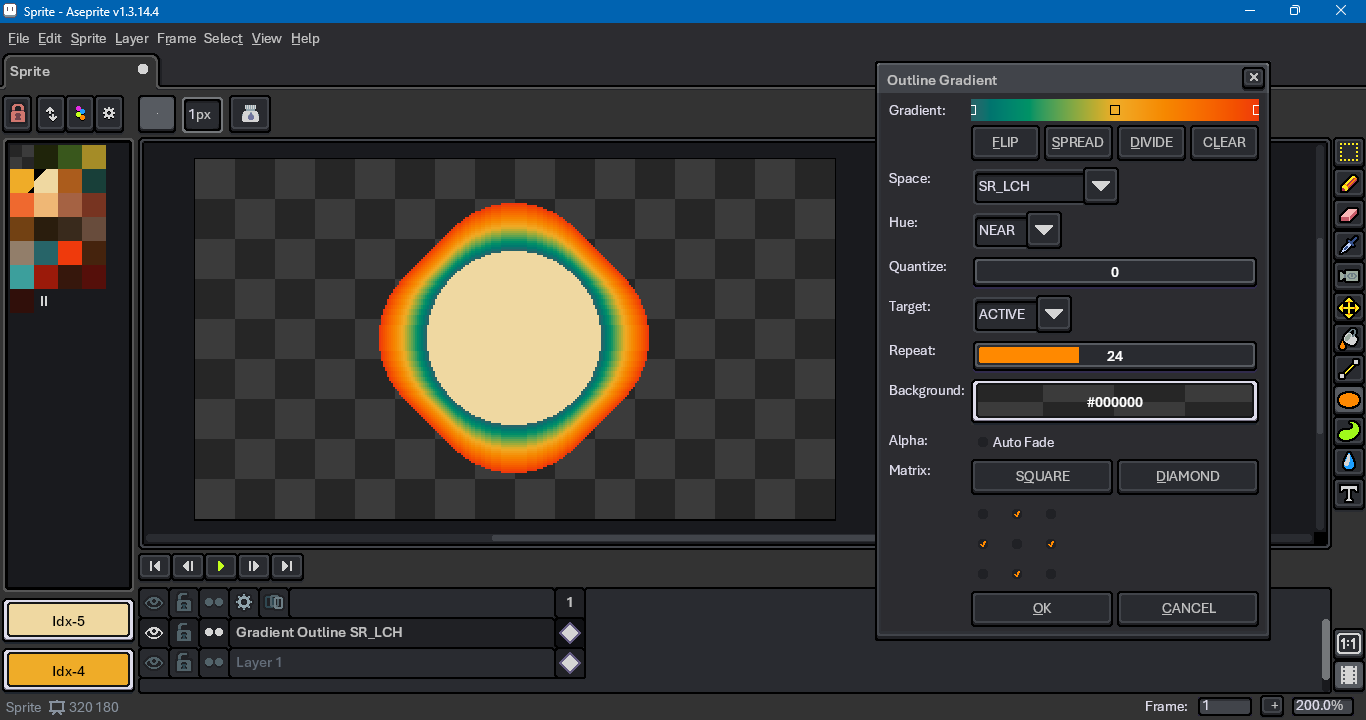
Outline Gradient.
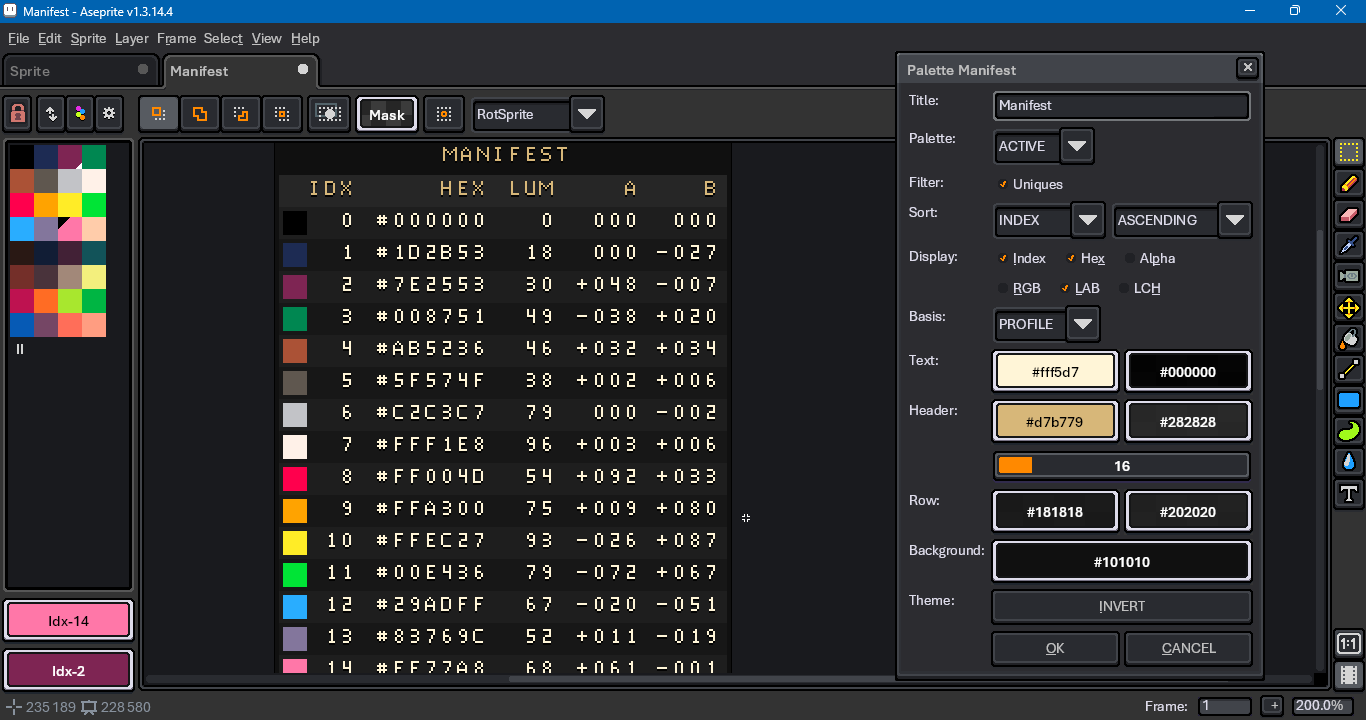
Palette Manifest.
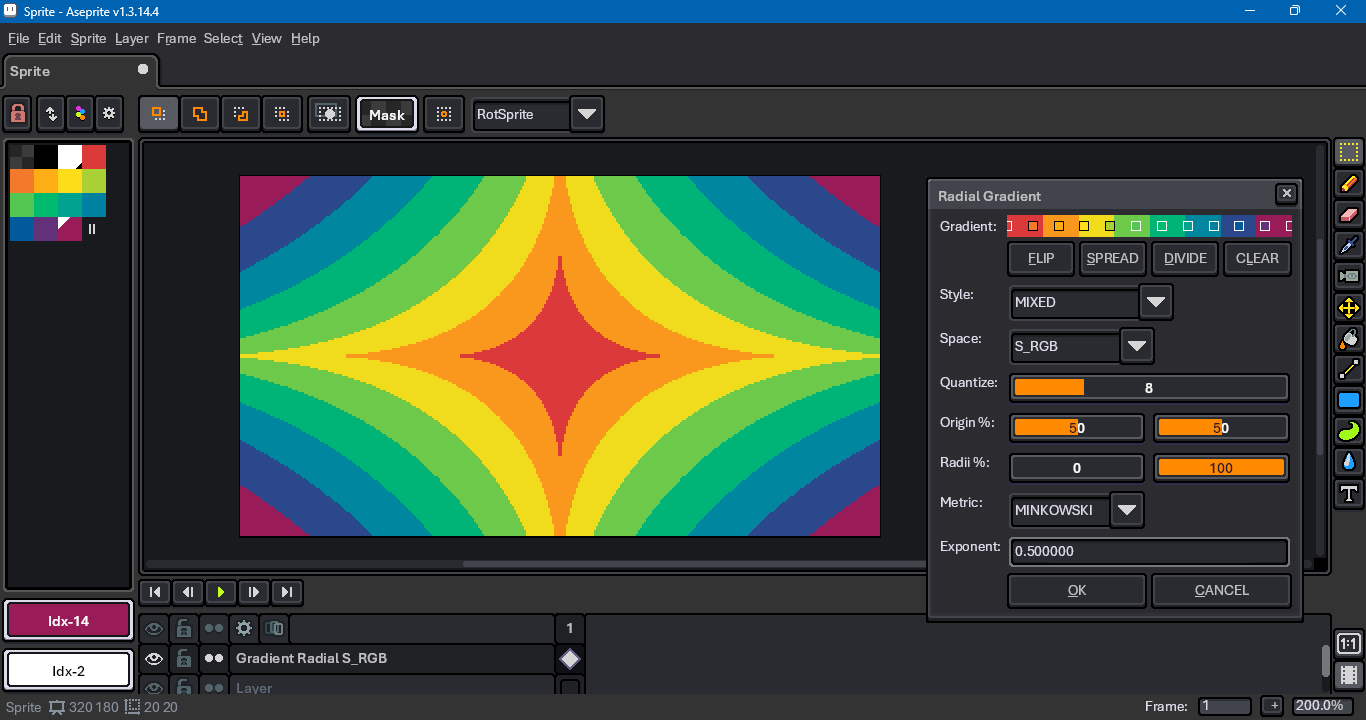
A radial gradient.
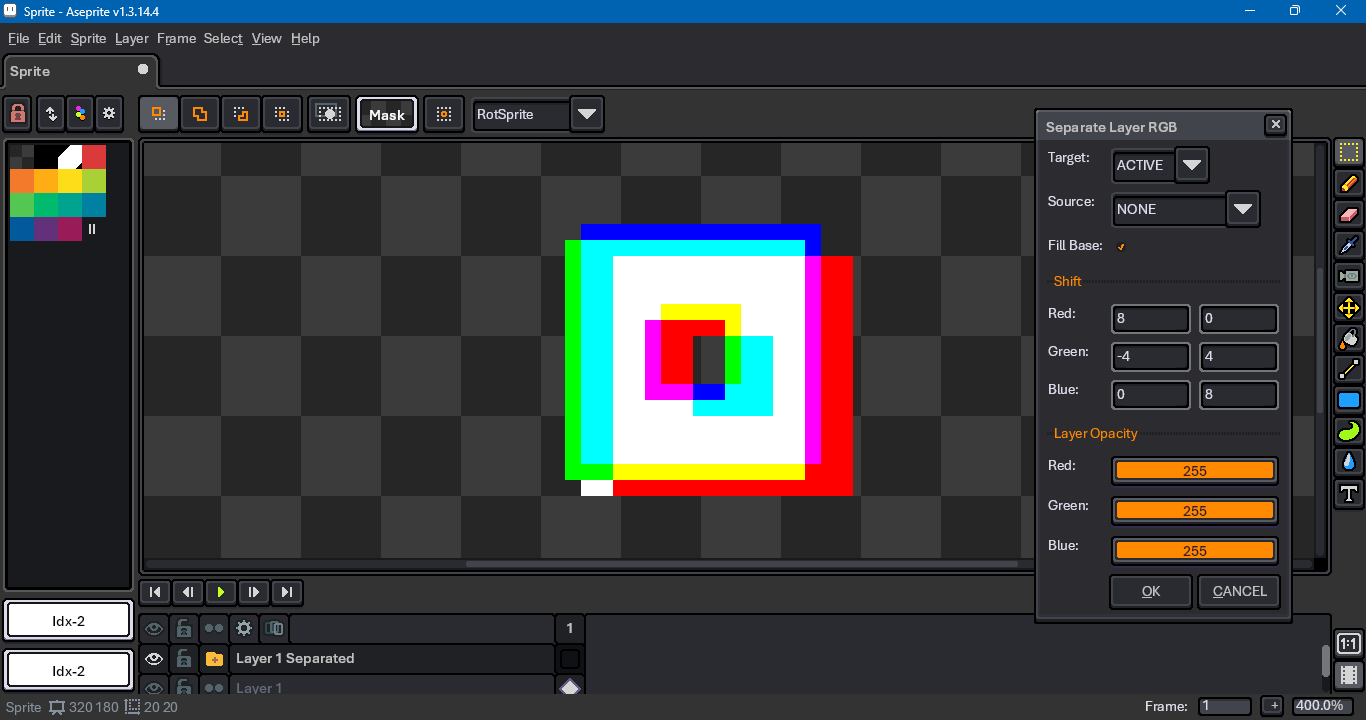
RGB channel separation.
Cel transformation.
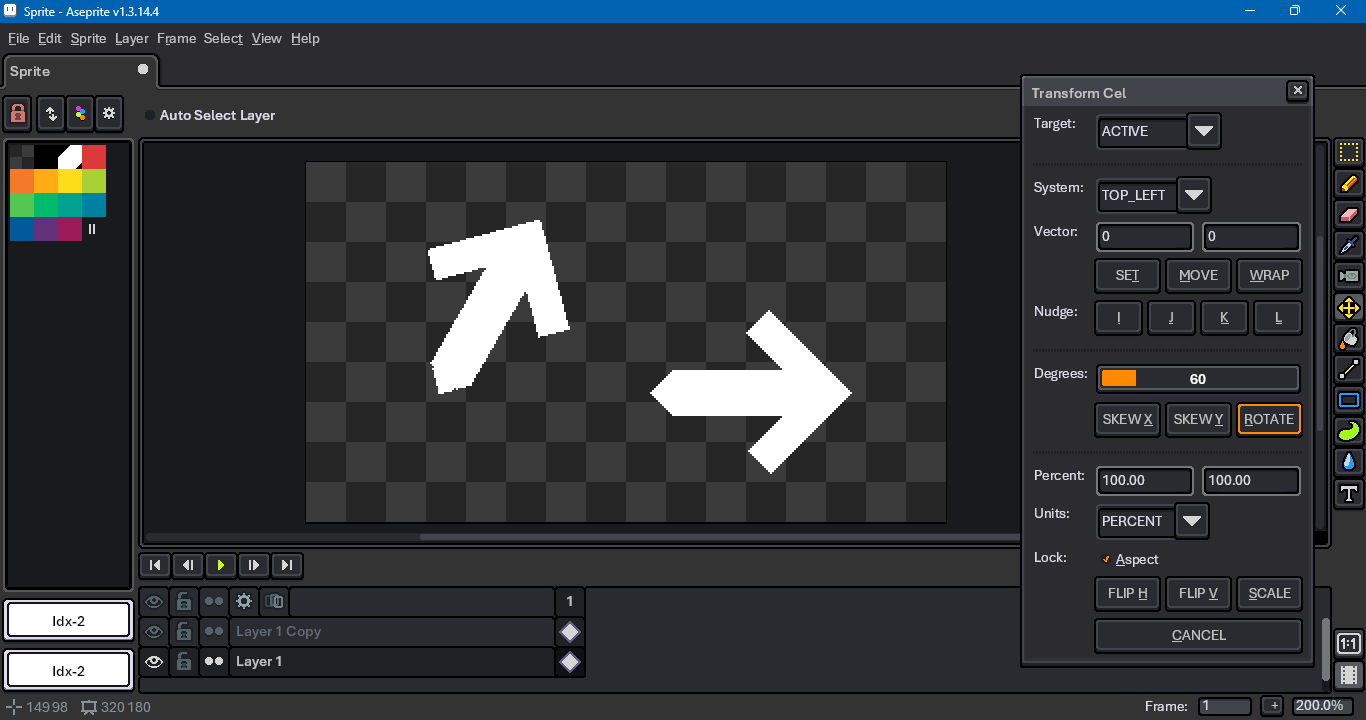
Appearances may vary as features are added to or removed from underlying scripts.
🇹🇼 🇺🇦
Explore projetos relacionados
Carregando…