Projetos Ver no GitHub
autocore-ai/MapToolbox
Sobre
Plugins to make Autoware vector maps in Unity
Ferramentas de desenvolvimentoCrescimento medido de estrelas
- em 24 h
- 0
- em 7 dias
- 0
- em 15 dias
- Coletando histórico
- em 1 mês
- Coletando histórico
Variações líquidas em períodos sobrepostos, não totais diários. Medições ausentes ficam em branco. Estrelas indicam interesse, não qualidade.
README.md
OriginalMap Toolbox for Autoware.


Description
This a unity plugin helps user create lanelet2 maps for Autoware efficiently.
For vector map format (which will become obsoleted), ref to vector_map branch.
Requirements
- Windows 10, patched to build 1803 or later
- Unity 2019.4.0 or above
- Git
How to use
- Create your new project in Unity 2019.4
- In unity editor menu bar, click Window -> Package Manager -> ➕ -> Add package from git URL...
- Paste this git URL in text field
https://github.com/autocore-ai/MapToolbox.git
- If any error message appears, try restart unity editor.
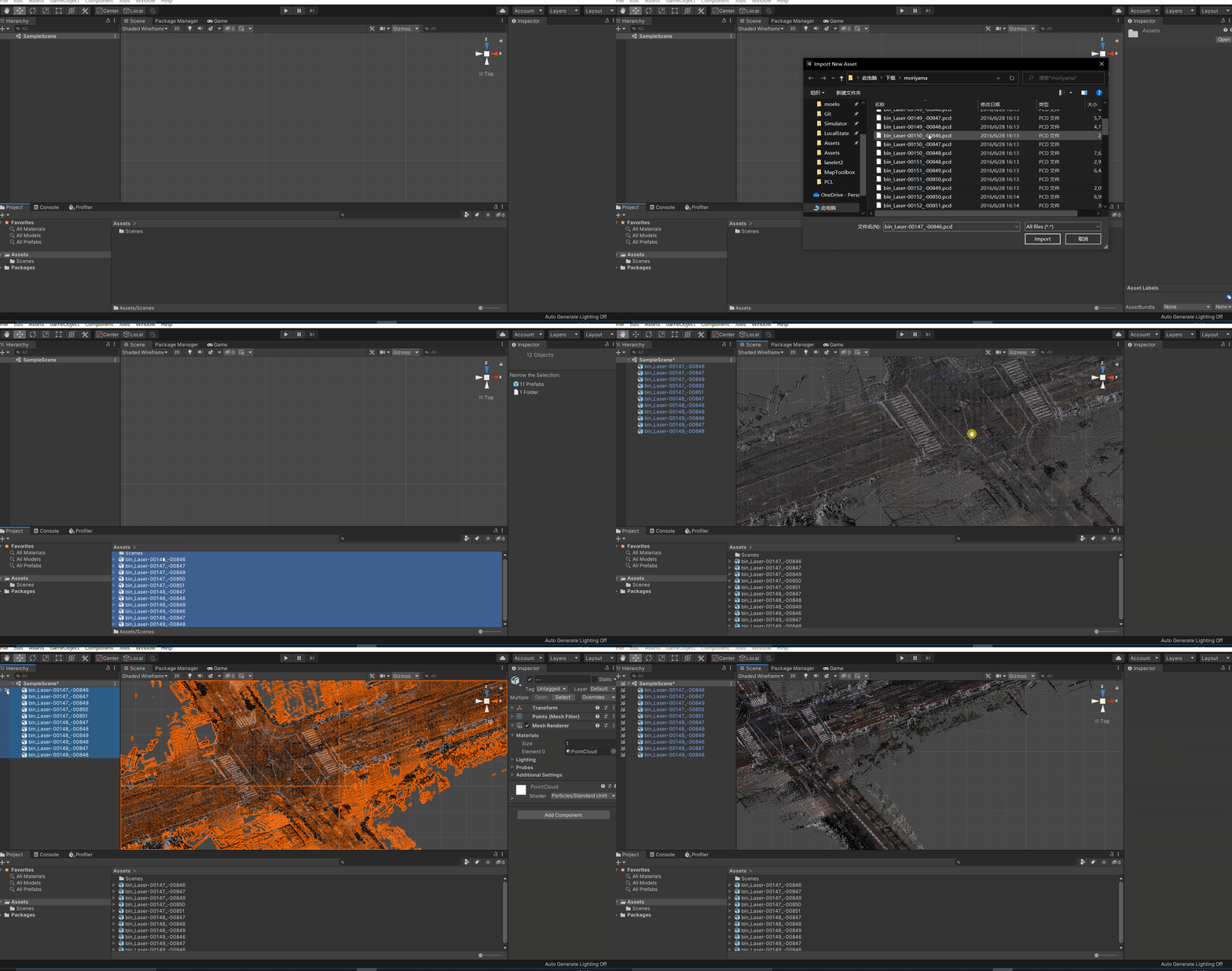
- Import PCD by right click in Project Panel and Import New Asset... then drag pcd file to hierarchy.
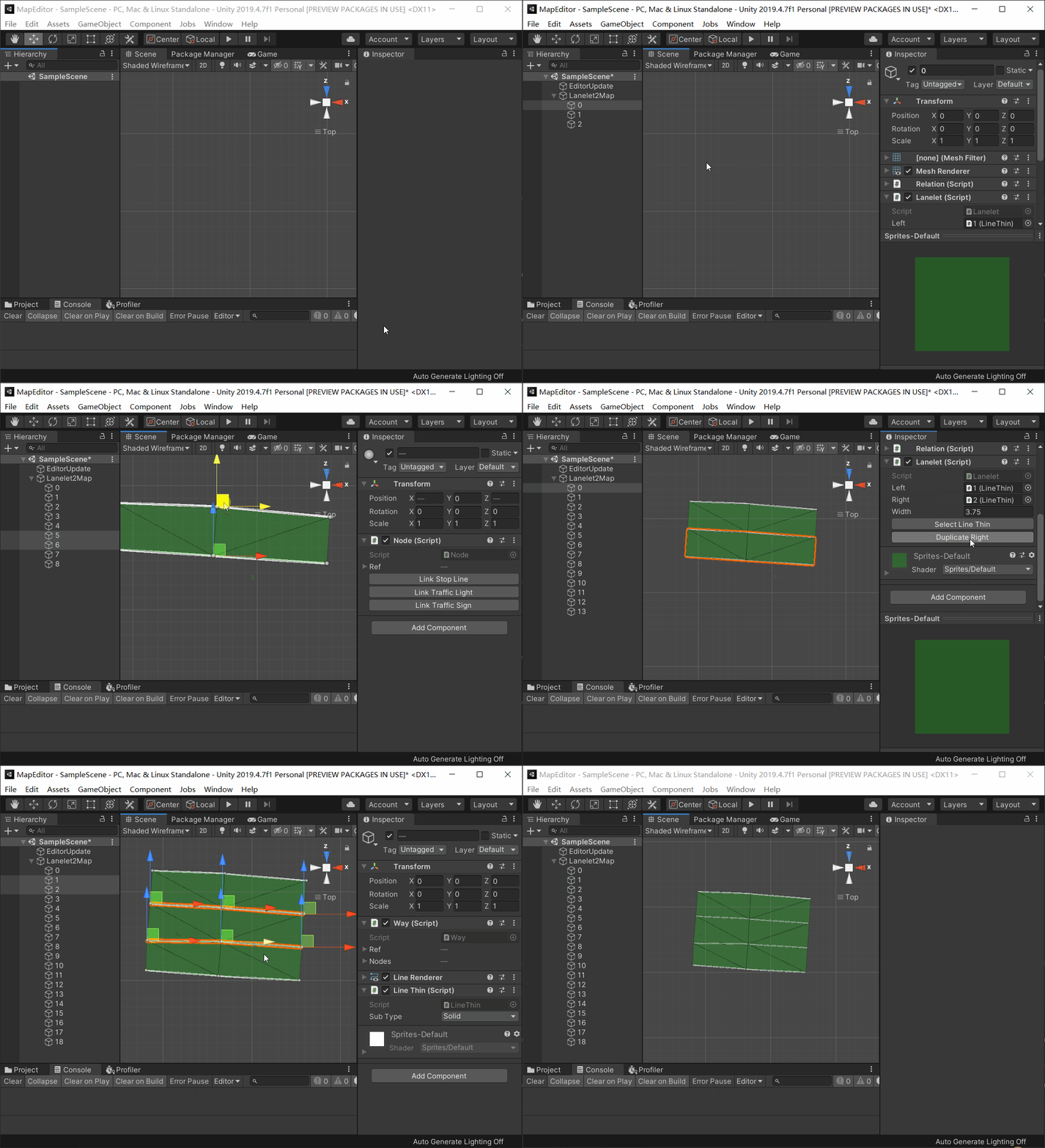
- Create new map by right click in Hierarchy, Autoware -> Lanelet2Map
- Create new lanelet by "Add Lanelet" on Lanelet2Map script, left mouse with Crtl to add nodes and Ctrl + Shift to remove nodes.
- Select Nodes to move position
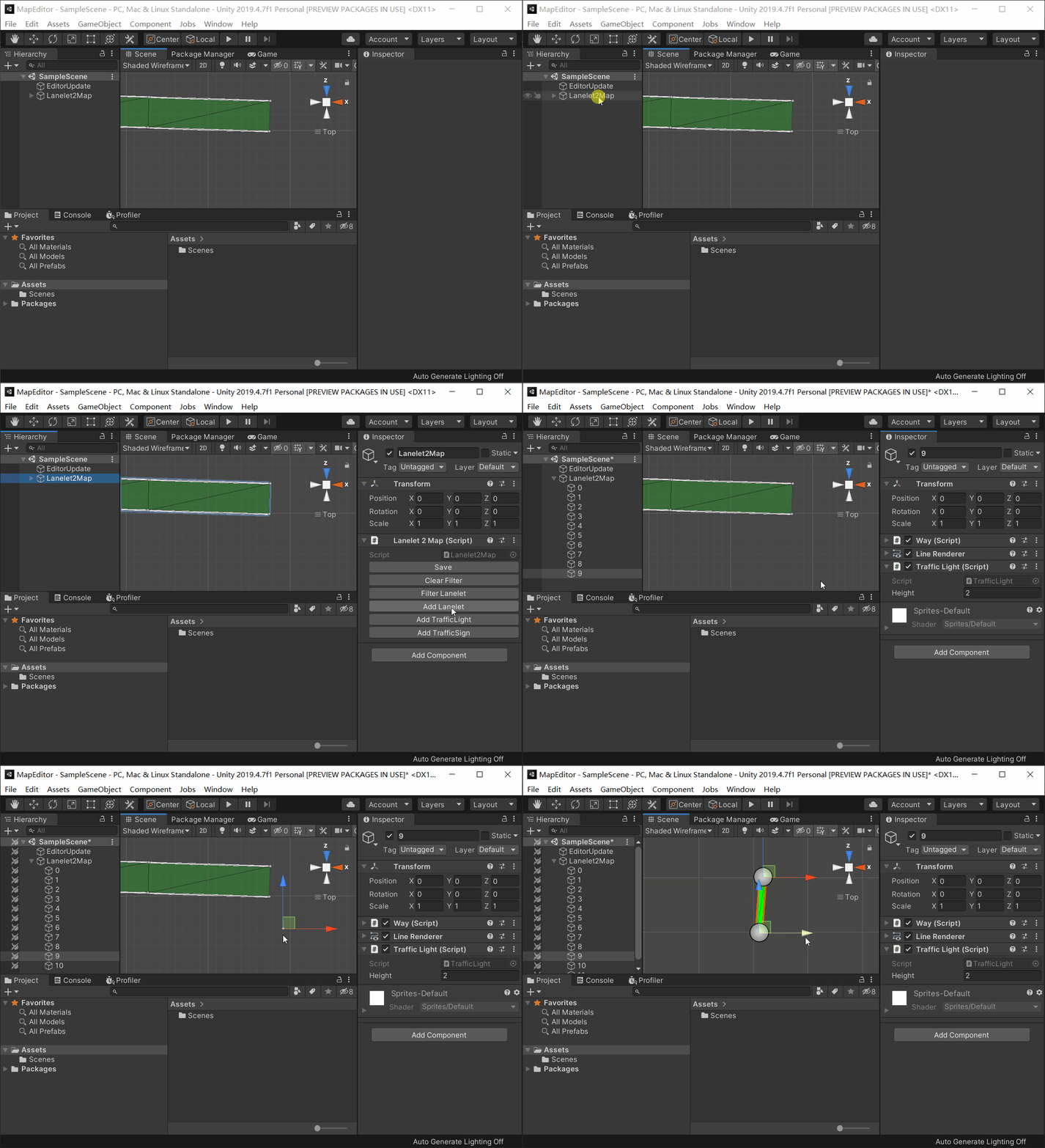
- Add traffic light buttom ref line just like add lanelet nodes, then modify height of traffic light
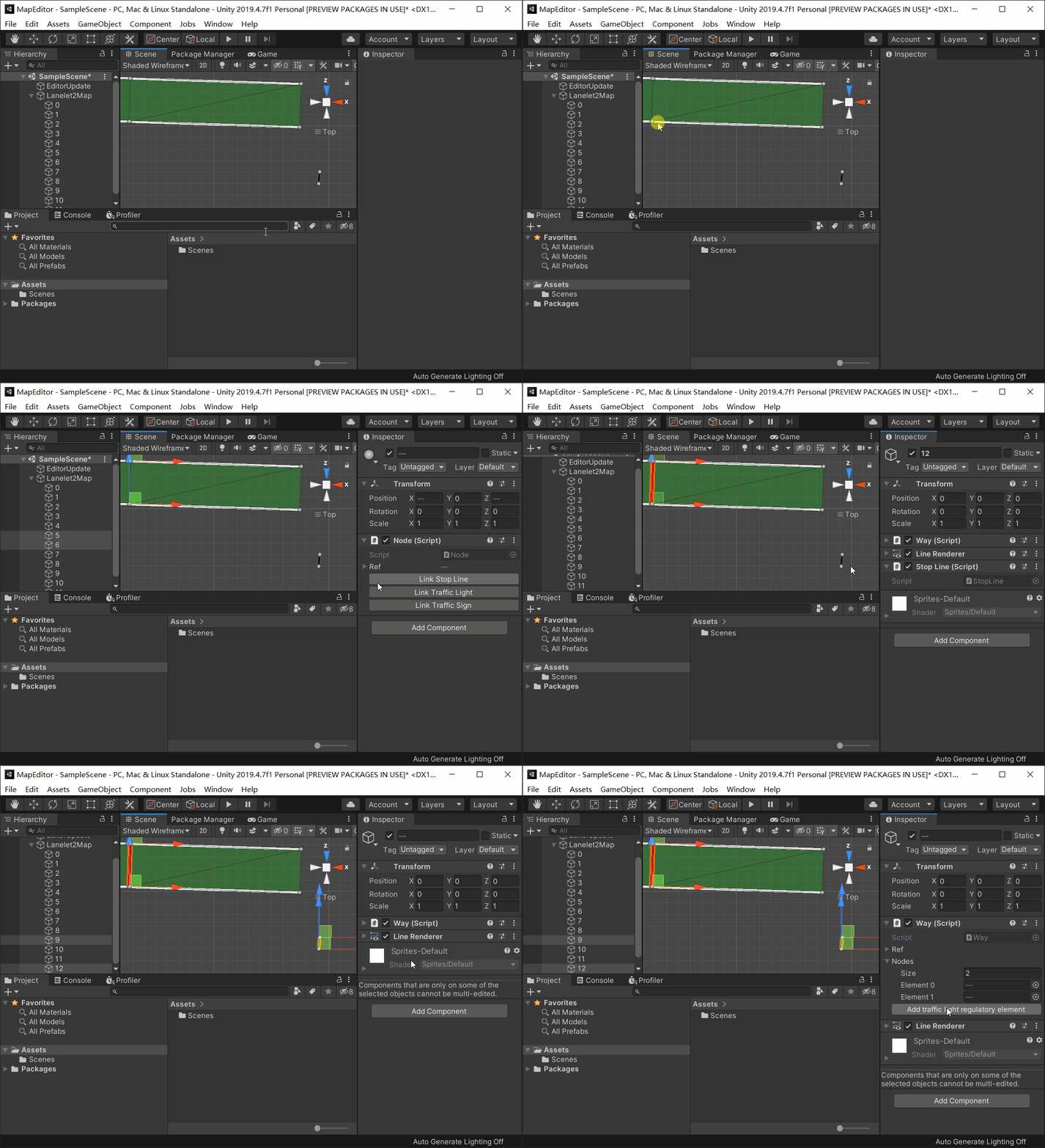
- Select two nodes and link to a stop line then add traffic light selection with Ctrl, click button "add regulatory element" on "Way" script to create relation between stop line and traffic light.
- Click "Save" on Lanelet2Map to export osm map file.
Explore projetos relacionados
Carregando…