
ComplexPlatform/KDE-dotfiles
Sobre
:art: My personal KDE customization
Ferramentas de desenvolvimentoCrescimento medido de estrelas
- em 24 h
- 0
- em 7 dias
- 0
- em 15 dias
- Coletando histórico
- em 1 mês
- Coletando histórico
Variações líquidas em períodos sobrepostos, não totais diários. Medições ausentes ficam em branco. Estrelas indicam interesse, não qualidade.
README.md
Original
Preview
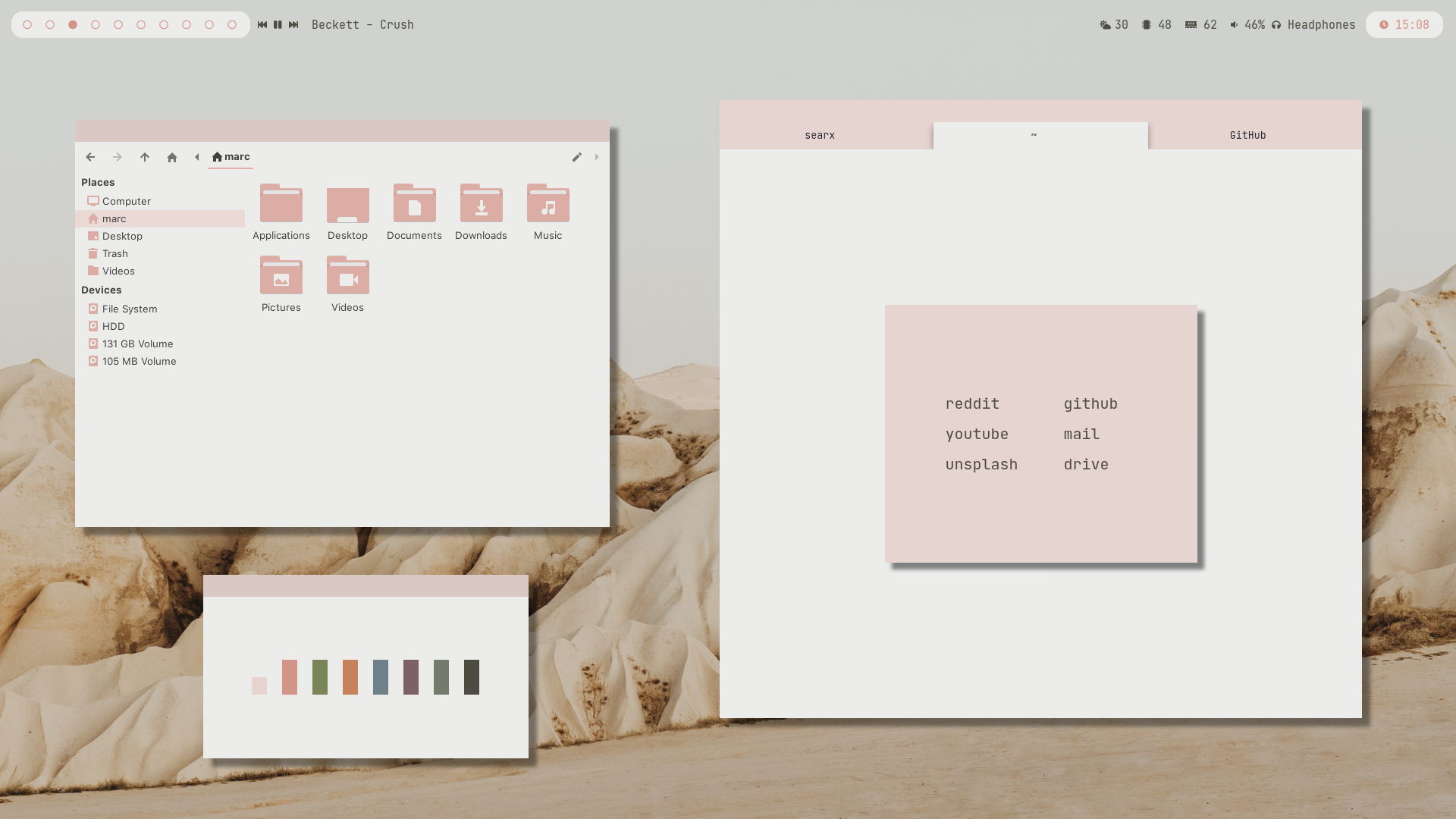
Neutral
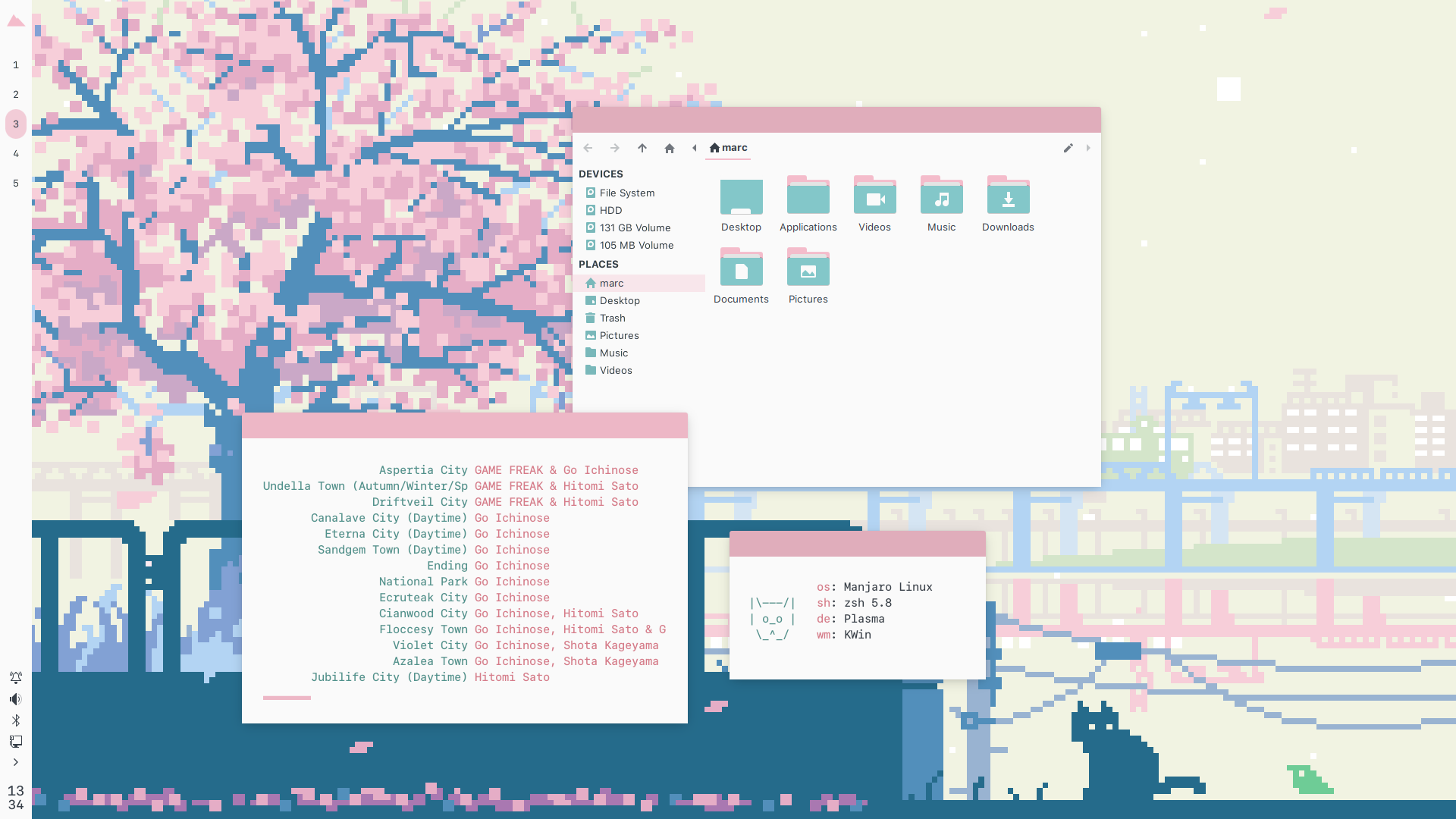
Cherry Blossom
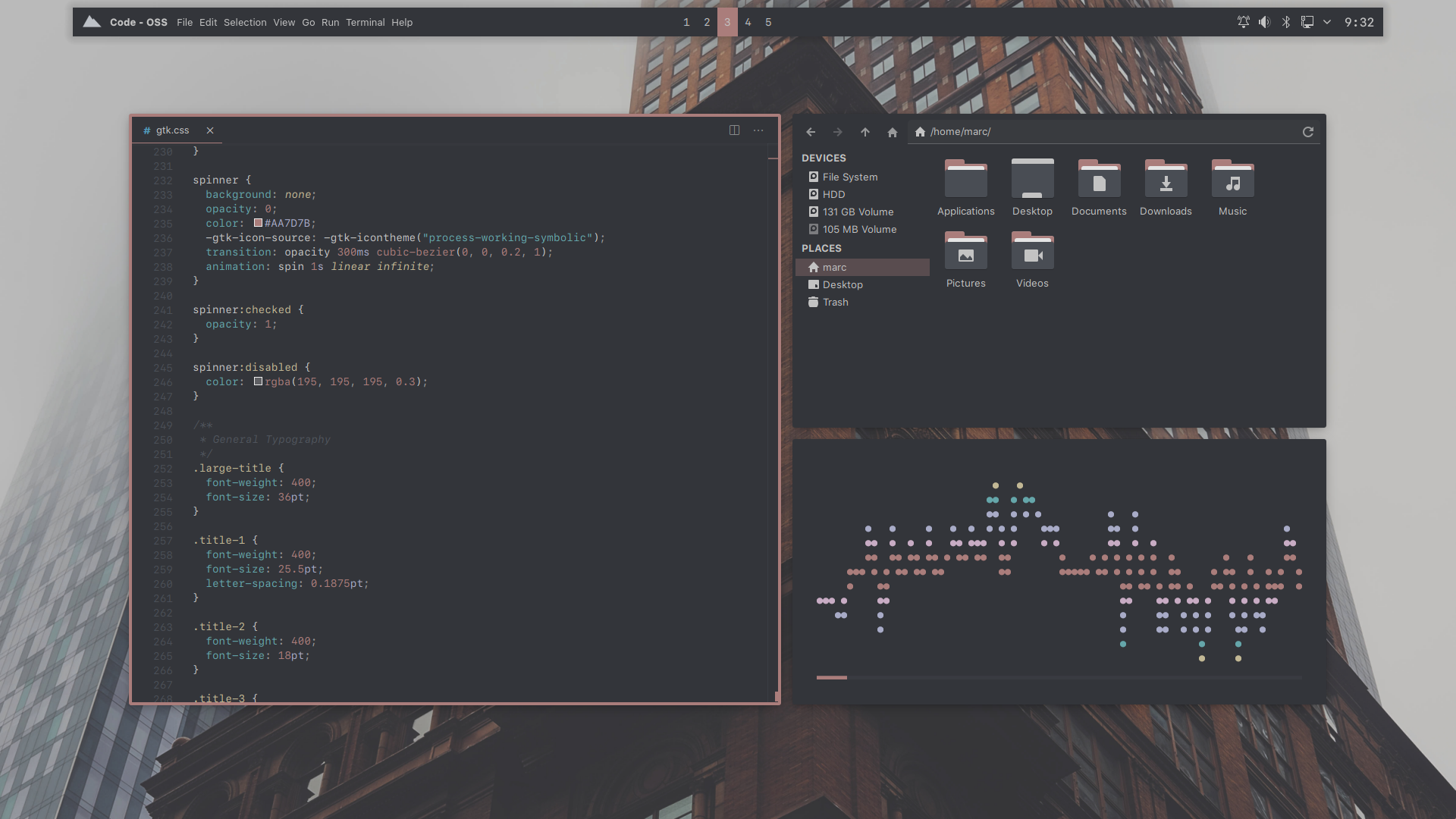
Urban
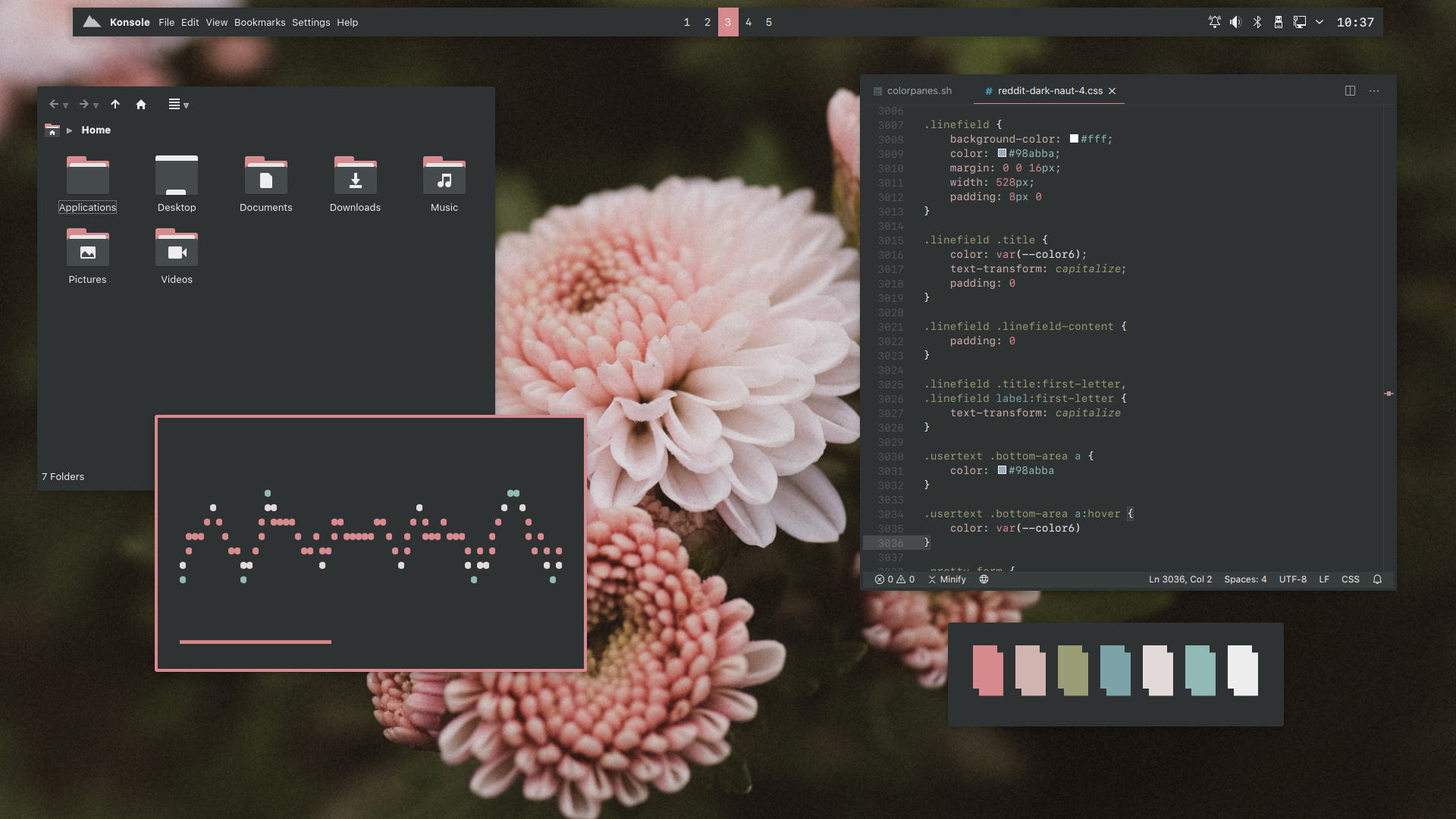
Flowers
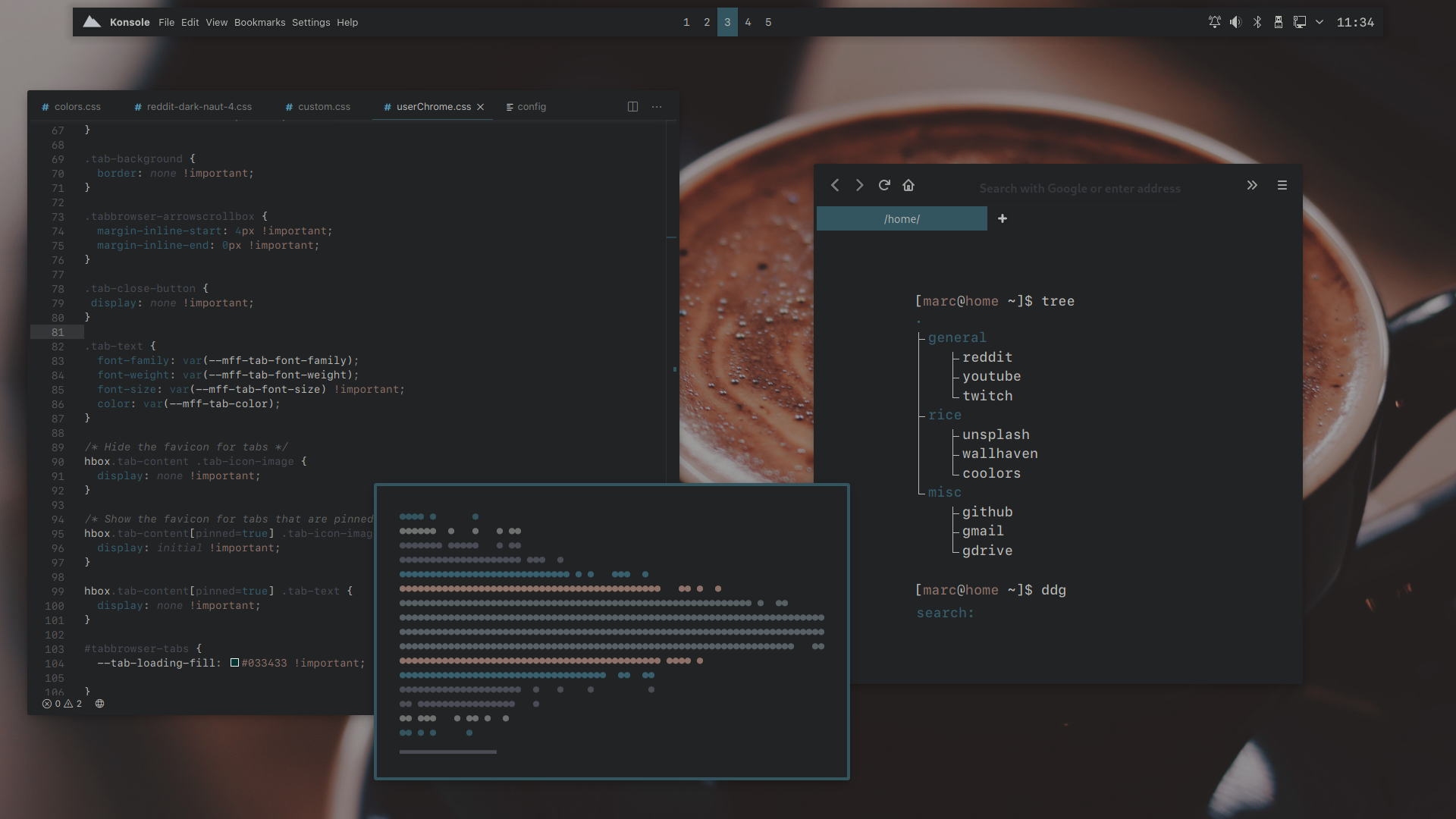
Coffee
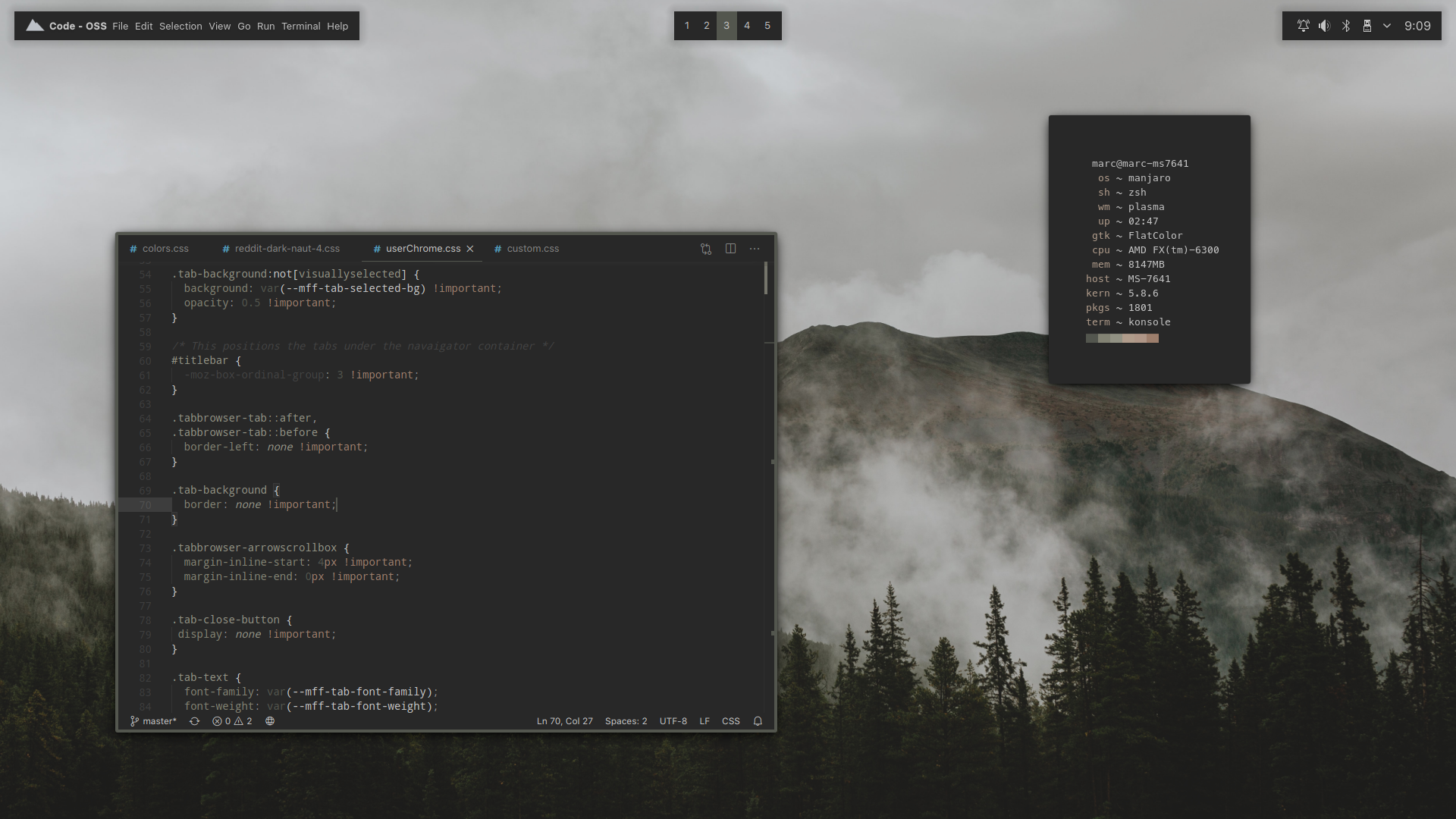
Foggy Mountain
:sparkles: Thanks for visiting!
To give you an idea on how this works, I use wpgtk with templates to make setting color schemes across many applications convenient. Each color scheme has its own corresponding GTK and icon themes.
- OS: Manjaro
- DE: Plasma
- WM: KWin
- Terminal: Konsole
- Shell: zsh + Oh My Zsh + Powerlevel10k
- Terminal Font: SFMono Nerd Font, JetBrainsMono NF, Iosevka
- System Font: SF Pro Text
- Bar/Panel: Latte-Dock Polybar
- File Manager: Dolphin Thunar
- Editor: VS Code, Vim
- Browser: Firefox
- Music Player: Spotify & ncmpcpp
Firefox CSS sources: minimal-functional-fox (old) & not-firefox-review
Startpage sources: https://notabug.org/nytly/home (old) & https://github.com/JavaCafe01/startpage
Latte layout is based on Moe Layout.
ncmpcpp config source: elenapan and owl4ce
Materia GTK themes and Papirus icons are made using oomox
:pushpin: Dependencies
- Latte-Dock (git version)
- wpgtk & pywal
- qt5-styleplugins (AUR, can also be installed with
pacman)
:paperclip: Recommendations
- Spicetify-cli (make sure to install Dribbblish as well.)
- VS Code Extension - Wal Theme
- Powerlevel10k
- Krohnkite
- Zathura-Pywal
- ncmpcpp
- betterdiscordctl & pywal-discord
- Tabliss
- Animated Image Wallpaper
- polybar - replacement for latte-dock
- rofi - replacement for krunner
- dunst - replacement for KDE's notification daemon
:hammer_and_wrench: Setup
(work in progress)
Note: I just got started ricing back in August so I'm very new to this. I don't guarantee anything to be working as intended.
Set your Global Theme to Breeze Dark before you proceed.
Install the dependencies:
# Use your helper of choice
yay -S latte-dock-git wpgtk-git qt5-styleplugins python-pywal
Clone and copy most of the stuff
git clone https://github.com/ComplexPlatform/KDE-dotfiles# Copy .local, .config, .themes, and .ncmpcpp to your home directory. cd KDE-dotfiles/ && cp -r {.local,.config,.themes,.ncmpcpp} ~/
To remove title bars and add active/inactive frame colors, follow this guide
To change your Latte layout, right click on your dock/panel > Layouts > pick your layout of choice.
Extract Icons
cd ~/.local/share/icons/
ls *.xz |xargs -n1 tar -xf

# Delete leftover archives
rm *.tar.xz
wpgtk
- Add wallpapers and import color schemes:
# Assuming you're in KDE-Dotfiles directory
# Add wallpapers
wpg -a walls/foggy-mountain_01.jpg
wpg -a walls/coffee.jpg
wpg -a walls/flowers.jpg
wpg -a walls/urban.jpg
wpg -a walls/cherryblossom.jpg
wpg -a walls/neutral.jpg
# Assuming you're in KDE-Dotfiles directory # Import color schemes wpg -i foggy-mountain_01.jpg colorschemes/foggy-mountain.json wpg -i coffee.jpg colorschemes/coffee.json wpg -i flowers.jpg colorschemes/flowers.json wpg -i urban.jpg colorschemes/urban.json wpg -i cherryblossom.jpg colorschemes/cherryblossom.json wpg -i neutral.jpg colorschemes/neutral.json
- Add templates:
# Backups are automatically made just in case something goes wrong.
wpg -ta ~/.config/kdeglobals
wpg -ta ~/.local/share/konsole/wpgtk.colorscheme
wpg -ta ~/.local/share/plasma/desktoptheme/CullaX/colors
- Add variables/keywords to the templates:
# Identify the templates` filenames first on ~/.config/wpg/templates
# Replace <filename>.base with yours
# Assuming you're in KDE-dotfiles directory
cd wpgtktemplates
cat kdeglobals.base > ~/.config/wpg/templates/<your_kdeglobals>.base
cat colors.base > ~/.config/wpg/templates/<your_cullax_colors>.base
cat konsole.base > ~/.config/wpg/templates/<your_konsole>.base
- Set the color scheme:
wpg -s <scheme>.jpg
# Replace <scheme> with your color scheme of choice.
# For example
wpg -s Flowers.jpg
Unfortunately, you have to set your wallpaper manually.
If you're using Spicetify with Dribbblish, run the following:
xrdb -merge ~/.cache/wal/colors.Xresources
spicetify config color_scheme pywal
spicetify apply
Set Plasma theme
- System Settings > Plasma Style, set it to CullaX.
- System Settings > Application Style, set it to gtk2. Click
Configure GNOME/GTK Application Style..., set the GTK2 and GTK3 theme your theme of choice. - System Settings > Icons, set the icon theme to your theme of choice.
To remove the titlebar buttons:
- System Settings > Application Style > Window Decorations > Titlebar Buttons, drag the buttons and drop them down to the list.
To change the titlebar size:
- System Settings > Application Style > Window Decorations, click the edit icon on
Breeze. Change button size to whatever you want.
:ice_cream: Optional Stuff
dunst
You can use dunst instead by renaming KDE's notification service so it gets ignored.
# Make sure dunst is installed beforehand
cd /usr/share/dbus-1/services
sudo mv org.kde.plasma.Notifications.service org.kde.plasma.Notifications.service-disabled
Log out and log back in again to see the changes.
:sparkling_heart: Credits
Explore projetos relacionados
Carregando…