
zinverno/veynrel
zinverno/veynrel has 30 GitHub stars and 3 forks. GitHot measured 0 stars in 24 hours. Last checked 2026-11-16 18:44 UTC. Last push 2026-11-14.
Measured star growth
- in 24h
- 0
- in 7 days
- Collecting history
- in 15 days
- Collecting history
- in 1 month
- Collecting history
Net star changes over overlapping periods, not daily totals. Missing measurements are left blank. Stars measure attention, not software quality.
About
Vault health, connection review and Recall for Obsidian. Studio recipes and editable diagrams in the 2.3.0 release candidate.
AIREADME.md
OriginalVeynrel
Review your vault. Shape a note. Keep the decision yours.
Veynrel brings vault health, connection review and spaced repetition to Obsidian, alongside a separate Studio for reusable Markdown note recipes.
Install · Quick start · User guide · Wiki · Community recipes · Release notes
Public stable: Veynrel 2.3.1. Release notes and downloads. Unpublished development: R02 removes Excalidraw generation from the next version. Existing drawings and journals remain intact. The intermediate manifest is 2.4.0; the final version will be decided at R15. No stable/beta/prerelease or Marketplace update is planned before acceptance of all R01–R15 stages. Release policy · Removal and legacy data
R04 in development: Local organization audit and optional rules, without a model or automatic note changes. This is not part of public 2.3.1.
R05.1 in development: Finding review and a user-chosen local link, with separate write confirmation and supported Undo. This is one part of R05; tag actions and broken-link repair are not included. Public 2.3.1 is unchanged.
Workspace and Studio
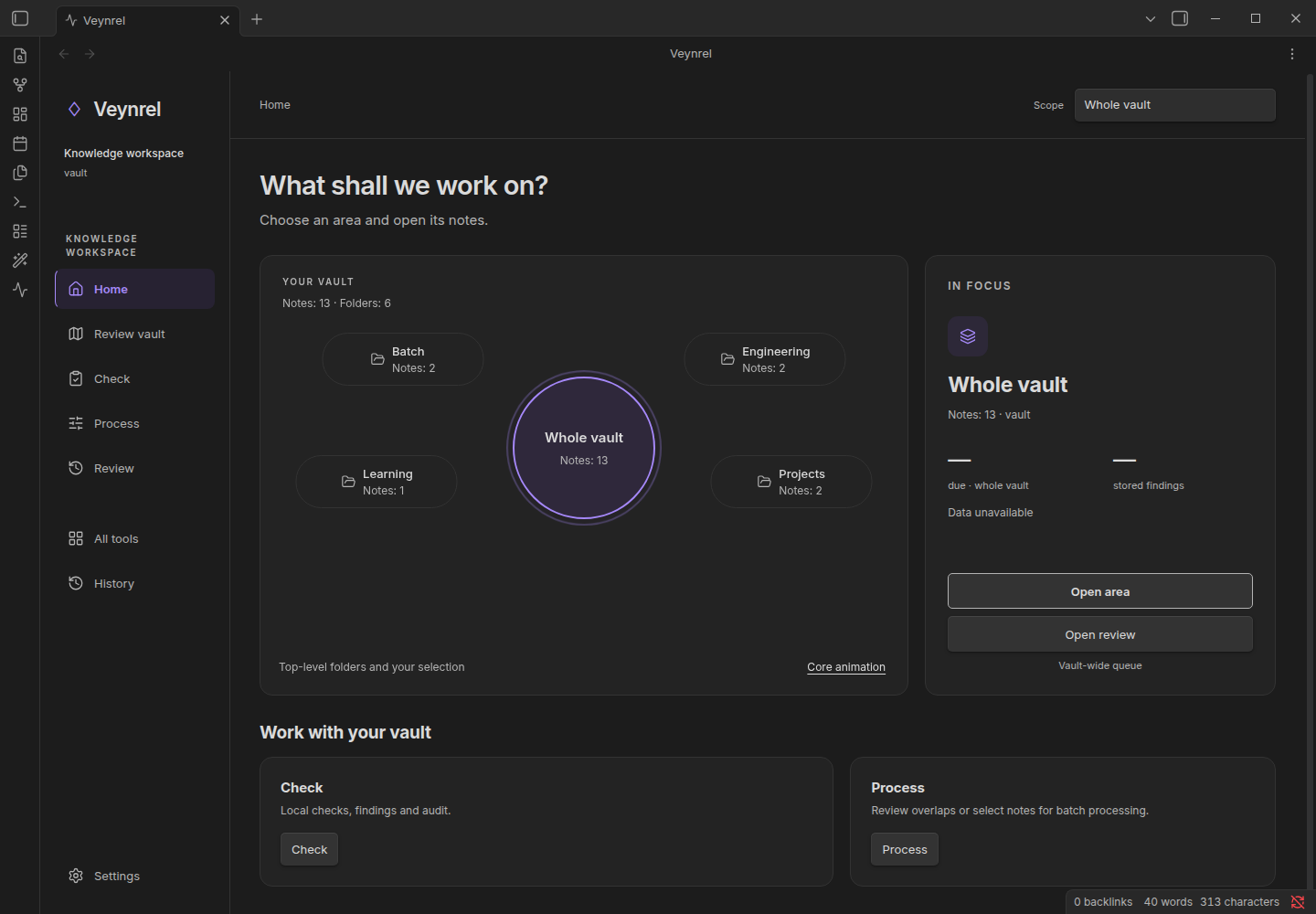
Review a vault
Open the Veynrel workspace to choose an area, run local Health checks, inspect note pairs and review supported changes. Start with broken links and exact duplicates; add an embedding index for semantic candidates. Similarity suggests a pair to inspect — it does not prove duplication or low note quality.
Transform a note
Open Veynrel Studio, choose a recipe and saved notes, then inspect the recipient and request before generation. Review the result and local preservation observations. The default creates a separate Markdown note, linked to its source; source properties are not cloned into the new result.
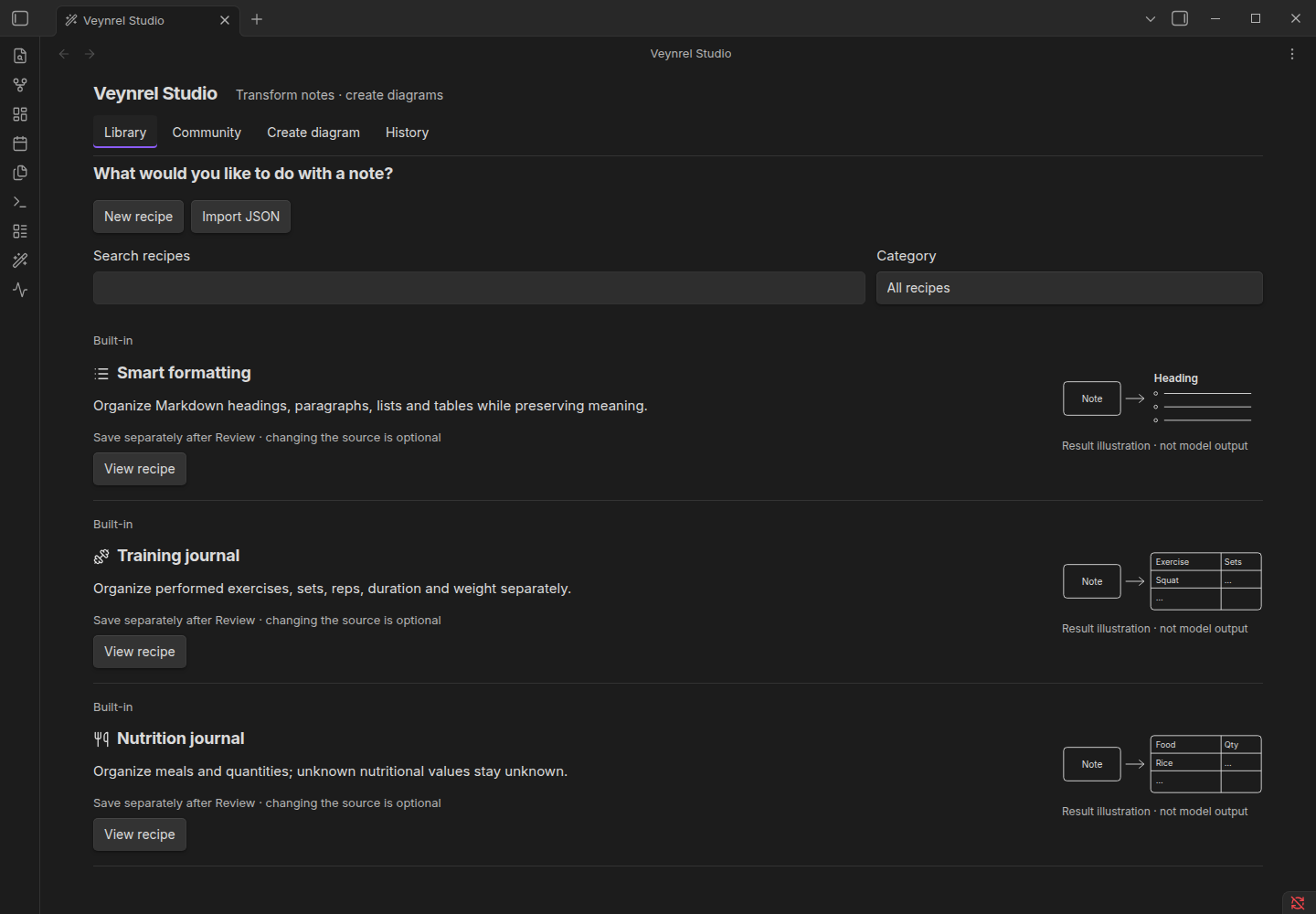
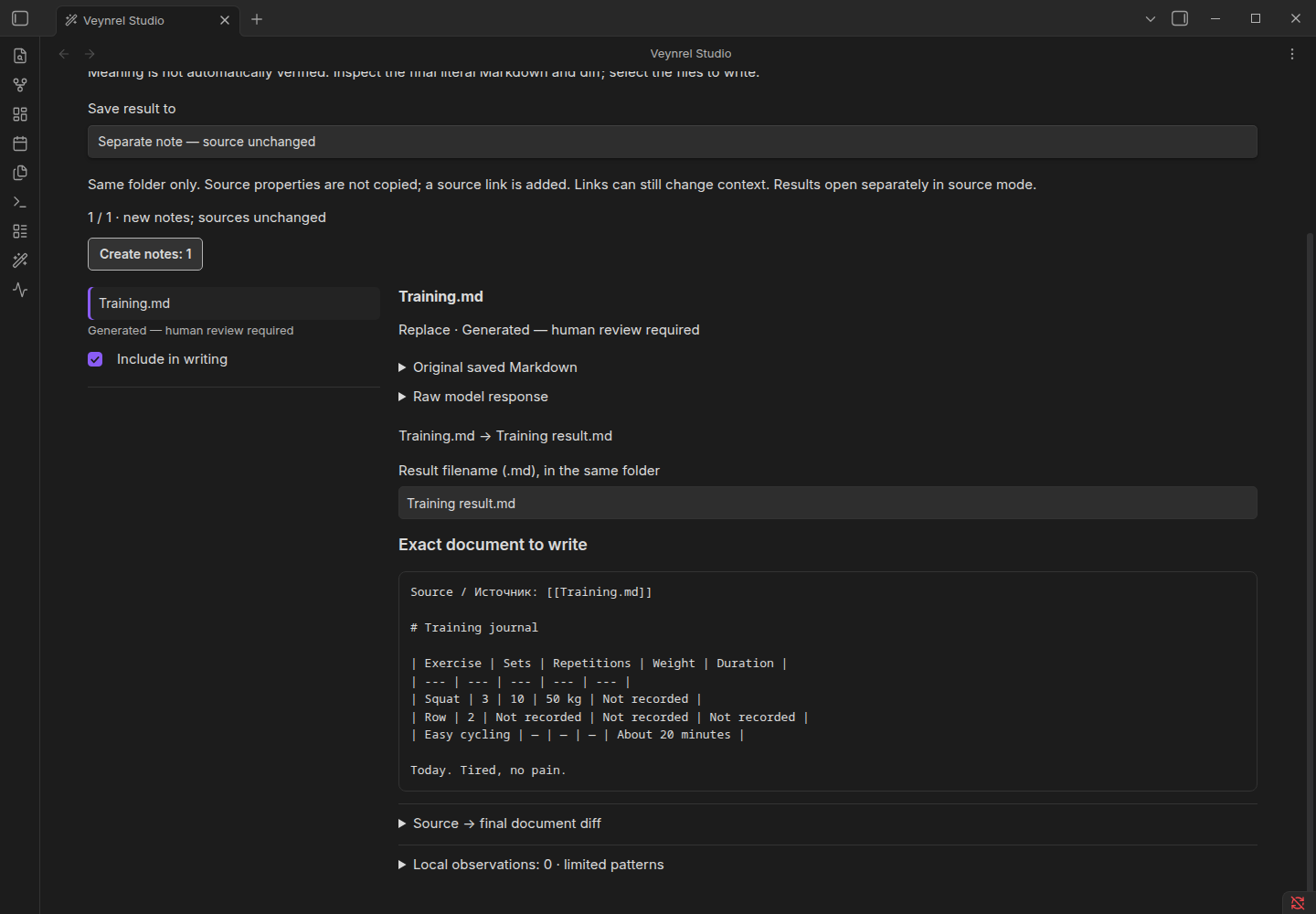
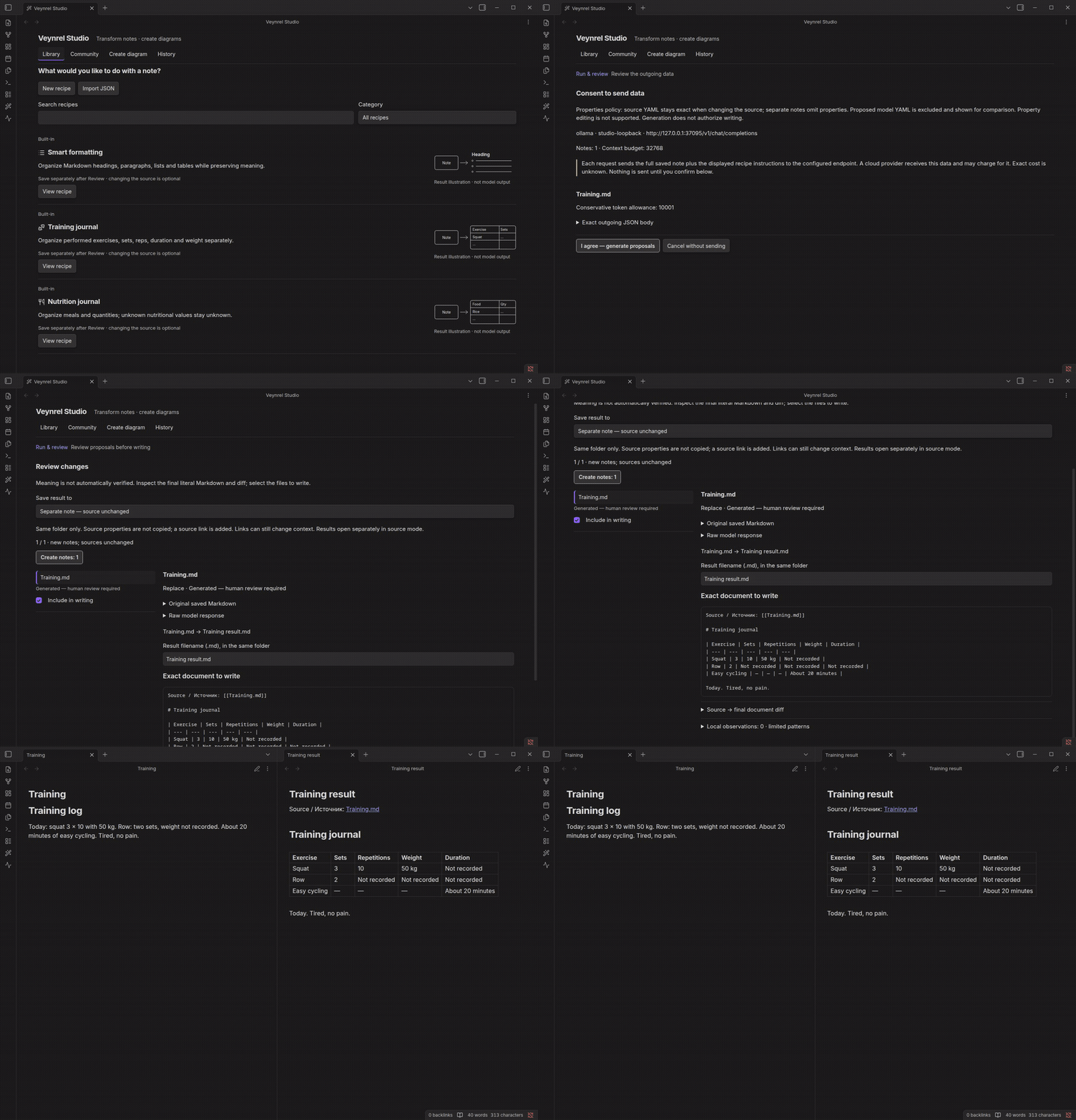
Workflow demonstration with synthetic notes and controlled responses; not a model-quality benchmark. Captured in real Obsidian for the published 2.3.x workflow; old diagram navigation visible in these captures is removed in development. Timing is edited for readability.
Diagrams in public 2.3.1 only
The published 2.3.1 still contains the optional Excalidraw generation workflow. Its version-specific guide and captures remain available as history. The next version removes generation, preview, creation and diagram history actions; it does not uninstall Excalidraw or delete drawings. Markdown Studio, Recipe/Community Library and supported Review/Apply/Undo remain.
Add a recipe, then decide when to run it
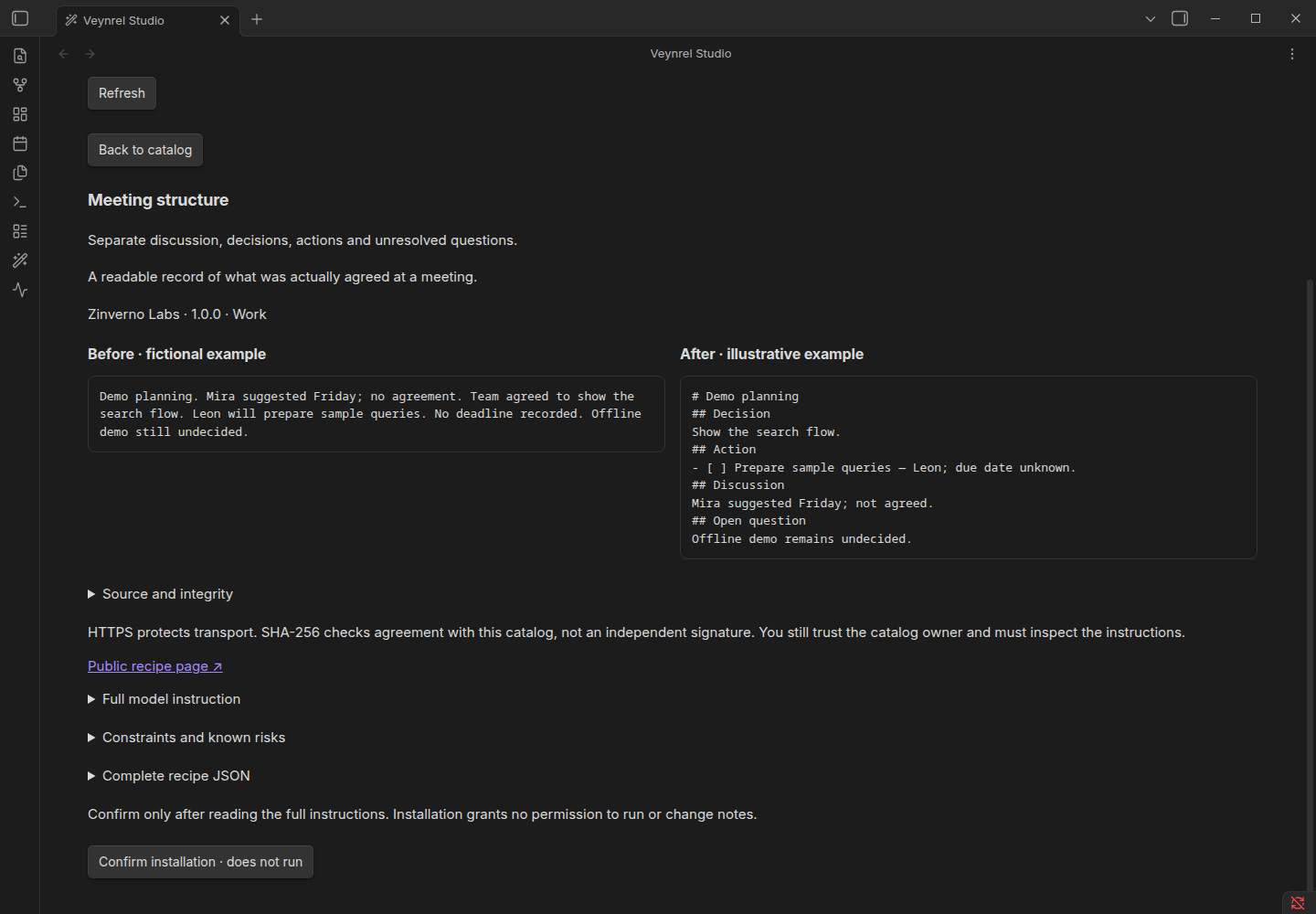
Browse Community from Studio. Inspect instructions, author, version and compatibility, then install a local copy. Installation does not process notes. Updates are explicit; a matching SHA-256 checks catalog bytes, not an independent author's signature.
Community guide · Contribute a recipe
Start without an AI key
- Open Veynrel: Open Veynrel from the command palette, or use its ribbon icon.
- Choose a folder or the whole vault on Home; open Check and run local checks.
- For Recall, add authored cards under a heading named exactly
Flashcards:
## Flashcards
What does a cache store?::Reusable results.
When should a cached value expire?::When its source changes.
- Open Review in the workspace sidebar (Recall), find cards and start a session. Reveal the answer and rate Again / Hard / Good / Easy. FSRS scheduling stays local.
For Studio, configure a language model in Veynrel settings, then use Open Veynrel Studio. For semantic discovery, configure an embedding provider and explicitly build the first index. These are separate setup paths. Getting started
Data and decisions
| Task | Data flow | Decision boundary |
|---|---|---|
| Local Health, topology and Recall | Local vault and local state | No LLM required |
| Semantic indexing/search | Note chunks or query to the configured embedding endpoint | Initial index build is explicit; later incremental work may run |
| Studio Markdown and pair analysis | Disclosed selected text to the configured model endpoint | Confirm request, inspect output, separately confirm writes |
| Community catalog | Public catalog/recipe GET requests; no note body or provider key | Install and update explicitly, run separately |
| Optional Companion | Disclosed mirror to the configured server | Separate opt-in integration |
Local preservation observations are lexical checks, not factual verification. Explicit Studio source changes retain supported original YAML literally and have guarded, operation-specific Undo. New notes, historical diagrams, Batch, MOC and generative atomization do not share a universal rollback. Local operation journals can contain plaintext note content; preserve backups. Remote providers may charge even when a local request times out or is cancelled.
Providers and privacy · History and recovery · Media provenance and coverage
Installation and updates
For the published stable version, open Settings → Community plugins → Browse, search for Veynrel, install and enable. For manual installation, use main.js, manifest.json and styles.css from the same stable release.
Place only those runtime files in <vault>/<configDir>/plugins/ai-knowledge-hub/ (configDir is normally .obsidian). Keep the existing plugin folder, data.json, indexes and journals when updating. Back up first; do not replace the whole directory. Installation and recovery
The manifest retains Obsidian 1.8.7+ and its existing platform declaration. Current native evidence is Linux desktop / Obsidian 1.13.7 with built-in light and dark themes; it does not establish physical mobile, every OS/theme or screen-reader support.
Contributing · Support · Security · Documentation index · MIT license