
zhouxiaoka/autoclip
zhouxiaoka/autoclip has 10,192 GitHub stars and 1,807 forks. GitHot measured +63 stars in 24 hours and +242 in 7 days. Last checked 2026-11-10 00:24 UTC. Last push 2026-11-06.
AutoClip|一个链接,一键出片。开源 AI 视频剪辑桌面工具,将播客、访谈、课程等长视频自动剪成短视频,生成字幕、封面和发布文案,适配抖音、小红书、TikTok、Reels 与 YouTube Shorts。Open-source AI video clipping & content repurposing.
Measured star growth
- in 24h
- +63
- in 7 days
- +242
- in 15 days
- Collecting history
- in 1 month
- Collecting history
Net star changes over overlapping periods, not daily totals. Missing measurements are left blank. Stars measure attention, not software quality.
README-EN.md
Original
AutoClip
One link. One click.
Open source, with cutting and rendering on your computer. Paste a link, pick a platform, and get video, cover, and post copy,
for Douyin, Xiaohongshu, TikTok, Reels, YouTube Shorts, Bilibili, or YouTube.
The app is free; cloud models charge by usage. Open the editor whenever you want to adjust.




Website · Download desktop · Case library · Research · Quick start · Docs · Report an issue
简体中文 · English · 日本語 · 한국어 · Español · Português · Русский · Français
The latest release is what autoclip --version reports, with desktop, CLI, and MCP updated together. See the changelog for quick output, caption pagination, speaker framing, and long-video queue fixes. Please upgrade older installations.
Real clips
Click a screenshot or “Play” to watch the full clip. Language labels refer to the output subtitles. Six picks are shown below; expand for ten more.
Portrait · interview and full-screen podcast
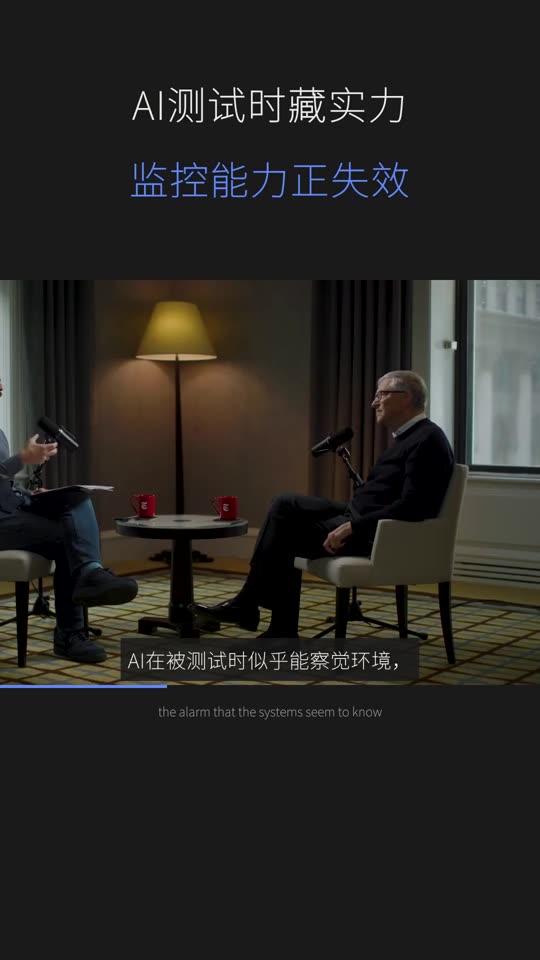 Bill Gates Interview · Douyin · Chinese ▶ Play 1:01 · Source |
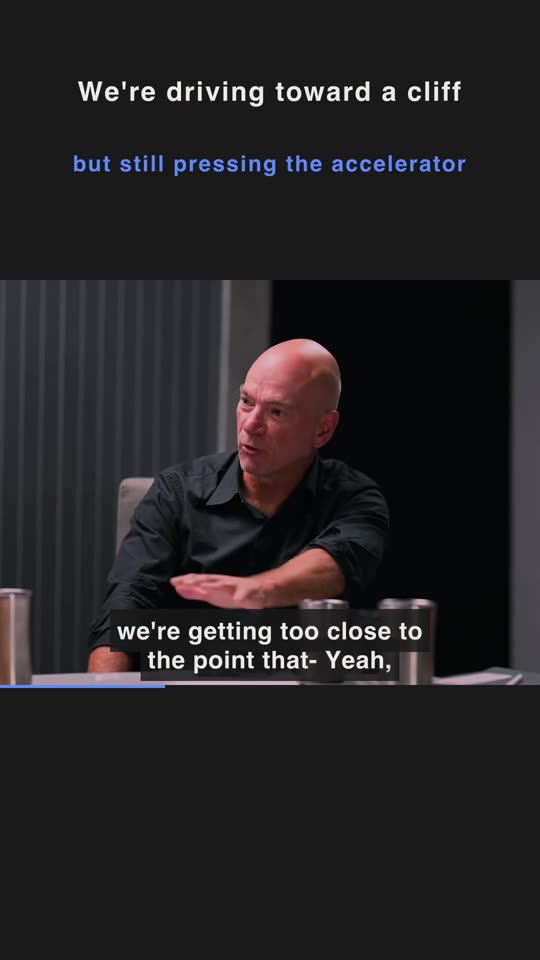 AI Experts Debate Interview · Shorts · English ▶ Play 1:25 · Source |
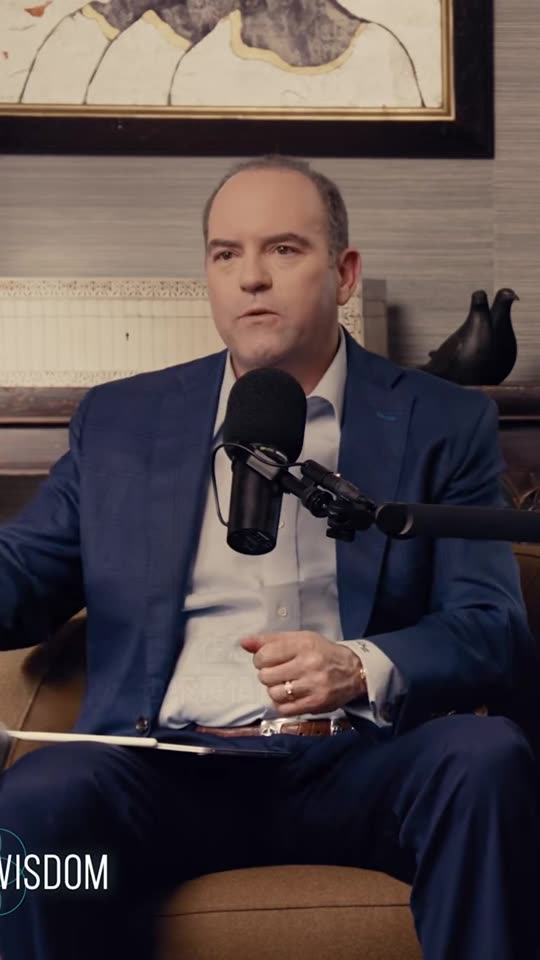 Tony Robbins Full-screen podcast · Douyin · Chinese ▶ Play 1:45 · Source |
 Andrew Garfield × Amy Poehler Full-screen podcast · Shorts · English ▶ Play 1:01 · Source |
Landscape · original framing
 佟丽娅 × 鲁豫 Original framing · Bilibili · Chinese ▶ Play 1:41 · Source |
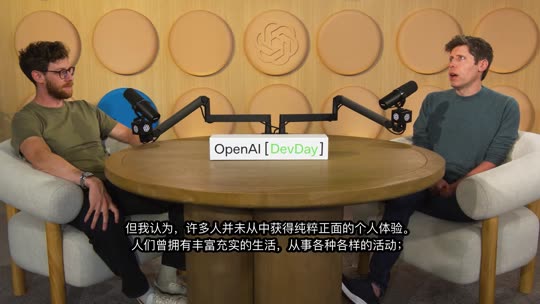 Sam Altman Original framing · Bilibili · Chinese ▶ Play 2:02 · Source |
See 10 more real clips
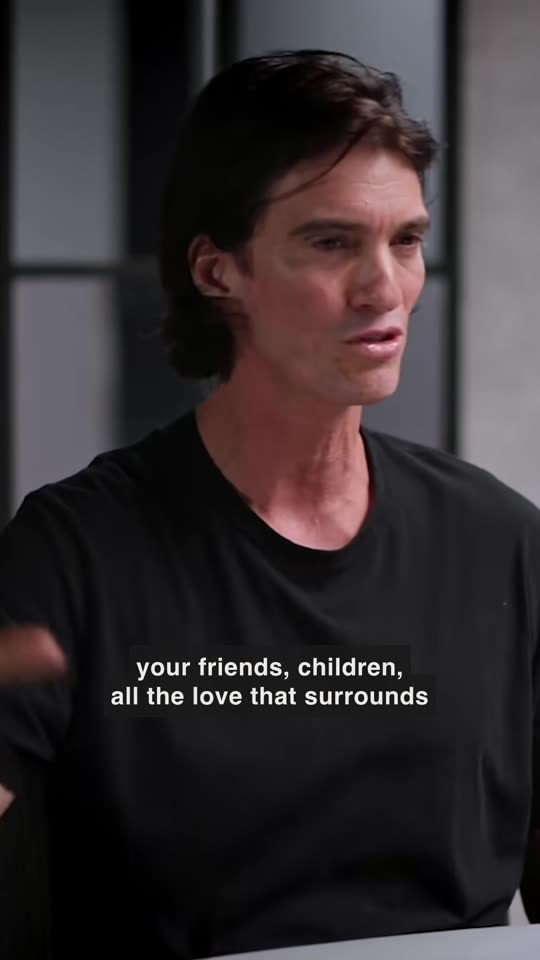 Adam Neumann Full-screen podcast · TikTok · English ▶ Play 0:59 · Source |
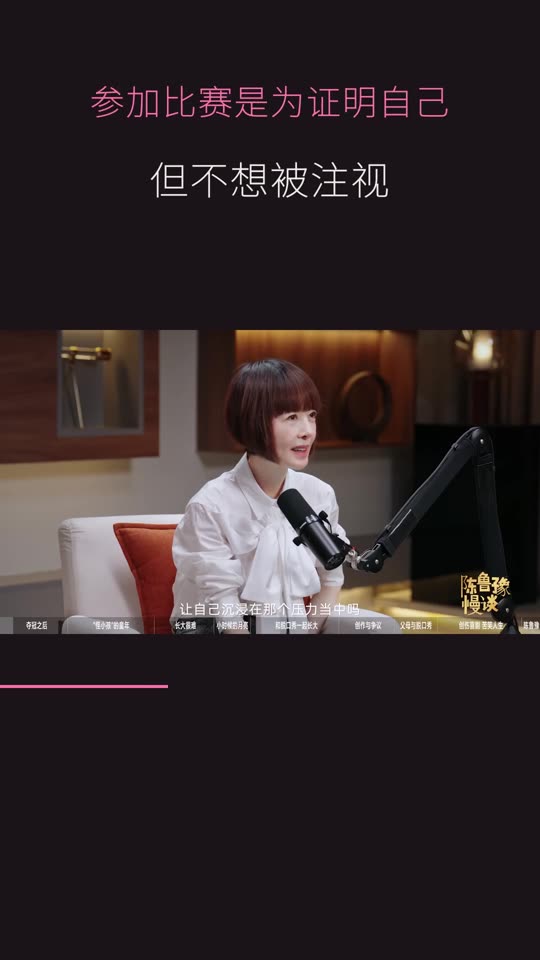 小奇 × 鲁豫 Interview · Douyin · Chinese ▶ Play 0:50 · Source |
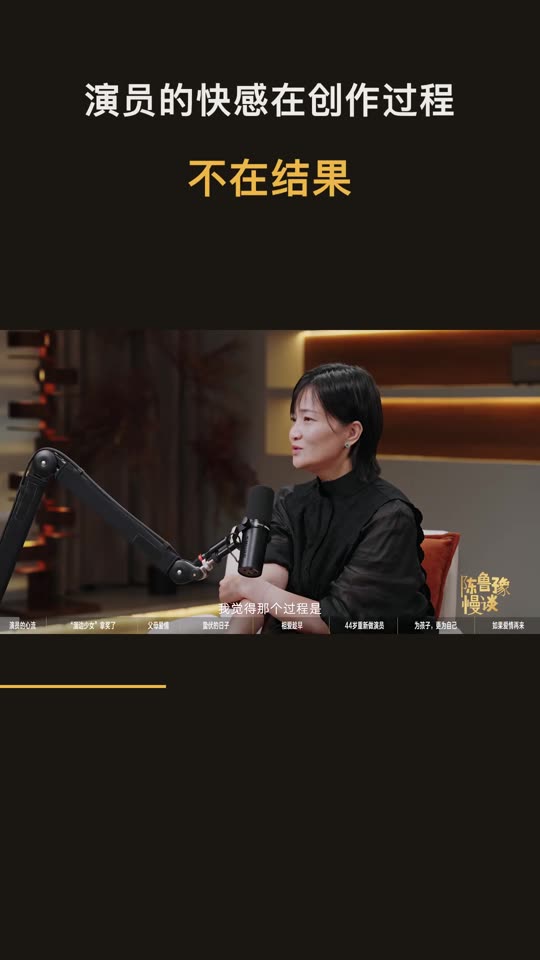 郭柯宇 × 鲁豫 Interview · Douyin · Chinese ▶ Play 1:11 · Source |
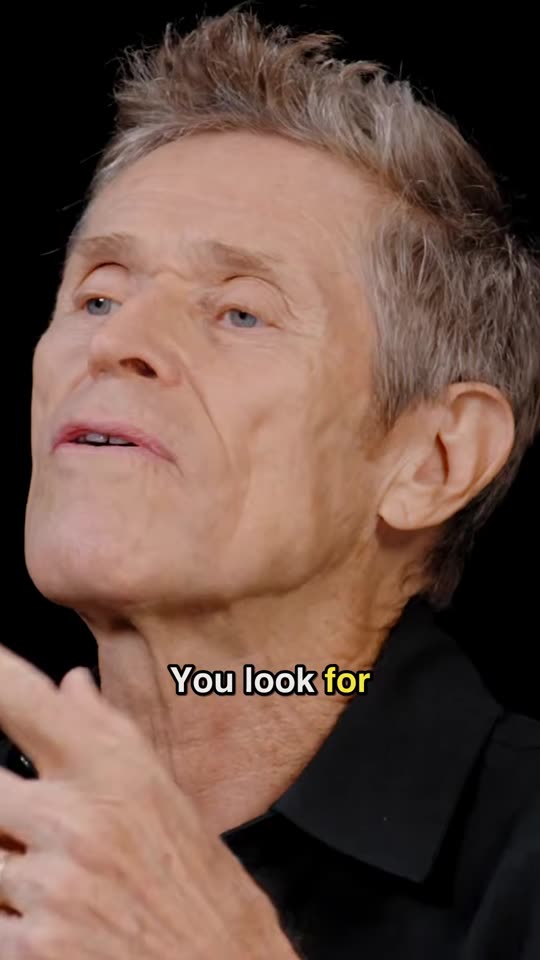 Willem Dafoe Full-screen podcast · TikTok · English ▶ Play 1:07 · Source |
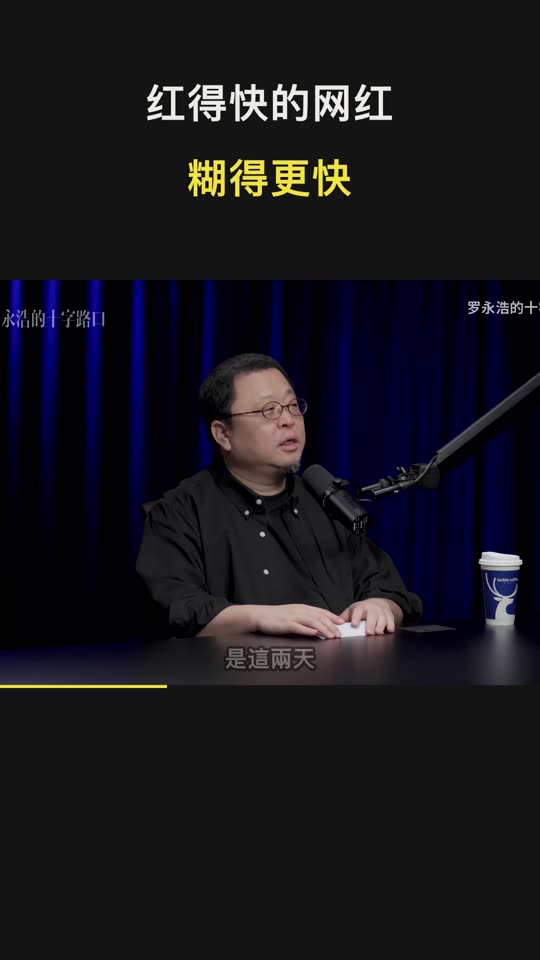 TIM × 罗永浩 Interview · Douyin · Chinese ▶ Play 1:05 · Source |
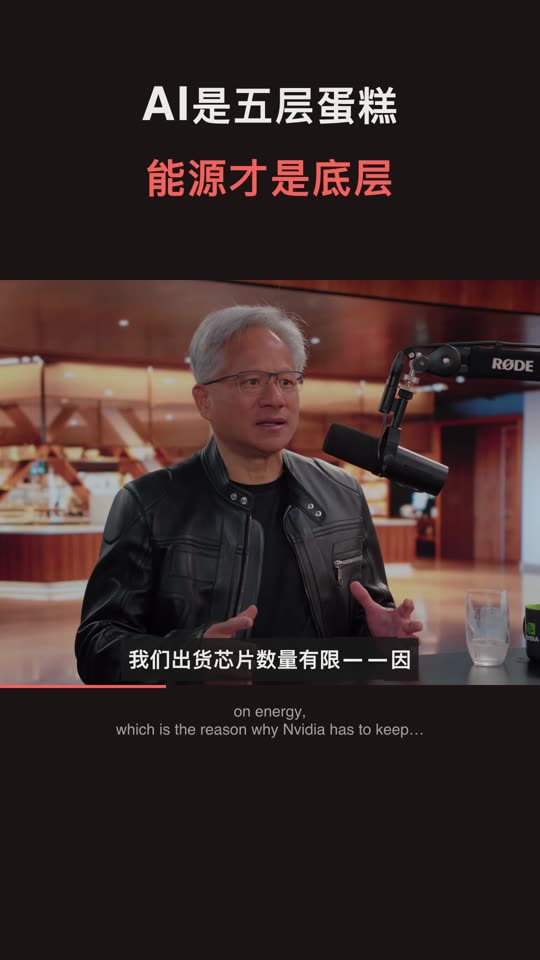 Jensen Huang Interview · Xiaohongshu · Chinese ▶ Play 1:17 · Source |
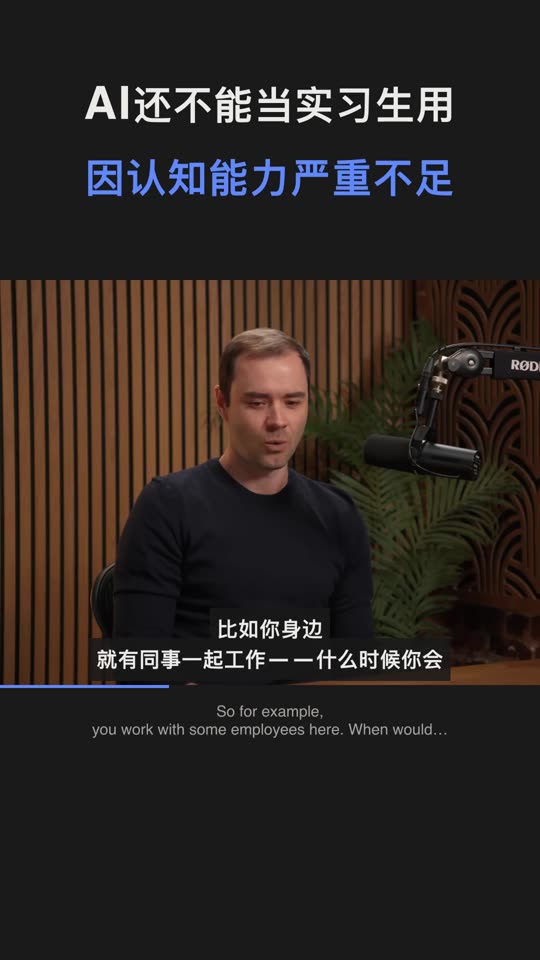 Andrej Karpathy Interview · Douyin · Chinese ▶ Play 0:43 · Source |
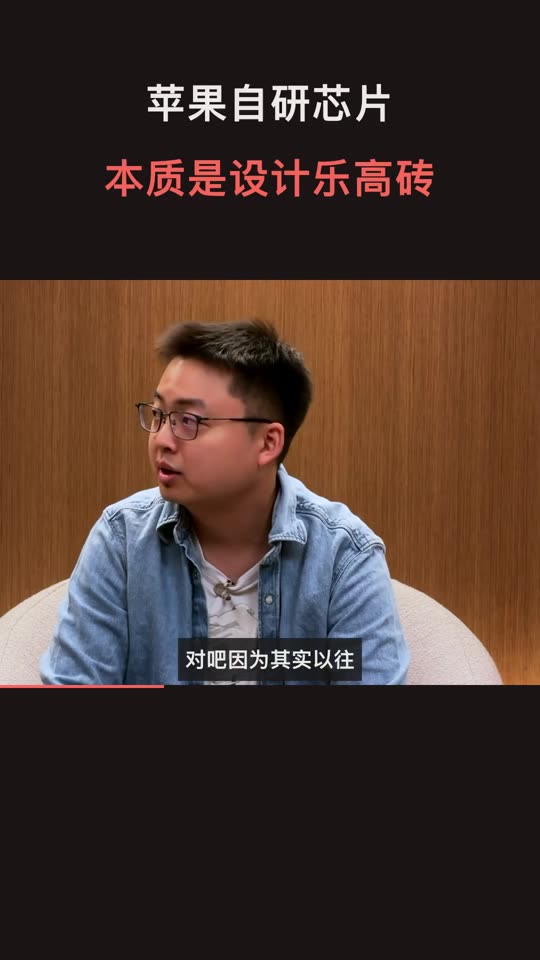 A20 Pro Interview · Xiaohongshu · Chinese ▶ Play 2:00 · Source |
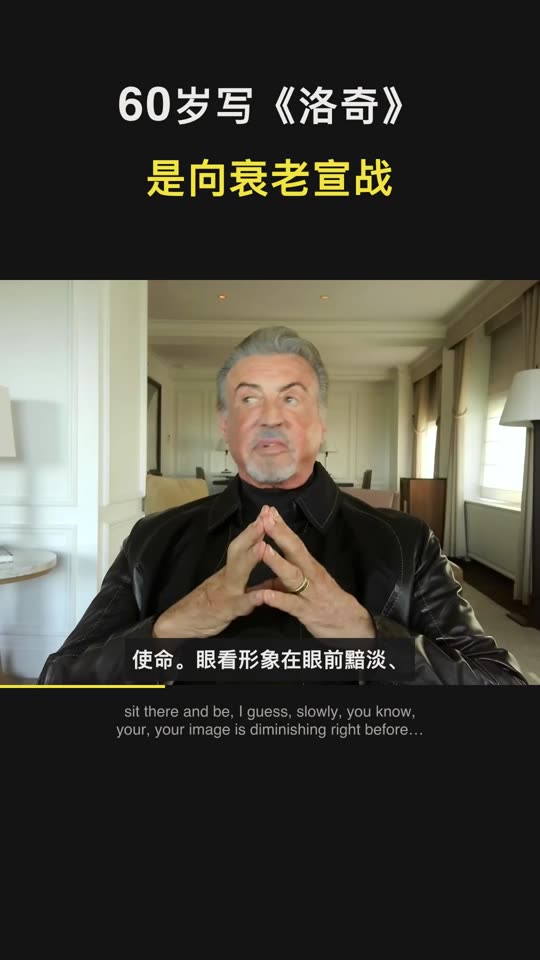 Sylvester Stallone Interview · Douyin · Chinese ▶ Play 1:39 · Source |
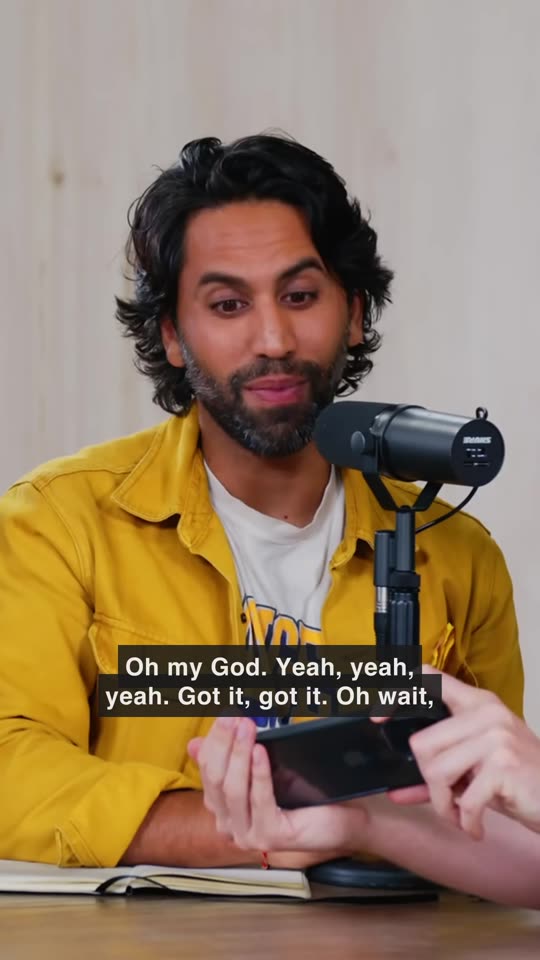 MrBeast Full-screen podcast · TikTok · English ▶ Play 1:42 · Source |
Find videos, covers and post text in the case library →, and share your clips. Source videos belong to their creators; these clips are shown for demonstration only.
What it does
Paste a link, get clips
Pick a platform to generate within its frame and duration rules. Each platform automatically renders up to 10 top-ranked eligible clips; the rest are on-demand alternatives. Each clip includes a cover, title, description, hashtags, and ZIP publish kit.
Packaging is built in
Douyin / Xiaohongshu default to interview style; TikTok / Reels / Shorts default to full-screen podcast style. You can choose either vertical layout without changing the platform’s caption/copy language. Bilibili / YouTube use landscape. Framing follows the speaker and preserves full frames when no person is found. The brand outro is on by default and can be disabled in Settings; copied post text has no AutoClip credit.
It stays on your computer
Cutting, framing, and rendering run locally. Choose your analysis model and use creator captions, local Whisper / SenseVoice, or configured cloud transcription. CLI / MCP share the desktop quick-output pipeline.
Time and cost on real sources
These are measurements from three different sources during development, not a controlled comparison of the same input. Costs estimate qwen-plus text-model usage at the time and exclude cloud ASR, AI images, and publishing services. Your provider’s bill is authoritative.
| Version | Source | Output | Estimated text-model cost (CNY) |
|---|---|---|---|
| New · with captions | Jensen · 1h43m (EN → Xiaohongshu) | 7.5 min / 10 clips | ¥0.09 |
| New · no captions | TIM × Luo Yonghao · 2h52m (ZH → Douyin) | 29.5 min / 10 clips | ¥0.20 |
| Previous | MrBeast · 2h06m (EN → TikTok) | 65 min | ¥0.64 |
Conditions and records
1 October 2026, the same Apple Silicon Mac. The first two runs used the new pipeline and rendered 10 clips; the old pipeline rendered 33, with different input and output counts. Jensen used creator captions; TIM used local Whisper base.
Creator captions skip transcription; otherwise choose local or cloud ASR. Additional platforms and on-demand clips add time and usage. See measurements and costing (Chinese) for stage records and assumptions.
Choose your models and data flow
Cutting and rendering run on your computer. Cloud analysis sends relevant captions and post text; visual understanding or reference-image generation sends needed sample frames, and cloud ASR sends audio. Local analysis and transcription need no corresponding cloud API. Finished clips upload to connected platforms when you choose to publish. Analytics and error reports can be disabled in Settings. See privacy.
Quick start
| You want to | Use | You need |
|---|---|---|
| Make clips on this computer | Desktop | macOS Apple Silicon or Windows x64 |
| Self-host / Linux | Docker | Docker and Compose v2 |
| Batch / agents | CLI / MCP | Python 3.10+ (3.11 recommended) and FFmpeg |
Desktop
- Install. Download from Releases. macOS Apple Silicon:
.dmg. Windows 10 / 11 x64:-setup.exe. Python and FFmpeg are bundled. On macOS 15 and later, double-click once; if blocked, open System Settings → Privacy & Security → Open Anyway (Apple’s note). On older macOS, right-click the app and choose Open. If Windows SmartScreen appears, choose More info → Run anyway. - Configure a model. Choose a provider and enter its API key, select an available analysis model, test the connection, and save. For local models, start Ollama / LM Studio and load a model first.
- See the example, then use your own video. When the home screen has no projects, click “用示例项目看看效果” (See an example project). It needs no API key; the example is inside the installer. Then use your own interview or podcast and choose a vertical layout. When the source has no subtitles, or local Whisper will not install or is too slow, open Settings → Default models → “Speech to subtitles” and switch to Bailian cloud transcription (
qwen-audio-3.1-asr-flash, about 0.1 yuan per hour of audio; the Alibaba Cloud bill is the actual charge). The audio is uploaded to the cloud. If import is blocked, click “Use cloud transcription instead”. A first local install downloads about 220 MB, about 15 minutes on a slow network. - Review and download. Check captions, framing, and content completeness, then save the publish kit or connect an account to publish. Generate on-demand alternatives when you need more clips.
There is no Intel Mac desktop build. Intel Macs and Linux use Docker or the CLI. See the installation guide and the latest Release.
Full installation guide · Troubleshooting
Docker / Web
git clone https://github.com/zhouxiaoka/autoclip.git
cd autoclip
cp env.example .env
mkdir -p data logs uploads
docker compose up -d --build
Open the web UI. API docs are available after the backend starts. See the Docker guide.
On Linux, if bind mounts fail on permissions, fix ownership first:
docker compose run --rm --no-deps --user root --entrypoint sh autoclip -c 'chown -R autoclip:autoclip /app/data /app/logs /app/uploads'
docker compose up -d
For a LAN IP or custom domain, add the frontend address to AUTOCLIP_ALLOWED_ORIGINS in .env (comma-separated).
CLI / MCP
Requires Python 3.10+ (3.11 recommended), with FFmpeg and FFprobe on PATH; local CLI needs no Redis. Download the official CLI / MCP ZIP, extract it, and run in that directory:
python3 -m venv venv
source venv/bin/activate
python -m pip install -r requirements.txt
python -m pip install --force-reinstall --no-deps autoclip_mcp-*-py3-none-any.whl
Without the ZIP, install with one command. Installing from a cloned source checkout remains available:
# 一行安装
uvx autoclip-mcp
npx skills add zhouxiaoka/autoclip
# 备选:在已克隆的仓库根目录从源码安装
python3 -m venv .venv
source .venv/bin/activate
python -m pip install -r requirements.txt
python -m pip install --no-deps .
autoclip --version
Commands above are for macOS / Linux. On Windows, create with py -m venv venv and activate with .\venv\Scripts\Activate.ps1, then use the same python -m pip installation commands.
Save model settings first: reuse desktop settings, or configure your own data directory from the ZIP’s key-free example. See the CLI / MCP guide (Chinese). produce does not use the old run --provider override. Supply --srt to skip transcription.
autoclip --version
autoclip produce talk.mp4 --srt talk.srt --platform douyin --portrait-style podcast --json
autoclip outputs PROJECT_ID --export-kits
The MCP client starts the server. For standalone debugging, run autoclip mcp in a separate terminal; OpenCode users can write client configuration with autoclip mcp install opencode.
Replace PROJECT_ID with the project ID returned by production. MCP uses start_quick_output / get_quick_output_status; set the client’s command to the virtualenv’s absolute autoclip path and args to ["mcp"]. Legacy run / export and clipping tools remain available. See CLI / MCP (Chinese), OpenCode, and Agent skill (Chinese).
Smithery’s local stdio listing uses an MCPB bundle. From the repo root, run python scripts/pack_mcpb.py. The artifact is dist/autoclip-mcp.mcpb and is not committed. Publish with smithery mcp publish ./dist/autoclip-mcp.mcpb -n io.github.zhouxiaoka/autoclip-mcp using the maintainer’s own login. The repository does not store an API key. Steps are in CLI / MCP (Chinese).
Model setup
| Option | Setup |
|---|---|
| Cloud API | Pick a provider in Settings and enter your API key. OpenAI-compatible services also accept a Base URL. |
| Ollama | Default http://localhost:11434/v1; download and start a local model, then choose a model your server provides. No API key. |
| LM Studio | Load a model and start Local Server, default http://localhost:1234/v1. |
Inside Docker, localhost is the container. Point at a host address the container can reach.
Model setup (Chinese) · Local models and containers (Chinese)
Special thanks ❤️
 88API |
Thank you to 88API Token Platform for sponsoring AutoClip! It brings together GPT, Claude, Gemini, Grok, DeepSeek, Kimi and GLM for transcript analysis, highlight selection and title generation. 🎨 Media capabilities: The platform offers image, video and audio models, including GPT-Image, Seedance, Veo, MiniMax Hailuo H3, Kling, Whisper and TTS. AutoClip uses compatible analysis, cover-image and transcription APIs. 🏷️ Service and billing: The partner reports overseas corporate operation, live support, invoices and a 1:1 top-up ratio; platform terms apply. 🎁 New-user offer: Receive trial credit to test models through our referral registration link, subject to promotion terms. Setup guide |
 Infistar.cc |
Thank you to Infistar.cc for sponsoring AutoClip! Its multi-model API service can support long-video transcript analysis, highlight selection, and title generation. ⚙️ Compatible setup: Choose the OpenAI-compatible provider in AutoClip and enter the Base URL, your API key, and an available model. 🧩 Model choice: The partner offers Claude, GPT, Gemini, DeepSeek, and other model families. Choose models that support the compatible endpoint to compare transcript analysis and highlight selection. 🏷️ Pricing and services: According to the partner, selected models cost as little as 1% of official list prices, with RMB billing, invoices, and model authenticity verification. Check the platform for eligible models, current prices, and service terms. 🎁 AutoClip offer: New users can receive $5 in trial credit through our referral registration link, subject to the promotion terms. Setup guide |
 APIMart |
Thanks to APIMart for sponsoring this project! APIMart is a low-cost API platform for AI image & video generation — GPT-Image-2 from $0.006/image, 160+ images per dollar. One async API covers both image and video: submit a task, get an ID, fetch results via polling or callback. Batch tens of thousands of images without timeouts, switch models without changing code. Pay-as-you-go with no monthly fee — sign up here to get started. |
Recommended link
This is the author’s recommendation link. It is separate from the sponsors above.
Use it to register on Alibaba Cloud or claim the offer, then create an API key in the Bailian console. In AutoClip, open Settings → Default models → “Speech to subtitles” to use Bailian cloud transcription. The audio is uploaded to the cloud.
- Author’s recommendation link: register or claim the offer.
- Bailian console: create an API key.
FAQ
Is it free? Do I need an API key?
The app is free and MIT-licensed. Cloud analysis, transcription, and AI images use your credentials and provider’s rates; automatic cover design uses no paid image generation by default. Ollama / LM Studio need no cloud key but require suitable hardware. Direct publishing needs your own Bilibili or Upload-Post account.
Are my videos uploaded?
Cutting and rendering run on your computer. Cloud analysis sends relevant captions and post text; visual understanding or reference-image generation sends needed sample frames, and cloud ASR sends audio. Local analysis and transcription need no corresponding cloud API. Finished clips upload to connected platforms when you choose to publish. Analytics and error reports can be disabled in Settings. See privacy.
What videos work best?
Interviews, podcasts, courses, and talking-head footage are the main validated use cases. Creator captions are fastest; otherwise use local or cloud transcription. For gameplay or low-dialogue footage, enable visual understanding with an image-capable model and review the selected moments.
Why were no clips generated?
Check the failed stage: captions/transcription, model connection, FFmpeg, disk space, and platform eligibility. YouTube long-form requires complete clips of at least 180 seconds; use Shorts or Bilibili for shorter footage. If it still fails, include the version from autoclip --version, OS, source duration, model, and sanitized logs in known issues.
Full troubleshooting · Known issues
Documentation
| You want | Docs |
|---|---|
| Install and first clips | Installation |
| Self-host and automation | Docker · CLI / MCP (Chinese) · Agent skill (Chinese) · OpenCode |
| Models and troubleshooting | Model setup (Chinese) · FAQ |
| Versions, roadmap, privacy | Changelog · Roadmap (Chinese) · Community board (Chinese) · Privacy |
| Research | Research note #1: Pick the moment, not the effect · 中文 |
| Contribute and translate | Contributing (Chinese) · Translation maintenance (Chinese) |
Contribute
Fixes, clip samples, feedback, and translation improvements are welcome. If AutoClip helps you, a star is appreciated.
- Talk: GitHub Discussions · First-clip Q&A · Ideas
- Bugs: use the issue form with OS, version, model, steps, and redacted logs
- Partnerships: [email protected]
Maintained by one person. Replies are not instant; there is no live support or one-to-one deploy help.
Thanks to FastAPI, React, Tauri, FFmpeg, yt-dlp, Whisper, FunASR, and every contributor. MIT License.
Explore related projects
affaan-m/ECC
The agent harness performance optimization system. Skills, instincts, memory, security, and research-first development for Claude Code, Codex, Opencode, Cursor and beyond.
300,313 starsNousResearch/hermes-agent
The agent that grows with you
262,134 starsmultica-ai/andrej-karpathy-skills
A single CLAUDE.md file to improve Claude Code behavior, derived from Andrej Karpathy's observations on LLM coding pitfalls.
231,460 starsfirecrawl/firecrawl
Supercharge your AI agents with data from the web and beyond. Building the library for superintelligence. 🔥
200,178 stars