
ywl5320/wlmedia
ywl5320/wlmedia has 834 GitHub stars and 162 forks. GitHot measured 0 stars in 24 hours. Last checked 2026-11-10 00:13 UTC. Last push 2026-06-30.
Android&HarmonyOS Next 音视频播放器SDK,几句代码即可实现音视频播放功能(支持:手机、车机系统、电视盒子等设备。支持:http、https、rtsp、rtp、rtmp、byte[]、加密视频和各种文件格式视频;包含视频截图、音轨选择、字幕选择、循环播放、设置软解或硬解、透明视频、变速变调、声道切换、无缝切换surface、多Surface渲染、视频比例设置、多实例音视频播放等。)~
Measured star growth
- in 24h
- 0
- in 7 days
- Update delayed
- in 15 days
- Update delayed
- in 1 month
- Update delayed
Net star changes over overlapping periods, not daily totals. Missing measurements are left blank. Stars measure attention, not software quality.
README_EN.md
Original🚀wlmedia🚀 English 中文
Android & HarmonyOS Audio/Video SDK – Implement multimedia playback in just a few lines of code!
Simple integration, rich features, supports smartphones, car systems, TVs, TV boxes, smartwatches, and other devices.
I. Features & Highlights
- Basic media info retrieval (audio: sample rate, channels, duration; video: width, height, fps, duration)
- Supports almost all protocols:
file,http,https,udp,rtmp,rtp,rtsp,byte[], etc. - AV1 decoding support
- Playback modes: audio-only, video-only, or audio-video
- Software/hardware decoding configuration
- Seamless surface switching
- Multi-instance playback support
- Resume playback after EOF via seek
- Dynamic media switching
- Custom FFmpeg parameters
-
byte[]data type support - Encrypted audio/video playback
- Audio/video frame decoding
- Pitch and playback speed adjustment
- Transparent video playback (visual effects)
- Subtitle selection
- Built-in loop playback
- Connection timeout configuration
- Cache size settings (time-based)
- Audio track selection
- Custom audio sample rate
- Custom audio channel output
- Video screenshot capture
- Extract first frame or frame at specified time
- Custom video aspect ratio
- Video rotation (0°, 90°, 180°, 270°)
- Video mirroring modes
- Video background color (default: black)
- Multiple simultaneous surfaces rendering (e.g., KTV dual screens)
- Real-time PCM audio data retrieval
- Audio/video sync offset adjustment
- External OpenGL rendering (e.g., Unity, Cocos2d)
II. Demos
Android
| Normal Playback | Transparent Video | Multi-Surface | Multi-Instance | Audio Playback | Volume Meter |
|---|---|---|---|---|---|
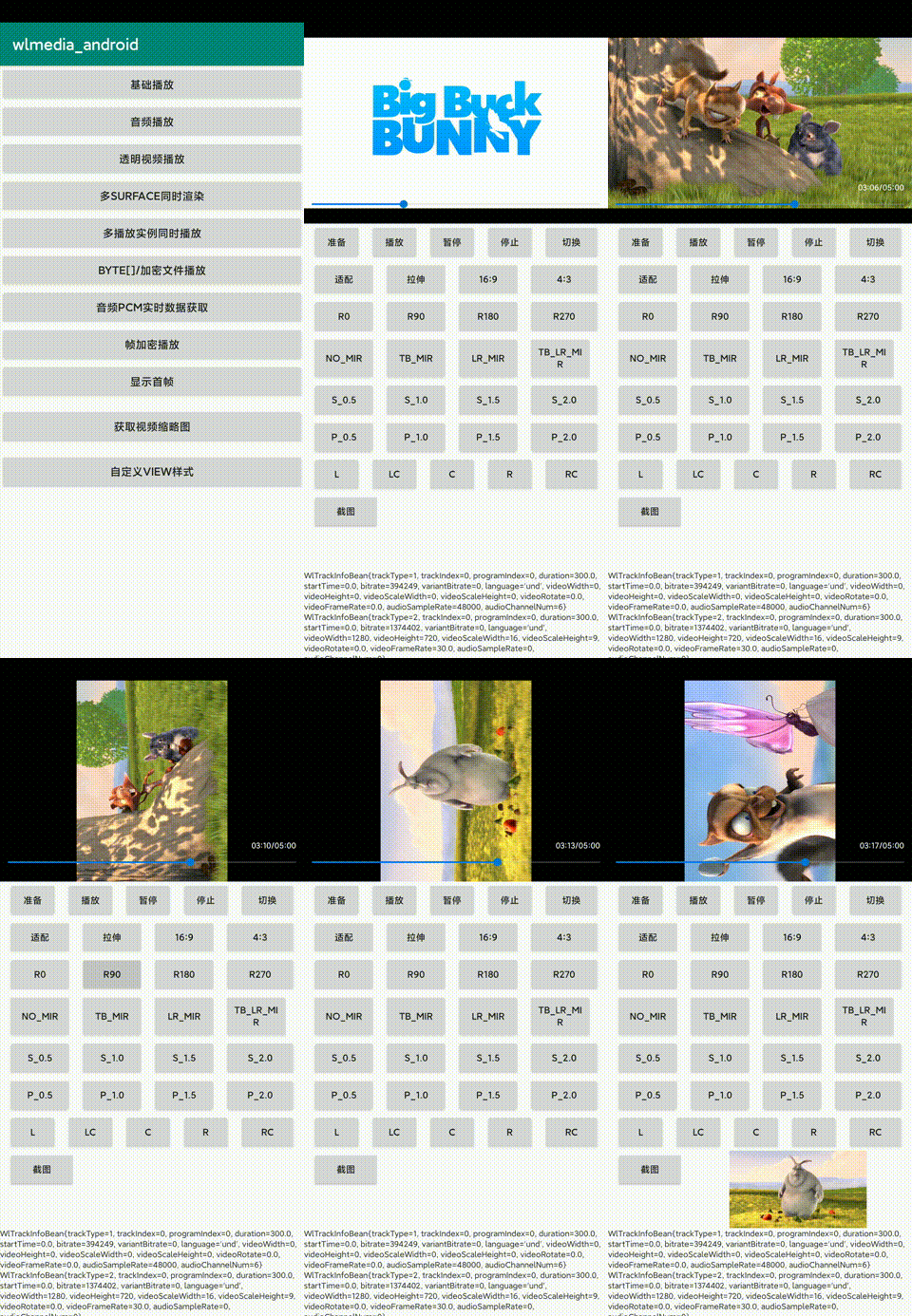 |
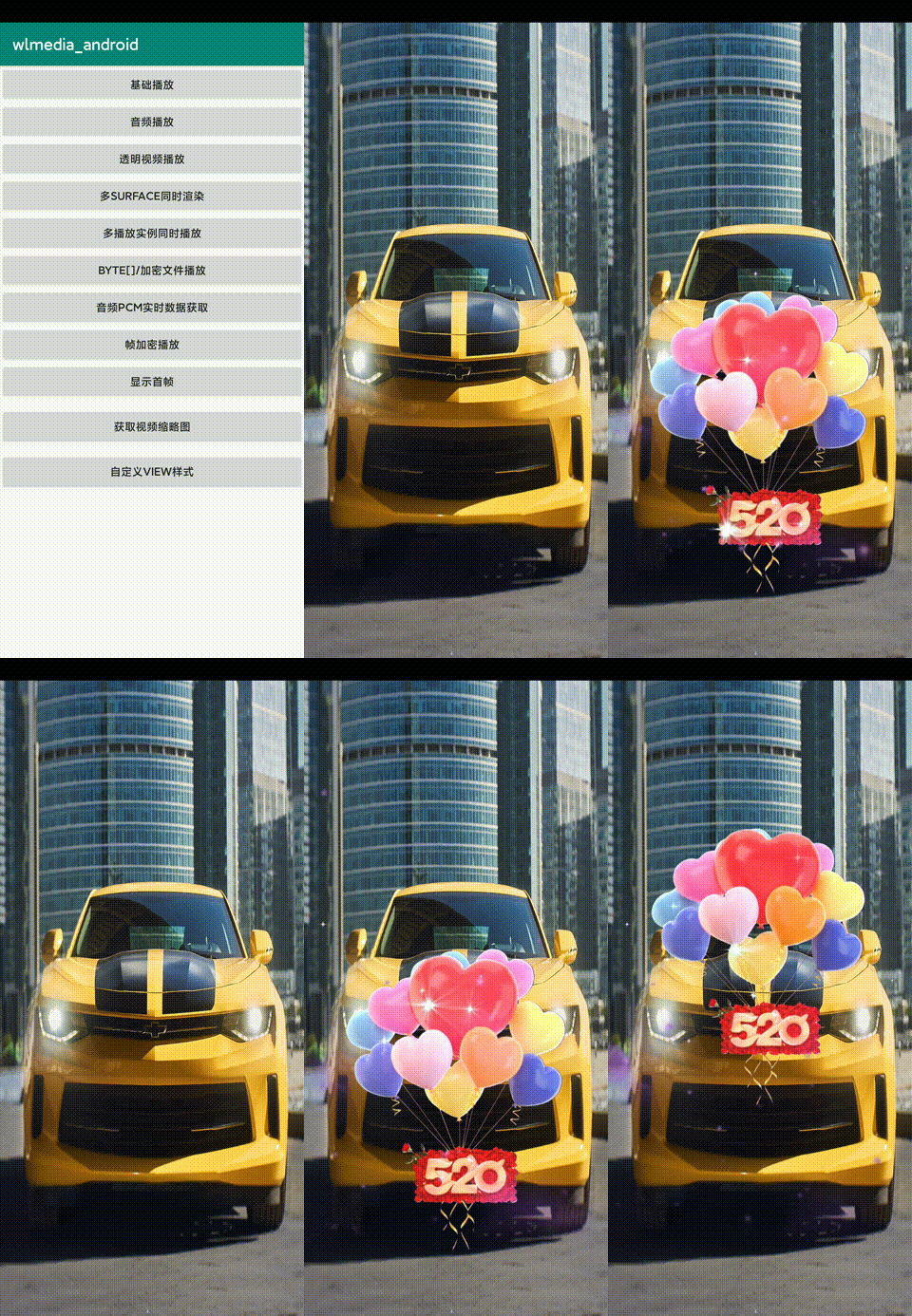 |
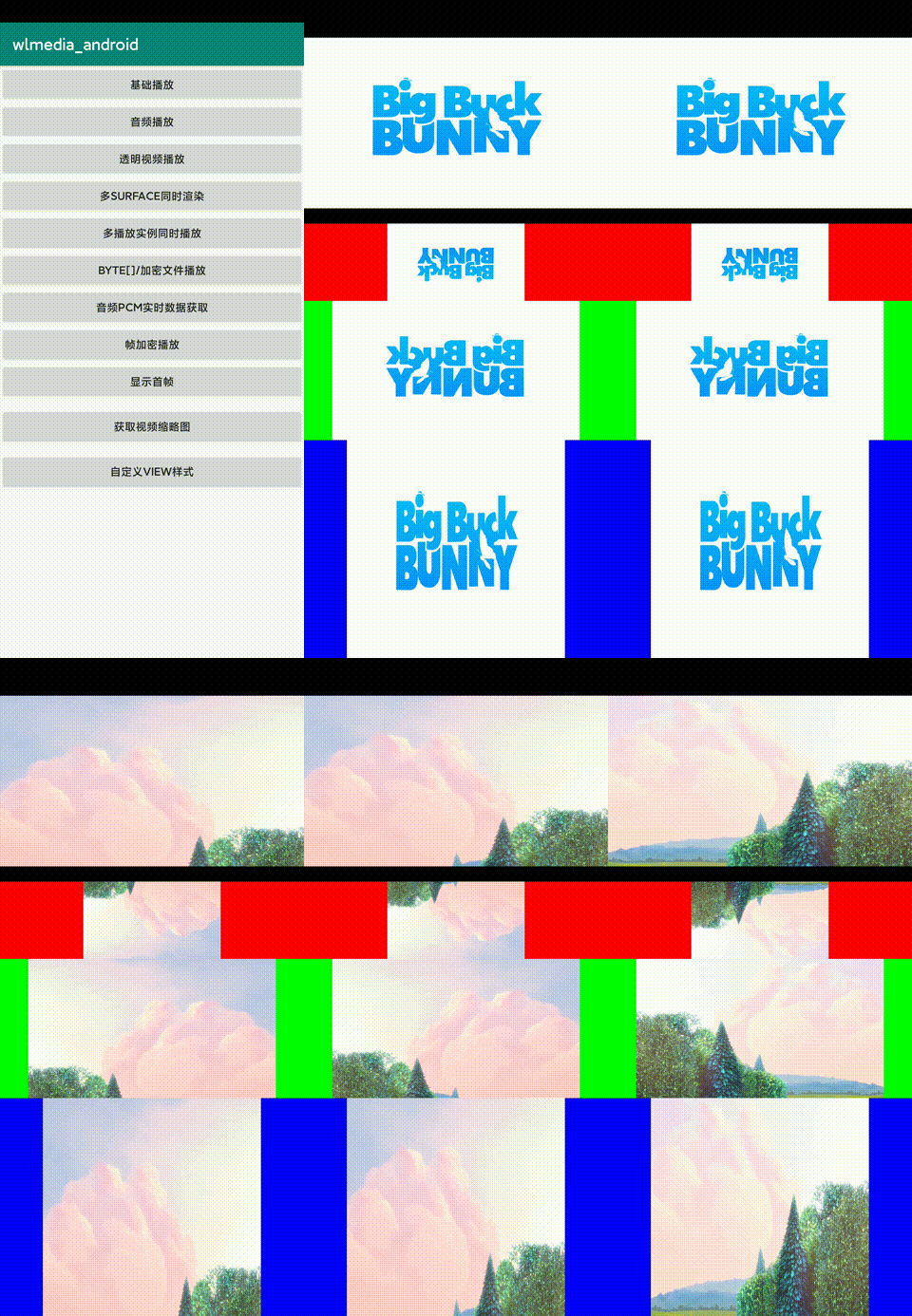 |
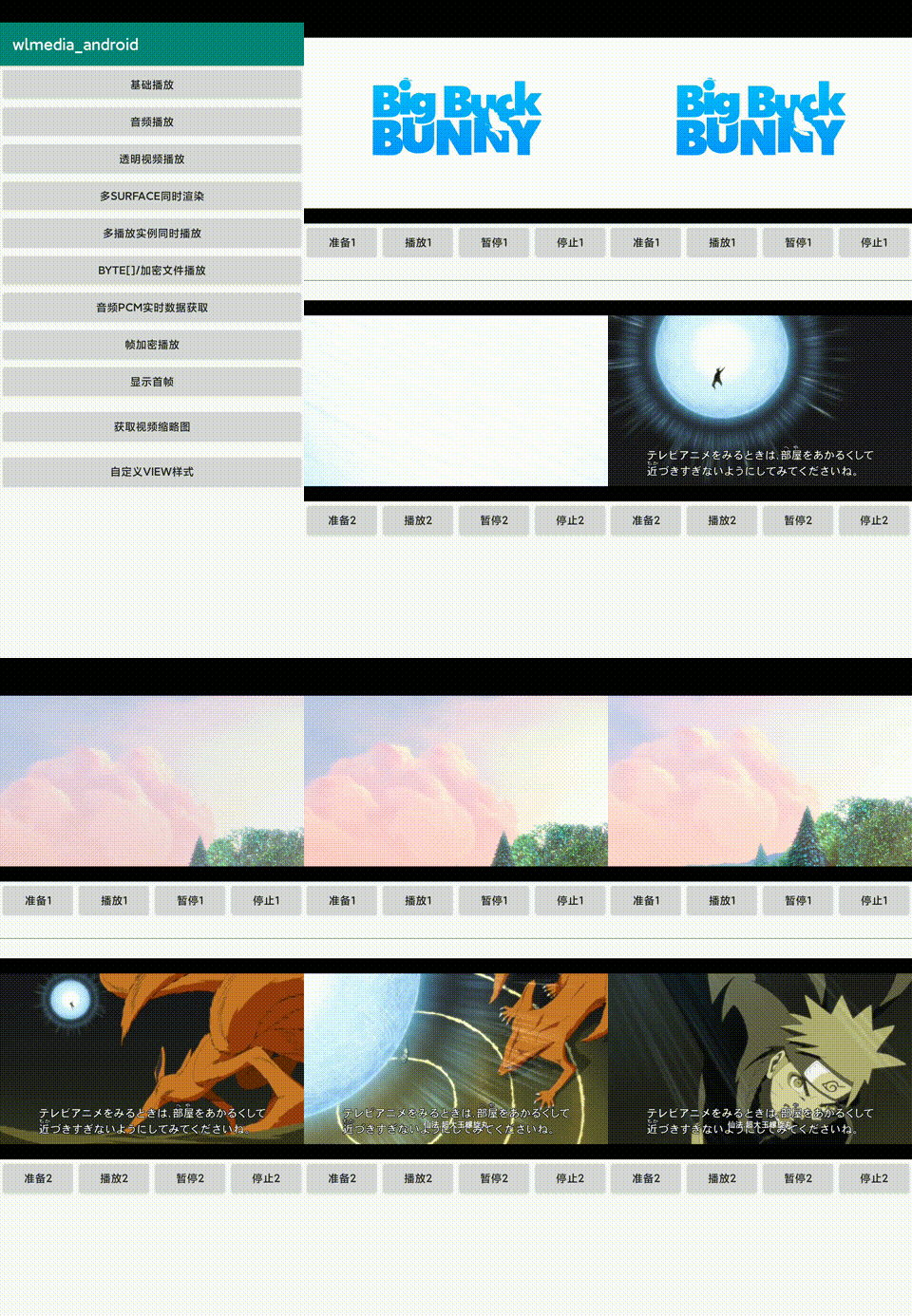 |
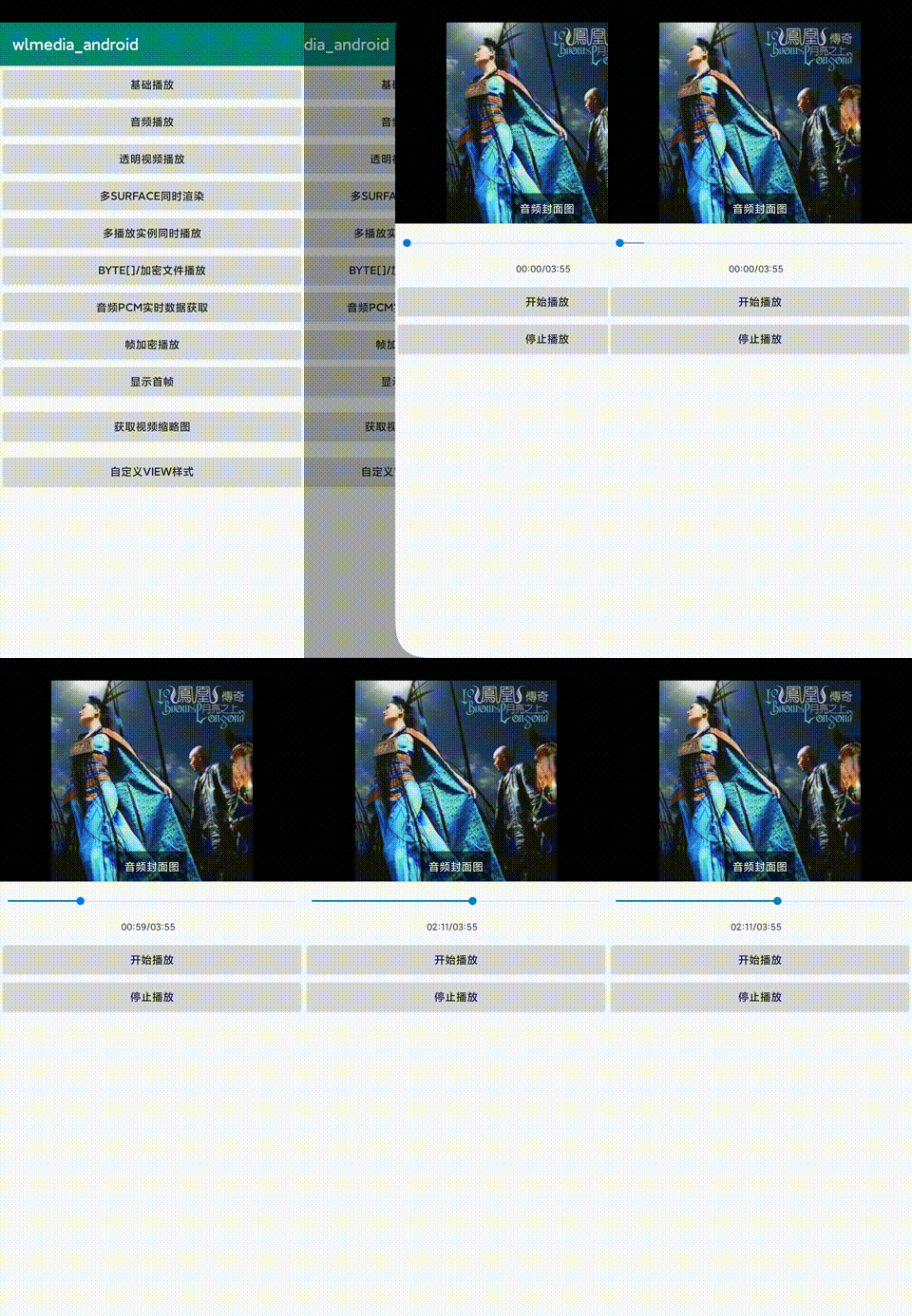 |
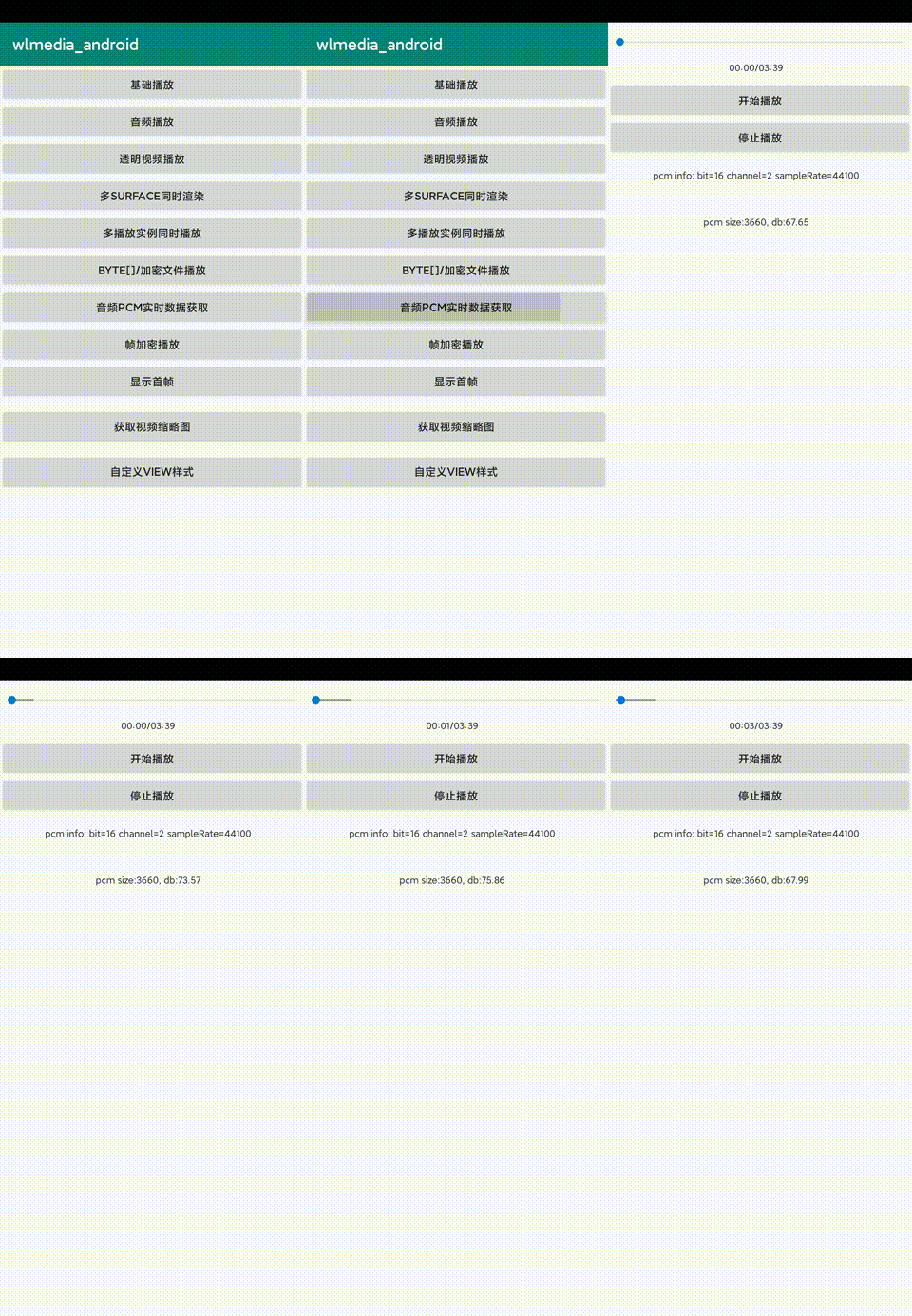 |
HarmonyOS
| Normal Playback | Transparent Video | Multi-Surface | Multi-Instance | Audio Playback | Volume Meter |
|---|---|---|---|---|---|
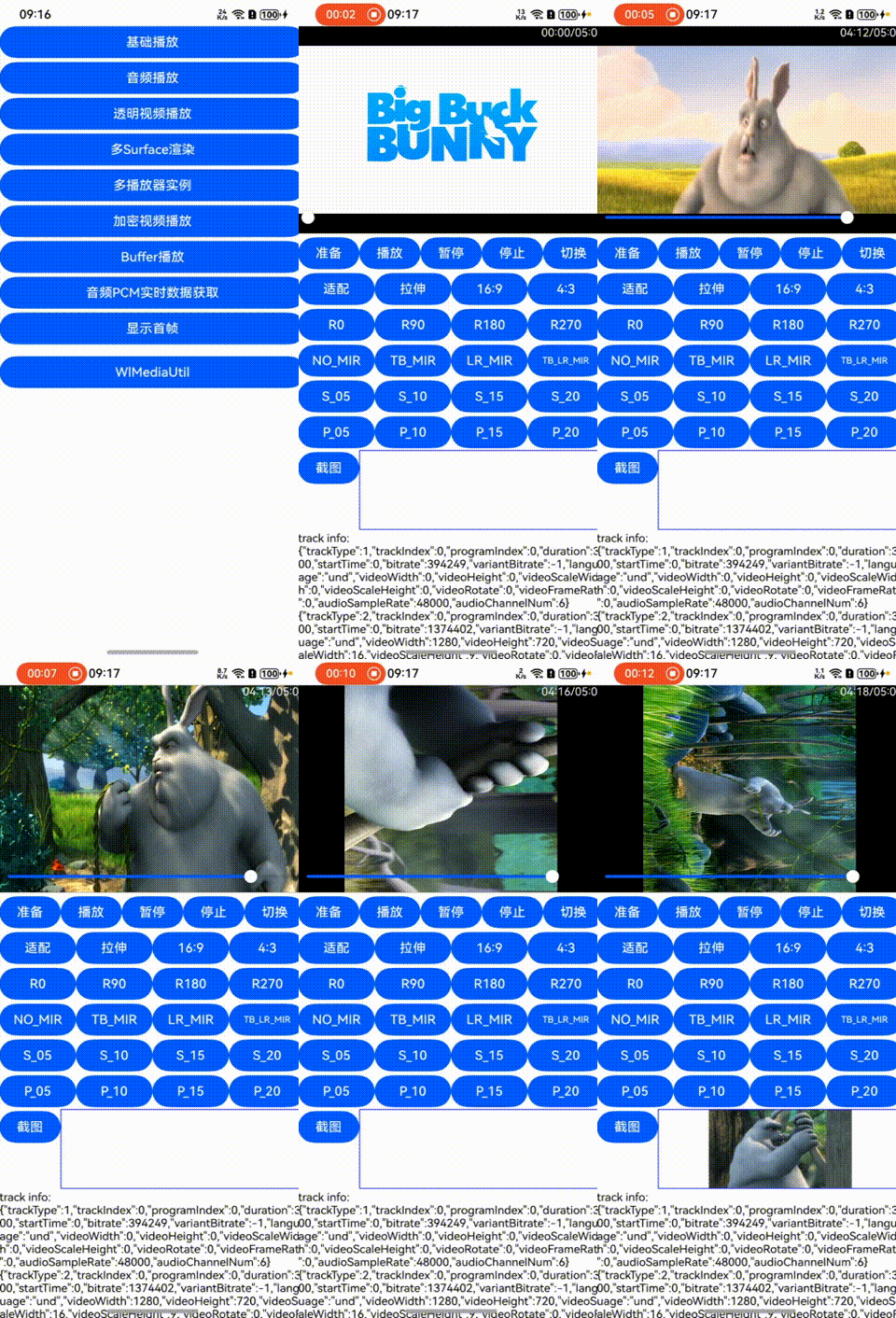 |
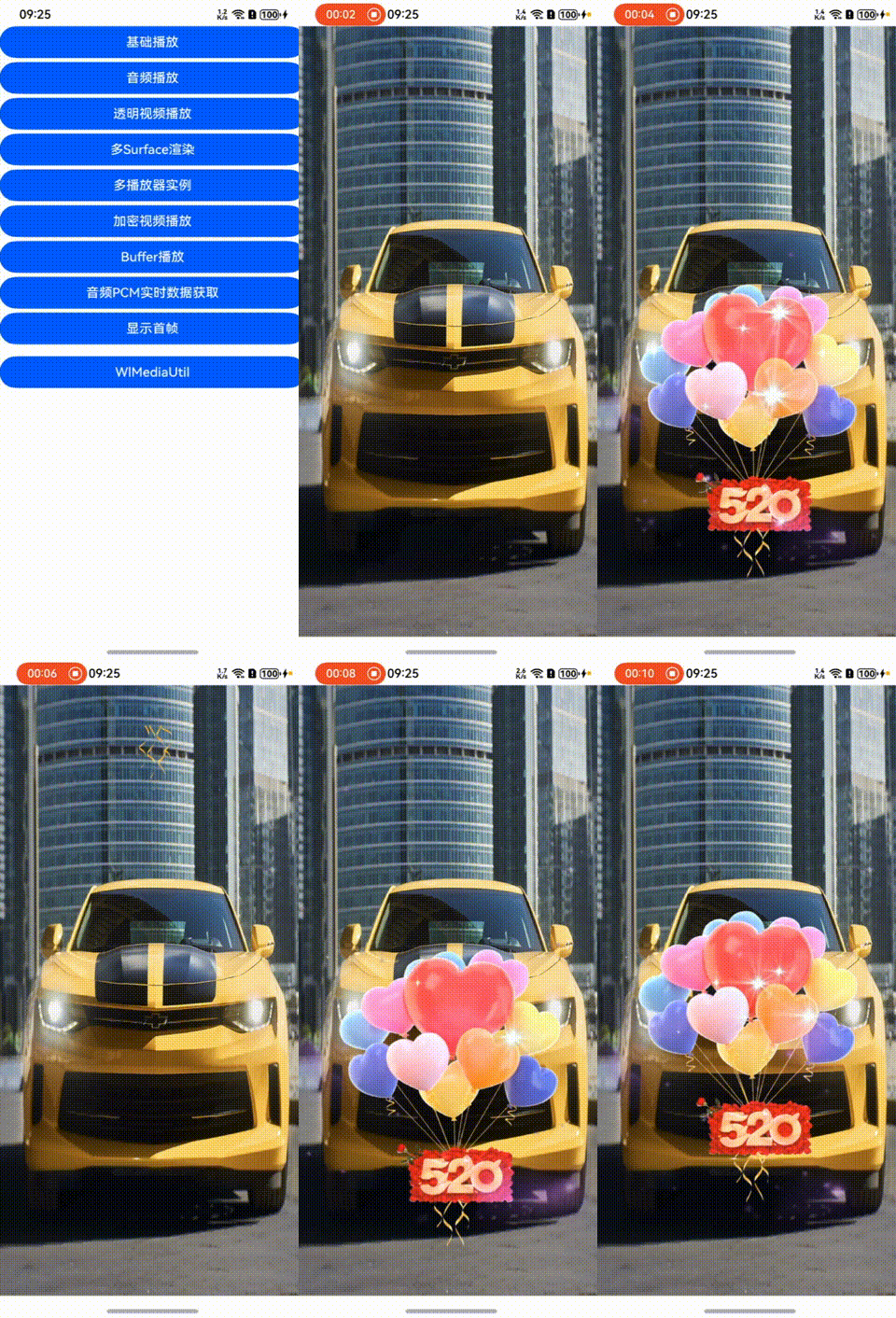 |
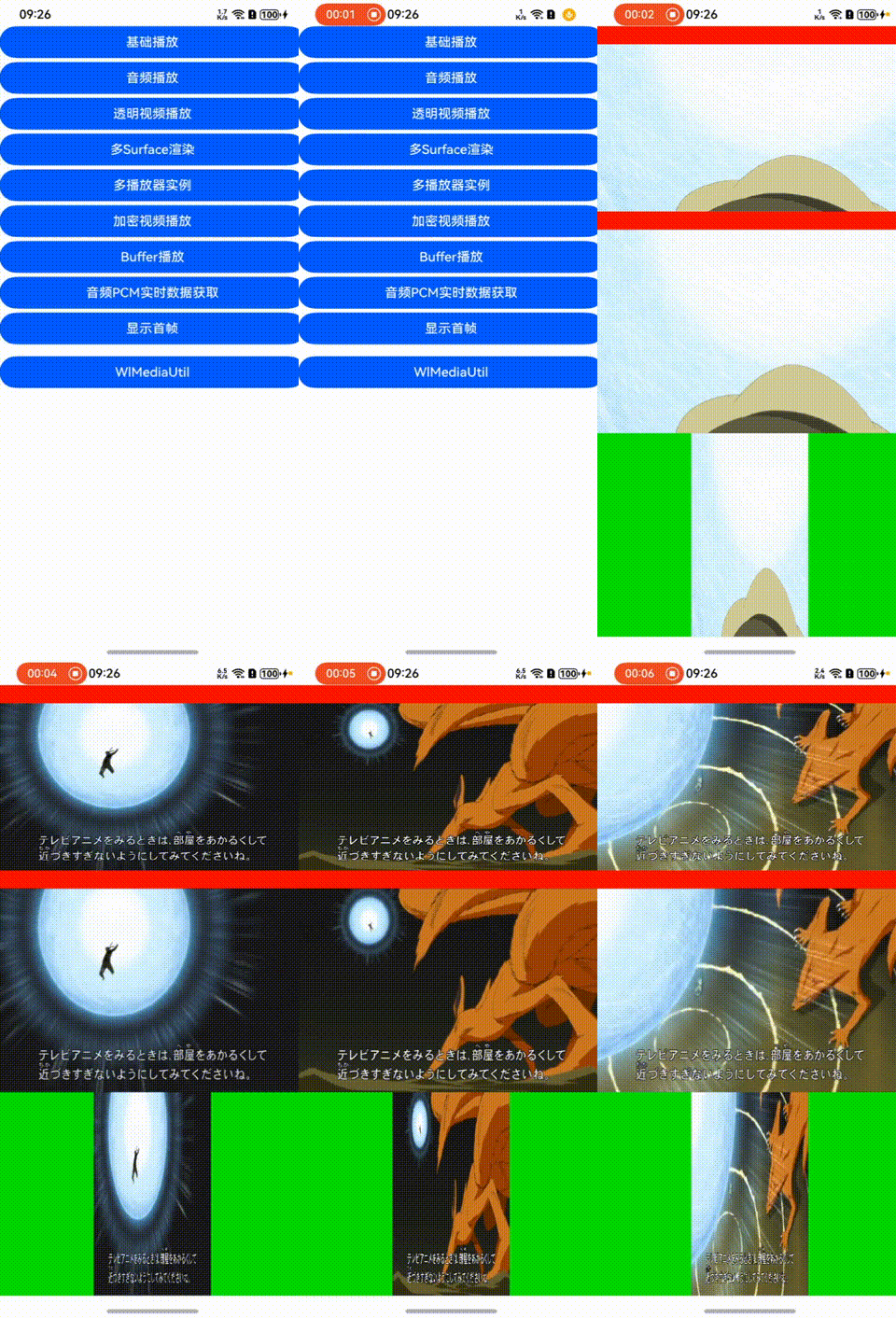 |
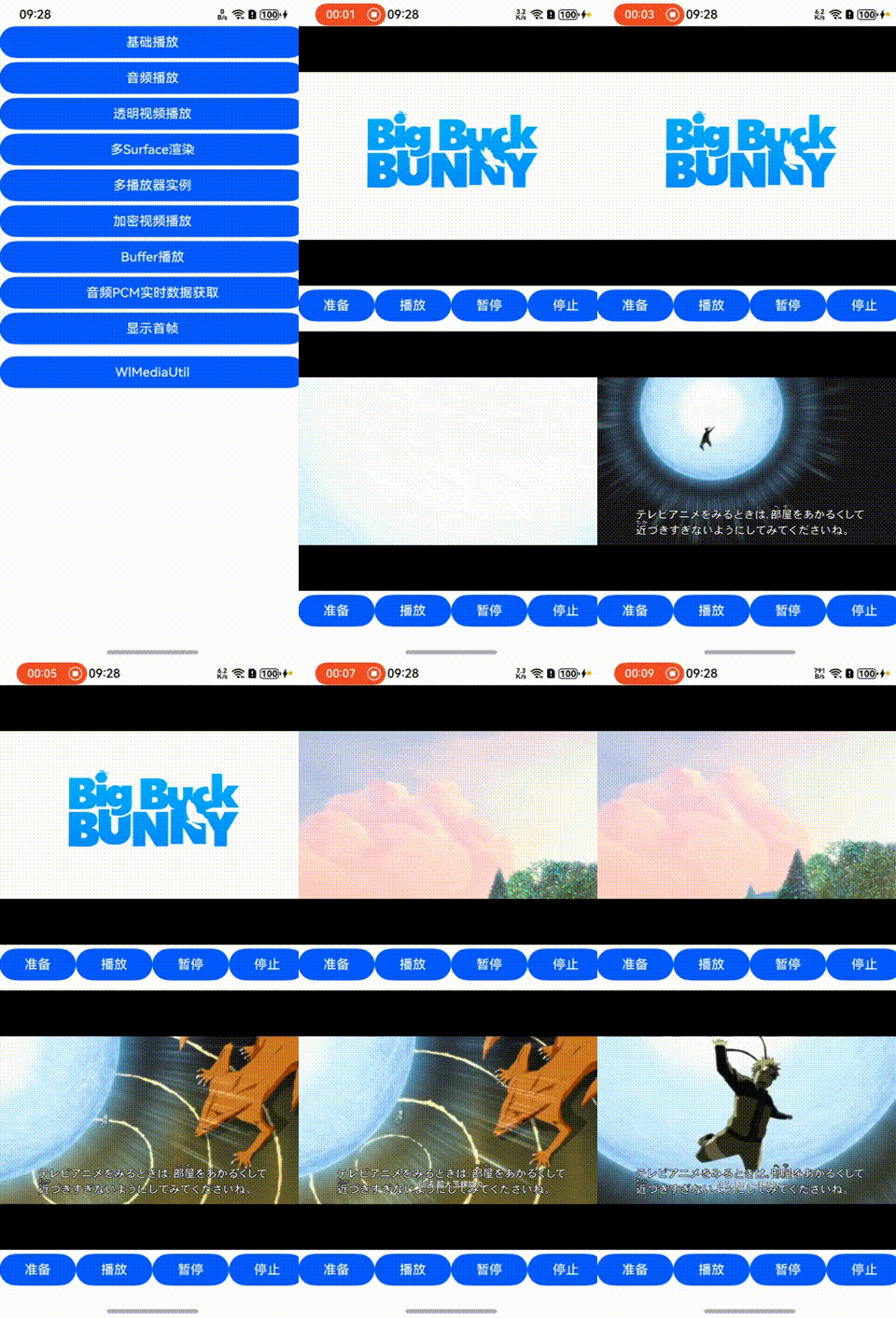 |
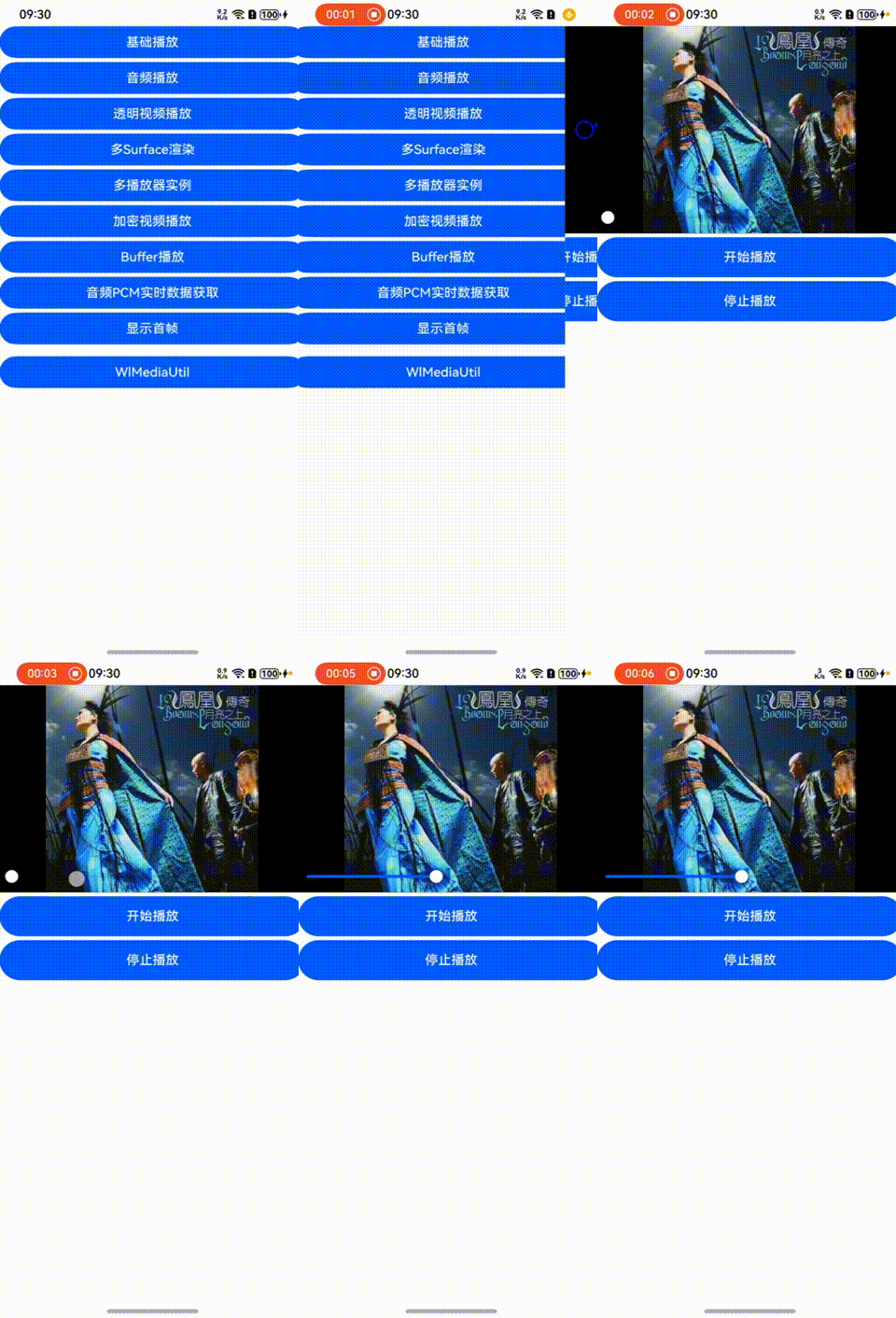 |
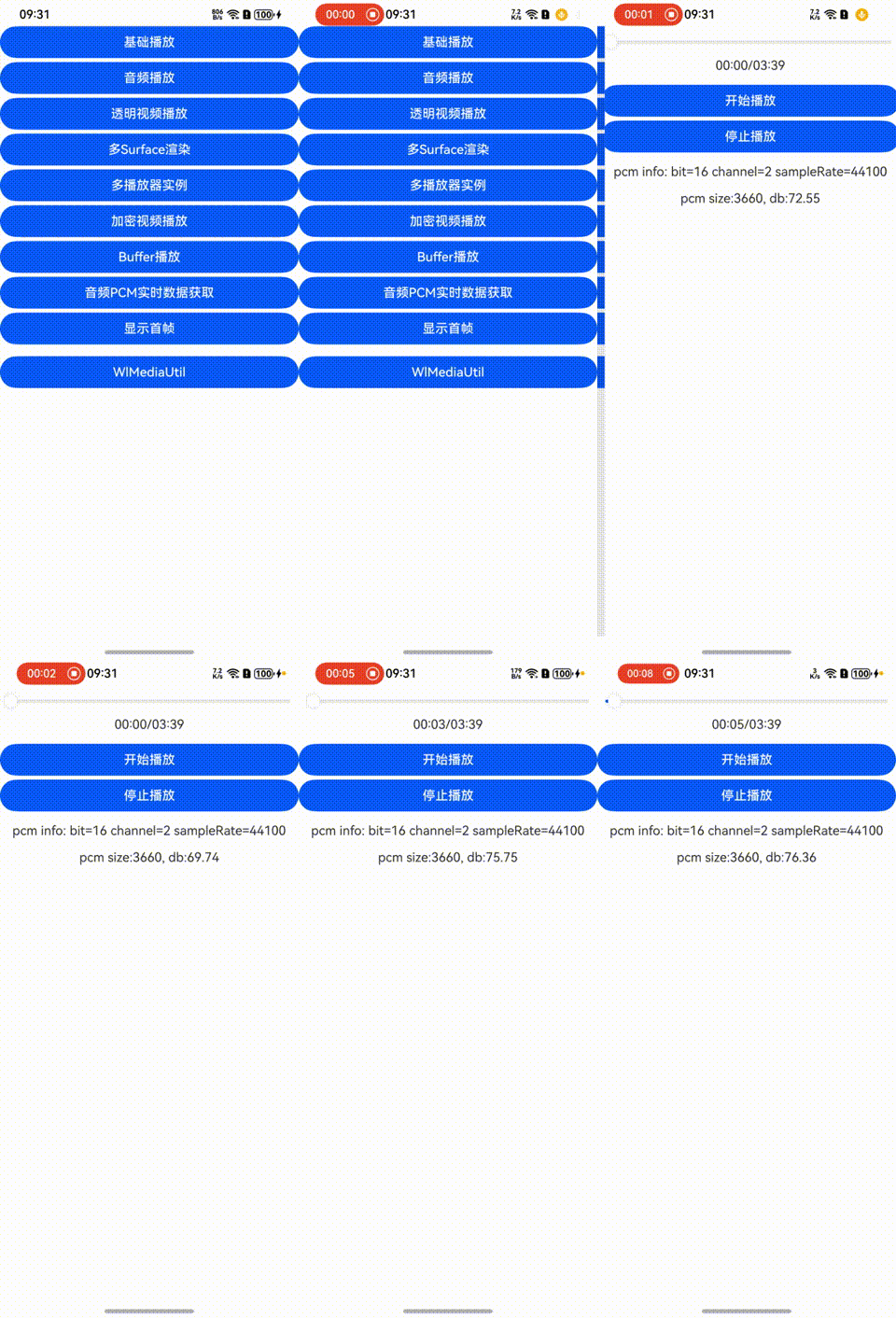 |
III. Performance Comparison
Android
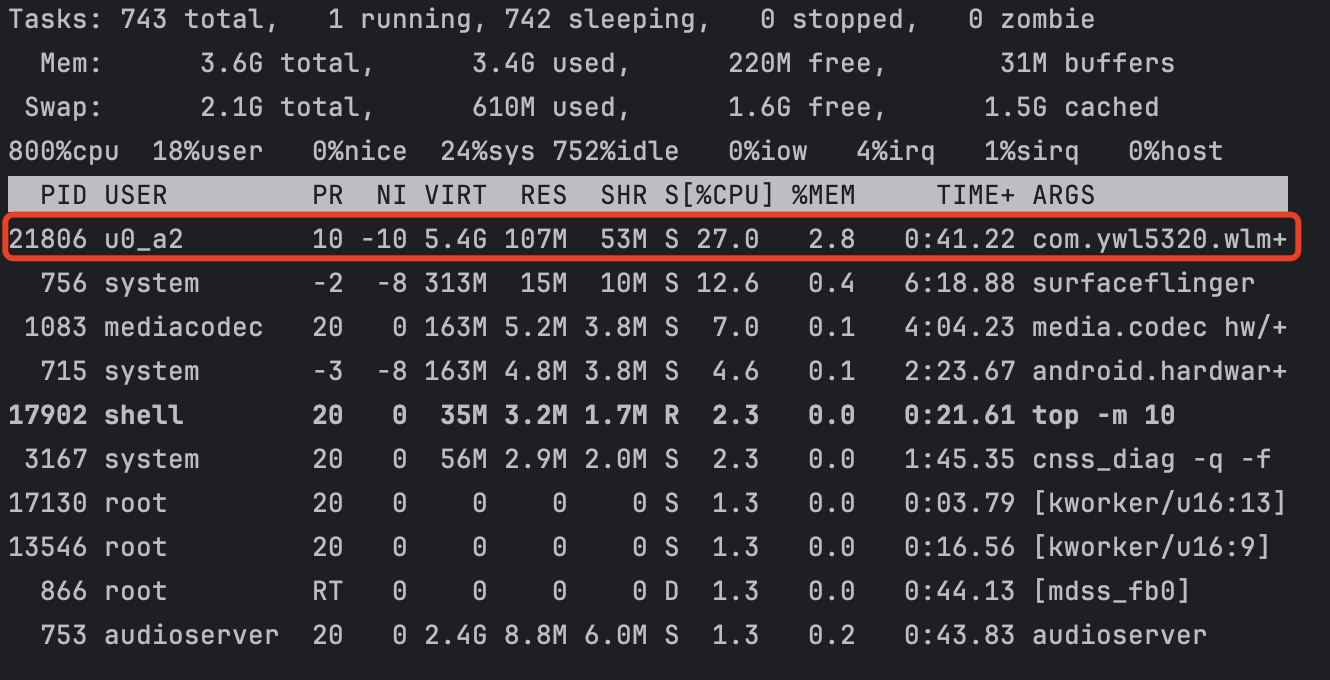
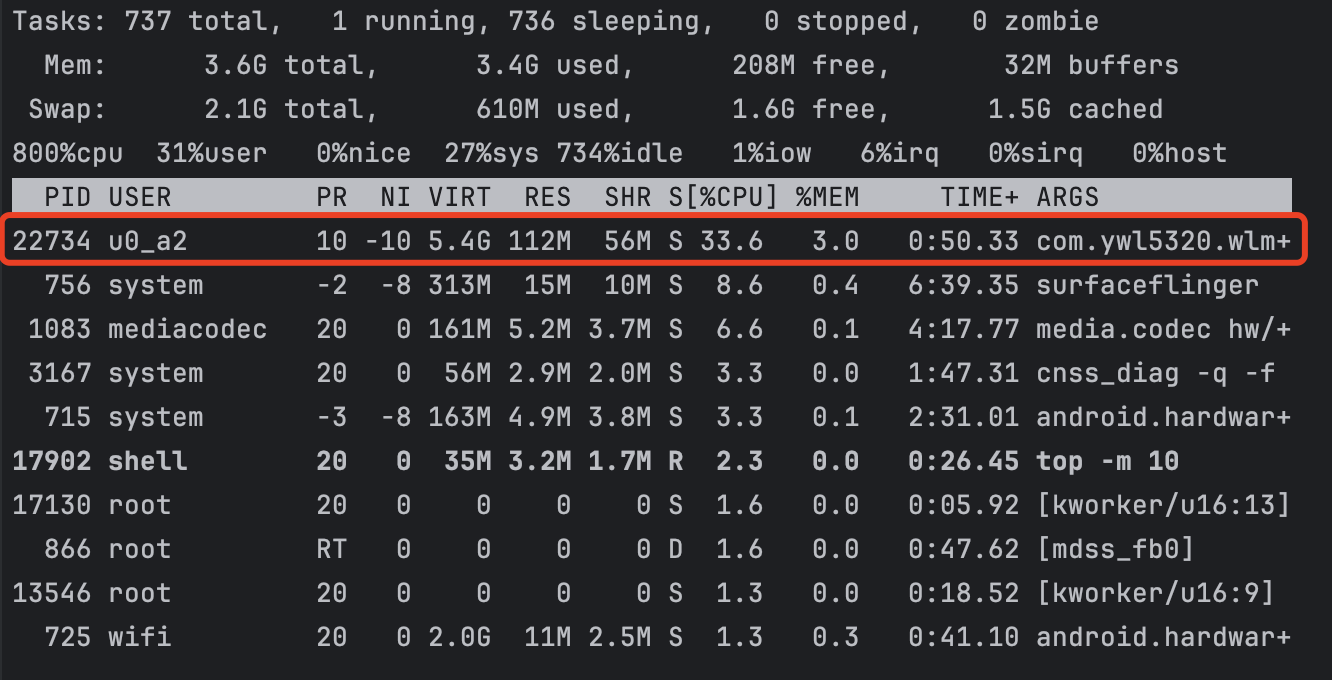
vs. ExoPlayer
- Device: Xiaomi Redmi Note 7
- Media:
big_buck_bunny_cut.mp4
| ExoPlayer | wlplayer (no OpenGL) | wlplayer (OpenGL) | wlplayer Realtime |
|---|---|---|---|
 |
 |
 |
 |
IV. Integration Guide
4.1 Android
4.1.1 Gradle 
allprojects {
    repositories {
        ...
        maven { url 'https://jitpack.io' }
    }
}

dependencies {
    implementation 'com.github.ywl5320:wlmedia:4.2.0'
}
4.1.2 Required Permissions
<uses-permission android:name="android.permission.READ_EXTERNAL_STORAGE"/>
<uses-permission android:name="android.permission.INTERNET"/>
4.1.3 Configure NDK ABIs
defaultConfig {
    ...
    ndk {
        abiFilter("armeabi-v7a")
        abiFilter("arm64-v8a")
        abiFilter("x86")
        abiFilter("x86_64")
    }
    ...
}
4.1.4 Set Up Surface
<!-- WlSurfaceView for general playback -->
<com.ywl5320.wlmedia.widget.WlSurfaceView
    android:id="@+id/wlsurfaceview"
    android:layout_width="match_parent"
    android:layout_height="match_parent" />

<!-- WlTextureView for transparency, rotation, etc. -->
<com.ywl5320.wlmedia.widget.WlTextureView
    android:id="@+id/wltextureview"
    android:layout_width="match_parent"
    android:layout_height="match_parent" />
4.1.5 Basic Usage (See Full Demo)
// 1. Create player
WlPlayer wlPlayer = new WlPlayer();
wlPlayer.setOnMediaInfoListener(new WlOnMediaInfoListener() {
    @Override
    public void onPrepared() {
        wlPlayer.start(); // Start playback after preparation
    }

    @Override
    public void onTimeInfo(double currentTime, double bufferTime) {
        // Time progress callback
    }

    @Override
    public void onComplete(WlCompleteType type, String msg) {
        switch (type) {
            case WL_COMPLETE_EOF: // Normal EOF
            case WL_COMPLETE_ERROR: // Playback error (see msg)
            case WL_COMPLETE_HANDLE: // Stopped by wlPlayer.stop()
            case WL_COMPLETE_NEXT: // Media switched during playback
            case WL_COMPLETE_TIMEOUT: // Timeout
            case WL_COMPLETE_LOOP: // Loop restart
                break;
        }
    }

    @Override
    public void onLoad(WlLoadStatus status, int progress, long speed) {
        switch (status) {
            case WL_LOADING_STATUS_START: // Loading started
            case WL_LOADING_STATUS_PROGRESS: // Loading progress
            case WL_LOADING_STATUS_FINISH: // Loading completed
                break;
        }
    }

    @Override
    public void onSeekFinish() {
        // Seek completed
    }

    @Override
    public void onFirstFrameRendered() {
        // First frame rendered
    }
});

// 2. Bind WlSurfaceView to player
WlSurfaceView wlSurfaceView = findViewById(R.id.wlsurfaceview);
wlSurfaceView.setWlPlayer(wlPlayer);
wlSurfaceView.setClearLastVideoFrame(false); // Keep last frame
wlSurfaceView.setVideoScale(WlScaleType.WL_SCALE_FIT); // Scaling mode
wlSurfaceView.setVideoRotate(WlRotateType.WL_ROTATE_90); // Rotation
wlSurfaceView.setVideoMirror(WlMirrorType.WL_MIRROR_TOP_BOTTOM); // Mirroring

// 3. Set data source and prepare
wlPlayer.setSource(url);
wlPlayer.prepare();
Android More Doc
4.2 HarmonyOS
4.2.1 Install SDK Package
ohpm i @ywl5320/libwlmedia
4.2.2 Required Permissions
// module.json5
"requestPermissions": [
    { "name": "ohos.permission.INTERNET" }
]
4.2.3 Configure XComponentController
let wlPlayer: WlPlayer = new WlPlayer();
let wlComponentController: WlComponentController = new WlComponentController(this.wlPlayer);
...
XComponent({
    type: XComponentType.SURFACE,
    controller: this.wlComponentController
})
.width('100%')
.height('100%')
...
4.2.4 Basic Usage (See Full Demo)
@Entry
@Component
struct Index {
    private wlPlayer: WlPlayer | null = null;
    private wlComponentController: WlComponentController | null = null;

    aboutToAppear(): void {
        this.wlPlayer = new WlPlayer();
        this.wlPlayer.setOnMediaInfoListener({
            onPrepared: (): void => {
                this.wlPlayer?.start();
            },
            onTimeInfo: (currentTime: number, bufferTime: number): void => {
                // Time progress
            },
            onComplete: (type: WlCompleteType, msg: string): void => {
                // Handle completion types
            },
            onLoadInfo: (status: WlLoadStatus, progress: number, speed: number): void => {
                // Loading status
            },
            onFirstFrameRendered: (): void => {
                // First frame rendered
            },
            onSeekFinish: (): void => {
                // Seek completed
            },
            onAudioInterrupt: (type: WlAudioInterruptType, hint: WlAudioInterruptHint) => {
                // Audio interruption handling
            }
        });
        this.wlComponentController = new WlComponentController(this.wlPlayer);
        this.wlPlayer.setClearLastVideoFrame(this.wlComponentController.getUniqueNum(), false);
    }

    onBackPress(): boolean | void {
        this.wlPlayer?.release(); // Release resources
    }

    build() {
        Column() {
            XComponent({
                type: XComponentType.SURFACE,
                controller: this.wlComponentController
            })
            .onLoad(() => {
                this.wlPlayer?.setSource(this.filesDir + "/huoying_cut.mkv");
                this.wlPlayer?.prepare();
            })
            .width('100%')
            .height('100%')
        }
    }
}
OHOS More DOC
V. Licensing
WlMedia is licensed per app (by package name) with Free and Paid tiers.
Free Tier
- Video contains a
wlmediawatermark. All other features are unrestricted.
Paid Tier
- Remove watermark and request custom builds. Contact via email:
- Email: [email protected]
VI. Discussion Group (QQ: 1085618246)

VII. Core Libraries
Update By:ywl5320 2025-04-05
Create By:ywl5320 2019-12-16
Explore related projects
ytdl-org/youtube-dl
Command-line program to download videos from YouTube.com and other video sites
141,500 starsexcalidraw/excalidraw
Virtual whiteboard for sketching hand-drawn like diagrams
135,396 starsgodotengine/godot
Godot Engine – Multi-platform 2D and 3D game engine
119,840 starsmrdoob/three.js
JavaScript 3D Library.
117,983 stars