ynqa/promkit
ynqa/promkit has 472 GitHub stars and 11 forks. GitHot measured 0 stars in 24 hours. Last checked 2026-11-14 18:58 UTC. Last push 2026-09-26.
What you can do
- Application-owned composition — Implement the Prompt lifecycle and combine only the widget states an application needs. Key bindings, focus, validation, background work, and other event policy remain in the application instead of framework-owned presets.
- Optional runtime and terminal lifecycle — Use the asynchronous prompt runtime when useful, and independently manage raw mode, the alternate screen, cursor visibility, and mouse capture with TerminalSession.
- Viewport-aware rendering — promkit-core handles wrapping or truncation, vertical pane allocation, cursor scrolling, clipping, resizing, and screen-to-widget hit testing.
- Reusable widget states — promkit-widgets provides text editing and display, list and checkbox selection, prefix search, spinners, trees, JSON and YAML documents, and CSV tables.
Measured star growth
- in 24h
- 0
- in 7 days
- Collecting history
- in 15 days
- Collecting history
- in 1 month
- Collecting history
Net star changes over overlapping periods, not daily totals. Missing measurements are left blank. Stars measure attention, not software quality.
About
Make interactive prompt in Rust
Developer ToolsREADME.md
Originalpromkit


A toolkit for building your own interactive prompt in Rust.
Getting Started
Put the package in your Cargo.toml.
[dependencies]
promkit = { version = "0.17.0", features = ["runtime", "texteditor"] }
Features
- Application-owned composition — Implement the
Promptlifecycle and combine only the widget states an application needs. Key bindings, focus, validation, background work, and other event policy remain in the application instead of framework-owned presets. - Optional runtime and terminal lifecycle — Use the asynchronous prompt
runtime when useful, and independently manage raw mode, the alternate screen,
cursor visibility, and mouse capture with
TerminalSession. - Viewport-aware rendering —
promkit-corehandles wrapping or truncation, vertical pane allocation, cursor scrolling, clipping, resizing, and screen-to-widget hit testing. - Reusable widget states —
promkit-widgetsprovides text editing and display, list and checkbox selection, prefix search, spinners, trees, JSON and YAML documents, and CSV tables. - Efficient large-content projection — JSON, YAML, and table widgets can project only the visible terminal viewport instead of rebuilding all content on every redraw.
- Feature-gated modules — No Cargo features are enabled by default. Choose the runtime, terminal session, capabilities, and individual widgets needed by the application.
- Cross-platform terminal support — UNIX and Windows are supported through crossterm.
Concept
See here.
Projects using promkit
Examples/Demos
promkit provides a runtime and reusable widgets for building interactive terminal applications. The examples own their event policies and demonstrate how applications can compose the widgets they need.
Table of contents
| Example | Description |
|---|---|
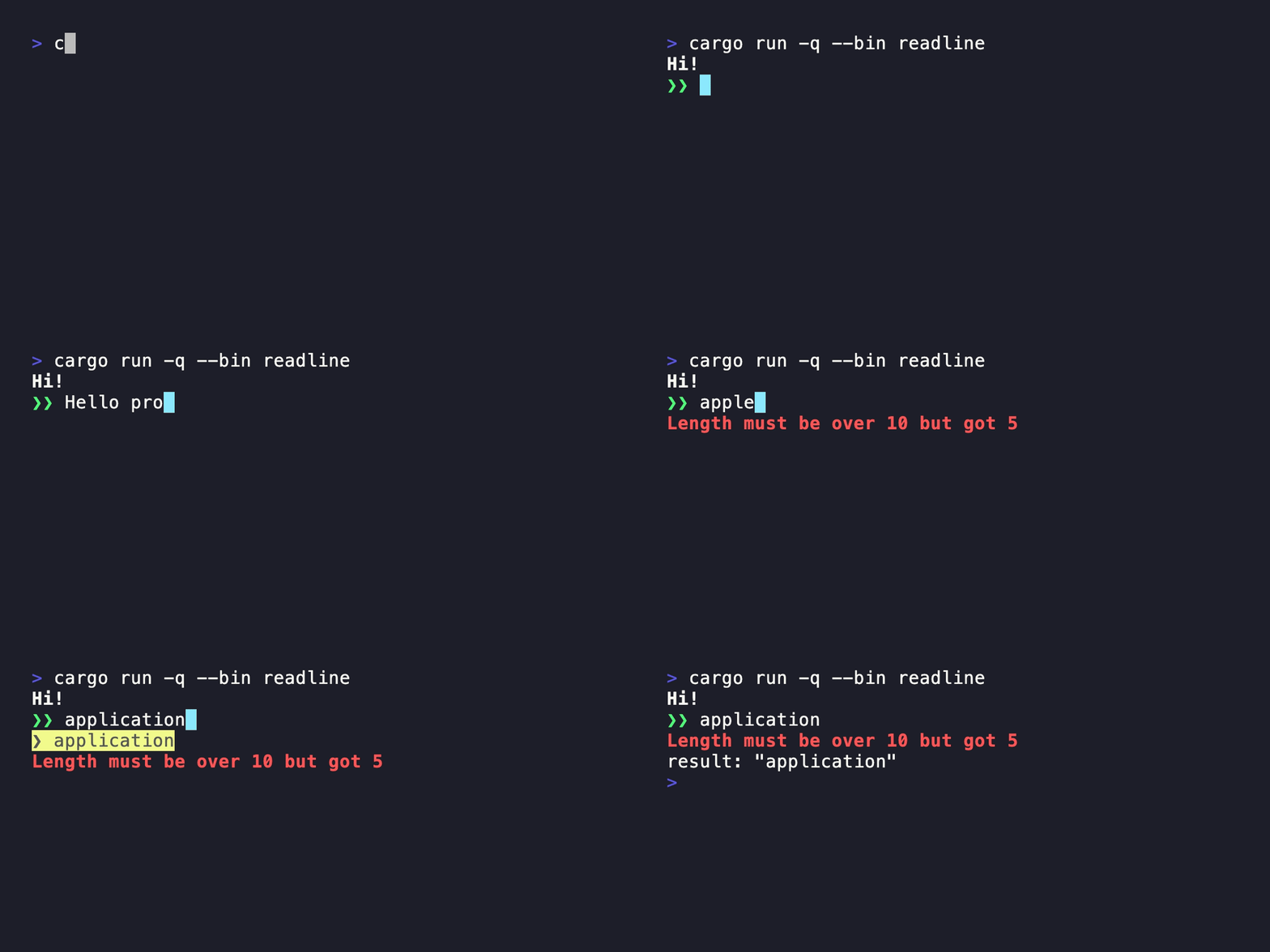
| Readline | Single-line editing with history and completion |
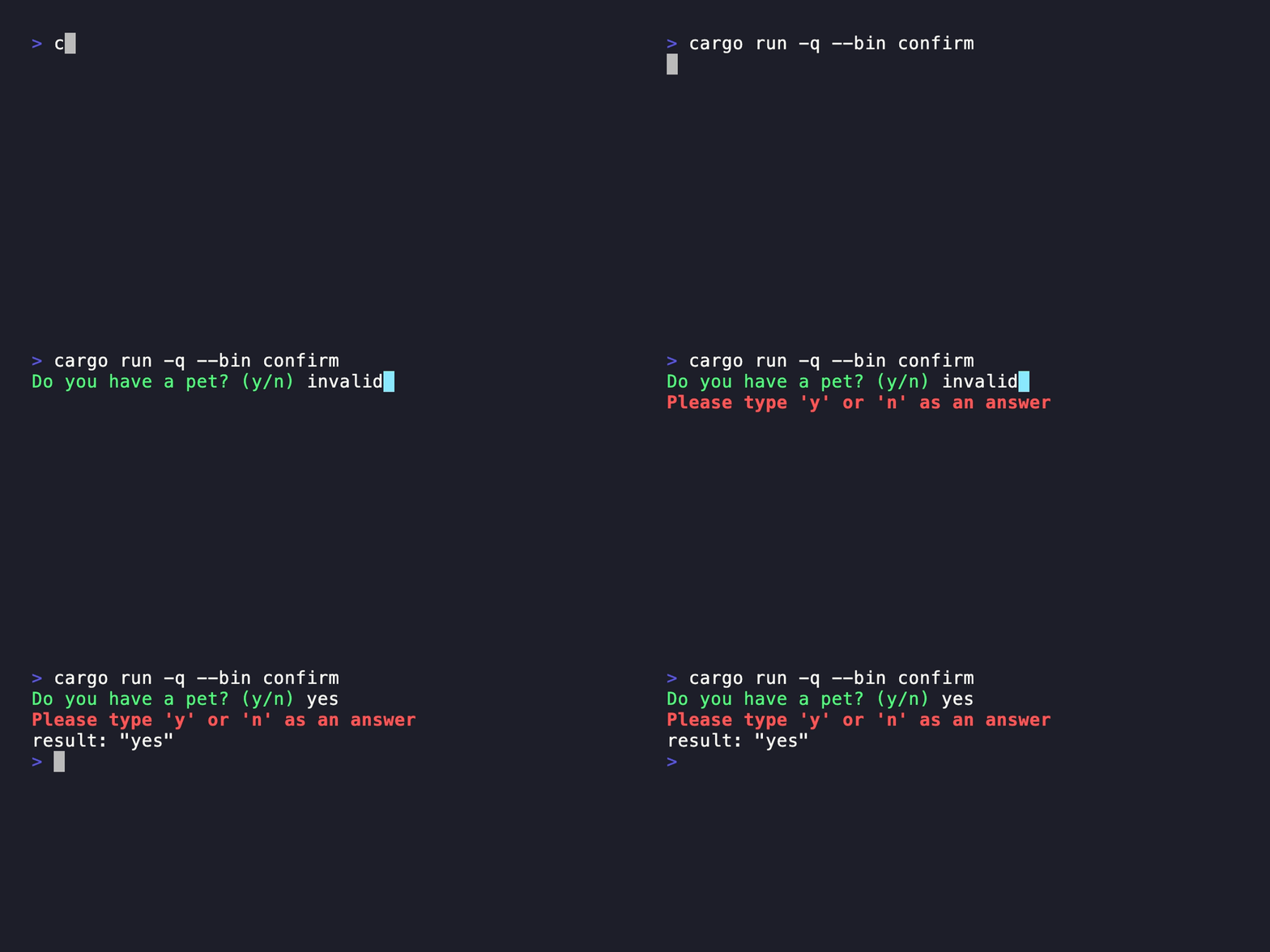
| Confirm | Validated yes-or-no input |
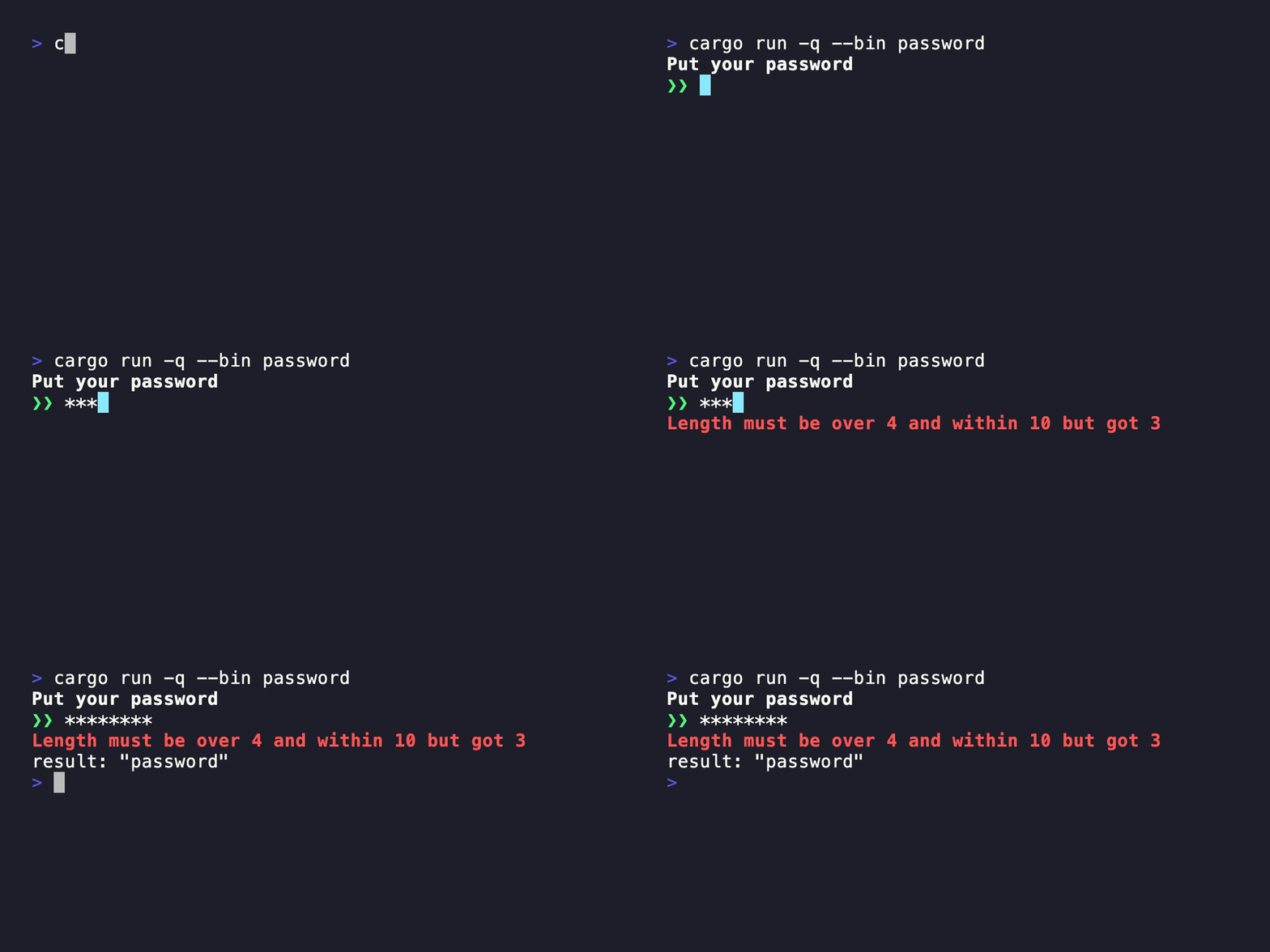
| Password | Masked input with validation |
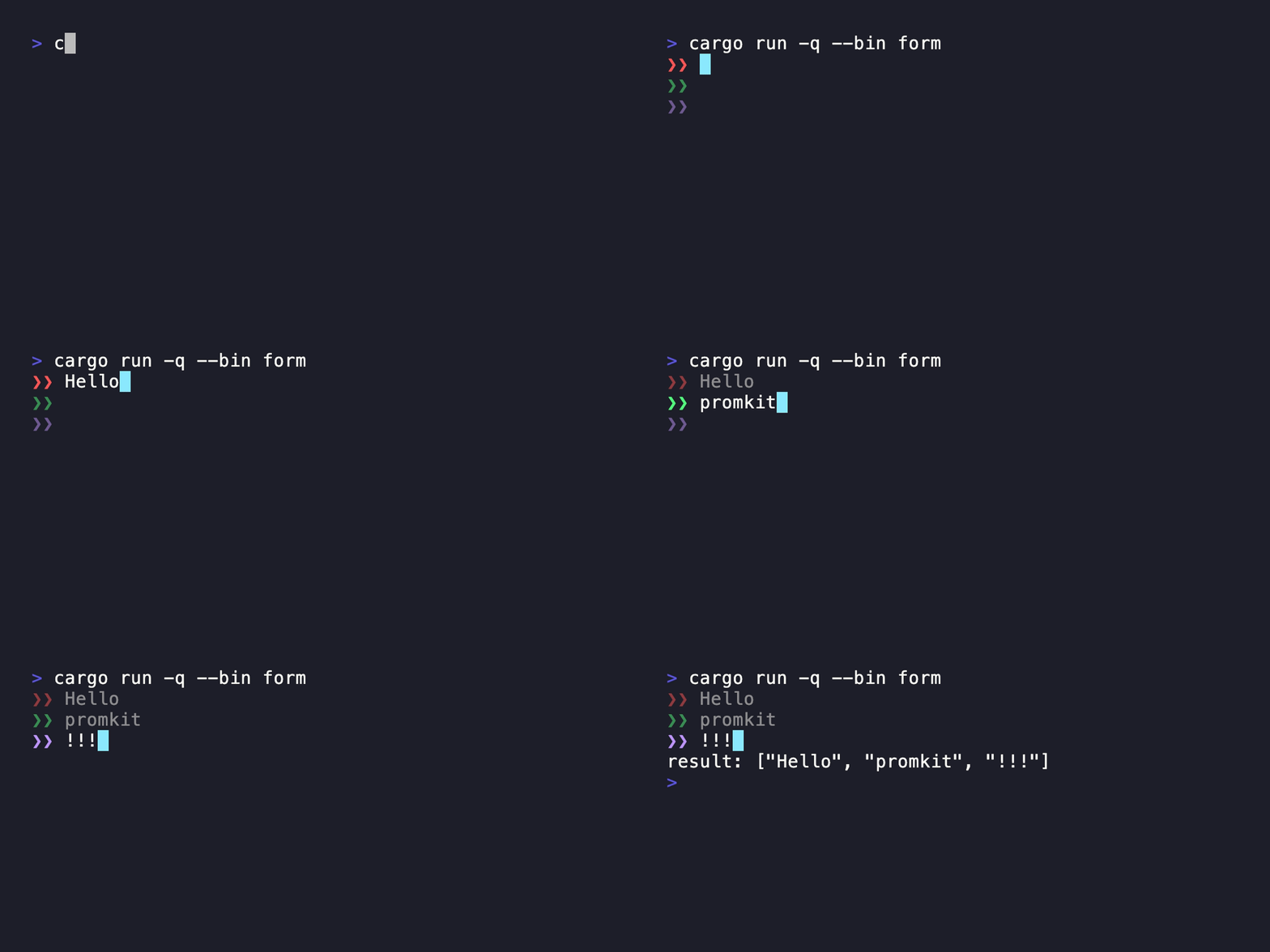
| Form | Multiple editable fields in one prompt |
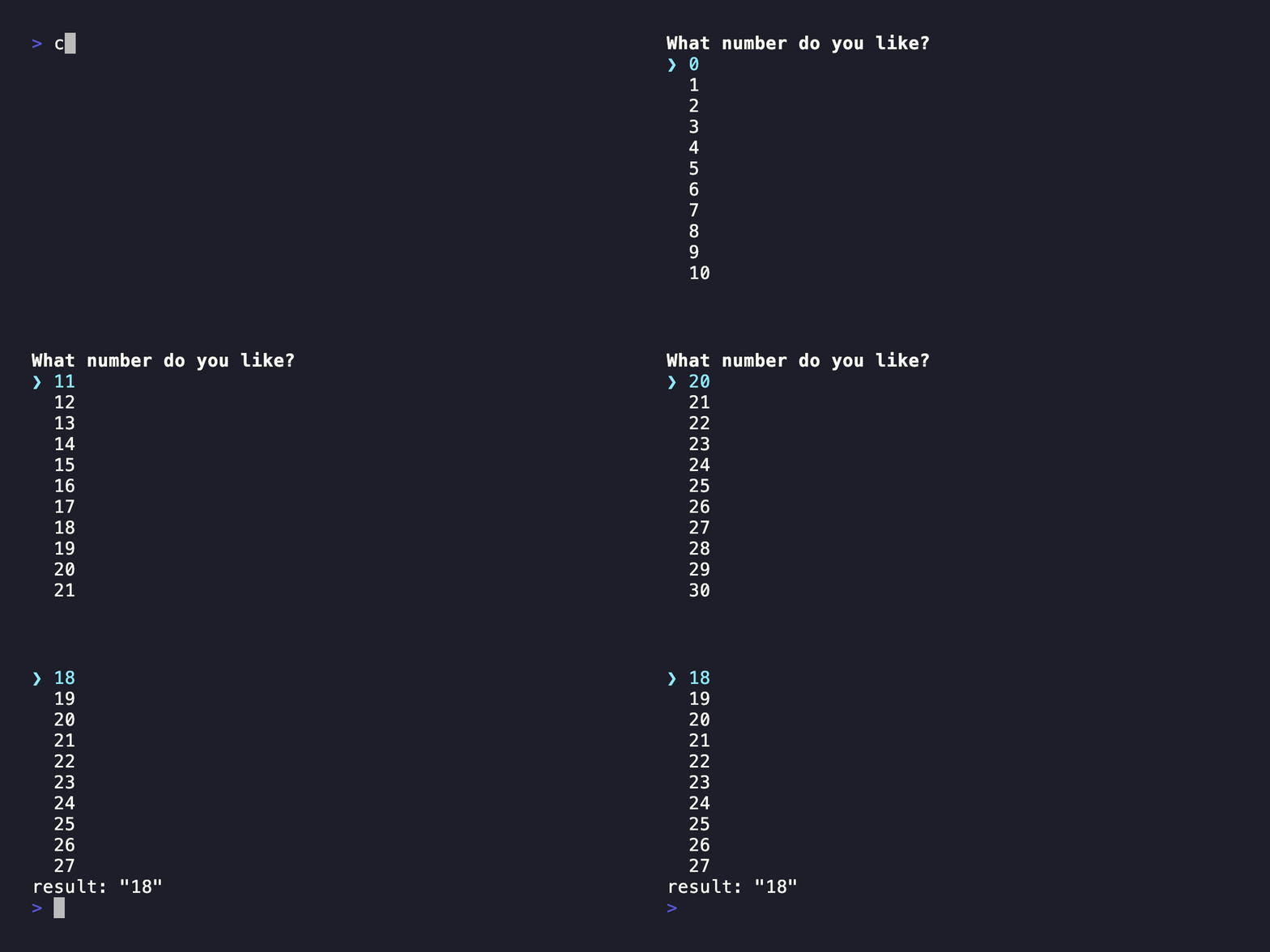
| Listbox | Keyboard-driven single selection |
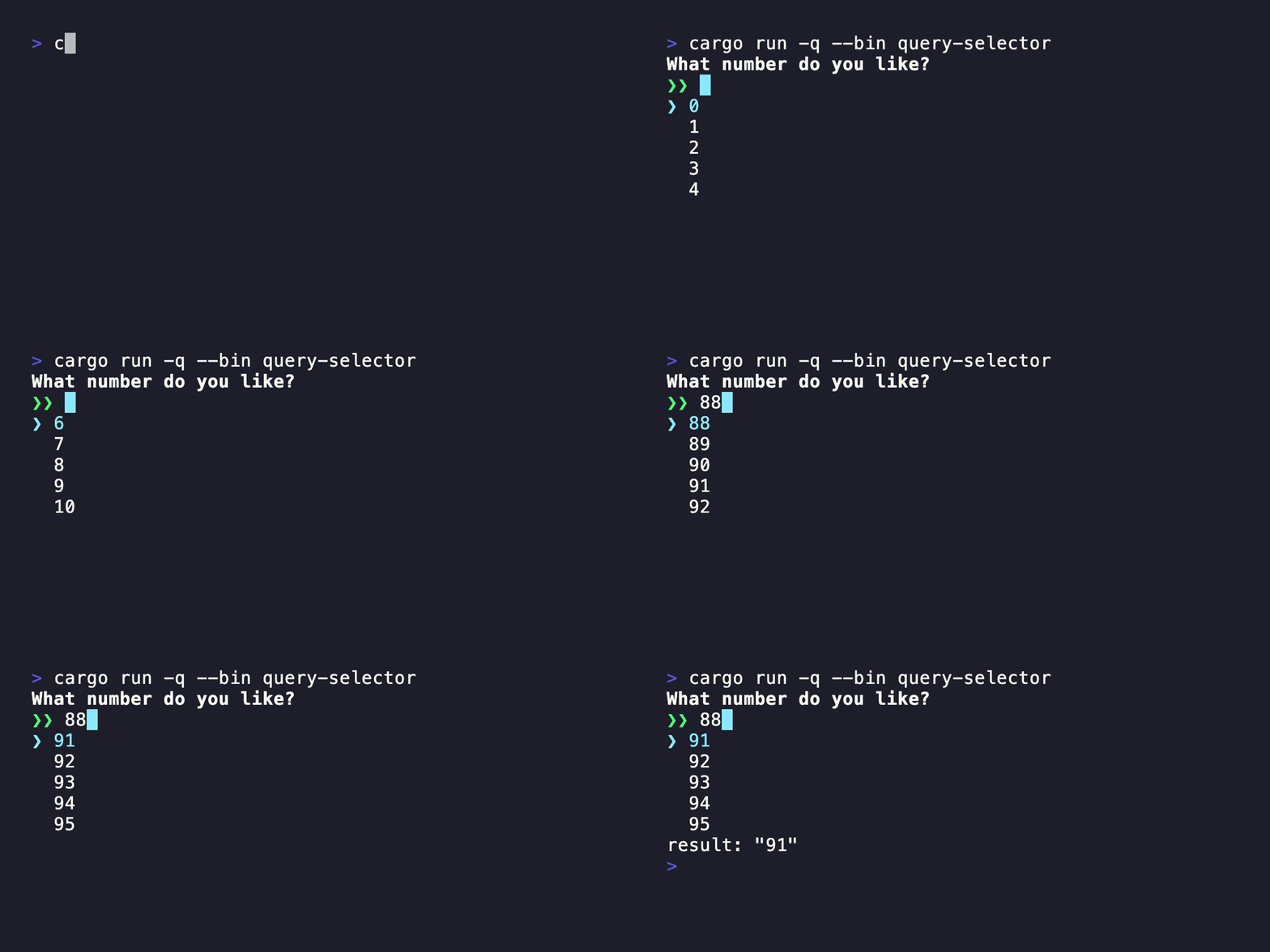
| QuerySelector | Prefix search over selectable candidates |
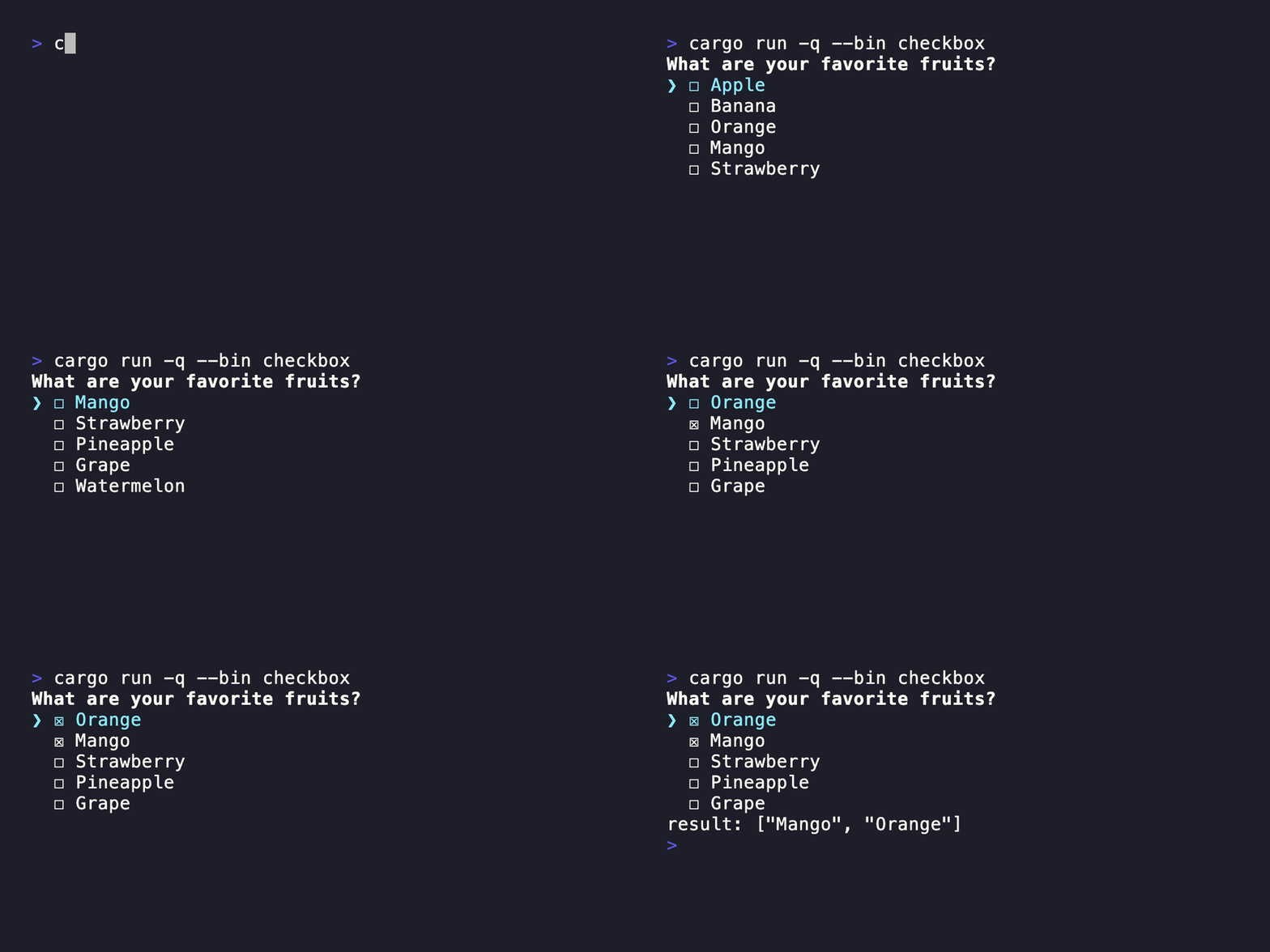
| Checkbox | Keyboard-driven multiple selection |
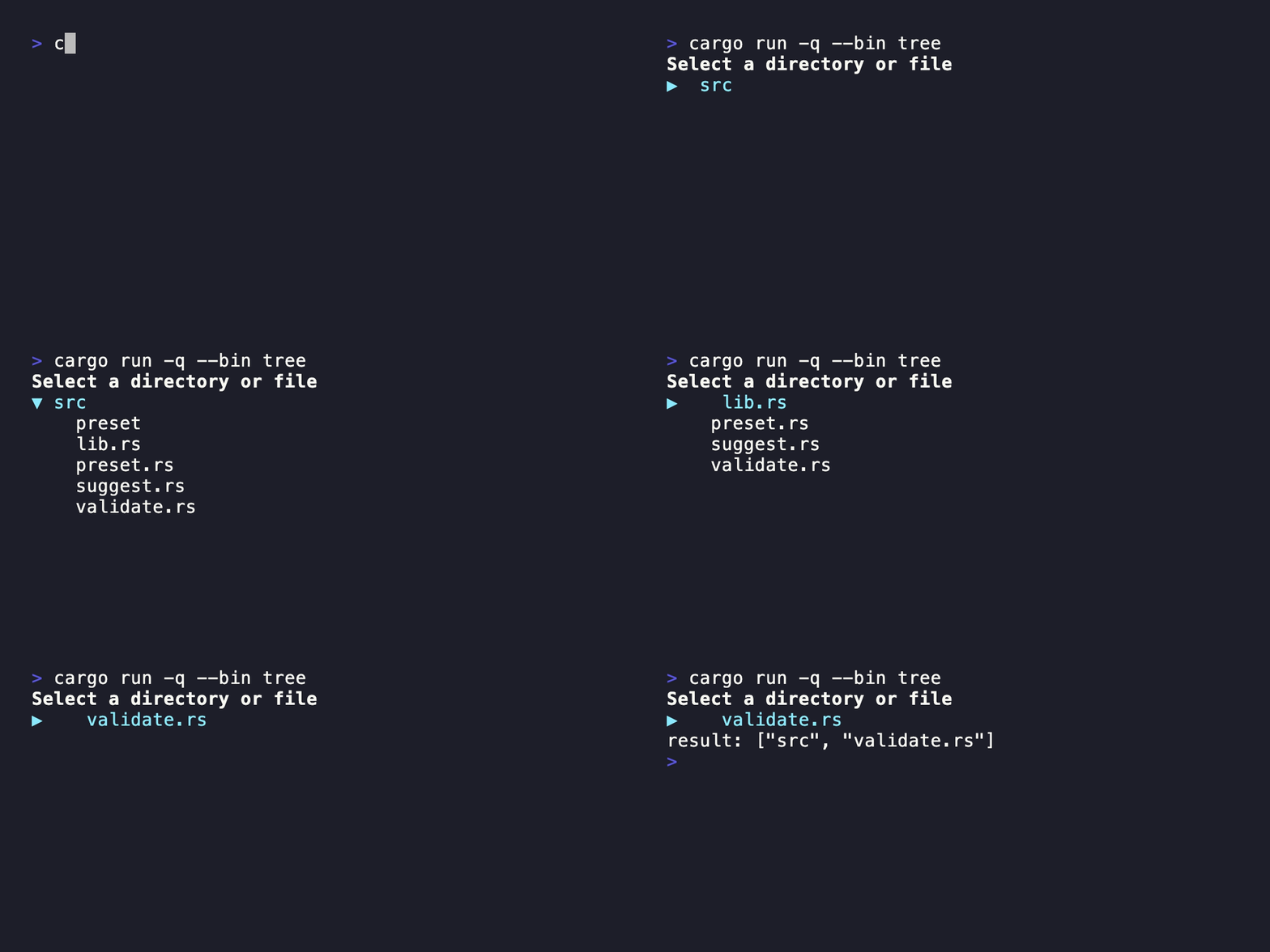
| Tree | Navigation and folding for hierarchical data |
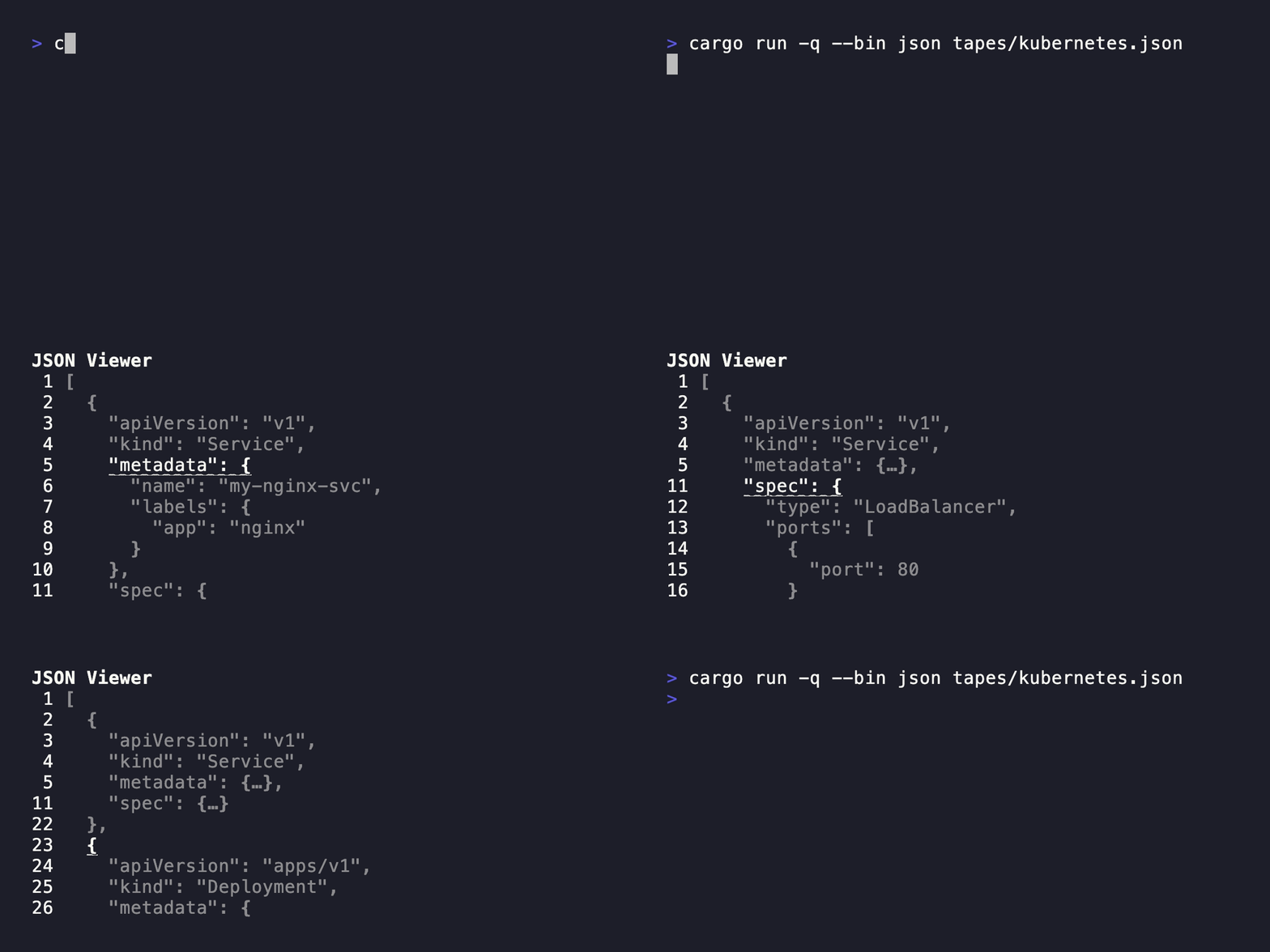
| JSON | Line-numbered navigation and folding for JSON |
| YAML | Line-numbered navigation and folding for YAML |
| CSV | Vertical and horizontal navigation for tabular data |
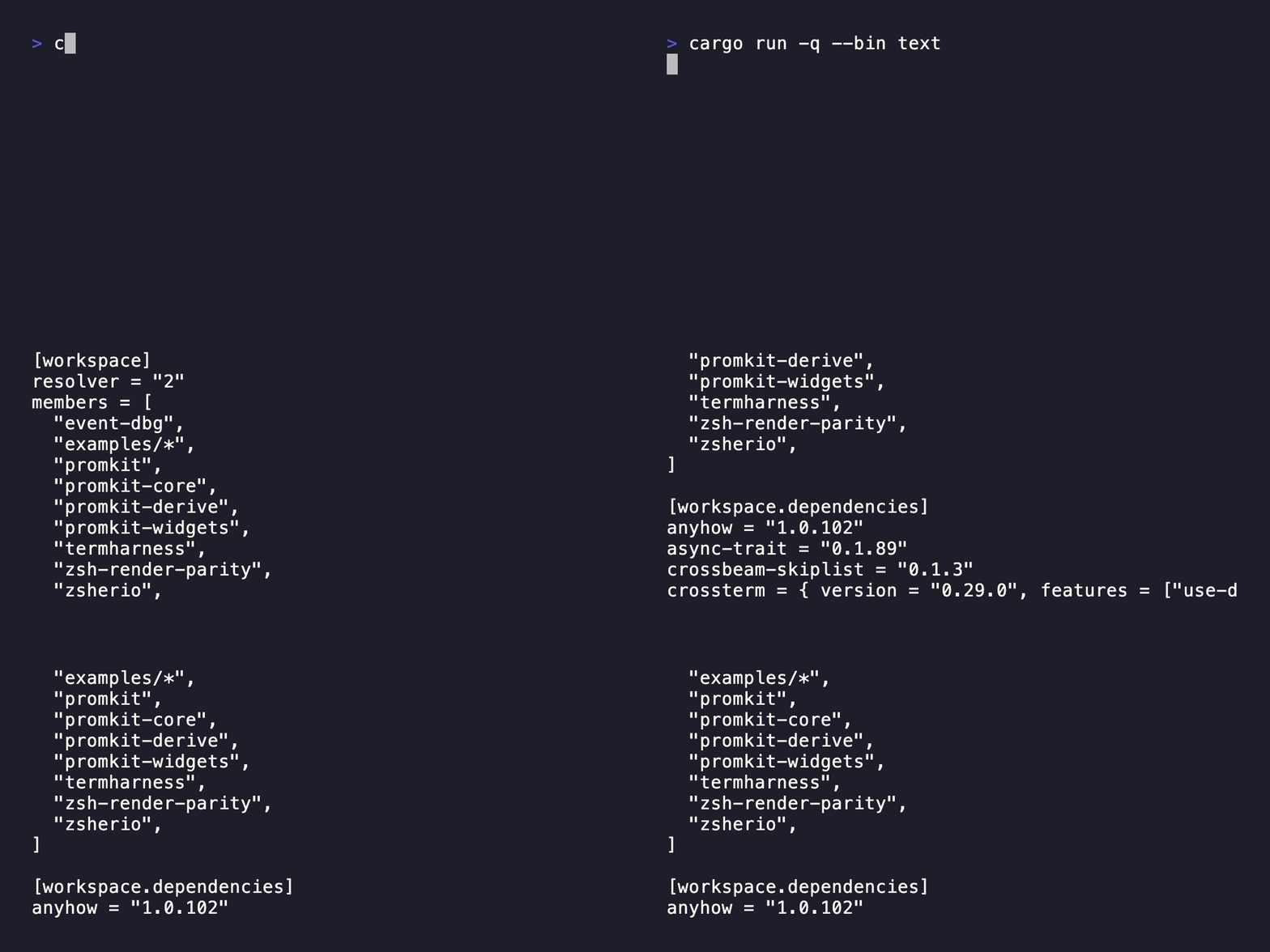
| Text | Scrollable styled text |
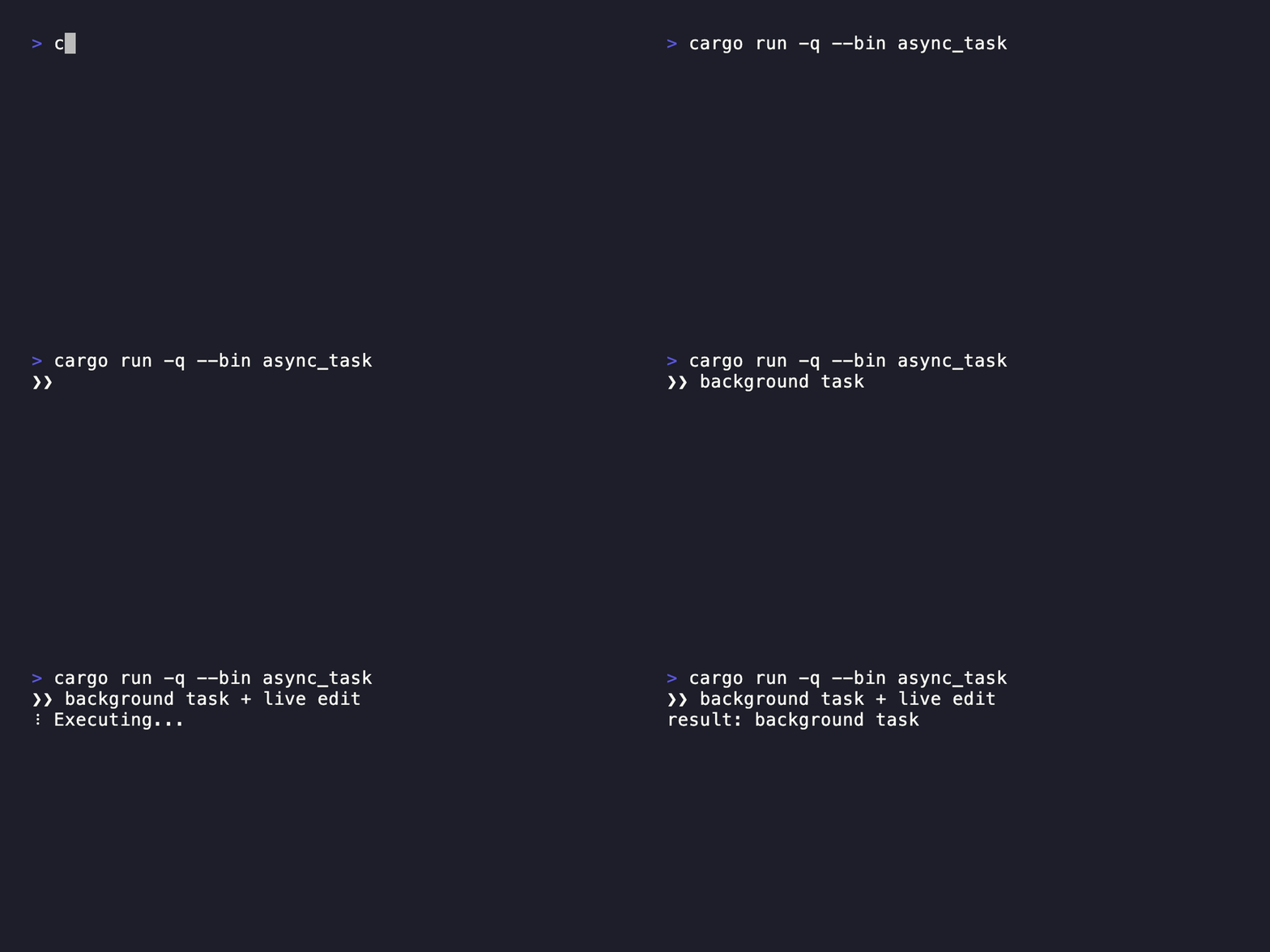
| Async Task with Spinner | Background work with live input and progress feedback |
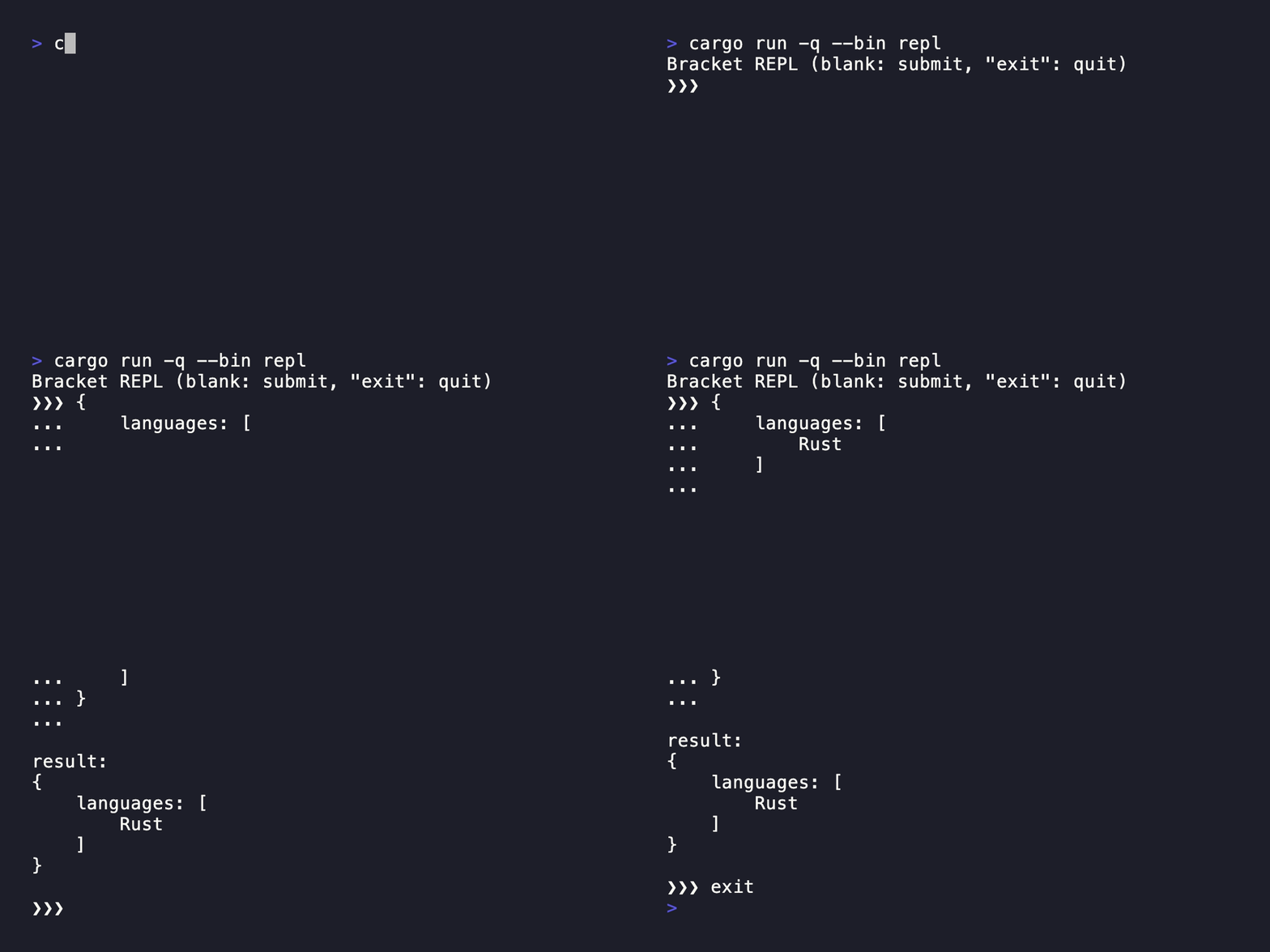
| Multiline REPL | Multiline editing in an interactive loop |
Each section includes a command, source link, and recorded demo.
Demo GIFs and their VHS tapes are stored in tapes/.
Regenerate them with bash scripts/render_tapes_gif.sh (requires VHS).
Readline
Command
cargo run --bin readline
Confirm
Command
cargo run --bin confirm
Password
Command
cargo run --bin password
Form
Command
cargo run --bin form
Listbox
Command
cargo run --bin listbox
QuerySelector
Command
cargo run --bin query-selector
Checkbox
Command
cargo run --bin checkbox
Tree
Command
cargo run --bin tree
JSON
Command
cargo run --bin json ${PATH_TO_JSON_FILE}
YAML
Command
cargo run --bin yaml ${PATH_TO_YAML_FILE}

CSV
Command
cargo run --bin csv ${PATH_TO_CSV_FILE}

Text
Command
cargo run --bin text
Advanced Examples
These examples demonstrate how to compose widgets and rendering primitives for application-specific event loops and asynchronous workflows.
Async Task with Spinner
Command
cargo run --bin async_task
Multiline REPL
Command
cargo run --bin repl