
yamadashy/github-deepwiki-button
yamadashy/github-deepwiki-button has 99 GitHub stars and 12 forks. GitHot measured 0 stars in 24 hours. Last checked 2026-11-16 19:58 UTC. Last push 2026-11-15.
Measured star growth
- in 24h
- 0
- in 7 days
- Collecting history
- in 15 days
- Collecting history
- in 1 month
- Collecting history
Net star changes over overlapping periods, not daily totals. Missing measurements are left blank. Stars measure attention, not software quality.
About
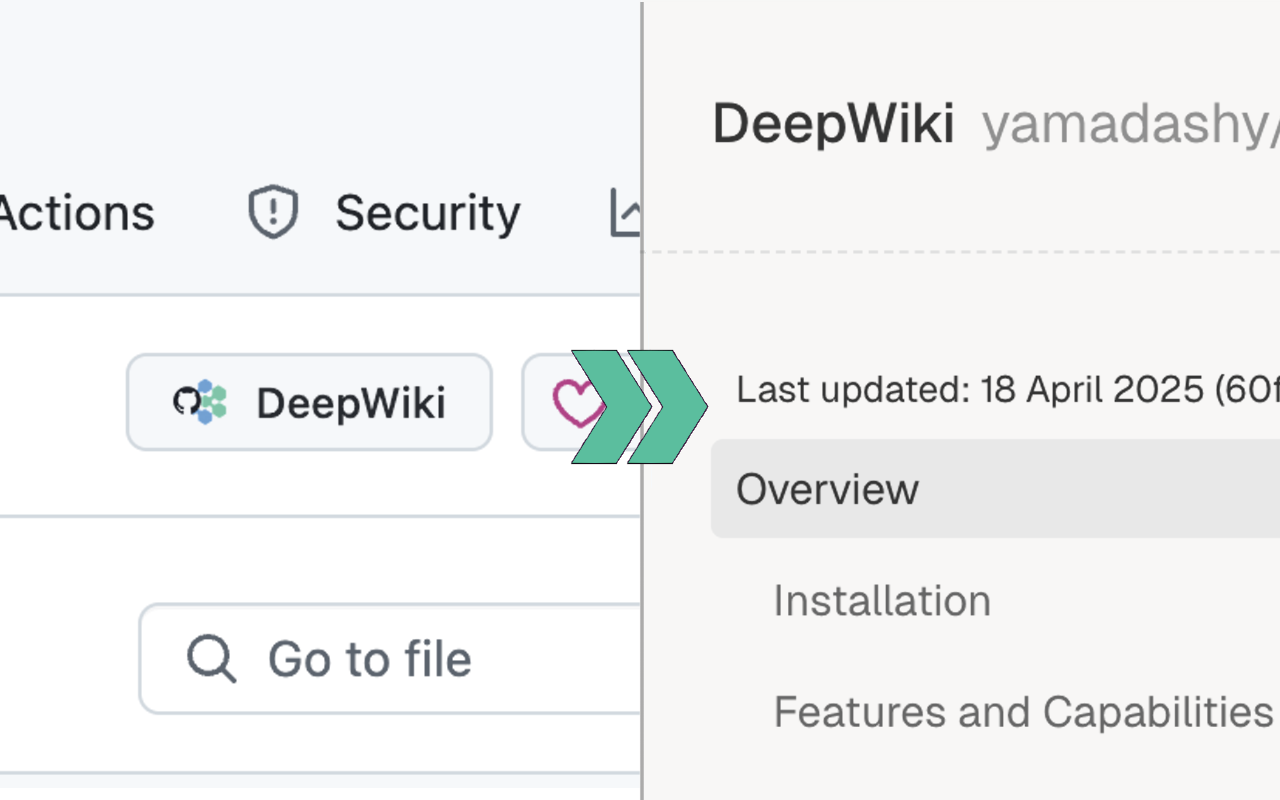
Add a [DeepWiki] button to quickly access DeepWiki from GitHub repositories
AIREADME.md
Original
DeepWiki Button for GitHub
A browser extension that adds a DeepWiki button to GitHub repositories


🚀 Get Started
Install
- Chrome: DeepWiki Button for GitHub - Chrome Web Store
- Firefox: DeepWiki Button for GitHub - Firefox Add-ons
- Edge: DeepWiki Button for GitHub - Microsoft Edge Addons
What is DeepWiki?
DeepWiki is a powerful AI documentation tool by Cognition. It generates comprehensive documentation for any GitHub repository and allows you to chat with it - all for free for open-source projects!
Just change github.com to deepwiki.com in any repository URL to access it.
🔒 Privacy Policy
DeepWiki Button for GitHub does not collect any data.
In the future, DeepWiki Button for GitHub may add the ability to save user settings on your device, but that data will not be sent to the server.
In addition, the DeepWiki Button for GitHub management account will not be transferred to a third party.
If you have any questions or inquiries regarding the privacy policy, please contact [email protected].
Revised: April 29, 2025
💻 Development
Node.js 22 or higher is required for development.
Setup
- Clone the repository:
git clone https://github.com/yamadashy/github-deepwiki-button.git cd github-deepwiki-button - Install Node.js 22 or higher (Node.js official site or nvm is recommended).
- Install dependencies:
npm install - Start the development server:
npm run dev
Main Commands
Development extension for each browser.
npm run dev chrome
npm run dev firefox
npm run dev edge
Build extension for each browser.
npm run build chrome
npm run build firefox
npm run build edge
Lint code.
npm run lint
📜 License
This project is licensed under the MIT License.