
xenlism/Grub-themes
xenlism/Grub-themes has 202 GitHub stars and 30 forks. GitHot measured 0 stars in 24 hours. Last checked 2026-11-18 10:42 UTC. Last push 2023-06-16.
Measured star growth
- in 24h
- 0
- in 7 days
- Collecting history
- in 15 days
- Collecting history
- in 1 month
- Collecting history
Net star changes over overlapping periods, not daily totals. Missing measurements are left blank. Stars measure attention, not software quality.
About
Grub Themes
Developer ToolsREADME.md
OriginalXenlism Grub Theme
Xenlism Grub Theme is a fork of Grub-theme-vimix. You can find the theme and more information here.
Supported Operating Systems
- Ubuntu Style
- Debian Style
- Arch Linux
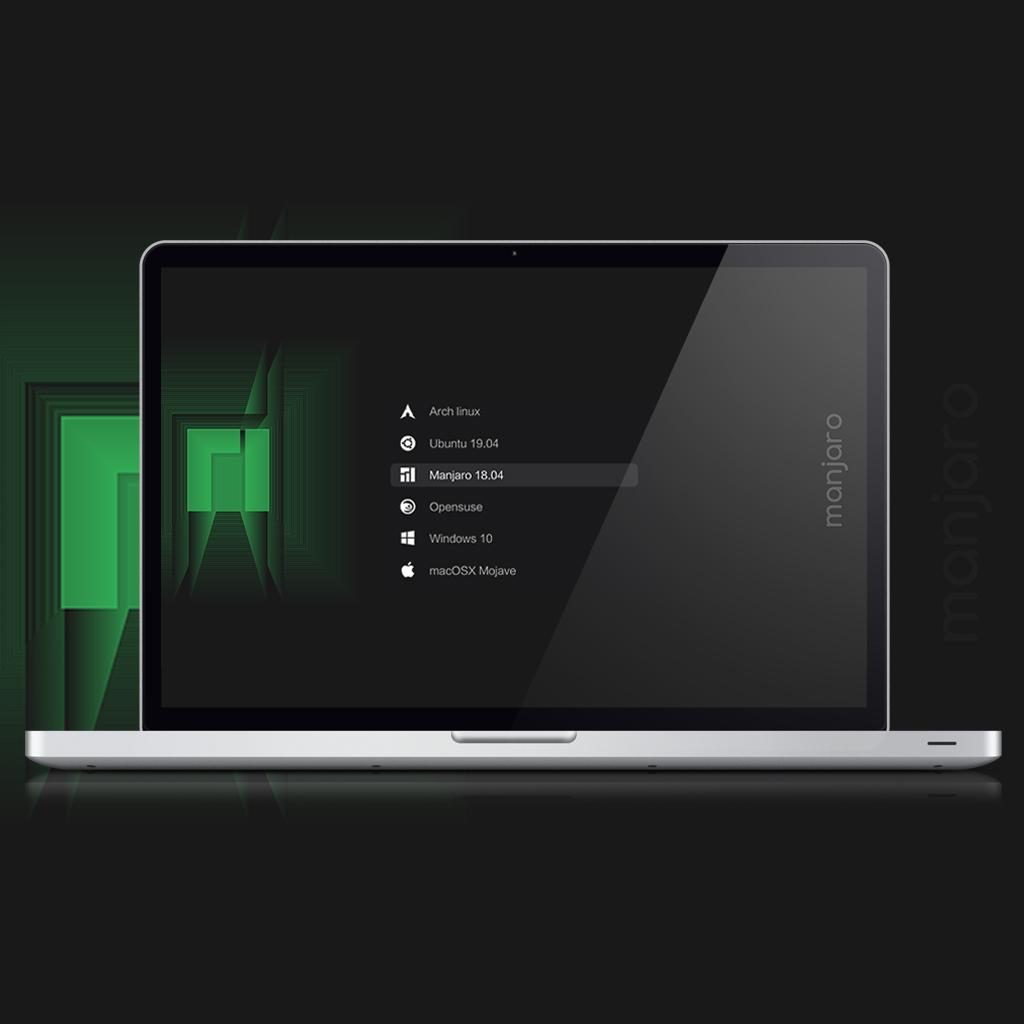
- Manjaro Linux
- Fedora Linux
- NixOs Linux
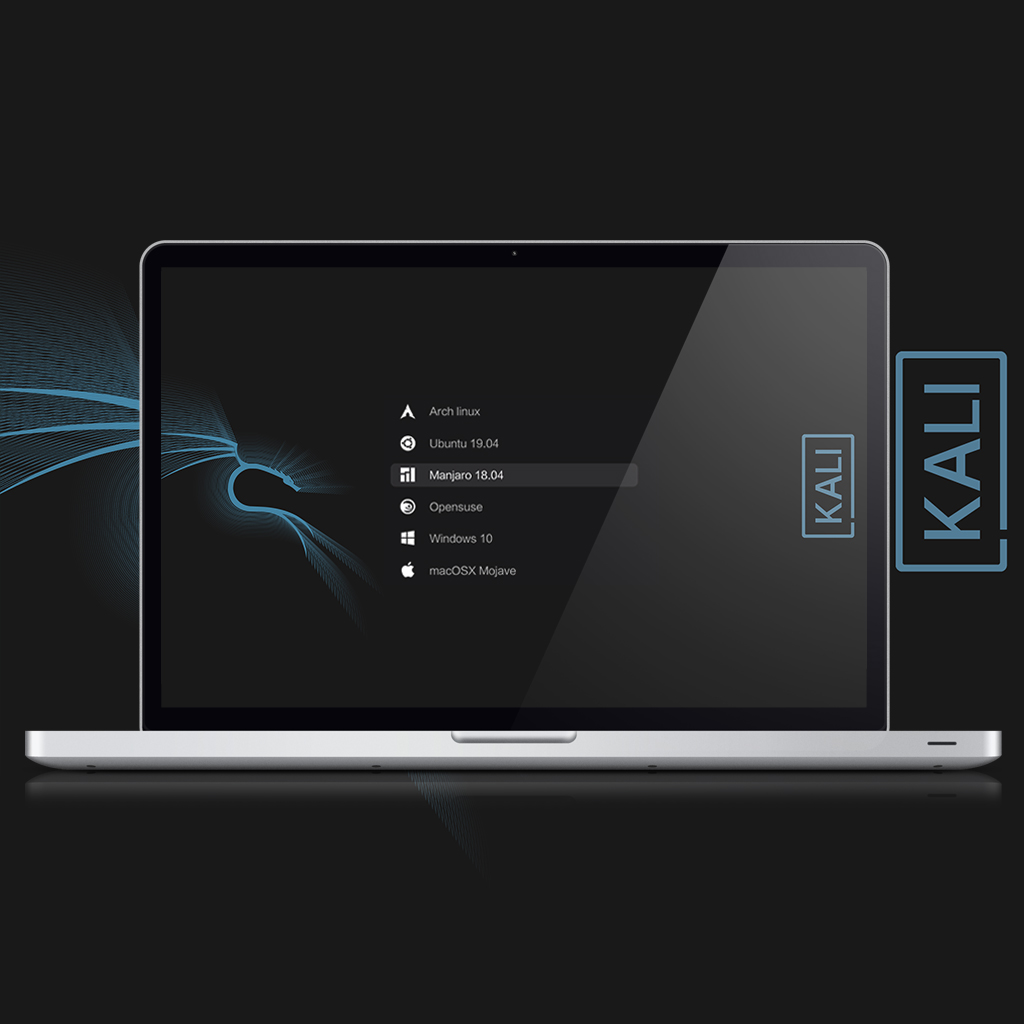
- Kali Linux
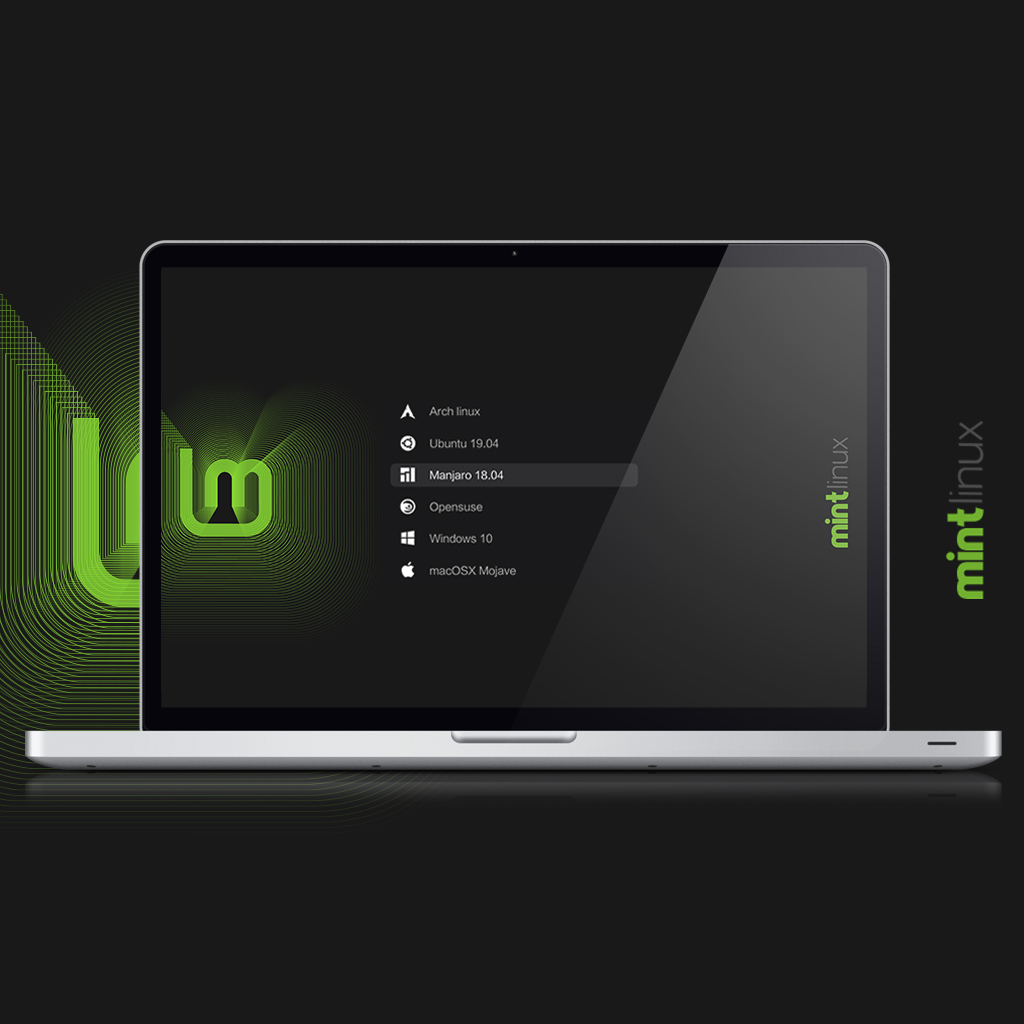
- Mint Linux
- Gentoo Linux
- PopOs
- Windows
- MacOs
Installation
If you have any issues with the installation script, follow these steps:
Unpack the
tar.xzfile and open the unpacked folder.Inside the folder, you will find another folder. Zip this folder.
Install
grub-customizerusing the appropriate command for your distribution:- For Fedora, run:
sudo dnf install -y grub-customizer - For Arch Manjaro, run:
pacman -S grub-customizer - For Ubuntu, run:
sudo apt-get install grub-customizer
- For Fedora, run:
Edit the
/etc/default/grubfile and add the following line:GRUB_GFXPAYLOAD_LINUX="keep"Copy the
hwmatch.modfile to the/boot/grub/x86_64-efi/directory:cp -r /usr/lib/grub/i386-pc/hwmatch.mod /boot/grub/x86_64-efi/Finally, update the grub configuration by running:
sudo update-grub
For Debian, you can follow this link for instructions on installing Grub Customizer.
Install grub themes with grub-customizer tool
Preview
| Ubuntu | Mint Linux |
|---|---|
 |
 |
| Kali Linux | Manjaro Linux |
 |
 |
| Debian | |
 |