
whistyun/MdXaml
whistyun/MdXaml has 342 GitHub stars and 53 forks. GitHot measured 0 stars in 24 hours. Last checked 2026-11-19 02:58 UTC. Last push 2026-03-08.
Measured star growth
- in 24h
- 0
- in 7 days
- Collecting history
- in 15 days
- Collecting history
- in 1 month
- Collecting history
Net star changes over overlapping periods, not daily totals. Missing measurements are left blank. Stars measure attention, not software quality.
About
Markdown for WPF - alternate version of Markdown.Xaml
Developer ToolsREADME.md
OriginalMdXaml
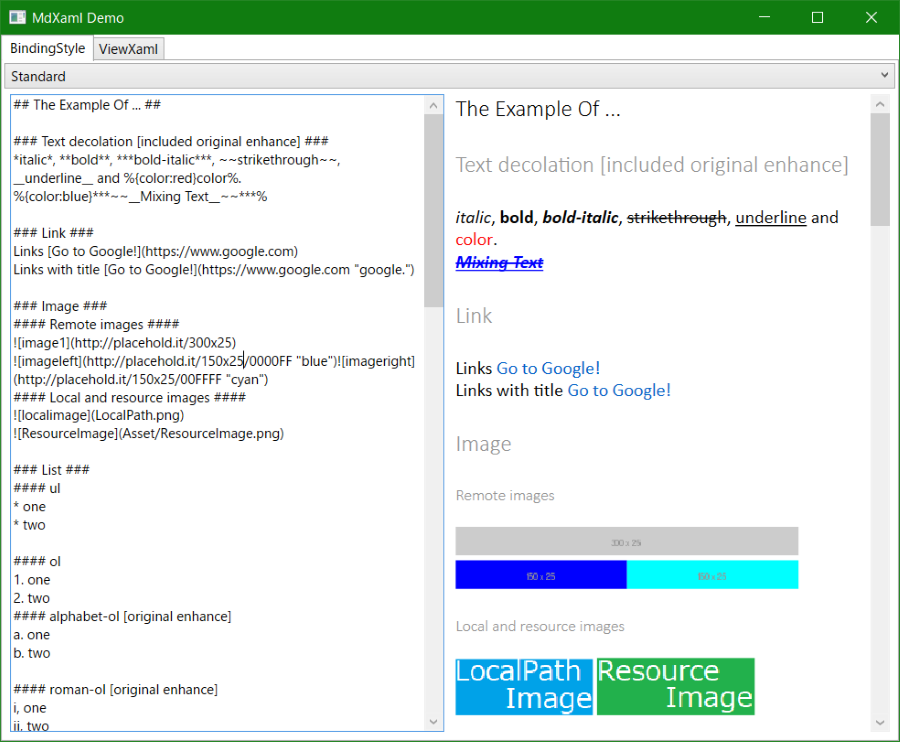
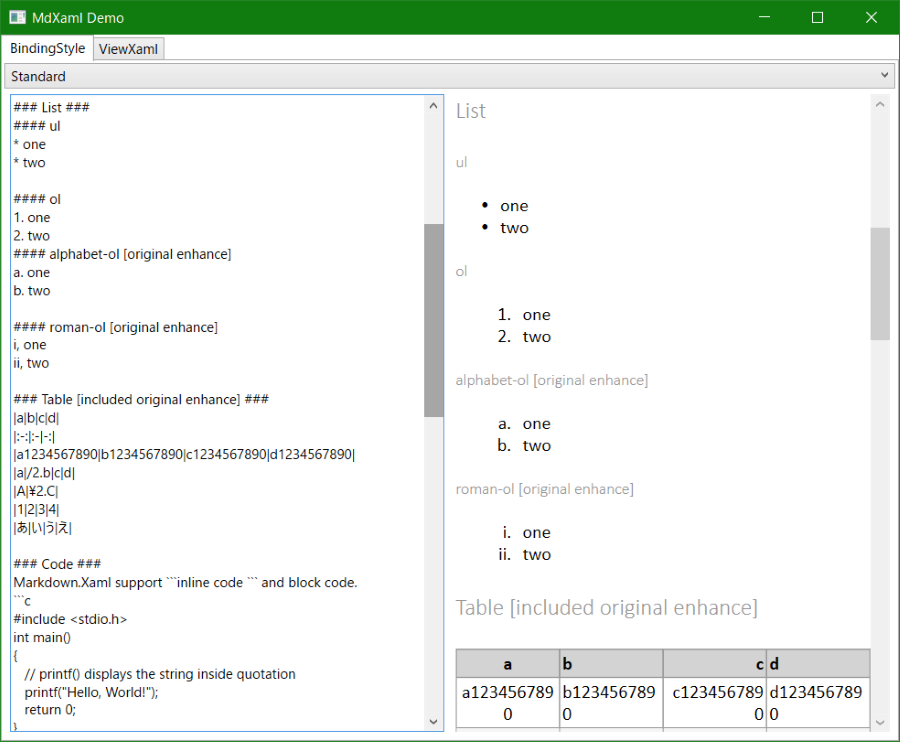
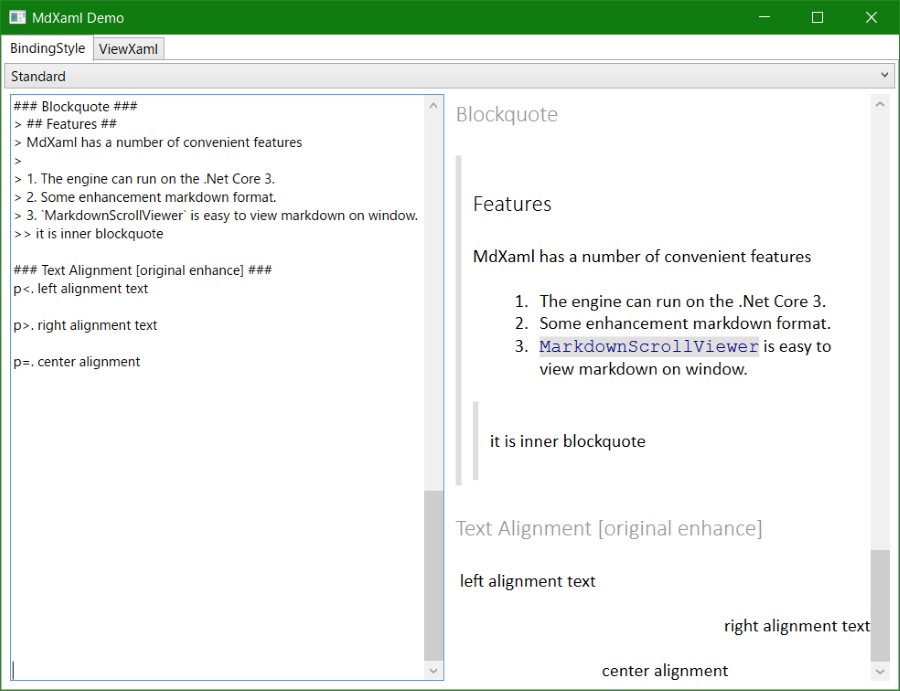
MdXaml is a modify version of Markdown.Xaml. It can convert Markdown to FlowDocument of WPF.
What is Markdown XAML?
Markdown XAML is a port of the popular MarkdownSharp Markdown processor, but with one very significant difference: Instead of rendering to a string containing HTML, it renders to a FlowDocument suitable for embedding into a WPF window or usercontrol.
With HTML output, details of fonts and colours (and so on) are handled by CSS, but with a FlowDocument there's no direct equivalent. Instead of the HTML approach of linking a stylesheet to the rendered output, MarkDown.Xaml uses WPF styles that are linked to the rendering engine and applied to the output as it is generated. See the included demo application for an example of how this can be configured.
Sample
Nuget
https://www.nuget.org/packages/MdXaml/
Quick start
Convert markdown-string in a code.
// using MdXaml;
// using System.Windows.Documents;

Markdown engine = new Markdown();

string markdownTxt = System.IO.File.ReadAllText("example.md");

FlowDocument document = engine.Transform(markdownTxt);
Write markdown in a xaml.
<Window x:Class="HeredocSample.MainWindow"
        xmlns="http://schemas.microsoft.com/winfx/2006/xaml/presentation"
        xmlns:x="http://schemas.microsoft.com/winfx/2006/xaml"
        xmlns:mdxam="clr-namespace:MdXaml;assembly=MdXaml"
        Title="MainWindow" Height="450" Width="800">

	<mdxam:MarkdownScrollViewer xml:space="preserve">
		# sample title
		* document1
			* two
			* three
		* document2
	</mdxam:MarkdownScrollViewer>
</Window>
We can use MarkdownScrollViewer with code-behind and with binding.
How to use (Markdown standard)
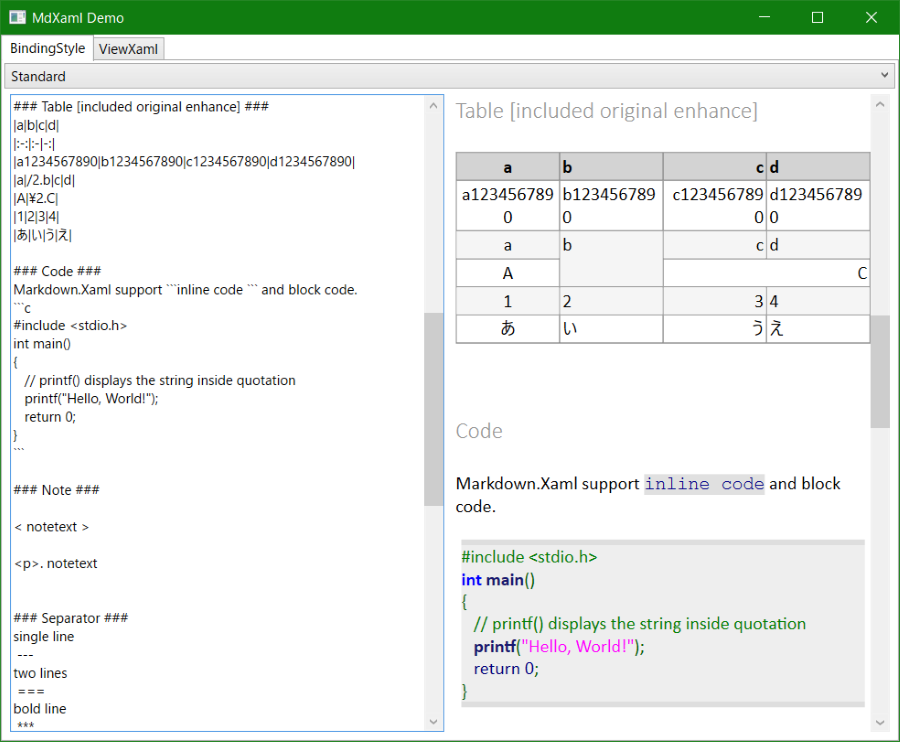
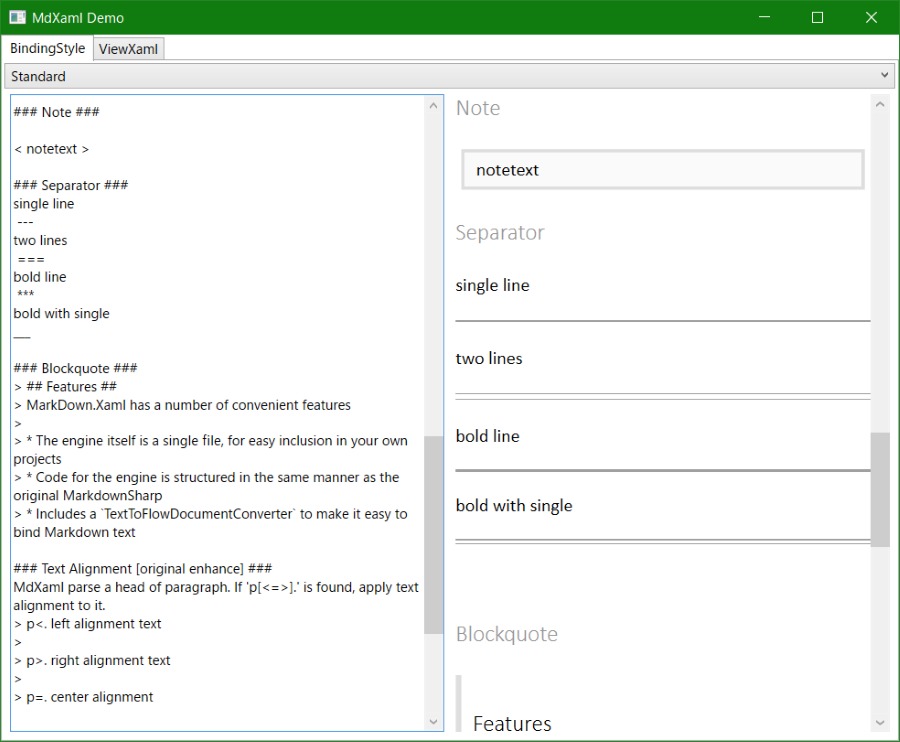
How to use (Markdown enhance)
- list; alphabet-order, roman-order
- table; row-span, columnspan
- text alignment
- text decoration(bold, italic, strikethrough, underline, color)
Development
IDE: Visual Studio 2022
Framework: .NET Framework 4.6.2, .NET 8
Build
Clone the repository
git clone https://github.com/whistyun/MdXaml.gitIf you use VisualStudio, open MdXaml.sln.
If you use dotnet CLI.
dotnet build
License
MdXaml is licensed under the MIT license.
Dependencies (Runtime)
MdXaml
- None
MdXaml.SyntaxEditor
- AvalonEdit (MIT) https://github.com/icsharpcode/AvalonEdit
MdXaml.Html
- AvalonEdit (MIT) https://github.com/icsharpcode/AvalonEdit
- HtmlAgilityPack (MIT) https://github.com/zzzprojects/html-agility-pack
MdXaml.Svg
- Svg (MIT) https://github.com/svg-net/SVG
MdXaml.AnimatedGif
- WpfAnimatedGif (Apache-2.0) https://github.com/XamlAnimatedGif/WpfAnimatedGif