
wakatime/micro-wakatime
wakatime/micro-wakatime has 28 GitHub stars and 8 forks. GitHot measured 0 stars in 24 hours and 0 in 7 days. Last checked 2026-11-14 09:02 UTC. Last push 2026-06-01.
Measured star growth
- in 24h
- 0
- in 7 days
- 0
- in 15 days
- Collecting history
- in 1 month
- Collecting history
Net star changes over overlapping periods, not daily totals. Missing measurements are left blank. Stars measure attention, not software quality.
About
Micro editor plugin for automatic time tracking and metrics generated from your programming activity.
DataREADME.md
OriginalWakaTime for Micro Editor

Metrics, insights, and time tracking automatically generated from your programming activity.
Installation
Using the plugin manager:
micro -plugin install wakatime
Or from within micro (must restart micro afterwards for the plugin to be loaded):
> plugin install wakatime
Or manually install by cloning this repo as wakatime into your plug directory:
git clone https://github.com/wakatime/micro-wakatime ~/.config/micro/plug/wakatime
For the first time you install WakaTime in your machine the Micro startup could delay a bit.
Enter your api key, then hit
Enter.(If you’re not prompted, press ctrl + e then type
wakatime.apikey.)Use Micro Editor and your coding activity will be displayed on your WakaTime dashboard.
Usage
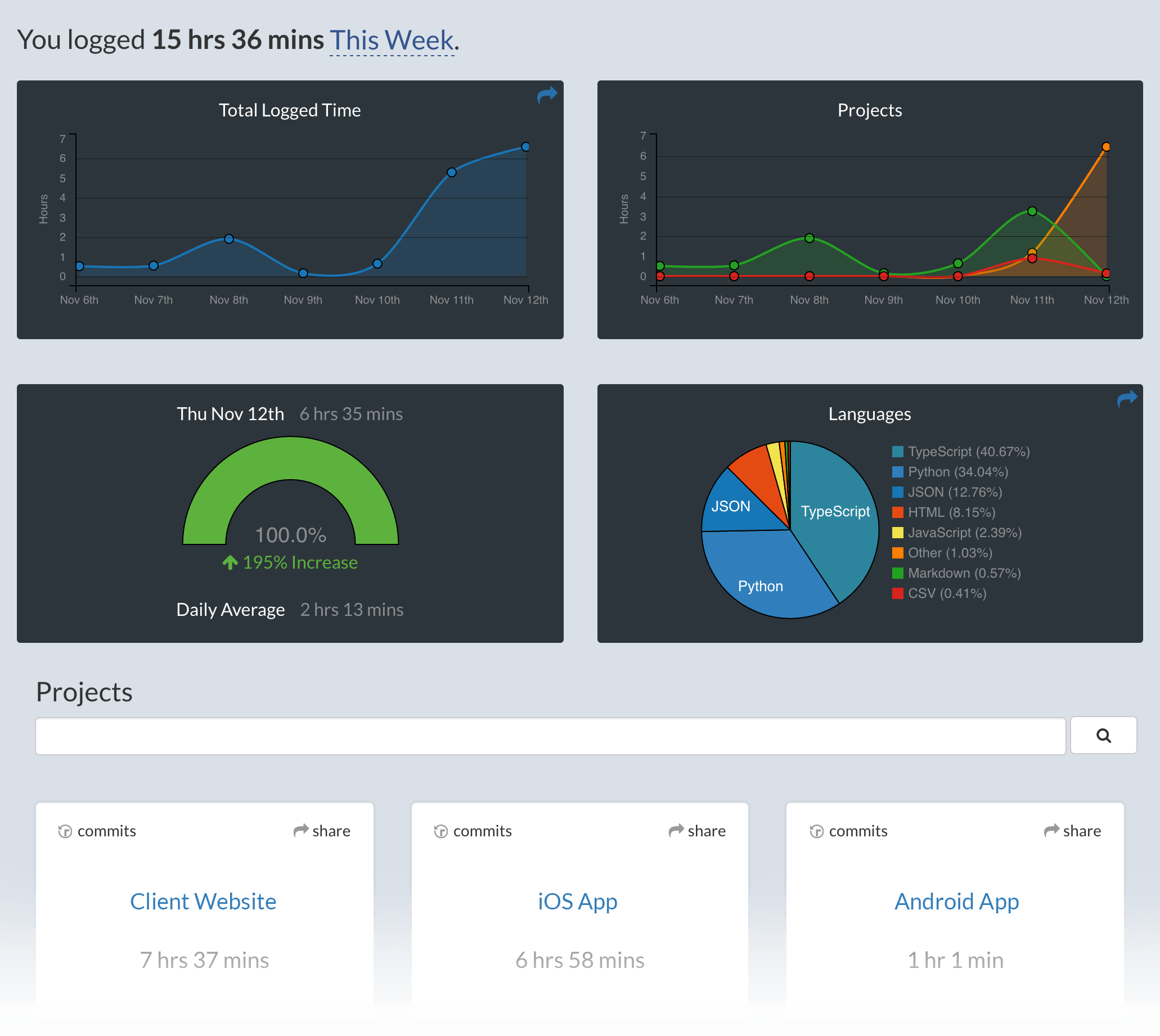
Visit https://wakatime.com to see your coding activity.
Configuring
Extension settings are stored in the INI file at $HOME/.wakatime.cfg.
More information can be found from wakatime core.
Troubleshooting
First, turn on debug mode:
- Run micro with flag
-debug.Logs are only generated when running with debug flag. Any other previous logs haven't been recorded.
Next, navigate to the folder you started micro and open log.txt.
Errors outside the scope of this plugin go to $HOME/.wakatime/wakatime.log from wakatime-cli.
The How to Debug Plugins guide shows how to check when coding activity was last received from your editor using the Plugins Status Page.
For more general troubleshooting info, see the wakatime-cli Troubleshooting Section.
Explore related projects
Asabeneh/30-Days-Of-Python
The 30 Days of Python programming challenge is a step-by-step guide to learn the Python programming language in 30 days. This challenge may take more than 100 days. Follow your own pace. These videos may help too: https://www.youtube.com/channel/UC7PNRuno1rzYPb1xLa4yktw
78,725 starsgrafana/grafana
The open and composable observability and data visualization platform. Visualize metrics, logs, and traces from multiple sources like Prometheus, Loki, Elasticsearch, InfluxDB, Postgres and many more.
77,897 starsredis/redis
For developers, who are building real-time data-driven applications, Redis is the preferred, fastest, and most feature-rich cache, data structure server, and document and vector query engine.
77,491 starsapache/superset
Apache Superset is a Data Visualization and Data Exploration Platform
75,522 stars