
wakatime/atom-wakatime
wakatime/atom-wakatime has 316 GitHub stars and 30 forks. Star changes are not measured yet. Last checked 2026-11-14 02:23 UTC. Last push 2023-10-12.
Measured star growth
- in 24h
- Collecting history
- in 7 days
- Collecting history
- in 15 days
- Collecting history
- in 1 month
- Collecting history
Net star changes over overlapping periods, not daily totals. Missing measurements are left blank. Stars measure attention, not software quality.
About
Atom plugin for automatic time tracking and metrics generated from your programming activity.
DataREADME.md
Originalatom-wakatime

Quantify your coding inside GitHub's Atom editor.
Installation
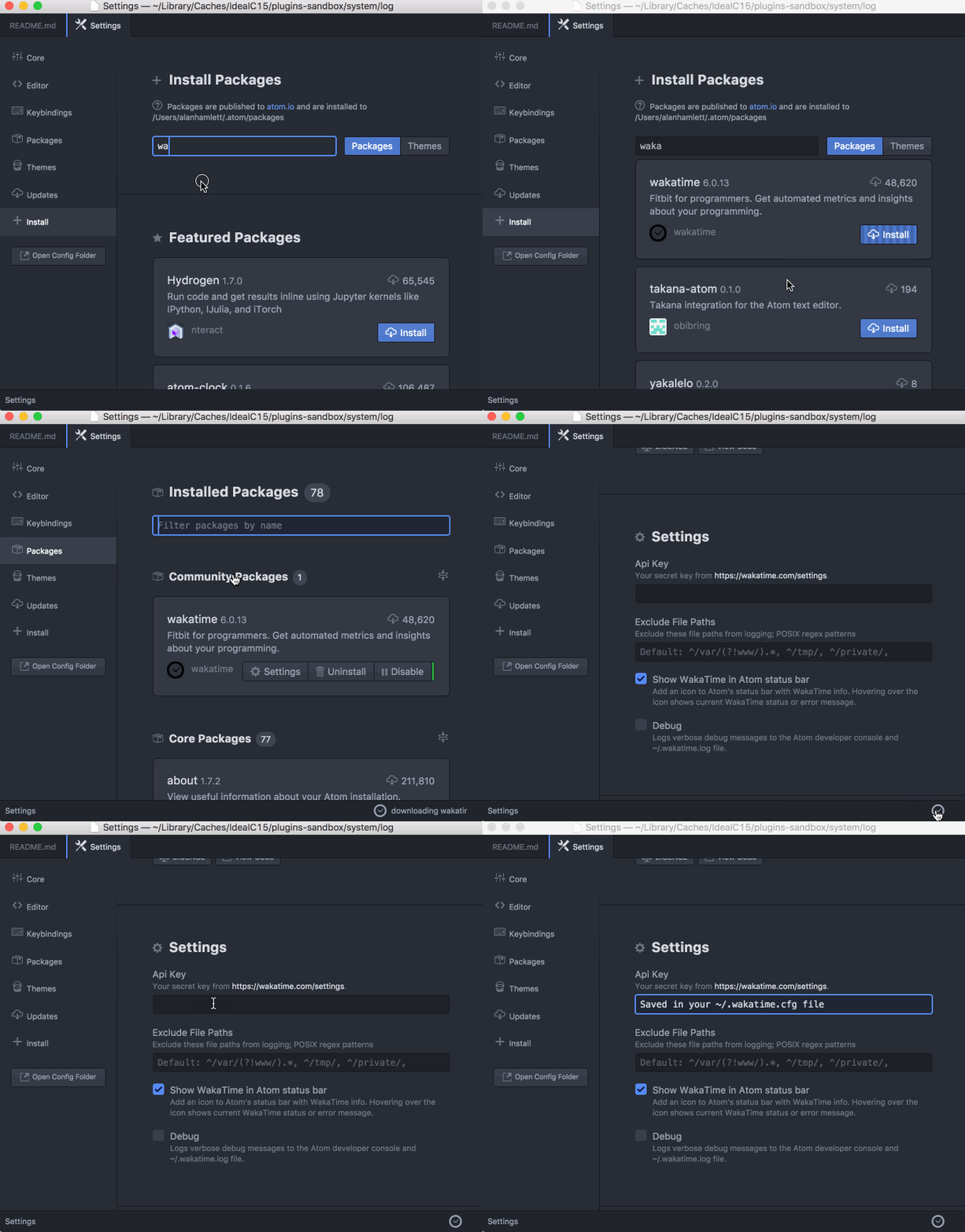
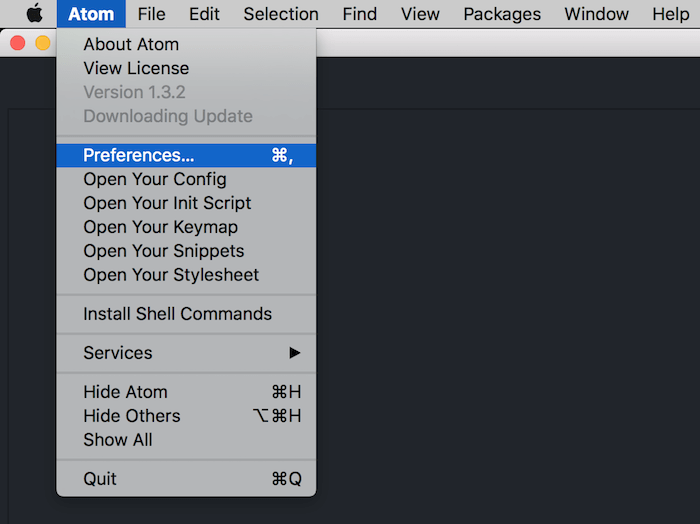
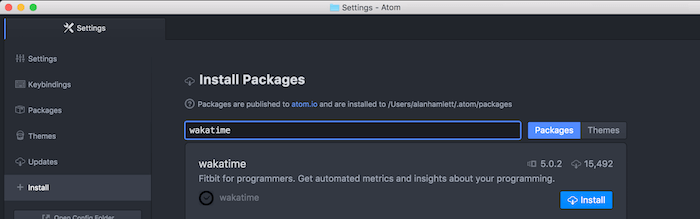
- Inside Atom, navigate to
Preferences/Settings→Installand search forwakatime.
- Click the
Installbutton.
Click
Settings, then enter your api key.Use Atom and your coding activity will be displayed on your WakaTime dashboard.
Note: The leet way to install WakaTime is with this Terminal command:
apm install wakatime
Screen Shots
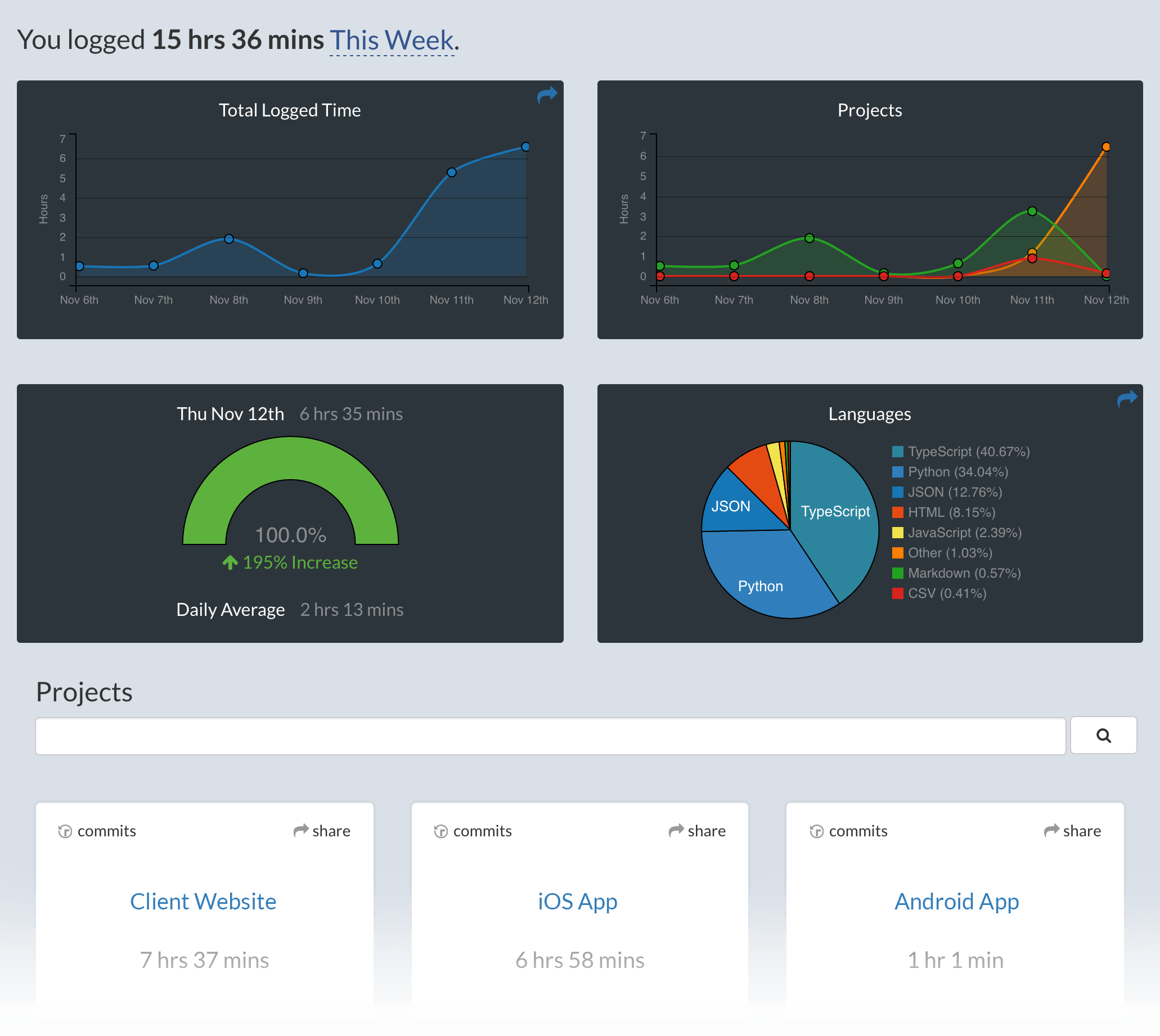
Configuring
Settings for atom-wakatime are under Settings → Packages → wakatime → Settings.
Additional settings are in $HOME/.wakatime.cfg for wakatime cli.
Troubleshooting
Atom writes errors to the Atom Developer Console. To check for errors:
- Turn on the debug checkbox in
Settings → Packages → wakatime → Settings - Inside Atom, go to
View → Developer → Toggle Developer Tools - Clear the developer console (the circle button top left of the console)
- Inside Atom, go to
View → Developer → Reload Window
That will reload all plugins including WakaTime, and you should see the startup process logged in the developer console.
If there are no errors in your developer console after startup and editing a file, then check for errors in your ~/.wakatime/wakatime.log file.
For checking your ~/.wakatime/wakatime.log file, see wakatime/wakatime#troubleshooting.
Note: Behind a proxy? Configure Atom to use your proxy when installing wakatime: https://github.com/atom/apm#behind-a-firewall
Explore related projects
Asabeneh/30-Days-Of-Python
The 30 Days of Python programming challenge is a step-by-step guide to learn the Python programming language in 30 days. This challenge may take more than 100 days. Follow your own pace. These videos may help too: https://www.youtube.com/channel/UC7PNRuno1rzYPb1xLa4yktw
78,710 starsgrafana/grafana
The open and composable observability and data visualization platform. Visualize metrics, logs, and traces from multiple sources like Prometheus, Loki, Elasticsearch, InfluxDB, Postgres and many more.
77,892 starsredis/redis
For developers, who are building real-time data-driven applications, Redis is the preferred, fastest, and most feature-rich cache, data structure server, and document and vector query engine.
77,490 starsapache/superset
Apache Superset is a Data Visualization and Data Exploration Platform
75,521 stars