
vinceliuice/WhiteSur-icon-theme
vinceliuice/WhiteSur-icon-theme has 2,131 GitHub stars and 196 forks. GitHot measured +1 stars in 24 hours and +12 in 7 days. Last checked 2026-11-11 11:53 UTC. Last push 2026-09-10.
MacOS Big Sur style icon theme for linux desktops
Measured star growth
- in 24h
- +1
- in 7 days
- +12
- in 15 days
- Update delayed
- in 1 month
- Update delayed
Net star changes over overlapping periods, not daily totals. Missing measurements are left blank. Stars measure attention, not software quality.
README.md
Original WhiteSur Icon Theme
MacOS Big Sur like icon theme for linux desktops
Donate
If you like my project, you can buy me a coffee:

Install tips
Usage: ./install.sh [OPTIONS...]
| OPTIONS: | |
|---|---|
| -d, --dest | Specify theme destination directory (Default: $HOME/.local/share/icons) |
| -n, --name | Specify theme name (Default: WhiteSur) |
| -t, --theme | Specify theme color variant(s) [default/purple/pink/red/orange/yellow/green/grey/all] (Default: blue) |
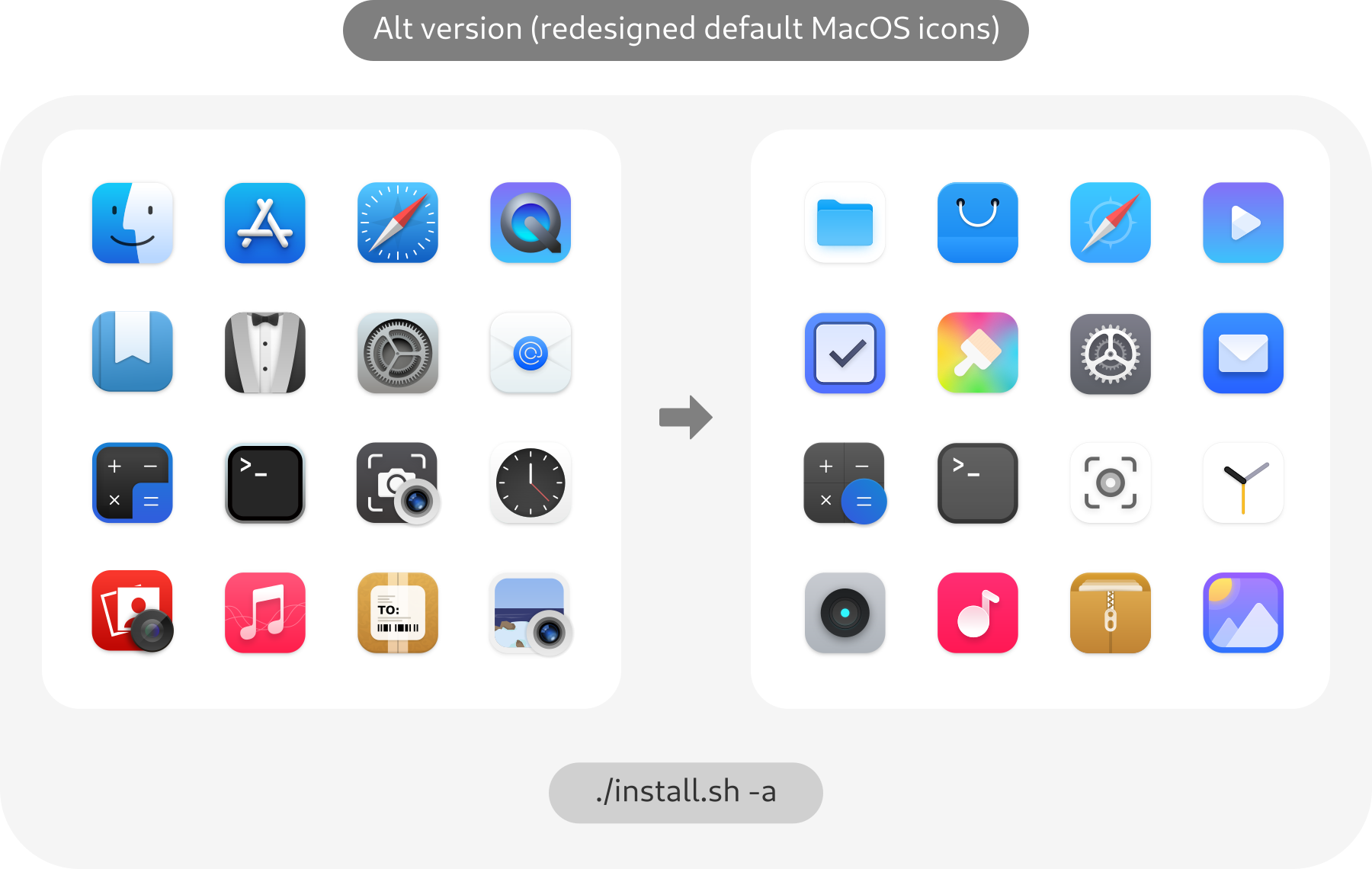
| -a, --alternative | Install alternative icons (redesigned MacOS default icons) |
| -b, --bold | Install bold panel icons version |
| -p, --kde-plasma | Replace Apple logo with KDE Plasma logo |
| -r,--remove,-u,--uninstall | Uninstall (remove) icon themes |
| -h, --help | Show this help |
Note for snaps: To use these icons with snaps, the best way is to make a copy of the application's .desktop located in
/var/lib/snapd/desktop/applications/name-of-the-snap-application.desktopinto$HOME/.local/share/applications/. Then use any text editor and change the "Icon=" to "Icon=name-of-the-icon.svg"
For more information, run:
./install.sh --help
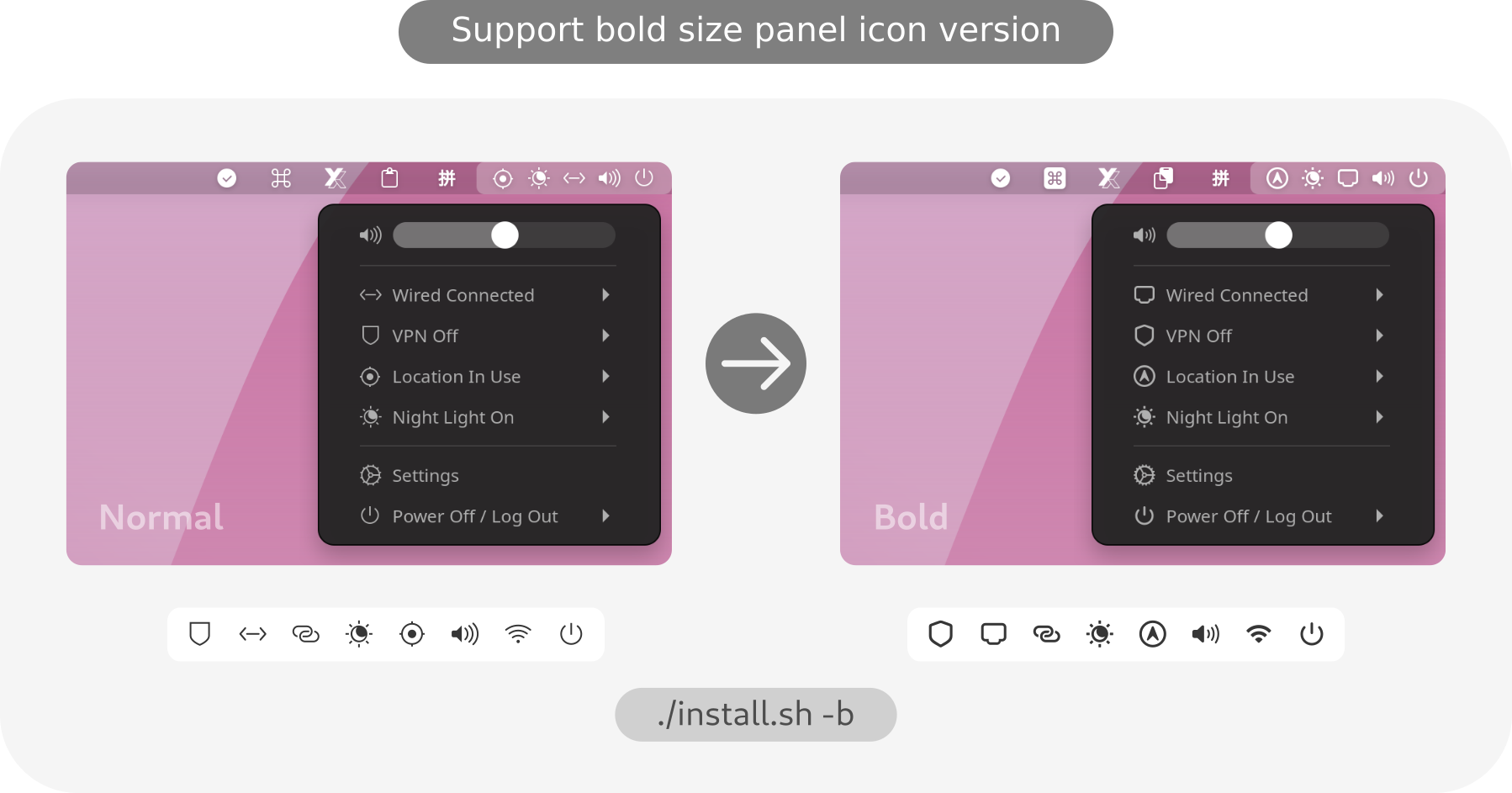
Bold version suggested use in
High resolution displaylike 4k display with 200% scale!
Requirement
You can use this with:
GTK theme
WhiteSur-gtk-theme: https://github.com/vinceliuice/WhiteSur-gtk-theme
KDE theme
WhiteSur-kde: https://github.com/vinceliuice/WhiteSur-kde
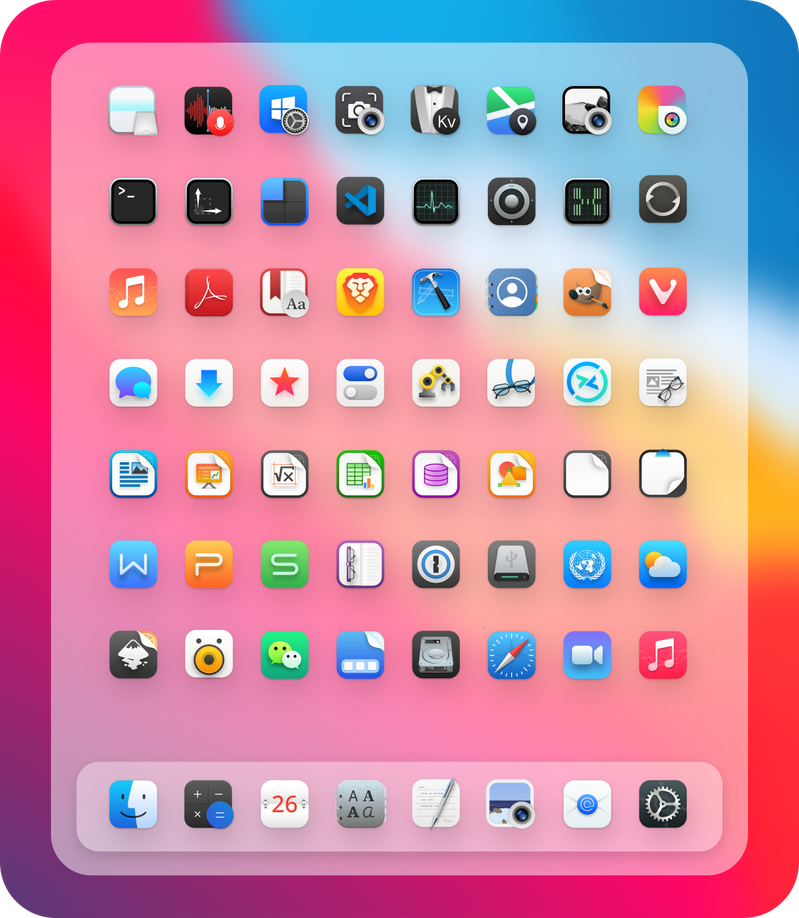
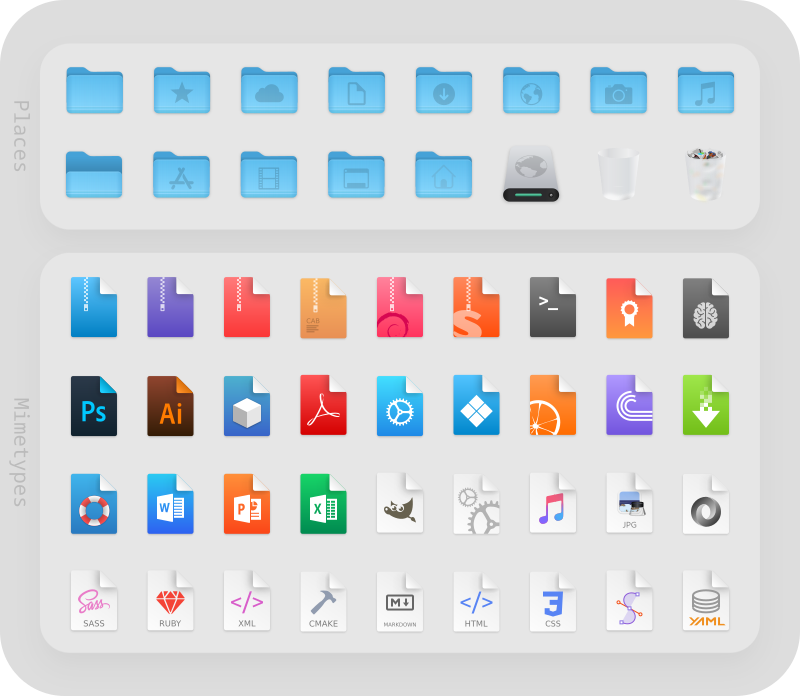
Preview
Explore related projects
codecrafters-io/build-your-own-x
Master programming by recreating your favorite technologies from scratch.
561,912 starspublic-apis/public-apis
A collective list of free APIs
498,302 starsmorluto/rea
Reverse engineer anything with agents, from app behavior down to native binaries.
453,174 starsopenclaw/openclaw
The AI that really does things. Any OS. Any Platform. The lobster way. 🦞
394,370 stars