
vertopolkaLF/silence
vertopolkaLF/silence has 162 GitHub stars and 6 forks. GitHot measured 0 stars in 24 hours. Last checked 2026-11-09 07:14 UTC. Last push 2026-10-20.
Powerful app to mute your mic with style, managing your audio devices and volume
Measured star growth
- in 24h
- 0
- in 7 days
- Update delayed
- in 15 days
- Update delayed
- in 1 month
- Update delayed
Net star changes over overlapping periods, not daily totals. Missing measurements are left blank. Stars measure attention, not software quality.
README.md
Original

silence!
Free, open-source microphone mute control for Windows with multi-action hotkeys, gamepad input, hold actions, auto-mute, overlay feedback, sounds, tray controls, and device switching.




Overview
silence! is a Windows microphone mute utility built for fast, reliable control from anywhere. Mute a specific microphone or every active microphone with keyboard, mouse, or gamepad input, then confirm the state with tray icons, sounds, and an on-screen overlay.
silence! v2 is a Rust rebuild focused on more control, cleaner settings, live updates, and much less disk/RAM usage.
What's new in v2
- Rebuilt with Rust, Dioxus desktop, and a new settings UI
- Tiny footprint: about 20MB for the app plus bundled assets and under 10MB RAM during normal work
- Device management: Bind hotkey to switch to/between Output/Input devices or use new tray menu
- More reliable gamepad support, including wheels and PlayStation controllers
- More options to customize overlay and different icons
- New tray customize options
- Import/export for settings with ability to import settings from the v1 app
Features
Input and mute control
- Multiple hotkeys per action
- Toggle mute, force mute, force unmute
- Hold to mute, hold to unmute, or hold to toggle
- Optional "ignore modifiers" matching for more flexible shortcuts
- Microphone selection with an
All microphonesmode - Default input and output device switching
- Open Settings from a hotkey
Feedback and customization
- Visual overlay with mic icon or dot variants
- Overlay visibility modes: always visible, muted only, unmuted only, or after toggle
- Duration control for after-toggle visibility
- Custom overlay icon pairs from multiple icon packs
- Colored, monochrome, and system-color icon styles
- Dark or light overlay background
- Background opacity, content opacity, border, border radius, size scale, and position controls
- Optional text next to the overlay icon
- Tray icon variants: logo, mic status, or color dot
- Built-in sound themes plus custom audio files (
MP3,WAV,OGG,FLAC) - Separate hold-action sound overrides for volume, mute sound, and unmute sound
Everyday quality-of-life
- Start with Windows
- Mute microphone on app launch
- Auto-mute after keyboard and mouse inactivity
- Optional unmute on activity
- Optional sounds on auto-mute
- Double-click tray icon to open Settings, or disable that delay for faster single-click muting
- Mica background support
- Settings backup and restore
- v1 settings import
- In-app update flow
Performance and size
- About 20MB total for the app and bundled assets
- Uses under 10MB of RAM during normal work
- Built to sit quietly in the background instead of cosplaying as an Electron-powered space heater
Screenshots
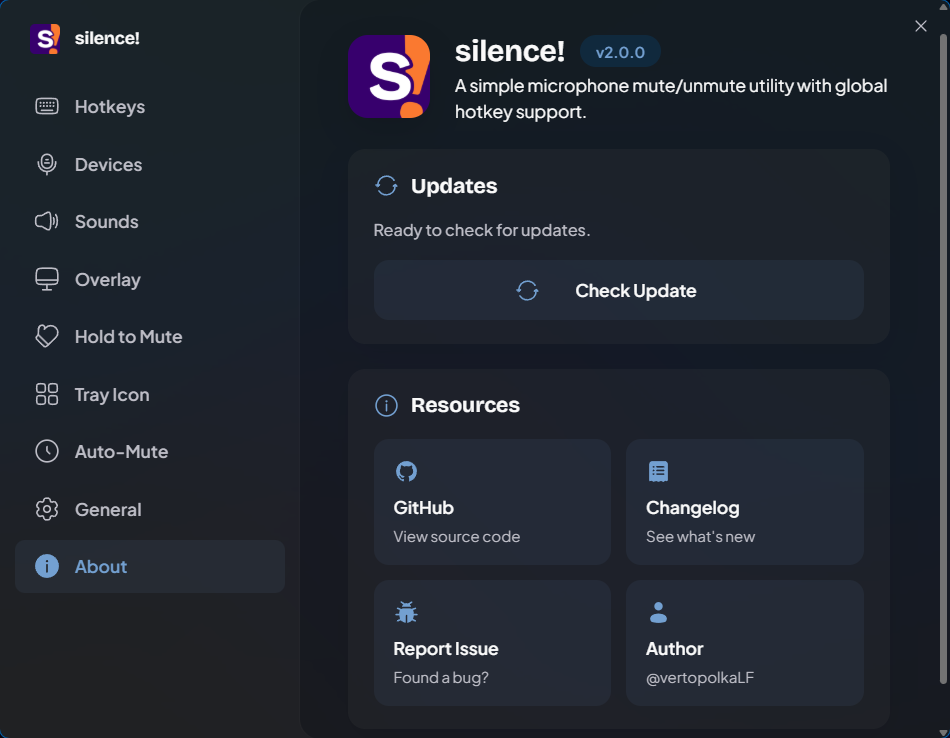
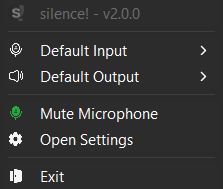
The app follows the user's Windows accent color, so these screenshots intentionally show different colors instead of pretending everyone lives in the same theme box.
| Hotkeys | Devices |
|---|---|
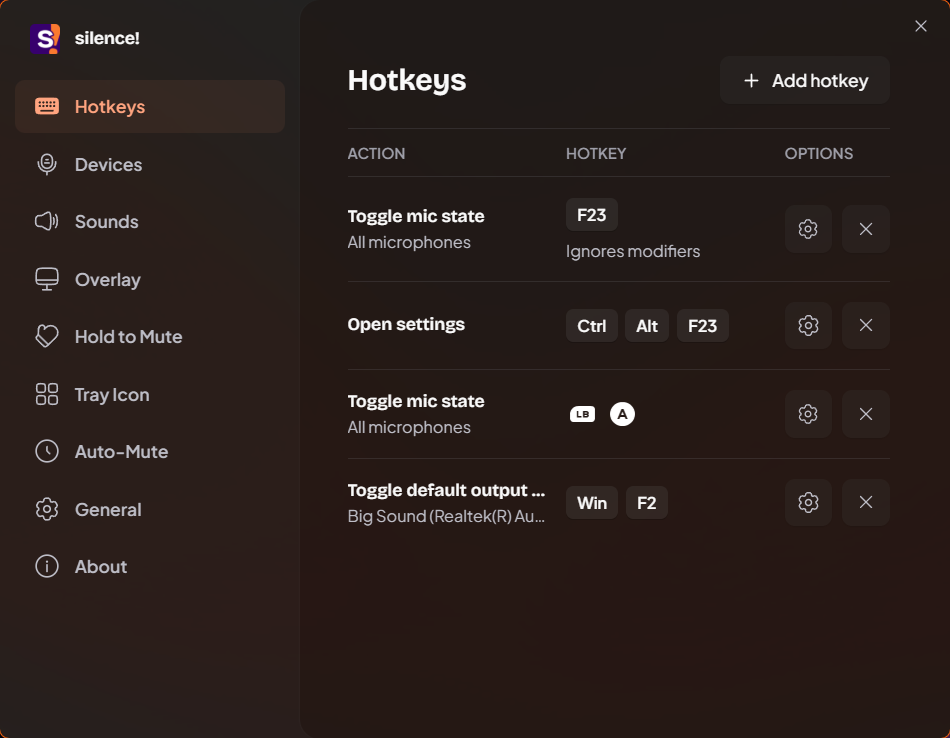 |
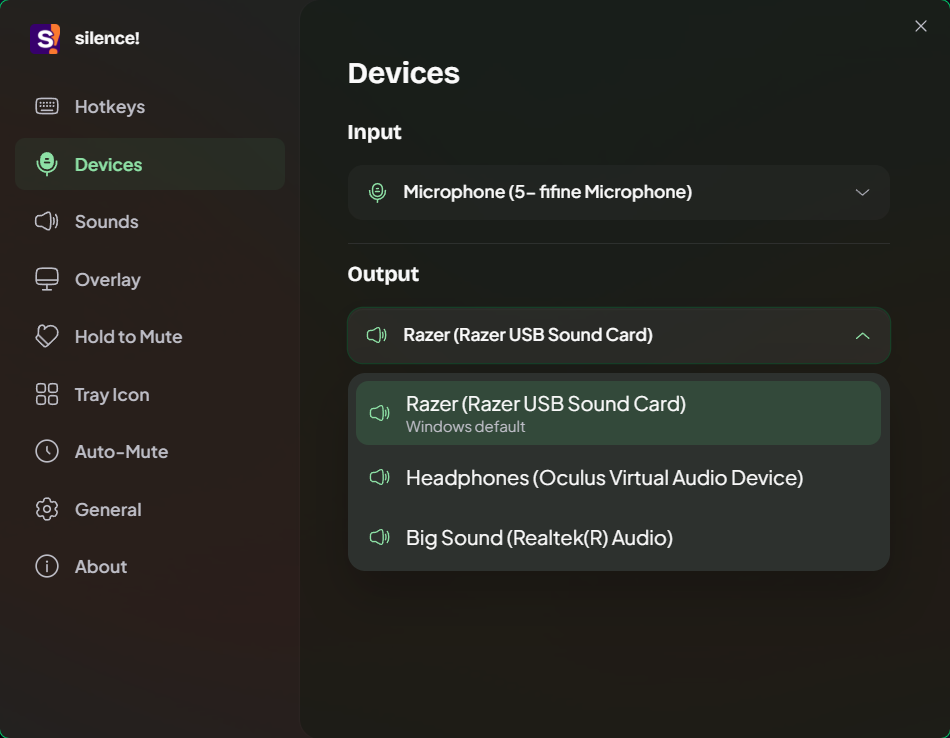 |
| Sounds | Overlay |
|---|---|
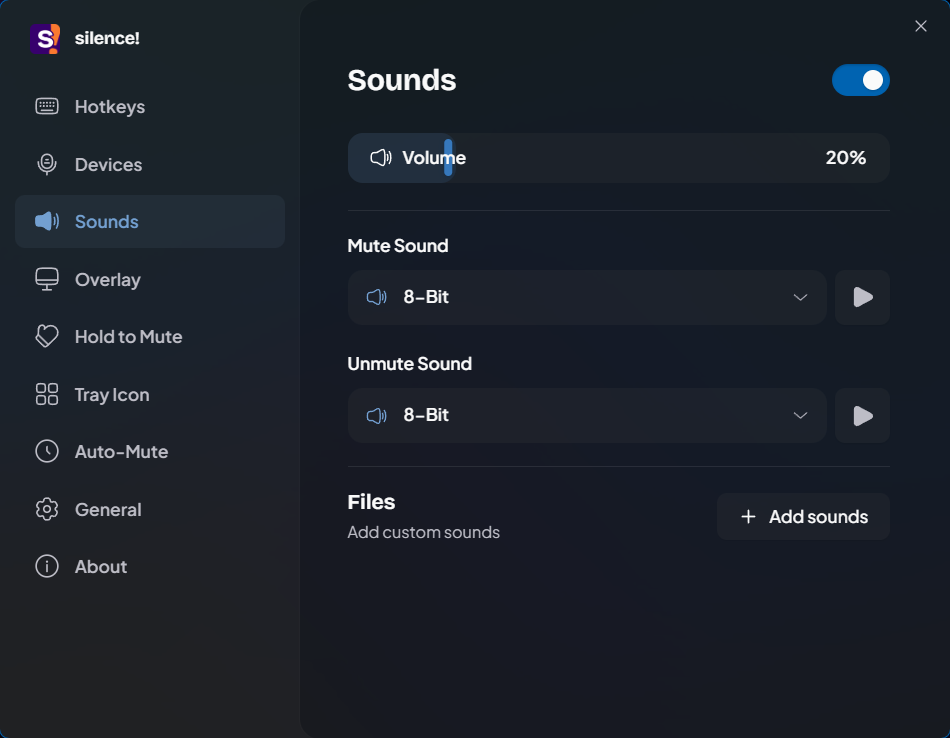 |
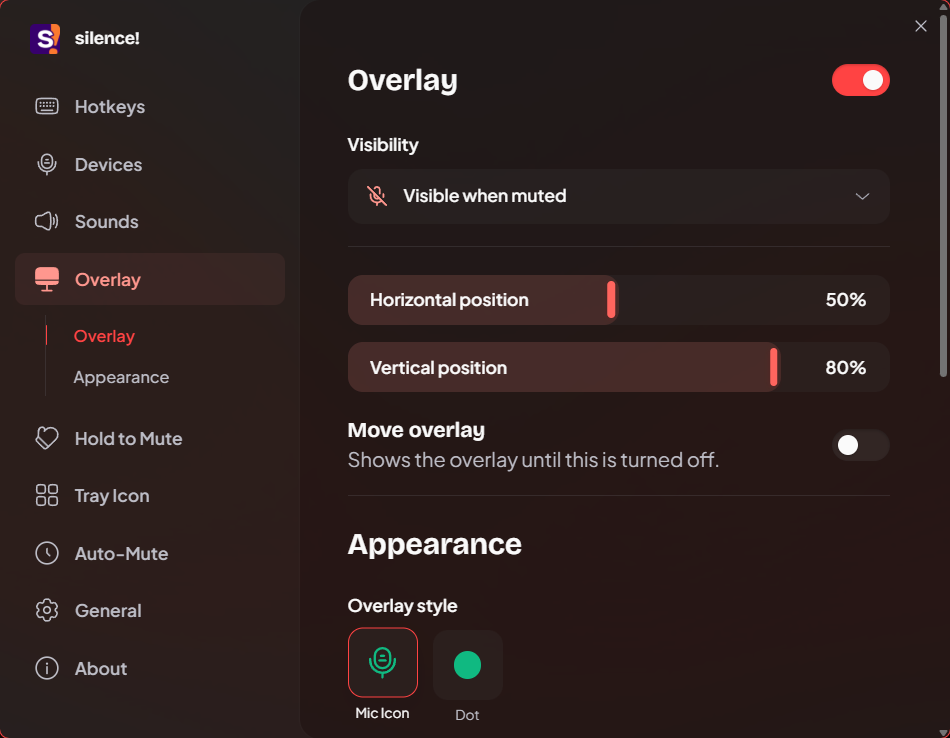 |
| Hold to Mute | Tray Icon |
|---|---|
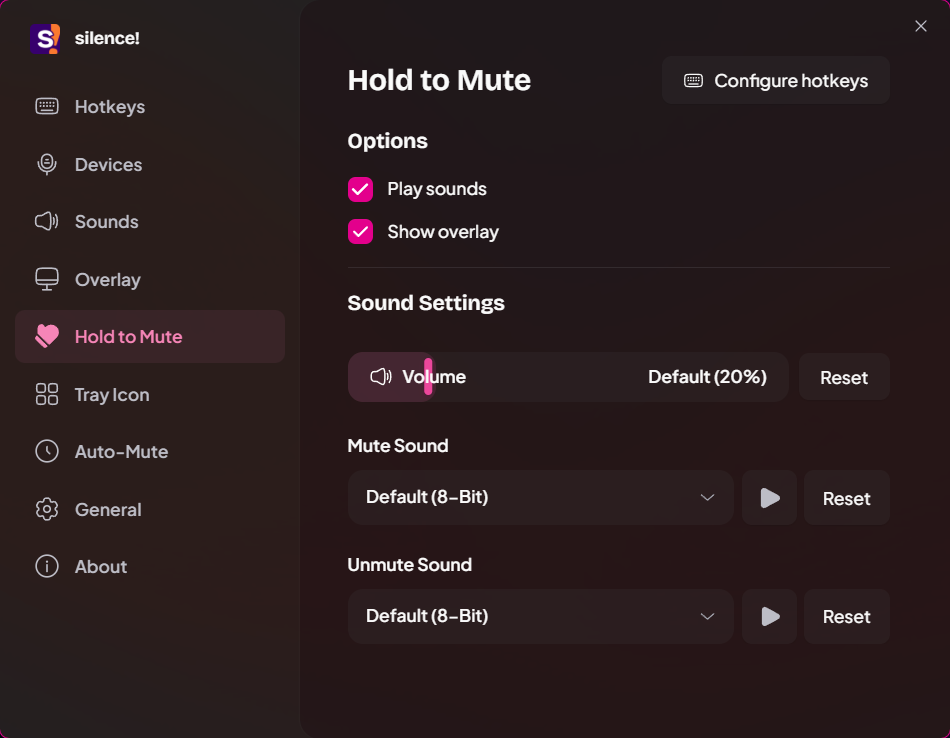 |
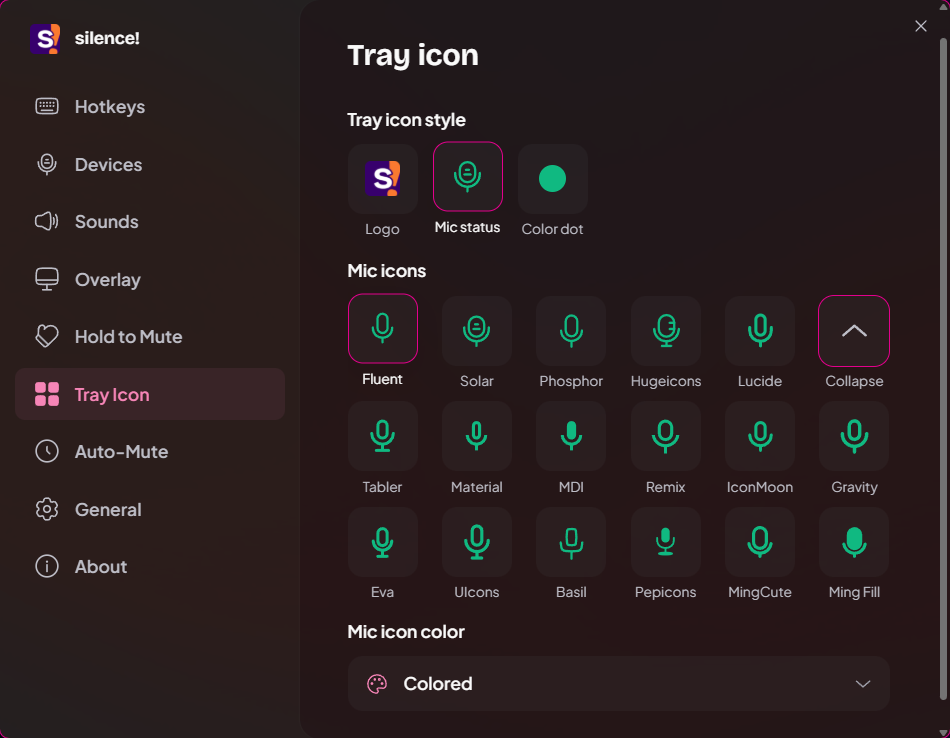 |
| Auto-Mute | General |
|---|---|
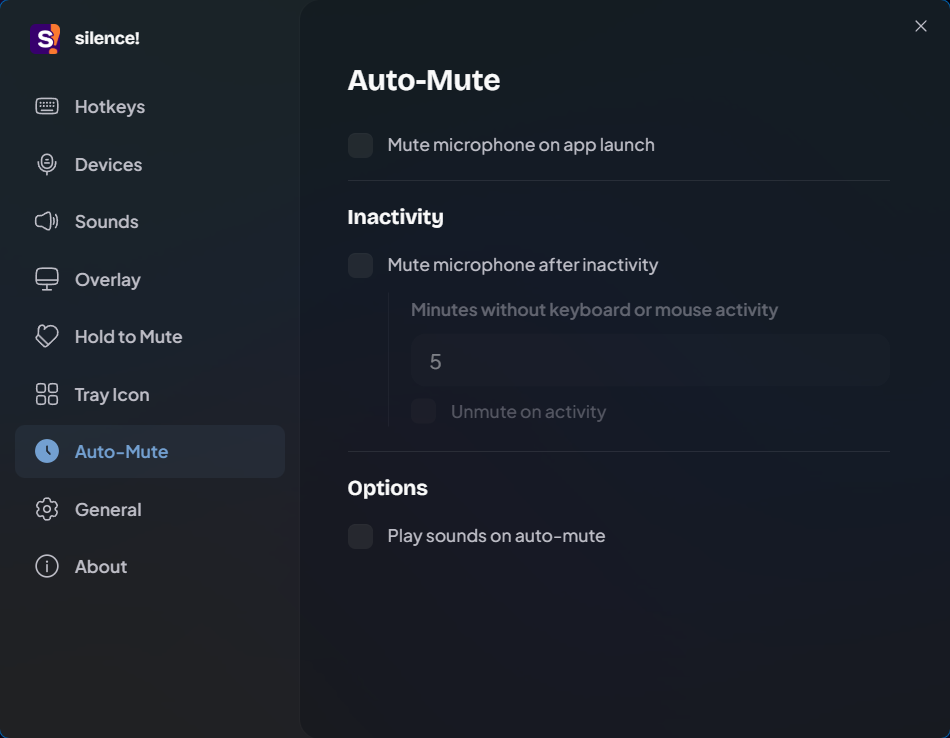 |
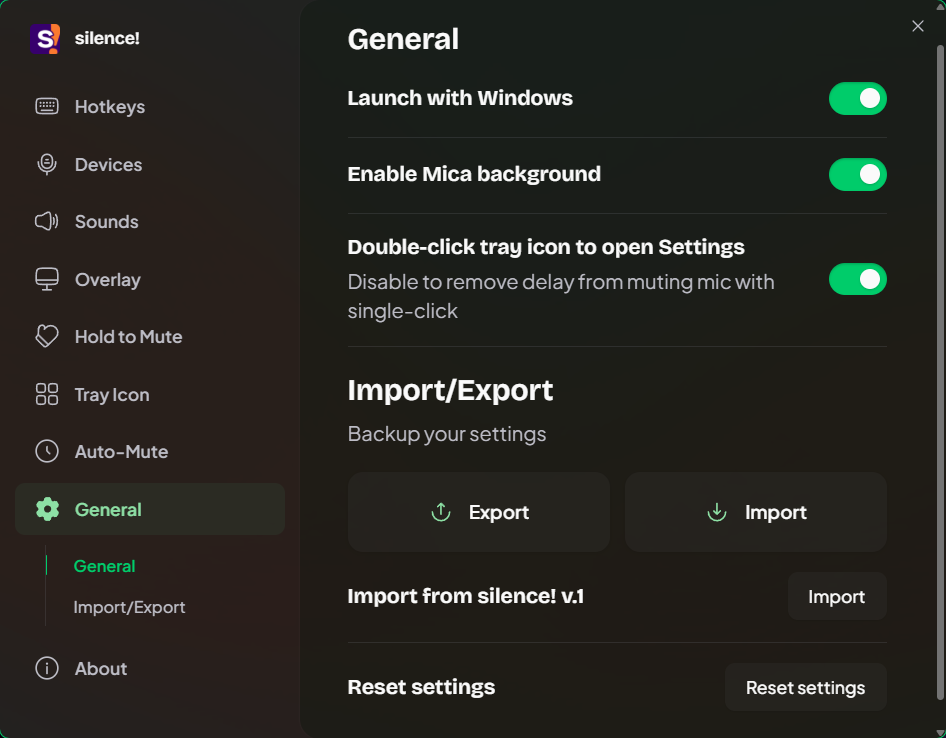 |
| About | Tray menu |
|---|---|
 |
 |
Installation
Download a release
- Open the releases page.
- Pick the package for your architecture:
- Installer:
silence-<version>-windows-x64-setup.exe,silence-<version>-windows-x86-setup.exe, orsilence-<version>-windows-arm64-setup.exe - Portable:
silence-<version>-windows-x64-portable.zip,silence-<version>-windows-x86-portable.zip, orsilence-<version>-windows-arm64-portable.zip
- Installer:
- Install it or extract the portable archive.
- Launch
silence!.exe.
No MSIX packaging is required.
If settings doesn't open, then WebView2 is probably not installed. Install from Microsoft website
Build from source
Requirements:
- Windows 10 or Windows 11
- Rust
dioxus-cli- NSIS if you want to build the installer bundle
Install Dioxus CLI if needed:
cargo install dioxus-cli
Clone and run:
git clone https://github.com/vertopolkaLF/silence.git
cd silence
dx serve
Build a release app:
dx build --platform windows --release --target x86_64-pc-windows-msvc
Build all release artifacts used by the project:
.\build.ps1
The packaging script builds x64, x86, and arm64 portable archives and NSIS installers into dist\<version>.
GitHub Actions
The Build Windows app and draft release workflow builds all six packages on pushes to main and pull requests targeting main. Packages and SHA256SUMS.txt are available as a workflow artifact for 14 days.
To prepare a release, update the version in Cargo.toml and Cargo.lock, then push a matching tag (for example, v2.3.4). Alternatively, run the workflow from the Actions tab with Create or update a draft release enabled; it uses the version from Cargo.toml and the selected commit. Disable that option for a manual build without a release.
After all packages build successfully, the workflow creates a draft GitHub release with generated release notes and attaches the installers, portable archives, and checksums. Publish it manually after reviewing it. Reruns can replace assets in a draft targeting the same commit; published releases and drafts targeting another commit are protected from replacement. The workflow uses the built-in GITHUB_TOKEN; no additional release secret is needed.
Contributing
Bug reports, feature requests, and pull requests are welcome.
License
This project is open source and available under the Apache License 2.0.
Explore related projects
ytdl-org/youtube-dl
Command-line program to download videos from YouTube.com and other video sites
141,500 starsexcalidraw/excalidraw
Virtual whiteboard for sketching hand-drawn like diagrams
135,396 starsgodotengine/godot
Godot Engine – Multi-platform 2D and 3D game engine
119,840 starsmrdoob/three.js
JavaScript 3D Library.
117,905 stars