
vancece/word-teacher
vancece/word-teacher has 47 GitHub stars and 7 forks. GitHot measured +1 in 7 days. Last checked 2026-11-09 19:48 UTC. Last push 2026-07-09.
Efficient AI English Learning: Read & Speak via Web | 英语学习,英语单词,通过 AI 学英语朗读,对话的高效 Web 应用
Measured star growth
- in 24h
- Update delayed
- in 7 days
- +1
- in 15 days
- Update delayed
- in 1 month
- Update delayed
Net star changes over overlapping periods, not daily totals. Missing measurements are left blank. Stars measure attention, not software quality.
README_EN.md
OriginalWord Teacher - AI English Speaking Practice System
English | 中文
An AI-powered English speaking practice application. Through scenario-based AI conversations + read-aloud practice + word games + real-time speech recognition + intelligent scoring feedback, it helps students practice speaking English frequently in a relaxed environment.
📸 Screenshots
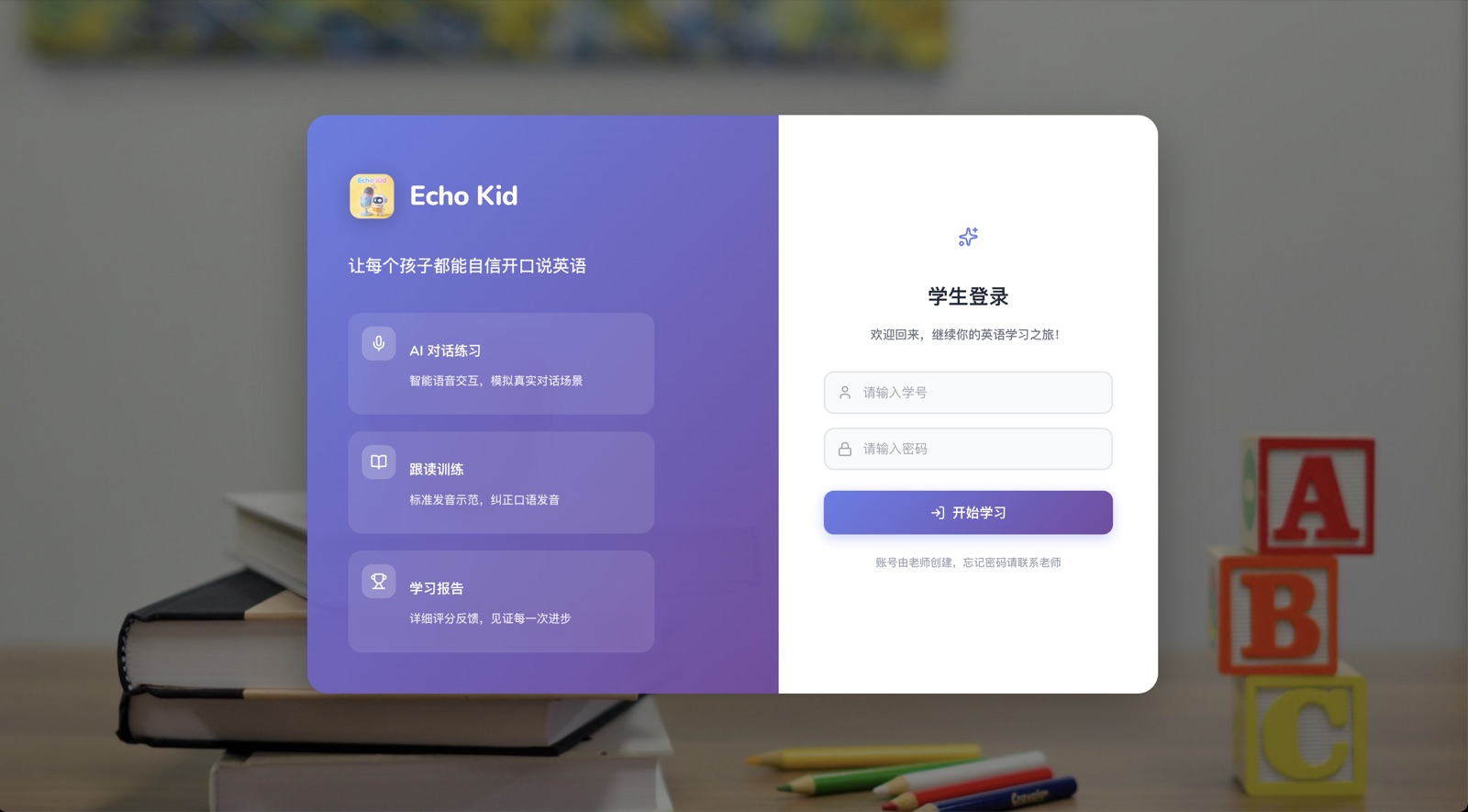
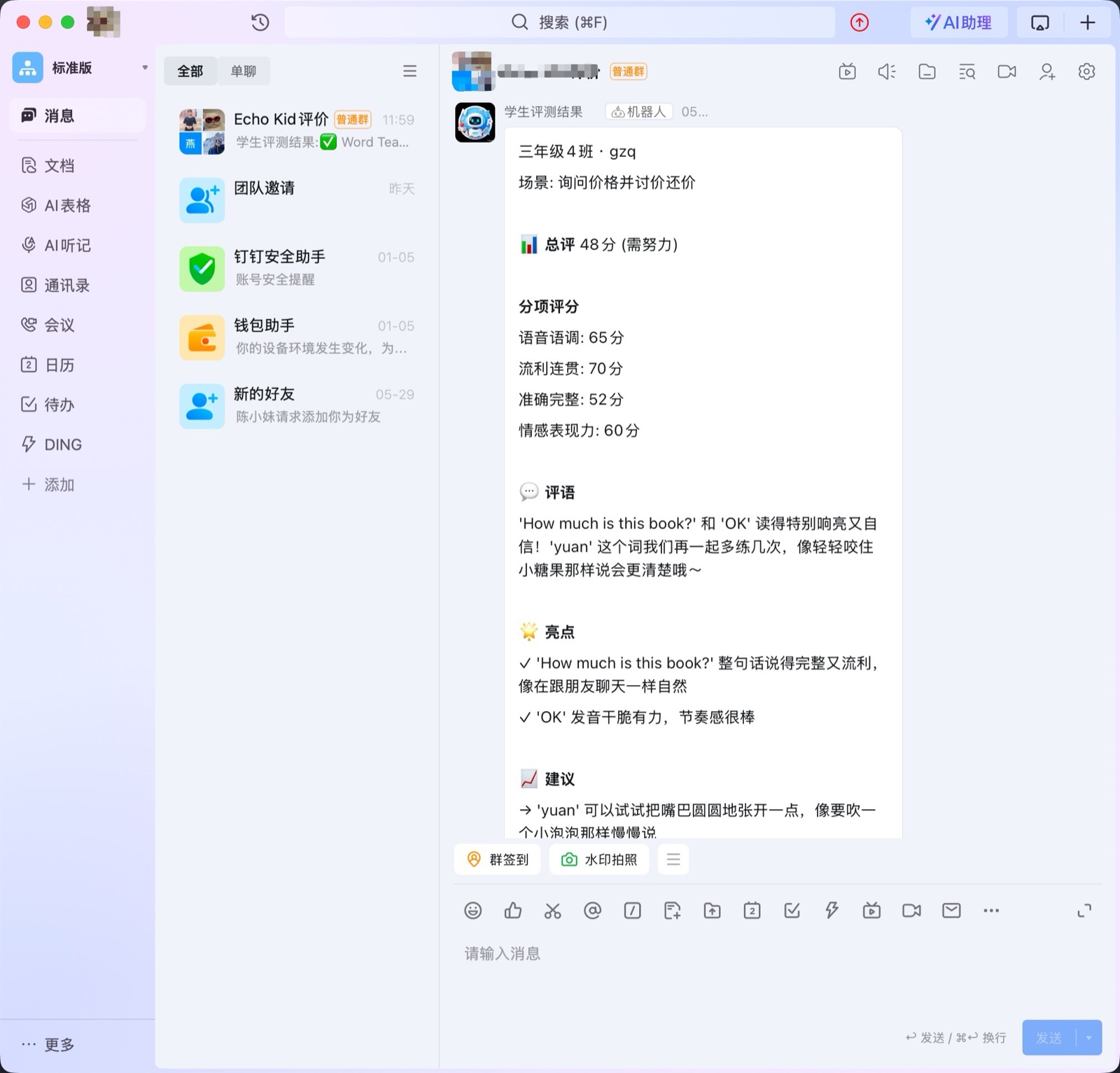
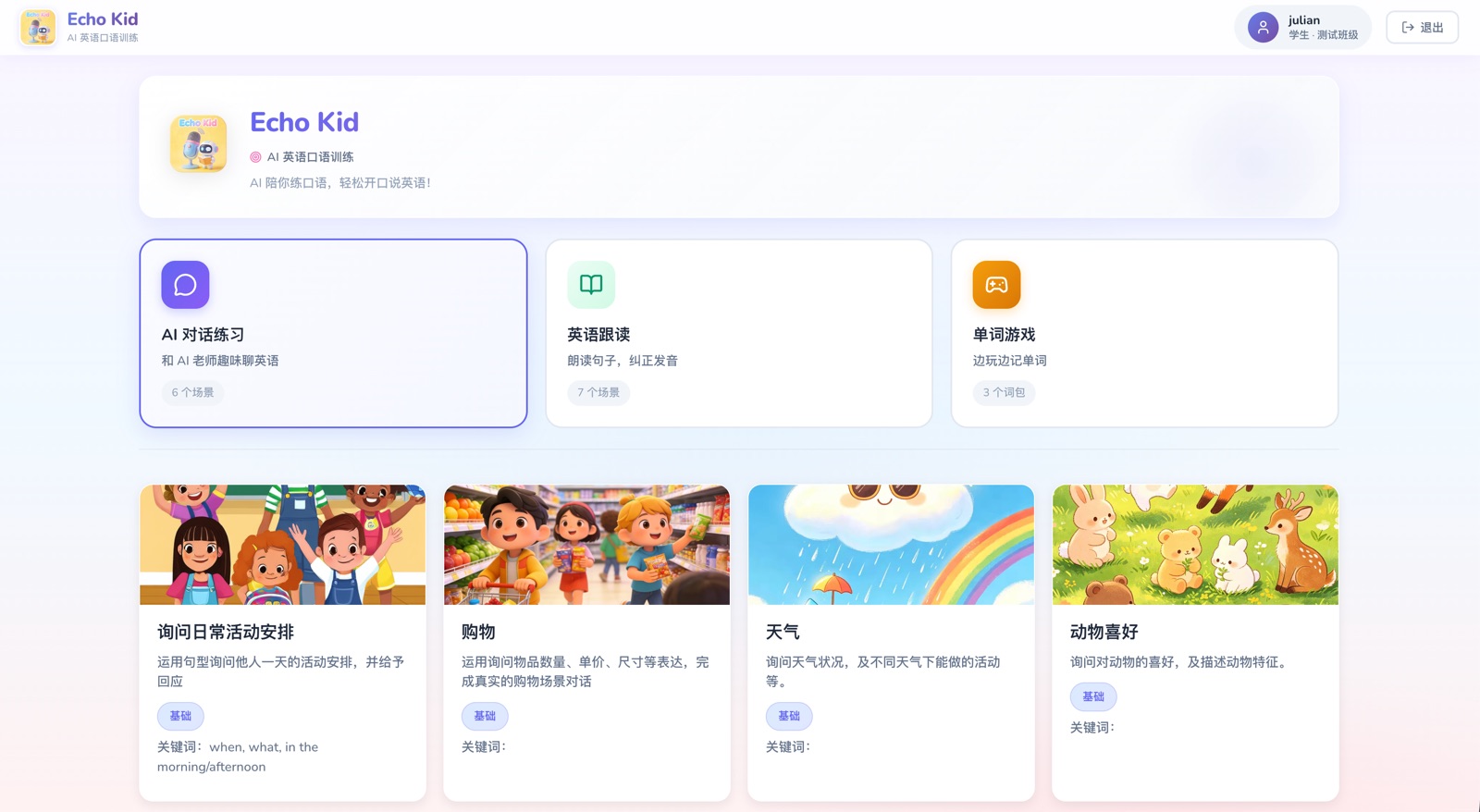
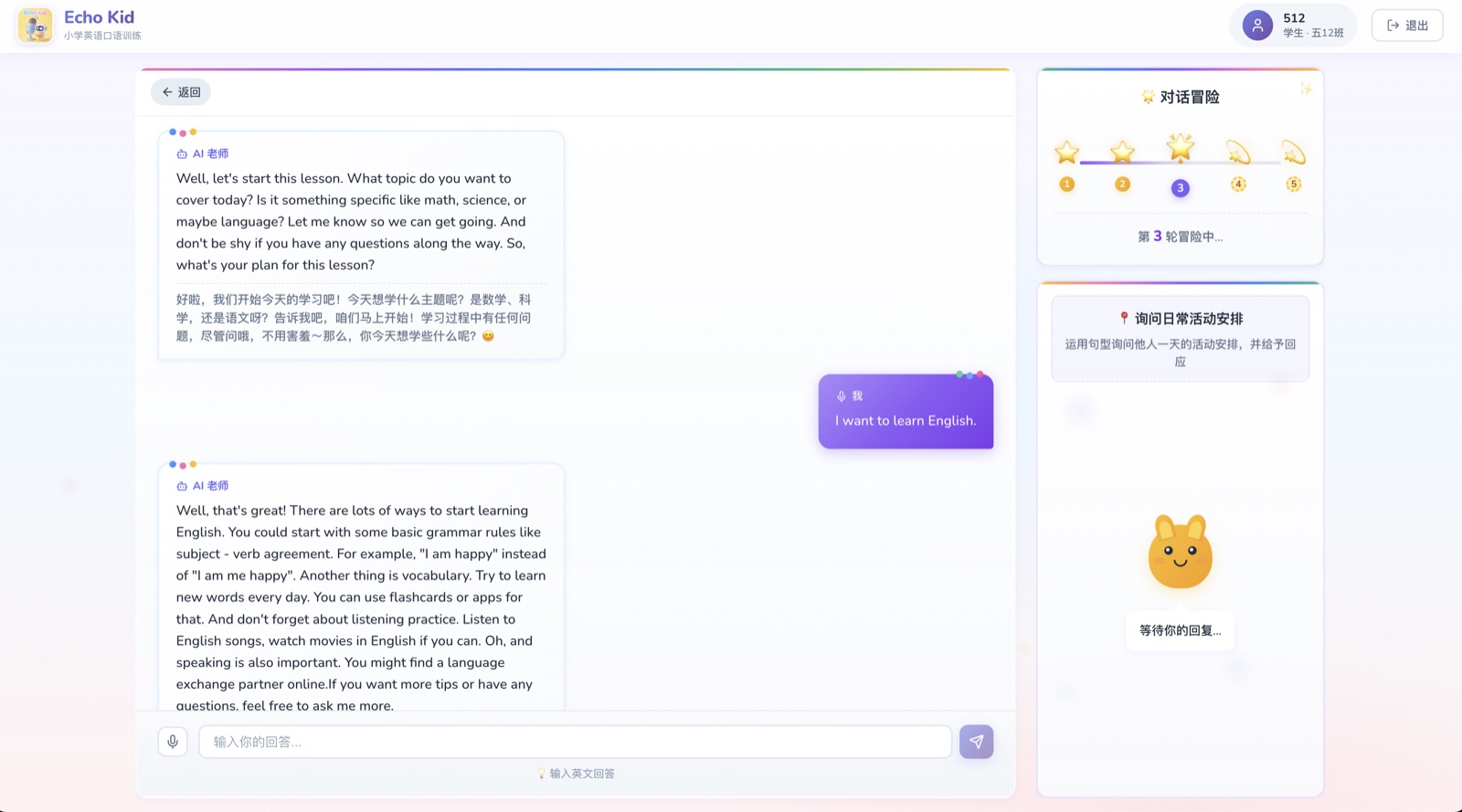
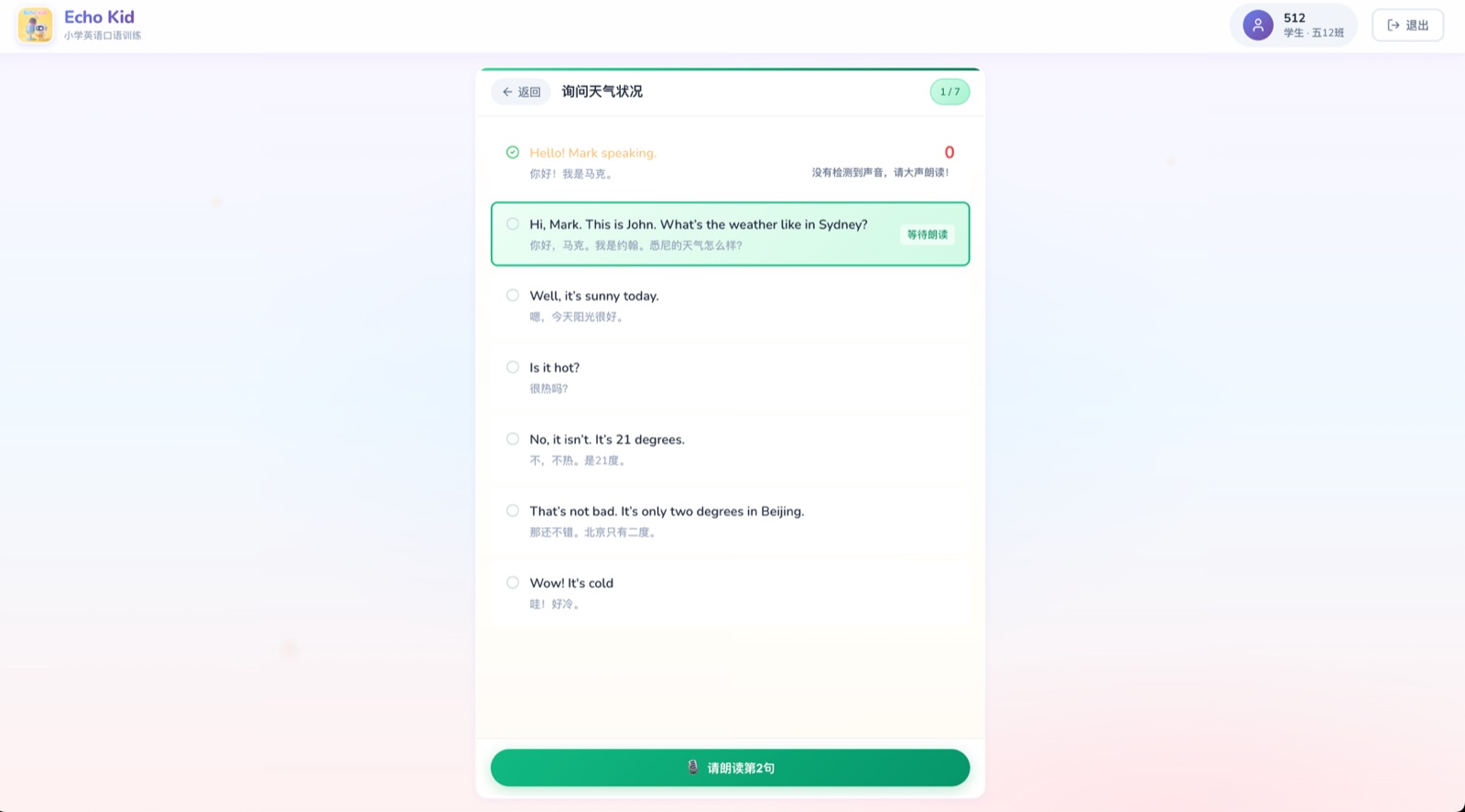
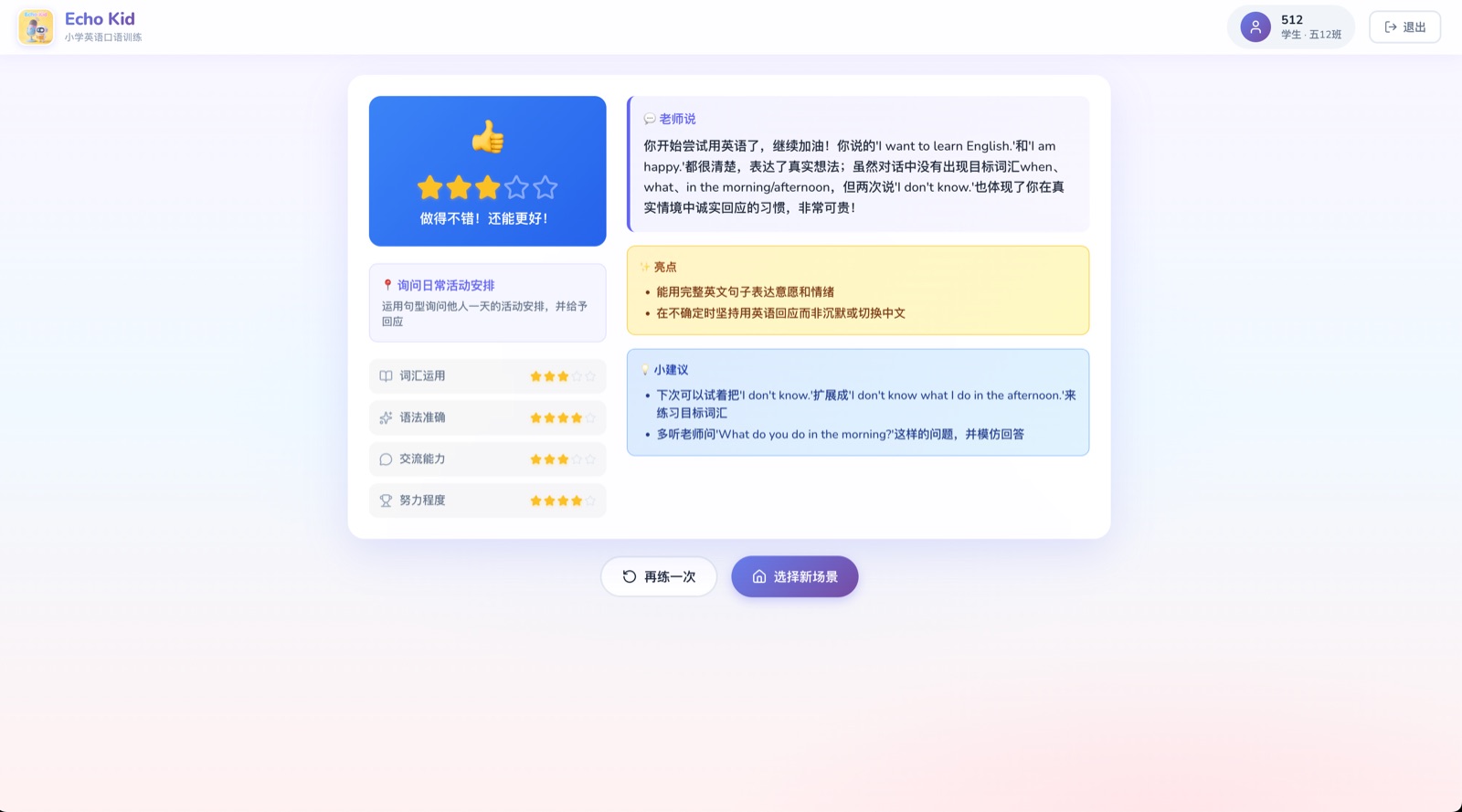
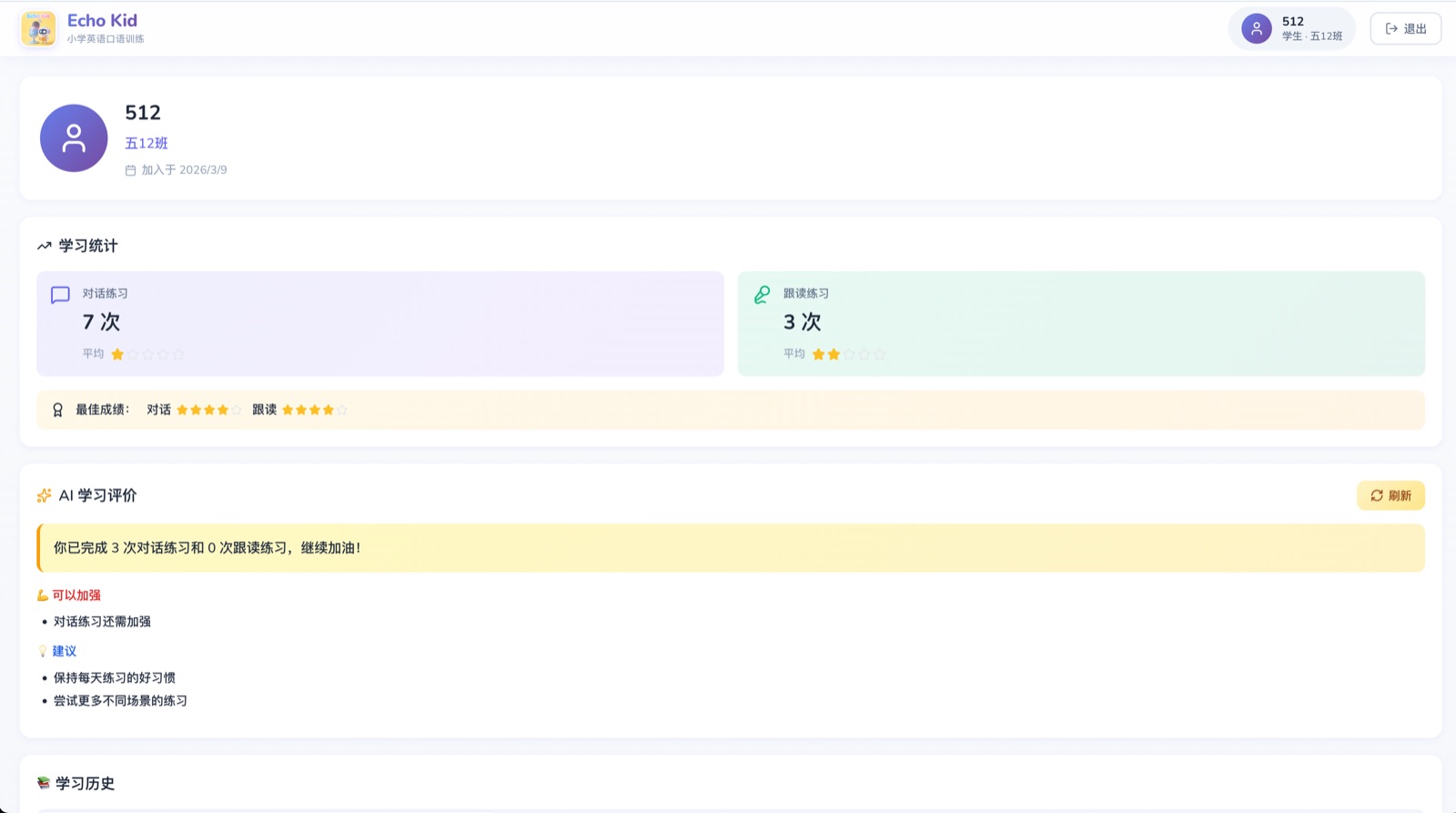
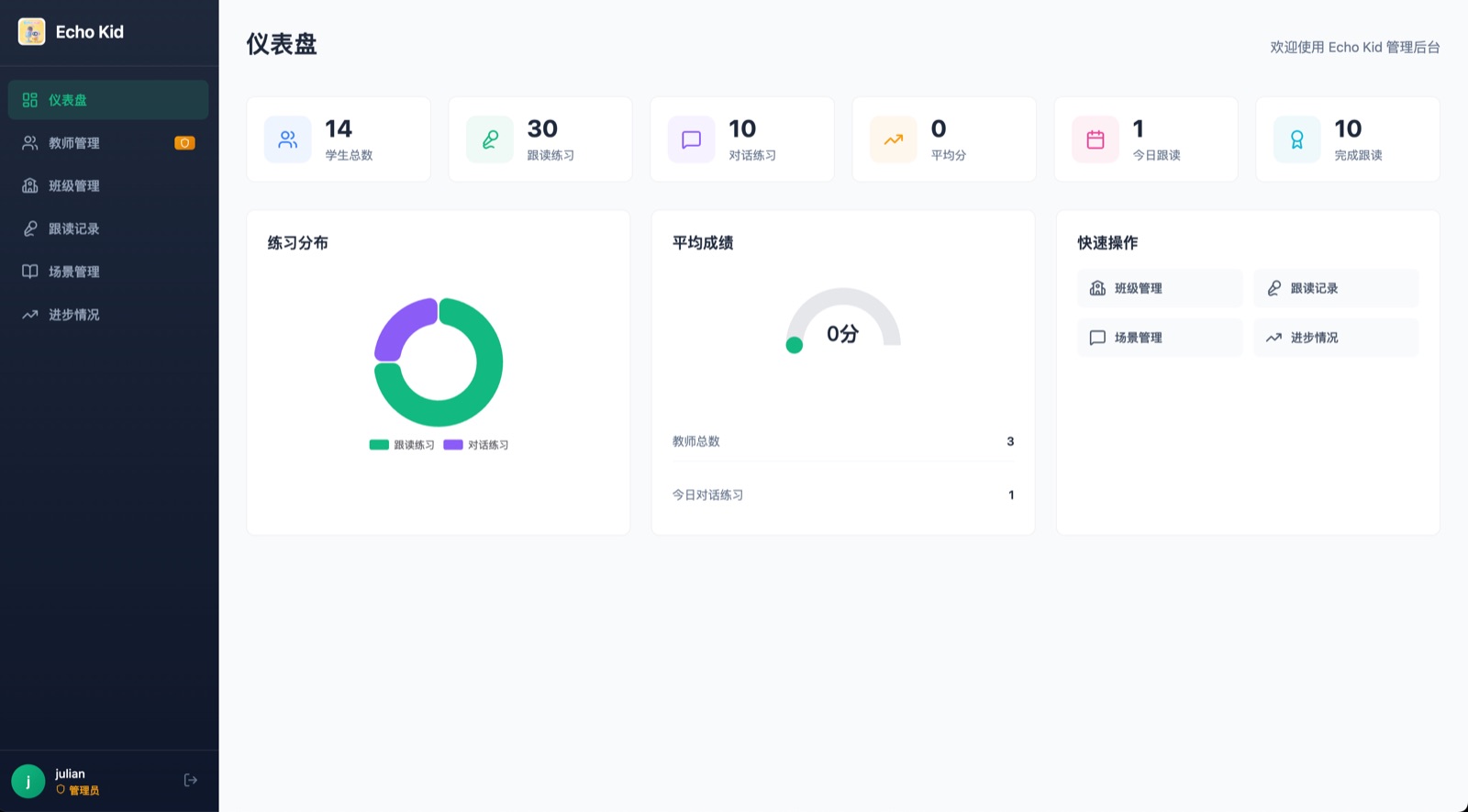


🎯 Product Positioning
- Target Users: English learners (students and adults)
- Core Scenarios: After-class speaking practice, self-study during holidays
- Teaching Philosophy: Immersive dialogue + instant feedback + encouraging evaluation
✨ Core Features
📱 Student Features
🎙️ Read-Aloud Practice
- Sentence Reading: Follow and read standard English sentences
- AI Voice Scoring: Real-time pronunciation analysis with multi-dimensional scoring
- Scoring Dimensions (1-5 stars):
- 🎵 Pronunciation & Intonation
- 🌊 Fluency & Coherence
- ✓ Accuracy & Completeness
- ❤️ Emotional Expression
- Instant Feedback: Score and pronunciation comparison for each sentence
- Progress Tracking: Record each practice score and view improvement trajectory
🎯 AI Conversation Practice
- Life Scenarios: Greetings, self-introduction, shopping, restaurant ordering, numbers & colors
- AI Conversation Partner: Friendly AI character (Lily) engages in natural dialogue, 5 rounds per practice
- Voice + Text Input: Support for voice recording or keyboard input
- Real-time Translation: AI responses automatically display Chinese translation
- Voice Playback: AI responses are automatically read aloud
⭐ Intelligent Scoring System
- Multi-dimensional Scoring:
- 📖 Grammar Accuracy
- 🗣️ Fluency
- 💡 Content Relevance
- 🎯 Effort Level
- Encouraging Feedback: Motivational comments and improvement suggestions after each practice
- 1-5 Star Rating: Intuitive performance display
👩🏫 Teacher Admin Panel
- Dashboard: Statistics cards + quick action shortcuts
- Teacher Management (Admin only): Add/edit/delete teacher accounts
- Class Management: Create classes, assign teachers
- Student Management: Student list, batch import via Excel, view records
- Read-Aloud Records: View all student practice records with filtering
- Scene Management: Create read-aloud and conversation scenarios
- Word Pack Management: Create/edit word packs for games, categorized by game type
- Game Records: View student game completion records and scores
- Progress Tracking: Class trends, individual progress, leaderboards, AI reports
🎮 Word Games
Four fun mini-games to help students memorize vocabulary:
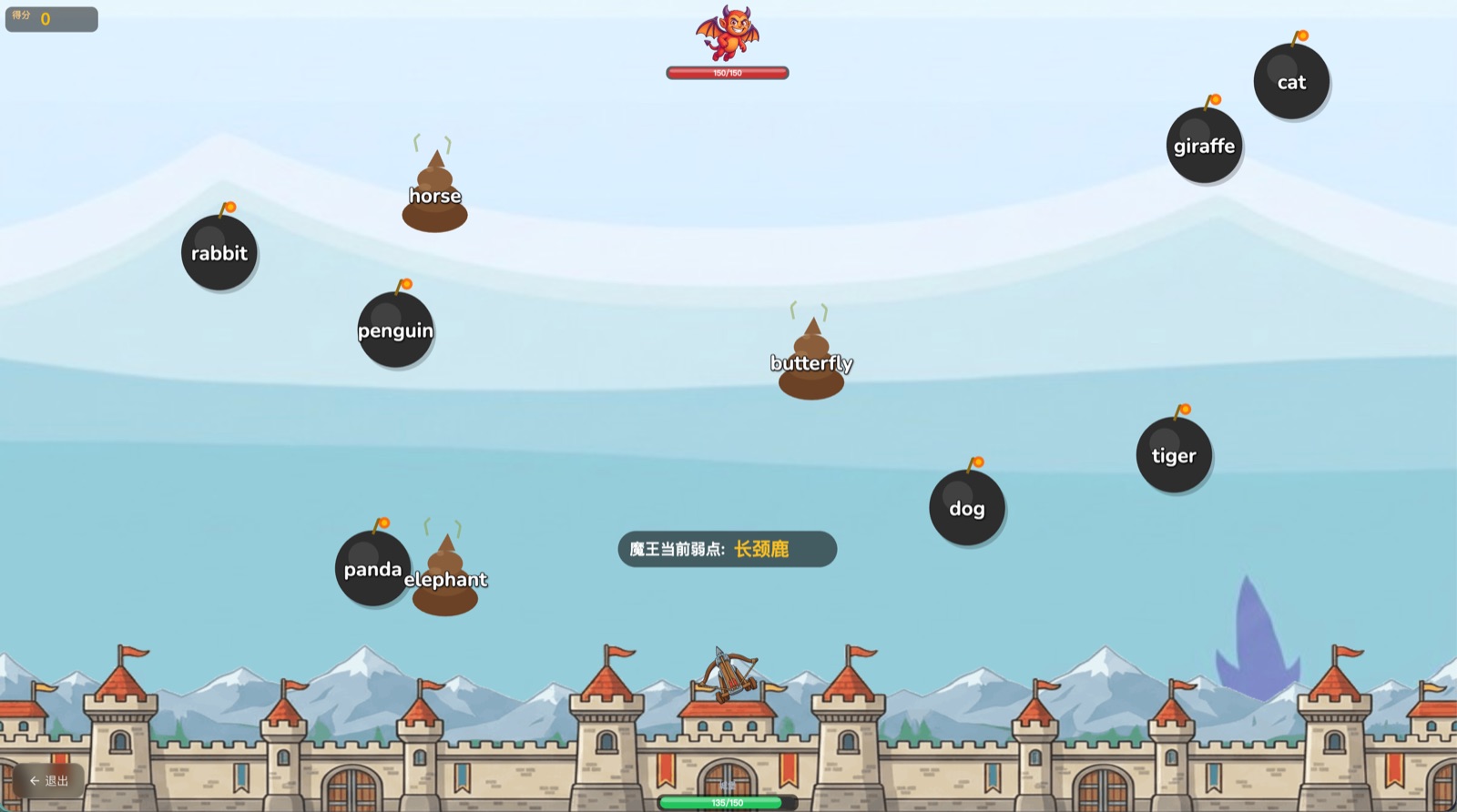
- 🎯 Word Shooter: Shoot flying word bubbles, train reaction speed and vocabulary recognition
- 🍳 Food Truck (Spell): NPC customers order food, students spell words to "serve" dishes
- ⛏️ Gold Miner: Control a miner to dig word gems in an underground adventure
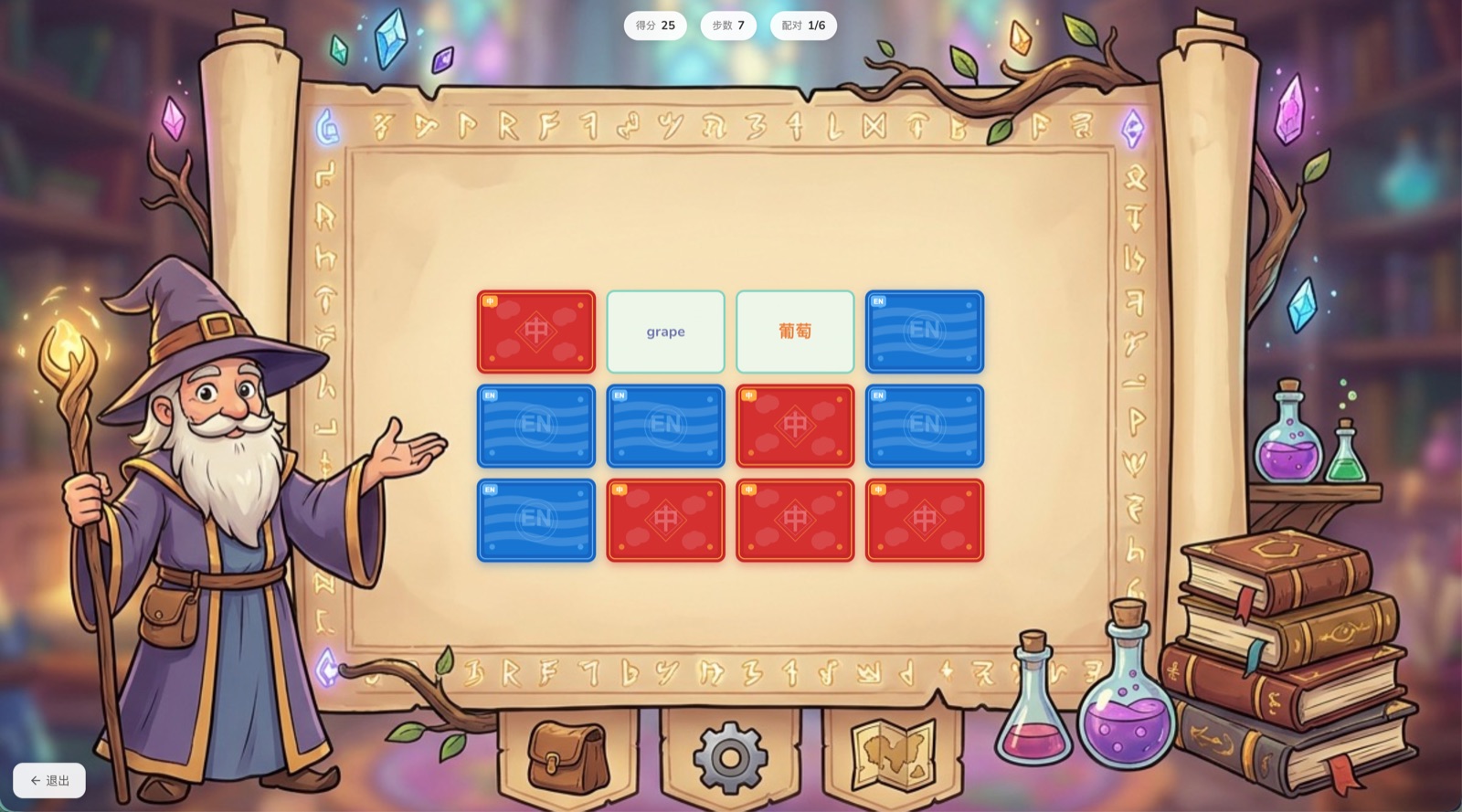
- 🃏 Magic Match: 4×3 memory matching game, match English words with Chinese meanings
Game Features:
- Unique background music for each game (procedurally generated via Web Audio API)
- Combo scoring and wrong-word tracking
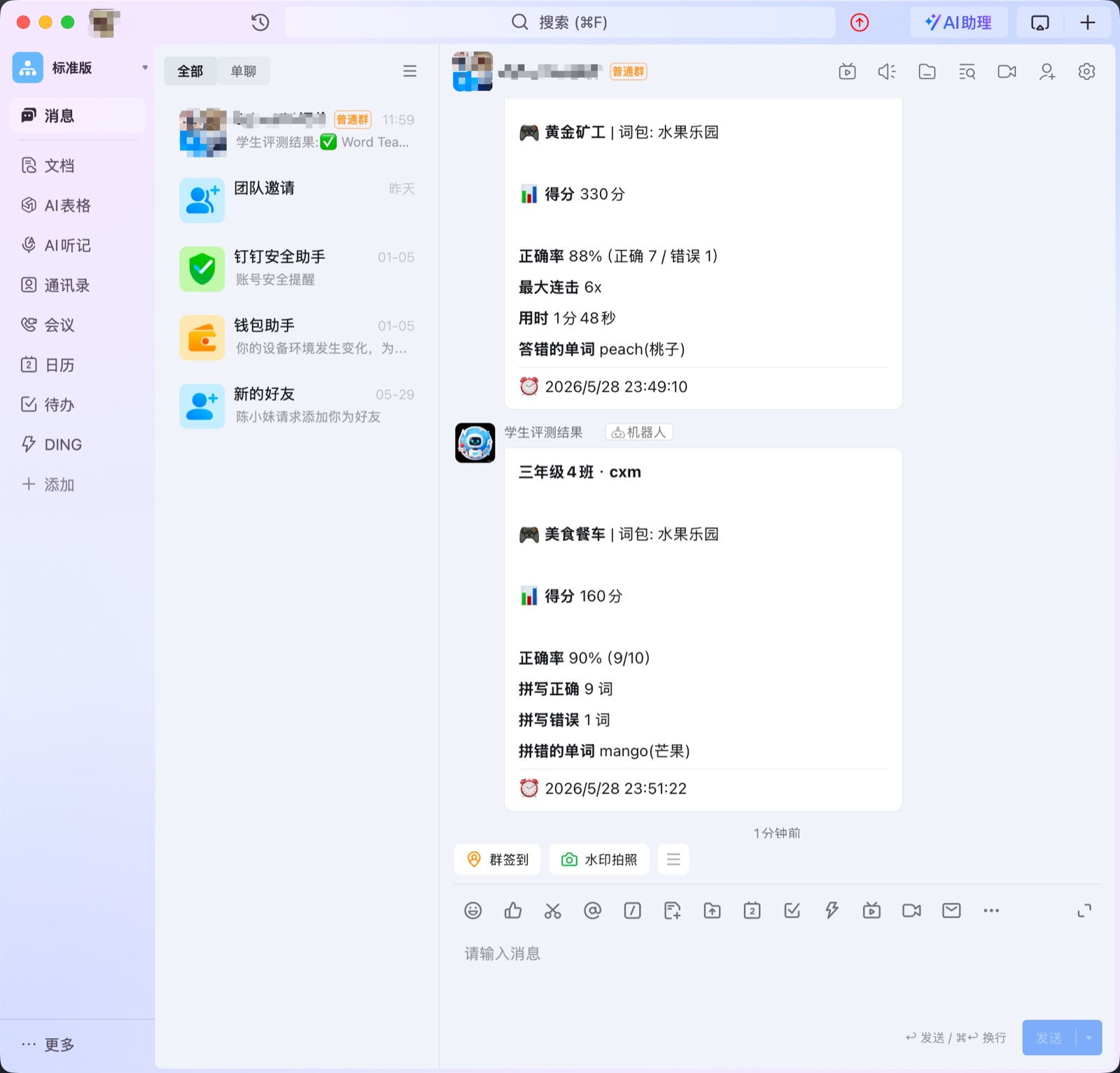
- Auto-save results + DingTalk notifications to teachers
- Teachers can manage word packs and view game records from admin panel
🛠️ Tech Stack
word-teacher/
├── frontend/          # Student frontend (Vite + React + TypeScript + SCSS)
│   └── src/games/     # Word game modules (shooter/spell/miner/match)
├── admin/             # Admin panel (Vite + React + TypeScript + SCSS)
├── backend/           # Node.js backend (Express + Prisma + MySQL)
├── agent/             # AI Agent service (Qwen + DashScope API)
└── pnpm-workspace.yaml
Frontend
- React 19 + TypeScript
- Vite build tool
- React Router for routing
- SCSS styling
- Web Audio API for recording + procedural game music/SFX generation
- Canvas 2D game rendering (Shooter, Miner)
- SSE for streaming responses
Backend
- Node.js + Express 5
- Prisma ORM + MySQL
- JWT authentication
- RESTful API + SSE streaming
AI Services
- Qwen-Omni multimodal dialogue (voice input + output)
- Qwen-Plus translation and text generation
- Paraformer speech recognition (ASR)
- CosyVoice text-to-speech (TTS)
🚀 Quick Start
1. Install dependencies
pnpm install
2. Start MySQL
# Using Docker
docker compose up -d mysql

# Or using Homebrew
brew services start mysql
3. Initialize database
cd backend
pnpm db:push    # Sync database schema
pnpm db:seed    # Seed test data
4. Configure environment variables
cp backend/.env.example backend/.env
cp agent/.env.example agent/.env
# Edit agent/.env and set your DASHSCOPE_API_KEY
5. Start development servers
pnpm dev

# Or start separately
cd frontend && pnpm dev   # Student app http://localhost:5173
cd admin && pnpm dev      # Admin panel http://localhost:5174
cd backend && pnpm dev    # Backend http://localhost:3001
cd agent && pnpm dev      # Agent http://localhost:8000
Test Accounts
| Role | Username | Password |
|---|---|---|
| Admin | admin |
123456 |
| Teacher | xiaomei |
123456 |
| Student | 2026050101 |
123456 |
🚀 Production Deployment
GitHub Actions CI/CD
This project supports push-to-deploy via GitHub Actions:
- Fork this repository
- Configure the following Secrets in Settings → Secrets and variables → Actions:
| Secret | Description |
|---|---|
SERVER_HOST |
Server IP |
SERVER_SSH_KEY |
SSH private key |
DOCKER_PASSWORD |
Docker Hub Token |
MYSQL_ROOT_PASSWORD |
MySQL root password |
MYSQL_PASSWORD |
MySQL app password |
JWT_SECRET |
JWT signing key |
AGENT_API_KEY |
Agent API key |
DASHSCOPE_API_KEY |
Alibaba Cloud AI API Key |
- Add
DOCKER_USERNAMEin Variables (your Docker Hub username) - Push to
masterbranch to auto-deploy 🚀
👉 Full deployment guide: deploy/DEPLOYMENT.md
📖 Documentation
- Quick Start - Get running in 5 minutes
- Testing Guide - Feature testing checklist
- Development Guide - Local development workflow
- Deployment Guide - Production deployment instructions
📝 License
MIT
Explore related projects
freeCodeCamp/freeCodeCamp
freeCodeCamp.org's open-source codebase and curriculum. Learn math, programming, and computer science for free.
458,970 starsdonnemartin/system-design-primer
Learn how to design large-scale systems. Prep for the system design interview. Includes Anki flashcards.
377,628 starsreact/react
The library for web and native user interfaces.
252,533 starsvuejs/vue
This is the repo for Vue 2. For Vue 3, go to https://github.com/vuejs/core
212,623 stars